Angular-calendar: window.clearTimeout
Describe the bug
On the calendar - doesn't matter what view - when I try dragging an event to change it's date, I get an error saying "window.clearTimeout is not a function"
Minimal reproduction of the problem with instructions
On the demos page of angular-calendar, on the kitchen sink example, select edit in stackblitz and try moving any event on the calendar around.
Here's a link to a stackblitz instance https://nrtgix.run.stackblitz.io
Screenshots

Versions
@angular/core: "8.0.0"angular-calendar: "0.27.11"- Browser name and version: Google Chrome v 74.0.3729.169
 GIOkafor
All 12 comments
Thanks so much for opening an issue! If you'd like me to give priority to answering your issue or would just like to support this project, then please consider supporting me on Patreon
![matts-bot[bot] picture](https://avatars.githubusercontent.com/in/12675?v=4&s=40) matts-bot[bot]
on 21 Jun 2019
matts-bot[bot]
on 21 Jun 2019
Just tested locally, for some reason this only happened when running the code on stackblitz.
GIOkafor
on 21 Jun 2019
That's very weird, I think it's a stackblitz specific issue, but I think I found a workaround. Thanks for reporting! 😄
 mattlewis92
on 26 Jun 2019
mattlewis92
on 26 Jun 2019
That's very weird, I think it's a stackblitz specific issue, but I think I found a workaround. Thanks for reporting! 😄
I thought so too 😂, glad you were able to find a workaround for it, however I think the workaround may have introduced a new issue 😭.
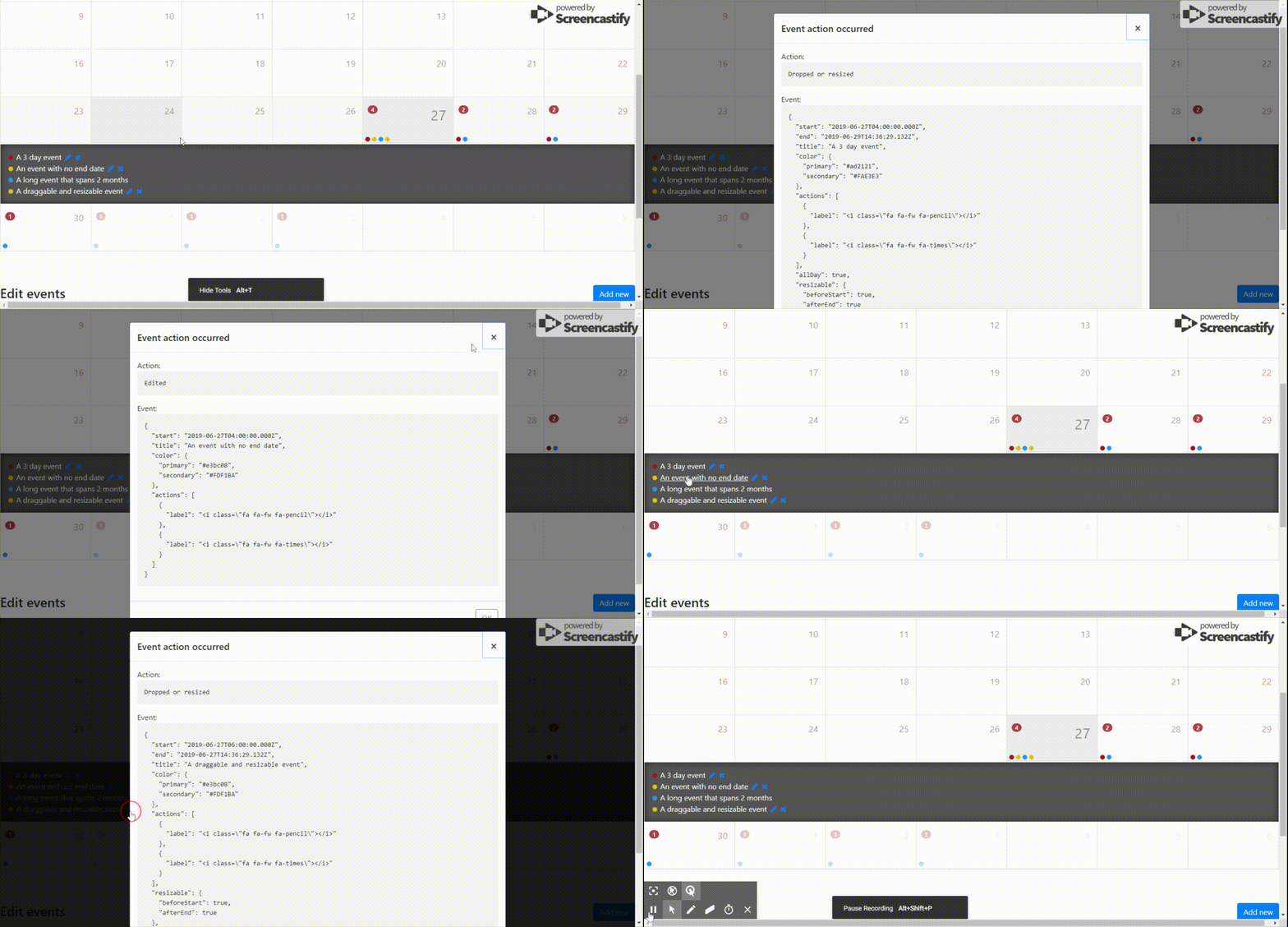
Now whenever I click on one of the labels in the modal that pop up, it always triggers the dropped or resized event rather than the appropriate action attached to the label that was clicked - unless draggable is set to false.
This happens both locally and on stackblitz as well, but please take a look at this link to see it in action
https://jddlfw.run.stackblitz.io/
Thank you for the good work you do.
GIOkafor
on 27 Jun 2019
I'm not able to reproduce that: https://stackblitz.com/edit/angular-jucd7w?file=demo/component.ts
I'm not able to load your stackblitz though, can you share the edit link instead?
mattlewis92
on 27 Jun 2019
Here is a link:
https://stackblitz.com/edit/angular-jucd7w
Pretty much your kitchen sink example
GIOkafor
on 27 Jun 2019
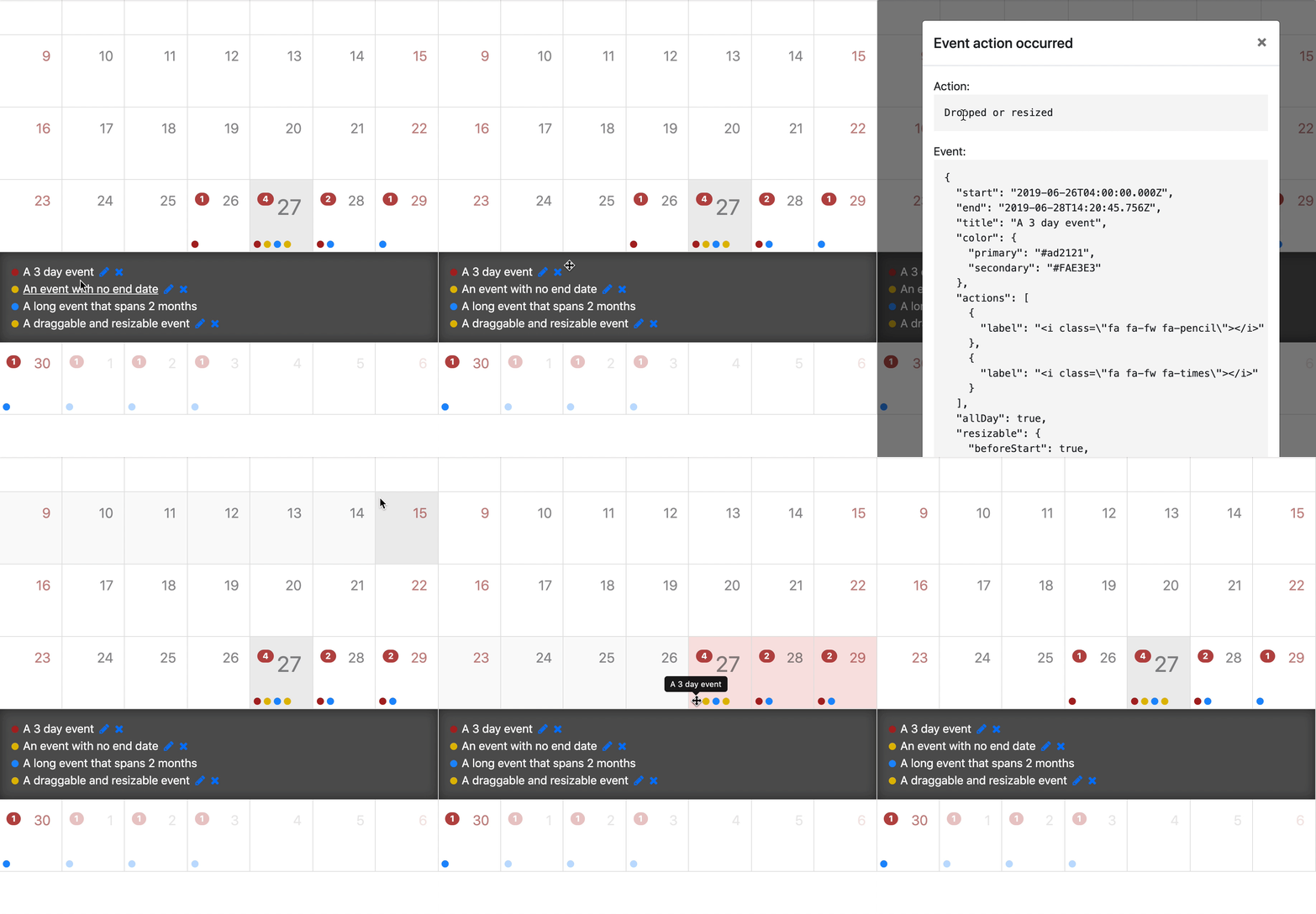
Everything seems to work for me?
mattlewis92
on 27 Jun 2019
You're right it works fine on Microsoft edge, however when I switch to Google Chrome it comes back.
What browser are you running it on?
GIOkafor
on 27 Jun 2019
I'm using chrome 75 and it works for me there, can you try in private browsing in case it's a chrome extension?
mattlewis92
on 27 Jun 2019
Hey @mattlewis92 I restarted my computer and it worked temporarily, however after I refreshed the page the issue came back.
Also tried in incognito - even without all extensions - to no avail
GIOkafor
on 28 Jun 2019
Actually I think you might just be moving the mouse like 1px when dragging, can you give 0.27.12 a go which might fix it?
mattlewis92
on 28 Jun 2019
Yea it works now with the latest update.
Thanks a bunch ❤❤
GIOkafor
on 28 Jun 2019
Related issues
 Sushma-tiwari
·
3Comments
Sushma-tiwari
·
3Comments
 no-more
·
3Comments
no-more
·
3Comments
 ntsiatinis
·
4Comments
ntsiatinis
·
4Comments
 arvind-das
·
3Comments
arvind-das
·
3Comments
 teodoramalec
·
4Comments
teodoramalec
·
4Comments
Most helpful comment
Yea it works now with the latest update.
Thanks a bunch ❤❤