Android-components: [Bug] Dynamic toolbar should be disabled while Search by Image in capture mode
Prerequisites
Have Search by Image installed.
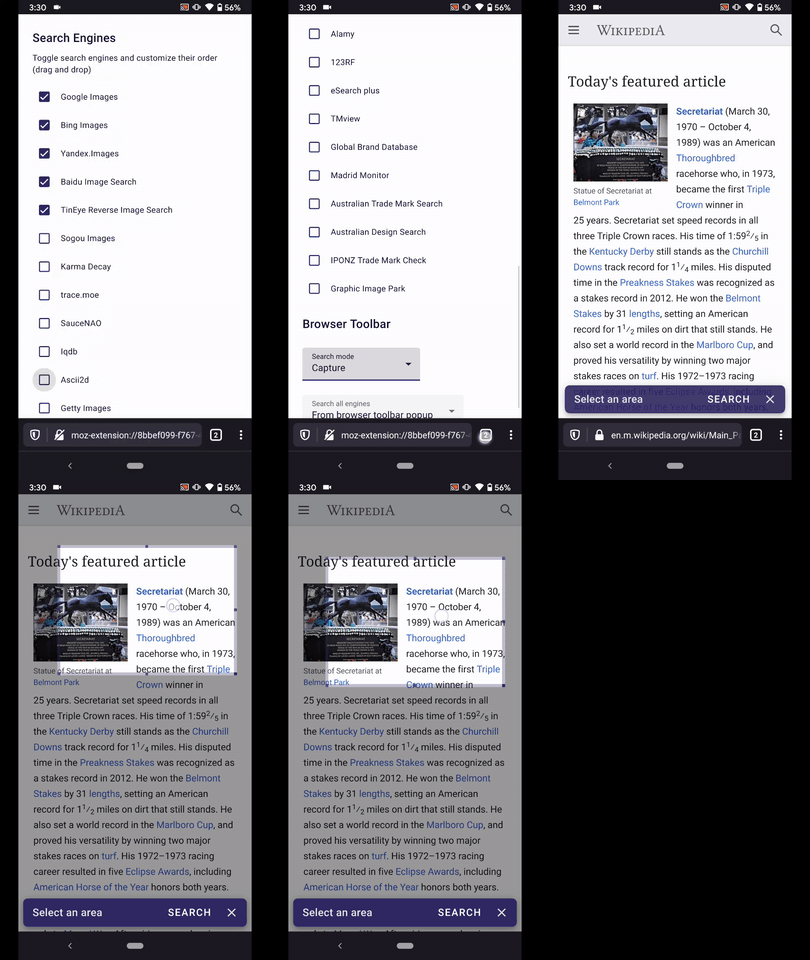
Set the search mode to "Capture"
Steps to reproduce
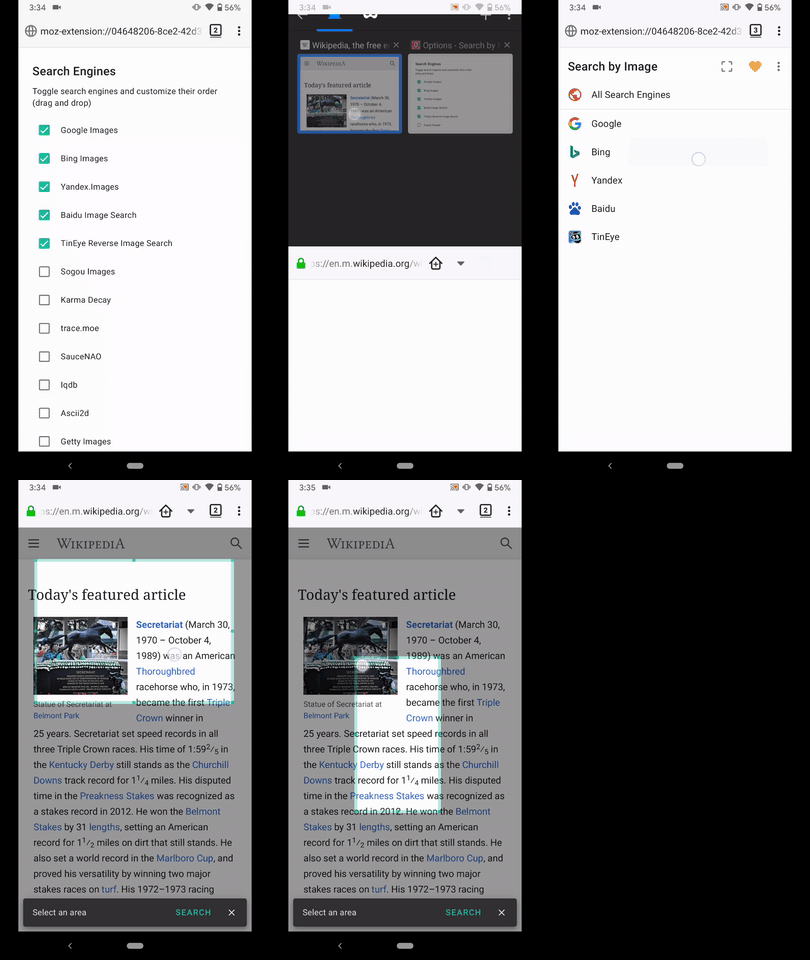
1.Navigate to any web page
- From the ⋮ Main menu open Search by Image and select a search engine
- Make a selection
- Move the selection
Expected behavior
Can properly move the desired selection.
The dynamic toolbar should be disabled, no animation issues.
Actual behavior
Animation issues.
Most likely caused by the fact that the dynamic toolbar is active.
Device information
Android device: Google Pixel 3a (Android 10)
Fenix version: Custom Nightly(Build #20861010) 38.0.20200325130041, c580c2293
GV: 76.0a1-20200324093140 AS: 0.55.0
Notes
►Video Fenix
►Video Fennec
 AndiAJ
All 3 comments
This was fixed by the recent dynamic toolbar fixes!
 agi90
on 31 Mar 2020
agi90
on 31 Mar 2020
🎉1
@AndiAJ can you verify, please :).
 csadilek
on 31 Mar 2020
csadilek
on 31 Mar 2020
👍1
Hi @csadilek ,verified as fixed using the following devices:
• Google Pixel 3a (Android 10)
• Huawei Mate 20 Lite (Android 9)
• OnePlus A3 (Android 6.0.1)
►Video

AndiAJ
on 6 Apr 2020
Was this page helpful?
0 / 5 - 0 ratings
Related issues
 pocmo
·
3Comments
pocmo
·
3Comments
 Mugurell
·
5Comments
Mugurell
·
5Comments
 Amejia481
·
3Comments
Amejia481
·
3Comments
 mcarare
·
5Comments
mcarare
·
5Comments
 boek
·
3Comments
boek
·
3Comments