Anatole: problems creating posts and making them show up correctly
I am starting with hugo proyects.
I was trying to use this template.
I create my own md and i am trying to be able to see it on the posts section.
But its still showing me the default .md on the example project.

I am able to show them on the home page. Since i am using the mainsections, but even i am not getting the other ones anymore on the other tab posts i am seeing the older ones.
Could you please guide me on how to show the new ones or how this section works?

Best Regards.
 isa-chavarria
All 5 comments
I tried to remove all the md and start again.
I create my md "Coronavirus"
But now i am not able to load it on the posts page.
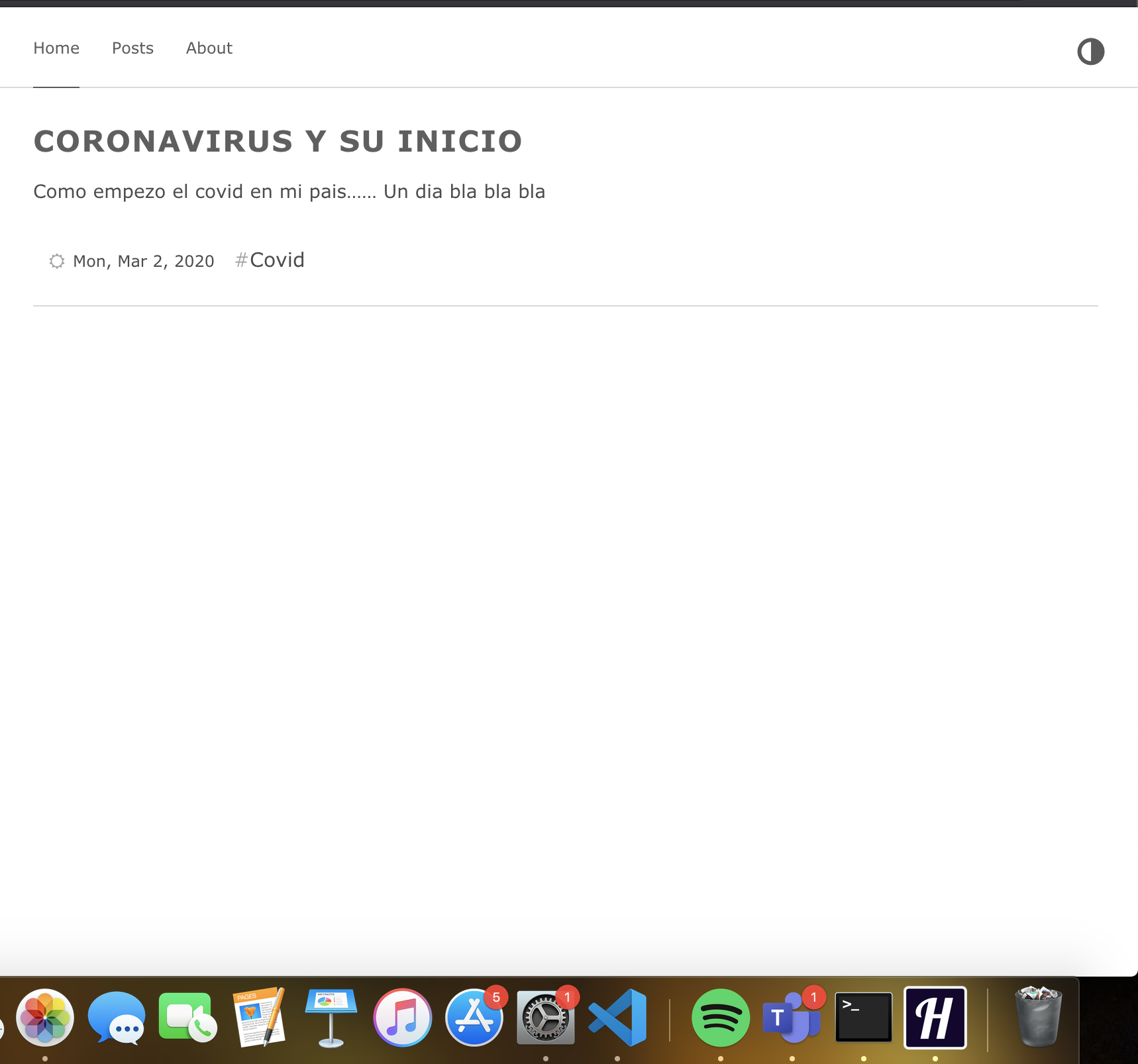
when i try to access the posts i am not able to get the list on it.

Could you please help to understand how to show it on the posts.
I am very new on this hugo thing, and i am trying t figured out how to do it.
Every help will be appreaciated.
Best Regards,
isa-chavarria
on 8 Aug 2020
@isa-chavarria Thanks for explaining your problem in detail and for providing some screenshots. This really makes it easier for me to assists you. However, I will need three more pieces of information.
- Could you please tell me in which folder you placed the
coronavirus.md. A full path would be ideal! - Did you use the hugo new command (like
hugo new post/test.md) for creating the latest post? - Did you modify the
mainSections = ["post"]in theconfig.toml?
Thanks!
 lxndrblz
on 8 Aug 2020
lxndrblz
on 8 Aug 2020
@lxndrblz Hello Thank you for your time answering my question.
I change the name of folder post -->articles and on the mainSections = ["articles"]. Like this:

When you asked me for that, i decided to change it back, honestly idk why i didnt yesterday.
Now I changed the name to post and on config.toml and its working. So this make me other question? How are we handle this post interfaz. On the theme i saw a post and on the Html i found a list,html and i think is there. If could you please give understand better the project will be great.
Now, since i rollback to the original name its working perfectly.
About your second question i just remove the test and create a covidrelated.md by rigth click---> create file--> add the name. Its recommended to use the Hugo command?
Sorry for a lot of dummy questions. I started yesterday on this hugo thing. :)
Best Regards and again thanks for the time of answering.
Isabel Chavarria
"
isa-chavarria
on 8 Aug 2020
@isa-chavarria Whatever content type is displayed on the front page (layouts/index.html) is controlled through, what is set in the config.toml. In my example this was post. If you want to use articules as a content type, then that's also possible.
The archive (layouts/list.html) doesn't have the same kind of filtering, it's controlled based on the elements it's listing. Therefore, you would need to link your main menu to articules or post to narrow down the archive view. I assume, you still had it linked to post.
If you use the command rather than doing it manually, then all the defined fields of the archetype post will be automatically added.
Hope that helps.
lxndrblz
on 8 Aug 2020
Oh thanks for the detailed explanation and i just tried again. Change it the name. But yes on the config toml on the main i was still using post instead of articles.
Thanks so much for the help i will continue studying,learning and playing with it.
Best Regards.
isa-chavarria
on 8 Aug 2020
Related issues
 Corfucinas
·
5Comments
Corfucinas
·
5Comments
 ivnvitx
·
3Comments
ivnvitx
·
3Comments
 karasun0
·
3Comments
karasun0
·
3Comments
 abraithwaite
·
4Comments
abraithwaite
·
4Comments
 Sptandi
·
4Comments
Sptandi
·
4Comments