Amphtml: amp-pinterest sizing has a hard coded size instead of being responsive
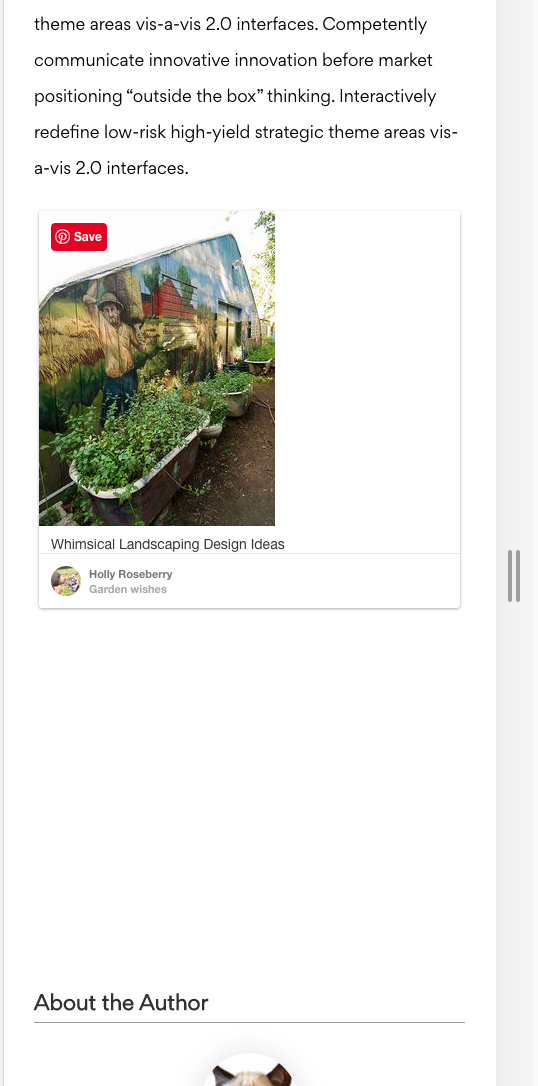
When trying to embed this Pinterest embed:
https://www.pinterest.com/pin/246572148327527311/
Image is scaled down
<amp-pinterest
  data-do="embedPin"
  data-url="https://www.pinterest.com/pin/246572148327527311/"
  height="992"
  layout="responsive"
  width="396"></amp-pinterest>
Image is scaled down to 237px wide, but the embed's area is 396px wide, creating a lot of white space.
 asap
asap
All 9 comments
I don't know if this belongs on this issue, but I'm also having problems with the Pinterest embed widget's responsive layout. The image doesn't scale to the full width, and the overflow: hidden !important hides the embed box-shadow on the right side. I created this pen to demonstrate the issue. Let me know if you'd like more details or if this belongs in its own issue.
 derekpeterson
on 3 May 2016
derekpeterson
on 3 May 2016
/to @rudygalfi to reach out to Pinterest to consult.
 dvoytenko
on 5 May 2016
dvoytenko
on 5 May 2016
cc @jparise
 rudygalfi
on 5 May 2016
rudygalfi
on 5 May 2016
Thanks for the report! I'll triage on our end and update this issue accordingly.
 jparise
on 5 May 2016
jparise
on 5 May 2016
@asap If you want to use the larger image you'll need to specific the data-width="medium" attribute. The images themselves are not responsive (currently), but we'll look into making the Pin widget more inline with the responsive nature of our non-amp widget.
 zackargyle
on 5 May 2016
zackargyle
on 5 May 2016
Having same issue as @derekpeterson. Was there a solution or workaround?
 adrianhaurat
on 22 Oct 2016
adrianhaurat
on 22 Oct 2016
@asap @adrianhaurat we made a fix for this at #7320
 christianvuerings
on 3 Feb 2017
christianvuerings
on 3 Feb 2017
Has this one being fixed?
It seems the issue still remains in the example posted by @derekpeterson
 cyrusssschen
on 12 May 2020
cyrusssschen
on 12 May 2020
We're also seeing the issue still happening as well.
 hirethisdeveloper
on 21 May 2020
hirethisdeveloper
on 21 May 2020
Related issues
 aghassemi
·
3Comments
aghassemi
·
3Comments
 sryze
·
3Comments
sryze
·
3Comments
 torch2424
·
3Comments
aghassemi
·
3Comments
torch2424
·
3Comments
aghassemi
·
3Comments
 cvializ
·
3Comments
cvializ
·
3Comments
Most helpful comment
@asap @adrianhaurat we made a fix for this at #7320