Amp-wp: Blocks "jumping" when resizing to minimum limits fast
Bug Description
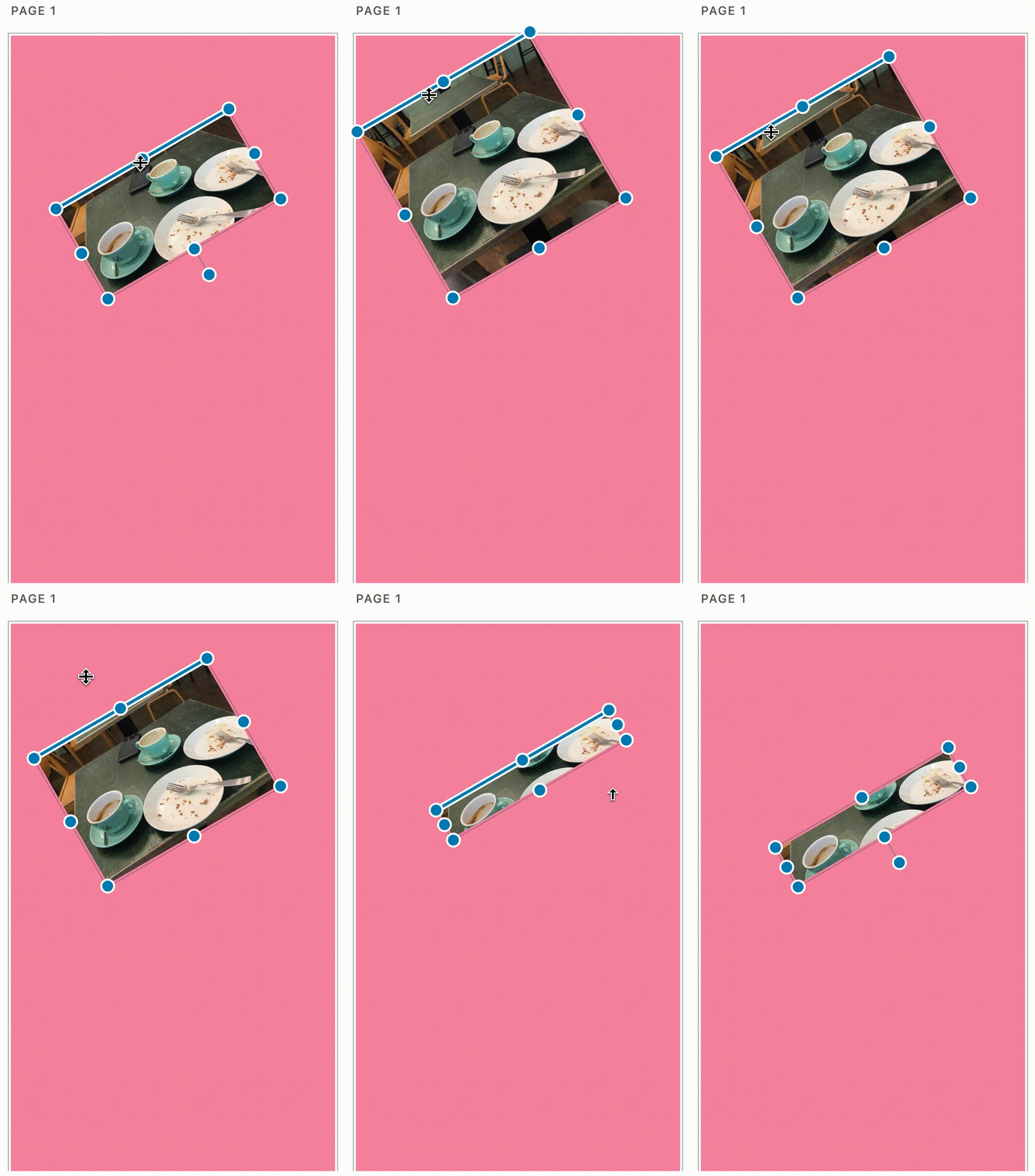
When resizing a block (any block _except for_ Text block without amp-fit-text) to small quickly, it jumps.
Expected Behaviour
Block should stay in place even when resizing quickly.
Steps to reproduce
- Add a block (e.g. Text / Image)
- Resize the block to be quite tall.
- Rotate the block a bit.
- Use the top resizing handle and reduce the block's height quickly.
- See the results.
Screenshots
_Do not alter or remove anything below. The following sections will be managed by moderators only._
Acceptance criteria
- AC1: When a block is placed on a page, regardless of size or rotational orientation, it should have a centered focal point, so when the block is rotated, or resized, it does not "jump" visually on the page.
Related to #3461
Implementation brief
Fixed in #3529.
QA testing instructions
- Add a block (e.g. Text / Image)
- Resize the block to be quite tall.
- Rotate the block a bit.
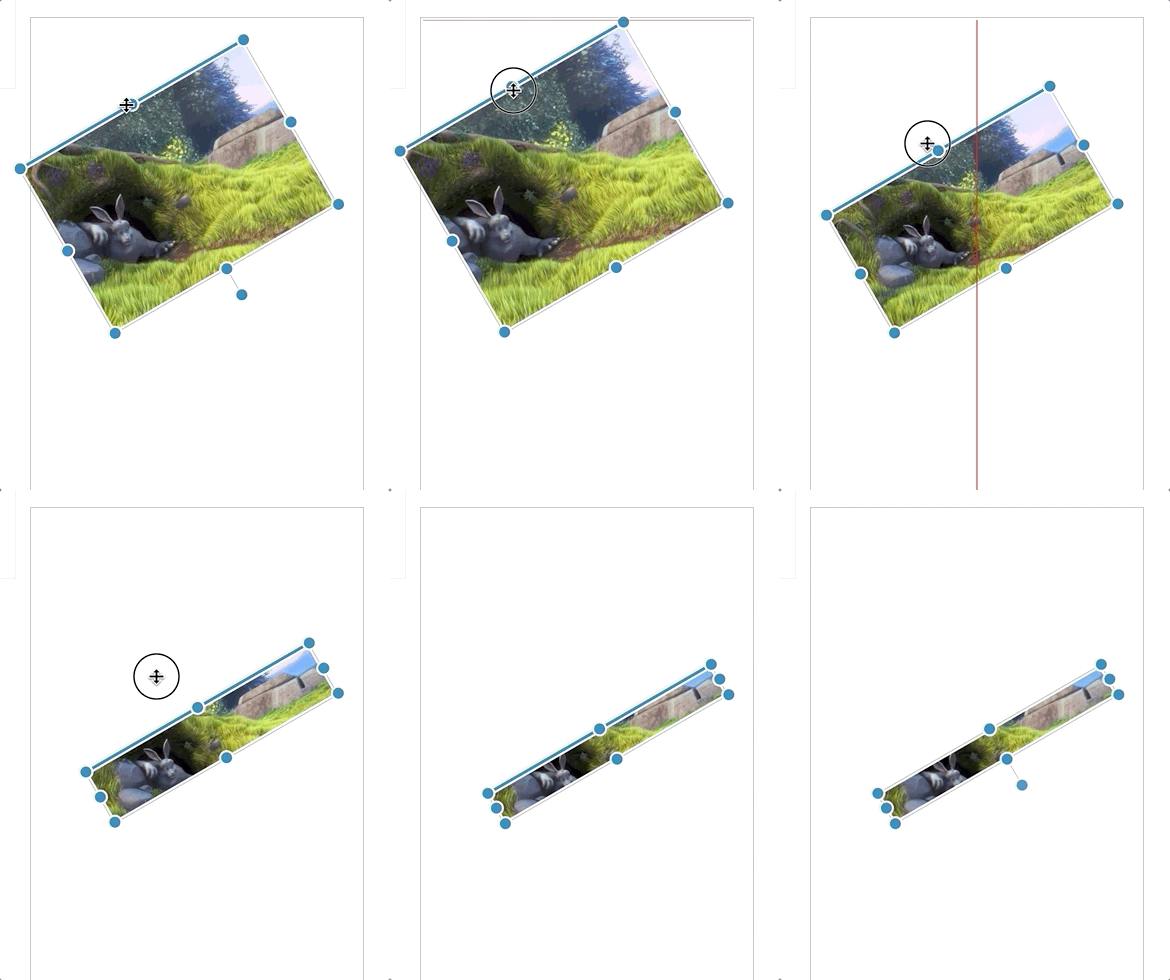
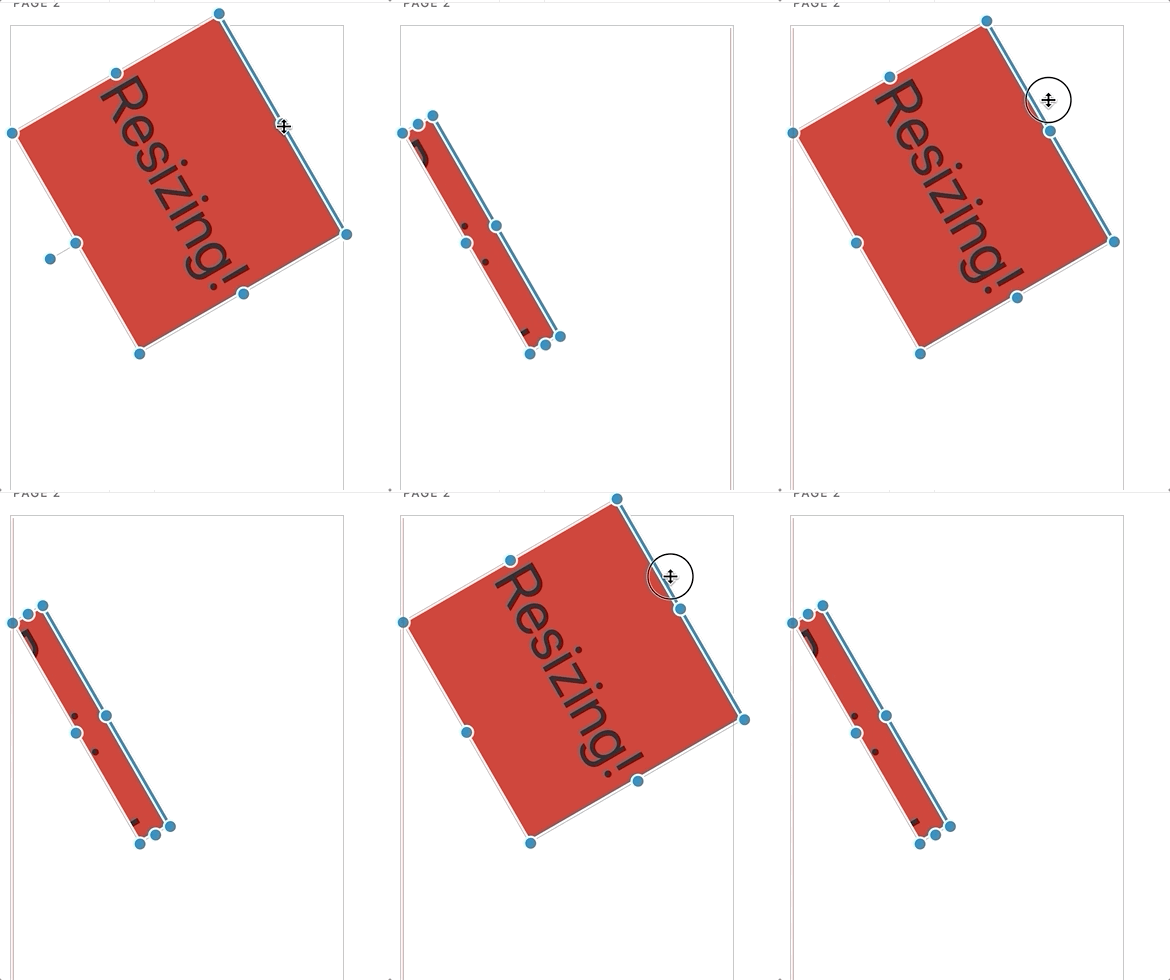
- Use the top resizing handle and reduce the block's height quickly.
- Block should not move / jump.
Demo
Changelog entry
 miina
miina
All 13 comments
Looking into this issue, seems a little a simple fix to apply CSS fix. I found a property called object-position.
.wp-block-image .components-resizable-box__container img {
       object-position: 50% 50%;
}
Thoughts @miina ?
 spacedmonkey
on 10 Oct 2019
spacedmonkey
on 10 Oct 2019
Note that this issue occurs with other blocks as well, at least with the Text block and Meta blocks.
miina
on 10 Oct 2019
The calculation for top is incorrect because of the angel and min height being met. Not sure why this is yet, I am going to continue to look into this.
spacedmonkey
on 10 Oct 2019
@spacedmonkey FYI: here is the original comment based on which the issue was created if that's helpful somehow: https://github.com/ampproject/amp-wp/pull/3433#issuecomment-538130369
miina
on 14 Oct 2019
I spent some more on this ticket.
- The issue still happens even block is not rotated.
- The issue only happens when the top resizer is used.
- It only happens when the resize is done quickly.
- It only happens the moves goes pass the top edge of the element. (This the makes the bottom value a minus).
- This issue is related to min height.
I have already spent most of the day into this. Should I look into this more @MackenzieHartung ?
I think we need to look into the UX of what happens when a box resizes from the top to below bottom of the element. In google slides, the box, rotates itself once you size goes below the bottom edge.
Thoughts @cathibosco
spacedmonkey
on 14 Oct 2019
@spacedmonkey do you have an idea of how much longer you would need to look into this?
 MackenzieHartung
on 14 Oct 2019
MackenzieHartung
on 14 Oct 2019
@MackenzieHartung No I don't. I have already spent around 8 hours on this issue. I know when the issue happens and why but don't have a fix. I also have a question around what should happen once the mouse is dragged before the top edge of a block. I have cited an example google slides for a possible expected behavior.
As I am stuck, maybe the next step would be jump on a call to discuss the issue. Maybe another brain on this will unblock it.
spacedmonkey
on 15 Oct 2019
Inspired by this, I tried to implement debounce to slow down the drag. With no success.
spacedmonkey
on 15 Oct 2019
I suggest postponing this until later and re-visiting it while tackling the larger issue of switching to a "proven" best-practice component for all our resizing and dragging needs as discussed on slack. We've been monkey-patching the Gutenberg version for too long with no end in sight - let's switch to something that works. It's a larger task, but will reduce complexity and in particular tech debt.
 barklund
on 15 Oct 2019
barklund
on 15 Oct 2019
@MackenzieHartung I have moved this to revisit later, as all developers agree that this is a larger issue.
spacedmonkey
on 15 Oct 2019
Just realized there might be some redundant logic in resizing which might be the cause of this issue. Will try to remove this within #3461 since I'm doing some changes there anyway to see if that helps, hopefully it works 🤞
miina
on 15 Oct 2019
Moved to QA, added testing instructions and assigned to @csossi .
spacedmonkey
on 17 Oct 2019
Verified in QA
 csossi
on 17 Oct 2019
csossi
on 17 Oct 2019
Related issues
 westonruter
·
32Comments
westonruter
·
32Comments
 Airell
·
22Comments
Airell
·
22Comments
 YosuCadilla
·
27Comments
YosuCadilla
·
27Comments
 swissspidy
·
33Comments
westonruter
·
31Comments
swissspidy
·
33Comments
westonruter
·
31Comments
Most helpful comment
I suggest postponing this until later and re-visiting it while tackling the larger issue of switching to a "proven" best-practice component for all our resizing and dragging needs as discussed on slack. We've been monkey-patching the Gutenberg version for too long with no end in sight - let's switch to something that works. It's a larger task, but will reduce complexity and in particular tech debt.