Amp-wp: Guide users to not use heavy assets when creating stories
The AMP Stories editor currently relies on users to only use pre-optimized assets (images and videos). This is not user-friendly. We should try to do this for them or else warn when we can't.
Images
Currently the images that are added to a story can be much larger than necessary. For example, when selecting this image for background media:
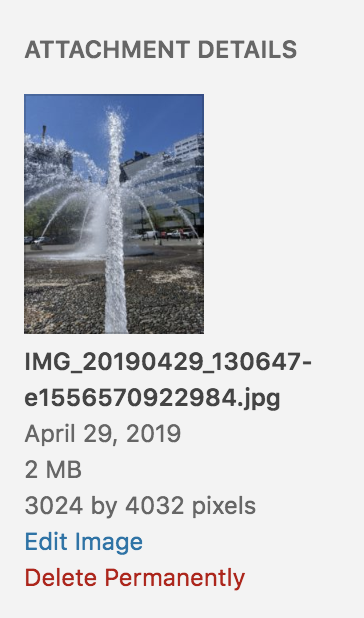
This image is used as-is in the editor. This is a violation of the oversized-images Feature Policy. It's true that the AMP Cache should resize the image down, but this doesn't help when viewing the image on origin. Instead of being 3024x4032 and 2MB, it should rather be 1080x1440 and ~301kB (with WordPress's default 82% JPEG compression quality).
One caveat here is that we need to eventually support landscape stories, so there will always be wasted bytes when selecting a landscape image and the focal point picker is used for selecting the right “crop” in portrait. At the very least, if the image gets a height of 1440 as opposed to 3024 then this will still be an improvement.
So I suggest we add_image_size() for amp_story_page, with an unbounded width and a constrained height without cropping:
add_image_size( 'amp_story_page', 99999, 1440, false );
Then when an image is picked from the media library, we should use this image size as opposed to the full size.
This should also apply when automatically supplying a video's featured image as its poster, or when selecting an image as the poster generally.
Videos
_Update: This has been continued in #2560._
Uploading videos taken from one's phone to the media library is a much bigger challenge, as WordPress has no native transcoding ability for videos. A 2-second video extracted from a Motion Photo taken on a Pixel 3 is 7MB:
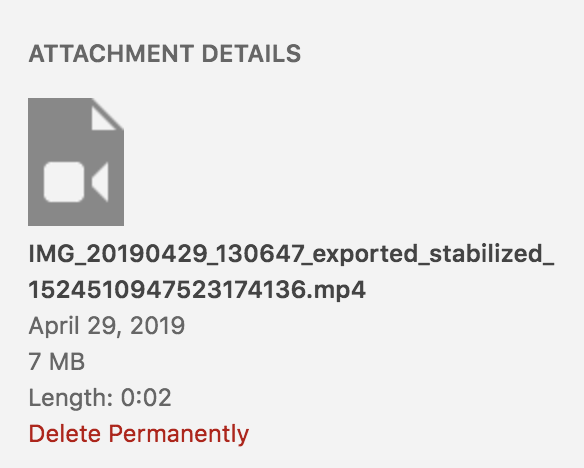
The issue would be much worse if this wasn't just extracted from a Motion Photo. Imagine someone trying to use a 4K video at 60fps.
~The ideal here I think would be to allow users to embed control-less YouTube videos in stories, but this is not yet allowed. See https://github.com/ampproject/amphtml/issues/15847.~ YouTube is not going to be good to rely on, per amphtml Slack conversation with @newmuis:
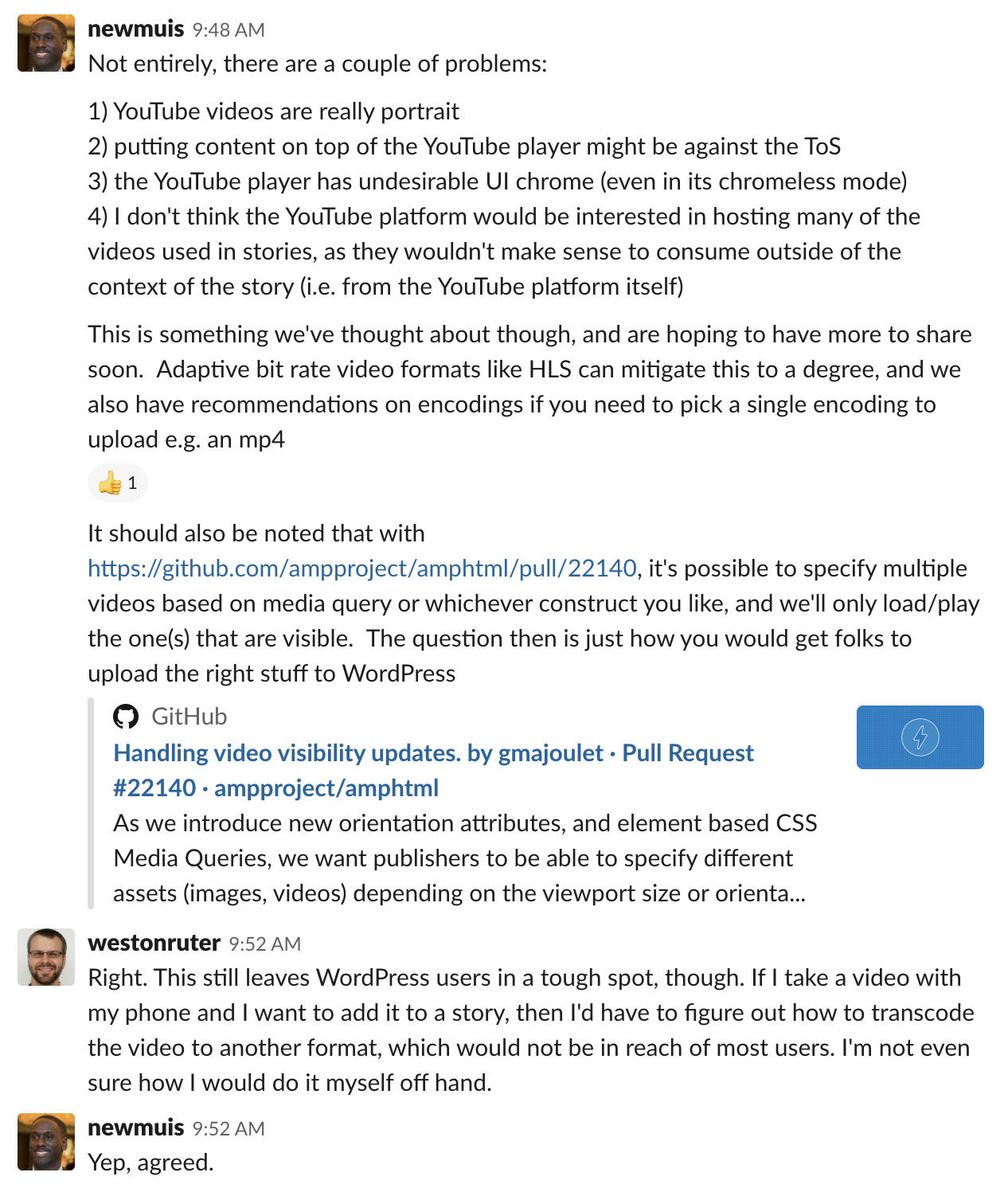
☝️ Edit: YouTube videos are _rarely_ portrait.
So perhaps we should add a warning to users when a video seems to be too large. I'm not sure what “too large” is, but perhaps we should target 1 megabyte per second? So we'd show no warning if there is a 7-second video that is 7MB.
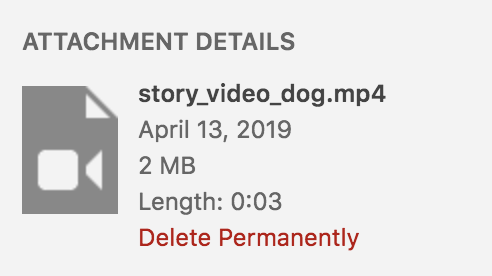
The dog video in the Hello World example is 2MB for 3 seconds:
 westonruter
All 16 comments
FWIW in 5.3 some effort is being put into image processing improvements in WordPress, and which might eventually lead to better responsive image support.
 swissspidy
on 16 May 2019
swissspidy
on 16 May 2019
Also, even with responsive image support, we would still at least need the image size to be defined in order to be served.
westonruter
on 16 May 2019
This would be great to have. I would like to see a combination of automatic handling (as the image case here), and information/warnings in cases where manual intervention is needed. Same guidelines as the AMP plugin functional spectrum (manual ~> automatic).
 amedina
on 17 May 2019
amedina
on 17 May 2019
Hi @westonruter,
This looks interesting. Would you mind if I worked on it?
Thanks, see you soon at WCEU.
 kienstra
on 1 Jun 2019
kienstra
on 1 Jun 2019
Go ahead
westonruter
on 1 Jun 2019
Thanks!
kienstra
on 1 Jun 2019
Test Steps
(For when #2509 is merged)
Image Block
Create a new story with an image block
Upload an image to the block that's taller than
1440px, like any of these (not necessarily all of them):
1000 x 1500
1200 x 1500
1500 x 1600
1800 x 1800
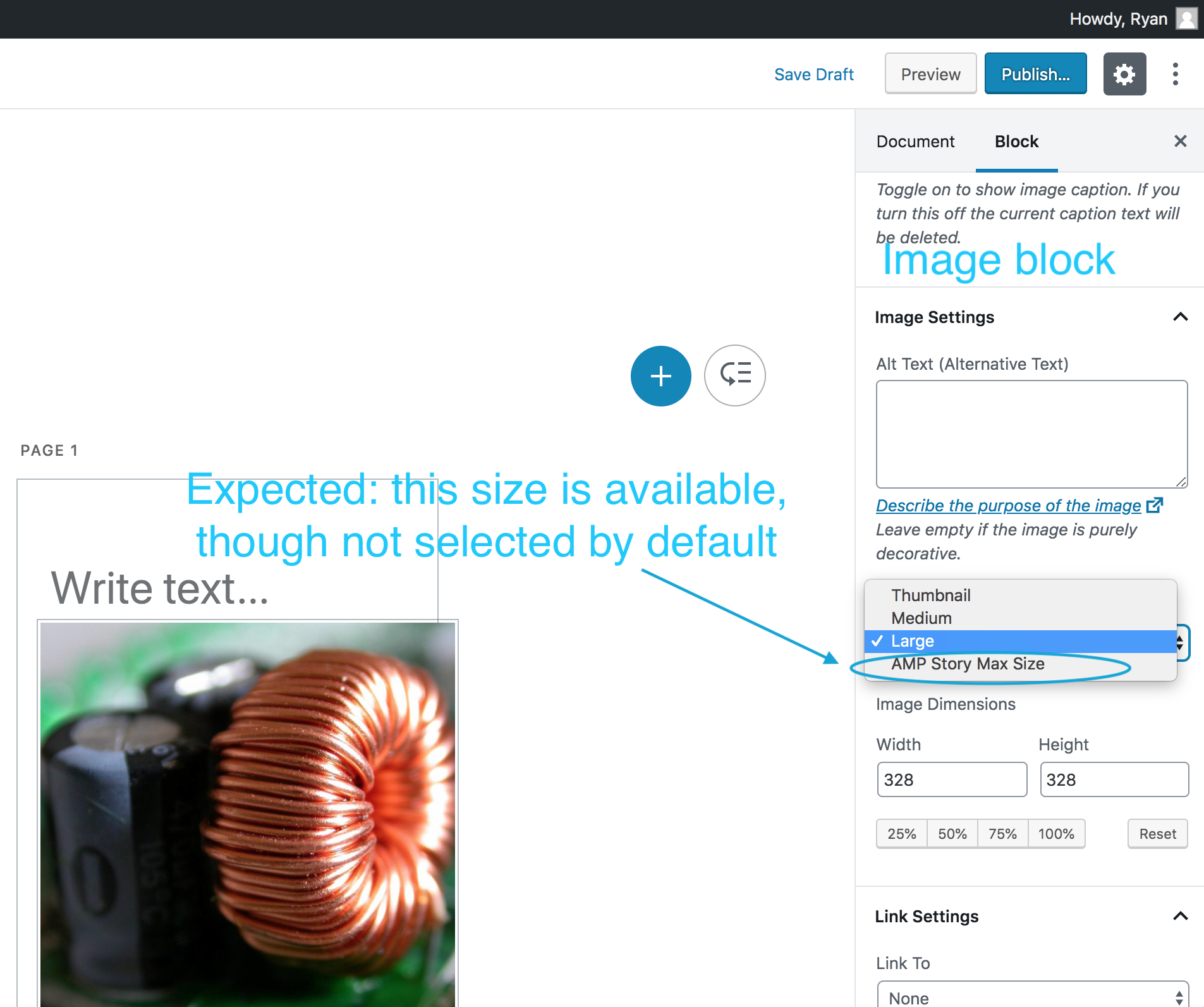
- Expected: In the Inspector Controls, the 'AMP Story Max Size' is available in the 'Image Size'
<select>element:
Background Video
Click a page, then click 'Background Media' > 'Select Media':
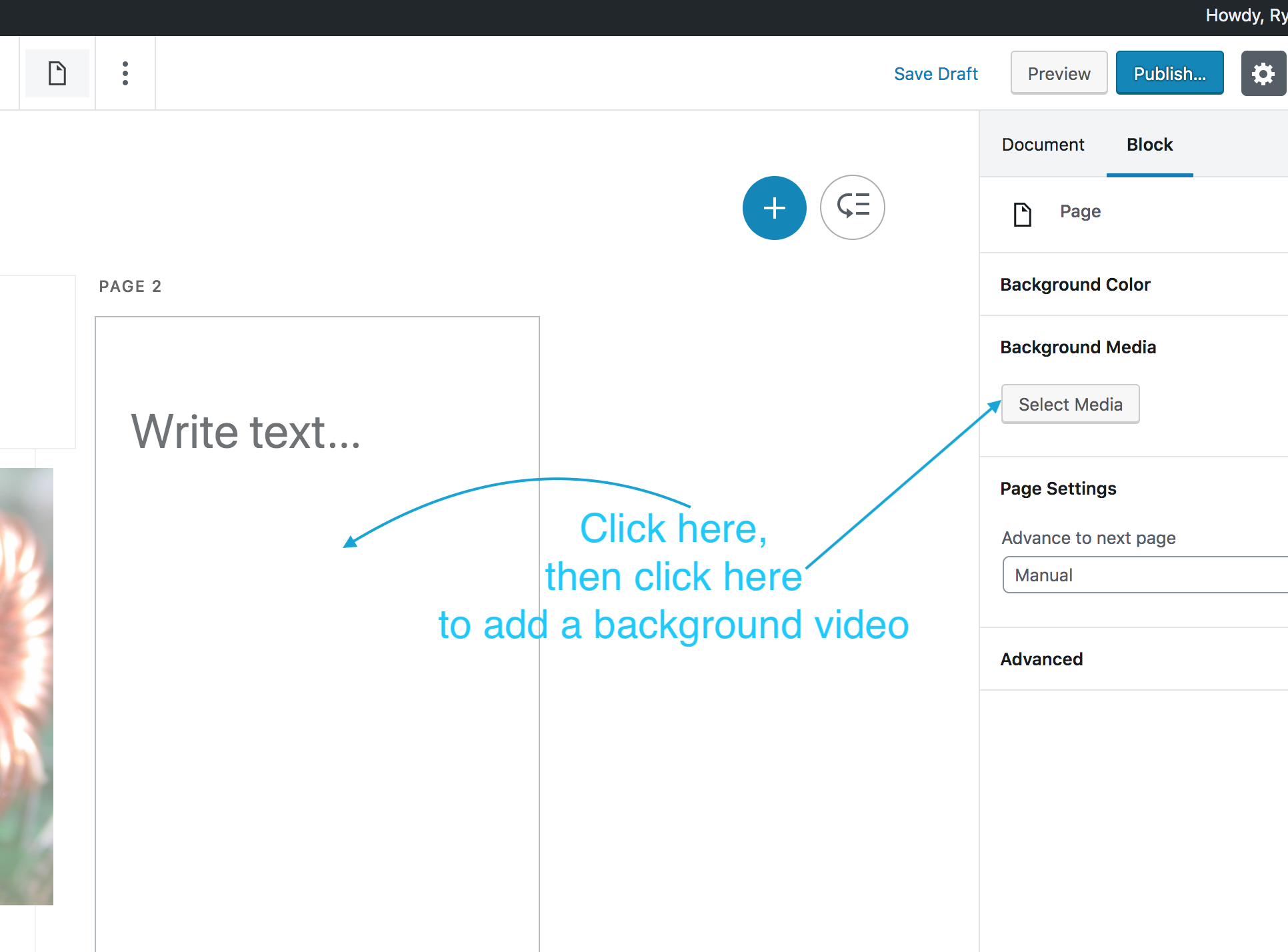
Click the 'Upload Files' tab, and upload this video
Click 'Select'
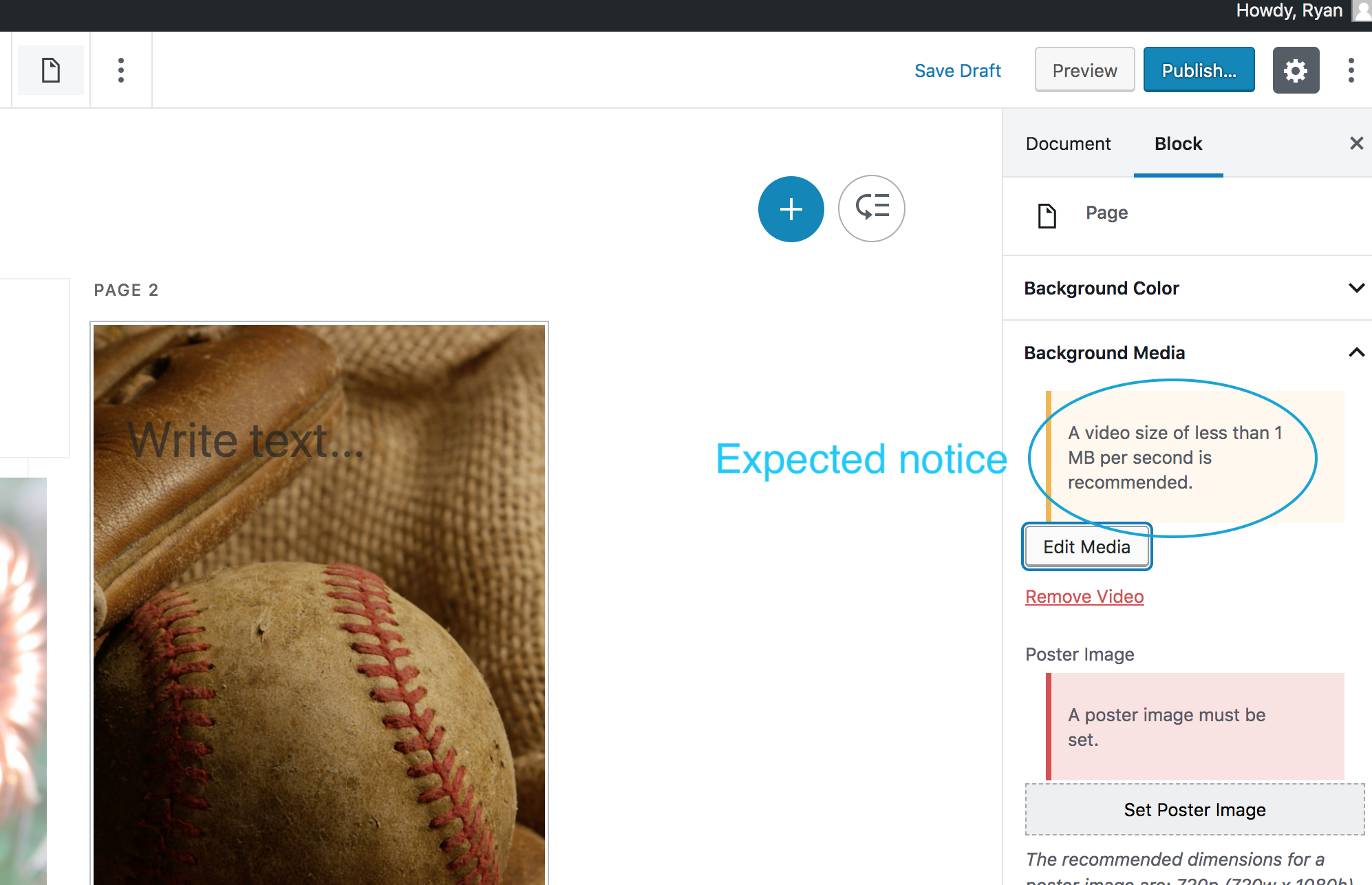
Expected: a notice should appear: 'A video size of less than 1 MB per second is recommended.'
Background Image
Click 'Background Media' > 'Edit Media'
Click the 'Upload Files' tab, and upload an image taller than
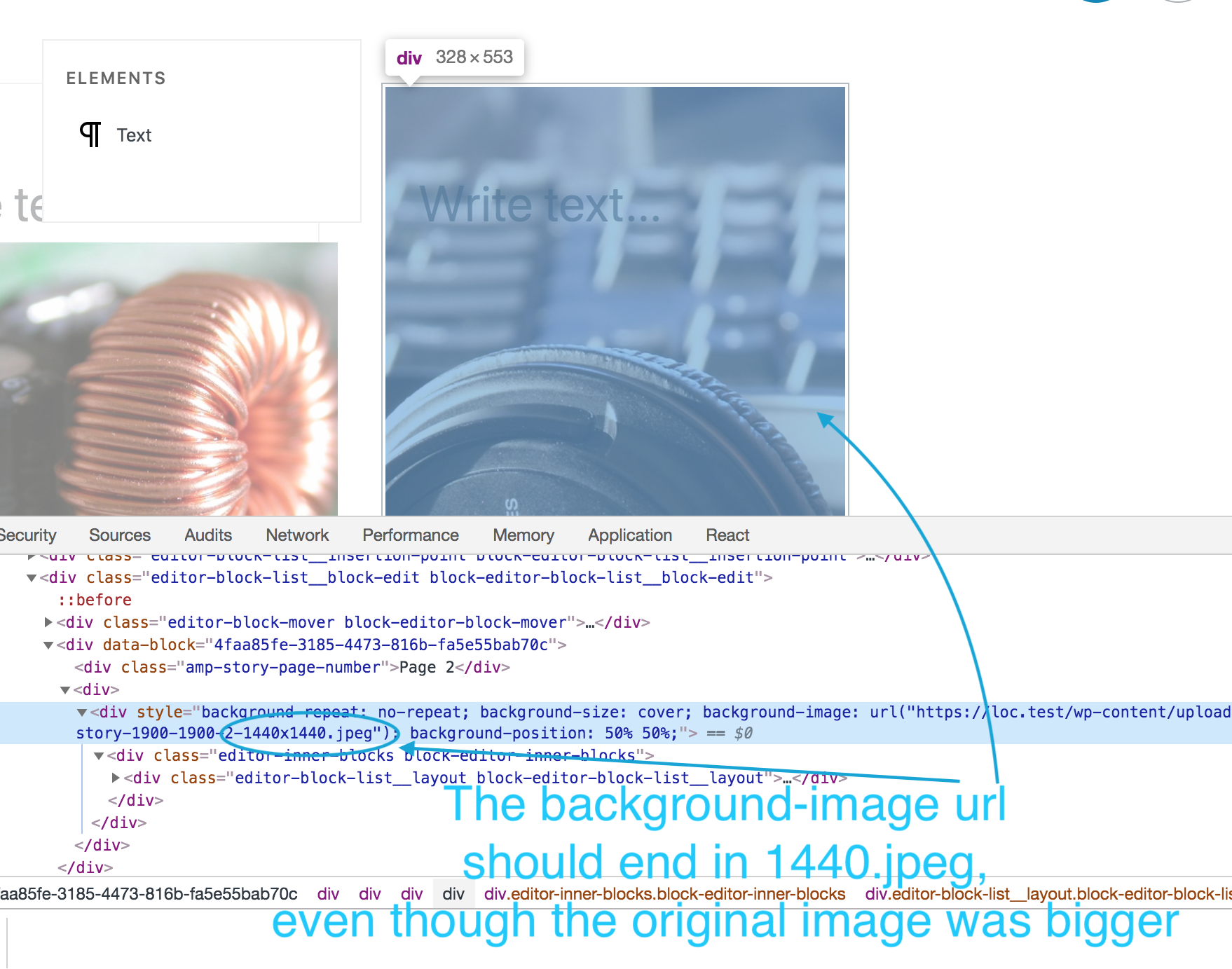
1440px, like thisInspect the source of the page
Expected: the
urlof thebackground-imageshould end in1440.jpeg, even though the original image was taller than that:
kienstra
on 11 Jun 2019
Request For Testing
Hi @csossi,
Hope you're doing great. Could you please test this, using the test steps above?
Thanks, Claudio!
kienstra
on 12 Jun 2019
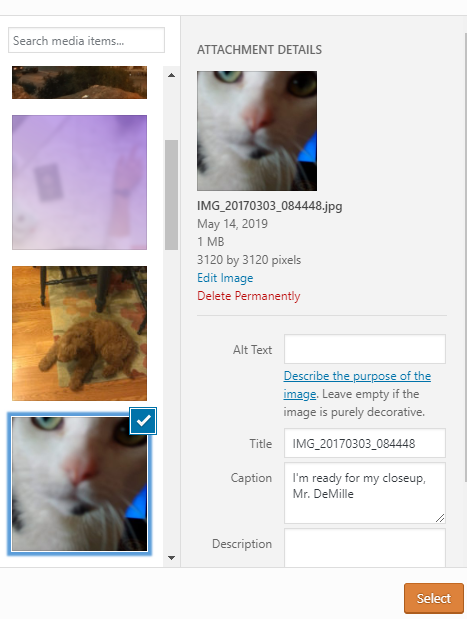
Selected this image:
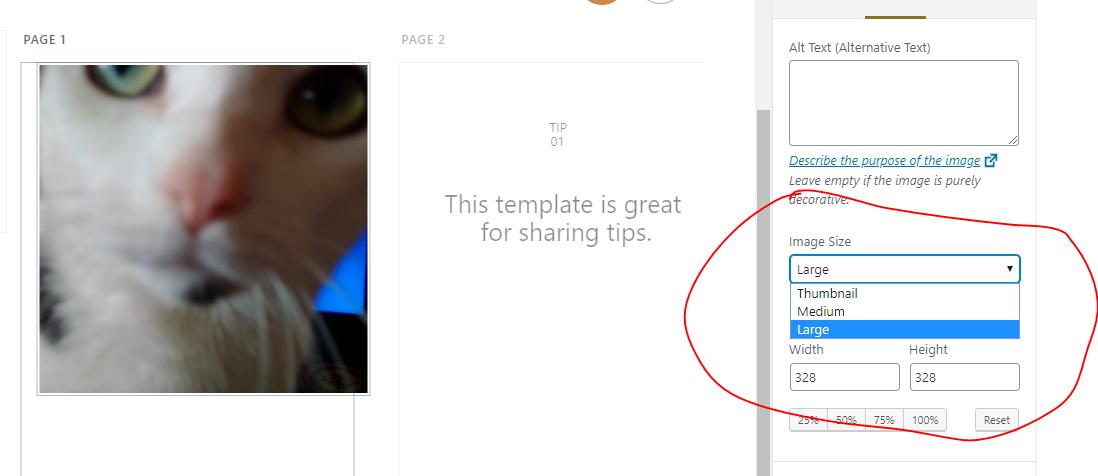
Not seeing the "AMP Story Max Size" option:
 csossi
on 12 Jun 2019
csossi
on 12 Jun 2019
Hi @csossi,
Thanks for testing this.
Was that image newly-uploaded? This won't work with existing images that were already in the Media Library, as it needs to create the image size.
Was the image for an Image block or Background Media?
kienstra
on 12 Jun 2019
Maybe we can regenerate thumbnails on the test environment / cc @westonruter
swissspidy
on 12 Jun 2019
Verified in QA
csossi
on 12 Jun 2019
@csossi, thanks a lot for testing this again!
kienstra
on 12 Jun 2019
you're welcome, @kienstra !!
csossi
on 12 Jun 2019
Maybe we can regenerate thumbnails on the test environment
Now running: terminus remote:wp wordpress-amp.story-test -- media regenerate --only-missing --yes --skip-delete
Success: Regenerated 122 of 122 images.
westonruter
on 12 Jun 2019
Nice, thanks!
kienstra
on 12 Jun 2019
Related issues
 Mte90
·
24Comments
westonruter
·
31Comments
Mte90
·
24Comments
westonruter
·
31Comments
 Ipstenu
·
32Comments
Ipstenu
·
32Comments
 chvillanuevap
·
26Comments
westonruter
·
31Comments
chvillanuevap
·
26Comments
westonruter
·
31Comments
Most helpful comment
FWIW in 5.3 some effort is being put into image processing improvements in WordPress, and which might eventually lead to better responsive image support.