Amp-wp: Block-level warnings for validation errors fail to update without user interaction
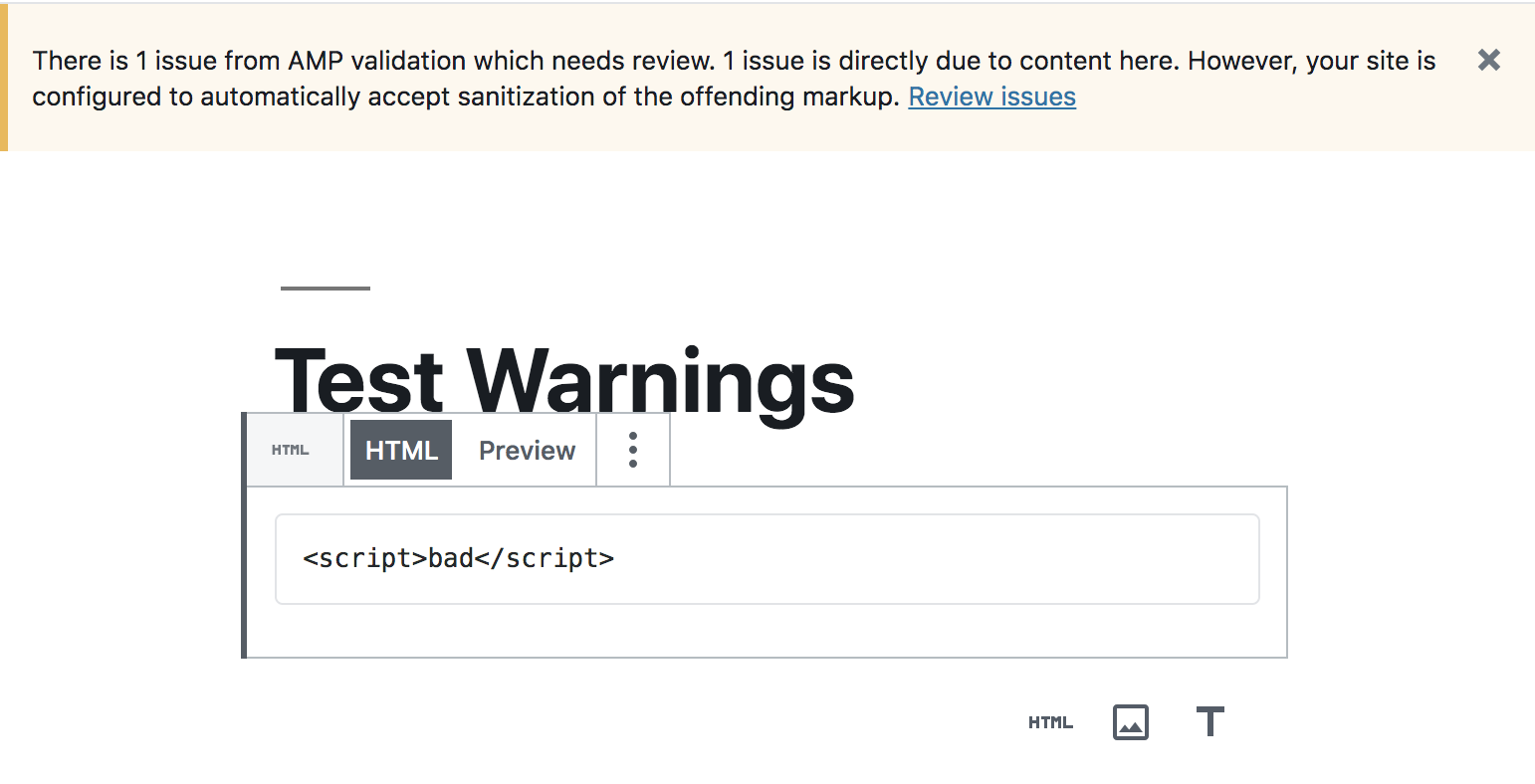
In the editor, when adding one block that has validation errors, the global warning for the post shows up immediately upon saving, but the warning for the specific block does not:
However, upon hovering over the offending block then the warning immediately pops into view:
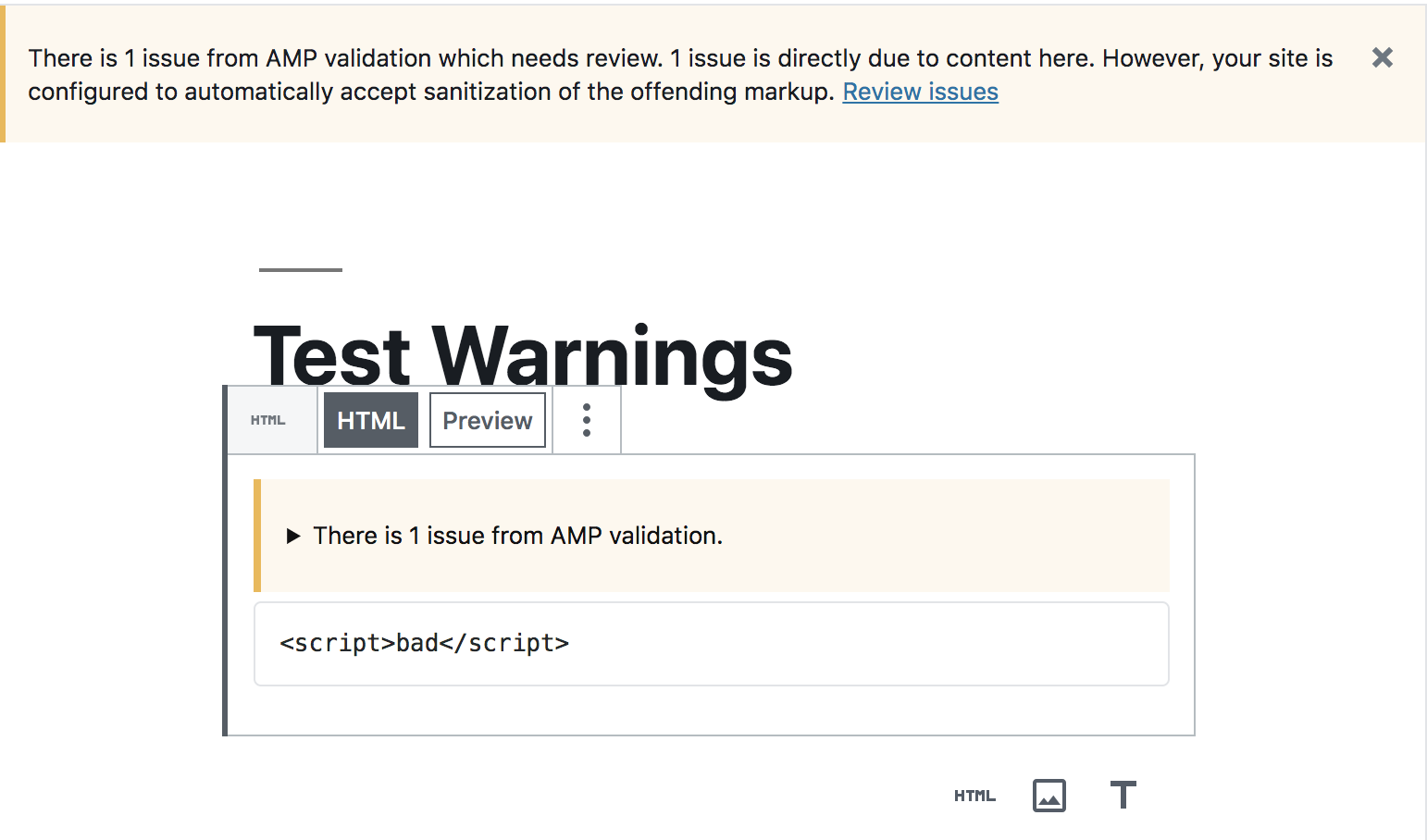
It seems that the change to the store did not get propagated to the block, so it takes another mutation to the block (e.g. selecting it) to cause it to see the changes.
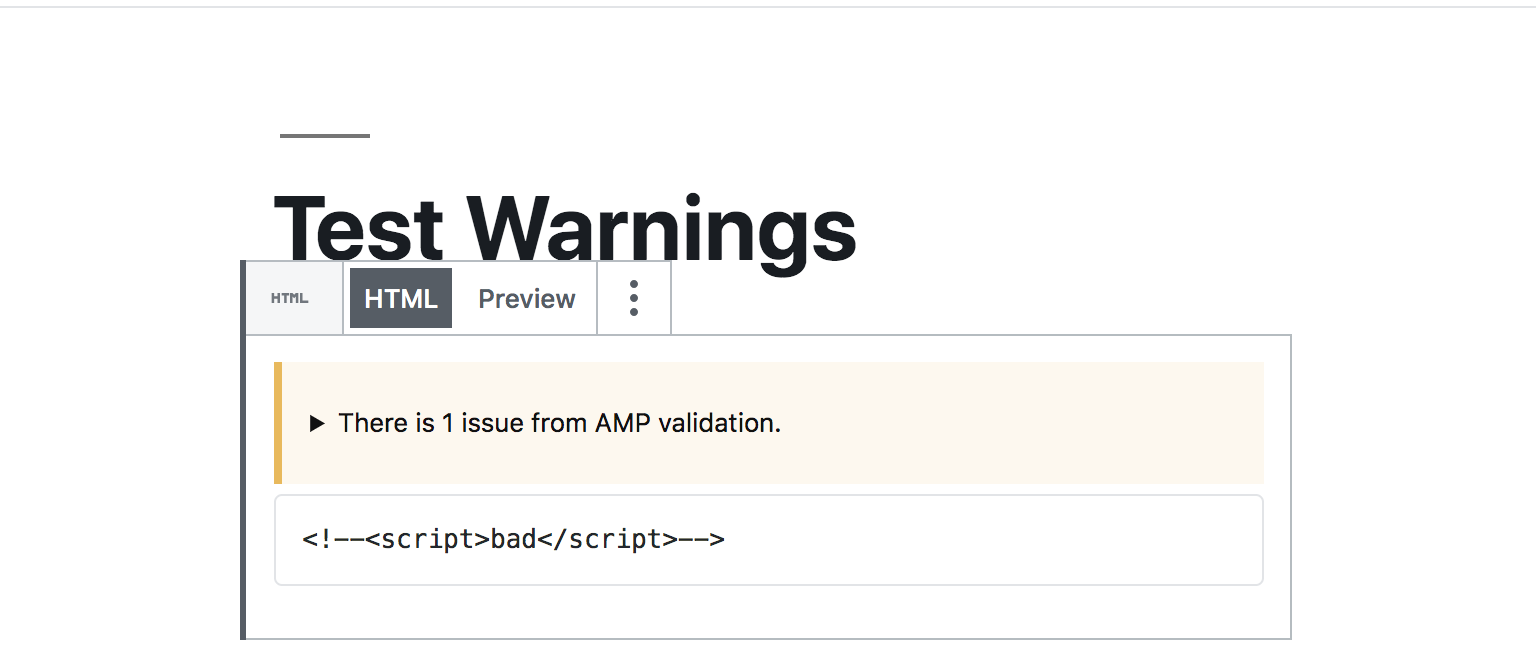
This likewise happens when the validation error has been fixed. Upon saving the post, the warning sticks around until the block is interacted with again:
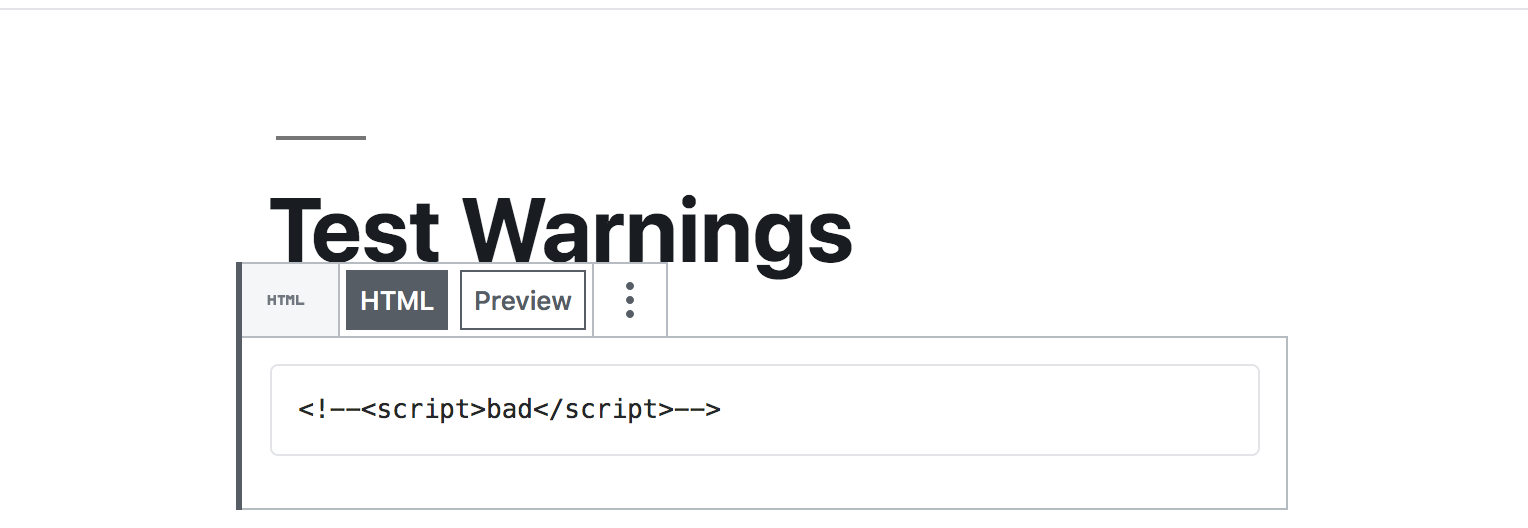
Upon hovering over the toolbar, the warning then disappears:
 westonruter
All 9 comments
Pinging @kienstra and @miina for technical QA for this.
2285 affects _a lot_ of things. The biggest change obviously is that validation errors will be added to blocks without needing to hover over them or anything.
Things to test besides that:
- Filtering errors in the error validation screen should no result in AYS dialog when navigating away from that page (see https://github.com/ampproject/amp-wp/pull/2285#issuecomment-492436889)
- All the AMP blocks are still available in the editor when in native mode
- AMP blocks are not available when in transitional mode
- AMP settings are still added to core blocks, in both the regular block editor and in the story editor
- Nothing is broken in the editors or error handling screens 😄
 swissspidy
on 16 May 2019
swissspidy
on 16 May 2019
@swissspidy The validation errors aren't showing up in AMP Stories, is this intended?
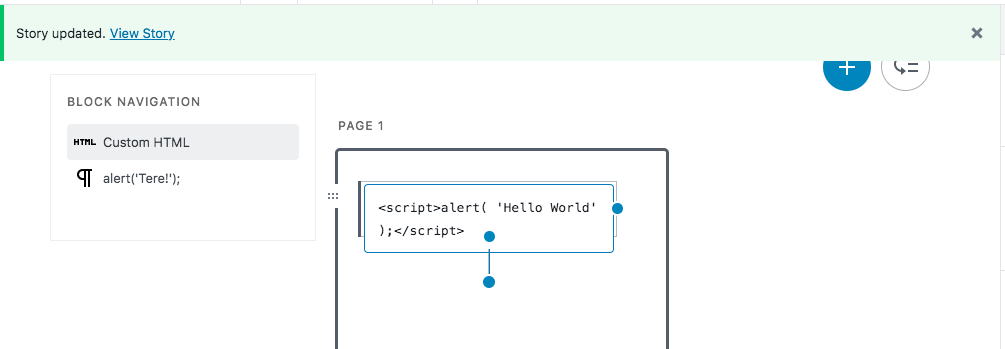
I'm testing on amp-stories-redux as of this moment.
 miina
on 16 May 2019
miina
on 16 May 2019
Hmm not really. Fixed that in af6a9958823d7d618b6083c2ccf4c4c12655dc5d now.
Any other issues you faced while testing? AMP stories are only partially affected by this change here.
swissspidy
on 16 May 2019
I think I just found a small issue with error attribution in nested blocks in that scenario. Will have a look.
swissspidy
on 16 May 2019
I didn't notice other related issues while testing. Can test again a bit later if the AMP Stories part is working, too, now.
miina
on 16 May 2019
@miina I just pushed some fixes for the AMP stories part. Feel free to test.
swissspidy
on 16 May 2019
Didn't find any other related issues when testing.
One general question: Does it make sense to have the "Enable AMP" toggle in Native mode available in the post editor at all? Turning it off basically removes the validation errors, however, the AMP blocks are still available, and the page still displays as AMP in the FE.
miina
on 17 May 2019
One general question: Does it make sense to have the "Enable AMP" toggle in Native mode available in the post editor at all?
See #2314.
Turning it off basically removes the validation errors, however, the AMP blocks are still available, and the page still displays as AMP in the FE.
The AMP blocks are still available, yes, but the page is not AMP in the frontend. For example: https://story-test-wordpress-amp.pantheonsite.io/2019/05/17/test-post/
In order to accommodate Native AMP sites that have templates disabled (e.g. archives), the plugin checks post_content to see if there are any AMP components and then will enqueue the required scripts on the _non-AMP page_ so that the blocks are not just empty boxes. See:
So the AMP runtime and AMP components scripts are added even on the non-AMP page. Eventually this should be implemented using Bento AMP.
westonruter
on 17 May 2019
Verified that it works as expected, moving to "Ready for Merging".
miina
on 20 May 2019
Related issues
 schlessera
·
5Comments
swissspidy
·
4Comments
miina
·
5Comments
miina
·
3Comments
westonruter
·
5Comments
schlessera
·
5Comments
swissspidy
·
4Comments
miina
·
5Comments
miina
·
3Comments
westonruter
·
5Comments
Most helpful comment
See #2314.
The AMP blocks are still available, yes, but the page is not AMP in the frontend. For example: https://story-test-wordpress-amp.pantheonsite.io/2019/05/17/test-post/
In order to accommodate Native AMP sites that have templates disabled (e.g. archives), the plugin checks
post_contentto see if there are any AMP components and then will enqueue the required scripts on the _non-AMP page_ so that the blocks are not just empty boxes. See:https://github.com/ampproject/amp-wp/blob/348411df58fdf66ecffbcf1486b31c8393659a0c/includes/admin/class-amp-editor-blocks.php#L47-L61
So the AMP runtime and AMP components scripts are added even on the non-AMP page. Eventually this should be implemented using Bento AMP.