Description:
- A-Frame Version: 0.9.2
- Platform / Device: iPhone X, iOS 12.3.1
- Reproducible Code Snippet or URL:
1.
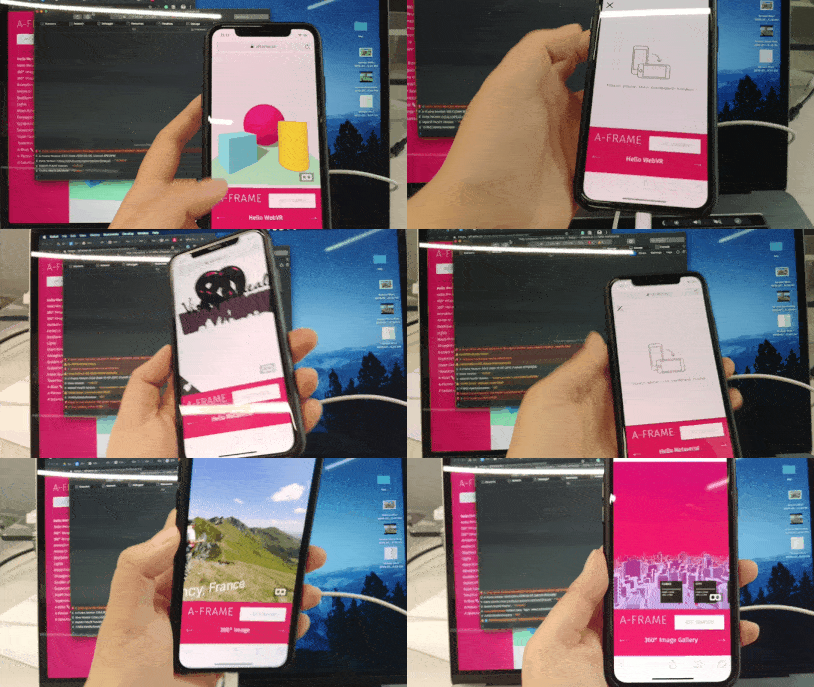
I tested samples of A-Frame.
Here is a video with iPhone X on A-Frame samples.
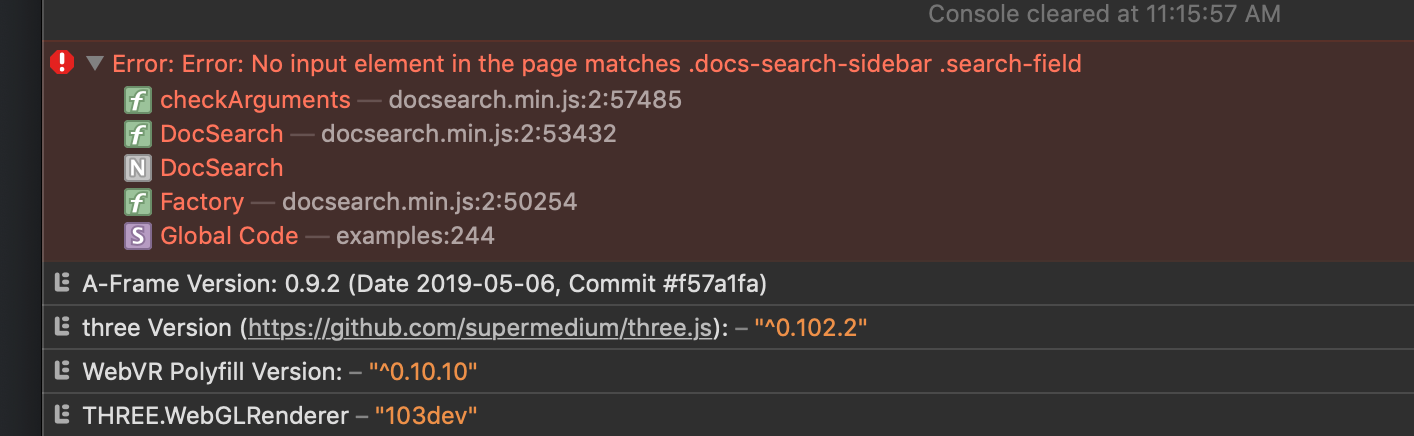
And error messages in the console.
2.
I also tested on webVRPollyfill demo
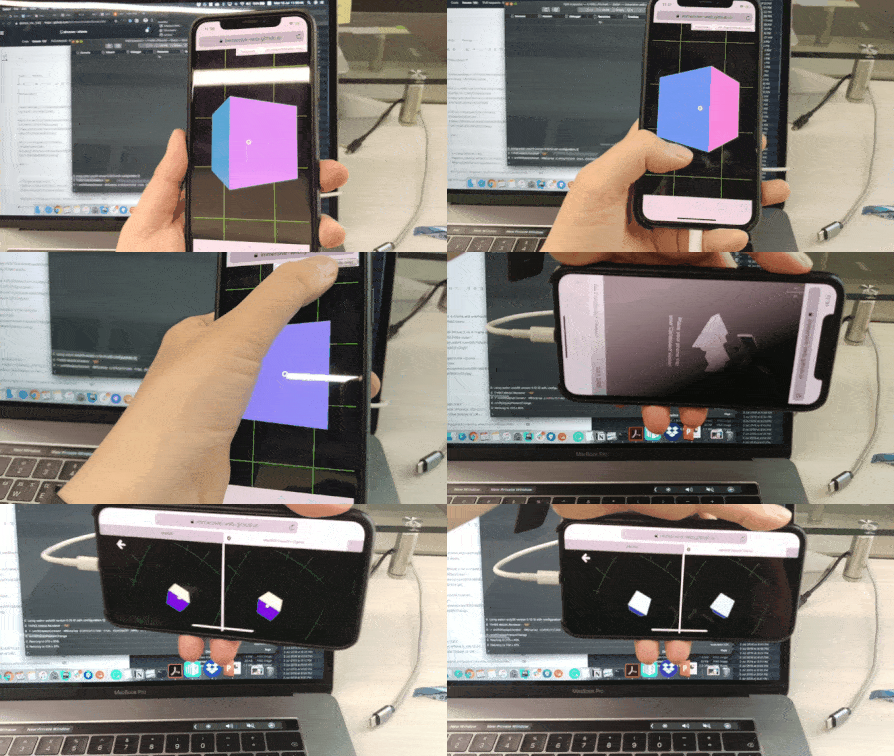
It has no error message.
3.
I tested various version of A-Frame on glitch sample.
Sadly, it doesnt work in 0.9.2, 0.9.0, 0.8.2 and 0.8.0.
not only iPhone X, but other devices also don't work.
Only Pixel2 works well.
 huhsame
All 3 comments
Unfortunately, Chrome and Safari now ship with devicemotion events disabled by default. The user has to enable manually on settings:
- chrome://flags/#enable-generic-sensor in Chrome
- Settings -> Safari -> Motion & Orientation Access in Safari iOS
Content also must be served over https
Additional discussion https://github.com/aframevr/aframe/issues/3976
 dmarcos
on 15 Jul 2019
dmarcos
on 15 Jul 2019
There is no longer a "Motion & Orientation Access in Safari iOS" option any more in iOS 13 Beta 3
 TheLouisHong
on 15 Jul 2019
TheLouisHong
on 15 Jul 2019
As described in the referenced issue:
iOS 13 has a requestPermission API
dmarcos
on 15 Jul 2019
Related issues
 jcarpenter
·
4Comments
jcarpenter
·
4Comments
 jonikorpi
·
4Comments
jonikorpi
·
4Comments
 FranciscoPinho
·
3Comments
FranciscoPinho
·
3Comments
 wlhm1984
·
5Comments
wlhm1984
·
5Comments
 AdrienPoupa
·
6Comments
AdrienPoupa
·
6Comments
Most helpful comment
Unfortunately, Chrome and Safari now ship with devicemotion events disabled by default. The user has to enable manually on settings:
Content also must be served over https
Additional discussion https://github.com/aframevr/aframe/issues/3976