Aerial crash on choosing Video format
General troubleshooting tips
Before logging an issue please check that:
- [ X] You have the latest version installed (There may be a beta version that fixes your issue), see here for the latest releases and bug fixes: https://github.com/JohnCoates/Aerial/releases
- [ X] Your issue isn't already mentioned in our issues. You may find a workaround there or a similar request already made.
- [ X] Your problem isn't mentioned in the troubleshooting section.
If none of this fixes your issue, tell us about the problem you are experiencing or the feature you'd like to request.
Required information
In order to help us sort your issue, we ask that you provide the following information:
- [ X] iMac 5K Late 2014
- [ X] Mojave 10.14.6
- [ ] Monitor setup:
If appropriate, please enable Debug mode and Log to disk in Advanced tab and replicate your bug, then attach the AerialLog.txt file (You can access this file through the Advanced tab).
Description of issue / Feature request
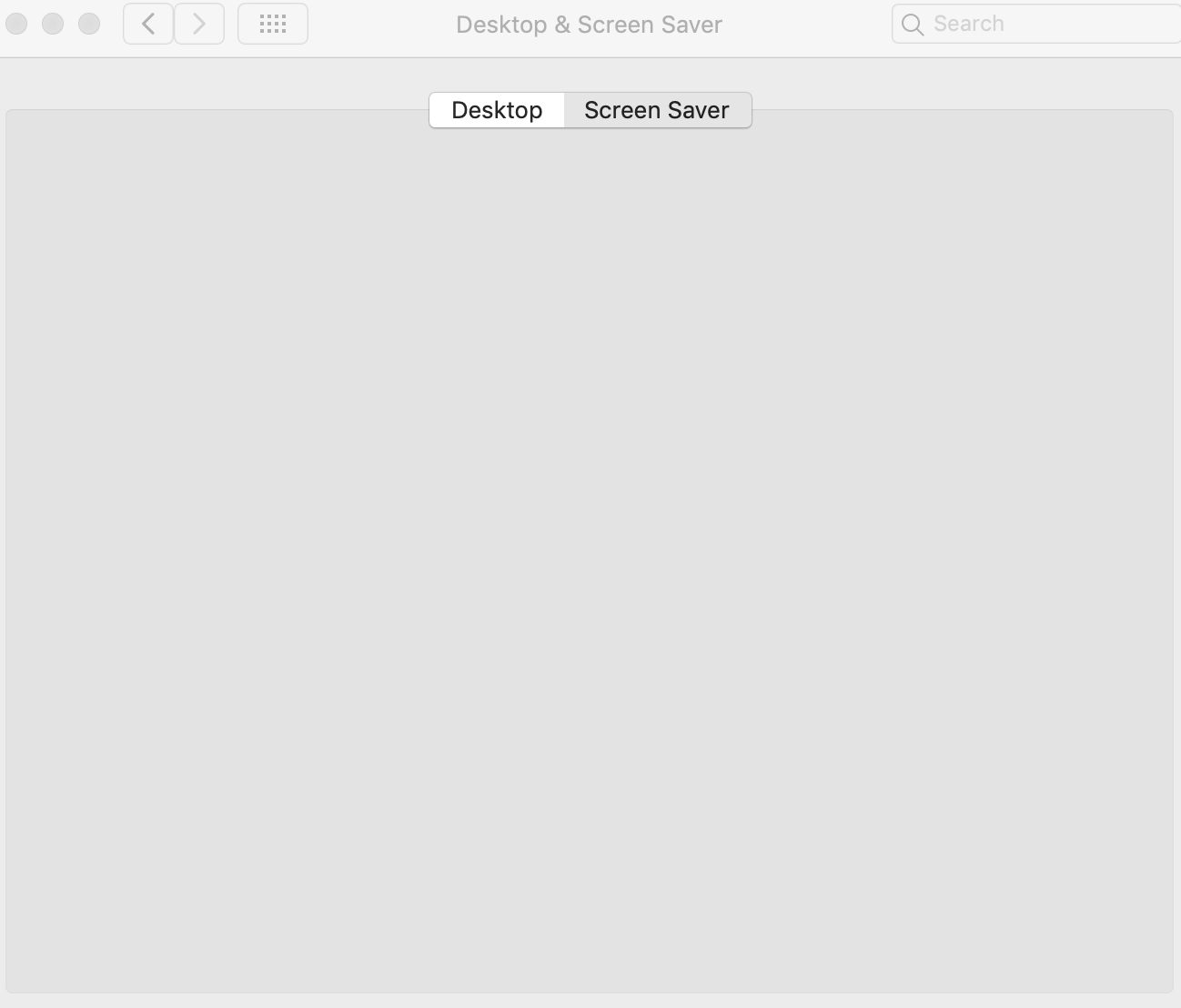
Using 1.6.5beta3 , whenever I change the Video format from "1080p H264 to 4K HEVC", it will crash the screensaver like the screenshot below
Here is the crash log
See crash log attached above.
Process: com.apple.preference.desktopscreeneffect.screeneffects.remoteservice [16261]
Path: /System/Library/PreferencePanes/DesktopScreenEffectsPref.prefPane/Contents/Resources/ScreenEffects.prefPane/Contents/XPCServices/com.apple.preference.desktopscreeneffect.screeneffects.remoteservice.xpc/Contents/MacOS/com.apple.preference.desktopscreeneffect.screeneffects.remoteservice
Identifier: com.apple.preference.desktopscreeneffect.screeneffects.remoteservice
Version: 1.0 (1)
Build Info: DesktopScreenEffectsPref-229003000000000~17
Code Type: X86-64 (Native)
Parent Process: ??? [1]
Responsible: System Preferences [16248]
User ID: 501
Date/Time: 2020-01-19 19:12:12.937 +0800
OS Version: Mac OS X 10.14.6 (18G1012)
Report Version: 12
Anonymous UUID: 1FA35225-E7DF-FFC0-1794-FC3E65615426
Time Awake Since Boot: 89000 seconds
System Integrity Protection: enabled
Crashed Thread: 0 Dispatch queue: com.apple.main-thread
Exception Type: EXC_BAD_INSTRUCTION (SIGILL)
Exception Codes: 0x0000000000000001, 0x0000000000000000
Exception Note: EXC_CORPSE_NOTIFY
Termination Signal: Illegal instruction: 4
Termination Reason: Namespace SIGNAL, Code 0x4
Terminating Process: exc handler [16261]
Application Specific Information:
dyld3 mode
Crashing on exception: * -[__NSDictionaryM setObject:forKey:]: object cannot be nil (key: videoFormat)
Application Specific Signatures:
Aerial
 sdugoten
All 7 comments
I wonder if you can tell me where to edit the config manually so that I can enable the 4K HEVC option until you fix it? It seems I can't download 4K video if this "Video format" is not set to 4K. All the video I download is in 1080P format.... Thanks.
sdugoten
on 19 Jan 2020
Hi @sdugoten
I did change some stuff there in the latest beta, I'll have a look and get back to you asap.
 glouel
on 19 Jan 2020
glouel
on 19 Jan 2020
Just to clarify, did you previously use a version of Aerial, and had this issue after upgrading to beta, or is it your first time installing ?
In Mojave, your preferences file is something like :
~/Library/Preferences/ByHost/com.JohnCoates.Aerial.{some-uuid}.plist
The keyname is videoFormat but it's a data blob in this particular beta, so you can't easily edit it.
Could you try deleting the file and giving it another go ? Please also make sure you fully close System Preferences and reopen it again before trying, so that the plugin is correctly loaded.
Sorry about the issue in any case, in the meantime, if none of this fixes it, I suggest you go back to beta2, which doesn't have the changes around video format, until I find the issue. Thanks.
glouel
on 19 Jan 2020
Yes, first time user on Aerial screenshot and the first version I install is 1.6.5beta3.
I found the file and completely delete the file, and then I close the System Preference completely and launch the Aerial again. When I try to change the video format, it just crash again.
I will see if beta 2 solve the issue
sdugoten
on 19 Jan 2020
Ok thanks for confirming, this may be an issue specific to Mojave, I'll try to test there.
Since it's your first time, you may want to use the stable version, I try to keep the betas as stable as possible but sometimes I break things. So if you have issues again with beta2, just delete again the preferences file, and install this build which should give you no issue : https://github.com/JohnCoates/Aerial/releases/download/v1.6.4/Aerial.saver.zip
Edit: I can confirm the issue on Mojave, looks like I may be doing something that's not compatible with older macOS versions. I'll have a more thourough look tomorrow at what's happening, in the meantime stick to either beta2 or 1.6.4, thanks and sorry about all this !
glouel
on 19 Jan 2020
@sdugoten took me a while to reinstall a version of Mojave but I found the issue, it's fixed in beta4 that you can get here : https://github.com/JohnCoates/Aerial/releases/download/v1.6.5beta4/Aerial.saver.zip
Thanks for reporting it as this was a weird bug that I wouldn't have caught as it triggered only on older macOS versions.
glouel
on 20 Jan 2020
can confirm it no longer crash in Mojave.
sdugoten
on 22 Jan 2020
Related issues
 BerryJerry
·
8Comments
BerryJerry
·
8Comments
 NightRaider73
·
6Comments
NightRaider73
·
6Comments
 inopinatus
·
8Comments
inopinatus
·
8Comments
 vom513
·
6Comments
vom513
·
6Comments
 adri430
·
7Comments
adri430
·
7Comments