Ypimagepicker: Support for orientation change
Is your feature request related to a problem? Please describe.
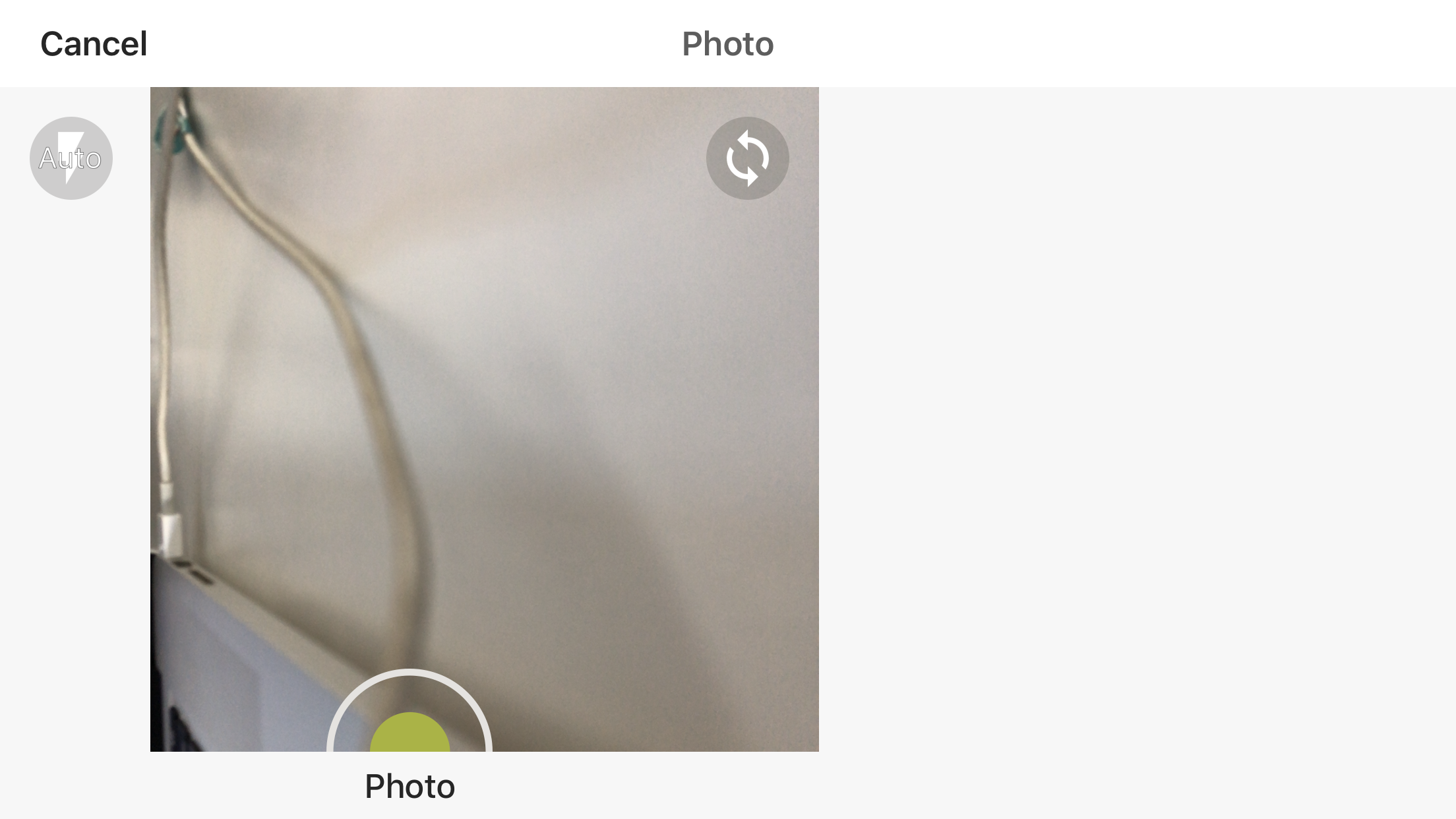
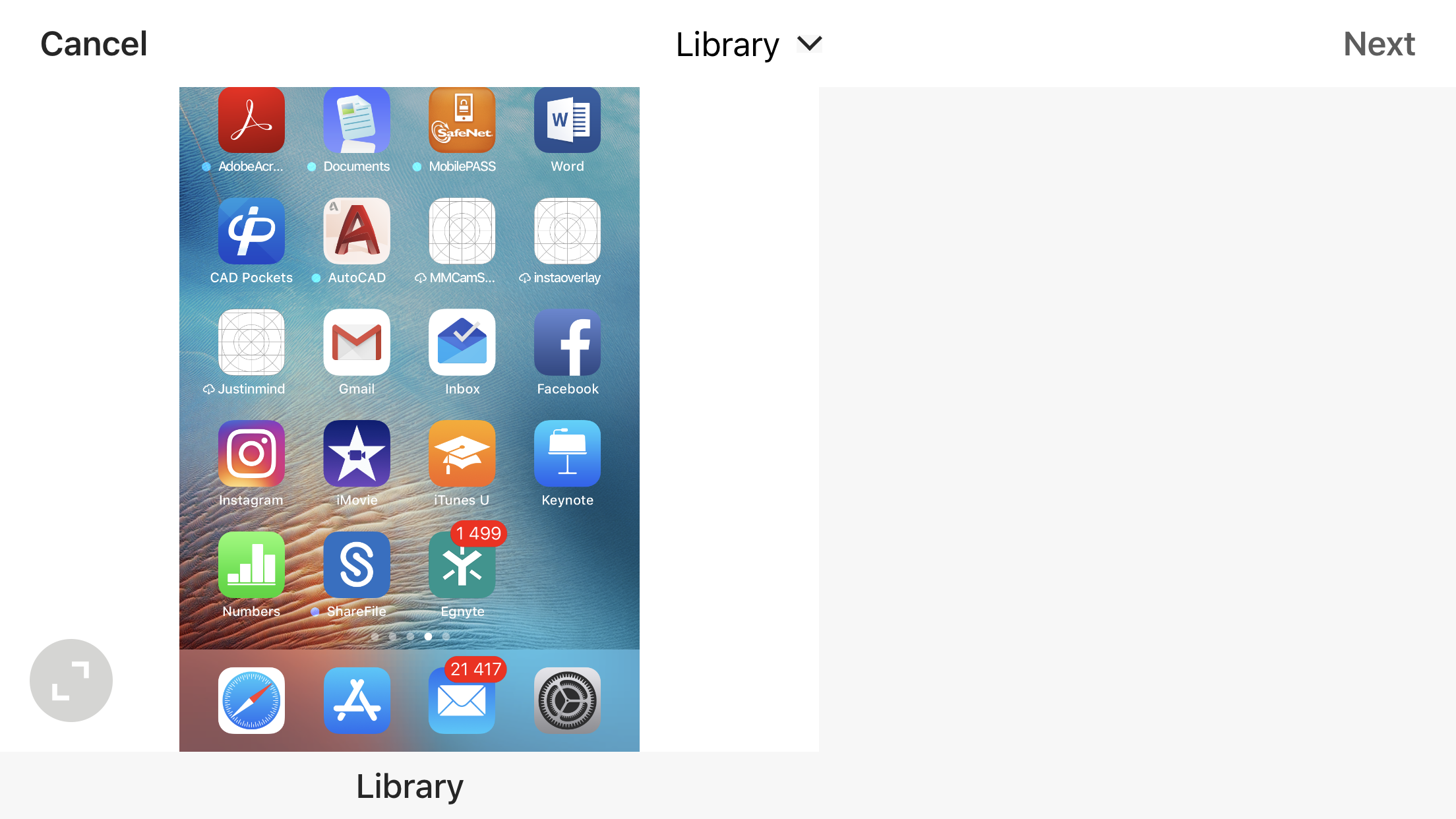
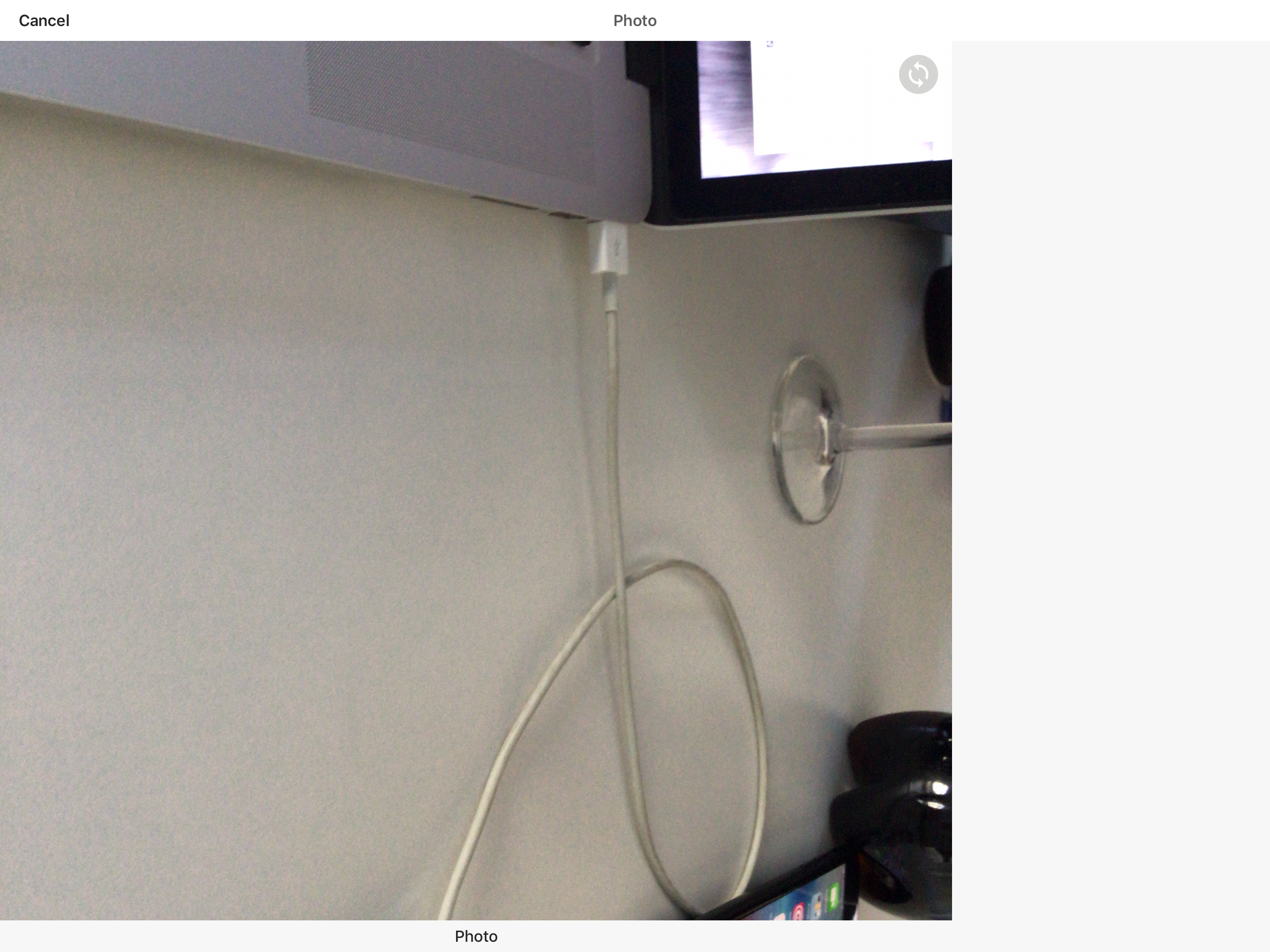
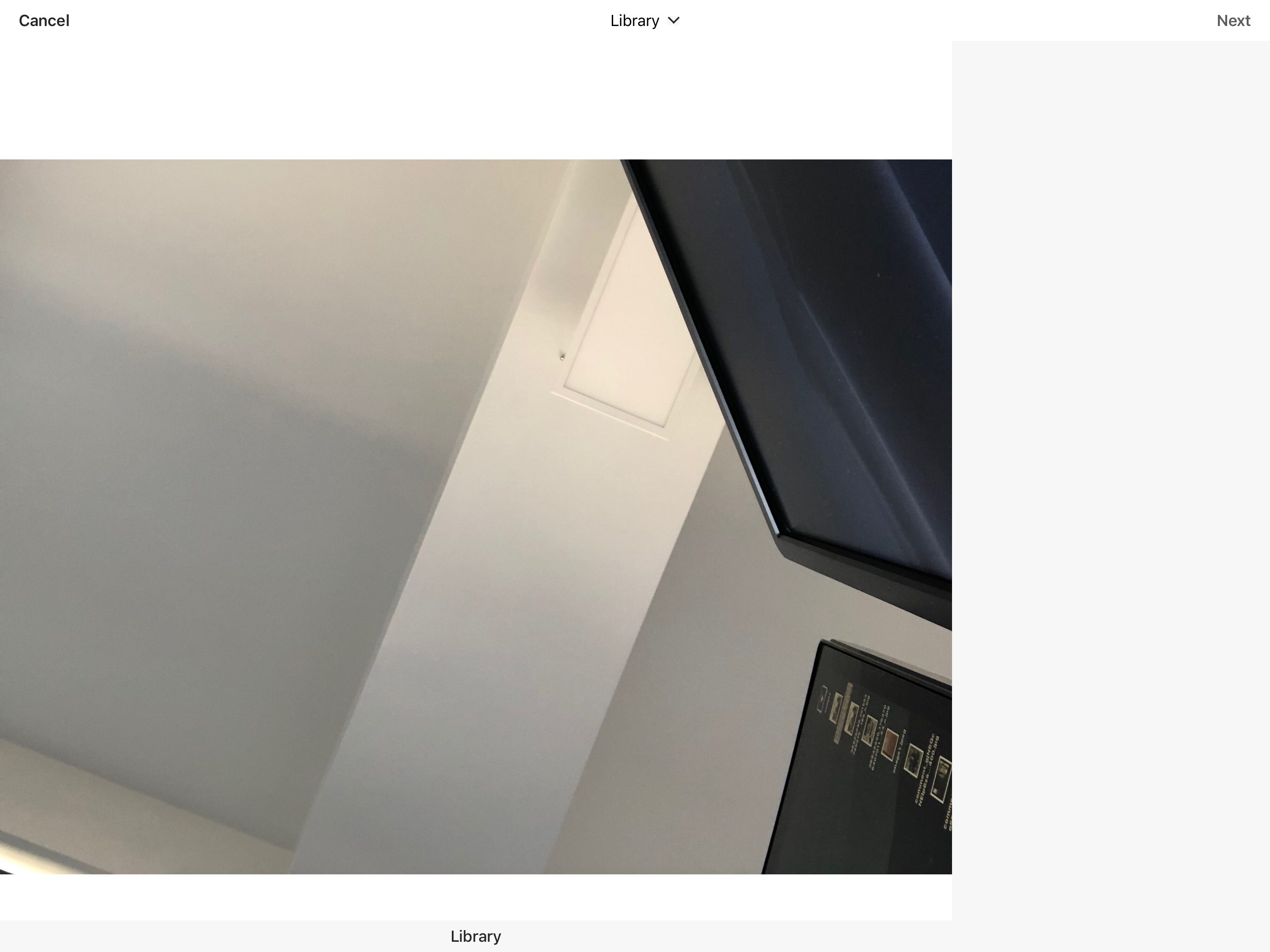
Once YPImagePicker view controller is opened and orientation i.e from portrait to landscape is changed the layout doesn't resize and it looks like attached screenshot.
Describe the solution you'd like
It would be perfect to have autolayout that adjust layout to current orientation.
Minimal working solution is to lock orientation in specific view controllers to avoid showing glitched view to end user.
Describe alternatives you've considered
Since YPImagePicker is presented on Navigation View controller I cannot change orientation without messing with YPImagePicker library code.
Since YPImagePicker class is "public", not a "open" class it cannot be subclassed.
Additional context
 Sieniek
All 5 comments
+1
When i open the Library (landscape mode), i can see the Camera Screen on the right.
how to stay in portrait mode?
 Skyb0rg
on 6 Sep 2018
Skyb0rg
on 6 Sep 2018
Hi @Sieniek, @Skyb0rg , the landscape orientation has never been supported so it's "normal" that this fails 😄 .
This is something that we might support in the future but in the meantime you'll have to force portrait orientation when showing the picker :)
 s4cha
on 29 Sep 2018
s4cha
on 29 Sep 2018
OK thank you.
I will try this answer:
https://stackoverflow.com/questions/28938660/how-to-lock-orientation-of-one-view-controller-to-portrait-mode-only-in-swift
Or do you have a guide / hint for us?
Thanks
Skyb0rg
on 30 Sep 2018
How to lock the picker in portrait mode?
 SaidAlSouti
on 4 Sep 2019
SaidAlSouti
on 4 Sep 2019
So this is fine, you are free not to support it. However, if you do not want to support landscape, the view controller should tell the os. I fixed my instance by adding the following function to YPImagePicker.swift:
    open override var supportedInterfaceOrientations: UIInterfaceOrientationMask {
        return .portrait
    }
Without this, the above horrible "half-visible" orientation is what happens.
 schveiguy
on 6 Nov 2019
schveiguy
on 6 Nov 2019
Related issues
 fukemy
·
6Comments
fukemy
·
6Comments
 StackHelp
·
4Comments
StackHelp
·
4Comments
 DamascenoRafael
·
5Comments
DamascenoRafael
·
5Comments
 uxight
·
6Comments
uxight
·
6Comments
 twinkalH
·
4Comments
twinkalH
·
4Comments
Most helpful comment
+1
When i open the Library (landscape mode), i can see the Camera Screen on the right.
how to stay in portrait mode?