Yolov5: Test Bounding box in Custom Data is shifted!
Hi. I'm sooo glad to meet your repo! But I have a issue,I trained with My custom data.
And now I'm trying to test it and I found a problem.
My Test Result All Bounding Boxes are shifted! I don't know why this is happening!
I look forward to a answer. Thank you!
 chokyungjin
All 7 comments
Hello @chokyungjin, thank you for your interest in our work! Please visit our Custom Training Tutorial to get started, and see our Jupyter Notebook  , Docker Image, and Google Cloud Quickstart Guide for example environments.
If this is a bug report, please provide screenshots and minimum viable code to reproduce your issue, otherwise we can not help you.
If this is a custom model or data training question, please note Ultralytics does not provide free personal support. As a leader in vision ML and AI, we do offer professional consulting, from simple expert advice up to delivery of fully customized, end-to-end production solutions for our clients, such as:
- Cloud-based AI systems operating on hundreds of HD video streams in realtime.
- Edge AI integrated into custom iOS and Android apps for realtime 30 FPS video inference.
- Custom data training, hyperparameter evolution, and model exportation to any destination.
For more information please visit https://www.ultralytics.com.
![github-actions[bot] picture](https://avatars2.githubusercontent.com/in/15368?v=4&s=40) github-actions[bot]
on 16 Aug 2020
github-actions[bot]
on 16 Aug 2020
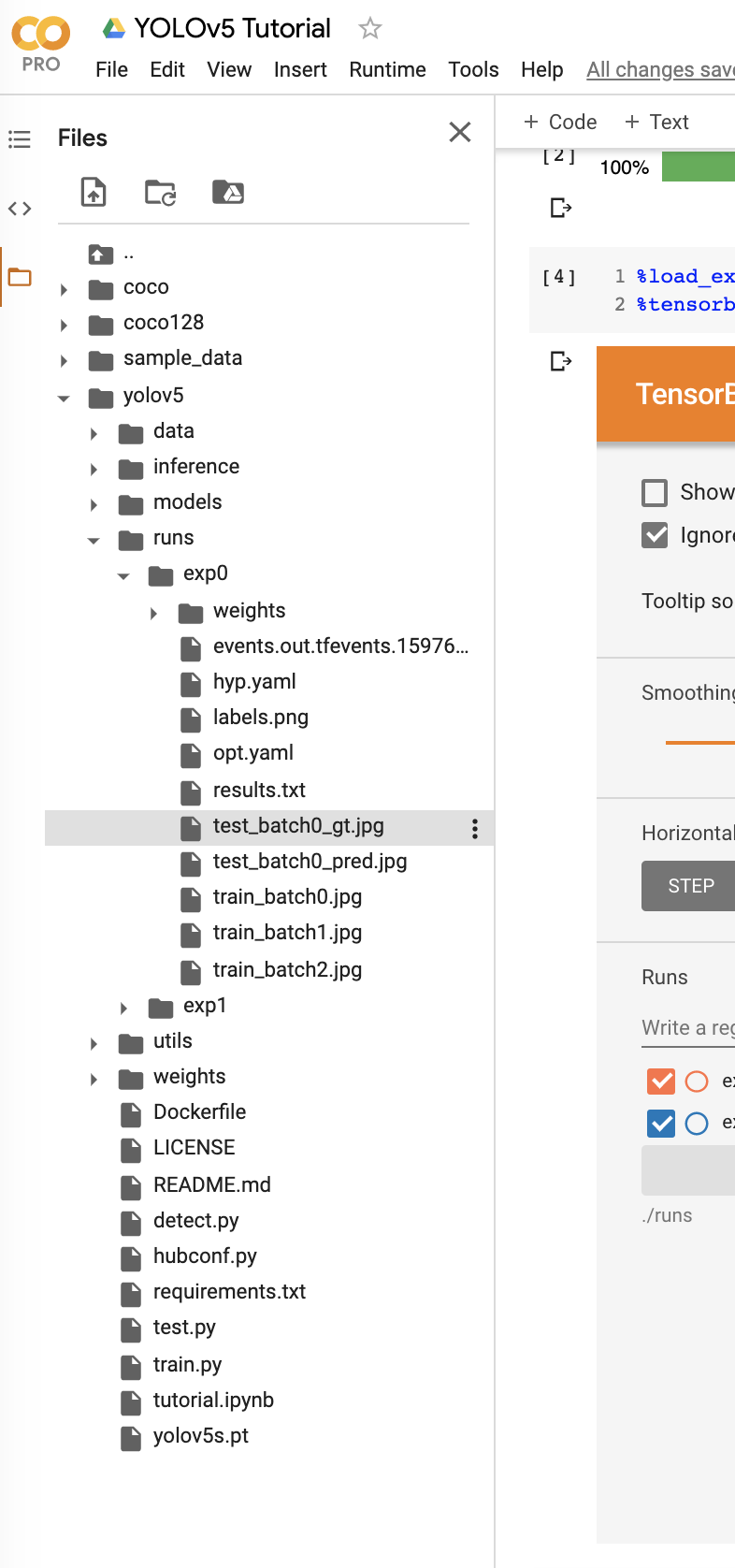
Your labels are probably wrong.. Start by checking the images created in runs/expN/ to confirm your labels are correct. If they are all shifted there too, it means that your ground truth labels are all shifted or you have a problem in you label conversion script.
 Ownmarc
on 16 Aug 2020
Ownmarc
on 16 Aug 2020
Thank you!! One more Question..
How Can i Check my annotation data in my Image?
I don't know how to check the annotations after adjusting them to the 0-1 scale coordinates.
chokyungjin
on 17 Aug 2020
After starting a training, look in the folder that gets created "runs/exp1/ " there will be 4 images that show the batches with their labels on it. Make sure they are correct
Ownmarc
on 17 Aug 2020
Thank you again!
chokyungjin
on 17 Aug 2020
Yes, like @Ownmarc said you want to check your train and test jpgs here for proper labels. If the boxes are incorrect here it means your labels are not correct.
 glenn-jocher
on 17 Aug 2020
glenn-jocher
on 17 Aug 2020
This issue has been automatically marked as stale because it has not had recent activity. It will be closed if no further activity occurs. Thank you for your contributions.
github-actions[bot]
on 17 Sep 2020
Related issues
 milind-soni
·
3Comments
milind-soni
·
3Comments
 Alex-afka
·
3Comments
Alex-afka
·
3Comments
 ShreshthSaxena
·
4Comments
ShreshthSaxena
·
4Comments
 linhaoqi027
·
4Comments
linhaoqi027
·
4Comments
 KangHoyong
·
3Comments
KangHoyong
·
3Comments
Most helpful comment
Yes, like @Ownmarc said you want to check your train and test jpgs here for proper labels. If the boxes are incorrect here it means your labels are not correct.
