Yetiforcecrm: [Question] Uploading Images
Hi,
I am trying to edit PDF templates and include Company Logo on the header, I am battling to upload the image file via the interface attached
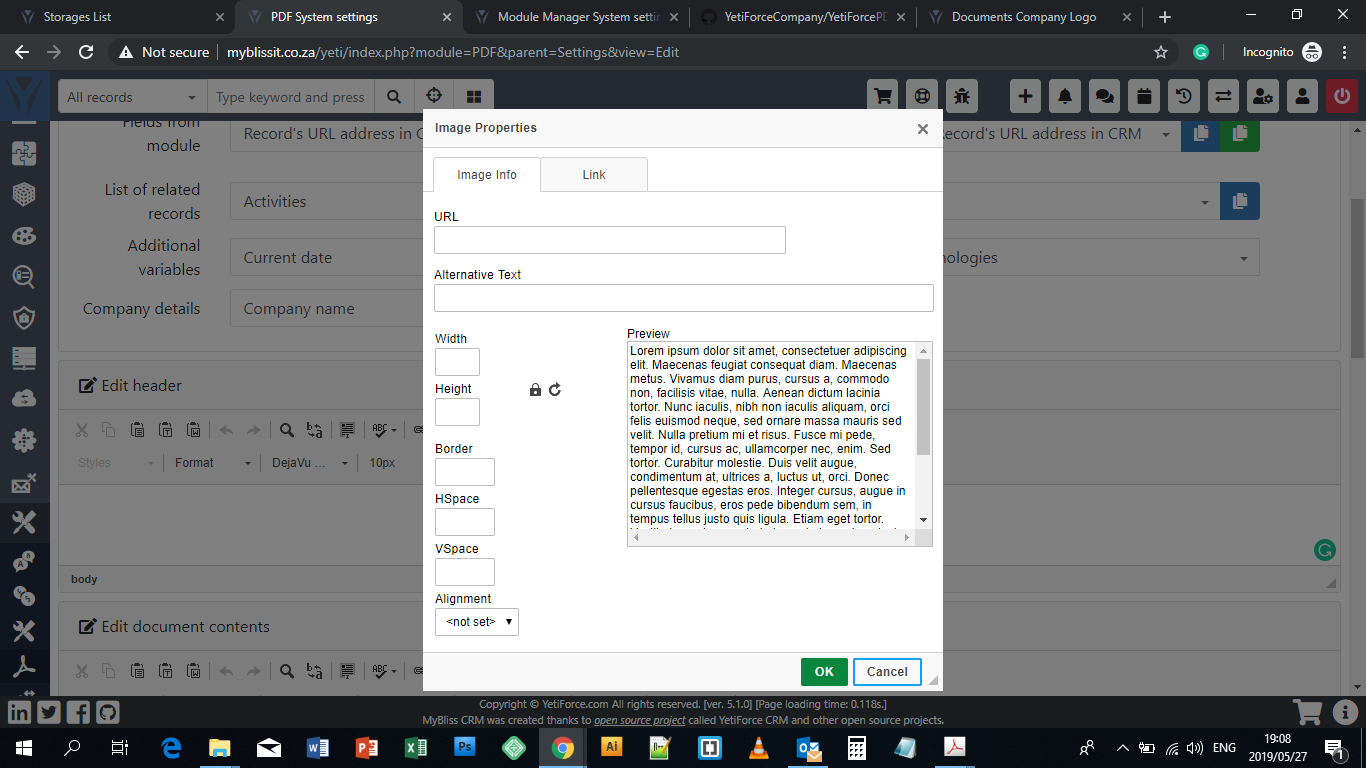
I have inserted links from different sources and none appears. I tried to upload the logo via Documents but I was unable to source URL.
 MyBlissIT
All 17 comments
Upload the image via ftp and copy the address of the route insert and ready
 joelbcampos
on 27 May 2019
joelbcampos
on 27 May 2019
Thanks, isn't there an easier way?
Most users are not tech savvy and this route seems to be cumbersome to me
MyBlissIT
on 27 May 2019
You can also use base64 representation of the image.
 neuronetio
on 27 May 2019
neuronetio
on 27 May 2019
@joelbcampos I am avoiding a scenario where I mess things up: I am guessing I will need to create a new folder and probably name it "Images".
Where exactly can I save this folder at?
@neuronetio I do not know what that is and how I can achieve that feet?
MyBlissIT
on 29 May 2019
https://www.base64-image.de/ copy image button
 rafalpospiech
on 29 May 2019
rafalpospiech
on 29 May 2019
Stupid question: how to put Base64 code to template?
 vovpff
on 29 May 2019
vovpff
on 29 May 2019
best way (probably the only) is to click on Source button from editor header and add <img src="yourbase64" /> where you want
rafalpospiech
on 29 May 2019
ckeditor image dialog will freeze when you paste base64 into url :/
rafalpospiech
on 29 May 2019
@bpabiszczak @mariuszkrzaczkowski maybe we could easily implement something like this along with the standard image url?
rafalpospiech
on 29 May 2019
It would be easier if the image icon directed a user to their PC Folders, like it does when you upload a Logo.
MyBlissIT
on 29 May 2019
Stupid question: how to put Base64 code to template?
It is stupid to you yes, but this platform exists so we can ask questions that will prevent us from messing things up.
MyBlissIT
on 29 May 2019
You can also use base64 representation of the image.
I tried this and the screen locks. I practically cannot do anything after I have inserted the image code.
MyBlissIT
on 29 May 2019
@MyBlissIT did you paste base64 inside src attribute of the <img /> tag?
Did you click on Source button from editor header?
rafalpospiech
on 30 May 2019
If you are editing the source code - content is an simple text area so it should not crash, but when you edit as wysiwyg then there might be some problems. If you are pasting base64 into url field in image dialog then of course it will hang as I mentioned earlier.
rafalpospiech
on 30 May 2019
@rafalpospiech Although I have always done it through ftp, it seems an interesting thread. Could I do a gif with the steps that it performs?
Thanks for your dedication.**
joelbcampos
on 30 May 2019
Of course, thanks.
rafalpospiech
on 30 May 2019
There are now three ways of adding images:
- Using the button in the wysiwyg menu
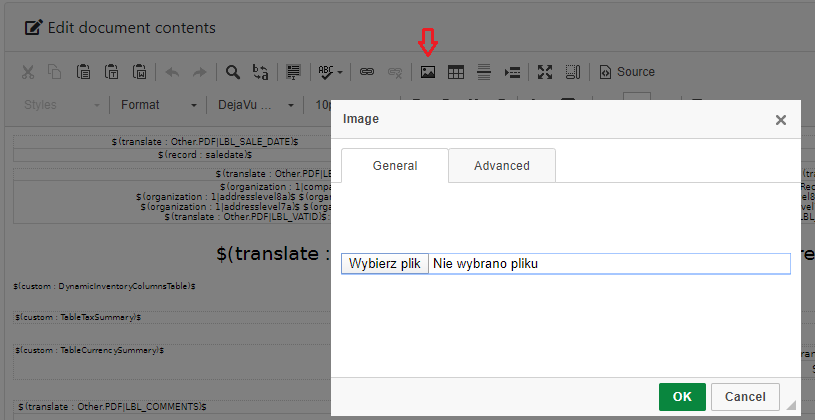
- Specifying the address directly in the document source, eg.
<img src="https://public.yetiforce.com/gallery/uploads/big/e06faf7b08dc7f944a784daada1e8e4e.jpg" />
It requires adding the domain to exceptions. We do not recommend this method due to security concerns - Pasting the image using CTRL + V, eg. prtscr ->CTRL+V (in the wysiwyg window)
Increased column size and added validation for document's content.
The most common cause of broken images was exceeding the number of characters for images in base64.
 rskrzypczak
on 26 Feb 2020
rskrzypczak
on 26 Feb 2020
Related issues
 canomogollon
·
3Comments
canomogollon
·
3Comments
 Raggazzoo
·
3Comments
Raggazzoo
·
3Comments
 ldgbc
·
3Comments
ldgbc
·
3Comments
 RedMoon27
·
3Comments
RedMoon27
·
3Comments
 serbiaserbia
·
3Comments
serbiaserbia
·
3Comments
Most helpful comment
best way (probably the only) is to click on
Sourcebutton from editor header and add<img src="yourbase64" />where you want