Yetiforcecrm: *** Need Instructions on how to update to 5.0 ***
Please show step by step instructions on how to update to version 5.0
It is taking way too long for me to try to figure this out on my own.
There are no proper instructions for this. A video tutorial or screen shots would help a lot. Thanks
 hobejeans
All 14 comments
back up, _even better copy and test update on a copied instance._
Upload zip to update module in settings
update
modify any custom edits you ve made to the code, also all custom modules have to be update to 5.0.0 manually
 z0lo13
on 2 Mar 2019
z0lo13
on 2 Mar 2019
- Disable cron for you system.
- Backup everything
- Go to admin panel System logs - > Updates
- Click upload update at right top of page.
- Upload zip and start update process.
- If you have correct server configuraration you will get updated system in 5-10 minutes.
- Enable cron
 vovpff
on 2 Mar 2019
vovpff
on 2 Mar 2019
Thanks for the info. I will try to follow the steps & let you know...
hobejeans
on 3 Mar 2019
How do I disable Cron?
hobejeans
on 3 Mar 2019
What is your server? Some hosting?
vovpff
on 3 Mar 2019
I am using cPanel via Instafree hosing
I installed 5 months ago using saftaculous. In the app softaculous it shows me the link where the cron folder is located.
home/.......................com/cron/cron.sh
home/.......................com/cache/logs/cron.log 2>&1
What code do I use to disable cron & where do I insert it?
hobejeans
on 3 Mar 2019
I get this error when I go to
Software configuration/Standard modules/Modules – Installation/System settings
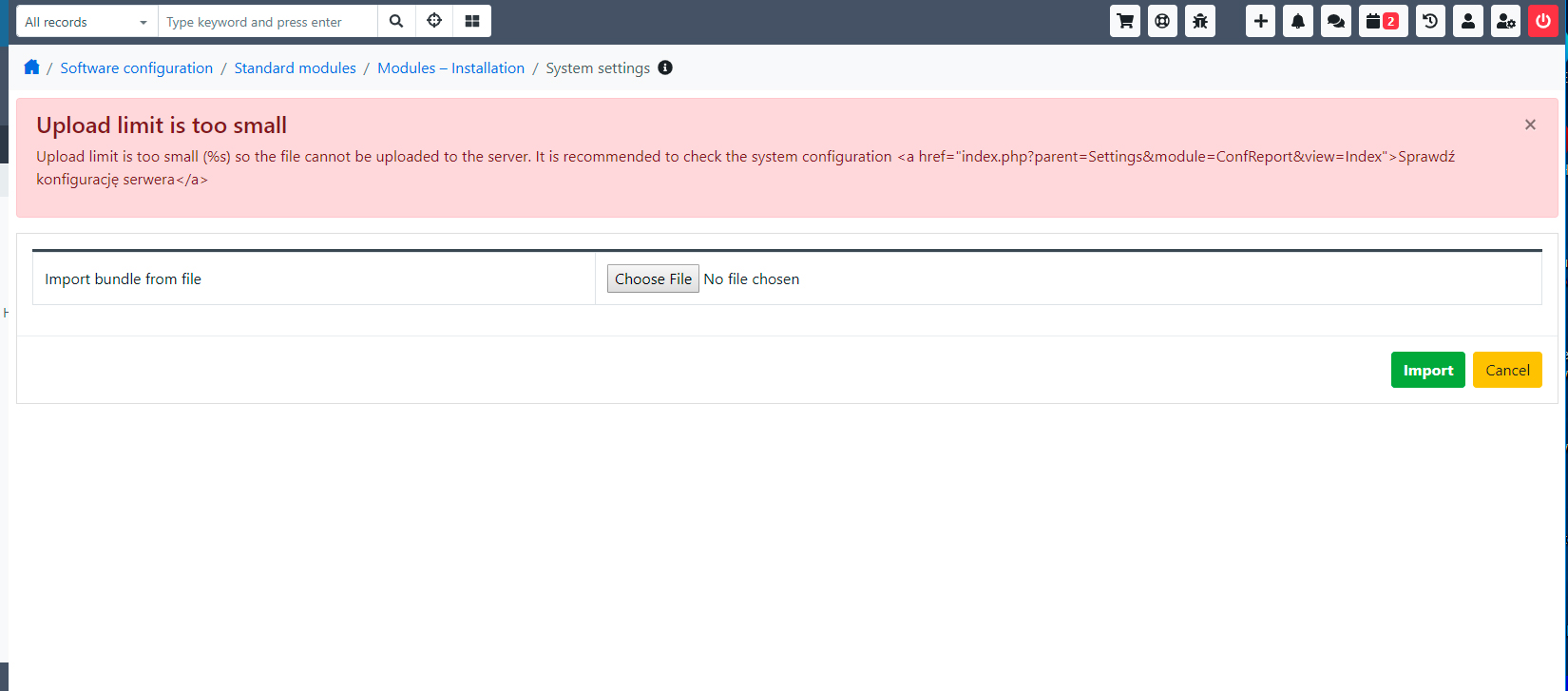
I increased the upload file size in my settings but I still get the same error message. Where exactly should I go to increase file upload size? Thanks
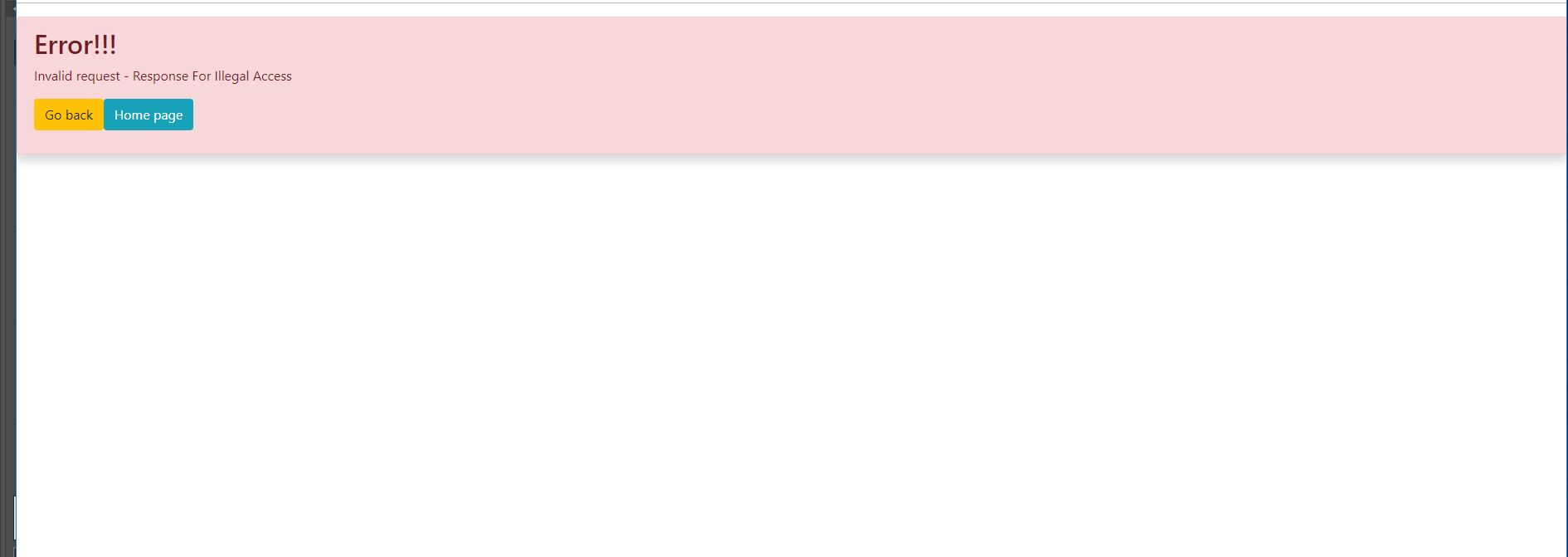
Ok, so I figured out how to increase the upload file size. I changed under php option (upload_max_filesize*). Now after uploading several times I get the error...
hobejeans
on 3 Mar 2019
Logs
 mariuszkrzaczkowski
on 4 Mar 2019
mariuszkrzaczkowski
on 4 Mar 2019
What do you mean logs?
hobejeans
on 4 Mar 2019
I don't really know how to be with softaculous but you need to temporary disable this cron. Usually you can disamle by commenting line.
If you have error you need to check/share your logs
vovpff
on 4 Mar 2019
📝 PHP/Apache/Nginx/Browser/CRM Logs
Please send a part of logs that describes the circumstances when the error occurred to the following email address: [email protected].
DO NOT paste the logs in the issues, as they might contain sensitive info, such as credentials.
The more info you provide, the quicker we will be able to solve your problem.
Description how to enable logs can be found here: https://yetiforce.com/en/knowledge-base/documentation/developer-documentation/item/debugging
Additionally, include a screenshot of your browser’s console (e.g. press F12 in Google Chrome).
ex.
- cache/logs/phpError.log
- cache/logs/system.log
- cache/logs/errors.log
mariuszkrzaczkowski
on 4 Mar 2019
Ok Thanks. I will get it over to you right away
hobejeans
on 4 Mar 2019
mariuszkrzaczkowski
on 4 Mar 2019
@vovpff gave you complete instructions on how to update your system.
Usually 99% of all update problems result from the server’s limitations. We have a special environment in the company with extremely high limits to make the updates easier, as we update dozens of systems each month.
If there are any errors in your log please open a new issue and describe what the problems are, as this issue initially asked for instructions, which were provided. Thanks!
 paula-w
on 4 Mar 2019
paula-w
on 4 Mar 2019
Related issues
 serbiaserbia
·
3Comments
serbiaserbia
·
3Comments
 liberox
·
3Comments
liberox
·
3Comments
 PDMeira
·
3Comments
PDMeira
·
3Comments
 johntonji
·
3Comments
johntonji
·
3Comments
 RedMoon27
·
3Comments
RedMoon27
·
3Comments
Most helpful comment