Yetiforcecrm: Issue with unit price when import of products
Issue
Import of products. The imported currency is not correct.
Actual Behavior
Imported products from CSV file. They contain different kind of fields: text, currency, figures etc. Only one currency is available in the system. (second currency was deleted due to failures at the first import try).
I have RUB in the system, but imported products have EUR. There is no EUR currency in the system anymore.
Expected Behavior
- After import of the data, the system selected currency should apear.
- Or the possibility to bulk change the currency of the products. In this case, there is no available currencies apear.
How to trigger the error
- Go to products --> Select import
- Finish import, without failures.
- List of products --> the currency is not correct.
- choose product --> edit product --> no currencies are available to be selected.
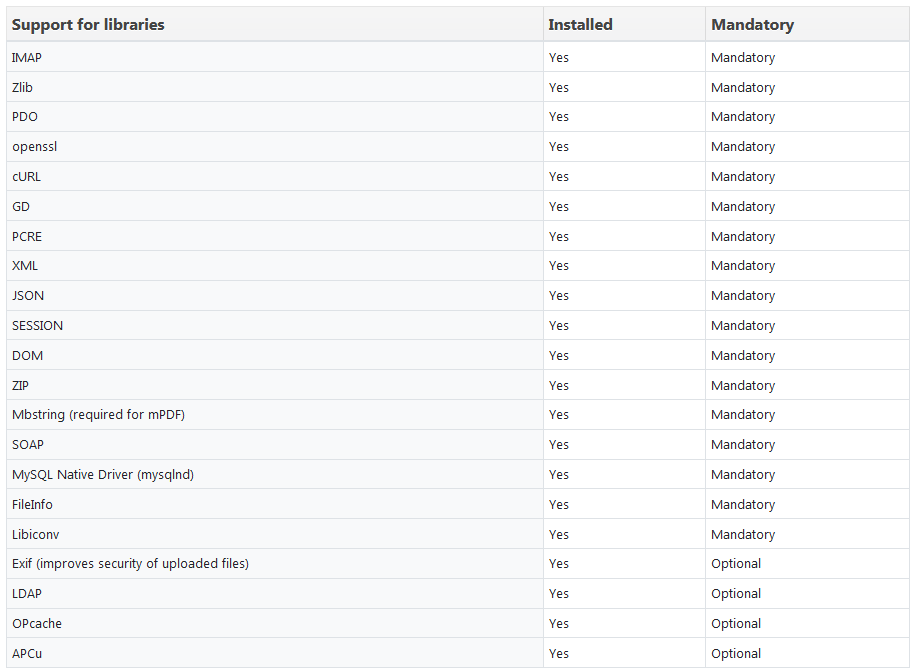
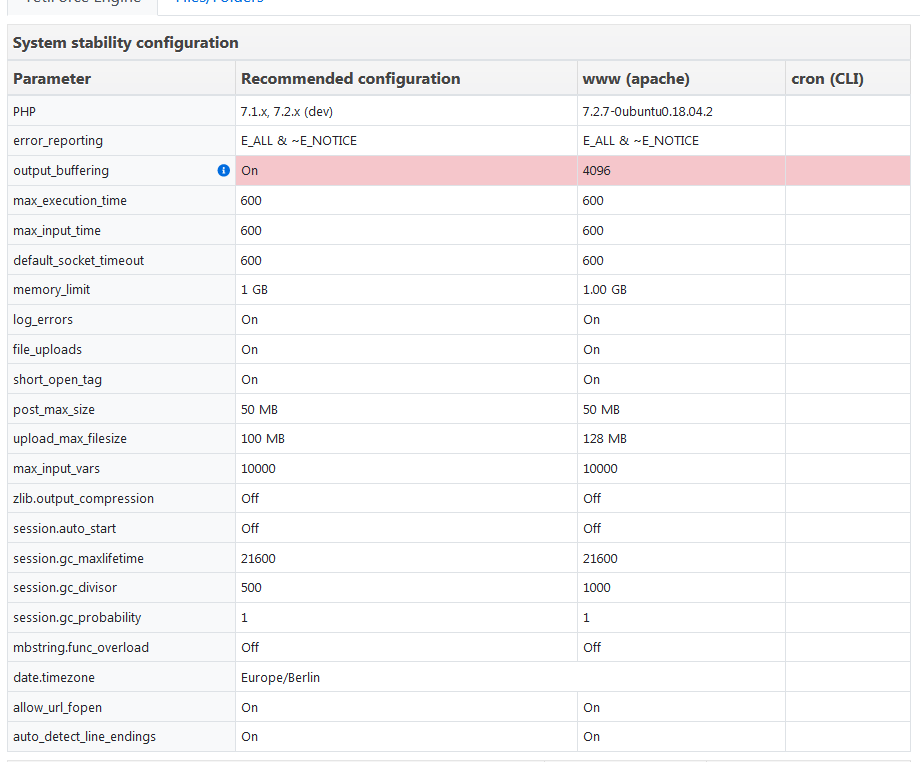
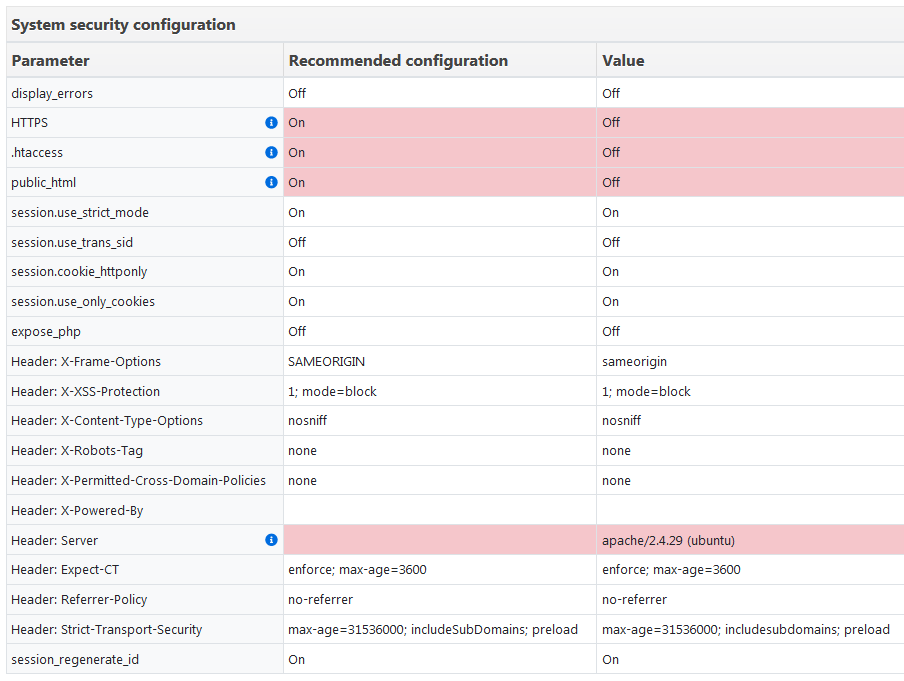
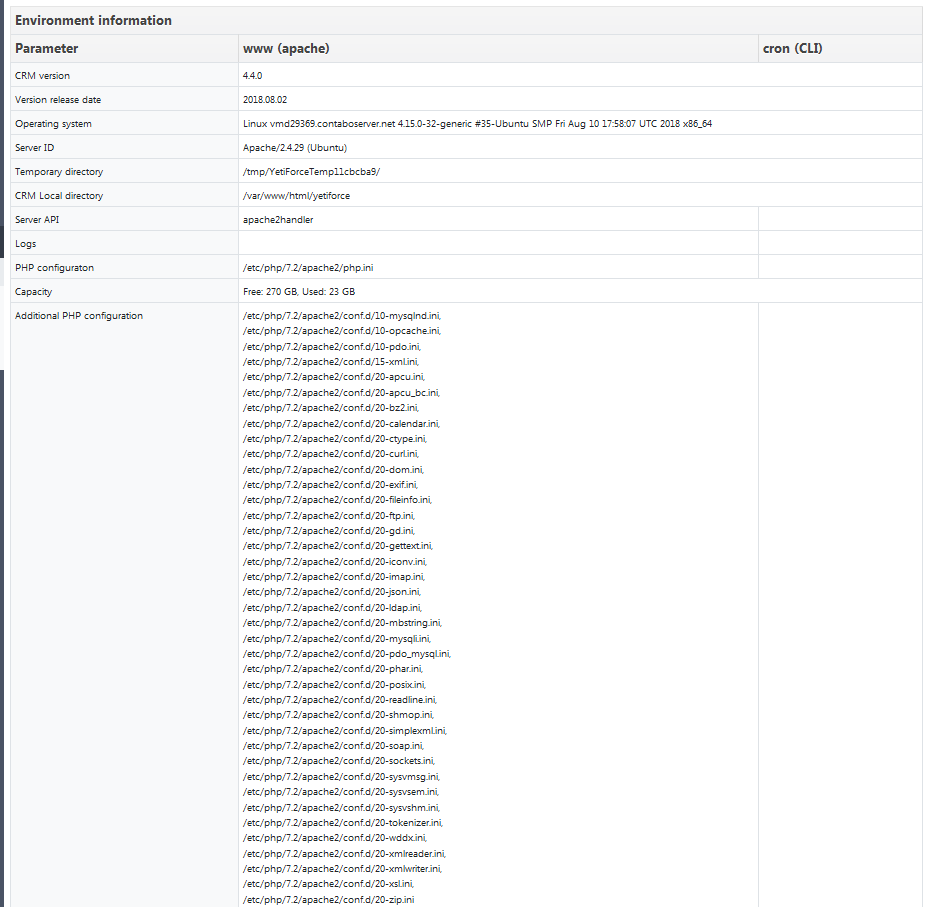
Screenshot of configuration

#### PHP/Apache/Browser Logs
-
Your Environment
- YetiForce Version used: 4.4.0
- Browser name and version: Mozilla Firefox Quantum 61.0.2
- Environment name and version:
- Operating System and version:
Want to back this issue? Post a bounty on it! We accept bounties via Bountysource.
 manwenick
All 15 comments
@manwenick maybe this helps:
Set RUB currency by default before import here https://gitdeveloper.yetiforce.com/index.php?parent=Settings&module=Currency&view=List&block=4&fieldid=16
 vovpff
on 23 Aug 2018
vovpff
on 23 Aug 2018
@vovpff thanks for advise!
I deleted the imported products. --> changed the currency to RUB (I deleted EUR and USD completely), then I imported the data again.
Still the same. But I also see two different issues:
- On the imported products (after importing) if I try to edit them, there is no currency at all, which I can select to change. See att.
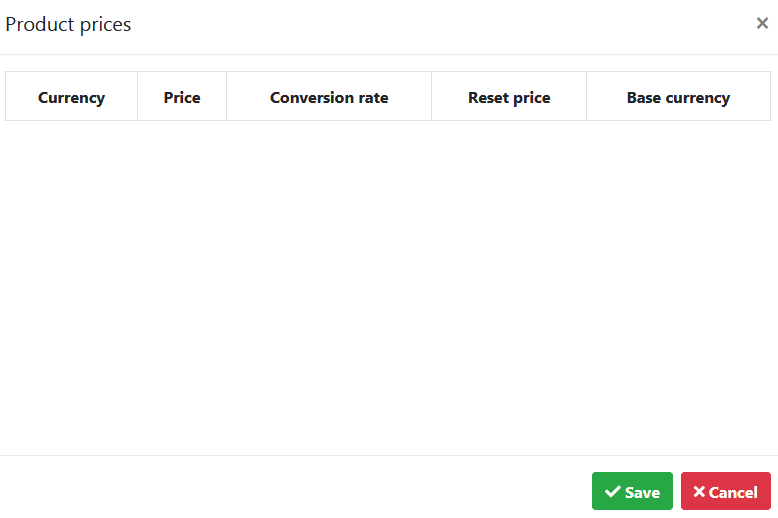
- On the product, which I added manually I see following:
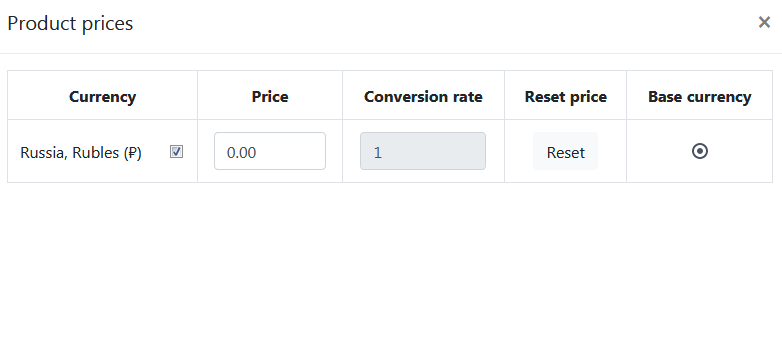
And this is how the system currency values are set:

QUESTION: Is there a different db entries for imported products?
I also have a problem to change the product category as a bulk, which on manually added product works very well:
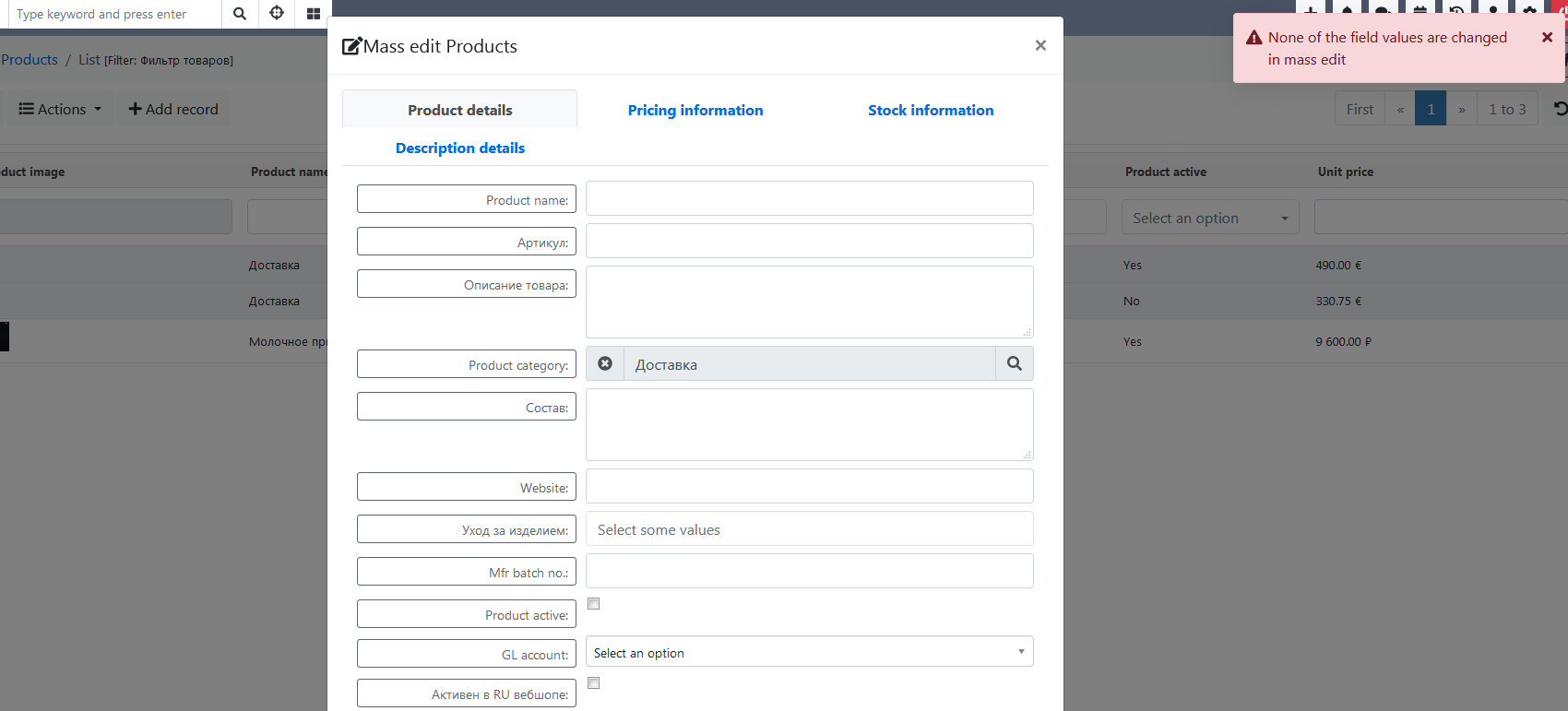
manwenick
on 23 Aug 2018
Guys, sorry for Russian
@manwenick вы что вообще импортировать пытаетесь? Скиньте сюда пример заголовков и строки вашего CSV?
vovpff
on 23 Aug 2018
@vovpff вот пример:
"category";"productname";"usageunit";"unit_price";"taxes";"prod_description_ru";"prod_art_no";"qtyunitsizexs";"qtyunitsizes";"qtyunitsizel";"qtyunitsizem";"qtyunitpossible";"prod_fabric_value";"qtyunitsizeallsize";
manwenick
on 23 Aug 2018
@manwenick а саму строку с данными дадите?
vovpff
on 23 Aug 2018
@vovpff конечно, если поможет. :)
"03 Брюки";"Брюки коричневое бордо.";"pcs.";"6400.00";"2";"Вельветовые бананы. Мягкие, удобные и сочетаются с практически любым топом!";"031703022";"0";"0";"0";"0";"0";"50% хлопок, 50% вискоза";"0";
manwenick
on 23 Aug 2018
@manwenick попробую подумать. А откуда экспортировали?
vovpff
on 23 Aug 2018
@vovpff из bitrix24.
Я пробовал по разному модифицировать. И в xml тоже эксопртировал даты из yeti, чтоб пример был, как выглядит один товар. Там в вальте было значение примерно такое: 9600.00000000
Но самой валюты не былл нигде. В битриксе наооборот, с ценой 9600,00 (с разделительной запятой) и в следующем стринге передается валюта. Например >RUB< или >EUR<.
Владимир, я вам по мэйлу писал, когда сервер пытался настроить. Может я там чего-то не доделал. Хотя вроде всё нормально выглядит.
Ник
manwenick
on 23 Aug 2018
@manwenick вероятно писали. Я уже не помню.
В общем, я из ваших данных сделал такой файлик
new 12.txt
Только переименовать надо в csv.
Импортирую в gitdev:

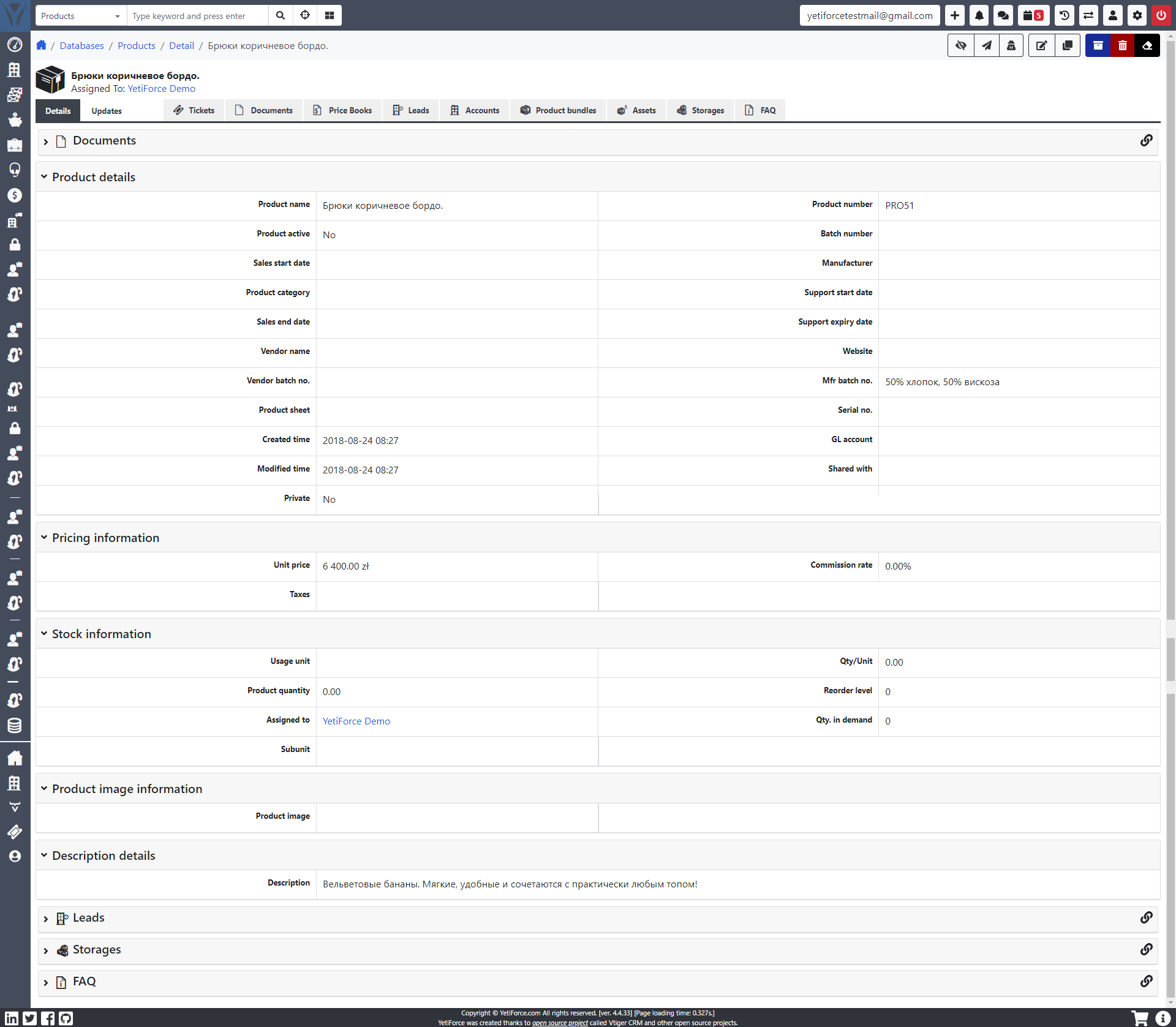
Тут по умолчанию стоит валиюта zl по этому и импортировалось так.
Дальше тот же файл импортирую в свою локальную песочницу:. Валюта по умолчанию рубли. Других валют вообще не имеется в системе.
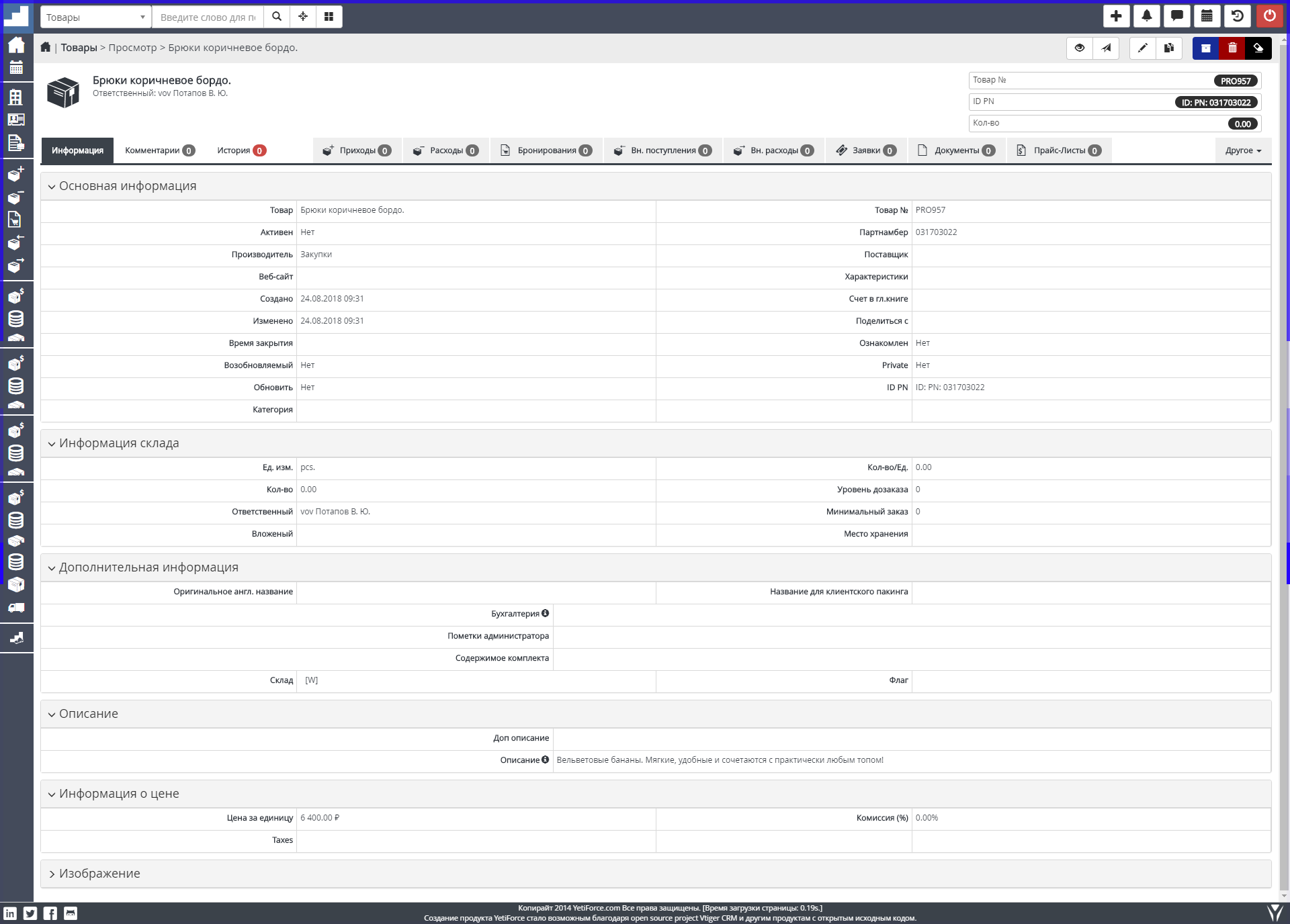
В чем проблема?
vovpff
on 24 Aug 2018
@vovpff Я вам на емайл ответ отправил.
manwenick
on 24 Aug 2018
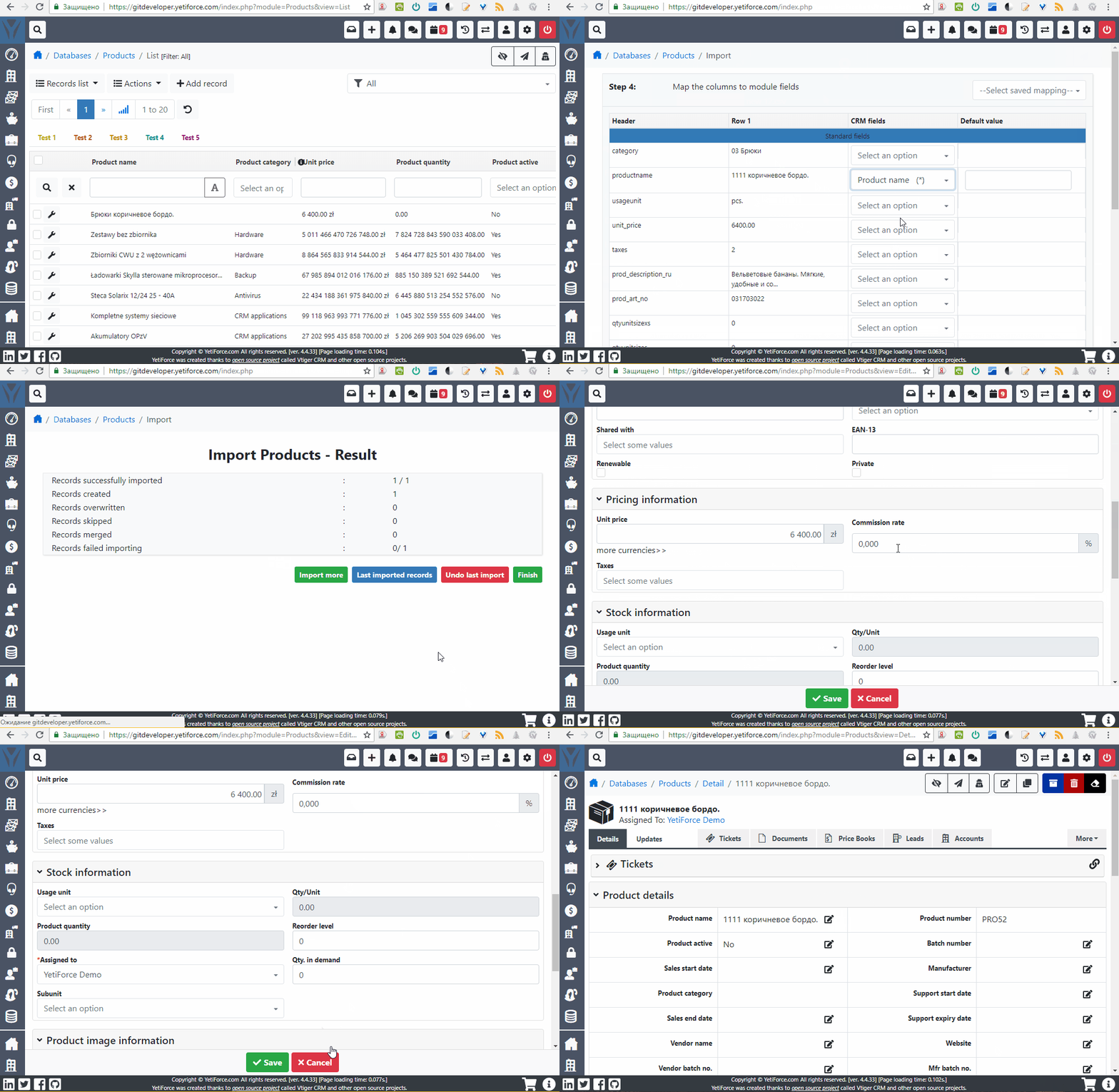
@vovpff I tried to import your file also in https://gitdeveloper.yetiforce.com. After importing this product I see the system default currency. BUT if I want to change it there is the same situation with currency. I can't select another currency.
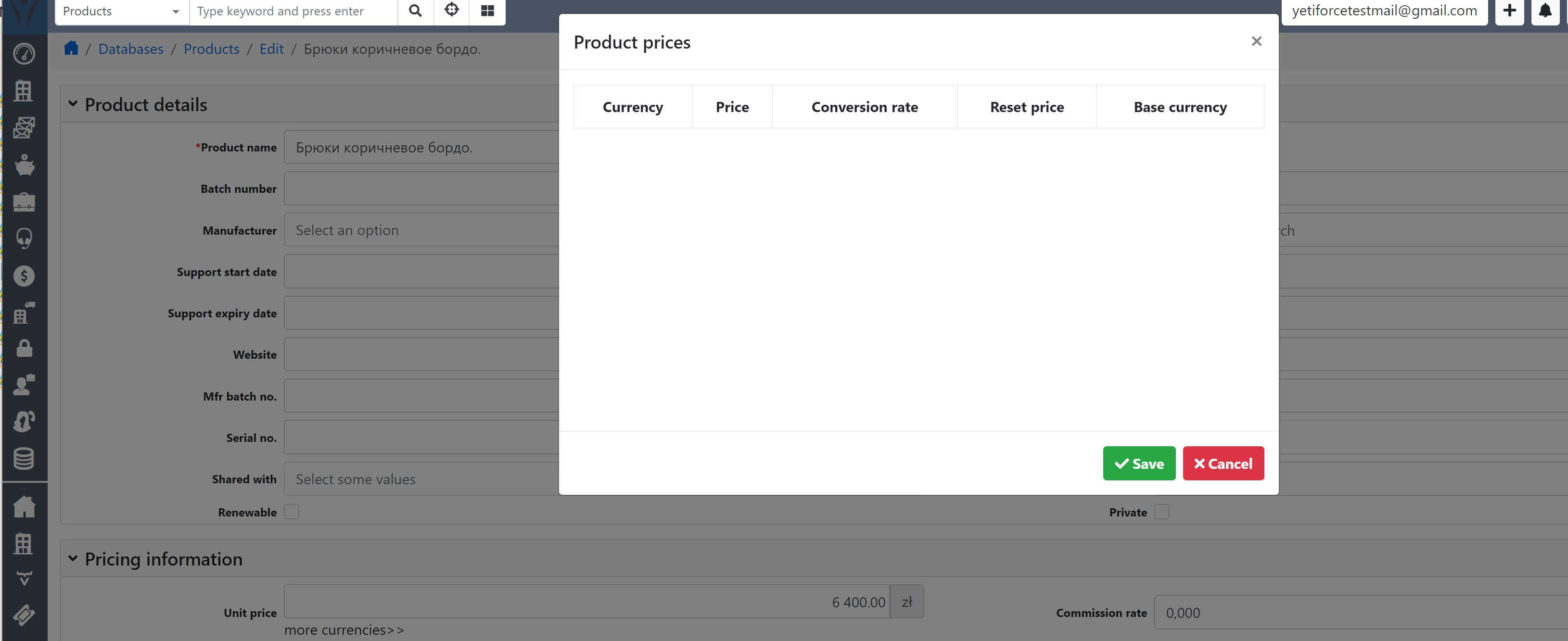
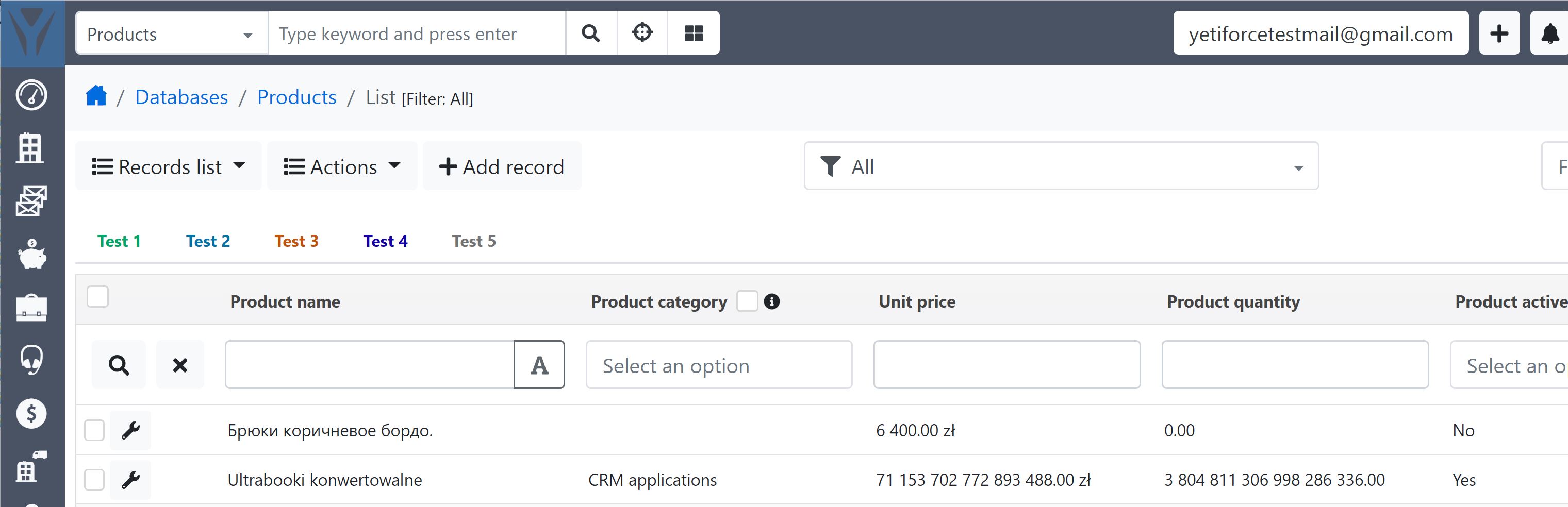
Maybe bug?
manwenick
on 24 Aug 2018
vovpff
on 26 Aug 2018
@mariuszkrzaczkowski Hello Mariusz, is there some timeline when this bug will be fixed? I would like to know, when I can start with import of the prods. We have a lot of products. Without this function we can't start. :(
Thank you!
manwenick
on 10 Sep 2018
@mariuszkrzaczkowski still no assignment to a milesstone. :(
manwenick
on 28 Sep 2018
@vovpff I tried to import your file also in https://gitdeveloper.yetiforce.com. After importing this product I see the system default currency. BUT if I want to change it there is the same situation with currency. I can't select another currency.
Maybe bug?
FIxed in https://github.com/YetiForceCompany/YetiForceCRM/commit/ddaa3c7c5b74561973e552dcde356aad22ff1848
 mariuszkrzaczkowski
on 9 Nov 2018
mariuszkrzaczkowski
on 9 Nov 2018
Related issues
 Raggazzoo
·
3Comments
Raggazzoo
·
3Comments
 PDMeira
·
3Comments
PDMeira
·
3Comments
 ldgbc
·
3Comments
ldgbc
·
3Comments
 skramanzia
·
3Comments
skramanzia
·
3Comments
 michelmarquesrj
·
3Comments
michelmarquesrj
·
3Comments
Most helpful comment