Actual Behavior
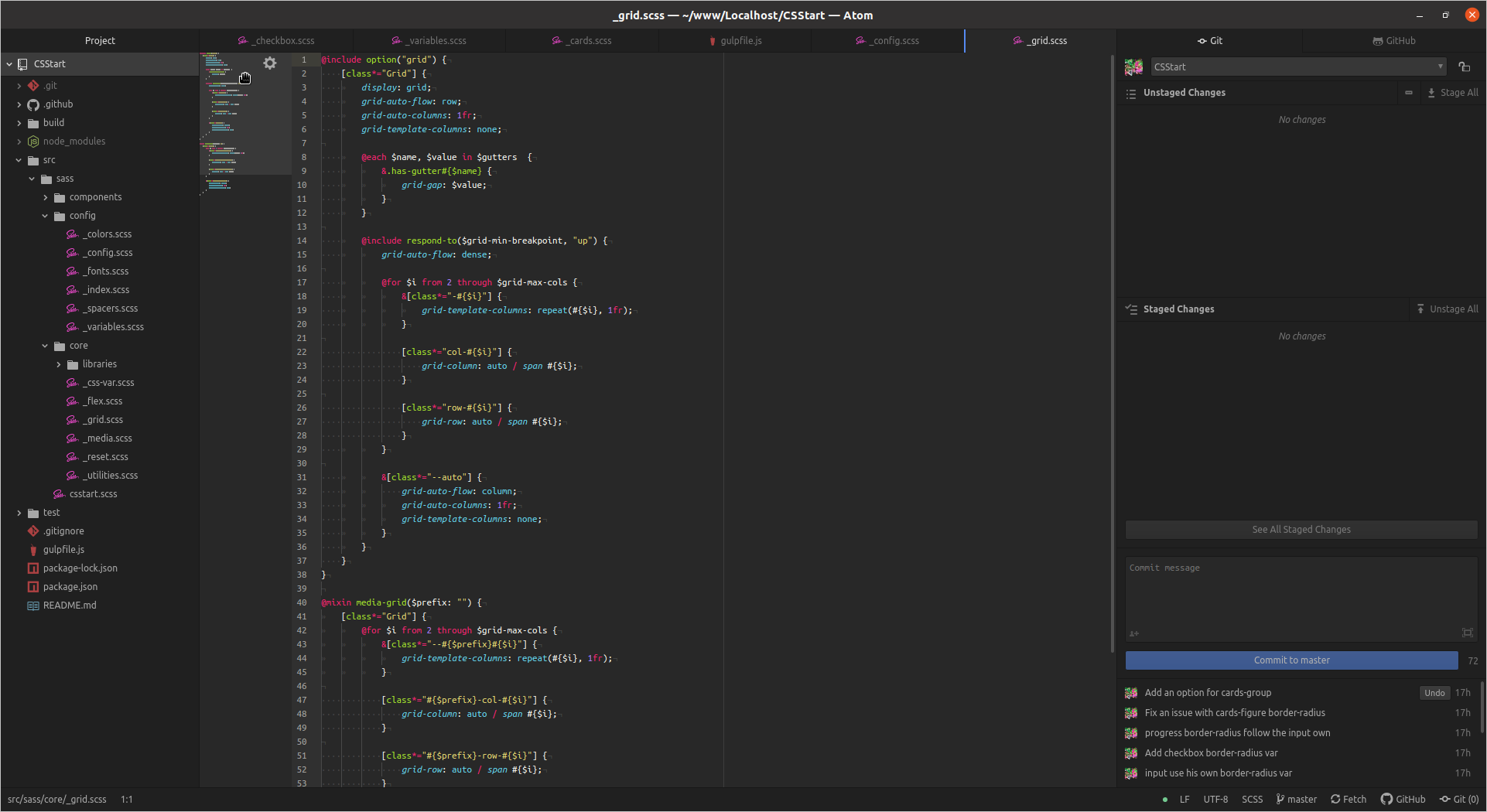
Hover:
Click:
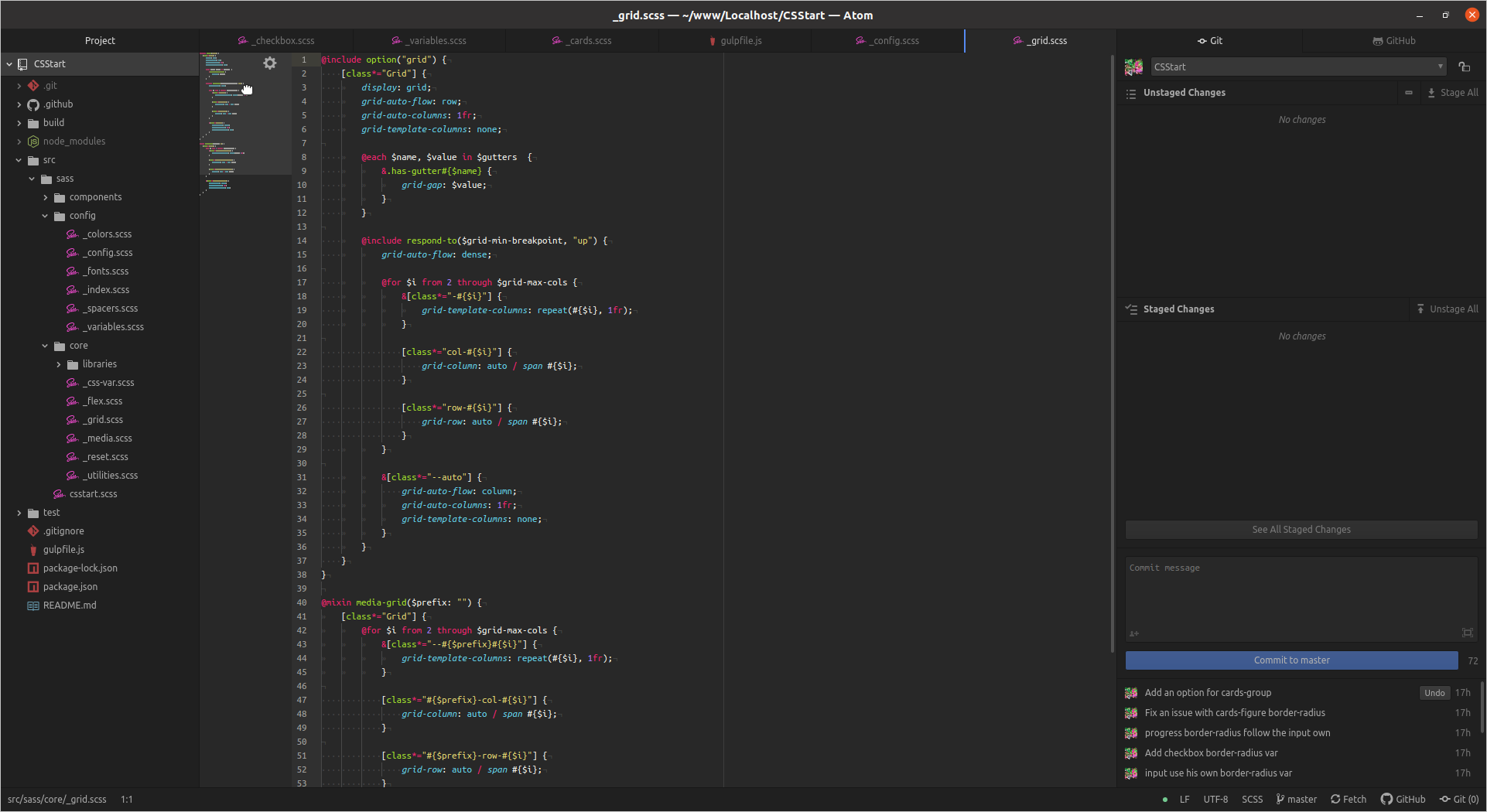
On the first screenshot you can that the hand on the minimap is the Adwaita one.
Steps to Reproduce the Problem
- Ensure that minimap package is installed
- Hover the minimap on a random file
Software that presents the issue
- Name: Atom
- Version: 1.48.0 (snap)
 Jupiter007-43
All 19 comments
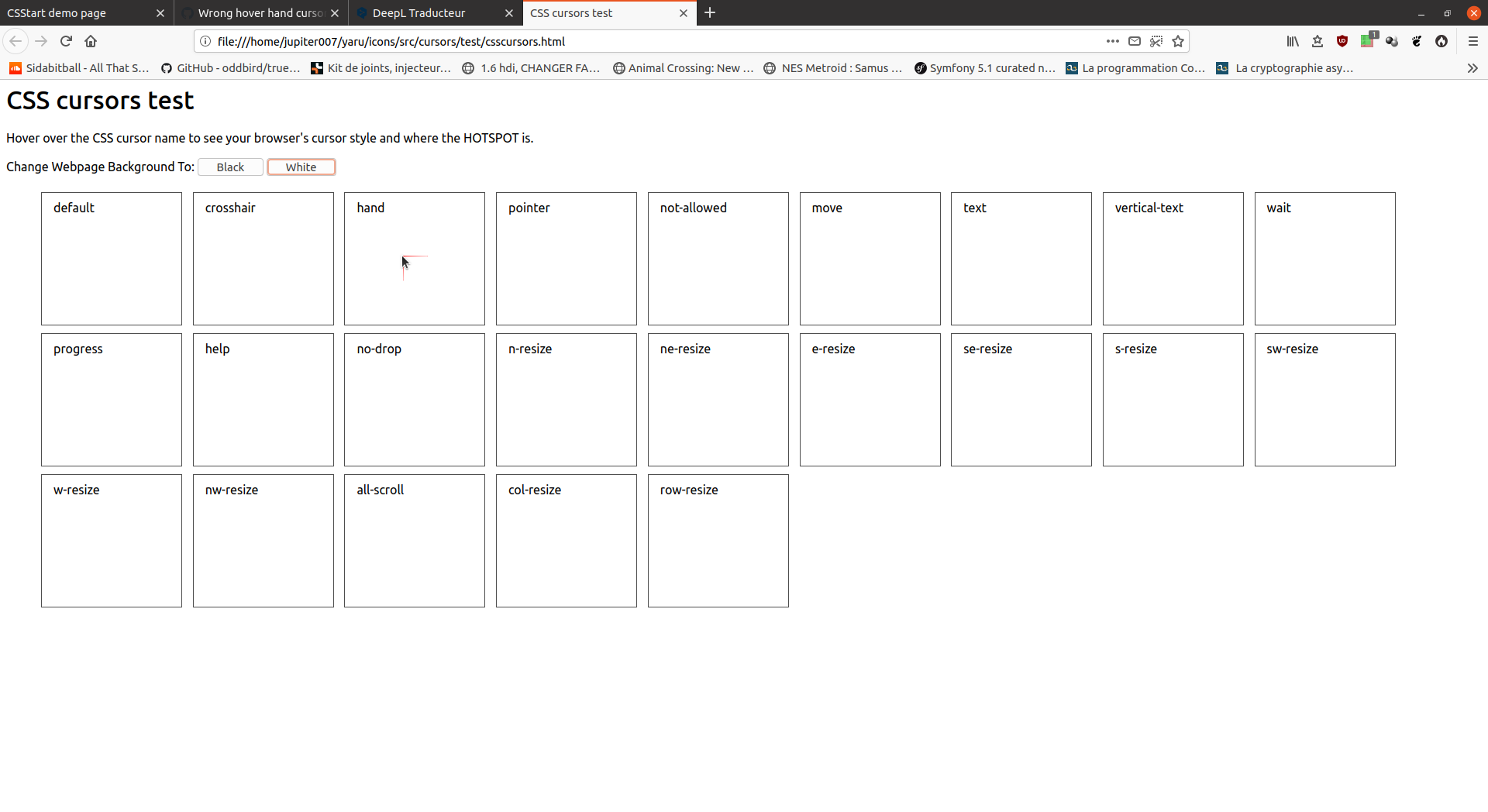
It's the hand cursor:
Jupiter007-43
on 30 Jun 2020
🤔 Very strange because this cursor exist into Yaru files with the good name.
Jupiter007-43
on 30 Jun 2020
I accidentally open Gnome-map and look at the cursor:
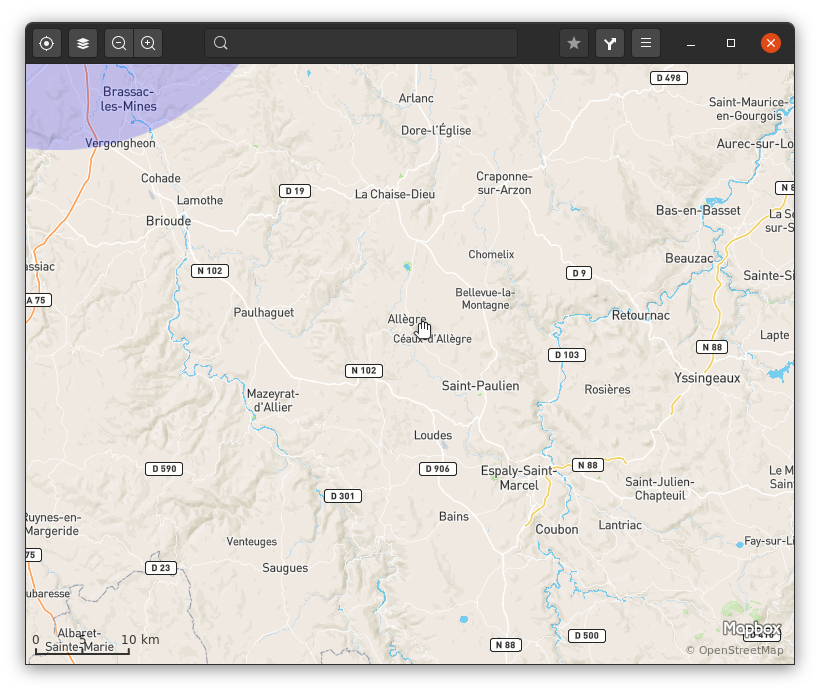
I don't understand any more...
Jupiter007-43
on 30 Jun 2020
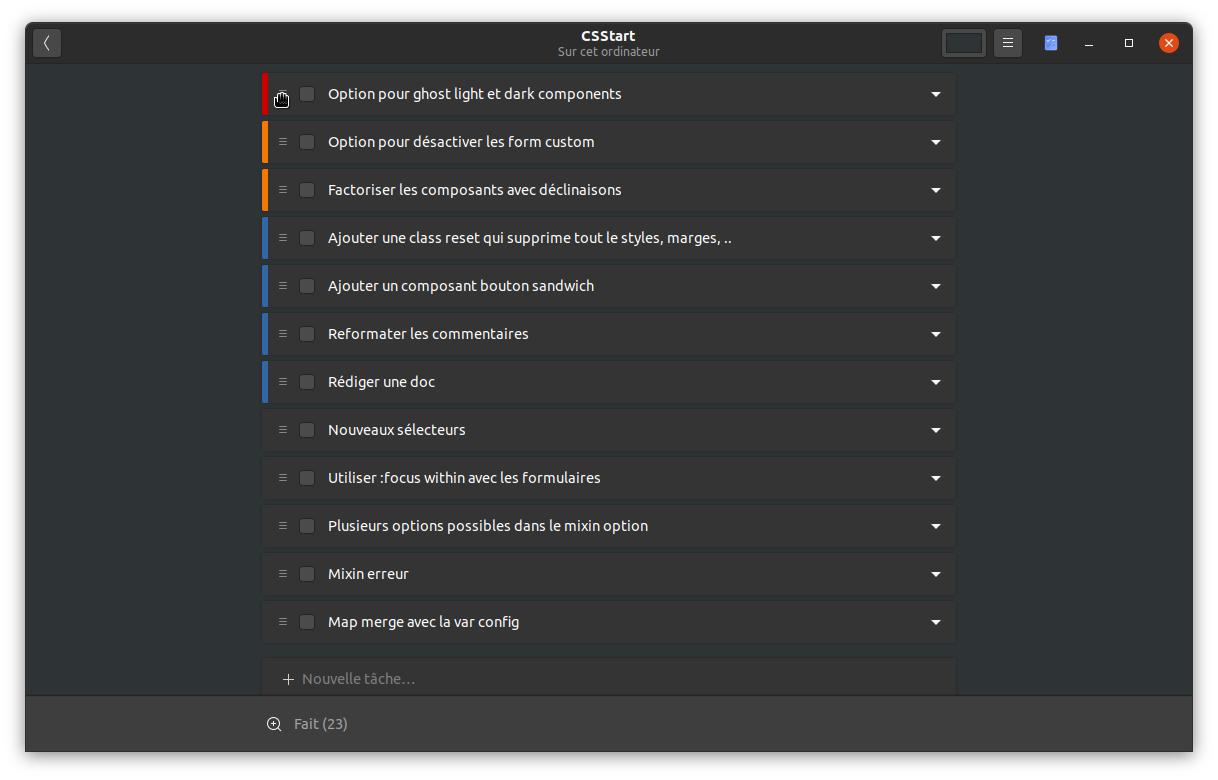
Same issue into ToDo:
Jupiter007-43
on 1 Jul 2020
I think there is something wrong with our cursor set. We had several issues around wrong cursors in the past.
I think in gnome disk space app the wrong spinner is shown all the time :thinking:
 Feichtmeier
on 1 Jul 2020
Feichtmeier
on 1 Jul 2020
Yes, and it make me think about this other issue with Qt: #1996
Jupiter007-43
on 2 Jul 2020
Is this something you could look into @ubuntujaggers ?
 madsrh
on 3 Jul 2020
madsrh
on 3 Jul 2020
Ohhhhh... So the hand sometimes falls back to Adwaita? Yes I will 👍
 ubuntujaggers
on 3 Jul 2020
ubuntujaggers
on 3 Jul 2020
Is this issue similar to the one reporter on the paper icon?
#723
 avil25
on 10 Jul 2020
avil25
on 10 Jul 2020
@avil25 thanks for the tip, @Jupiter007-43 could you test this solution?
Feichtmeier
on 10 Jul 2020
🤔 But Adwaita isn't into Inherit (Inherits=Humanity,hicolor):
https://github.com/ubuntu/yaru/blob/master/icons/Suru/index.theme#L4
Jupiter007-43
on 10 Jul 2020
Okay, so basically we still don't understand this one? We have the open hand cursor in our set but in some apps it shows the Adwaita version, right?
ubuntujaggers
on 27 Sep 2020
We have the open hand cursor in our set but in some apps it shows the Adwaita version, right?
That is that problem. I wonder if this issue can be recreated with other cursor themes.
madsrh
on 27 Sep 2020
Baobab also shows the wrong busy cursor
Feichtmeier
on 27 Sep 2020
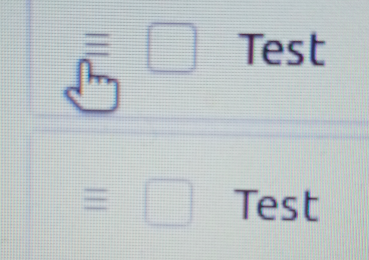
Same issue into ToDo:
I can't reproduce this...
To do:
Baobab also has the right "busy" cursor, tried both apps with light and dark theme...
ubuntujaggers
on 27 Sep 2020
I can't reproduce this...
Baobab also has the right "busy" cursor, tried both apps with light and dark theme...
Indeed, it seems to be fixed on 20.10 (but not on 20.04).
Jupiter007-43
on 27 Sep 2020
Do we think this is just a problem with apps then?
ubuntujaggers
on 27 Sep 2020
Do we think this is just a problem with apps then?
As the problem cannot be reproduced on 20.10 (with the same build of Yaru) I think yes.
Jupiter007-43
on 27 Sep 2020
If the problem can't be represented with 20.10, let's close it as it seems that it has always been a app problem and not in our cursor theme
Feichtmeier
on 29 Sep 2020
Related issues
 mivoligo
·
3Comments
mivoligo
·
3Comments
 matthewpaulthomas
·
3Comments
Feichtmeier
·
3Comments
Feichtmeier
·
3Comments
matthewpaulthomas
·
3Comments
Feichtmeier
·
3Comments
Feichtmeier
·
3Comments
 8none1
·
3Comments
8none1
·
3Comments
Most helpful comment
Ohhhhh... So the hand sometimes falls back to Adwaita? Yes I will 👍