Yaru: system-users icon does not visualize the plural of its name
In Yaru, the side panel in Lollypop has a wrong icon for Compilation. It uses the right icon in Adwaita.
Yaru
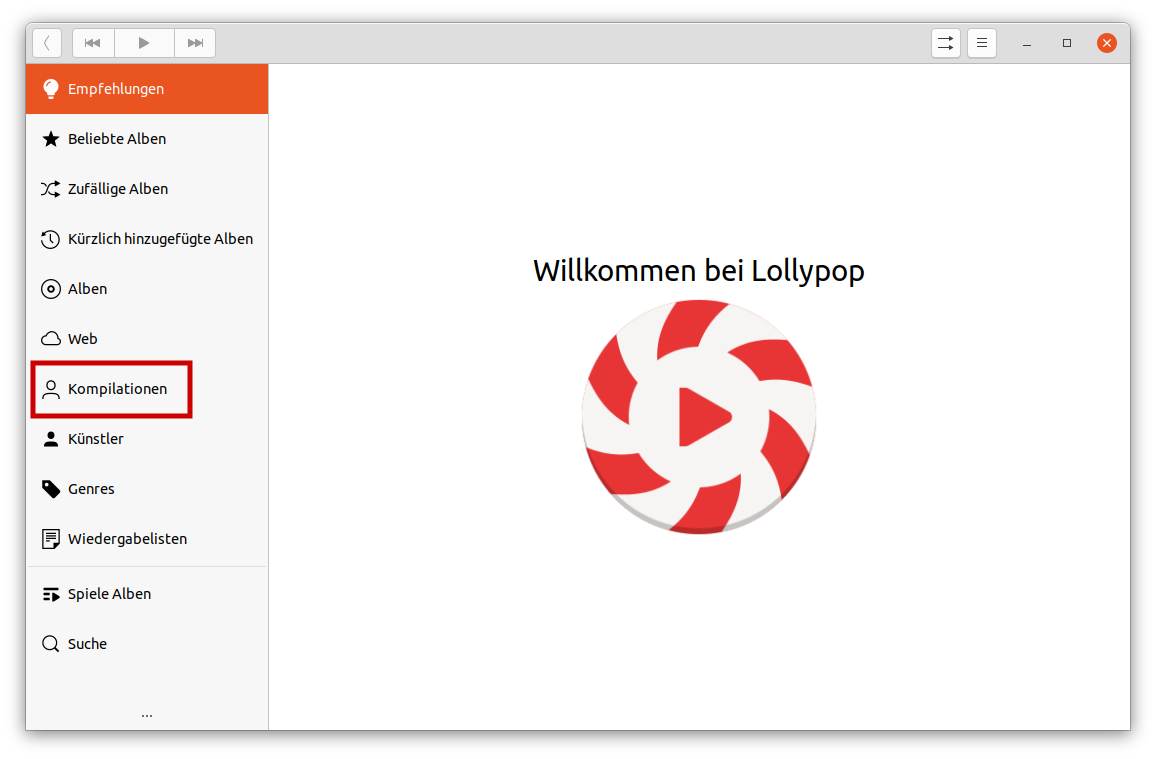
Adwaita
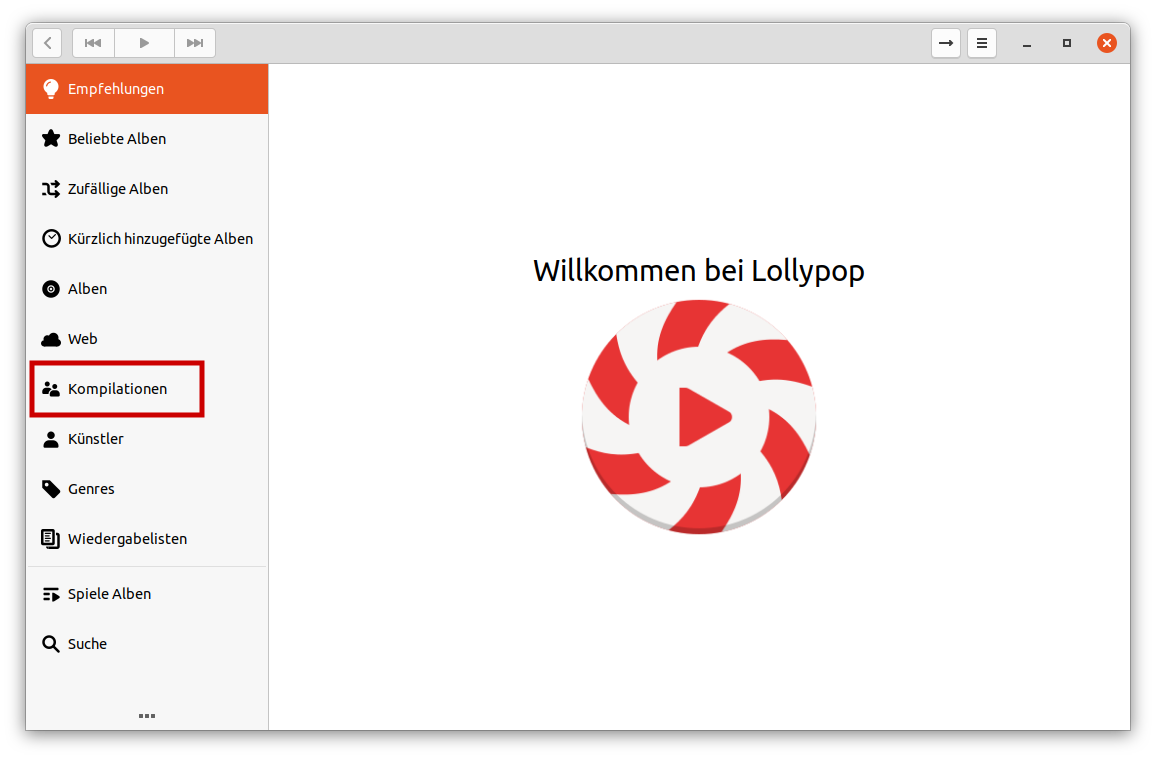
Software that presents the issue
- OS: Ubuntu 20.04 focal development
- Name: Lollypop
- Version: 1.2.22
Yaru version
$ apt show yaru-theme-icon
Package: yaru-theme-icon
Version: 20.04.1
icon theme
 Amr-Ibra
All 4 comments
Alright had time to check a little:
- the icon is called
system-usersand it is not missing (which you see in your picture)
- we could eventually try to visualize the pluarl of the icon name by adding another user behind this one, just like Adwaita does:
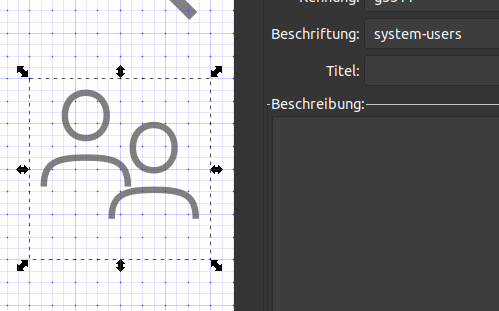
(example, needs fine-tuning)
 Feichtmeier
on 11 Mar 2020
Feichtmeier
on 11 Mar 2020
👍2
This icon is also shown at the lower-right corner on the lock screen.
Amr-Ibra
on 25 Mar 2020
Ping, if this is easy to fix and could be included in Ubuntu focal.
Amr-Ibra
on 12 Apr 2020
👍1
Sorry did not made it into focal. Also this should be bettr done by @ubuntujaggers since I often mess up the grid
Feichtmeier
on 25 May 2020
Was this page helpful?
0 / 5 - 0 ratings
Related issues
 mivoligo
·
3Comments
mivoligo
·
3Comments
 snydox
·
3Comments
snydox
·
3Comments
 matthewpaulthomas
·
3Comments
matthewpaulthomas
·
3Comments
 8none1
·
3Comments
8none1
·
3Comments
 sicklylife-jp
·
3Comments
sicklylife-jp
·
3Comments
Most helpful comment
Alright had time to check a little:
system-usersand it is not missing (which you see in your picture)(example, needs fine-tuning)