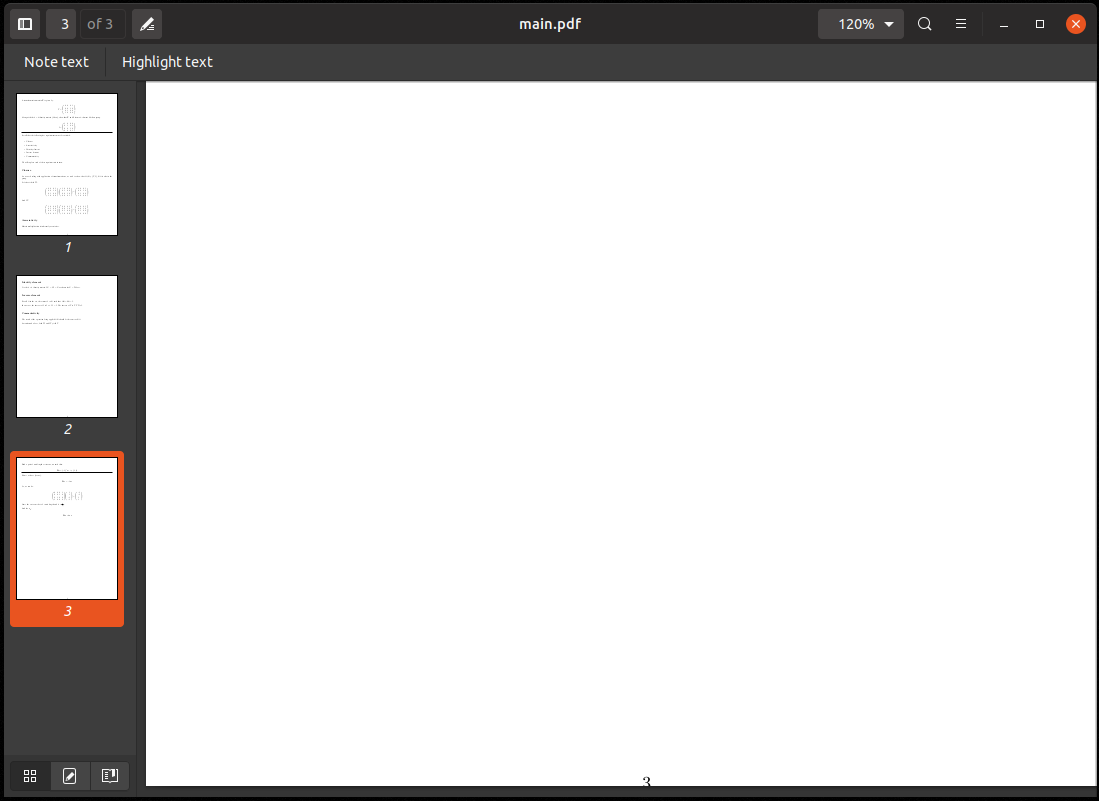
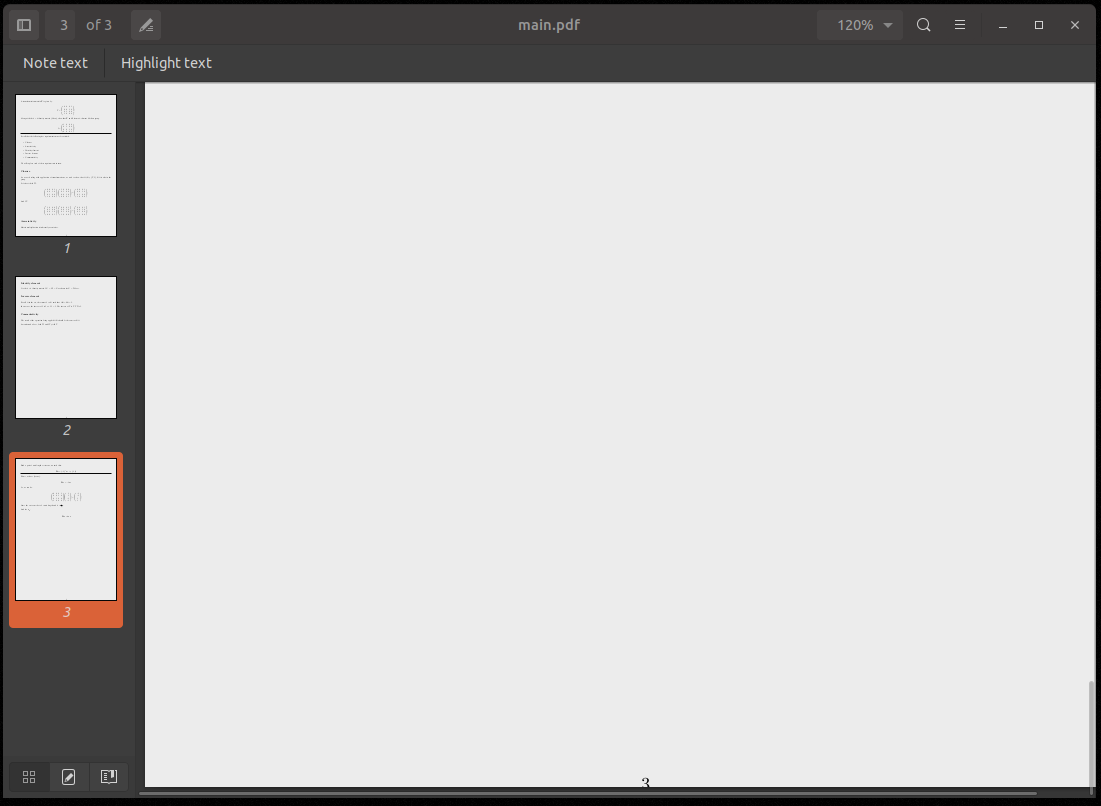
Is it possible to disable the functionality whereby inactive windows are dimmed?
I use two monitors with the LHS monitor often displaying rendered TeX documents. Really not a fan of this behaviour, it makes the documents grey instead of white and hard to read.
c.f.
 lol768
All 9 comments
Hi @lol768,
"backdrop" effect is important to show which app is in focus, but it shouldn't make the dimmed window hard to read. I'll look if the grey color for text is something Yaru can make better or it is hard coded into the pdf viewer
 clobrano
on 26 May 2019
clobrano
on 26 May 2019
So is this an issue with evince?
For what it's worth, I have no issue with the theme dimming out the titlebar of windows that aren't in focus. I just dislike that it changes the contents of the window.
It does the same for gnome-terminal, and seems to wash out the background colour.
lol768
on 27 May 2019
No, it seems Yaru does this ~only in its dark variant~ wrong, it does it even in the light one, but it's very little visible. I believe that Evince is taking some color from Yaru palette that in the light variant is white and in the dark one is gray. I'll look into it
clobrano
on 27 May 2019
Yeah our backdrop has something weird to it.
I lutris the buttons in the scrolled window become transparent in the backdrop
And the headerbar border becomes blurry
 Feichtmeier
on 9 Jun 2019
Feichtmeier
on 9 Jun 2019
@lol768 are you using bionic, 19.04 or did you built from master?
If the latter, could you check if this is still relevant after you pulled the latest changes in master?
Feichtmeier
on 6 Aug 2019
I tried with master, the backdrop dim is barely noticeable now, if you all agree, we can close this
clobrano
on 7 Aug 2019
I'll try with latest master when I get home - thanks both
lol768
on 7 Aug 2019
The concept of the backdrop effect relies on the assumption that the user can focus more easily on the active app if all other windows are visibly different/desaturated. This assumption is wrong, unfortunately. It breaks down in multi-monitor situations. I routinely use multiple external monitors with fullscreen VMs. There you have more than one window active to the user's focus (glance over the other monitors). It's incredibly distracting to see those VM windows change color on window focus change (and bring the same readability issues outlined here). It's not an accident that Adwaita doesn't do this.
 adee
on 18 Aug 2019
adee
on 18 Aug 2019
Since we use 100% backdrop from upstream now, I think this is the wrong place to discuss about this now. Previously we had our own backdrop mixins but not anymore. So please wait for the next Ubuntu release to see the upstream backdrop with Ubuntu colours.
Feichtmeier
on 18 Aug 2019
Related issues
 mivoligo
·
3Comments
mivoligo
·
3Comments
 8none1
·
3Comments
8none1
·
3Comments
 YamiYukiSenpai
·
3Comments
YamiYukiSenpai
·
3Comments
 madsrh
·
3Comments
madsrh
·
3Comments
 matthewpaulthomas
·
3Comments
matthewpaulthomas
·
3Comments
Most helpful comment
No, it seems Yaru does this ~only in its dark variant~ wrong, it does it even in the light one, but it's very little visible. I believe that Evince is taking some color from Yaru palette that in the light variant is white and in the dark one is gray. I'll look into it