Yaru: More enhancements for Software center
EDIT still to be done:
- [x] installed list
- [ ] gray line at the top (in a coming PR)
- [ ] green installed-icon (not supported)
- [x] borders for buttons
- [ ] hover effect for categories and applications (slight background brightness increment, while box-shadow is blocked by g-s-c own gtk-style.css)
- [ ] change text+icon color on press
We've already done some enhancements on Software Center, but I'm hoping you will agree that these small tweaks would be good too 😃
- Installed list:
Window background is #fafafa and list background is #ffffff. Could we add a discreet border to make the separation better? In the mockup below I've used the box-shadow (like the reviews).
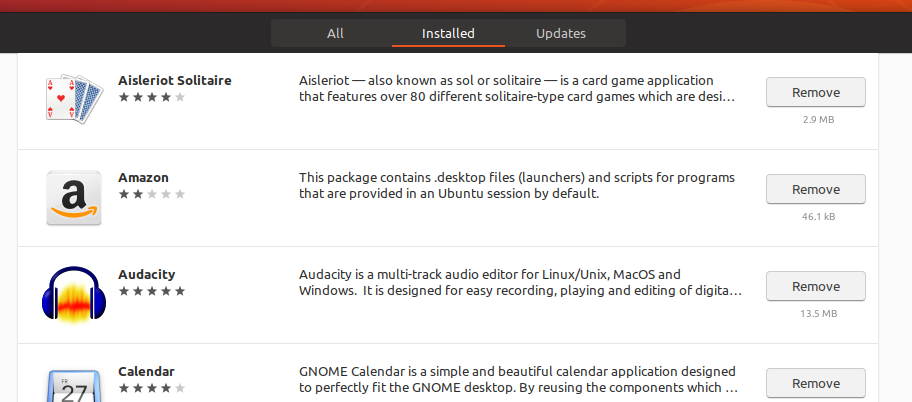
- As you also can see in the image above the gray scroll line is present even when I'm at the top of the list.
- Since the badges are green, wouldn't it make sense to make installed apps green too?
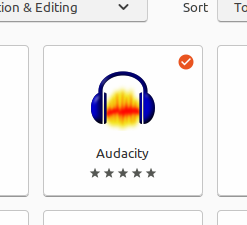

- Borders for buttons: Some _Cancel_ buttons already got this, but I would love to see it here as well

 madsrh
All 23 comments
This is so funny. You can style the .installed-icon in gtk inspector to color: green without a problem. When you try the same in _common.scss it just does not work. The only thing that works is to change the background to green, but this is not what we want, right?
I just love how much the gtk theming is working differently in different places! :dancing_men:
 Feichtmeier
on 6 Jun 2018
Feichtmeier
on 6 Jun 2018
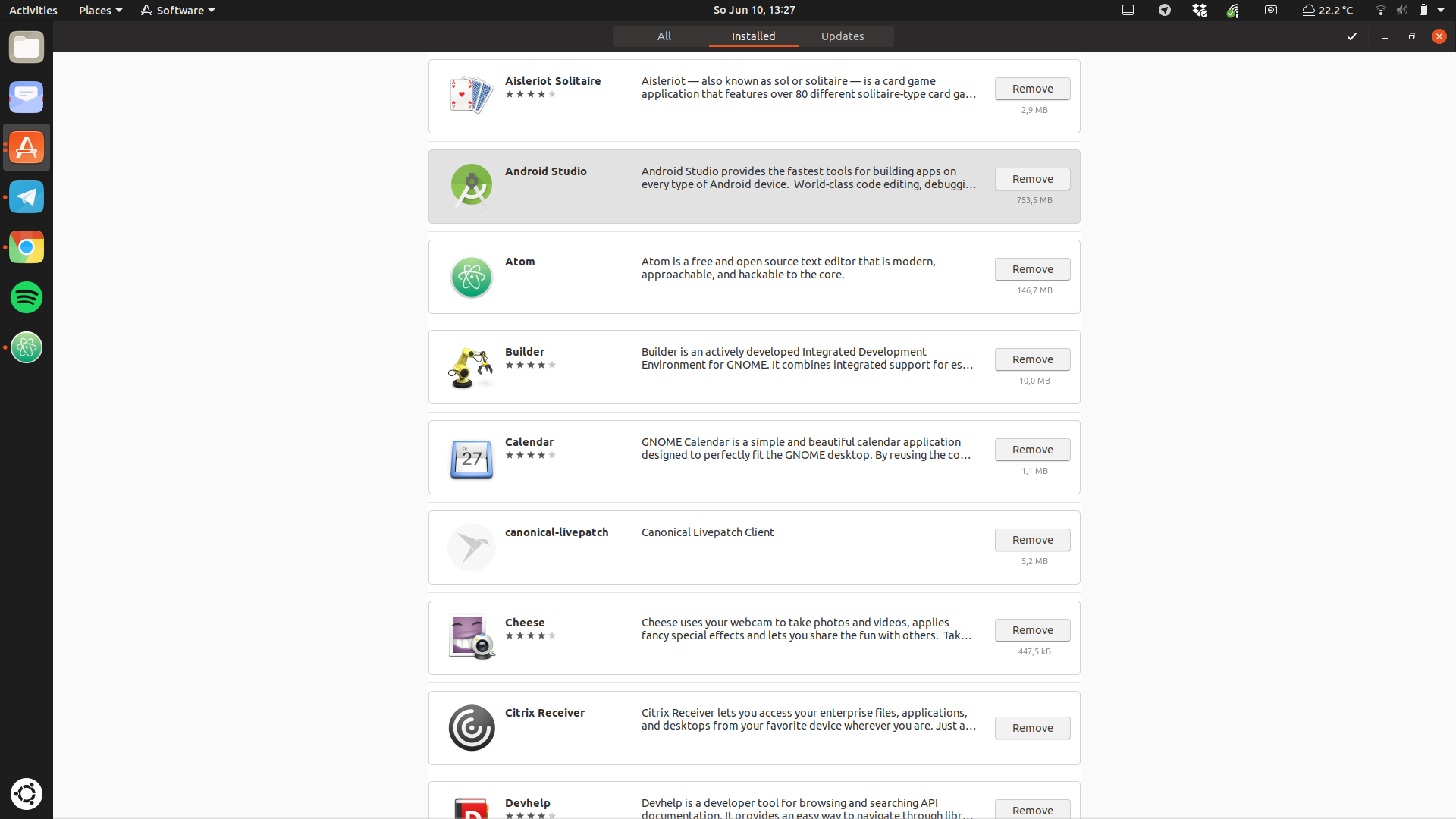
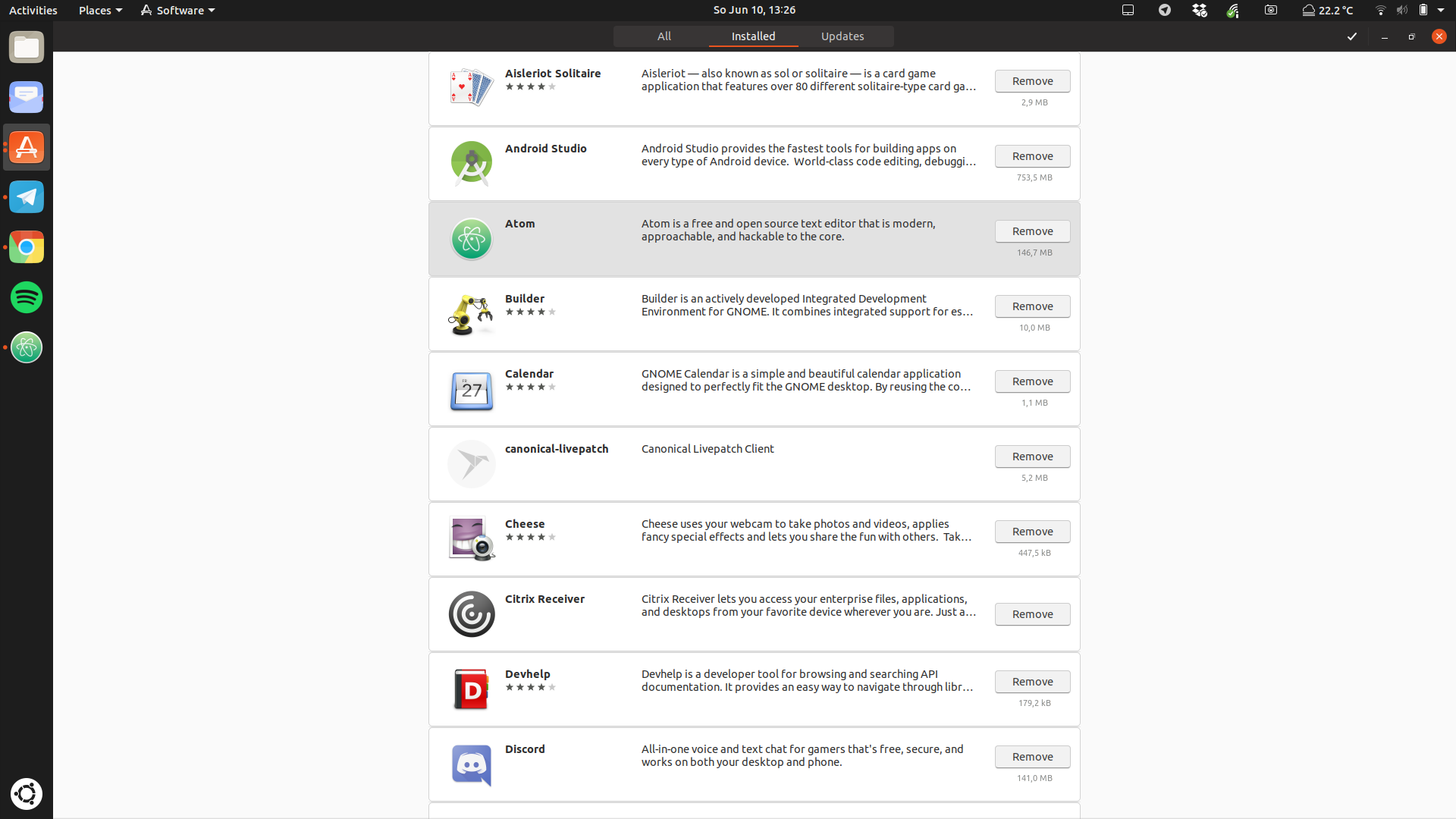
There is sadly no style class for the list :( If I style "list" every list is changed.
What would be possible is to style the
.list-box-app-row { border-radius: 5px; border: 1px solid $boders_color; margin: 10px 0;}
Feichtmeier
on 10 Jun 2018
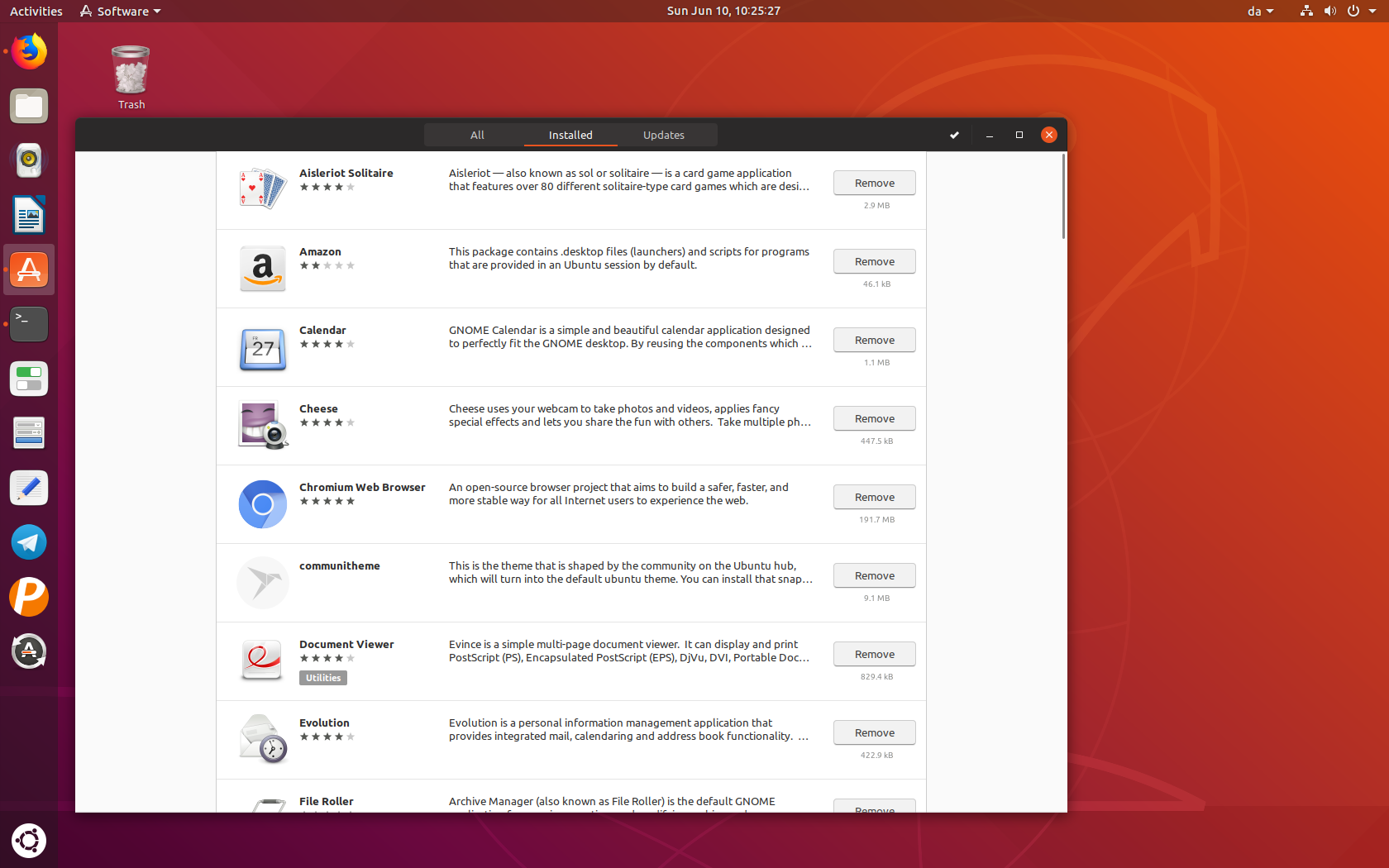
I couldn't remove the separator, but would something like this be possible:
.list-box-app-row { border-radius: 0px; border-left: 1px solid #cdcdcd; border-right: 1px solid #cdcdcd; margin: -1px 0;}
madsrh
on 10 Jun 2018
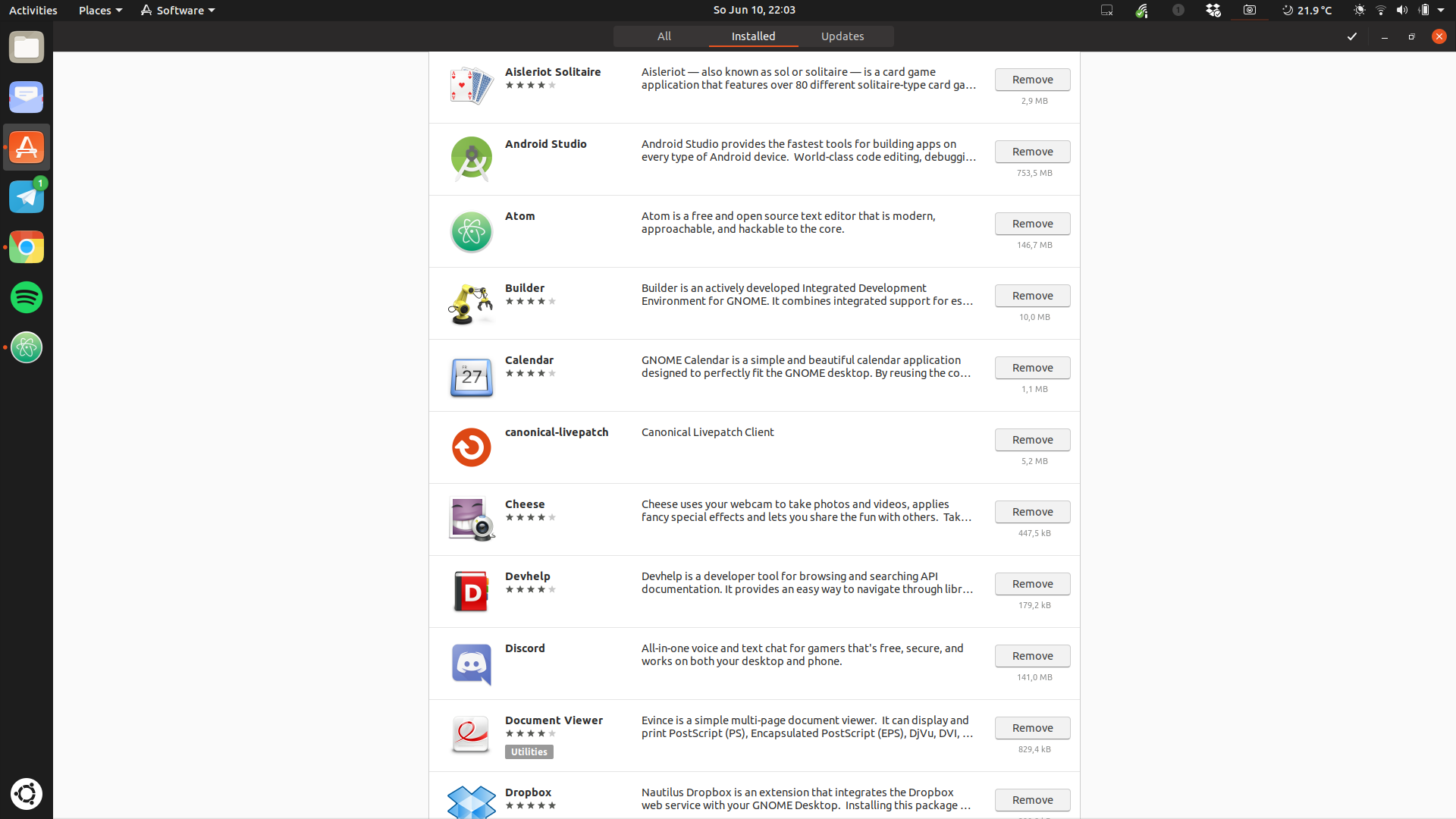
@madsrh nice idea with the -1px this way that gap is closed. PR incoming so we can at least reduce the issue =)
Feichtmeier
on 10 Jun 2018
@clobrano
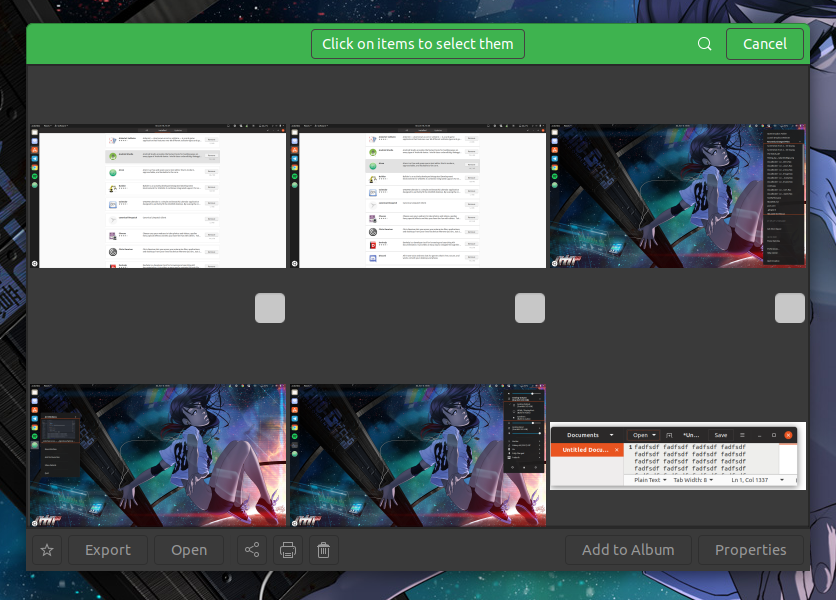
The border for the selection menu in photos is very fat btw =) Maybe we can make a selection-menu PR?
Feichtmeier
on 10 Jun 2018
@Feichtmeier The "No screenshot provided" stays behind the image. Is this a bug?
I can remove it with .screenshot-images { background: none; } but this should only be applied when there's a preview image 🤷♂️
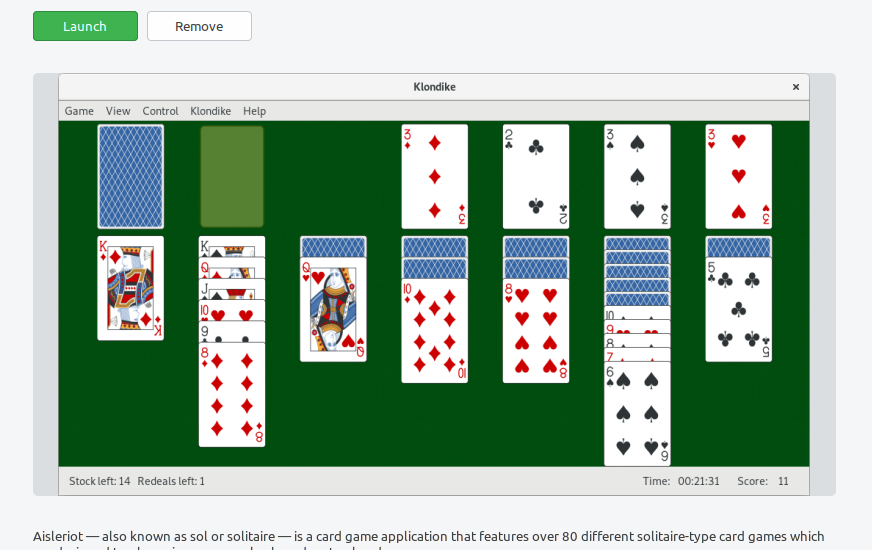
It does this in Adwaita too, but it looks like a mistake
madsrh
on 11 Jun 2018
I can remove it with .screenshot-images { background: none; } but this should only be applied when there's no preview image man_shrugging
this sounds like a bug
The border for the selection menu in photos is very fat btw =) Maybe we can make a selection-menu PR?
It should be equal to normal hb button, but it looks dark black, that's why it is weird
In selection-mode is without borders, right? We should make it the same (border or no border, but the same)
 clobrano
on 11 Jun 2018
clobrano
on 11 Jun 2018
The "No screenshot provided" stays behind the image. Is this a bug?
Some applications looks really weird without the background - only a few (mostly the full height ones) looks better this way, so I guess the background should stay.
Sorry for the noise 🙅♂️
madsrh
on 11 Jun 2018
Can we change buttons as well?
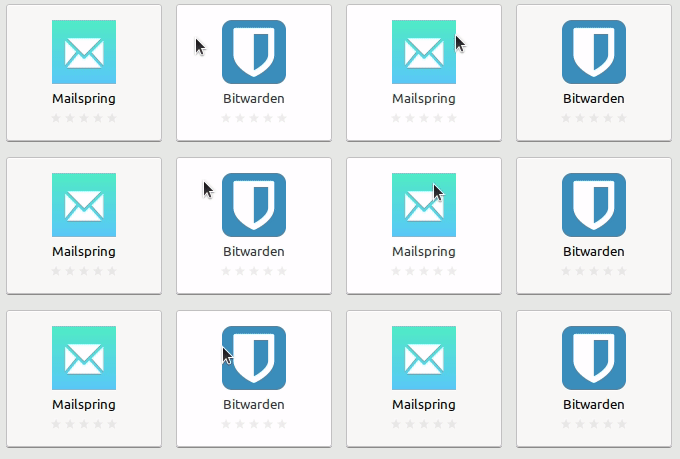
For application buttons: Adwaita has a very very subtle highlight (of the text and background) on hover and currently we have nothing. But in the _Installed_ tab we use the hover gray.
Adwaita:
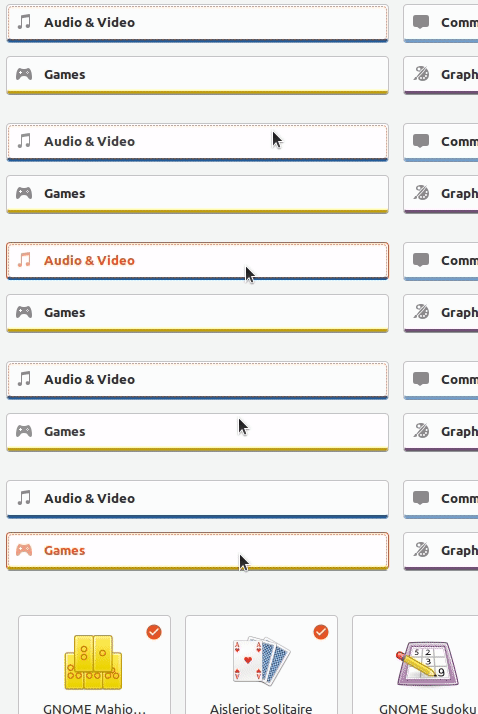
Categories: We have no hover and Adwaita again uses highlight (of icon, text and background). When pressed icon, text and border uses the selection color. I don't think that it looks very good with orange - especially for icon and text.
Community theme:
madsrh
on 12 Jun 2018
Okay... just forget about gnome software's buttons........
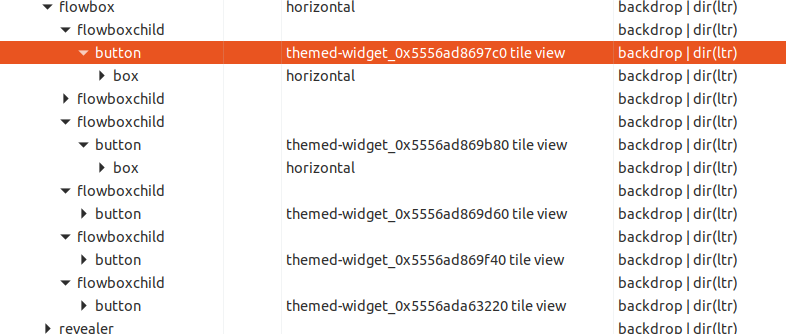
What the hell...
Feichtmeier
on 16 Jun 2018
Little update over .installed-icon and the like. This style comes from gnome-software's gtk-style.css, which is a gresource. Looking for a way to overcome its priority over our css :+1:
clobrano
on 20 Jul 2018
Ah nice one! Brilliant! That .installed-icon was driven my nuts
Feichtmeier
on 20 Jul 2018
Currently we cannot change it. As said, it is defined in a css file which is loaded after ours and there's nothing we can do about it, except ask upstream if they can implement something to allow this, but for the future
clobrano
on 20 Jul 2018
@clobrano Is there an upstream issue?
madsrh
on 20 Jul 2018
Not yet, but technically it is not a bug, just a feature request.
There are two features we can request (suggested on IRC, talking with desktop team)
- add some way to set a preferred color, with fallback on the current one
- implement
!importantin gtk+
clobrano
on 20 Jul 2018
How about patching this downstream? Would this be possible? Basically disable this function call in the code and completely style it in our scss
Feichtmeier
on 20 Jul 2018
which function call? We should patch Gnome Software
clobrano
on 20 Jul 2018
void myCrazySoftwareCenterLoadCssFunction(AllmyFunnyArguments[ ] foobar) {
loadOrangeCssFiles("path");
loadGreenCssFiles("greenPath");
}
:laughing:
If meant, remove that calls in "that" softwarecenter code downstream :man_shrugging:
Feichtmeier
on 20 Jul 2018
@madsrh about your comment on application and categories buttons, I wonder if it was before the last button iteration.
We now have the same effect Adwaita has (background highlight), however, being our normal button color quite bright, it is less visible.
We should also have a increment of box-shadow on hover, but unfortunately box-shadow is set to none in the internal and unsuperable gtk-style.css :man_facepalming:
... as well as orange color when button is pressed.
clobrano
on 21 Jul 2018
@clobrano +1 sure, but 🤦♂️
madsrh
on 24 Jul 2018
More a note to myself, I will try again to fix the gray line without introducing terrible side effects, but generally speaking I wouldn't spend more time on this than what already spent :smile:
clobrano
on 25 Jul 2018
I am afraid, none of the requested changes are possible, due to custom css or too generic widgets to style :(
clobrano
on 24 Aug 2018
Okay @clobrano
Thanks for looking into this then 😩
madsrh
on 24 Aug 2018
Related issues
 sicklylife-jp
·
3Comments
madsrh
·
3Comments
sicklylife-jp
·
3Comments
madsrh
·
3Comments
 mivoligo
·
3Comments
mivoligo
·
3Comments
 eaglersdeveloper
·
3Comments
Feichtmeier
·
3Comments
eaglersdeveloper
·
3Comments
Feichtmeier
·
3Comments
Most helpful comment
@clobrano +1 sure, but 🤦♂️