Xlpagertabstrip: viewSafeAreaInsetsDidChange() not called from childForTabsController
XLPagerTabStrip: 8.1.0
Xcode: 10.0
iOS: 11.4
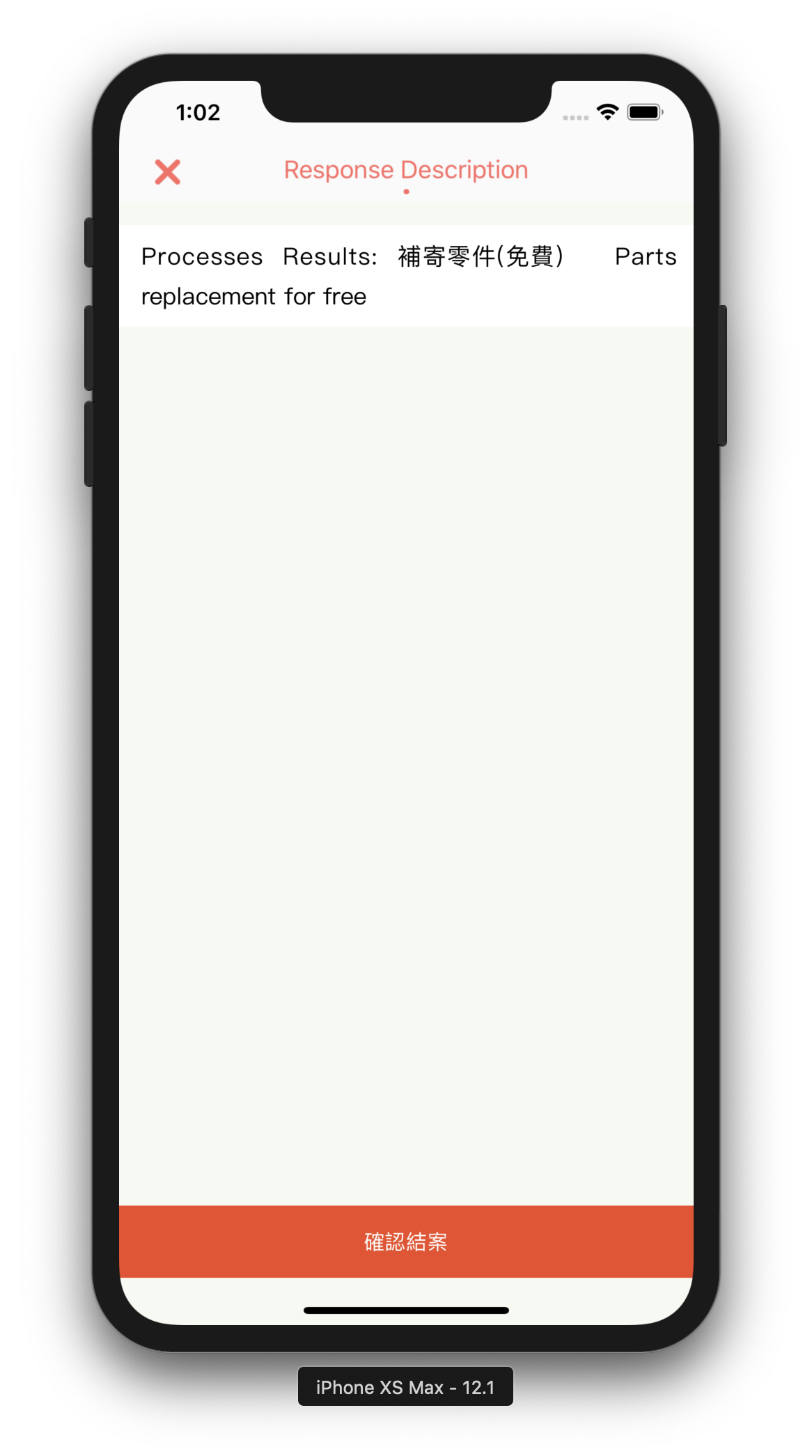
I tried to print the safe area insets and its zero all the time, tried to print the details by overriding viewSafeAreaInsetsDidChange(). It didn't work because this function is never called. I am trying to use the safe area constraints so that the content is not covered by the notch in iPhone X and the other models with notch. Please check the screenshots:


Below is the code where it displays the content:
`
let articlePageController = ArticlePageMenuController()
articlePageController.menu = menu
            self.addChild(articlePageController)
            articlePageController.didMove(toParent: self)

            let articlePageView = articlePageController.view
            articlePageView?.translatesAutoresizingMaskIntoConstraints = false
            view.addSubview(articlePageView!)

            articlePageView?.topAnchor.constraint(equalTo: view.safeAreaLayoutGuide.topAnchor).isActive = true
            articlePageView?.bottomAnchor.constraint(equalTo: view.safeAreaLayoutGuide.bottomAnchor).isActive = true
                            articlePageView?.leadingAnchor.constraint(equalTo: view.safeAreaLayoutGuide.leadingAnchor).isActive = true
            articlePageView?.trailingAnchor.constraint(equalTo: view.safeAreaLayoutGuide.trailingAnchor).isActive = true
`
This is an issue with the plugin right? Or am I missing something?
 platoputhur
All 9 comments
Anyone know why it behaves this way?
platoputhur
on 5 Nov 2018
hi, I have the same problem, I found this.
you can use edgesForExtendedLayout = [] in the viewDidLoad()
or set contentInset?
view detail
480
 yasuoyuhao
on 25 Dec 2018
yasuoyuhao
on 25 Dec 2018
or in child view fix is use additionalSafeAreaInsets
https://developer.apple.com/documentation/uikit/uiview/positioning_content_relative_to_the_safe_area
my code
override func viewDidAppear(_ animated: Bool) {
        // Adjust the safe area insets of the
        //  embedded child view controller.
        self.childViewControllers.forEach { (child) in
            child.additionalSafeAreaInsets = view.safeAreaInsets
        }
    }
i fixed it.
yasuoyuhao
on 25 Dec 2018
@yasuoyuhao Yes it works. Once you have set the desired value, you will not be able to set it to .zero.
 Jinfaa
on 25 Dec 2018
Jinfaa
on 25 Dec 2018
@yasuoyuhao It didn't work for me. I added your code in the root view controller for tabs and nothing changed.
platoputhur
on 26 Dec 2018
@platoputhur Use viewControllers instead of childViewControllers.
But my problem is still relevant. It works strangely, when I indicate for example “0,0,20,0” and after that I will indicate the value above, everything works, if below it is not.
Jinfaa
on 26 Dec 2018
@Jinfaa I added the below code inside the ParentController for tabs. LIke you said, I am using viewControllers, but still no luck.
override func viewDidAppear(_ animated: Bool) {
        // Adjust the safe area insets of the
        //  embedded child view controller.
        self.viewControllers.forEach { (childVc) in
            childVc.additionalSafeAreaInsets = view.safeAreaInsets
        }
    }
What is your layout code?
because I am effective.
yasuoyuhao
on 26 Dec 2018
Related issues
 Ta7an
·
4Comments
Ta7an
·
4Comments
 Emasoft
·
5Comments
Emasoft
·
5Comments
 fenixsolorzano
·
4Comments
fenixsolorzano
·
4Comments
 luminkhant
·
4Comments
luminkhant
·
4Comments
 rkittinger
·
3Comments
rkittinger
·
3Comments
Most helpful comment
Anyone know why it behaves this way?