Xenia: Save System 'Not enough space' (solved)
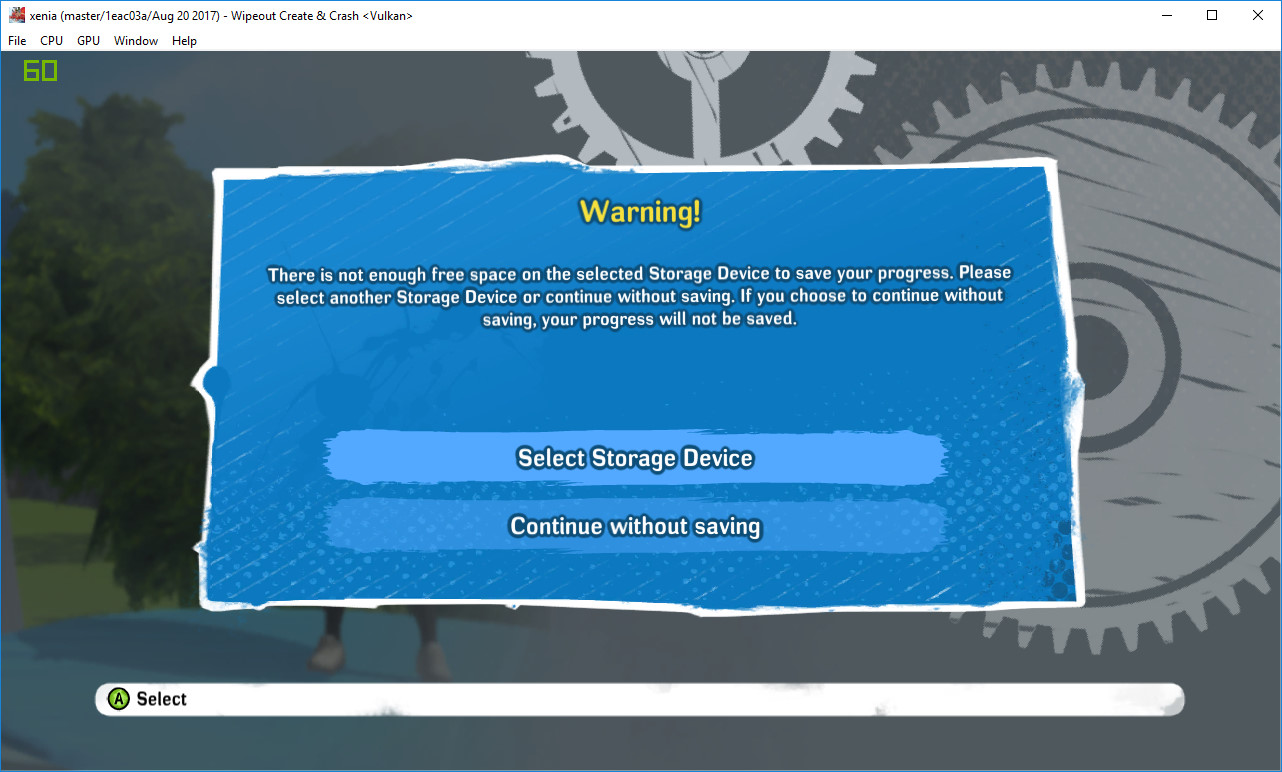
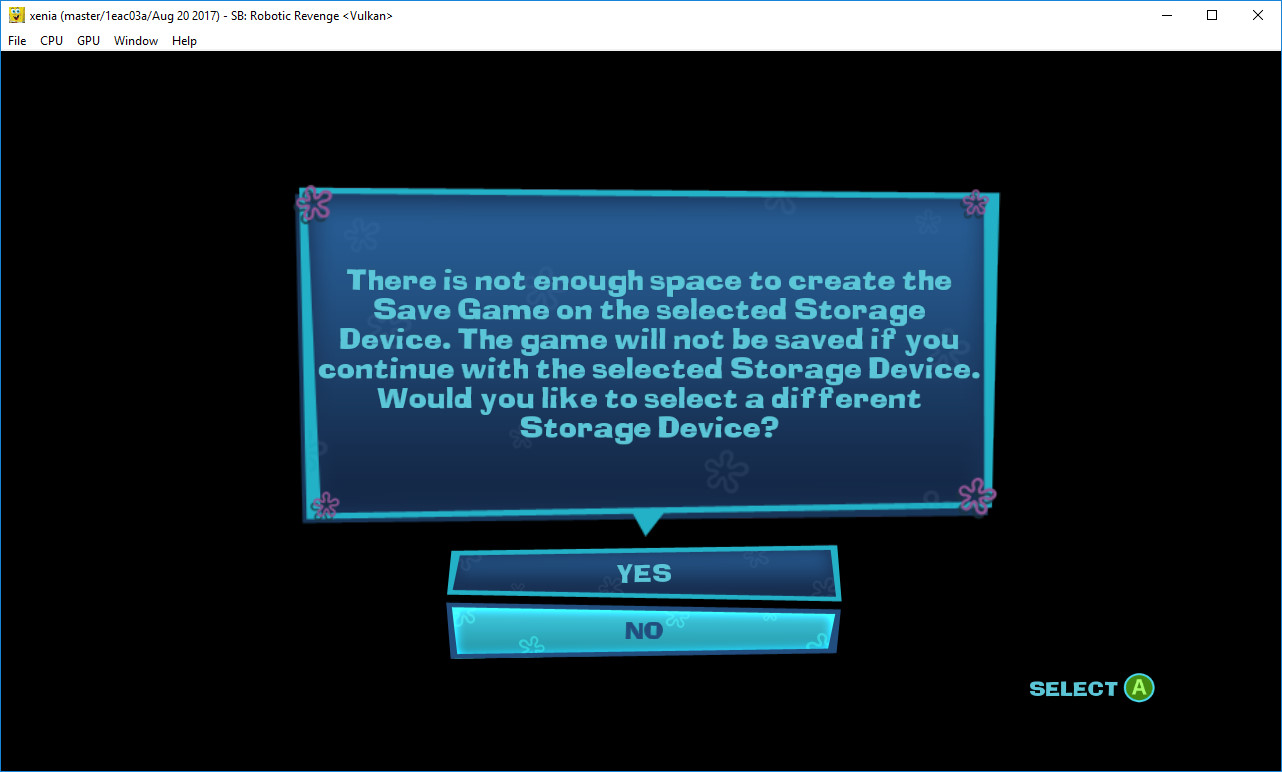
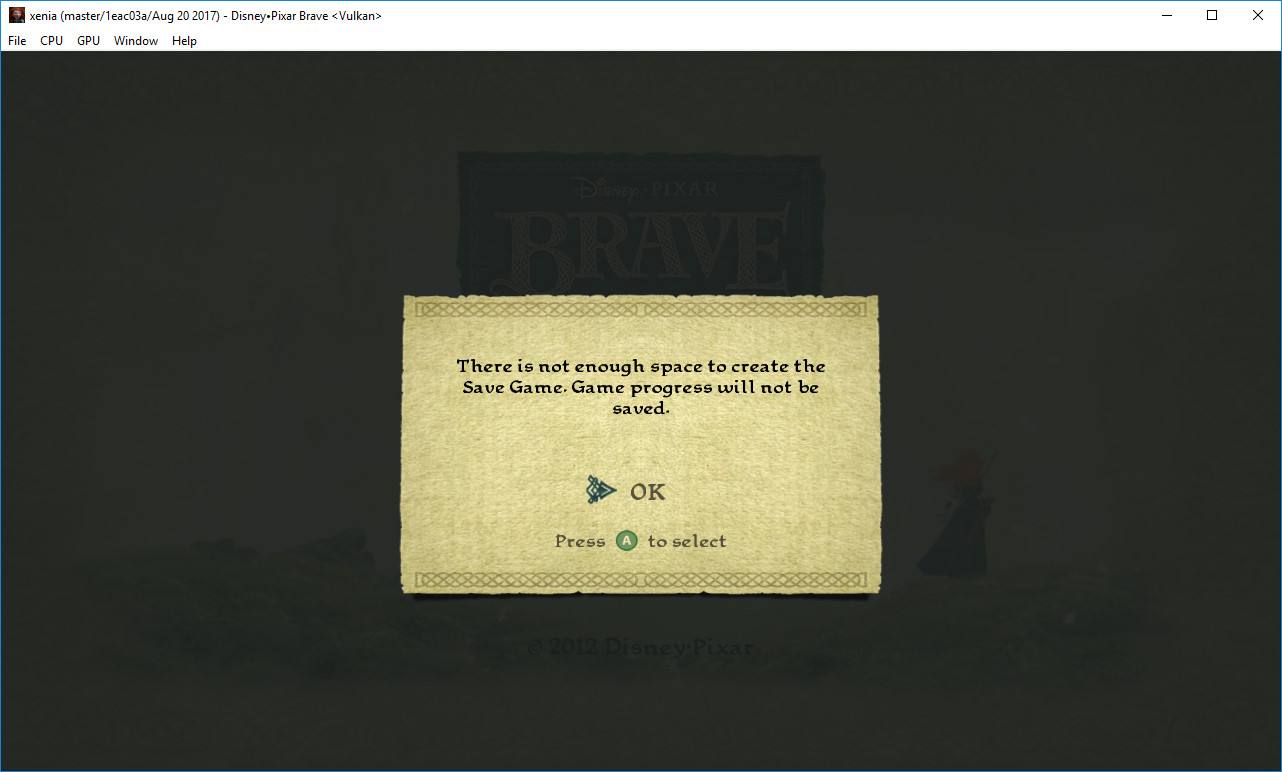
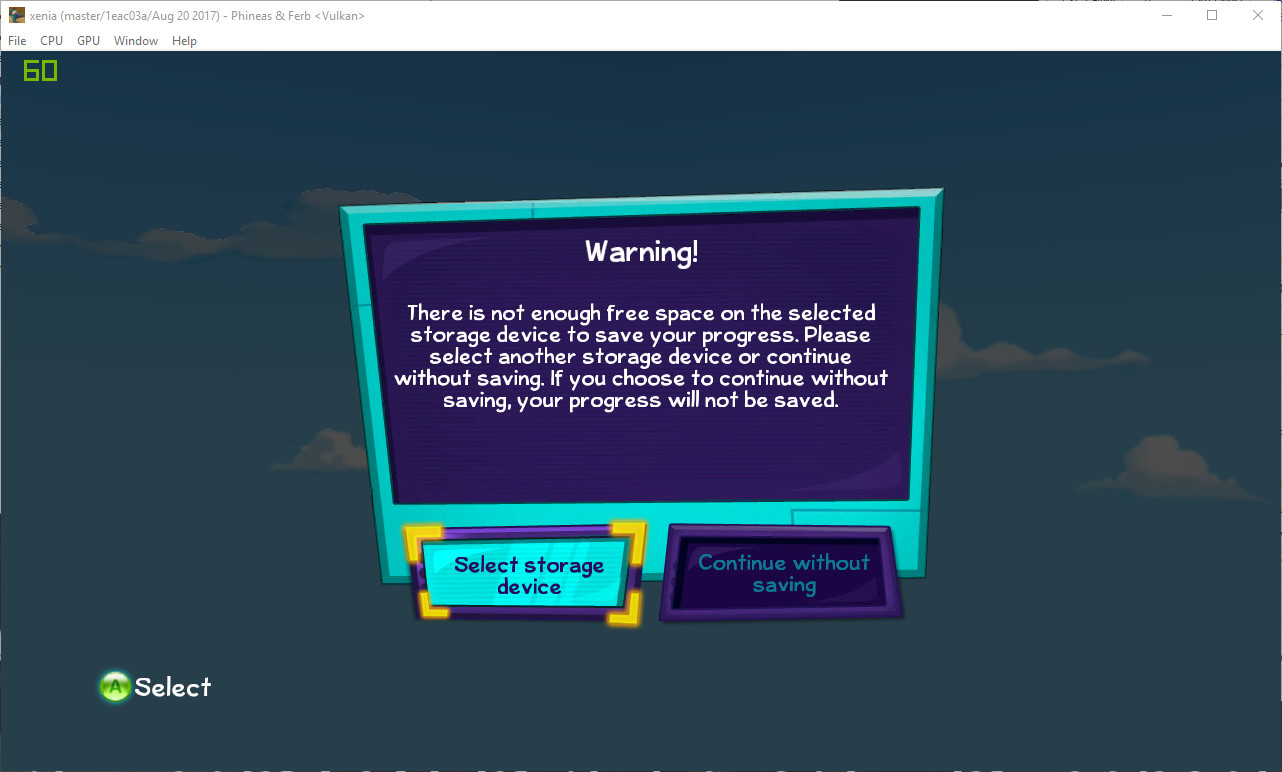
I tried many games and sometimes saw message 'Not enough free space...'.
Example: Brave, Bully, Phineas and Ferb Quest for Cool Stuff, Red Dead Redemption, Spongebob Plankton Robotic Revenge, Wipeout Create and Crush and other.
This specific error and I solved it as follows:
Path to file [...xenia-master\src\xenia\kernel\xam\xam_content.cc]
28 static const DeviceInfo dummy_device_info_ = {
29 0xF00D0000,
30 1,
31 60ull * 1024ull * 1024ull * 1024ull, // 60GB
32 27ull * 1024ull * 1024ull * 1024ull, // 27GB, so it looks a little used.
33 L"Dummy HDD",
34 };
In original there 120GB/100GB
I think this is absolutely safe and should be added to the master build :)
Screenshots from xenia-master without it fix

 Parovozik
All 12 comments
Also fixes saving in Red Dead Redemption https://github.com/xenia-project/game-compatibility/issues/108
 SonofUgly
on 21 Aug 2017
SonofUgly
on 21 Aug 2017
@SonofUgly Yes, i tried, this works for Red Dead Redemption too :)
Parovozik
on 21 Aug 2017
@DrChat, can you add this fix to 'master' from 1st message? (just i dont know how it make :D )
Parovozik
on 24 Jan 2018
Why does decreasing the available space fix these games?
There's the chance that applying this fix will break other games, so we should try to understand why this is happening in the first place.
 DrChat
on 24 Jan 2018
DrChat
on 24 Jan 2018
I think there overload for some variable and return as 'zero' or something else. I tried many games, this not effect for games when save-states is works before, only fixed 'not enough space' error
Parovozik
on 25 Jan 2018
I tried different values:
Default 120/100 - Not enough free space on hdd error
120/99 - OK
120/101 - OK
60/23 - OK
500/222 - OK
Parovozik
on 4 Mar 2018
Why is there no PR created from this solution? I run into the same issue with quite a lot of games.
 goedzo
on 17 Nov 2018
goedzo
on 17 Nov 2018
Well, then I just create the PR myself to get this one fixed :)
goedzo
on 17 Nov 2018
Ps. Here is the cause: Sorry but it's not a blind guess actually. It's caused by an overflow and incorrect HD detection in these games. When trying to detect the free space of the storage based on the hd inside the 360. There are various hd sizes in the original 360 and not all the games detect the disk size properly. In some cases the game thinks there is a 60gb disk inside that is 100gb full. That causes it to think it's full. In other cases the game just writes without checking and checks for an exception. This pr makes sure to set the hd size to 60gb to match the size inside the emulated xbox device.
Hope this explains the cause this issue for you.
goedzo
on 17 Nov 2018
This error occurs for all these games in the same way. And this is not a 60GB problem, because the error disappears, for example, at 120 \ 101 or 120 \ 99 (but it is trouble at 120 \ 100)
Parovozik
on 18 Nov 2018
I have still problem with Gear of War 3
 ruthan
on 20 Sep 2019
ruthan
on 20 Sep 2019
Duplicate of #653.
 Margen67
on 28 Oct 2019
Margen67
on 28 Oct 2019
Related issues
 emoose
·
3Comments
emoose
·
3Comments
 mkMoSs
·
3Comments
Margen67
·
3Comments
mkMoSs
·
3Comments
Margen67
·
3Comments
 TotalCaesar659
·
4Comments
TotalCaesar659
·
4Comments
 kobyaustin1
·
4Comments
kobyaustin1
·
4Comments
Most helpful comment
Also fixes saving in Red Dead Redemption https://github.com/xenia-project/game-compatibility/issues/108