Xdrip: Document best way to use xDrip+ with Tizen
I don't know anything about this. What is the best way to get xDrip+ data displayed on Tizen watches?
Feel free to add to this issue with any documentation and I will incorporate it to the WatchGuide.md file.
 jamorham
All 381 comments
There is one solution for tizen watches, which lets you mirror any application widget on your phone to your watch as again a widget or as a watchface.
For this you have to install the app “Wearable Widgets” on your phone (google play store) and on your watch (samsung gear app store).
There are 2 versions for the watch: wearable widgets as widgets and wearable widgets as wachtfaces.
When you start wearable widgets on your phone you can select the widget you want to mirror to your watch. Choose the xdrip widget.
On your watch you will find wearable widgets (widget version) under “additional widgets”, select this and you will get the xdrip widget on your tizen watch.
If you’ve installed the wearable widget watchface you will find this under the watchfaces menu on you watch.
There are some hiccups with both version though.
It may happen, that after a lost bluetooth connection the widget or watchface will never get updated again (which is not obvious and sometimes hard to notice) until you delete the widget and set it up again. For the watchface you have first to choose another watchface and then switch back again. In most cases you will have no problems, but it can occur, so keep that in mind.
It is therefore advisable to add the time to your widget (you do this in xdrip) to see if the bgl displayed on your watch is the actual level and not a value from hours ago (the time of the widget gets updated by the phones widget together with the bgl). If you want to use the watchface mind that the time of the widget may lag behind the actual time a few minutes.

 ralf-ms
on 31 May 2018
ralf-ms
on 31 May 2018
Great watch app when xdrip works. Someone's gotta work out the new bugs on xdrip
 Tesummerill
on 23 Jul 2018
Tesummerill
on 23 Jul 2018
Hello I loved my gear S3, but because Samsung no longer supports updates for Wearable Widgets app. I use it no longer. I switched to Android Wear. Too many lost connection problems.... Can somebody with a bit of Tizen programming skills make a good app with connection to the Xdrip+ app on the phone?
I know for sure many gear owners are waiting for that!!!!
 Houbanny
on 11 Aug 2018
Houbanny
on 11 Aug 2018
Here is my current solution to get at least the current glucose level and the trend to my Samsung Gear Sport.
1) I have installed WatchMaker to be able to put stuff on the watch face.
2) xDrip shows the persistent notification with the current glucose level and the trend.
3) I have installed the AutoNotification to get this value from the xDrip notification.
4) I have installed Tasker and configured it to respond to the event from AutoNotification by a) copying the notification title from the %antitle variable to the %GLUCOSE variable; and b) sending the latter to the WatchMaker
5) In the WatchMaker I have added an expression {tglucose} to my watch face.
So when xDrip updates the glucose info in the notification, AutoNotification catches that, grabs the text and gives it to Tasker, who sends it to WatchMaker, who renders it on my watch.
I don’t like this solution and this should be simpler but I worked with what I have. At least the AutoNotification should not be needed and the xDrip should provide this data in the event to the Tasker. This is already suggested in #122 but the issue seems to be abandoned.
 arty-name
on 12 Oct 2018
arty-name
on 12 Oct 2018
I’ve figured out that actually the AutoNotification is not needed in the setup because Tasker can extract the title of the xDrip notification by itself. It puts it into the %NTITLE variable.
arty-name
on 15 Oct 2018
Can you please give us a step by step procedure how to setup everything. I installed all the apps, but don't know how to proceed. Thanks in advance.
 Ecco5
on 25 Oct 2018
Ecco5
on 25 Oct 2018
Here you go: xDrip+ values on Tizen
arty-name
on 25 Oct 2018
That's awesome, I'm speechless. Thanks so much.
Although I have a problem. The variable %NTITLE displays as 'AppPermissionMonitor:APMapplist' in Watchmaker while %TIME displays ok.
Ecco5
on 26 Oct 2018
I saw that my NFC was switched off. I restarted smartphone and smartwatch and for the moment Gear S3 and Samsung S8+ are displaying the values as should. I will report if problems occur again.
Ecco5
on 26 Oct 2018
You don't even need an app to view Xdrip on a Tizen watch IF you use no newer version of xDrip than the 7/15/18 version. My wife and I both have Gear 2 watches and they work fine if we use the 7/15 version. Newer versions won't work and the developers haven't seen fit to fix the problem which I've complained about repeatedly, to no avail. Very frustrating!!
 dave1812
on 28 Oct 2018
dave1812
on 28 Oct 2018
Dave1812, can you point out how you managed to get Xdrip version 7/15 on the Tizen watches. The method of arty-name anyhow is superb.
Ecco5
on 28 Oct 2018
No app needed. A uses the Android notifications to present the data on the
screen every 5 minutes.
On Sun, Oct 28, 2018, 12:07 AM Ecco5 notifications@github.com wrote:
Dave1812, can you point out how you managed to get Xdrip version 7/15 on
the Tizen watches. The method of arty-name anyhow is superb.—
You are receiving this because you commented.
Reply to this email directly, view it on GitHub
https://github.com/NightscoutFoundation/xDrip/issues/460#issuecomment-433681864,
or mute the thread
https://github.com/notifications/unsubscribe-auth/AjpQS-g2Q3axDs8CtLSGmvwuQYcC17dNks5upVe5gaJpZM4UT9b5
.
dave1812
on 28 Oct 2018
On a Gear S3 most notifications are indeed displayed but not all.
Notifications of category 'no category' from Xdrip are only diplayed on the smartphone S8+ but are not forwarded to the Gear S3. The Xdrip glucose results within range get a notification in this category.
Maybe this is different for the Gear S2 or for some nightly build versions of Xdrip.
On the Samsung S8+ in Settings 'Other - No Category' notification settings looks a bit different than all other categories and have less options than the other categories.
You can see all this if you click and hold the notification of xdrip on your phone. Than choose details. There you can inspect and change the settings of all the Xdrip notifications.
Ecco5
on 28 Oct 2018
Have you tried using the 7/15 version of xDrip? They broke the
functionality shortly afterwards
On Sun, Oct 28, 2018, 6:41 AM Ecco5 notifications@github.com wrote:
On a Gear S3 most notifications are indeed displayed but not all.
Notifications of category 'no category' from Xdrip are only diplayed on
the smartphone S8+ but are not forwarded to the Gear S3. The Xdrip glucose
results within range get a notification in this category.
Maybe this is different for the Gear S2 or for some nightly build versions
of Xdrip.
On the Samsung S8+ in Settings 'Other - No Category' notification settings
looks a bit different than all other categories and have less options than
the other categories.
You can see all this if you click and hold the notification of xdrip on
your phone. Than choose details. There you can inspect and change the
settings of all the Xdrip notifications.—
You are receiving this because you commented.
Reply to this email directly, view it on GitHub
https://github.com/NightscoutFoundation/xDrip/issues/460#issuecomment-433706295,
or mute the thread
https://github.com/notifications/unsubscribe-auth/AjpQSzj3TvqTC31utg_C7b77pdJDtB-sks5upbQUgaJpZM4UT9b5
.
dave1812
on 28 Oct 2018
They probably changed the notification category of the measurements within range, but there was no need to.
Of course with the procedure of arty-name you don't need them. Besides the continuous display of values you still get notifications of values that are out of range and that's alright.
I use MiaoMiao instead of Blucon since recently and version 7/15 probably doesn't have Miao.
Here my watchface. The values below are the accu levels of smartwatch en smartphone, on the right side the time the value was sent by Xdrip.

Ecco5
on 29 Oct 2018
It is ok with Wearable Widgets on Galaxy Watch

 Scorpionsc
on 6 Nov 2018
Scorpionsc
on 6 Nov 2018
I tried Wearable Widgets on the Samsung Gear S3 about a year ago.
If the watch looses bluetooth connection for a while, the watch face usually isn't able to regain actual data.
I tested again recently but still the same issue.
I am using the Wearable Widgets app on the Gear S3, but mostly I have to call the app twice after each other before the data is displayed correctly.
The watchface of Watchmaker with the data of Tasker is much more stable.
It usually regains the connection by itself and if not, starting wachmaker is enough to fix everything.
Ecco5
on 13 Nov 2018
Ralf - How did you get the blue arrow on your watch and which of the two methods you described did you use to set this up?
There is one solution for tizen watches, which lets you mirror any application widget on your phone to your watch as again a widget or as a watchface.
For this you have to install the app “Wearable Widgets” on your phone (google play store) and on your watch (samsung gear app store).
There are 2 versions for the watch: wearable widgets as widgets and wearable widgets as wachtfaces.
When you start wearable widgets on your phone you can select the widget you want to mirror to your watch. Choose the xdrip widget.
On your watch you will find wearable widgets (widget version) under “additional widgets”, select this and you will get the xdrip widget on your tizen watch.
If you’ve installed the wearable widget watchface you will find this under the watchfaces menu on you watch.
There are some hiccups with both version though.
It may happen, that after a lost bluetooth connection the widget or watchface will never get updated again (which is not obvious and sometimes hard to notice) until you delete the widget and set it up again. For the watchface you have first to choose another watchface and then switch back again. In most cases you will have no problems, but it can occur, so keep that in mind.
It is therefore advisable to add the time to your widget (you do this in xdrip) to see if the bgl displayed on your watch is the actual level and not a value from hours ago (the time of the widget gets updated by the phones widget together with the bgl). If you want to use the watchface mind that the time of the widget may lag behind the actual time a few minutes.
There is one solution for tizen watches, which lets you mirror any application widget on your phone to your watch as again a widget or as a watchface.
For this you have to install the app “Wearable Widgets” on your phone (google play store) and on your watch (samsung gear app store).
There are 2 versions for the watch: wearable widgets as widgets and wearable widgets as wachtfaces.
When you start wearable widgets on your phone you can select the widget you want to mirror to your watch. Choose the xdrip widget.
On your watch you will find wearable widgets (widget version) under “additional widgets”, select this and you will get the xdrip widget on your tizen watch.
If you’ve installed the wearable widget watchface you will find this under the watchfaces menu on you watch.
There are some hiccups with both version though.
It may happen, that after a lost bluetooth connection the widget or watchface will never get updated again (which is not obvious and sometimes hard to notice) until you delete the widget and set it up again. For the watchface you have first to choose another watchface and then switch back again. In most cases you will have no problems, but it can occur, so keep that in mind.
It is therefore advisable to add the time to your widget (you do this in xdrip) to see if the bgl displayed on your watch is the actual level and not a value from hours ago (the time of the widget gets updated by the phones widget together with the bgl). If you want to use the watchface mind that the time of the widget may lag behind the actual time a few minutes.
 Parki79
on 11 Dec 2018
Parki79
on 11 Dec 2018
I tried wearable widgets for my Gear 2 (since xDrip hasn't fixed their issue with broken code that is preventing android notifications to go to the watch, sometime shortly after the 7/15/18 version, which does work fine), but the lack of a clock is unacceptable to my wife and I. I took a look at Wearable widgets clock faces, and there is but one meager digital clock and it's really pathetic, so I uninstalled WW and resumed the use of android notifications to show me glucose values every 5 minutes, by using the 7/15/18 version of xDrip.
dave1812
on 11 Dec 2018
I've been using the older version so I can keep the static notification on my watch so I can just scroll the side to view my blood sugar. However, I have just upgraded to a g6. Will the 7/15/18 version work with the g6 or am I just going to have to live with no longer having the notification until they fix it (if they do...I keep sending the feedback and it's still broken)
 tinybunni
on 31 Dec 2018
tinybunni
on 31 Dec 2018
Ralf - How did you get the blue arrow on your watch and which of the two methods you described did you use to set this up?
There is one solution for tizen watches, which lets you mirror any application widget on your phone to your watch as again a widget or as a watchface.
For this you have to install the app “Wearable Widgets” on your phone (google play store) and on your watch (samsung gear app store).
There are 2 versions for the watch: wearable widgets as widgets and wearable widgets as wachtfaces.
When you start wearable widgets on your phone you can select the widget you want to mirror to your watch. Choose the xdrip widget.
On your watch you will find wearable widgets (widget version) under “additional widgets”, select this and you will get the xdrip widget on your tizen watch.
If you’ve installed the wearable widget watchface you will find this under the watchfaces menu on you watch.
There are some hiccups with both version though.
It may happen, that after a lost bluetooth connection the widget or watchface will never get updated again (which is not obvious and sometimes hard to notice) until you delete the widget and set it up again. For the watchface you have first to choose another watchface and then switch back again. In most cases you will have no problems, but it can occur, so keep that in mind.
It is therefore advisable to add the time to your widget (you do this in xdrip) to see if the bgl displayed on your watch is the actual level and not a value from hours ago (the time of the widget gets updated by the phones widget together with the bgl). If you want to use the watchface mind that the time of the widget may lag behind the actual time a few minutes.
There is one solution for tizen watches, which lets you mirror any application widget on your phone to your watch as again a widget or as a watchface.
For this you have to install the app “Wearable Widgets” on your phone (google play store) and on your watch (samsung gear app store).
There are 2 versions for the watch: wearable widgets as widgets and wearable widgets as wachtfaces.
When you start wearable widgets on your phone you can select the widget you want to mirror to your watch. Choose the xdrip widget.
On your watch you will find wearable widgets (widget version) under “additional widgets”, select this and you will get the xdrip widget on your tizen watch.
If you’ve installed the wearable widget watchface you will find this under the watchfaces menu on you watch.
There are some hiccups with both version though.
It may happen, that after a lost bluetooth connection the widget or watchface will never get updated again (which is not obvious and sometimes hard to notice) until you delete the widget and set it up again. For the watchface you have first to choose another watchface and then switch back again. In most cases you will have no problems, but it can occur, so keep that in mind.
It is therefore advisable to add the time to your widget (you do this in xdrip) to see if the bgl displayed on your watch is the actual level and not a value from hours ago (the time of the widget gets updated by the phones widget together with the bgl). If you want to use the watchface mind that the time of the widget may lag behind the actual time a few minutes.
Can you help us?
Thanks!
 olavogm
on 6 Jan 2019
olavogm
on 6 Jan 2019
Hi, I choose the "wearable widgets as widgets" (and not as watchface).
The trend arrows were changed a couple of months ago within the xdrip software.
What you now get, is just a simple white arrow on the widget, as shown below.

ralf-ms
on 6 Jan 2019
This is an interesting workaround with Tasker based on taking the notification glucose value %NTITLE and then sending it though to a notification path that Tizen watches for as they did for the Withings watch. Different platform, but the idea is simple enough. I haven't yet built the whole workaround through Tasker but it is an alternative if other methods are a loss. https://www.reddit.com/r/withings/comments/5h2ywy/steel_hr_notifications/
 m1st0
on 20 Mar 2019
m1st0
on 20 Mar 2019
I'm having trouble getting wearable widgets to function as a widget instead of a watchface. Is there a setting for that somewhere?
tinybunni
on 21 Mar 2019
Been reading your posts with great interest as recently bought a Galaxy Watch and downloaded all apps suggested before my maomiao arrived. I set up Xdrip+ and mirrored to my new watch and did the same for Tomato using Wearable Widgets (not the Watchface one as seams to have gone on Samsung Wear store).
Tomato app on my Samsung S9 phone worked well but didnt seam to be able to connect onto my Watch. So I set up Xdrip+ and followed the instructions on the MiaoMiao website. Then used less common settings within Xdrip+ to be able to you use Galaxy Watch rather than WearOS.
To my surprise and wonder it worked. It does disconnect from time to time, but in Wearable Widgets click three lines in top right and press refresh device, which re-connects the display on Watch straight away. This was using the latest version of Xdrip+ as well Feb 2019.
The only thing I cant seam to add is the time (from suggestions) to know when disconnect happened. If anyone can advise on this?
So, so happy Ive managed to set up. This will be additional ease of life functionality to life changing technology that Libre has already given me, as I play alot of tennis and work in the field on environmental surveys for work. Never mind notifications during the night. Plus Xdrip+ seams to be more accurate than Libre and closer to my Accu-chek Mobile meter and with the forcasting of lows graphically I thought that was amazing.
I did try to follow using Auto Notification and Tasker for linking to Watchmaker. But couldnt seam to repeat the instructions. I couldnt get the Glucose T to appear. I thought would test next as sounded like this option didnt drop connection out as much. See attached photo of Display on my Galaxy Watch. Hope this now works for you. Rob
 Robkeano
on 28 Apr 2019
Robkeano
on 28 Apr 2019

Robkeano
on 28 Apr 2019
Just an update. Ive now added the time to Wearable Widgets by reducing number of data types showing in Xdrip+ and expsnded the crop area of the image in Wearable Widgets so more info can be showed. So now when connection is lost, I know.
The frustrating last barrier to a fully functional watch was that it kept disconnecting repeatedly. I realised this was to do with battery saving life level limiting some background functions. So flicked to optimised battery life and hey presto a fully functional updating watch and its not lost connection all day.
So Wearable Widgets still fully works even though not updated.
Im still so impressed with all this new technology and the functionality of Xdrip+ is fantastic the more I get to know how to use it.
Robkeano
on 29 Apr 2019

Robkeano
on 29 Apr 2019
p.s I meant to say changed the battery life setting on my S9 mobile.
Robkeano
on 29 Apr 2019
@arty-name can i ask how to get the "difference since last reading" value on the watchface? i currently use your method to have tasker put the glucose value and trend / time on the face but would be great to also have the difference value from the notification also.
 Mr-Enigma
on 8 May 2019
Mr-Enigma
on 8 May 2019
@Mr-Enigma I don’t think this is possible. We can only use values Tasker puts into variables for us and I only see NTITLE related to notification. Maybe you could get more data using the AutoNotification as I originally suggested.
arty-name
on 8 May 2019

managed it, looks great now :)
Mr-Enigma
on 9 May 2019
Nice! Could you please provide a bit more details on how you did it?
arty-name
on 9 May 2019
of course, il make a step by step as soon as possible
Mr-Enigma
on 9 May 2019
At the time of writing this requires 3 paid apps, Tasker (£2.99), AutoNotification (£2.19) and WatchMaker companion app (£1.99)
- Download Tasker (paid), AutoNotification(paid) and WatchMaker from the Google Play Store
- Install the WatchMaker companion app (paid) onto the watch using the Galaxy Store, set WatchMaker as your watch face.
- Make sure Xdrip is running and the ongoing notification is displayed.
- Launch Tasker (accept permissions if it asks.)
- Press the plus icon at the bottom right of the screen while on profile tab (name it notification)
- Press Event
- Press Plugin
- Press AutoNotification
- Then Intercept
- Press the grey pencil button next to configuration
- You will recieve warnings to allow access for AutoNotification to view your Notifications, allow it you may also recieve a warning about Doze, allow that.
- Press Fill From Current
- Press Notification and select the Xdrip+ notification
- Enable the Notification App and Notification Id
- Press the confirm check mark at the top right of the screen twice
- Then press the back arrow
- This returns you back to Tasker, select New Task (call it Var)
- Press the plus button located at the bottom right
- Select Variables then Variables Set
- For name type %GLUCOSE and for To type %antitle %TIME
- Press the back arrow
- Again press the plus button, select Variables then Variables Set
- For name type %DELTA and for To type %ansummarytext then press the back arrow.
- Press the plus button once again, select Plugin then WatchMaker and WM Send Variable.
- Press the grey pencil next to Configuration.
- In the Tasker Variable box type %GLUCOSE then press done.
- Press the back arrow once.
- Press the plus button once again, select Plugin then WatchMaker and WM Send Variable.
- press the grey pencil next to Configuration.
- Type %DELTA in the Tasker Variable box then press done.
- Press the back arrow twice then press the confirm check at the top right corner of Tasker
- Allow 5 mins to elapse so the data is sent to WatchMaker then launch WatchMaker on your phone.
- Press the 3 dots located at the top right corner and select New Watch
- Press the green pencil icon and then the plus button.
- Select Time and drag the clock position to suit
- Press the plus button again this time select Expression.
- Press the white box at the top and type {tglucose} then press done.
- Drag the glucose positioning to suit.
- Press the plus button again and select Expression.
- Press the white box and type {tdelta} press done, position to suit.
- (optional) scroll down to text size and reduce the size of the delta text to suit.
- Press the back arrow.
- Press the green watch icon to send the watch face to your watch.
Mr-Enigma
on 9 May 2019
Thanks a lot, @Mr-Enigma!
arty-name
on 9 May 2019
At the time of writing this requires 3 paid apps, Tasker (£2.99), AutoNotification (£2.19) and WatchMaker companion app (£1.99)
- Download Tasker (paid), AutoNotification(paid) and WatchMaker from the Google Play Store
- Install the WatchMaker companion app (paid) onto the watch using the Galaxy Store, set WatchMaker as your watch face.
- Make sure Xdrip is running and the ongoing notification is displayed.
- Launch Tasker (accept permissions if it asks.)
- Press the plus icon at the bottom right of the screen while on profile tab (name it notification)
- Press Event
- Press Plugin
- Press AutoNotification
- Then Intercept
- Press the grey pencil button next to configuration
- You will recieve warnings to allow access for AutoNotification to view your Notifications, allow it you may also recieve a warning about Doze, allow that.
- Press Fill From Current
- Press Notification and select the Xdrip+ notification
- Enable the Notification App and Notification Id
- Press the confirm check mark at the top right of the screen twice
- Then press the back arrow
- This returns you back to Tasker, select New Task (call it Var)
- Press the plus button located at the bottom right
- Select Variables then Variables Set
- For name type %GLUCOSE and for To type %antitle %TIME
- Press the back arrow
- Again press the plus button, select Variables then Variables Set
- For name type %DELTA and for To type %ansummarytext then press the back arrow.
- Press the plus button once again, select Plugin then WatchMaker and WM Send Variable.
- Press the grey pencil next to Configuration.
- In the Tasker Variable box type %GLUCOSE then press done.
- Press the back arrow once.
- Press the plus button once again, select Plugin then WatchMaker and WM Send Variable.
- press the grey pencil next to Configuration.
- Type %DELTA in the Tasker Variable box then press done.
- Press the back arrow twice then press the confirm check at the top right corner of Tasker
- Allow 5 mins to elapse so the data is sent to WatchMaker then launch WatchMaker on your phone.
- Press the 3 dots located at the top right corner and select New Watch
- Press the green pencil icon and then the plus button.
- Select Time and drag the clock position to suit
- Press the plus button again this time select Expression.
- Press the white box at the top and type {tglucose} then press done.
- Drag the glucose positioning to suit.
- Press the plus button again and select Expression.
- Press the white box and type {tdelta} press done, position to suit.
- (optional) scroll down to text size and reduce the size of the delta text to suit.
- Press the back arrow.
- Press the green watch icon to send the watch face to your watch.
Hi - I tried to do this, but when I select 'Notification' I get an error message 'Missing Permissions NOTIFICATION ACCESS'. I tried to grant access through the app, and also write access through FX, but no joy. Any ideas please?
 ghost
on 10 May 2019
ghost
on 10 May 2019
AutoNotification and Tasker need a special permission, usually it takes you right there with the pop-up.
its located here :

from your home screen, press settings then the magnifying glass search button and type notification access, then press notification access twice to get there.
Mr-Enigma
on 10 May 2019
Thanks. Got it. Just waiting 5 minutes now....Fingers crosses.
I have 2 other questions if you don't mind. Can you have the glucose as a complication on a fancy watch face, like a chronograph?
And is there any way of getting the miaomiao to work with the Galaxy Watch on a standalone basis (i.e. no phone)? Many thanks for your help and your prompt reply. I'm really grateful.
ghost
on 10 May 2019
Thanks. Got it. Just waiting 5 minutes now....Fingers crosses.
I have 2 other questions if you don't mind. Can you have the glucose as a complication on a fancy watch face, like a chronograph?
And is there any way of getting the miaomiao to work with the Galaxy Watch on a standalone basis (i.e. no phone)? Many thanks for your help and your prompt reply. I'm really grateful.
For chronograph there is the option to not select Time at part 35 and instead select "Hour+min marker" aswell as the "Watch Hand" and drag them into place, or use one of the preset watch faces but they would look a little strange with the Glucose and Delta text. I personally havn't tried them as i prefer digital :)
There probably is a way to get the Tizen OS to work as a collector but it would be alot of work and Tizen has alot of restrictions. So as of now we dont have that unfortunately.
Mr-Enigma
on 10 May 2019
Thanks Mr Enigma!
ghost
on 10 May 2019
I had a little play around and took out the Delta and Time readings and ended up with this. I quite like it (though I suspect I'll be playing endlessly with it!)

ghost
on 10 May 2019
looks good :)
Mr-Enigma
on 10 May 2019
Thanks! If you very decide to take the time and hassle to try to make Galaxy a collector, or you see someone else has, could you please post here again? Cheers.
ghost
on 10 May 2019
I think I have figured out a much more convenient way to set up Tasker the way we want. Recently it added a feature of exporting configurations to TaskerNet and importing them from it.
Someone having Tasker installed could get my configurations by opening this Glucose task page on their phone and clicking "import", followed by opening this XDrip+ notification profile page and importing there as well.
@Mr-Enigma you can create similar links for your configuration by 1) making sure your Tasker is not in beginner mode; 2) long-pressing the profile or task name to "select"; and 3) selecting Export -> As Link from the three-dots menu in the header.
arty-name
on 11 May 2019
sure thing i will look into it
Mr-Enigma
on 12 May 2019
Is there any way to make the wearable widget show as a widget you scroll over to rather than as a watchface?
tinybunni
on 12 May 2019
how can i get wearable widget as watch face, i know i had it before but now i don´t. the whole xdrip with tasker stops working all the time and wont show the latest notifications and i have to open watchmaker to get it to work again. i have a samsung watch. is it just me that have problem with watch maker stopping all the time and not start without action from me?
 mikaelkleman
on 13 May 2019
mikaelkleman
on 13 May 2019
Hi Mr Enigma
I followed your instructions and slowly getting there but have a couple of issues that maybe you could assist with?
I've got tasker to work and show sugars cant seem to display on watch as shown below could you advise what Ive done wrong?


Jay
 JayType1
on 13 May 2019
JayType1
on 13 May 2019
huh that is a odd one, could i see the inside of your tasks? and the expressions on watchmaker?
not sure where it is pulling %NTITLE from.
Mr-Enigma
on 13 May 2019
Hi
Perhaps from previous attempts?
Ill try deleting all and start again?
From: Mr-Enigma notifications@github.com
Sent: Monday, May 13, 2019 1:13:07 PM
To: NightscoutFoundation/xDrip
Cc: JayType1; Comment
Subject: Re: [NightscoutFoundation/xDrip] Document best way to use xDrip+ with Tizen (#460)
huh that is a odd one, could i see the inside of your tasks? and the expressions on watchmaker?
not sure where it is pulling %NTITLE from.
—
You are receiving this because you commented.
Reply to this email directly, view it on GitHubhttps://github.com/NightscoutFoundation/xDrip/issues/460?email_source=notifications&email_token=AMBWKMN5RQBKWOP45YRC5VTPVFLNHA5CNFSM4FCP2342YY3PNVWWK3TUL52HS4DFVREXG43VMVBW63LNMVXHJKTDN5WW2ZLOORPWSZGODVIDXRA#issuecomment-491797444, or mute the threadhttps://github.com/notifications/unsubscribe-auth/AMBWKMK54JTG7PUWJ4X2KT3PVFLNHANCNFSM4FCP234Q.
JayType1
on 13 May 2019
Ah, yeah it could be a issue with a previous attempt then, let me know how you get on :)
Mr-Enigma
on 13 May 2019
Will Do Thanks
From: Mr-Enigma notifications@github.com
Sent: Monday, May 13, 2019 1:17:34 PM
To: NightscoutFoundation/xDrip
Cc: JayType1; Comment
Subject: Re: [NightscoutFoundation/xDrip] Document best way to use xDrip+ with Tizen (#460)
Ah, yeah it could be a issue with a previous attempt then, let me know how you get on :)
—
You are receiving this because you commented.
Reply to this email directly, view it on GitHubhttps://github.com/NightscoutFoundation/xDrip/issues/460?email_source=notifications&email_token=AMBWKMMK3YWVJNUUEAMS3B3PVFL55A5CNFSM4FCP2342YY3PNVWWK3TUL52HS4DFVREXG43VMVBW63LNMVXHJKTDN5WW2ZLOORPWSZGODVIEBBQ#issuecomment-491798662, or mute the threadhttps://github.com/notifications/unsubscribe-auth/AMBWKMMW3U25PIBAYVQEDCTPVFL55ANCNFSM4FCP234Q.
JayType1
on 13 May 2019
If I just delete the profile and clean data that should suffice right?
Jay
From: Jai Sav jay.savaniisca@gmail.com
Sent: Monday, May 13, 2019 1:19:58 PM
To: NightscoutFoundation/xDrip; NightscoutFoundation/xDrip
Cc: Comment
Subject: Re: [NightscoutFoundation/xDrip] Document best way to use xDrip+ with Tizen (#460)
Will Do Thanks
From: Mr-Enigma notifications@github.com
Sent: Monday, May 13, 2019 1:17:34 PM
To: NightscoutFoundation/xDrip
Cc: JayType1; Comment
Subject: Re: [NightscoutFoundation/xDrip] Document best way to use xDrip+ with Tizen (#460)
Ah, yeah it could be a issue with a previous attempt then, let me know how you get on :)
—
You are receiving this because you commented.
Reply to this email directly, view it on GitHubhttps://github.com/NightscoutFoundation/xDrip/issues/460?email_source=notifications&email_token=AMBWKMMK3YWVJNUUEAMS3B3PVFL55A5CNFSM4FCP2342YY3PNVWWK3TUL52HS4DFVREXG43VMVBW63LNMVXHJKTDN5WW2ZLOORPWSZGODVIEBBQ#issuecomment-491798662, or mute the threadhttps://github.com/notifications/unsubscribe-auth/AMBWKMMW3U25PIBAYVQEDCTPVFL55ANCNFSM4FCP234Q.
JayType1
on 13 May 2019
delete the profile, then the tasks then variables, unfortunately its a bit of effort to delete something in Tasker heh
Mr-Enigma
on 13 May 2019
Thanks done it
Will redo and report back
From: Mr-Enigma notifications@github.com
Sent: Monday, May 13, 2019 1:23:19 PM
To: NightscoutFoundation/xDrip
Cc: JayType1; Comment
Subject: Re: [NightscoutFoundation/xDrip] Document best way to use xDrip+ with Tizen (#460)
delete the profile, then the tasks then variables, unfortunately its a bit of effort to delete something in Tasker heh
—
You are receiving this because you commented.
Reply to this email directly, view it on GitHubhttps://github.com/NightscoutFoundation/xDrip/issues/460?email_source=notifications&email_token=AMBWKMJDB7R6D7MDAU2IFFLPVFMTPA5CNFSM4FCP2342YY3PNVWWK3TUL52HS4DFVREXG43VMVBW63LNMVXHJKTDN5WW2ZLOORPWSZGODVIEORQ#issuecomment-491800390, or mute the threadhttps://github.com/notifications/unsubscribe-auth/AMBWKMNHDDLL53RLNOQNJ6DPVFMTPANCNFSM4FCP234Q.
JayType1
on 13 May 2019
Just re done it all and the same issue
%NTITLE 07.59 stuck there
could it be I imported arty-name profile setting but didn't work
I deleted all but perhaps imported data remains ?
the tasker is functioning perfect
Jay
JayType1
on 13 May 2019
Yeah thats very strange, go ahead and screenshot the profile, and inside the var task. il look it over
Mr-Enigma
on 13 May 2019
i have made the Tasker share link that will import straight into Tasker.
that should create the notification profile, var task and variables automatically.
Mr-Enigma
on 13 May 2019
[Image]
[Image]
[Image]
[Image]
I deleted my settings and imported yours and below are screenshots
From: Mr-Enigma notifications@github.com
Sent: Monday, May 13, 2019 1:36:41 PM
To: NightscoutFoundation/xDrip
Cc: JayType1; Comment
Subject: Re: [NightscoutFoundation/xDrip] Document best way to use xDrip+ with Tizen (#460)
i have made the Tasker share link that will import straight into Tasker.
https://taskernet.com/shares/?user=AS35m8mcRKL9vYfQfEwRMAUTzig3ksELB0L%2B7jVYBjkl%2Fzdy9QM6q1Cfbgc2sj8ceEMuS9Y%3D&id=Profile%3Anotification
that should create the notification profile, var task and variables automatically.
—
You are receiving this because you commented.
Reply to this email directly, view it on GitHubhttps://github.com/NightscoutFoundation/xDrip/issues/460?email_source=notifications&email_token=AMBWKMNJ5MHIRNUO2GW5SHLPVFVGTA5CNFSM4FCP2342YY3PNVWWK3TUL52HS4DFVREXG43VMVBW63LNMVXHJKTDN5WW2ZLOORPWSZGODVIKRAQ#issuecomment-491825282, or mute the threadhttps://github.com/notifications/unsubscribe-auth/AMBWKMJJX4V6HRV5HNELZZ3PVFVGTANCNFSM4FCP234Q.
[Image]
JayType1
on 13 May 2019
[Image]
Success with your settings
Once again thank you
From: Jai Sav jay.savaniisca@gmail.com
Sent: Monday, May 13, 2019 2:53:42 PM
To: NightscoutFoundation/xDrip; NightscoutFoundation/xDrip
Cc: Comment
Subject: Re: [NightscoutFoundation/xDrip] Document best way to use xDrip+ with Tizen (#460)
[Image]
[Image]
[Image]
[Image]
I deleted my settings and imported yours and below are screenshots
From: Mr-Enigma notifications@github.com
Sent: Monday, May 13, 2019 1:36:41 PM
To: NightscoutFoundation/xDrip
Cc: JayType1; Comment
Subject: Re: [NightscoutFoundation/xDrip] Document best way to use xDrip+ with Tizen (#460)
i have made the Tasker share link that will import straight into Tasker.
https://taskernet.com/shares/?user=AS35m8mcRKL9vYfQfEwRMAUTzig3ksELB0L%2B7jVYBjkl%2Fzdy9QM6q1Cfbgc2sj8ceEMuS9Y%3D&id=Profile%3Anotification
that should create the notification profile, var task and variables automatically.
—
You are receiving this because you commented.
Reply to this email directly, view it on GitHubhttps://github.com/NightscoutFoundation/xDrip/issues/460?email_source=notifications&email_token=AMBWKMNJ5MHIRNUO2GW5SHLPVFVGTA5CNFSM4FCP2342YY3PNVWWK3TUL52HS4DFVREXG43VMVBW63LNMVXHJKTDN5WW2ZLOORPWSZGODVIKRAQ#issuecomment-491825282, or mute the threadhttps://github.com/notifications/unsubscribe-auth/AMBWKMJJX4V6HRV5HNELZZ3PVFVGTANCNFSM4FCP234Q.
[Image]
JayType1
on 13 May 2019
i dont see the images unfortunately but im glad its working now :)
Mr-Enigma
on 13 May 2019
i have uploaded my current watch file, this is as below and will have the expressions needed for the Tasker Command. opening this file should import the face into WatchMaker
file:
https://www.dropbox.com/sh/74stjd0xr3415oa/AADqzitDVQCSoD1rnIdjlOaaa?dl=0
screenshot:

Mr-Enigma
on 13 May 2019
[Image]
[Image]
[Image]
From: Mr-Enigma notifications@github.com
Sent: Monday, May 13, 2019 2:58:06 PM
To: NightscoutFoundation/xDrip
Cc: JayType1; Comment
Subject: Re: [NightscoutFoundation/xDrip] Document best way to use xDrip+ with Tizen (#460)
i dont see the images unfortunately but im glad its working now :)
—
You are receiving this because you commented.
Reply to this email directly, view it on GitHubhttps://github.com/NightscoutFoundation/xDrip/issues/460?email_source=notifications&email_token=AMBWKMJAFH3HJLCWEMFFZP3PVFXW5A5CNFSM4FCP2342YY3PNVWWK3TUL52HS4DFVREXG43VMVBW63LNMVXHJKTDN5WW2ZLOORPWSZGODVIMRQA#issuecomment-491833536, or mute the threadhttps://github.com/notifications/unsubscribe-auth/AMBWKMOV72SJITY5KUFGBIDPVFXW5ANCNFSM4FCP234Q.
JayType1
on 13 May 2019
[Image]
[Image]
[Image]
These are my settings
From: Jai Sav jay.savaniisca@gmail.com
Sent: Monday, May 13, 2019 3:02:55 PM
To: NightscoutFoundation/xDrip; NightscoutFoundation/xDrip
Cc: Comment
Subject: Re: [NightscoutFoundation/xDrip] Document best way to use xDrip+ with Tizen (#460)
[Image]
[Image]
[Image]
From: Mr-Enigma notifications@github.com
Sent: Monday, May 13, 2019 2:58:06 PM
To: NightscoutFoundation/xDrip
Cc: JayType1; Comment
Subject: Re: [NightscoutFoundation/xDrip] Document best way to use xDrip+ with Tizen (#460)
i dont see the images unfortunately but im glad its working now :)
—
You are receiving this because you commented.
Reply to this email directly, view it on GitHubhttps://github.com/NightscoutFoundation/xDrip/issues/460?email_source=notifications&email_token=AMBWKMJAFH3HJLCWEMFFZP3PVFXW5A5CNFSM4FCP2342YY3PNVWWK3TUL52HS4DFVREXG43VMVBW63LNMVXHJKTDN5WW2ZLOORPWSZGODVIMRQA#issuecomment-491833536, or mute the threadhttps://github.com/notifications/unsubscribe-auth/AMBWKMOV72SJITY5KUFGBIDPVFXW5ANCNFSM4FCP234Q.
JayType1
on 13 May 2019
still cant see the images, might just be me heh
Mr-Enigma
on 13 May 2019
Huh Ive checked on laptop and their not showing either
jay
JayType1
on 13 May 2019
Ill try upload through laptop
JayType1
on 13 May 2019


hopefully will work now
JayType1
on 13 May 2019
yep that all looks good, should work fine :)
Mr-Enigma
on 13 May 2019
Yes Should but only worked after importing your profile. Im not tech savvy
to understand the errors I made lol
Jay
On Mon, 13 May 2019, 15:45 Mr-Enigma, notifications@github.com wrote:
yep that all looks good, should work fine :)
—
You are receiving this because you commented.
Reply to this email directly, view it on GitHub
https://github.com/NightscoutFoundation/xDrip/issues/460?email_source=notifications&email_token=AMBWKMLEVMG5U6HWHZRAS43PVF5H5A5CNFSM4FCP2342YY3PNVWWK3TUL52HS4DFVREXG43VMVBW63LNMVXHJKTDN5WW2ZLOORPWSZGODVIRG5Q#issuecomment-491852662,
or mute the thread
https://github.com/notifications/unsubscribe-auth/AMBWKMPLARSKE77UXKI3JDTPVF5H5ANCNFSM4FCP234Q
.
JayType1
on 13 May 2019
it was mostly likely a bug because you imported the other profile, i would not worry about it.
Mr-Enigma
on 13 May 2019
Yes Ive now set up Xdrip on my Galaxy watch with no issues. I always have
connection now as well. Been running for two weeks and looks great with
original graph. The solution came from this group chat from Artys guidance
and others.
I couldnt find wearable widgets with watchface anymore on samsung store and
used the wearable widget straight ap. The problems I was having was
connection. Now resolved by
- turning off trust auto connect in bluetooth settings in Xdrip.
- On S9 uploading latest security patch in May
- Turn off Adaptive Battery In Settings > device care > battery > triple
dots top right of phone > settings > switch off > adaptive battery. - plus set Battery to optimised or Full performance.
Now have no connection problems and looks great and has graph making fully
functional.
So dont see a need to go down tasker way. Unless something similar comes
out of playing with it as wearable widgets not updated anymore and could
start to have problems in the future.
Rob
On Sun, 12 May 2019, 19:20 tinybunni, notifications@github.com wrote:
Is there any way to make the wearable widget show as a widget you scroll
over to rather than as a watchface?—
You are receiving this because you commented.
Reply to this email directly, view it on GitHub
https://github.com/NightscoutFoundation/xDrip/issues/460#issuecomment-491617527,
or mute the thread
https://github.com/notifications/unsubscribe-auth/ALZVHPTKX53WBLCEX6ZETF3PVBNYTANCNFSM4FCP234Q
.
Robkeano
on 14 May 2019
Oh yeh switched off all display functions apart from time so fits in
wearable widget display screen area.
Rob
On Tue, 14 May 2019, 08:50 Rob Keane, robkeano@gmail.com wrote:
Yes Ive now set up Xdrip on my Galaxy watch with no issues. I always have
connection now as well. Been running for two weeks and looks great with
original graph. The solution came from this group chat from Artys guidance
and others.I couldnt find wearable widgets with watchface anymore on samsung store
and used the wearable widget straight ap. The problems I was having was
connection. Now resolved by
- turning off trust auto connect in bluetooth settings in Xdrip.
- On S9 uploading latest security patch in May
- Turn off Adaptive Battery In Settings > device care > battery > triple
dots top right of phone > settings > switch off > adaptive battery.- plus set Battery to optimised or Full performance.
Now have no connection problems and looks great and has graph making fully
functional.So dont see a need to go down tasker way. Unless something similar comes
out of playing with it as wearable widgets not updated anymore and could
start to have problems in the future.Rob
On Sun, 12 May 2019, 19:20 tinybunni, notifications@github.com wrote:
Is there any way to make the wearable widget show as a widget you scroll
over to rather than as a watchface?—
You are receiving this because you commented.
Reply to this email directly, view it on GitHub
https://github.com/NightscoutFoundation/xDrip/issues/460#issuecomment-491617527,
or mute the thread
https://github.com/notifications/unsubscribe-auth/ALZVHPTKX53WBLCEX6ZETF3PVBNYTANCNFSM4FCP234Q
.
Robkeano
on 14 May 2019
wearable widegets as watch face is removed by samsung. i want to se my bs in the watch face so i want the tasker way to work. but something makes it to not update and i want to find out if it´s only me or if anybode else have this problem. watchmaker seems to be the problem, when i lost connection and open watchmaker and the transfer to watch button i get "can´t connect to watch" and have to go to galaxy store, klick on use watchmaker and then back to watchmaker and now i can transfer to watch. after that it workt some time again before connection drops again.
mikaelkleman
on 14 May 2019
wearable widegets as watch face is removed by samsung. i want to se my bs in the watch face so i want the tasker way to work. but something makes it to not update and i want to find out if it´s only me or if anybode else have this problem. watchmaker seems to be the problem, when i lost connection and open watchmaker and the transfer to watch button i get "can´t connect to watch" and have to go to galaxy store, klick on use watchmaker and then back to watchmaker and now i can transfer to watch. after that it workt some time again before connection drops again.
I had the same problem. I completed the tasker programming and it worked for a while but then stopped updating. I had to resend the watchface from Watchmaker to reset it. Wearable widgets would continue to collect correctly, but as you say, it's not on the home screen and there's no way of using the data from it for a watch face. I'm afraid I gave up and returned my Samsung watch. It's a shame because it's a great looking watch with a good battery life and a useful phone app, but I also wanted the watch to be a collector (e.g. for swimming) so it was never perfect. I've switched to the Fossil Sport (OS Wear) and it seems better, though I can update you in a couple of days if you like.
ghost
on 14 May 2019
Yes Ive now set up Xdrip on my Galaxy watch with no issues. I always have connection now as well. Been running for two weeks and looks great with original graph. The solution came from this group chat from Artys guidance and others. I couldnt find wearable widgets with watchface anymore on samsung store and used the wearable widget straight ap. The problems I was having was connection. Now resolved by 1. turning off trust auto connect in bluetooth settings in Xdrip. 2. On S9 uploading latest security patch in May 3. Turn off Adaptive Battery In Settings > device care > battery > triple dots top right of phone > settings > switch off > adaptive battery. 4. plus set Battery to optimised or Full performance. Now have no connection problems and looks great and has graph making fully functional. So dont see a need to go down tasker way. Unless something similar comes out of playing with it as wearable widgets not updated anymore and could start to have problems in the future. Rob
…
On Sun, 12 May 2019, 19:20 tinybunni, @.*> wrote: Is there any way to make the wearable widget show as a widget you scroll over to rather than as a watchface? — You are receiving this because you commented. Reply to this email directly, view it on GitHub <#460 (comment)>, or mute the thread https://github.com/notifications/unsubscribe-auth/ALZVHPTKX53WBLCEX6ZETF3PVBNYTANCNFSM4FCP234Q .
Rob are you saying you've got xdrip working on watch as stand alone without the need for phone to process and transmit data?
please forgive me if I come across dim but am totally new to this
Jay
JayType1
on 14 May 2019
@JayType1 pretty sure he means Wearable Widget on his Galaxy watch rather than a collector.
Mr-Enigma
on 14 May 2019
Oh cool
Thanks
On Tue, 14 May 2019, 13:58 Mr-Enigma, notifications@github.com wrote:
@JayType1 https://github.com/JayType1 pretty sure he means Wearable
Widget on his Galaxy watch rather than a collector.—
You are receiving this because you were mentioned.
Reply to this email directly, view it on GitHub
https://github.com/NightscoutFoundation/xDrip/issues/460?email_source=notifications&email_token=AMBWKMOO4PT6KGULWJXSTF3PVKZOHA5CNFSM4FCP2342YY3PNVWWK3TUL52HS4DFVREXG43VMVBW63LNMVXHJKTDN5WW2ZLOORPWSZGODVLMOHY#issuecomment-492226335,
or mute the thread
https://github.com/notifications/unsubscribe-auth/AMBWKMKZDWBARQKKCJNUE4DPVKZOHANCNFSM4FCP234Q
.
JayType1
on 14 May 2019
It is a shame Samsung removed Wearable Widgets watchface from Samsung Store. It was so easy to set up and use. I had it on my Samsung 42mm and lost it after upgrading to Samsung 46mm watch. I have tried to follow instructions for method using Tasker and Watch Maker but no success and not being very technically savvy I have no idea what I am doing wrong. Wearable Widgets watch face was a life saver and I wish Samsung allows it bsck. Is there any other app which will let me set Xdrip + to replicate on my Samsung 46mm? Any help or suggestions will be really appreciated.
 mesaknz
on 25 May 2019
mesaknz
on 25 May 2019
If you download Mr Enigma's settings, once you have Tasker, Autonotification, Watchmaker and watchmaker companion on watch
It should work
Jay
JayType1
on 25 May 2019
Wearable Widgets installed as a widget is a good solution. Swipe your watchface left to get immediate access to the Wearable Widgets widget where your glucose value and curve are displayed.
I have a self made Watchmaker watchface on my watch (displayed somewhere above) and de WW widget as an extra if I swipe left.
Ecco5
on 26 May 2019
I cannot for the life of me find wearable widgets... Can someone please explain to me how to get this for my watch (not the watchface) because I am apparently inept.
tinybunni
on 26 May 2019
If you cannot find it on the app store, maybe the following approach will work.
Open your browser on the phone. Then goto wearablewidgets.com. There select 'start here'.
Then there is a link 'open the listing' directly.
Ecco5
on 26 May 2019
Wearable Widgets watch face has been removed by Samsung due to copyrights and image with Watch Face showing Airbus airplane (person who made app told me this in reply to my email). I am able to find Wearable Widgets itself, just not watch face
Get Outlook for Android
On Sun, May 26, 2019 at 6:45 PM +1200, "Ecco5" notifications@github.com wrote:
If you cannot find it on the app store, maybe the following approach will work.
Open your browser on the phone. Then goto wearablewidgets.com. There select 'start here'.
Then there is a link 'open the listing' directly.
—
You are receiving this because you commented.
Reply to this email directly, view it on GitHub, or mute the thread.
mesaknz
on 26 May 2019
I don't want the watchface, I have never been able to find the app version. I'll try that to get the listing. Thank you guys!
tinybunni
on 26 May 2019
Wearable Widgets app is available from Google Play and Samsung Galaxy store
M & M Kafedžić
On Mon, May 27, 2019 at 3:22 AM +1200, "tinybunni" notifications@github.com wrote:
I don't want the watchface, I have never been able to find the app version. I'll try that to get the listing. Thank you guys!
—
You are receiving this because you commented.
Reply to this email directly, view it on GitHub, or mute the thread.
mesaknz
on 26 May 2019
Hello,
version with widget is great. I am testing now S3 Frontier and Gear Sport to see which one to take... And I think S3 is winner :)
Can I ask you regarding your great post, how to add time stamp into widget? I didn't find it at all :(
Thanks
Ondrej
It is therefore advisable to add the time to your widget (you do this in xdrip) to see if the bgl displayed on your watch is the actual level and not a value from hours ago (the time of the widget gets updated by the phones widget together with the bgl). If you want to use the watchface mind that the time of the widget may lag behind the actual time a few minutes.
 miz012-om
on 12 Jun 2019
miz012-om
on 12 Jun 2019
Hello All
I have been using Mr Enigma's settings with my Samsung S7 and Galaxy watch, whilst there are disconnection issues with buggy Samsung Bluetooth and Xdrip so need reset of Miaomiao if moved away from phone rage.
whilst not perfect I am very happy with this setup and would like to thank Arty name and Mr. Enigma for there help in organising this setup
Jay
JayType1
on 26 Jun 2019
Youre most welcome @JayType1 :)
Mr-Enigma
on 26 Jun 2019
Hi!
I use a GW and Mr-Enigma's guide to display my value on the watch.
As I am a beginner at Tasker and Watchmaker (and Tizen) I do not solve how I get the watchface to look like I want.
Is it possible to make a line change after the arrow so I can make the Gluco value and the arrow larger?
If possible to show how many minutes since the latest update unlike the clock now so it doesn't take much space?
And that I would like to remove the text Delta and mmol / l-.
I had so on my SW3 watch when I was running Android Wear.
Is there anyone who knows if it is possible and can explain to me how to proceed?
Thanks in advance!
 MTA619
on 8 Jul 2019
MTA619
on 8 Jul 2019
@Mr-Enigma Thank you for your elaborate explanation!

Do miss the graph a little though, I blame samsung for that, haha. Still it is really nice to use my Galaxy watch again!
 NLT1D
on 26 Jul 2019
NLT1D
on 26 Jul 2019
@Mr-Enigma Thank you for your elaborate explanation!
Do miss the graph a little though, I blame samsung for that, haha. Still it is really nice to use my Galaxy watch again!
:) no problem, looks good!
Mr-Enigma
on 26 Jul 2019
@Mr-Enigma can you please advise how did you manage to add this to your watch?
mesaknz
on 27 Jul 2019
@mesaknz scroll up :) theres a step by step guide and my setting files
Mr-Enigma
on 27 Jul 2019
@Mr-Enigma I am sorry for being a pain in the neck, where about exactly are your steps to set it up? I have tried to do it using step by step guide from different site and using Tasker but still can't get it to show on my Galaxy Watch. I am so annoyed by Samsung removing Wearable Widgets Watch face, it was awesome.
mesaknz
on 28 Jul 2019
Look above for : "arty-name commented on 25 Oct 2018" for a step by step procedure to constuct your own watchface using Tasker and Watchmaker.
(Thanks again arty-name!)
As an extra you can install 'Wearable Widgets' on your phone and Galaxy watch.
You have to place this widget immediately next to your watchface (1st position of the widgets on your watch).
This way, when you swipe left on the Watchmaker watchface on your watch, you get the display of the first widget (which is Wearable Widgets).
This is important because bluetooth updates aren't always persistent on the watch.
If you swipe left-right-left, you force a bluetooth refresh.
You can compare the watchface screen with the widget (both on the watch) and insure updated values.
Wearable Widgets is very reliable if you swipe this way.
The watchmaker watchface is often reliable but not all the time.
I use a Galaxy S8+ smartphone and a Galaxy S3 watch.
Ecco5
on 30 Jul 2019
@Mr-Enigma Can you upload your Watchface again? Please
 st0ber
on 12 Aug 2019
st0ber
on 12 Aug 2019
@st0ber yeah, looks like that link is broken, shoved it in my dropbox:
https://www.dropbox.com/sh/74stjd0xr3415oa/AADqzitDVQCSoD1rnIdjlOaaa?dl=0
Mr-Enigma
on 12 Aug 2019
@Mr-Enigma Thank you
st0ber
on 12 Aug 2019
@Ecco5 can you please tell me if purchasing WatchMaker and WatchMaker Companion was worth it? I read a few bad reviews for the app itself and I am under the impression it is all about money and app itself is not really useful.
mesaknz
on 13 Aug 2019
@Mr-Enigma and @Ecco5 do you know of any other app that would do the same job as the WatchMaker and WatchMaker Companion?
mesaknz
on 13 Aug 2019
I do not know of any others that do the same thing personally, i have not had any issues with WM or WM Companion.
The complaints that i see in the reviews just seem like people that believe the Companion app should be free.
Mr-Enigma
on 13 Aug 2019
@Mr-Enigma thank you so much
mesaknz
on 13 Aug 2019
As I commented with more detail 14 days ago, I have a good system with WatchMaker as watchface and Wearable Widgets too to show you the curves and as a verification and guarantee that the watchface is really showing the last result.
When I look at my watch I swipe left to glance at the wearable widget for the curve and to verify everything is actual and up to date in comparison with the watchface.
Sure worth the money, couldn't live without it anymore.
Much more discrete, quicker and convenient than using your smartphone.
Don't forget you need Tasker too because it's feeding WM with the glucose notifications of Xdrip+.
Ecco5
on 13 Aug 2019
If you are a cyclist with a garmin gps you can get your glycemia values on the gps screen by Garmin Connect, Nightscout Widget and Nightscout Data.
I use the Heroku site where I have placed the Nightscout software which is sending it to Garmin Connect every 10 minutes.
I'ts all free of charge, thanks to Heroku, the NightscoutFoundation/xDrip guys and the Italian deebee.it (Translate the Italian pages to English with you right mouse button).
https://www.deebee.it/?p=9545
Ecco5
on 13 Aug 2019
@Ecco5 thanks for letting me know. I will definitively invest in WatchMaker. A bit annoyed with the Samsung for removing Wearable Widget watch face from the Galaxy store, it was so easy to add xDrip+ to it without any complicated codes
mesaknz
on 14 Aug 2019
Still possible to install it. I have a Galaxy Gear S3 and a smartphone Galaxy S8+. Wearable widgets functions without any issues.
I can see it in the Galaxy Wear app (Galaxy store) but maybe you have to install it from the play store or from the web first. Should not give it up too easily.
Ecco5
on 14 Aug 2019
@Ecco5 pretty sure they are referring to Wearable Widgets Watchface rather than just Wearable Widgets, it was a separate app that shows the widget as a watchface instead of having to swipe to it.
Mr-Enigma
on 14 Aug 2019
@Mr-Enigma 100% right, I was referring to Wearable Widgets Watchface. According to a person who created it, Samsung took it down from Galaxy Store due to a breach of the copyrights, something to do with an image of a Boeing airplane in the photo with the ad for Wearable Widgets watch face.
mesaknz
on 14 Aug 2019
@Mr-Enigma do you know if there is a way to create watch face for Samsung S3 in Watch Maker using it on Ipad (Il like Ipad layout better), I am unable to find a tasker for apple/ipad?
mesaknz
on 14 Aug 2019
I dont unfortunately, but i use Android. Maybe someone here that uses Apple products knows :)
Mr-Enigma
on 14 Aug 2019
Hi guys, with the above all working, will the watch vibrate on xdrip alerts?
 alexmoir1
on 28 Aug 2019
alexmoir1
on 28 Aug 2019
Hi alexmoir 1
If using Mr Enigma's settings you'll get bigj and low sugars alerts
Jay
From: alexmoir1 notifications@github.com
Sent: Wednesday, August 28, 2019 10:40:42 AM
To: NightscoutFoundation/xDrip xDrip@noreply.github.com
Cc: JayType1 jay.savaniisca@gmail.com; Mention mention@noreply.github.com
Subject: Re: [NightscoutFoundation/xDrip] Document best way to use xDrip+ with Tizen (#460)
Hi guys, with the above all working, will the watch vibrate on xdrip alerts?
—
You are receiving this because you were mentioned.
Reply to this email directly, view it on GitHubhttps://github.com/NightscoutFoundation/xDrip/issues/460?email_source=notifications&email_token=AMBWKMI6F3SJ3O2E5OGIYW3QGZBZVA5CNFSM4FCP2342YY3PNVWWK3TUL52HS4DFVREXG43VMVBW63LNMVXHJKTDN5WW2ZLOORPWSZGOD5KQSNY#issuecomment-525666615, or mute the threadhttps://github.com/notifications/unsubscribe-auth/AMBWKMOCPLHU6BYFZCYLZWDQGZBZVANCNFSM4FCP234Q.
JayType1
on 28 Aug 2019
Hi,
today I go shop for Samsung Galaxy Watch Active for my wife. Hope I will be able created watchface for them based on Mr-Enigma's tutorial... ;)
I have just one "trivial" question:
Is needed to install Tasker etc on wife's mobile to create watchface? Or is possible to install everything on some "testing" phone and just created watchface transfer to wife's phone to be able to upload to watches?
miz012-om
on 6 Sep 2019
hi @miz012-om,
just look up for Freddy_x in Watchmaker, his watch faces are awesome
mesaknz
on 6 Sep 2019
hi @miz012-om,
just look up for Freddy_x in Watchmaker, his watch faces are awesome
So in case, I will choose any of already created watchfaces and my wife has in her phone xdrip, there is enough to install Watchmaker and upload this WF to watches?
miz012-om
on 6 Sep 2019
Hey Guys just saw this Guide :D I dont had any idea that this exists :D I made a step by step guide as well. u´ll find on my Github Page ;) if you want to get my Watchfaces, please visit my watchmaker profile: https://getwatchmaker.com/user/Bkd6tbYxr
I want to update my watchfaces from time to time to get it more detailed. Recently i added color changer for BG-Values. At the moment I have 5 watchfaces published on my profile.
All Watchfaces available in English & German ;) AND YOU DON´T HAVE TO PAY FOR MY WATCHFACES! ALL FREE
And the best thing is, that it works with Android Wear OS too.

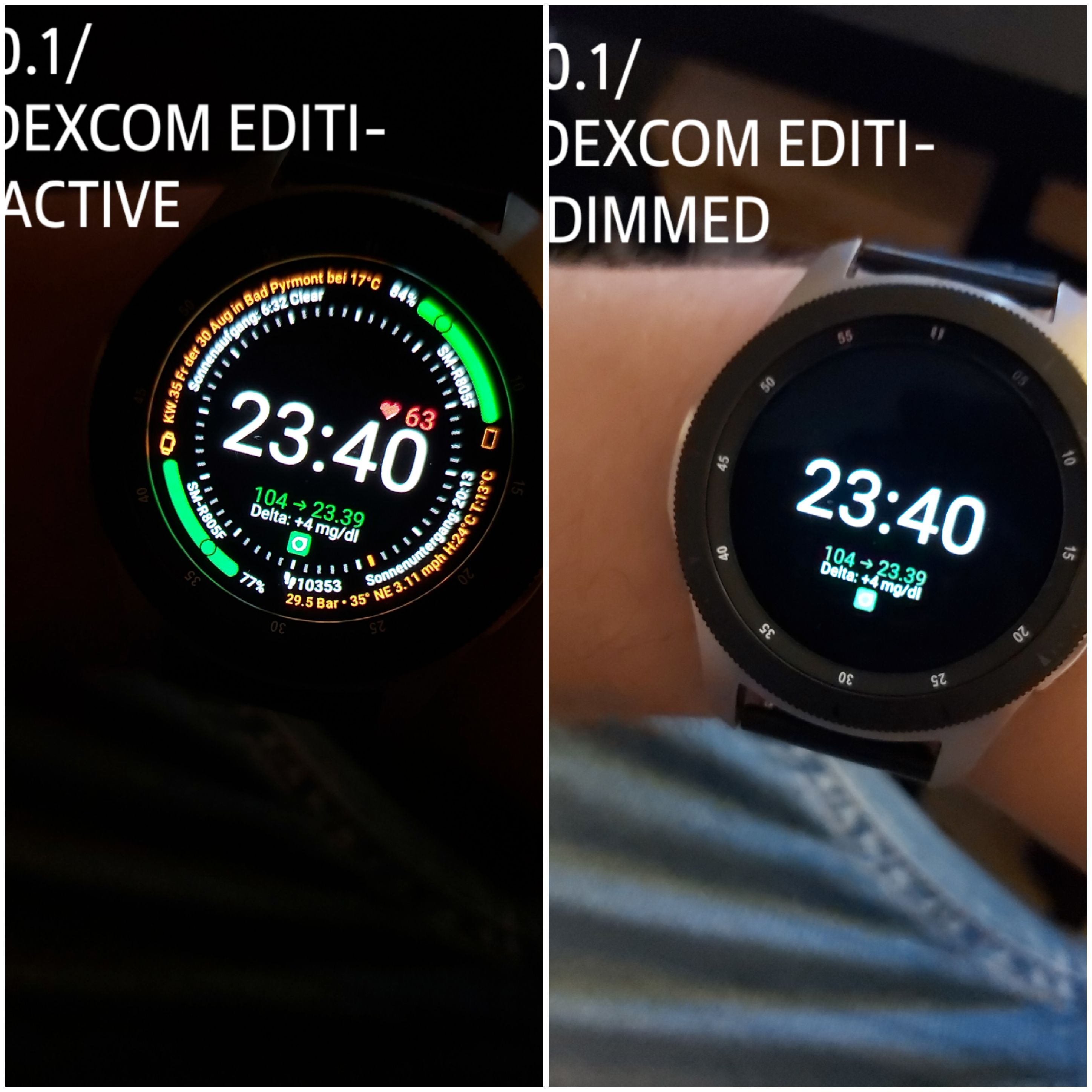


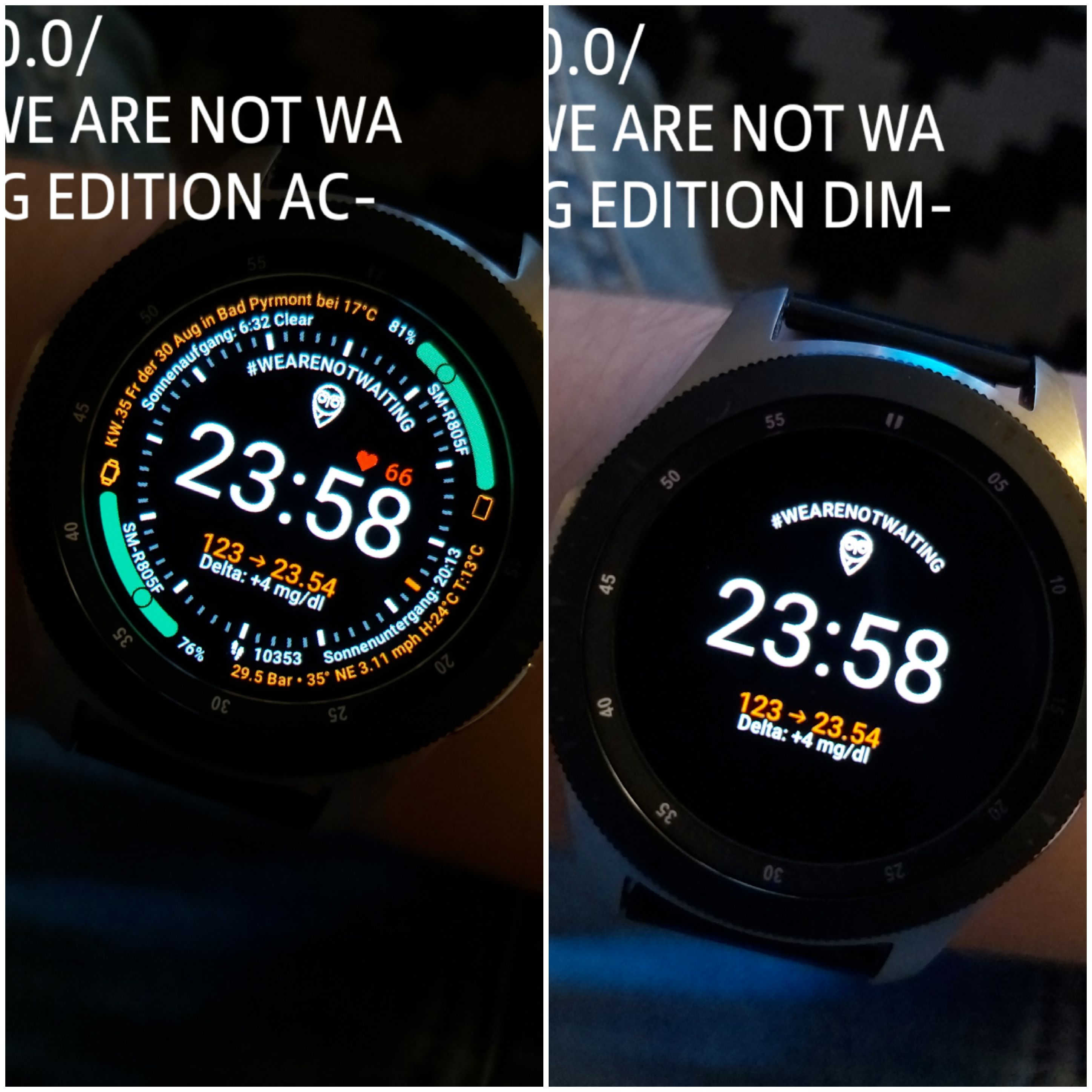


.
 FreDiabetics
on 8 Sep 2019
FreDiabetics
on 8 Sep 2019
Does anyone have an idea on how to make a watchface with the graph from the xdrip notification? I opend a request. Maybe somebody have an idea on how to get to this ;)
FreDiabetics
on 8 Sep 2019
hi @miz012-om,
just look up for Freddy_x in Watchmaker, his watch faces are awesome
Thank you, for your interest and support on my work 👍
FreDiabetics
on 8 Sep 2019
HEY GUYS, TO ALL SAMSUNG GALAXY ACTIVE AND SAMSUNG GALAXY ACTIVE 2 USERS. IF YOU'RE NOT ABLE TO DOWNLOAD THE WATCHMAKER COMPANION APP OR THE WEARABLE WIDGETS APP FROM THE GALAXY STORE, FOR THE XDRIP WIDGET. TEXT ME!! I HAVE OPENED UP A NEW SAMSUNG ACCOUNT AND BOUGHT THIS APP, YOU CAN GET THE ACCOUNT INFO BY TEXTING ME A E-MAIL CONTAINING WHAT YOU WANT TO DO. YOU HAVE NOTHING TO PAY FOR IT. I SHARE FOR FREE. WITH THIS METHOD YOU ARE ABLE TO GET ACCESS TO THIS APP!!!!! ALSO YOU FIND THE WATCHMAKER COMPANION APP FOR THE GALAXY SMARTWATCHES!!! I HAVE DONE THIS ONLY FOR GALAXY WATCH ACTIVE AND ACTIVE 2 USERS, THEY`RE NOT ABLE TO GET THIS APPS ON OTHER WAY.
e-mail: typ1.[email protected]
FreDiabetics
on 20 Sep 2019
@wagnefrede: Deine letzte Uhr (DIABETIC FRONTIER xDrip Edition) ist super. Kam gleich zum Einsatz. Darf ich fragen, was Du in tasker unter {tbgtime} programmiert hast?
 ThommyS
on 21 Sep 2019
ThommyS
on 21 Sep 2019
Hey grüß dich 😊 ja das ist die Zeit die zu dem aktuellen Wert gehört. Sprich die Zeit gibt an von welcher Uhrzeit der Wert ist. So weiß man immer wann der nächste kommen müsste 😊
Freut mich das 😊 Viel Spaß damit 😊
LG Freddy 😊
Gesendet von Mail für Windows 10
Von: ThommyS
Gesendet: Samstag, 21. September 2019 13:14
An: NightscoutFoundation/xDrip
Cc: Frederik Wagner; Mention
Betreff: Re: [NightscoutFoundation/xDrip] Document best way to use xDrip+ withTizen (#460)
@wagnefrede: Deine letzte Uhr (DIABETIC FRONTIER xDrip Edition) ist super. Kam gleich zum Einsatz. Darf ich fragen, was Du in tasker unter {tbgtime} programmiert hast?
—
You are receiving this because you were mentioned.
Reply to this email directly, view it on GitHub, or mute the thread.
FreDiabetics
on 22 Sep 2019
Our current approach grabs the values from the notification title and description. These are strings and they are annoying to parse and that’s why everyone uses the same sequence of values on the watchface.
Just recently I realized that xDrip provides data over HTTP API, and that Tasker can do HTTP requests, and that it can also process them via Javascript. That opens up a lot of possibilities!
Follow these steps:
- Go to xDrip settings -> Inter-App settings -> xDrip Webserver and activate it
- On you phone click this link to install a "Glucose" task in your Tasker and follow instructions there
- On you phone click this link to install an "xDrip+ Notification" profile in your Tasker and follow instructions there
The profile activates every two minutes and on update of xDrip notification. The task fetches current glucose data from xDrip and provides you with following values for your Watchmaker watchface:
{tbgvalue}- the blood glucose level{tbgdelta}- the change since last update{tgbarrow}- the direction arrow{tbgtime}- the time when this data was received
As an example I have put two following expressions on my watchface: "{tgbarrow} {tbgvalue}" and "{tbgdelta} @ {tbgtime}" with the following result:
→ 8.2
0.1 @ 21:28
However you can combine these values in any sequence you like. You can even modify the Javascriptlet sub-task to have more flexibility. Current code is like follows:
var d = JSON.parse(http_data).bgs[0]

var arrow = {
  DoubleUp: '⇈',
  SingleUp: '↑',
  FortyFiveUp: '↗',
  Flat: '→',
  FortyFiveDown: '↘',
  SingleDown: '↓',
  DoubleDown: '⇊'
}[d.direction] || ''

var ts = new Date(d.datetime).toTimeString().substring(0,5)

setGlobal('BGVALUE', d.sgv)
setGlobal('BGDELTA', d.bgdelta)
setGlobal('BGARROW', arrow)
setGlobal('BGTIME', ts)
Oh, and there are some other values in the JSON provided by xDrip, you can figure them out and pass them to Watchmaker as well:
"battery": "",
"filtered": 174000,
"iob": 0,
"noise": 1,
"trend": 4,
"unfiltered": 174000
And if you change the endpoint to http://localhost:17580/sgv.json?count=1 you will get following:
[
    {
        "_id": "7460906a-22b5-4385-8da0-787a5bbf5435",
        "date": 1569346114071,
        "dateString": "2019-09-24T19:28:34.071+0200",
        "delta": 1.989,
        "device": "Other App",
        "direction": "Flat",
        "filtered": 183000,
        "noise": 1,
        "rssi": 100,
        "sgv": 177,
        "sysTime": "2019-09-24T19:28:34.071+0200",
        "type": "sgv",
        "unfiltered": 183000,
        "units_hint": "mmol"
    }
]
count=1 means only the last datapoint, you can increase that to receive more, but I don’t really know how you’d pass that many values to the Watchmaker.
arty-name
on 24 Sep 2019
Cool thing man :) but I think this will only work with an established internet connection right? Greetz
FreDiabetics
on 24 Sep 2019
I am 100% certain that will work without any internet connection at all :)
arty-name
on 24 Sep 2019
WOW that's quite awesome! :)
FreDiabetics
on 24 Sep 2019
I'm trying to export the graph from xdrip to import it to Watchmaker using tasker.
The graph is exportet to this variable %anpicture
But my Problem ist I can't import it correctly because the file I have to export ends with .dexdripxxxxxxx and I have to force tasker to convert it to a .png file. Because .png's can be imported without issues did you have some tips for me?
FreDiabetics
on 25 Sep 2019
@arty-name,
thank you so much for sharing tips. Any chance you can publish some photos of your watches?
mesaknz
on 25 Sep 2019
@wagnefrede I thought Tasker can only set variables and change watchfaces in WatchMaker, how do you send PNGs? I can’t really help here, never looked into it. Maybe you can use Tasker’s actions load image and save image?
@mesaknz I am good at programming, not design, so my watchface is not much different from this one https://i.imgur.com/oSaQTRc.png
arty-name
on 25 Sep 2019
@arty-name
Yes I will try that, have thought about the same. AutoNotification grap the Variable %anpicture (for the big graph at the staustbar, xdrip Notifi.), %anicon (for the Icon) and 1 other Variable I dont mind at the moment (the thrid is to show the little graph when the notif. is minimzed)
Then it stores these 3 images in a systemfolder and the %anpicture image is always updating every Minute. BUT its stored as a .dexdrip file which is no native image file. so I think I should force Tasker to load this file and convert it. The loading part I already have done. But I didn´t find any Task to convert this file. I thought I can do this with the AutoPhoto App, it gives me the permission to automatically load and resize Pictures. BUT i can´t convert it with this...... I will tray it again, as often as I have to do to success. Thanks for your awesome work. I have thought yiu might be able to solve that issue by using your web service solution. maybe you can grab that info too and send it to watchmaker ;) there have to be a solution to get this damn Graph to a watchface or do I tap it in the dark with that opinion? :D
FreDiabetics
on 25 Sep 2019
@wagnefrede I actually have a feeling that watchmaker is just a cash cow now. Its features are minimal and unreliable. No progress in sight either. I really doubt about sending images to it, but it might be possible to plot the graph dot by dot.
arty-name
on 25 Sep 2019
yes, that would be enough, if I get them dot by dot, I can design a Graph and the the dots are only placed on it. yes, but i few days ago thy added 64bit support. since then the app is much more stable and runs faster. the also added a huge number of preset to design watchfaces. I send them a big count of e-mails and they told me to update the whole app until the end of this year, to give us more possibilitys to import tasks. they want to expand the support for apps like Tasker. I am very curious what will happen in the future with Watchmaker. Let's wait and see what they have come up with and will come up with.
FreDiabetics
on 25 Sep 2019
@arty-name, have you tried the Samsung Watch Designer?
mesaknz
on 26 Sep 2019
@wagnefrede hey, feel free to let me know if you manage to solve graph issue
mesaknz
on 26 Sep 2019
@arty-name
Yes I will try that, have thought about the same. AutoNotification grap the Variable %anpicture (for the big graph at the staustbar, xdrip Notifi.), %anicon (for the Icon) and 1 other Variable I dont mind at the moment (the thrid is to show the little graph when the notif. is minimzed)
Then it stores these 3 images in a systemfolder and the %anpicture image is always updating every Minute. BUT its stored as a .dexdrip file which is no native image file. so I think I should force Tasker to load this file and convert it. The loading part I already have done. But I didn´t find any Task to convert this file. I thought I can do this with the AutoPhoto App, it gives me the permission to automatically load and resize Pictures. BUT i can´t convert it with this...... I will tray it again, as often as I have to do to success. Thanks for your awesome work. I have thought yiu might be able to solve that issue by using your web service solution. maybe you can grab that info too and send it to watchmaker ;) there have to be a solution to get this damn Graph to a watchface or do I tap it in the dark with that opinion? :D
Hi @wagnefrede I have used your guide and designs and I'm very happy with it. Regarding this issue I'm able to grab the image using tasker and rename it to PNG without problems. The format is PNG, is just that the extension is missing. I'm not sure if I misunderstood the problem but just in case I send you how I do it:
1) Get picture location:
Variable Set: %Picture = %ancpicture
(%Picture = file:///storage/emulated/0/Android/data/com.joaomgcd.autonotification/files/com.eveningoutpost.dexdrip_-440089473)
2) Remove file:/storage/emulated/0/ from %Picture because Tasker prepends "/storage/emulated/0" when dealing with files:
Variable %Picture Search Replace file:///storage/emulated/0/ Replace Matches
3) Copy file to a location adding .png
Copy File from %Picture to DCIM/Camera/out.png
 jofrep
on 26 Sep 2019
jofrep
on 26 Sep 2019
@mesaknz does Samsung Watch Designer has Tasker integration or any other means to get custom data from the watch?
arty-name
on 26 Sep 2019
@arty-name GWD doesn´t support Tasker. :( The only thing that works is our Watchmaker Tasker Solution ;) I have sendet several E-mails to any Watchface App developers that we can use for our Galaxy Watch. The only thing I have achieved is, that the Pujie Black App will support it in near future. I have e-mail contact to the Pujie-Black App developer and I described him what I want to use Pujie-Black for. I described my solution for exporting the variables via Autonotification and Tasker. He is developing many things to integrate to his Pujie-Black watchface designer app and he sware to add the Tasker Plugin in the same way then Watchmaker does. So we also can use Pujiwe-Black in near future I guess. and we can use it the same way as Watchmaker. Same guide - different Watchface app. Because Pujie-Black is more comftable and much better looking.
Don´worrie there is nothing writte about Tizen on the Pujie-Black website here But its shown in the GooglePlay-Store entry here
FreDiabetics
on 26 Sep 2019
@jofrep
I will test what you have achieved, immediatly 💃 I think you´ve understand it right. so I check it out and see what happens.
Thanks in advance 👍
FreDiabetics
on 26 Sep 2019
@jofrep I checked what you did thats not what I want to do. I want to export the graph to watchmaker, not to my Smartphone. I want to show it on my Watchface. But your task exports that .png to the DCIM folder in my internal storage. How I import that variable to watchmaker i know. but before I have to send it to watchmaker I have to convert the xxxx.dexdripxxxx file into a .png file. Watchmaker can´t load and show a xxxxx.dexdripxxxx file. PNG´s are supported. so I want to export a variable which contains a non-static picture. that means tasker would export every 5m minutes a new png and send it to watchmaker. it should look the same like it looks on the smartphone widget oder the statusbar notification you know what i mean?
FreDiabetics
on 26 Sep 2019
But the xxxx.dexdripxxxx file si ineed a PNG. The only "anomaly" is that it does not have the .png as a file extension like you'll need in a windows, but the file is a PNG. See header of the file below with the PNG tag:
00000000: 8950 4e47 0d0a 1a0a 0000 000d 4948 4452 .PNG........IHDR
00000010: 0000 0278 0000 0160 0806 0000 0028 fa04 ...x........(..
00000020: 5100 0000 0173 5247 4200 aece 1ce9 0000 Q....sRGB.......
Besides this, I'm curios to understand how you would send the image to the watchmaker every 5 minutes. I´ve looked at this and I don't see any way to periodically send new images. I see how to use a static image but not how to programatically send it. I think that the icons or images that are used in a widget are send before and then you choose wich to show or use.
jofrep
on 26 Sep 2019
Now you understand what´s my problem. but i think there is a Task for sharing files.
But I think the major issue let us fail. there is no single option to choose a task that sends this image or any image to Watchmaker. The only 2 things we can do is "WM send to Watch" or "WM send Variable" there is no "WM Send Picture" or "WM send PNG" Maybe they can add something like this.
FreDiabetics
on 26 Sep 2019
@jofrep
But we can send the Variable %graph, variables set %graph to %antilte then WM send Variable %GRAPH
now open tasker and add new textlayer with {tGRAPH] and now you get the file path were the image is stored. now my question. as you write above, Remove file:/storage/emulated/0/ from %Picture because Tasker prepends "/storage/emulated/0"
and after that we put the .png into a variable calles %BGGRAPH and send it to watchmaker via WM Send Variable -> %BGGRAPH
wouldn´t that work?
FreDiabetics
on 26 Sep 2019
@wagnefrede if you have a photo on your smartphone with a path DCIM/secret.jpg, can I see it on my smartphone by opening a path DCIM/secret.jpg?
arty-name
on 26 Sep 2019
@arty-name no i think not. because its not on yours.
FreDiabetics
on 26 Sep 2019
Same with the watch
arty-name
on 26 Sep 2019
yes right it can´t display what it don´t know. and a variable can only contain Letters and numbers no grapics right?
FreDiabetics
on 26 Sep 2019
yep :(
arty-name
on 26 Sep 2019
@wagnefrede
you could do
Read Binary DCIM/out.png To Var %GraphBin
WM Send Variable %GraphBin
but the issue is where you render {tgraphbin} in the watch
jofrep
on 26 Sep 2019
issues over issues :D I think that could be the end of wishing to get that graph to my Galaxy Watch
FreDiabetics
on 26 Sep 2019
Well, we still can recreate the graph on the watch by positioning individual dots at coordinates sent from the phone. It’s just kind of messy.
arty-name
on 26 Sep 2019
yes, but if thats the only thing we can do than let the games begin :D how do you send these dots? can you give some advice how to start that?
FreDiabetics
on 26 Sep 2019
yes, that is what I was thinking but doing this in LUA could be challange XD
Although the most dificut part is to transform the image to a reresentation of pixels.
Probably the simples is to store the values recieved in %antitle and draw the graphic step by step
jofrep
on 26 Sep 2019
:D thats a LUA Nightmare i think :D
FreDiabetics
on 26 Sep 2019
Every 4 min you recieve a value, keep it in a buffer / array, and send the complete array to the watch. In the watch you ready the array and draw the pixels. As I guess there is not concept of state a solution would be to keep a text file with the values recieved and apped-read for every event
jofrep
on 26 Sep 2019
@jofrep there’s no need to parse the PNG, as we have access to the original data used to render the graph on the smartphone.
arty-name
on 26 Sep 2019
So I think it can be done like this:
- Get the last 20 data points from xDrip
- For every point calculate its horizontal coordinate based on its timestamp and its vertical coordinate based on BG value
- Put these coordinates in 20 pairs of variables, e.g. BGP10X and BGP10Y
- Send all these variables to WatchMaker
- Create 20 text labels in WatchMaker with text "." and coordinates {tbgp10x} and {tbgp10y}
- PROFIT!!!
arty-name
on 26 Sep 2019
I think that probably the most eficient would be a combination. At start, when no values are stored, you query the HTTP Server N times to fill a file with all values and then at every event, just remove the olest and appends the newer. (but that could be done on a lter stage)
What your propose looks fine, bu are 20 points enough? is only 80 minuts
jofrep
on 26 Sep 2019
I don’t know how many points xDrip exposes via API, and I shudder even at the idea of manually adding and configuring these 20 points in WatchMaker editor.
arty-name
on 26 Sep 2019
me too. thats much stuff to add...... i think tasker couldn´t achiev that. if i add more than 8 entries to a new task it doesnt export them stable.
FreDiabetics
on 26 Sep 2019
@arty-name and @wagnefrede if I add {tgbarrow} - the direction arrow to my watch it does not appear as the arrow, just vertical line
mesaknz
on 27 Sep 2019
@mesaknz you can check the current values of variables in the last tab in Tasker. Also you could try running the newly imported Glucose task manually: click it to get to the list of steps and then click triangle "play" button at the bottom left.
arty-name
on 27 Sep 2019
@mesaknz you have to write all variables in big letter. E.g. Name: %BGARROW
Then in Watchmaker add a text layer and write the variable big too. E.g {tBGARROW}
then it should work
FreDiabetics
on 27 Sep 2019
That’s curious, the WM documentation seems to imply that the variable names will be converted to lowercase:
Tasker variables must be set up from Tasker “WM Send Variables” Plugin. Specify the Tasker variable name, e.g. %BATT. This will convert to a WatchMaker variable of {tbatt}
arty-name
on 27 Sep 2019
yes, WM uses only lowercase but Tasker uses the letter case to define the scope.
- lowercase: Local
- at least one capital letter: Global
- all capital letters: Built in variables (Global)
https://tasker.joaoapps.com/userguide/en/variables.html
of course you can use your global variables all in capital letters but you are at risk of overwritting a built in variable. On the other hand that will not matter for VM as it just lowercase them. :-S
jofrep
on 27 Sep 2019
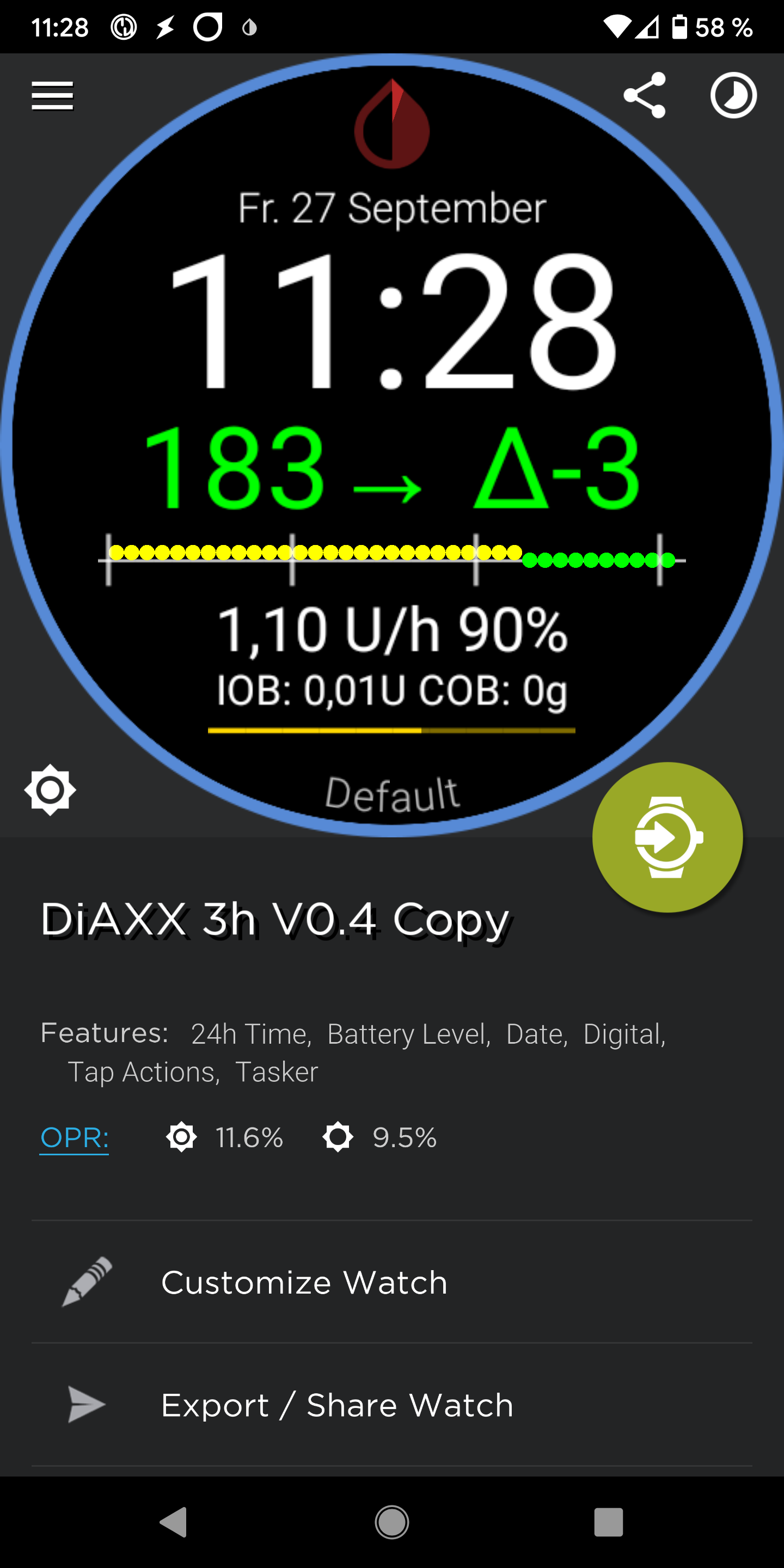
My Watchface represents the blood glucose values of the last 3 hours. The target area is shown in green. Upwards and downwards there are the yellow (high / low) and the red (urgent high / urgent low). The target area, as well as High / Low and Urgent High / Urgent Low can be adjusted via a config file.
st0ber
on 27 Sep 2019
So how did you manage this, @st0ber?
arty-name
on 27 Sep 2019
@stober
Can you share your Tasks pls?
I want to know how I can manage it and it would be very helpful.
FreDiabetics
on 27 Sep 2019
@wagnefrede hello, I just checked and I don't think I have Arrow variable set in the Tasker at all.
mesaknz
on 28 Sep 2019
@arty-mane
Ist ist possible to put out both variables, for the BGVALUE and the BGARROW in only one Variable e.g. %GLUCOSE ? Or is this not possible?
I have a big problem. Yesterday I have downloadet the new Tasker Update. Not a single variable is beeing exportet from that minute on I updated the App Tasker gives me no more Values.
I have done all I know. But since ,esterday evening I can't get any variable out of xDrip notification
I'm using my method without Java.
Your java solution is running but my own isn't.
Do you have any tips how to get it back to Life?
On rider VARS it only shows me the %variables
Not a single BG-Value.
I put so much work in it and I am so pissed off that it won't work anymore.
FreDiabetics
on 28 Sep 2019
I have solved that Problem🙂 don't update to the new Version of 24.09.2019
This version don't work for my solution
FreDiabetics
on 28 Sep 2019
@wagnerfrede I dont have Arrow in my variables and I think that is why it shows as vertical line only when I add it to watch face
mesaknz
on 28 Sep 2019
@mesaknz
which method do u use? do you use my or the one from arty-mane? can you share a screenshot? of what you mean?
FreDiabetics
on 28 Sep 2019
Guys from now on you can use the App Pujie Black as well to get you BG-Values on your watch.
The App developer has send me an E-Mail. Since yesterday it's available you only have to join the beta tests and download Pujie-Black.
If you open Tasker you will now be able to set a Variabel and send it to Pujie-Black like you can do with watchmaker.
I have made the first watchface to test it and it works 👍
here are some pics. It works for Samsung's Tizen OS SmartWatches and for Android Wear OS
have a nice weekend
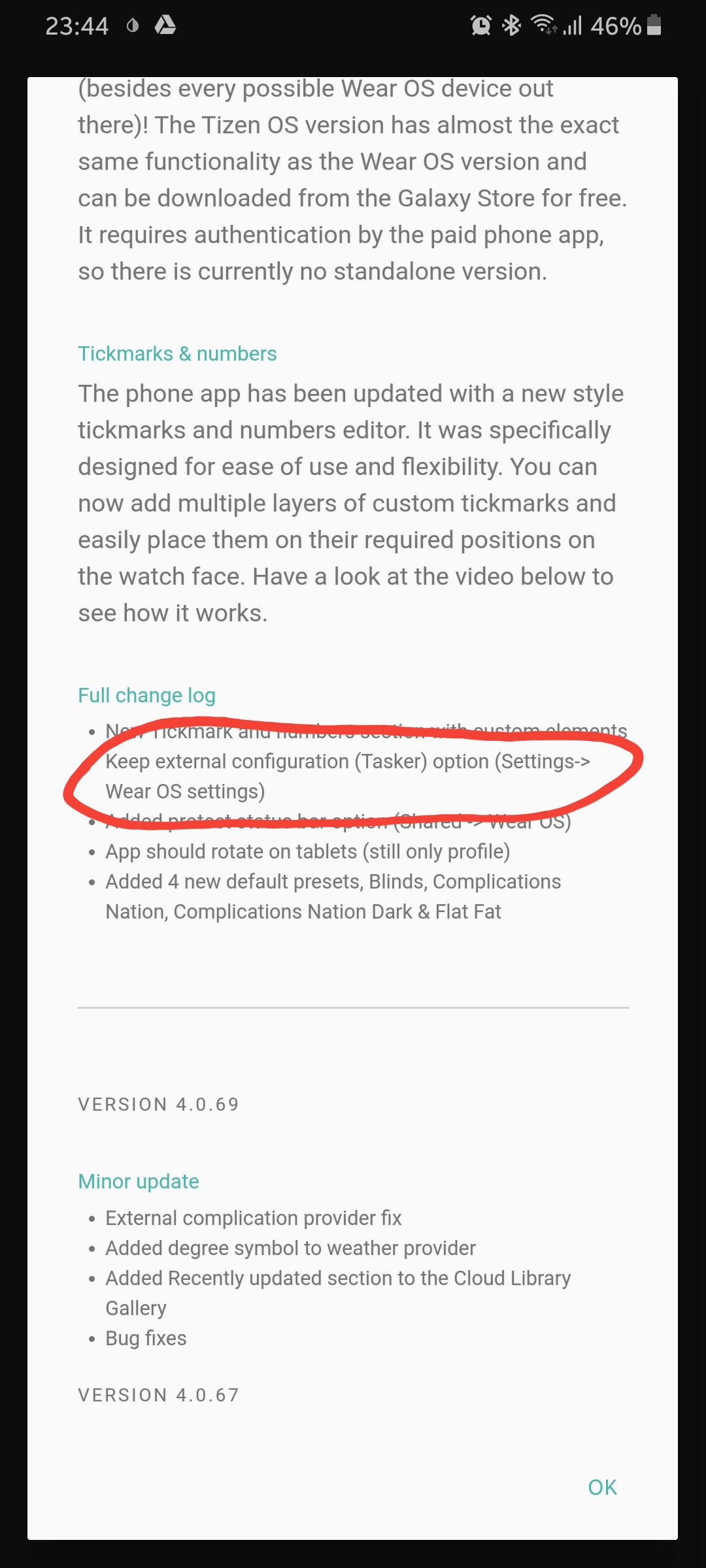
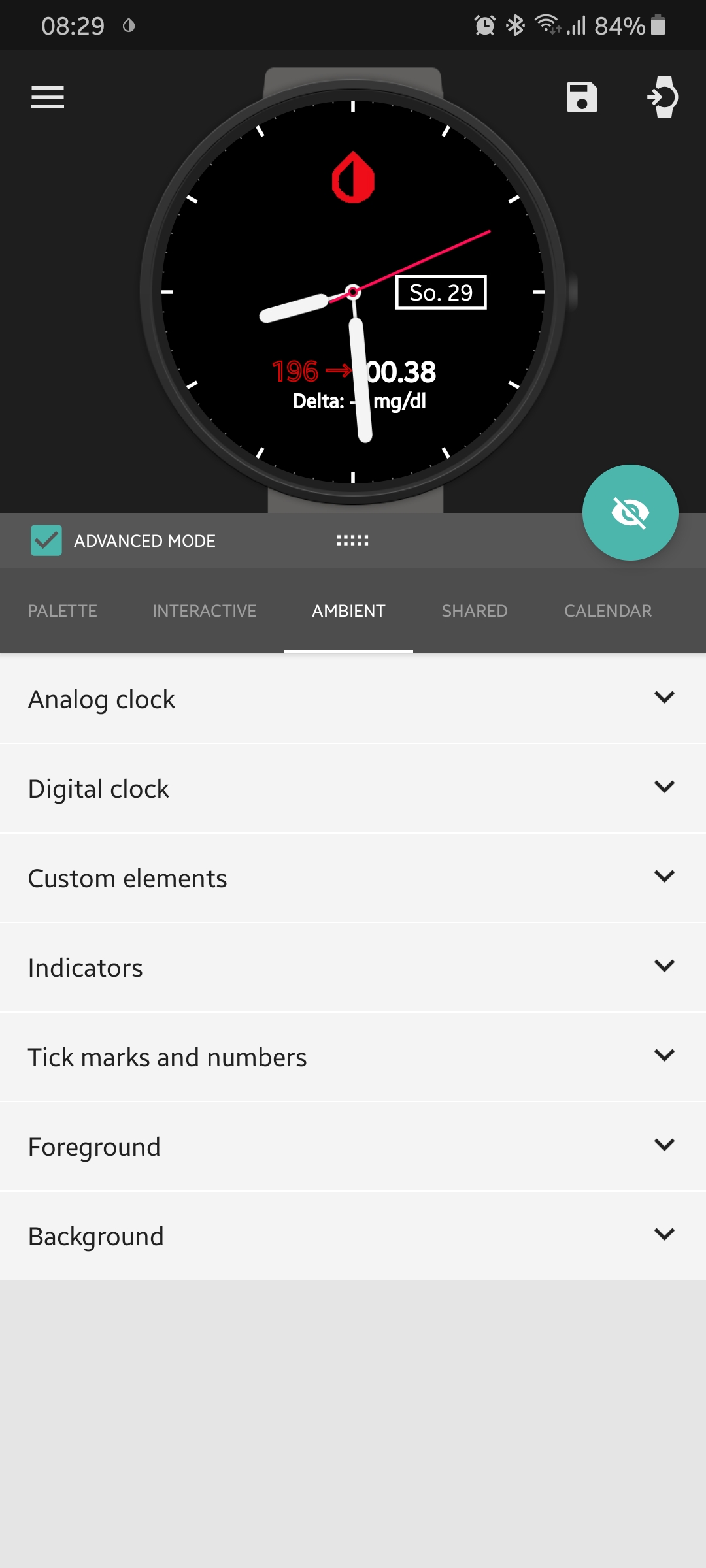
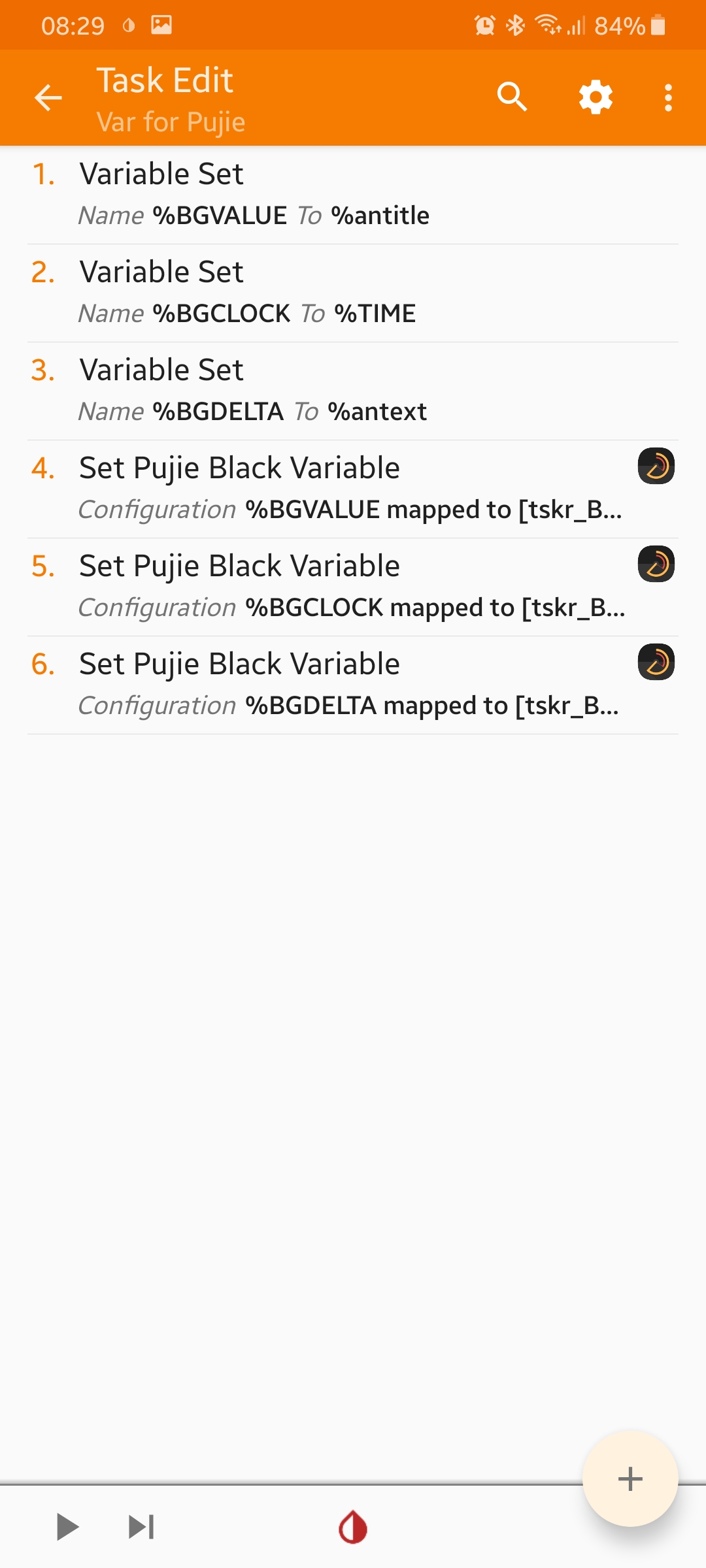
FreDiabetics
on 29 Sep 2019
Hello Artemy, do you know how I can make Arrow variable in Tasker?Sent from my Samsung Galaxy smartphone.
-------- Original message --------From: Artemy Tregubenko notifications@github.com Date: 27/09/19 21:41 (GMT+12:00) To: NightscoutFoundation/xDrip xDrip@noreply.github.com Cc: mesaknz mmnkaf@xtra.co.nz, Mention mention@noreply.github.com Subject: Re: [NightscoutFoundation/xDrip] Document best way to use xDrip+ with
Tizen (#460) So how did you manage this, @st0ber?
—You are receiving this because you were mentioned.Reply to this email directly, view it on GitHub, or mute the thread.
[
{
"@context": "http://schema.org",
"@type": "EmailMessage",
"potentialAction": {
"@type": "ViewAction",
"target": "https://github.com/NightscoutFoundation/xDrip/issues/460?email_source=notifications\u0026email_token=AJ54FBDJ5BMC3RUGAMSQ523QLXIOLA5CNFSM4FCP2342YY3PNVWWK3TUL52HS4DFVREXG43VMVBW63LNMVXHJKTDN5WW2ZLOORPWSZGOD7YLXXA#issuecomment-535870428",
"url": "https://github.com/NightscoutFoundation/xDrip/issues/460?email_source=notifications\u0026email_token=AJ54FBDJ5BMC3RUGAMSQ523QLXIOLA5CNFSM4FCP2342YY3PNVWWK3TUL52HS4DFVREXG43VMVBW63LNMVXHJKTDN5WW2ZLOORPWSZGOD7YLXXA#issuecomment-535870428",
"name": "View Issue"
},
"description": "View this Issue on GitHub",
"publisher": {
"@type": "Organization",
"name": "GitHub",
"url": "https://github.com"
}
}
]
mesaknz
on 29 Sep 2019
Artemy, where can I find your post with arrow variable?Sent from my Samsung Galaxy smartphone.
-------- Original message --------From: Artemy Tregubenko notifications@github.com Date: 27/09/19 21:41 (GMT+12:00) To: NightscoutFoundation/xDrip xDrip@noreply.github.com Cc: mesaknz mmnkaf@xtra.co.nz, Mention mention@noreply.github.com Subject: Re: [NightscoutFoundation/xDrip] Document best way to use xDrip+ with
Tizen (#460) So how did you manage this, @st0ber?
—You are receiving this because you were mentioned.Reply to this email directly, view it on GitHub, or mute the thread.
[
{
"@context": "http://schema.org",
"@type": "EmailMessage",
"potentialAction": {
"@type": "ViewAction",
"target": "https://github.com/NightscoutFoundation/xDrip/issues/460?email_source=notifications\u0026email_token=AJ54FBDJ5BMC3RUGAMSQ523QLXIOLA5CNFSM4FCP2342YY3PNVWWK3TUL52HS4DFVREXG43VMVBW63LNMVXHJKTDN5WW2ZLOORPWSZGOD7YLXXA#issuecomment-535870428",
"url": "https://github.com/NightscoutFoundation/xDrip/issues/460?email_source=notifications\u0026email_token=AJ54FBDJ5BMC3RUGAMSQ523QLXIOLA5CNFSM4FCP2342YY3PNVWWK3TUL52HS4DFVREXG43VMVBW63LNMVXHJKTDN5WW2ZLOORPWSZGOD7YLXXA#issuecomment-535870428",
"name": "View Issue"
},
"description": "View this Issue on GitHub",
"publisher": {
"@type": "Organization",
"name": "GitHub",
"url": "https://github.com"
}
}
]
mesaknz
on 29 Sep 2019
Hello Guys
My watchmaker companion is stuck on update download for a few days and been advised to delete app and fresh install updated one. I am unable to find watchmaker companion on my phone galaxy S7 or wear on watch. I deleted watchmaker and reinstalled but did not resolve issue
Any advise where it would be located to remove or solution?
Jay
JayType1
on 3 Oct 2019
Hello
All sorted thanks
if anybody has same issues, the procedure is to delete watchmaker app, install watchmaker companion and then install watchmaker app again
Jay
JayType1
on 3 Oct 2019
I think the new Tasker update is also causing some issues. If I installed it tasker gets no more variables anymore. I have upload the previous tasker version to my Github Account for Tasker Version 5.8.3 look up here
FreDiabetics
on 4 Oct 2019
@wagnefrede and @arty-name I am still unable to load Arrow despite having Arrow option in my Variables. It only shows a vertical line without pointing arrow
mesaknz
on 4 Oct 2019
It would help to see a screenshot of what you mean, I think I know already, but not clear.
FreDiabetics
on 4 Oct 2019
@wagnefrede and @arty-name that is what I meant. It only shows vertical line and no pointer
mesaknz
on 5 Oct 2019
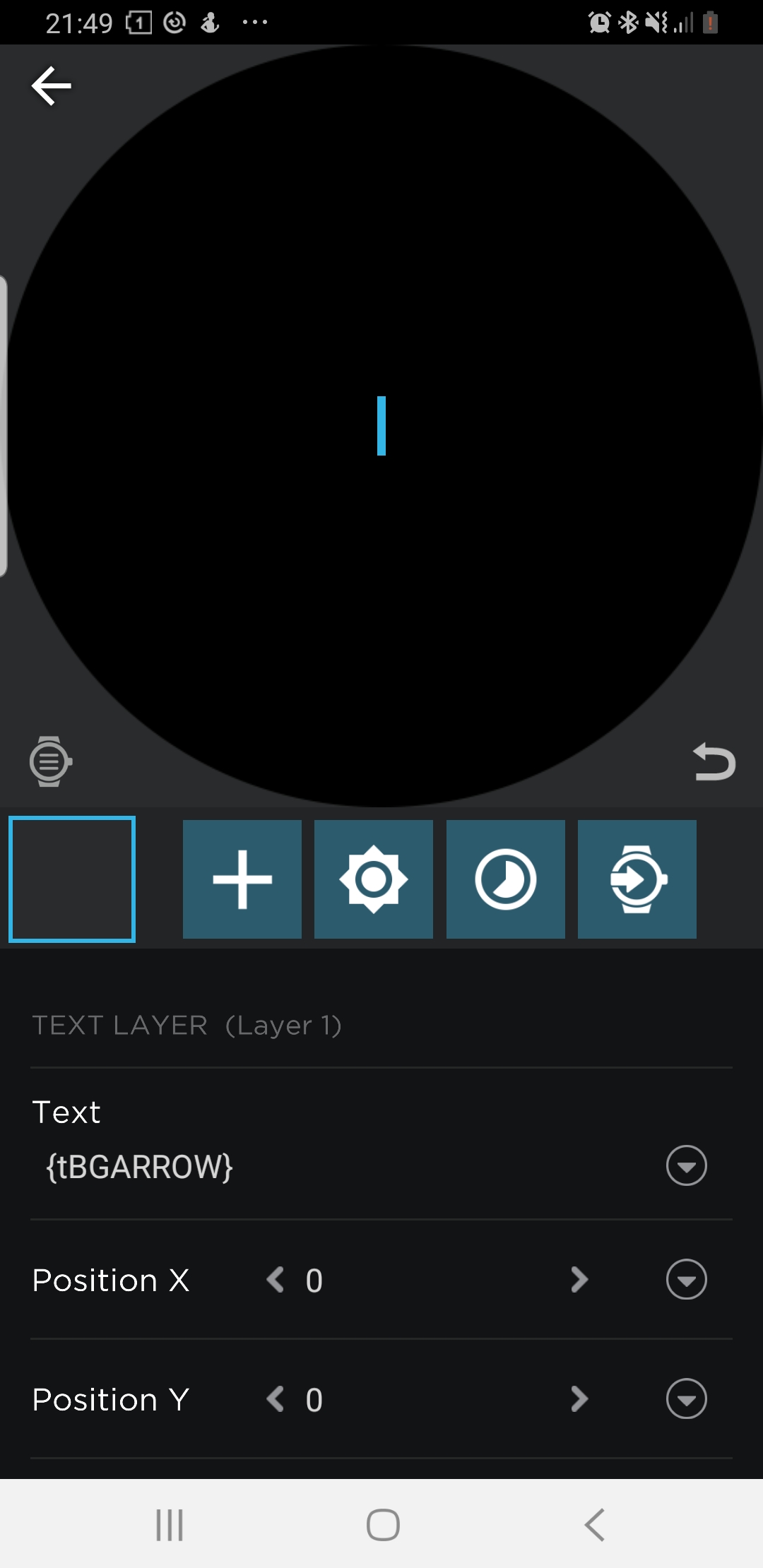
mesaknz
on 5 Oct 2019
and what values are showing on tasker? open tasker click on the ryder "VARS" on top right, then take a screenhot and upload
FreDiabetics
on 5 Oct 2019
@wagnefrede
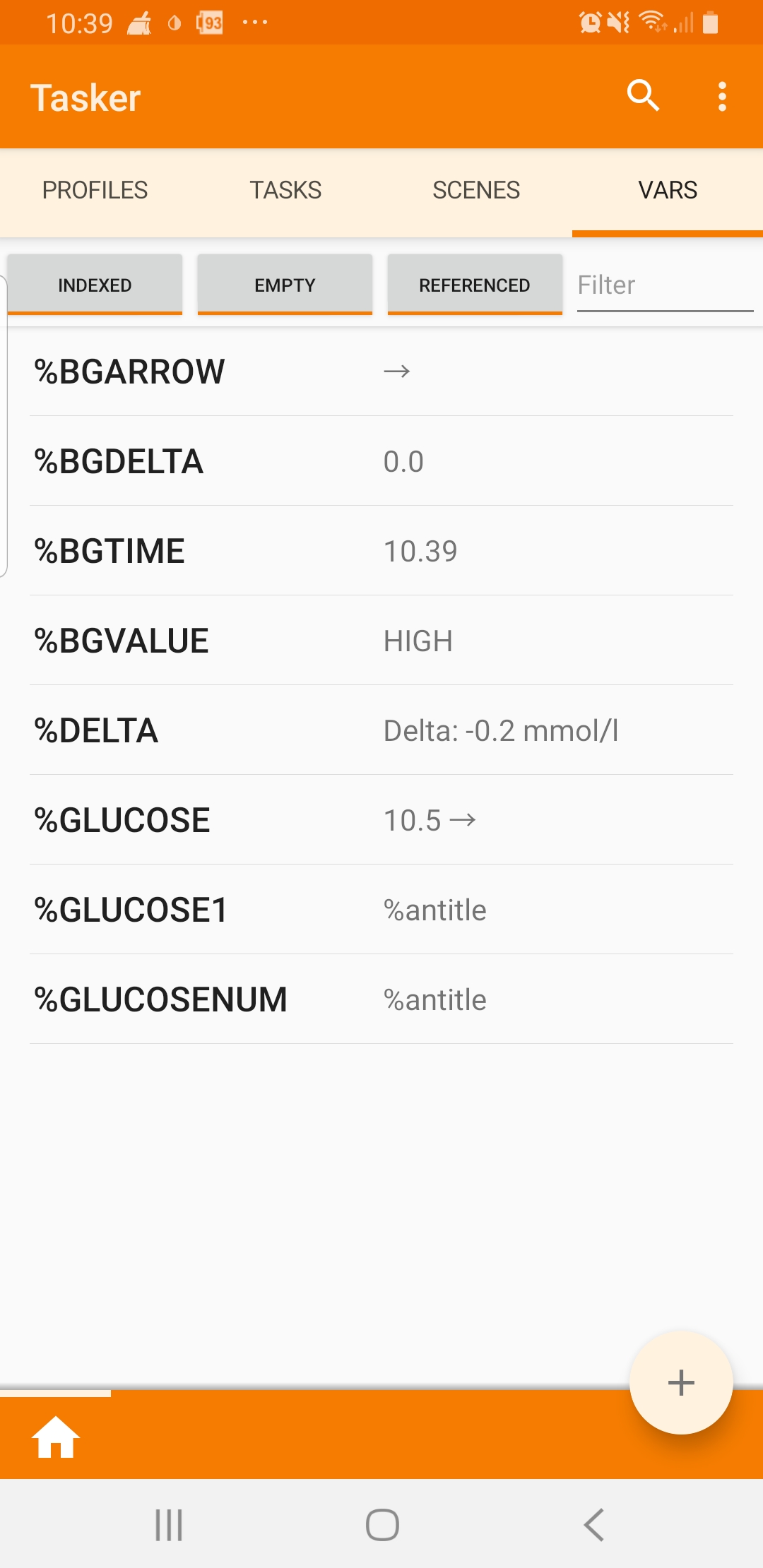
mesaknz
on 5 Oct 2019
My Watchface represents the blood glucose values of the last 3 hours. The target area is shown in green. Upwards and downwards there are the yellow (high / low) and the red (urgent high / urgent low). The target area, as well as High / Low and Urgent High / Urgent Low can be adjusted via a config file.
@st0ber
I have found out that Tasker is also able to pull out vars from the AAPS notification.
which are the correct vars? I tried %antitle &
that has worked for a few minutes. then Tasker switched back to only show me the %antitle var
I think there is a little issue at Tasker. I have 2 Profiles each for 1 Task
The first for xdrip that works perfectly, but the second making much trouble.
I am not able to get anything to work at the seconds profile/task.
It doesnt matter how I type in. are their any specs to have a look at in AAPS or in AutoNotification?
FreDiabetics
on 6 Oct 2019
@mesaknz looks all fine. But go to Watchmaker and type in that sended var in small letters. {tbgarrow}
FreDiabetics
on 6 Oct 2019
@wagnefrede do you mean like this? 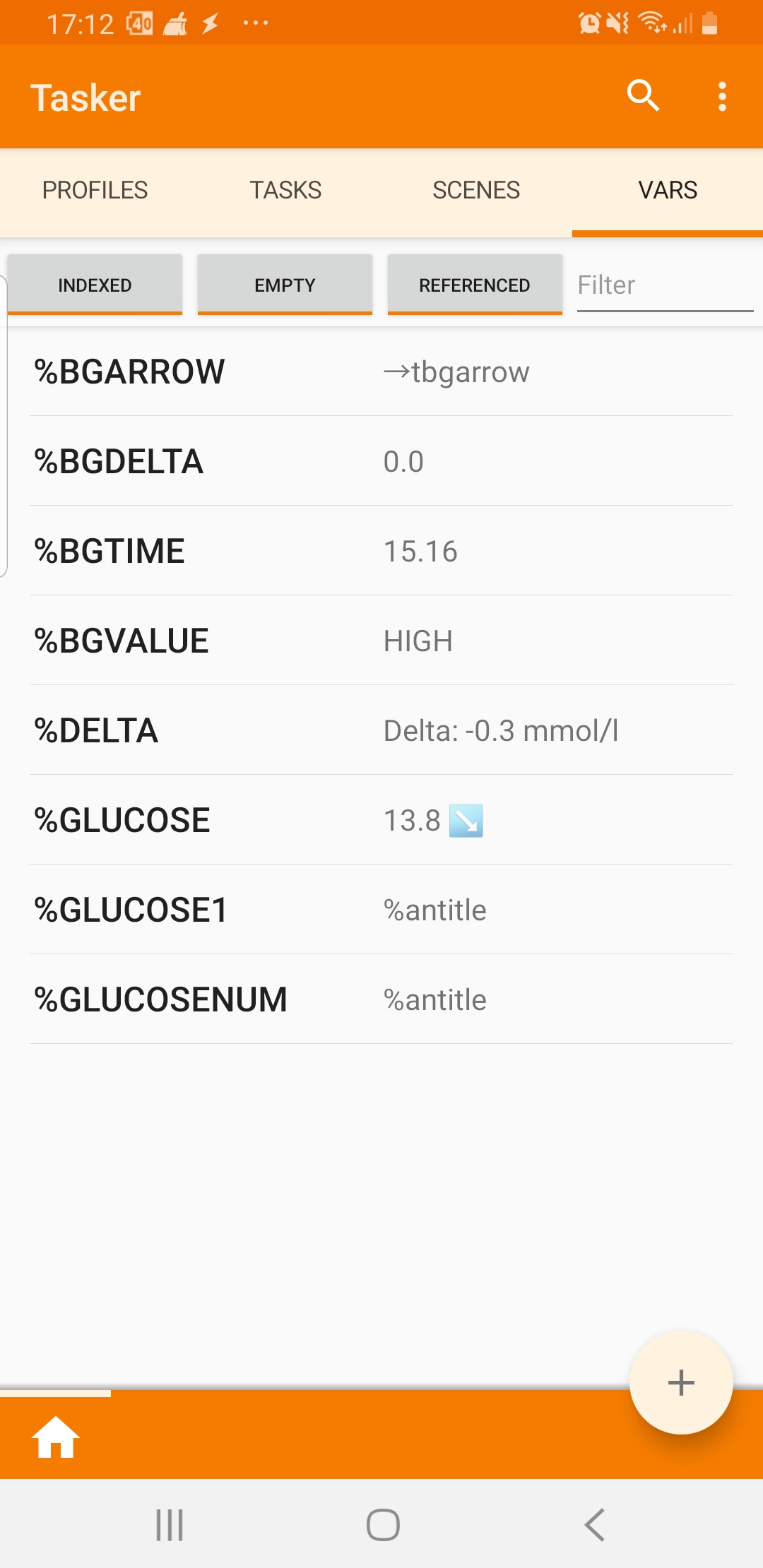
mesaknz
on 6 Oct 2019
please read what I have written..... I havent written any word that looks like Tasker or?
now your not recieving the arrow in tasker anymore......
i wrote go to WATCHMAKER and change it there!!!! I thought I was clear....... ;) you should read something about the behaiviors of tasker and how it works then your won´t stuck in those expression errors
FreDiabetics
on 6 Oct 2019
I stopped my project for the first time, although I implemented some more ideas. On the screenshot you do not see everything that is currently possible with the Watchface, such as Snooze xDrip alarm, automatic backup of some data (blood glucose, sensor change, ...) (see screenshot) @arty-name The blood sugar values I write in a file and read it for the 3-hour history again. @wagnefrede %ansubtext
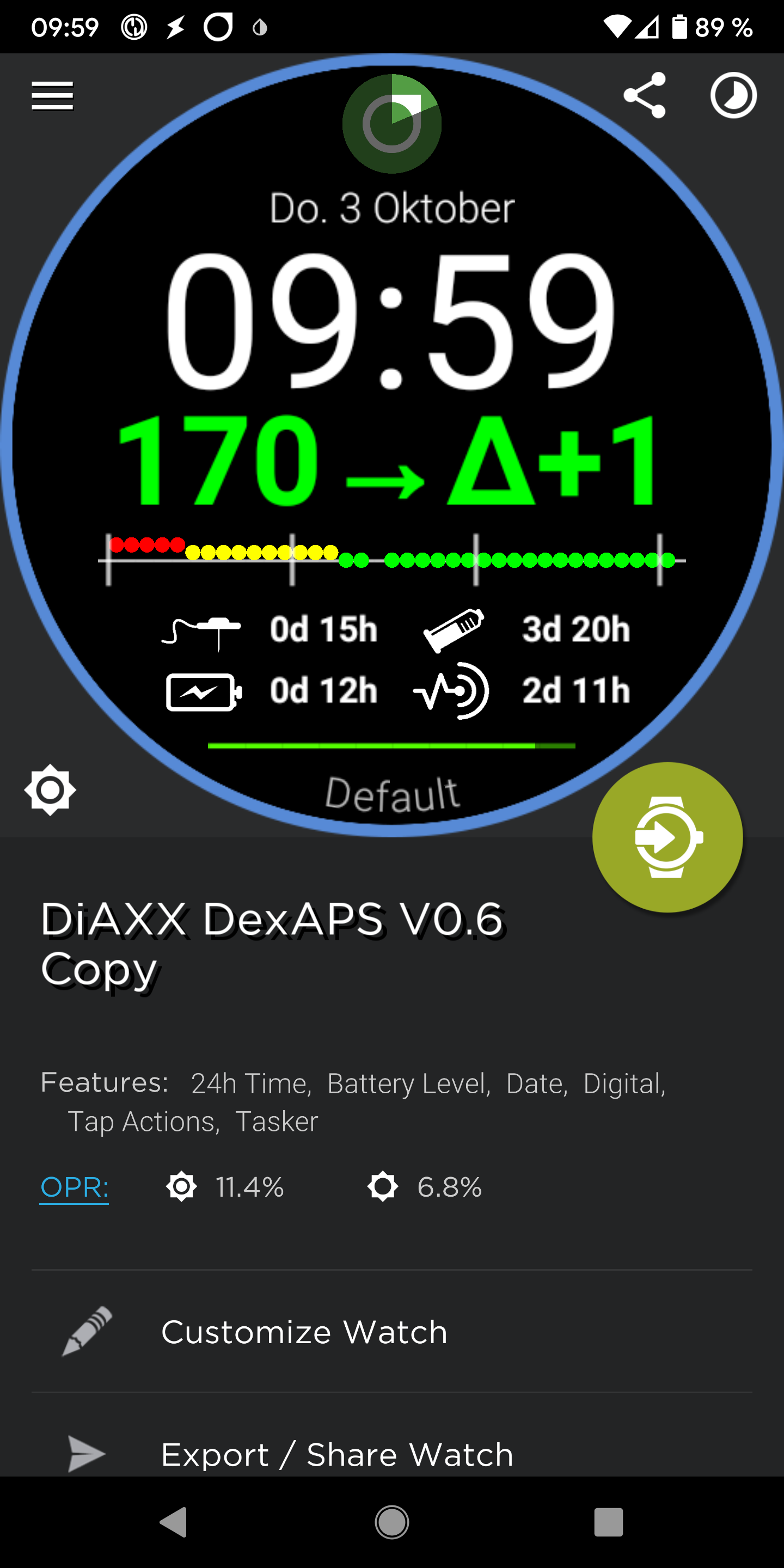
st0ber
on 6 Oct 2019
@st0ber
Wow this is an amazing Idea. Thanks for the hint. would it be possible to communicate with you over e-mail? don+t worry I don´t want to bother you. I have 1-2 questions about the basic ongoing. No questions about "can you send me this or that?"
If you´re ok with that. you can send me a "Yes" or something to my gmail. typ1.[email protected]
FreDiabetics
on 6 Oct 2019
@wagnefrede, I have tried both, tasker and watchmaker
mesaknz
on 6 Oct 2019
@st0ber hi, any chance to see your watch in Watch Maker?
mesaknz
on 6 Oct 2019
@wagnefrede this is all I get no matter how I write in Watchmaker
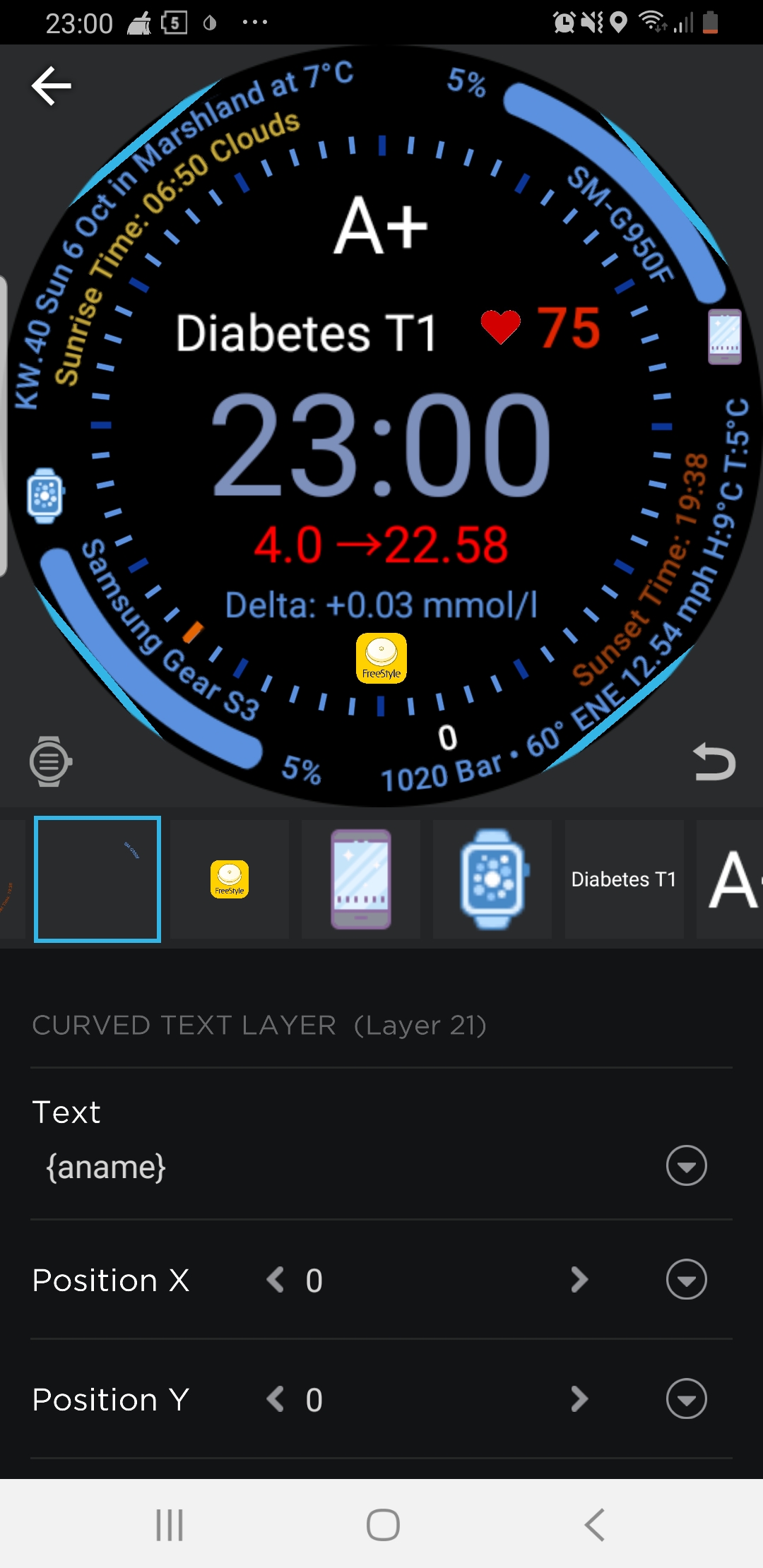
mesaknz
on 6 Oct 2019
@mesaknz As already written I stopped my project. I have uninstalled WatchMaker and currently use only Tasker to keep my blood sugar diary. Under Google Drive you can see my Watchface in action (but an older version). Unfortunately, not all functions are visible there.
https://drive.google.com/folderview?id=1E81cltGKd0PB7osSZV4139-TxRtsWzFu
st0ber
on 6 Oct 2019
@st0ber
okay, yes I understand what you mean. But if you have stopped that, I would love to keep it ongoing. I want to display the same what you display on bottom. insulin age, katheter age battery age. I only want to know how did you get this to values. to send them to watchmaker isn´t a big thing. but how do I get this values or variables out of AAPS and inside my Tasker task. would you maybe share your tasker task to me? or do you deleted it already? I know you stopped that project. but maybe you have no problem with sharing. that would be very very cool.
FreDiabetics
on 6 Oct 2019
@mesaknz
I do not quite understand the meaning behind your project. you've set up everything successfully weeks ago. Why are you trying for 2 weeks to get this arrow on the Watchface? You already have a working method to see your values on the Galaxy Watch. I do not understand why you are not satisfied with what it is. what exactly do you have of it if you have the arrow as a single {tag} in the dial. all the watchfaces you can not use. because I did not import the arrow separately. as well you have to change then also watchfaces, which you have done so far. and in Tasker you have to write the variable "WM Send Variable" ->% BGARROW and in Watchmaker you have to write them in small letters -> {tbgarrow}
FreDiabetics
on 6 Oct 2019
@wagnefrede I am only trying to experiment and add an arrow in case I decide to make new watch face. @st0ber I, too, as wagnerfrede would love to know how did you create all those values.
mesaknz
on 6 Oct 2019
@wagnefrede @st0ber
I have been trying to find a way to put this kind of info on a watch for about a month now. I initially bought a Samsung Gear S3 frontier, but became frustrated and with trying to get dexcom values on the watch, so was planning on sending it back, until I saw this tread. I am very new to "programming" but I am going to try to reproduce at least part of what you have developed so far. I dont want to be annoying, but if you are willing to share at all please let me know.
In the mean time I bought a MobVoi TicWatch S2. I was happy that this came with an standard way to connect to the dexcom app, but I find the watch to be cumbersome and is missing info id like to have on the watchface and also it doesn't have nearly as many features as the Gear.
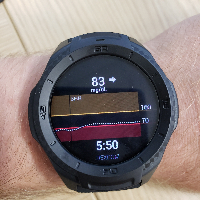
 zbishT1
on 11 Oct 2019
zbishT1
on 11 Oct 2019
@zbishT1
I am always glad to share all what I have achieved so far.
at the moment I am working on a AAPS watchface. thats the one at the screenshot
did you already have had a look at this here?
you can have a look at my Watchfaces here if you want
That watchfaces are made for Galaxy Watches like that at the other picture, it shows the standart watchface fitness dashboard from Samsung. But here it is on a Emporio Armani Connected WEAR OS Smartwatch, the third picture is the same Watchface but on my Galaxy Watch
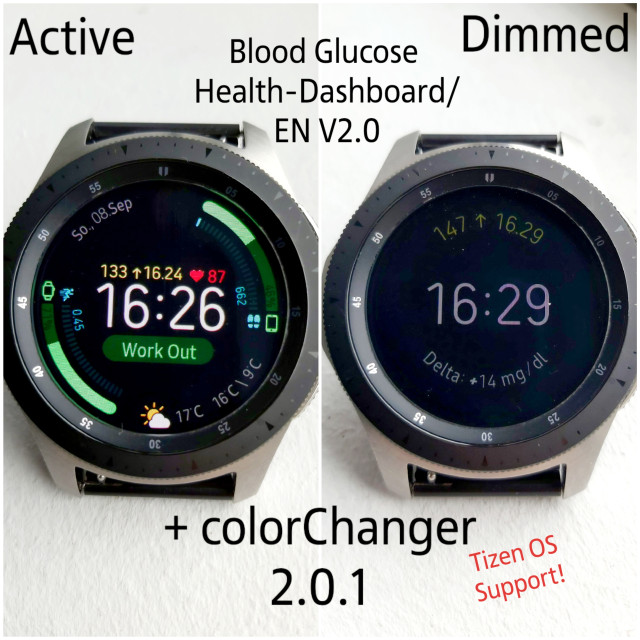
I have reproduced it with BG-Values on it. YOu can use this watchfaces on every Smartwatch which supports Watchmaker. Android Wear OS, Tizen OS and Apple too.
Yesterday I get a used Android Wear OS watch to test out the original Watchfaces. And I think there is a way to get this to Tizen too. Its only a question how long it takes to get it done. there are many little things to sort.
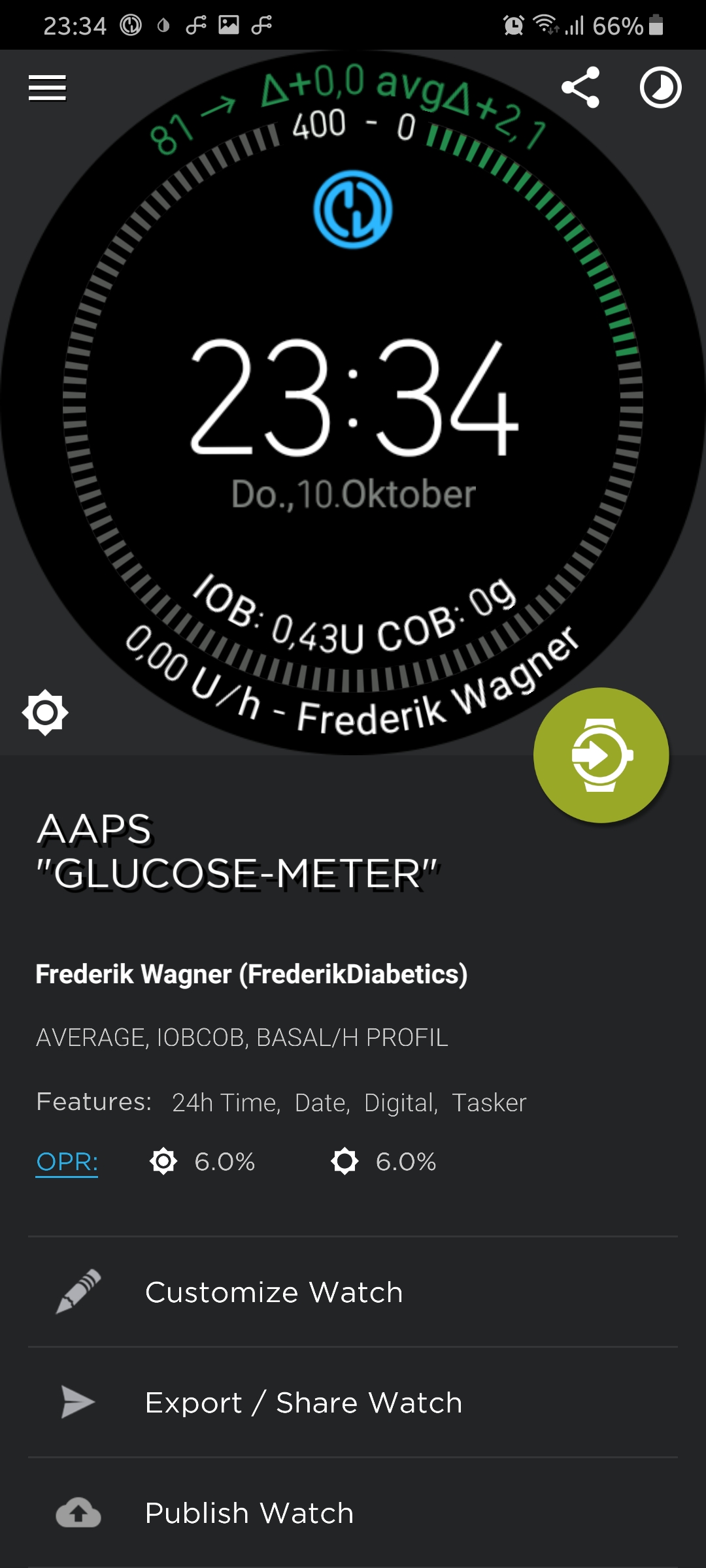

FreDiabetics
on 11 Oct 2019
is it only me that watch maker freezes and not getting updates from Tasker? if i open watch maker on phone and resend watch face i end up in galaxy store and have to click on "use" on watchmaker companion and then back to watchmaker and resend it again. then it will work som time before it freezes again.
mikaelkleman
on 15 Oct 2019
@mikaelkleman
I have been having to manually run my profile in tasker to update the variables, about once per day(Usually in the morning). In my experience, if the variables are up to date in tasker then the watchface updates as well.
@wagnefrede
I am very excited to have my BG on the watchface!!!!!!
...But I have been having trouble getting the delta BG value to show on the watchface. I tried using the exact same process as the %Glucose, but it doesnt seem to work for %Delta.
I think the problem is in pulling the Delta value from XDrip+. I have tried using %Delta, %BGDelta, and %GlucoseDelta for the Variable set name from Xdrip, and I have tried setting it to %ANSUBTITLE, %ANTEXT, %NSUBTITLE, %NTITLE, But the variable always ends up being the whatever I tried setting the variable to. EX) %ANSUBTITLE... Also Pic below...
Anyone know what I am doing wrong?
Also, does anyone have a list of variables available from XDrip?
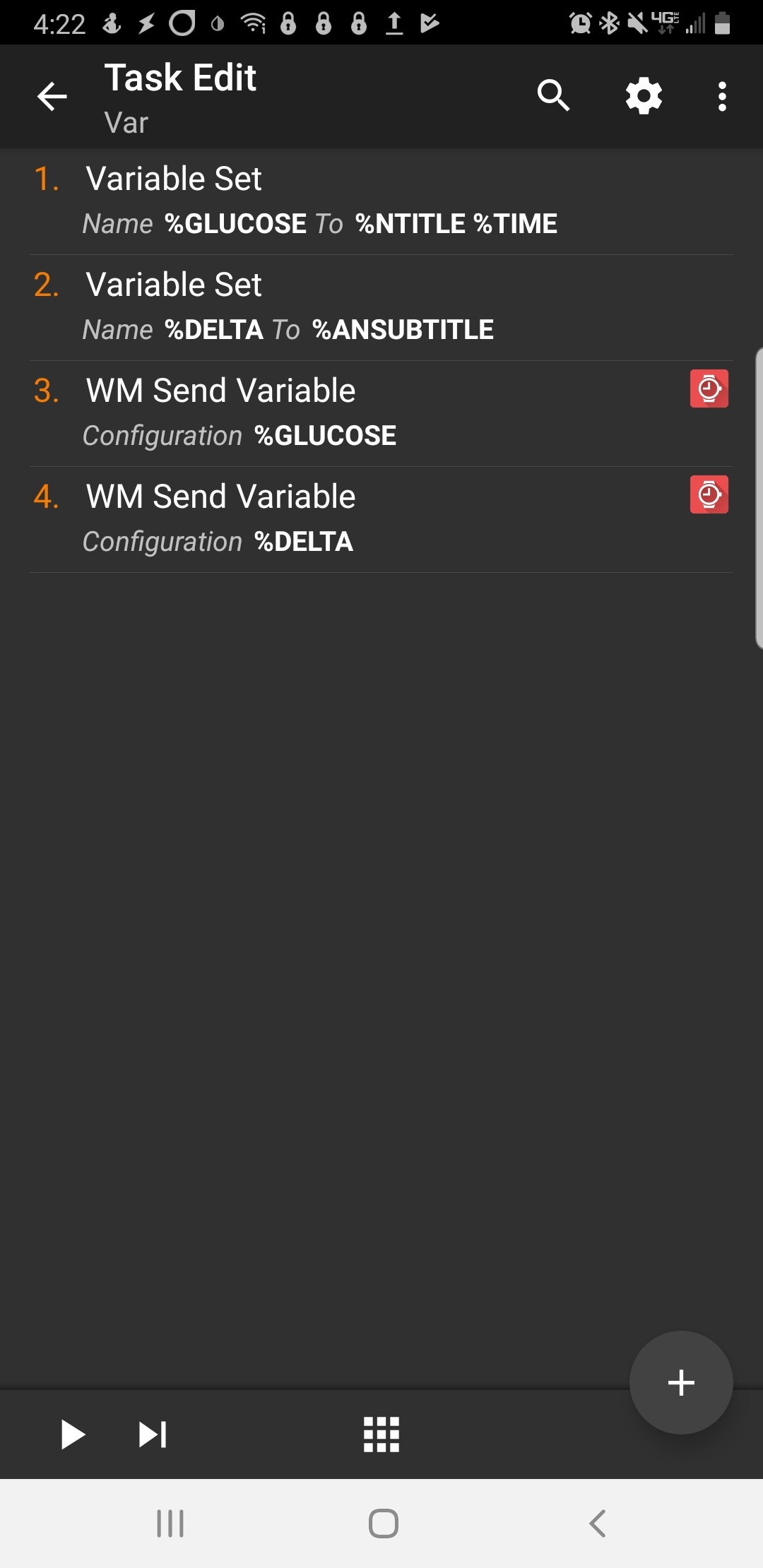
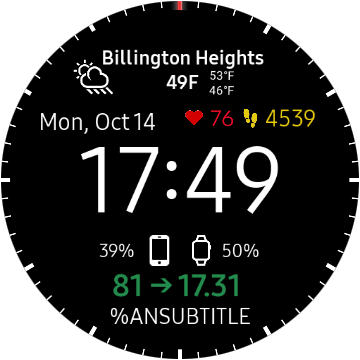
zbishT1
on 15 Oct 2019
@zbishT1 The Delta from xDrip is %antext. For you %DELTA to %antext.
st0ber
on 16 Oct 2019
@zbishT1
its %ansummarytext otherwise you cannot use my watchfaces, I have used %ansummarytext in every watchface ;) normally it doesn`t matter if you use %antext or %ansummarytext, but if you use %antext the watchmaker tag at the Delta Value layer has to be changed in everywatch face. ;) you have to use %ansummarytext , but you have to write them in small letters. please read the docs carefully. You have forgot some things and the others are written wrong..... please read my docs again and look how to type in the vars. look at the big or small letters, and then you should get it done.
FreDiabetics
on 16 Oct 2019
@zbishT1
Variable Set-Action like this: (+ Button->Variables->Variables Set)
BG-Value: Name: %GLUCOSE To: %antitle
Time: Name: %BGTIME To: %TIME
Delta: Name: %DELTA To: %ansummarytext
WM Send Variable - Action like this: (+Button->Plugin->Watchmaker->WM Send Variable)
BG-Value: Watchmaker Variable: %GLUCOSE
Time: Watchmaker Variable: %BGTIME
Delta: Watchmaker Variable: %DELTA
You have to write the vars in the excact way I have done. Then you get no more issues.
FreDiabetics
on 16 Oct 2019
@zbishT1 I dont know the watchface from @wagnefrede. He is right. In my watchface it is %antext.
st0ber
on 16 Oct 2019
Hi,
just for the people, who are using german xDrip+ with mmol/l and the new colored watchfaces from wagnefrede:
You have to add a search and replace variable action in tasker for %GLUCOSE with search for "," and replace with "." to get the colored version to work.
Another way is forcing xDrip+ using english text.
 pachi81
on 21 Oct 2019
pachi81
on 21 Oct 2019
Just another hint for the people who prefer to see the minutes since the last check instead of the timestamp: add a text field to your watchface and set the follow text:
((({dh23} < tonumber(string.sub('{tbgtime}',1,2)) and 24 or 0)+{dh23}-tonumber(string.sub('{tbgtime}',1,2)))*60)+{dm}-tonumber(string.sub('{tbgtime}',4,5))
and add another text field with min as text...
pachi81
on 21 Oct 2019
Where do we add this to in the watch face? Sent from my Samsung Galaxy smartphone.
-------- Original message --------From: pachi81 notifications@github.com Date: 21/10/19 20:27 (GMT+12:00) To: NightscoutFoundation/xDrip xDrip@noreply.github.com Cc: mesaknz mmnkaf@xtra.co.nz, Mention mention@noreply.github.com Subject: Re: [NightscoutFoundation/xDrip] Document best way to use xDrip+ with
Tizen (#460) Just another hint for the people who prefer to see the minutes since the last check instead of the timestamp: add a text field to you watchface and set the follow text:
((({dh23} < tonumber(string.sub('{tbgtime}',1,2)) and 24 or 0)+{dh23}-tonumber(string.sub('{tbgtime}',1,2)))*60)+{dm}-tonumber(string.sub('{tbgtime}',4,5))
and add another text field with "min" as text...
—You are receiving this because you were mentioned.Reply to this email directly, view it on GitHub, or unsubscribe.
[
{
"@context": "http://schema.org",
"@type": "EmailMessage",
"potentialAction": {
"@type": "ViewAction",
"target": "https://github.com/NightscoutFoundation/xDrip/issues/460?email_source=notifications\u0026email_token=AJ54FBFW3BZMNGVSHSS4JK3QPVKVLA5CNFSM4FCP2342YY3PNVWWK3TUL52HS4DFVREXG43VMVBW63LNMVXHJKTDN5WW2ZLOORPWSZGOEBZKSLA#issuecomment-544385324",
"url": "https://github.com/NightscoutFoundation/xDrip/issues/460?email_source=notifications\u0026email_token=AJ54FBFW3BZMNGVSHSS4JK3QPVKVLA5CNFSM4FCP2342YY3PNVWWK3TUL52HS4DFVREXG43VMVBW63LNMVXHJKTDN5WW2ZLOORPWSZGOEBZKSLA#issuecomment-544385324",
"name": "View Issue"
},
"description": "View this Issue on GitHub",
"publisher": {
"@type": "Organization",
"name": "GitHub",
"url": "https://github.com"
}
}
]
mesaknz
on 21 Oct 2019
Where do we add this to in the watch face?
You have to customize a copy of the watchface, add a new text field to your watchface and include it as the text value.
pachi81
on 21 Oct 2019
@pachi81
Thanks for your option t add the mins ago!
Very nice!
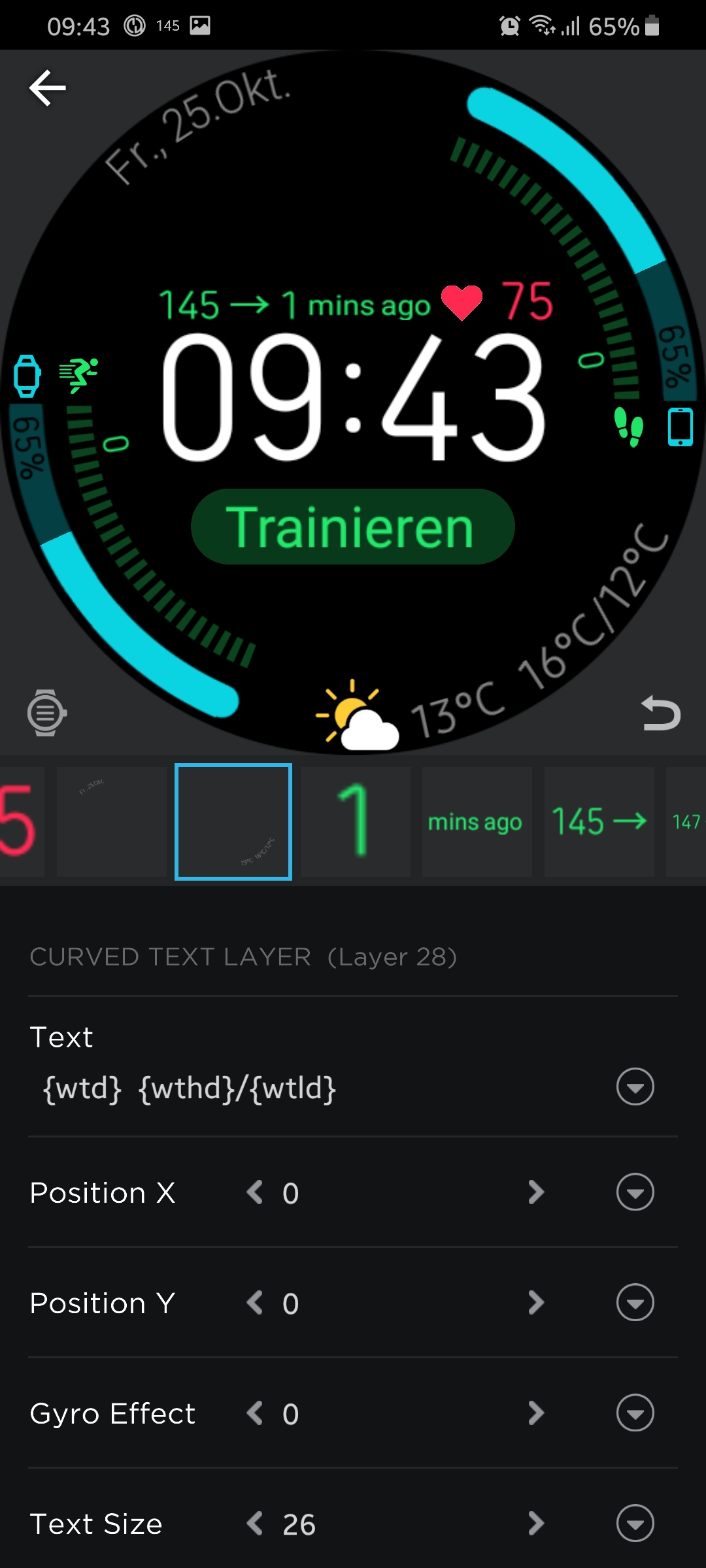 FreDiabetics
on 25 Oct 2019
FreDiabetics
on 25 Oct 2019
Great! Looks much better, than the timestamp with the '.' in the middle :-) 👍
And if you haven´t already done, you can do a color change for more than 15 minutes ;-)
pachi81
on 25 Oct 2019
@pachi81
Yes your right! Very cool thanks for that!
Can you translate your LUA script into a JAVA script for me?
I am using Pujie black WatchFace designer and there you have to use Javascript for that 😅
I want to use it there too. Would be very cool if there is an option for that
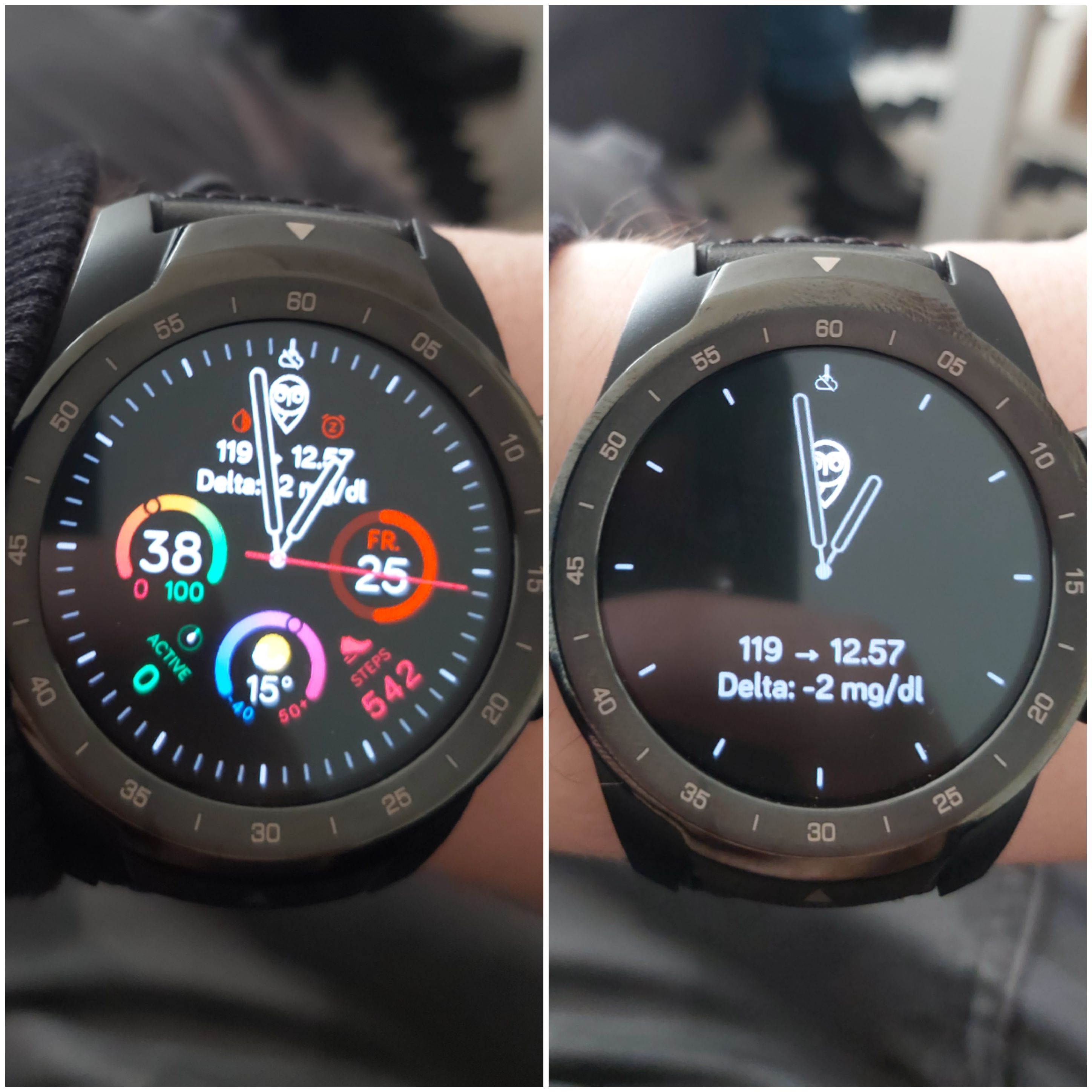
FreDiabetics
on 25 Oct 2019
This is what I've tried but I think it's not working with LUA 😋 Have changed the tags and vars, because it's different on Pujie black
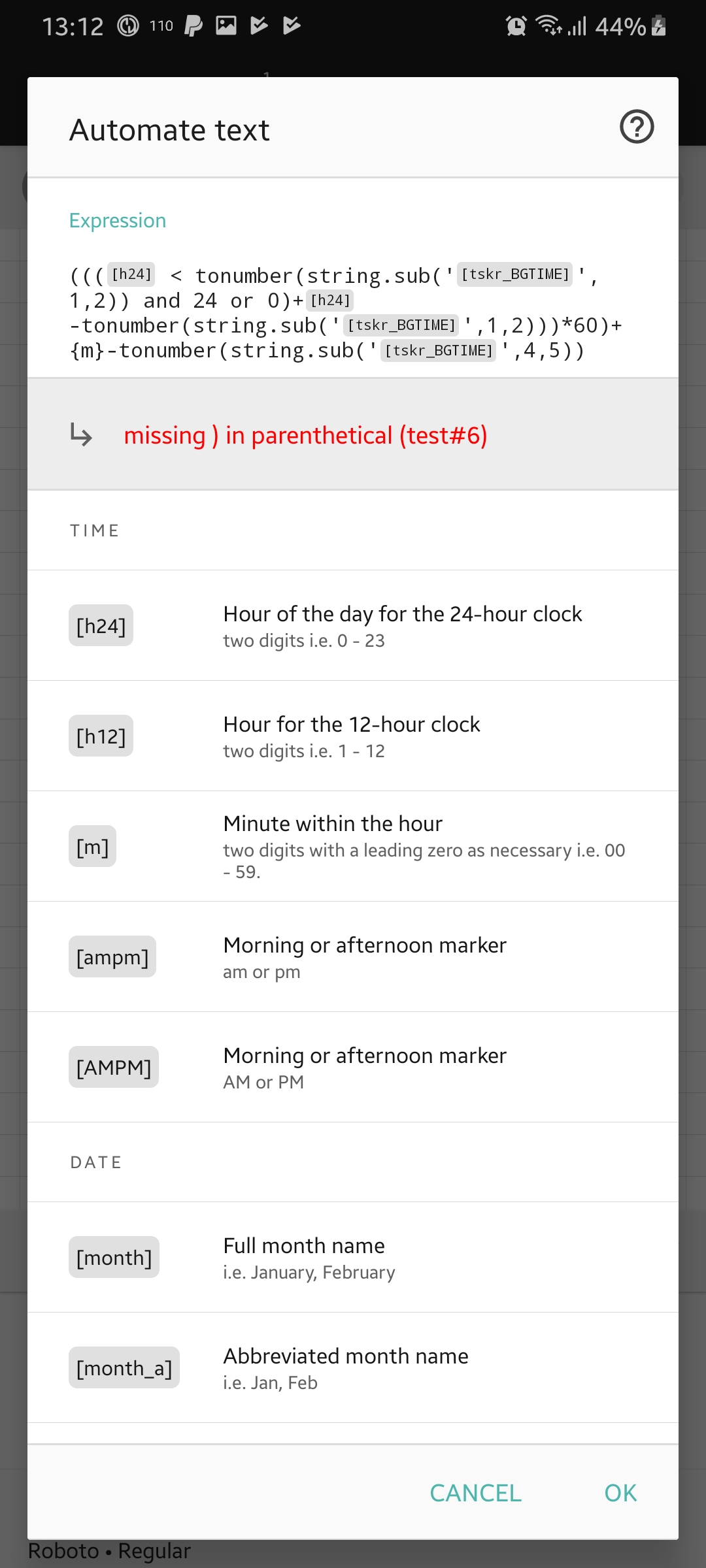
FreDiabetics
on 25 Oct 2019
Hi! I don't see the error...
Maybe, you can try to divide the time into hour and minute in tasker and mark them as mathematical.
And work with these variables, instead of tonumber and string.sub
pachi81
on 26 Oct 2019
In javascript instead of tonumber you should use parseInt, and instead of string.sub('text',1,2) use 'text'.substring(1,2)
arty-name
on 26 Oct 2019
@pachi81
I think the format of the script wont fit ;) i need javascript. but this code is a LUA Script. I only changed the app based variables. e.g Watchmaker: {tBGTIME} -> Pujie Black: [tskr_BGTIME] and the tags which are diffrent. Watchmaker {dh24} -> Pujie Black [h24] all other is the same. I think thats the problem.
@arty-name
ah okay, so I only have to replace that elements? copy -> replace?
thanks :)
FreDiabetics
on 26 Oct 2019
@arty-name
Hmm have done like you wrote. Same issue like before.
Can you have a look at it?
((([h24] < parseInt(('[tskr_BGTIME]' string.sub(1,2))) and 24 or 0)+[h24]-parseInt(('[tskr_BGTIME]'string.sub(1,2))))*60)+[m]-parseInt(('[tskr_BGTIME]'string.sub(1,2)))
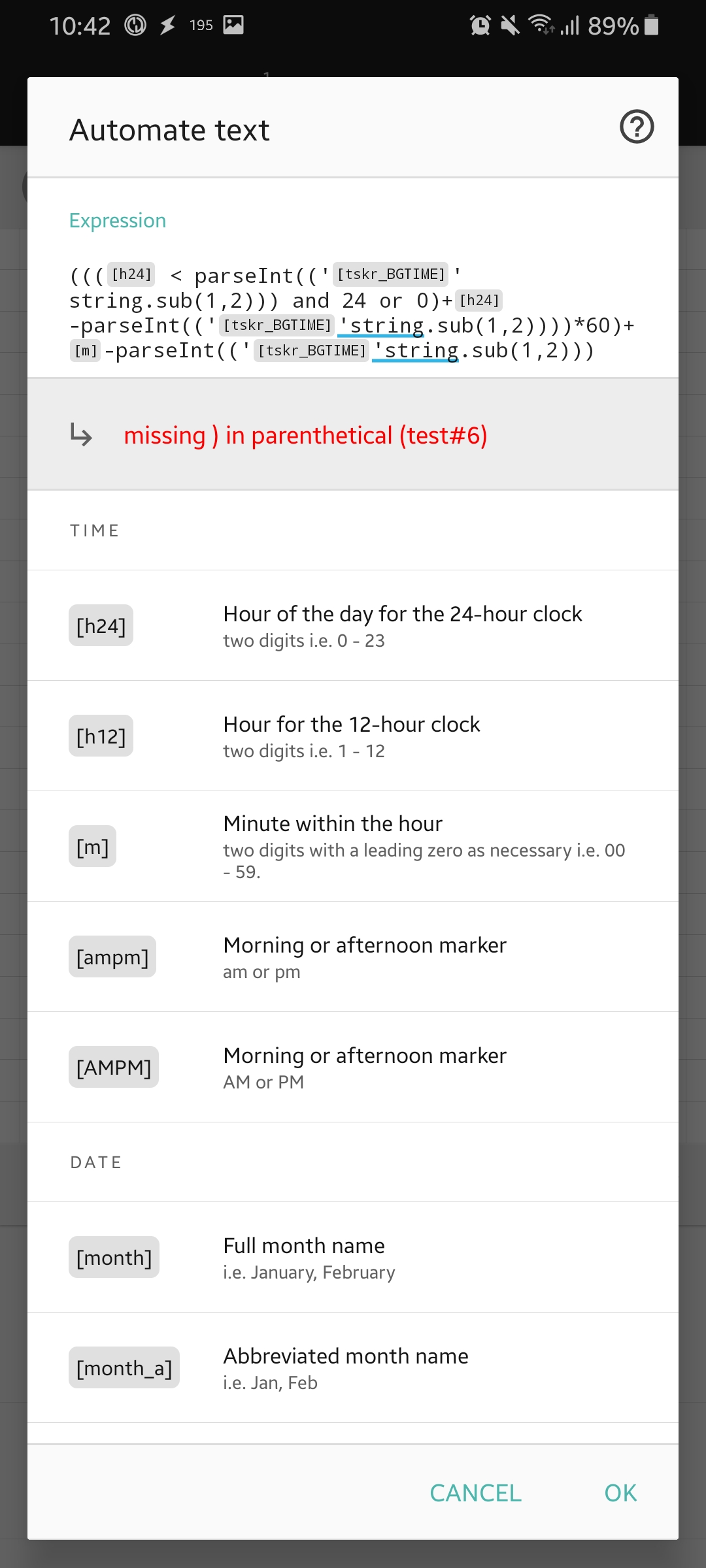
FreDiabetics
on 26 Oct 2019
Try using substring instead of string.sub
pachi81
on 26 Oct 2019
@pachi81
Have the same issue like before. Is there a ) missing anywhere?
((([h24] < parseInt(('[tskr_BGTIME]' substring(1,2))) and 24 or 0))+[h24]-parseInt(('[tskr_BGTIME]' substring(1,2))))*60)+[m]-parseInt(('[tskr_BGTIME]' substring(1,2)))
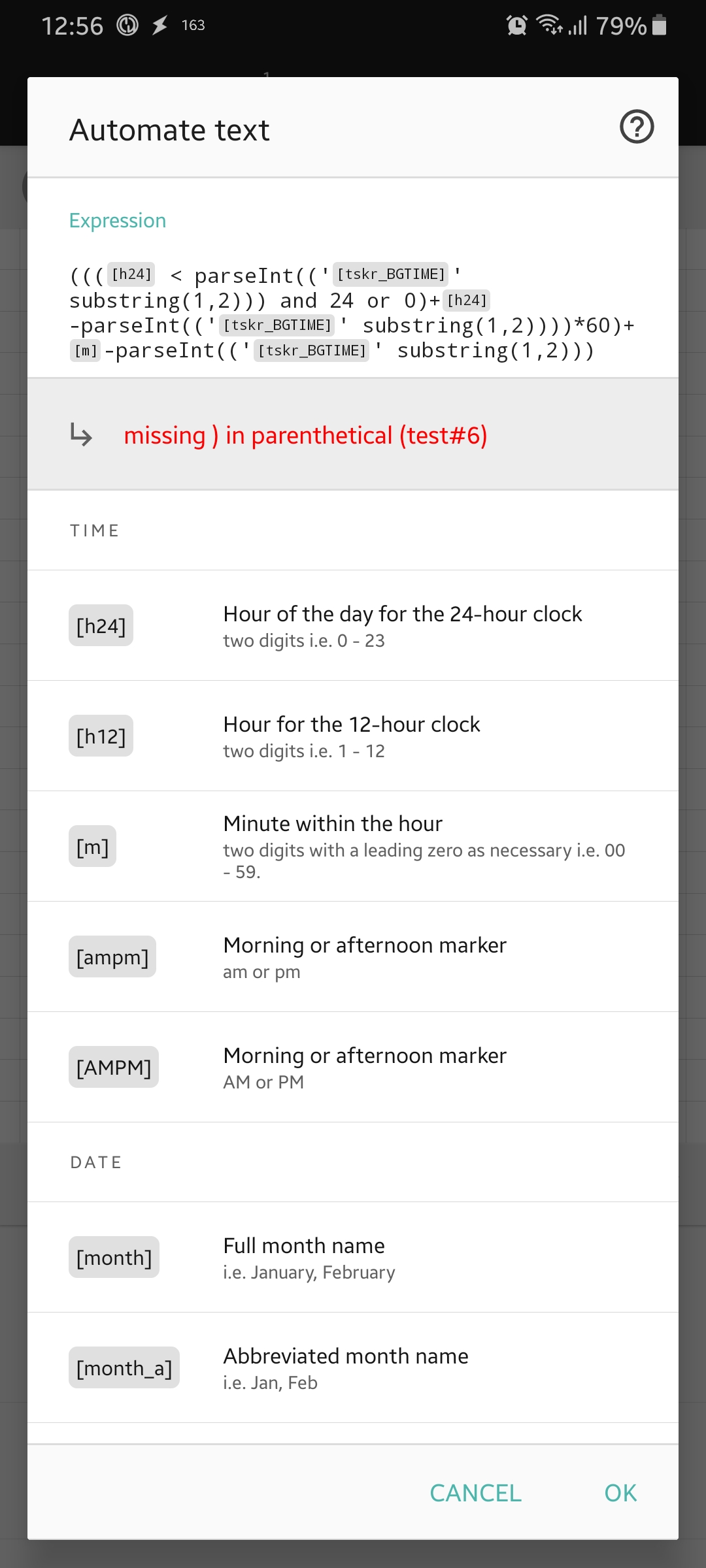
FreDiabetics
on 26 Oct 2019
I think you can reduce the one () around parseInt:
parseInt((...)) to parseInt(...)
Also add a point between the text and substring:
('[tskr_BGTIME]'.substring(1,2)
I can't try it until monday, because I'm not at home. Good luck :-)
pachi81
on 26 Oct 2019
@pachi81
not working too :D I think its time to learn some basics for LUA script and JAVAscript
is there any way to add that LUA script to an other layer? I dont want to use 3 layers for that. I want to add the LUA Script to the same layer as minutes ago and the bg-value. is there no chance to do that? with JAVAscript its easy. onl add '[tag]'+" "+'Script'+" "+'minutes ago'
can we do that also in LUA?
FreDiabetics
on 26 Oct 2019
@pachi81
Anything Like this ^^
{tGLUCOSE} +
((({dh23} < tonumber(string.sub('{tbgtime}',1,2)) and 24 or 0)+{dh23}-tonumber(string.sub('{tbgtime}',1,2)))*60)+{dm}-tonumber(string.sub('{tbgtime}',4,5))
+
Minutes ago
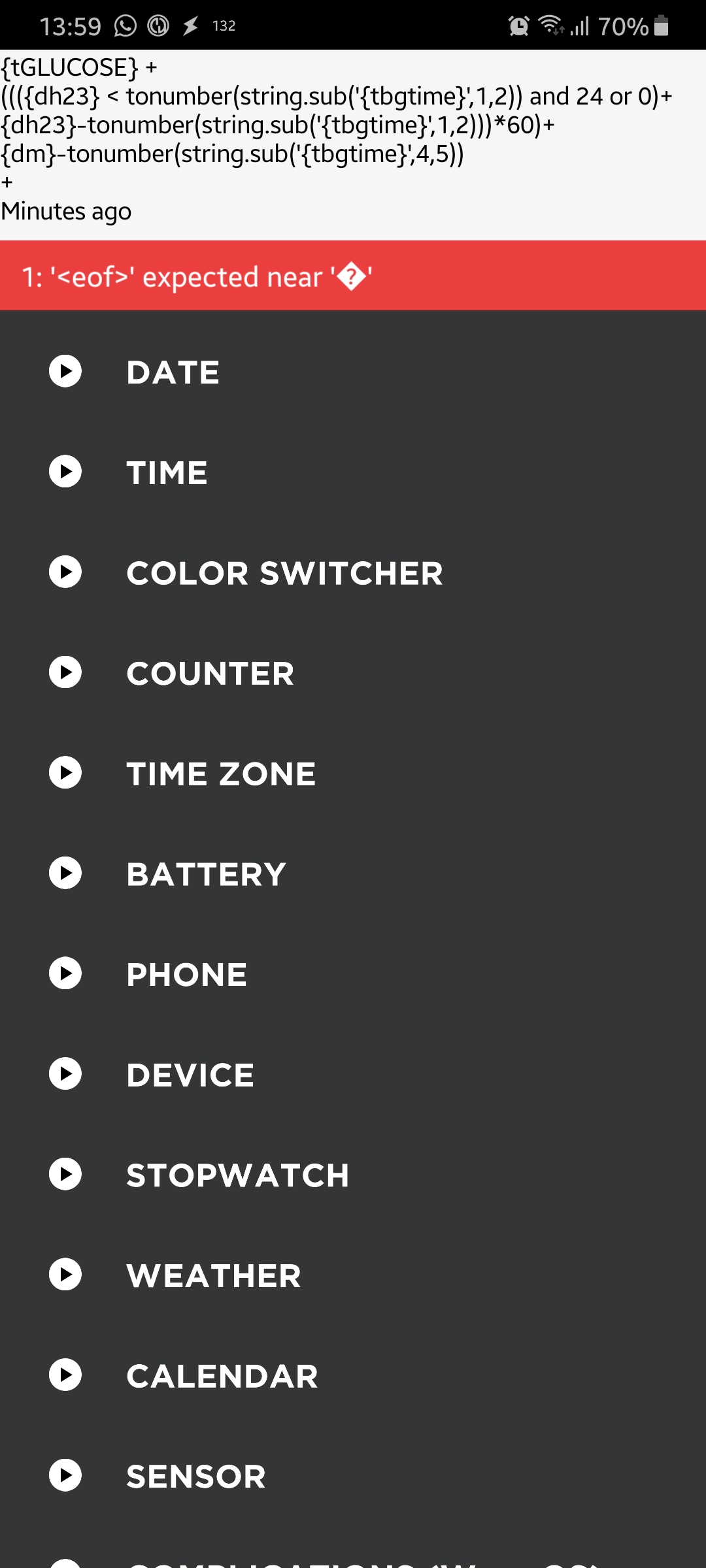
FreDiabetics
on 26 Oct 2019
@wagnefrede You can do this with ".." here is a link for a tutorial https://www.tutorialspoint.com/lua/lua_strings.htm
st0ber
on 26 Oct 2019
@wagnefrede: please try this for javascript:
((([h24] < parseInt('[tskr_BGTIME]'.substring(0,2)) ? 24 : 0)+[h24]-parseInt('[tskr_BGTIME]'.substring(0,2)))*60)+[m]-parseInt('[tskr_BGTIME]'.substring(3,5))
and this for concatenation in lua:
'{tGLUCOSE}'..((({dh23} < tonumber(string.sub('{tbgtime}',1,2)) and 24 or 0)+{dh23}-tonumber(string.sub('{tbgtime}',1,2)))*60)+{dm}-tonumber(string.sub('{tbgtime}',4,5))..' minutes ago'
pachi81
on 28 Oct 2019
@pachi81
LUA concentration works very good! Thanks for that!
I have test the Javascript but it gives me that error you see on the second screenshot . I am in connection with the app developer of Pujie black. He helps me sorting that problem too. Hope I get it sorted 😅
I have opened a discussion on Reddit for that problem. Maybe you can help me there. The app developer has given me a JAVAscript too. You can have a look at it. It's this here:
var p = parseInt([tskr_BGTIME].substring(1,2));((([h24] < p && 24 || 0) + [h24] - p)*60) +[m] - p
Here is a screenshot where you see what's the error I get
App developer javascript
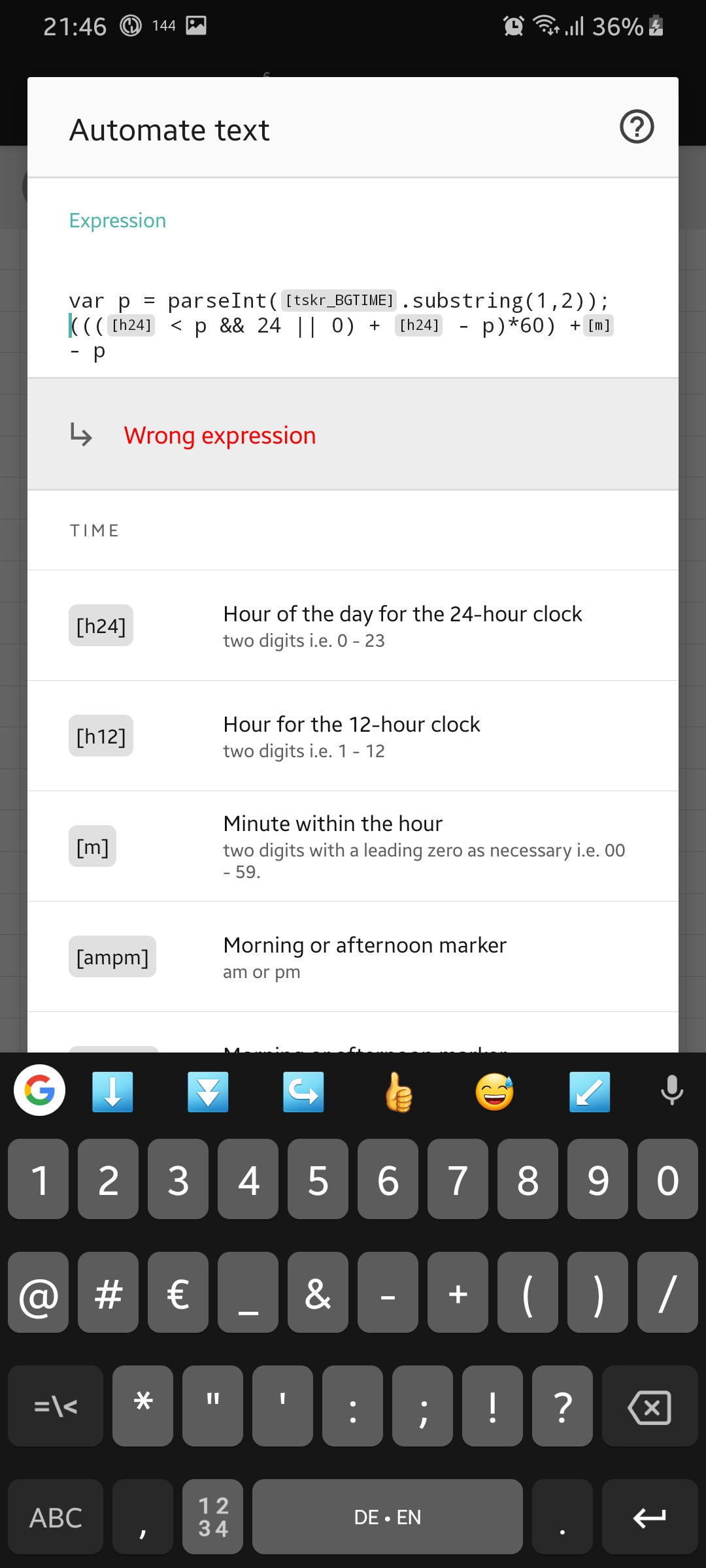
Your javascript
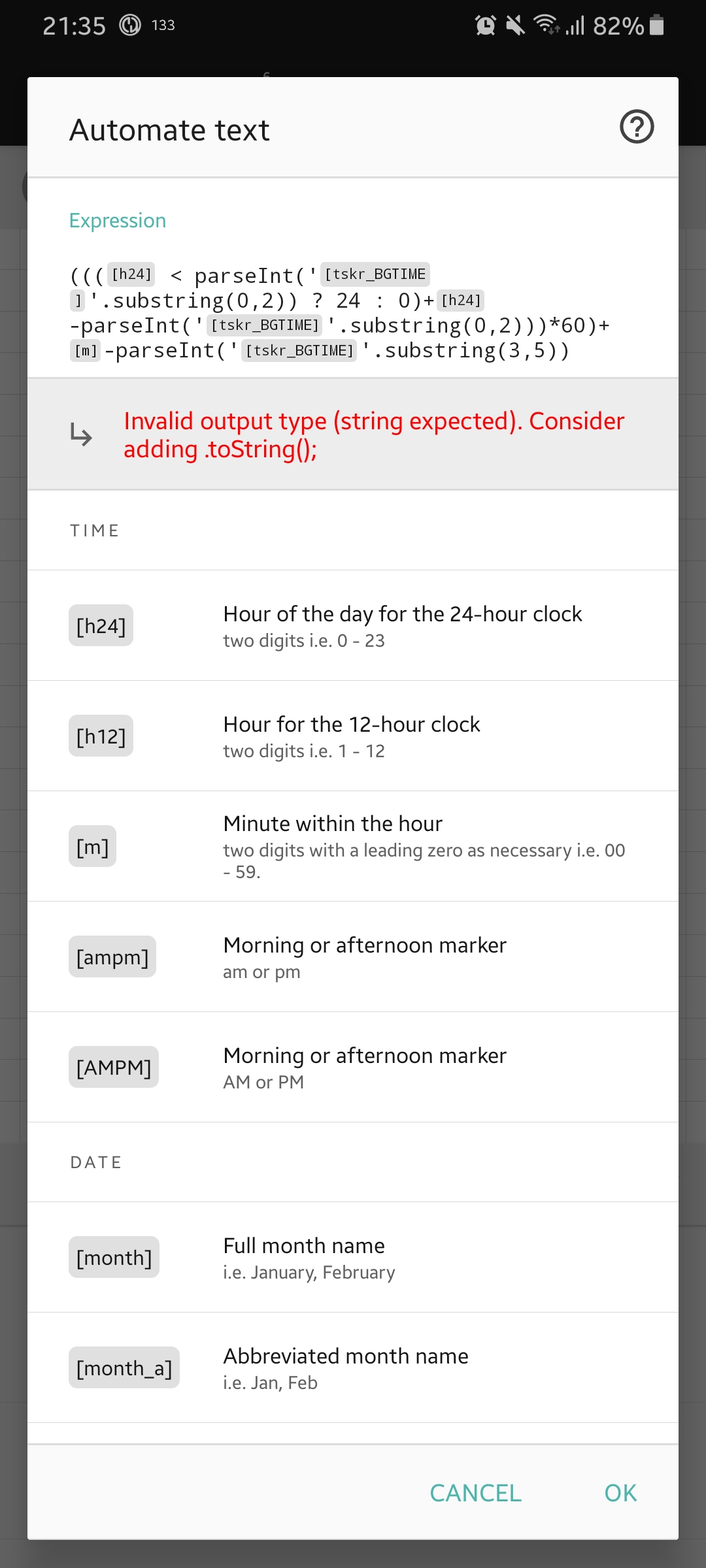
Have built a new watchface. I have built a replica of the standart samsung watchface
"Minimal"
It has also WEAR OS ONLY functions. You can remote control xDrip and AAPS too.
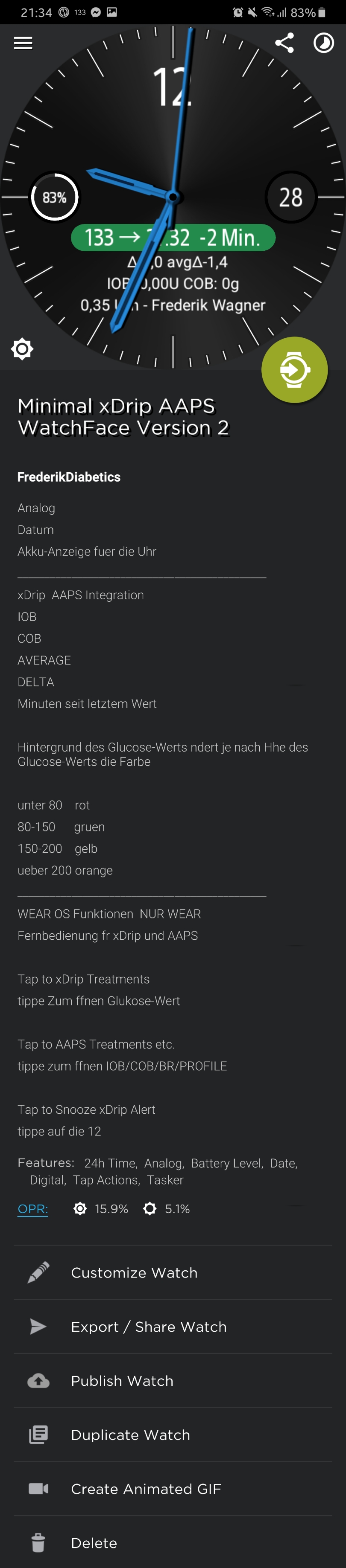
FreDiabetics
on 28 Oct 2019
Hi @wagnefrede,
I think the app developer tried your "lua"-javascript, because he replaced the "and" and "or", but these are lua specific for the watchmaker.
So try give him my javascript code example.
But first try this:
(((([h24] < parseInt('[tskr_BGTIME]'.substring(0,2)) ? 24 : 0)+[h24]-parseInt('[tskr_BGTIME]'.substring(0,2)))*60)+[m]-parseInt('[tskr_BGTIME]'.substring(3,5))).toString()
pachi81
on 28 Oct 2019
@pachi81
The Javascript gets no more errors, but I don't even get the minutes it only gives me NaN
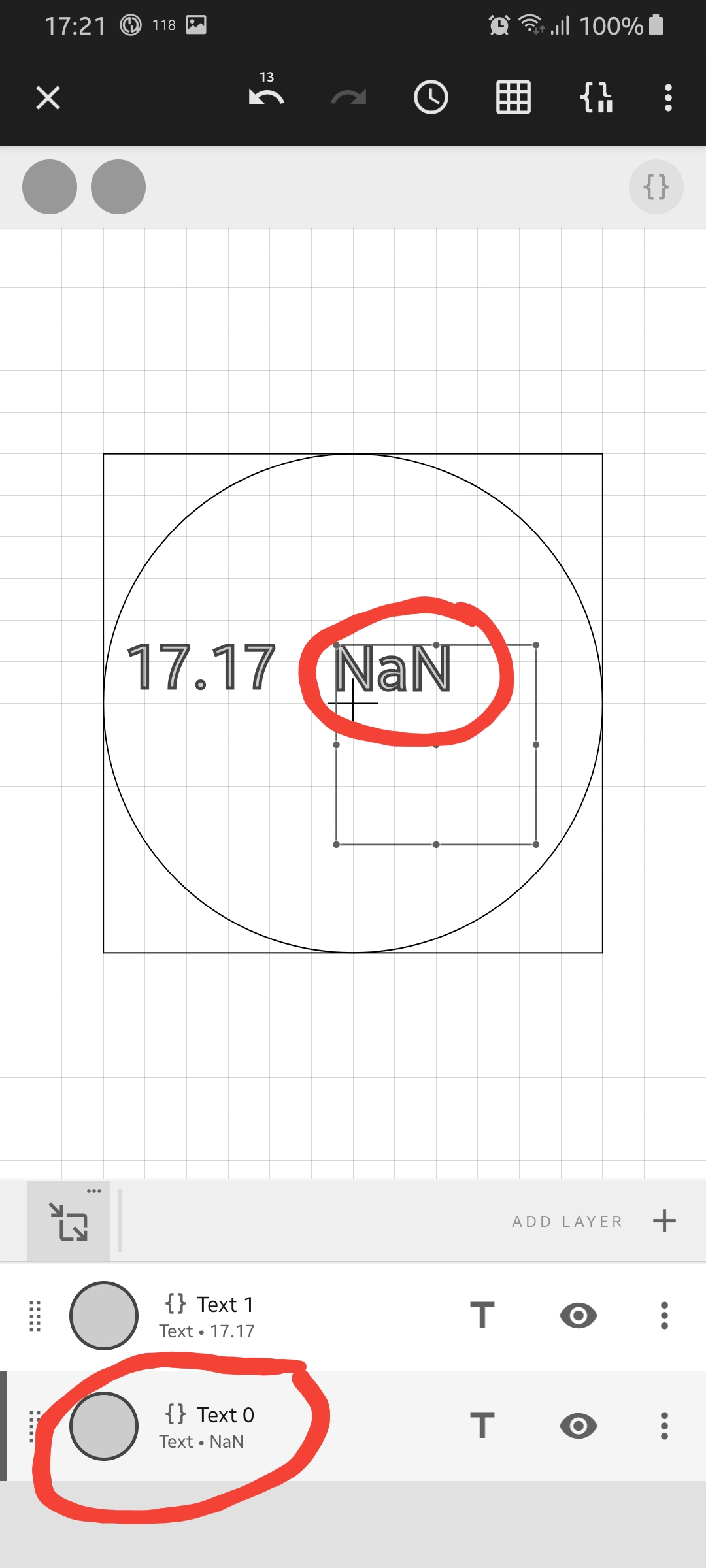
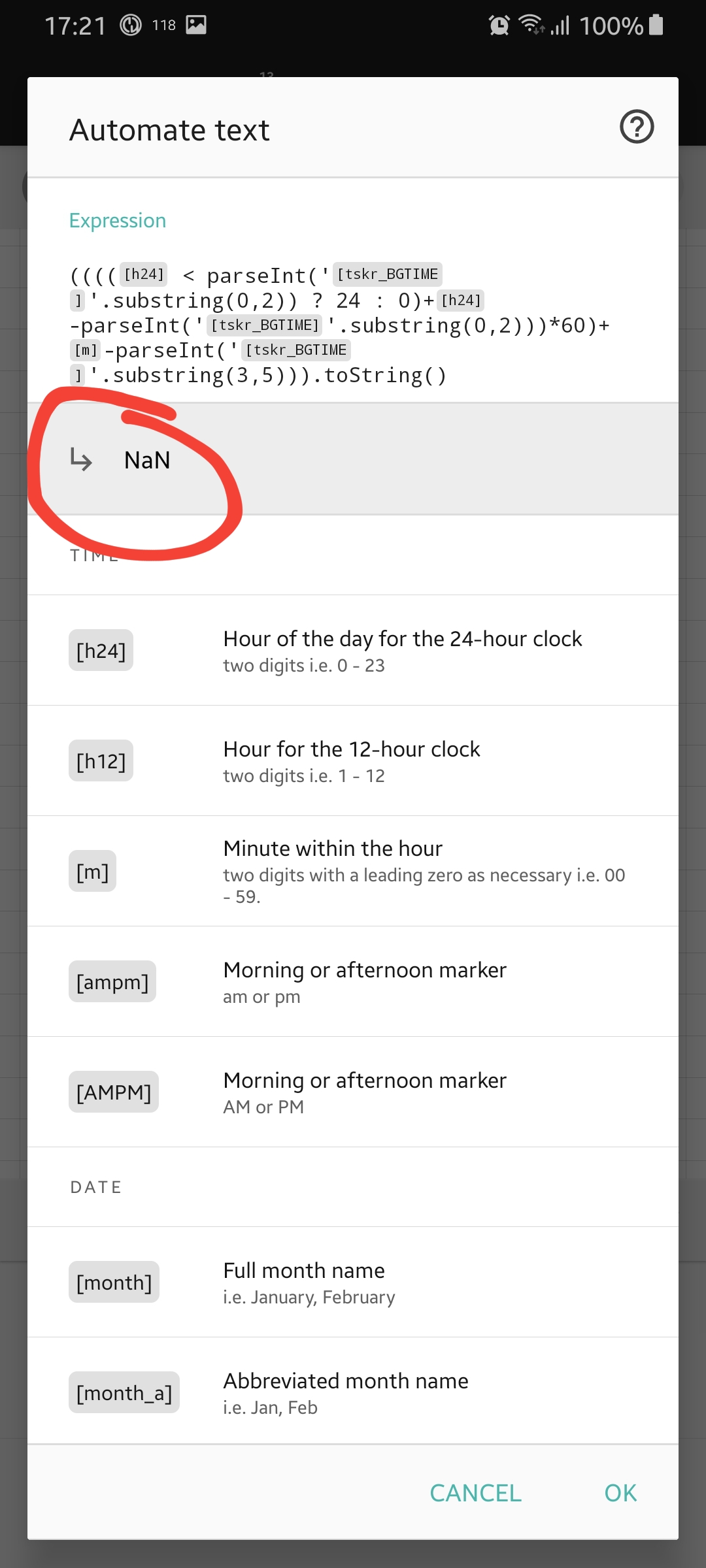
FreDiabetics
on 29 Oct 2019
Hi, now it should work:
(((([h24] < parseInt([tskr_BGTIME].substring(0,2)) ? 24 : 0)+[h24]-parseInt([tskr_BGTIME].substring(0,2)))*60)+[m]-parseInt([tskr_BGTIME].substring(3,5))).toString()
pachi81
on 29 Oct 2019
@pachi81
YESS!! GOT IT! Big thanks man!!
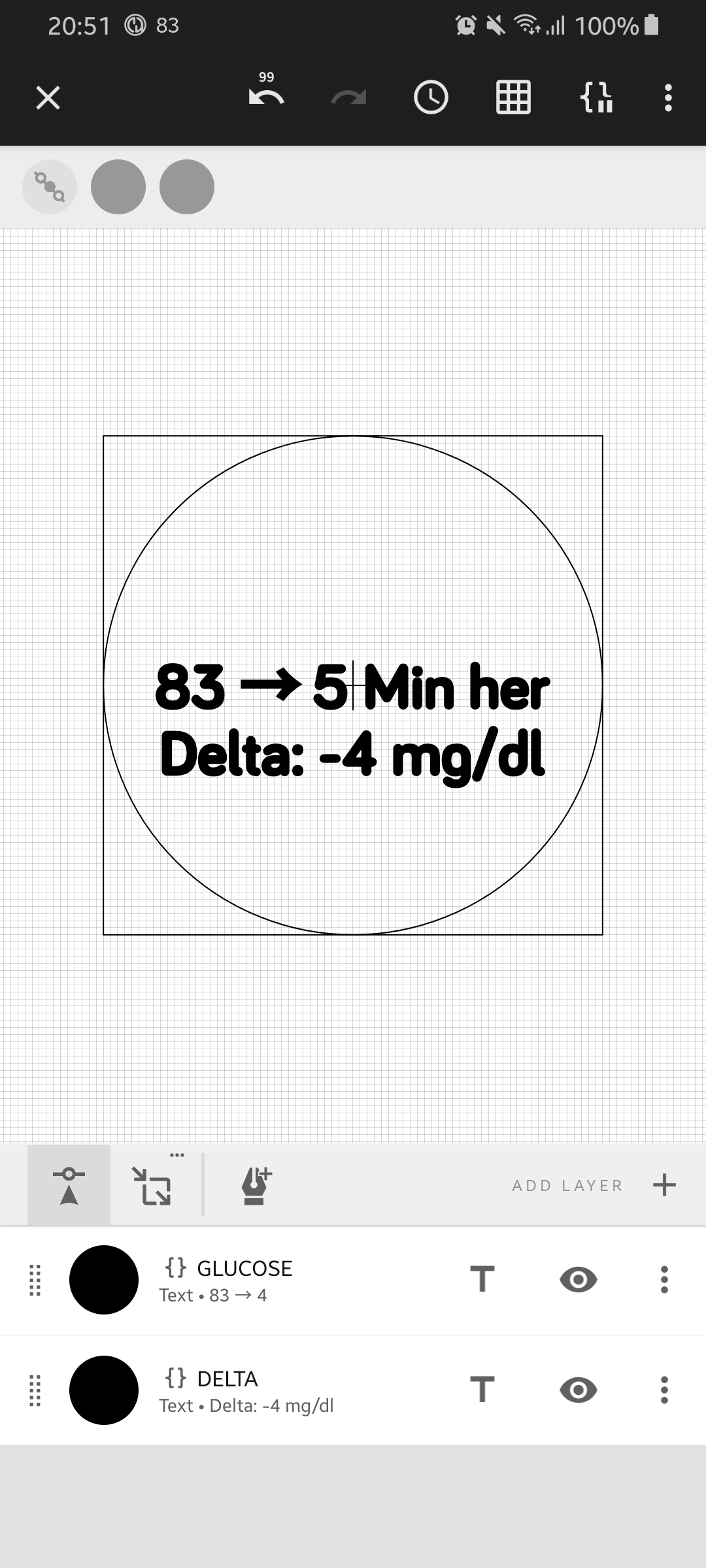
FreDiabetics
on 29 Oct 2019
@pachi81
Is there any way to get this function working directly in Tasker? I think sometimes the minutes ago isn't correct. If we convert it before it reaches watchmaker it would be more accurate right?
FreDiabetics
on 29 Oct 2019
Good question/idea! I still thought about...
And yes, there will be a solution in seconds, which will be more accurate and can also converted to minutes:
- add new variable in tasker: %BGTIMES to %TIMES (mark as mathematics)
- send to watchmaker
In Watchmaker you can now use it:
For seconds:{depoch}-{tbgtimes}
For minutes:math.floor(({depoch}-{tbgtimes})/60)
@wagnefrede: is there something for "time in seconds" (epoch time stamp) in pujie? It should be a large value like 1572422207!?
pachi81
on 29 Oct 2019
@pachi81
Works very good. Thanks a lot.
But I have a new problem.
I have splittet the variable %antitle > %AVERAGE from AAPS > %AVERAGE1, %AVERAGE2, %AVERAGE3 and %AVERAGE4
It gives me 4 vars the last one is the pumpstaus.
I have stored it in %PUMPSTATUS but when I try to display it in watchmaker the layer is empty.
When I display %AVERAGE in watchmaker the pumpstatus is shown correctly. But after I have splittet that variable and stored it in a new variable it gives me this issue in watchmaker
Nothing works.... Also If I try variable section and cut the first 19 chars Tasker won't let me do that. Everytime I press that Playbutton I get the error message cannot split only 3chars of 19 chars and If I try only cut the first 3 chars I get the same error like with %PUMPSTATUS the layer in watchmaker is empty after typing in the variable. I never have had this before. I have tried that on my own Smartphone and 2 hours ago I tried it on an other Smartphone via Teamviewer. There is the same issue with the empty Layer.
Do you have any idea how to solve that? Or why does this happen?
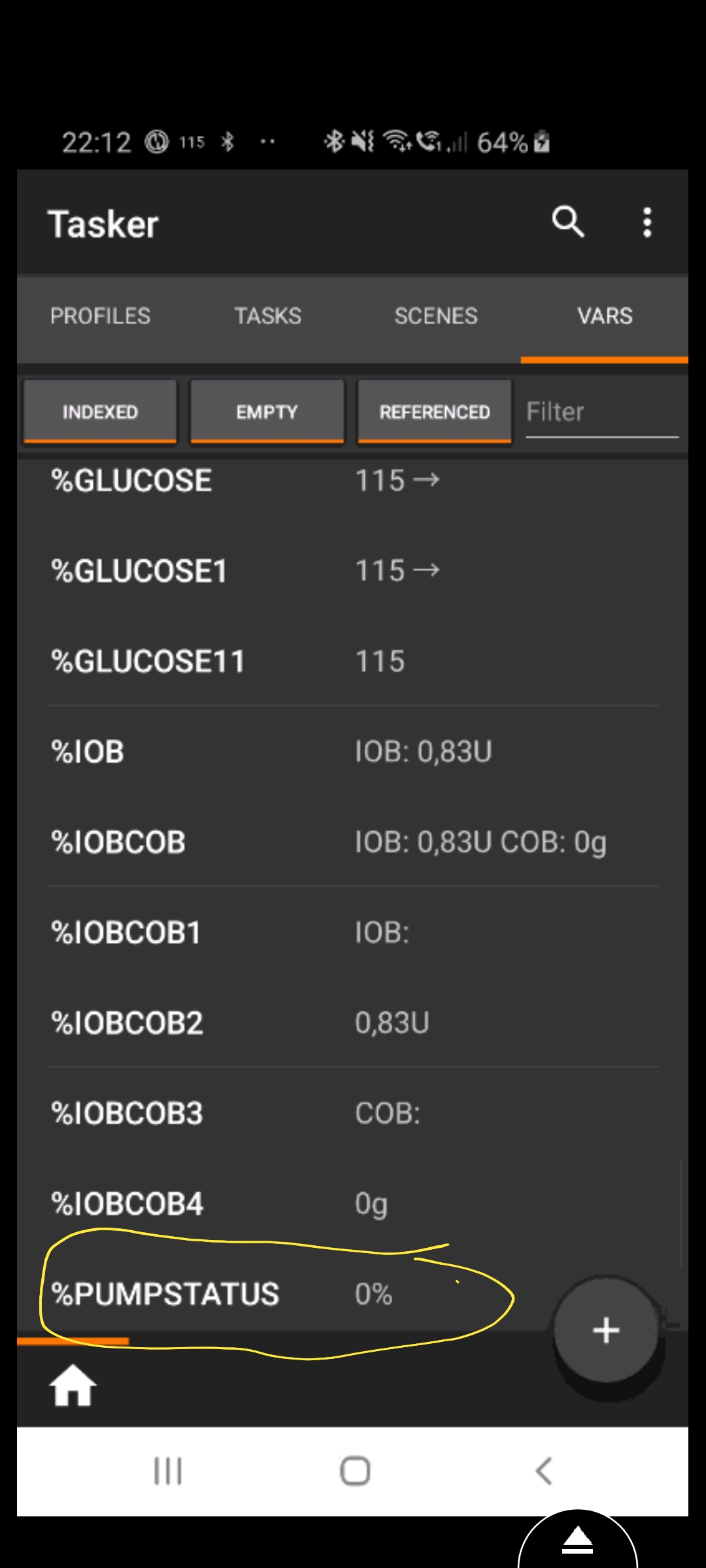
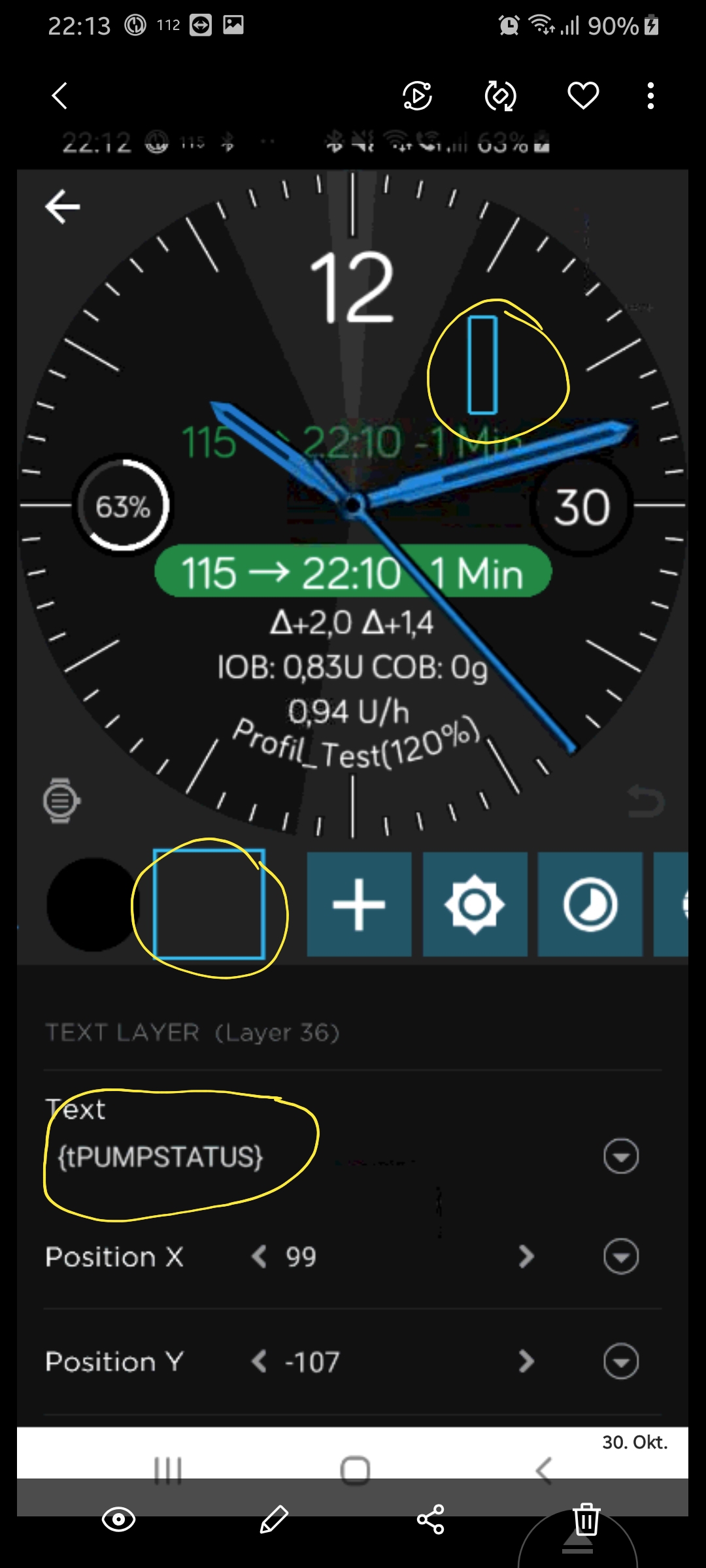
FreDiabetics
on 30 Oct 2019
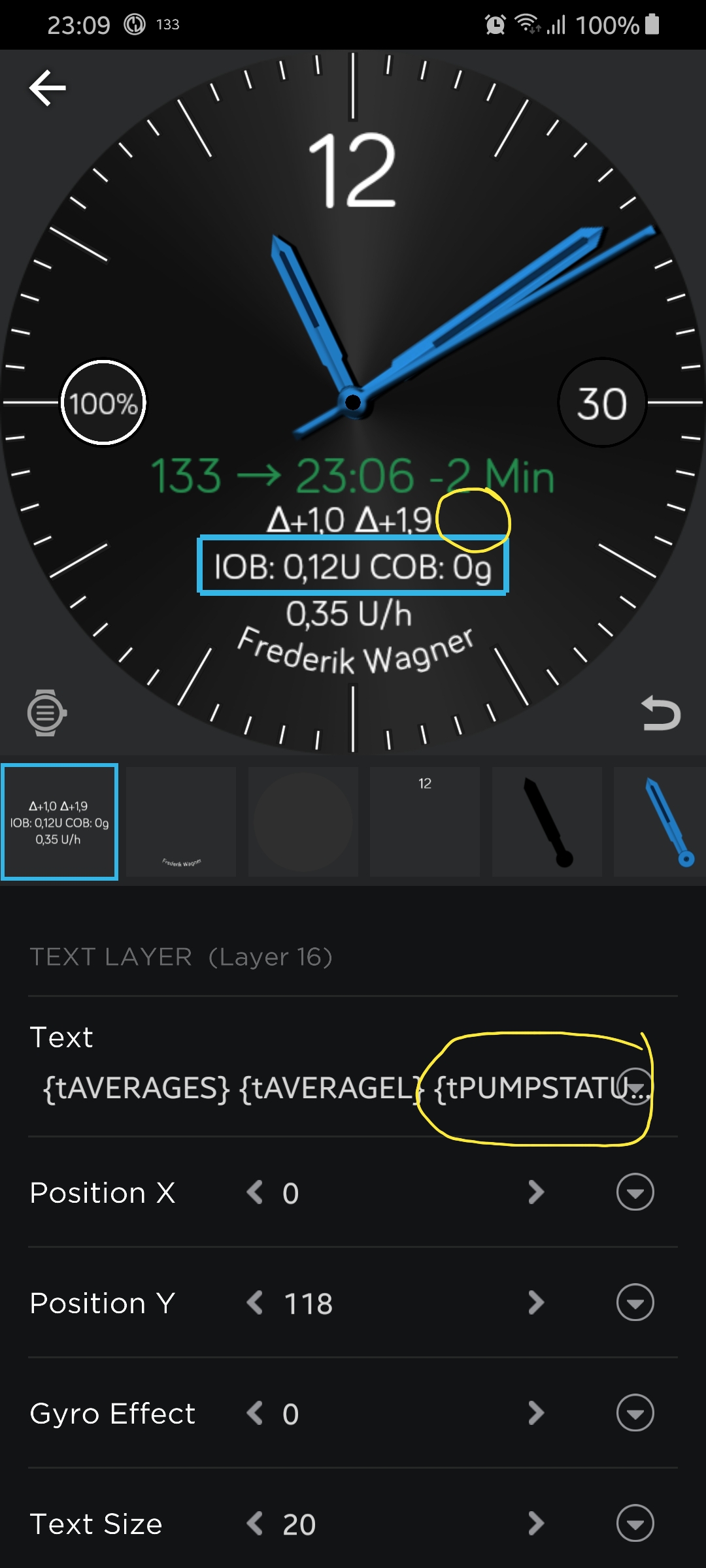
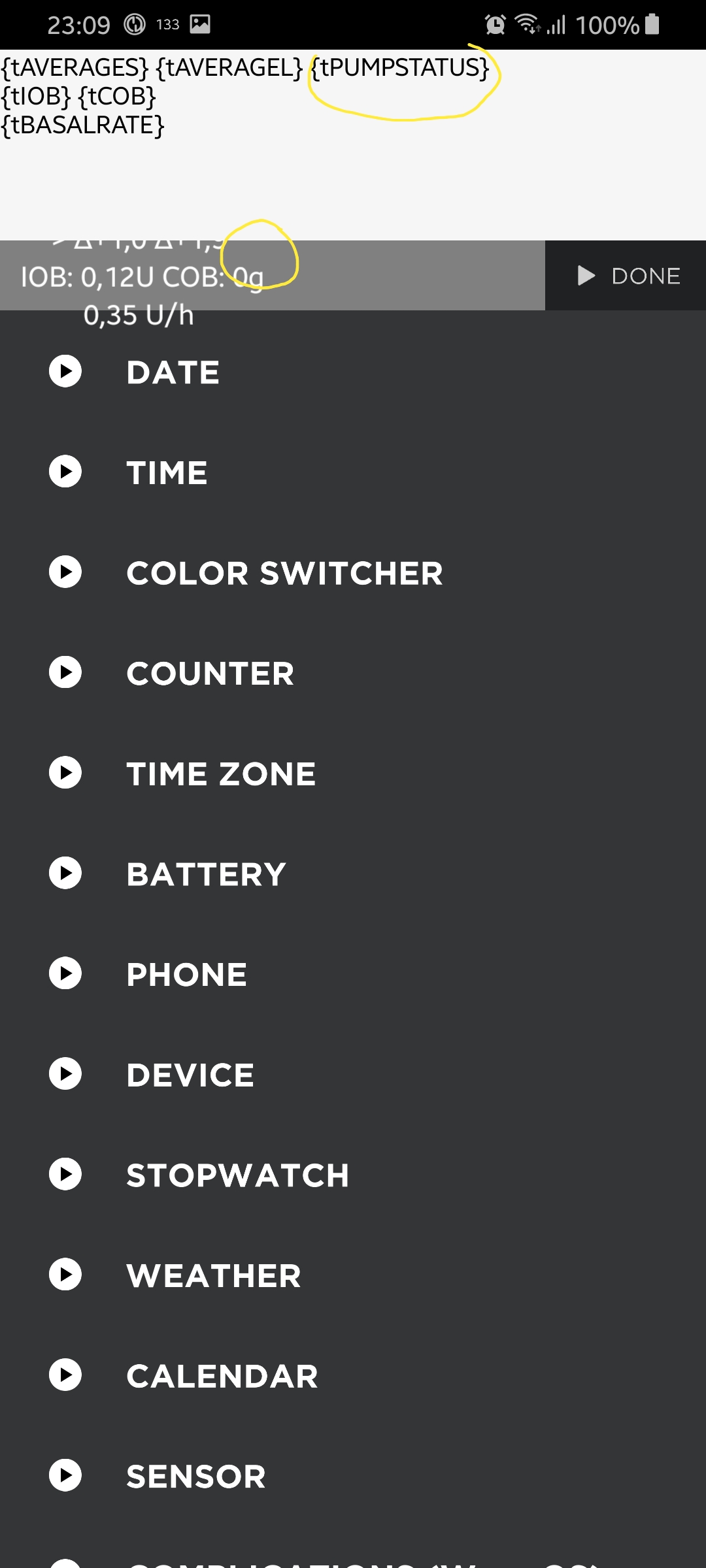
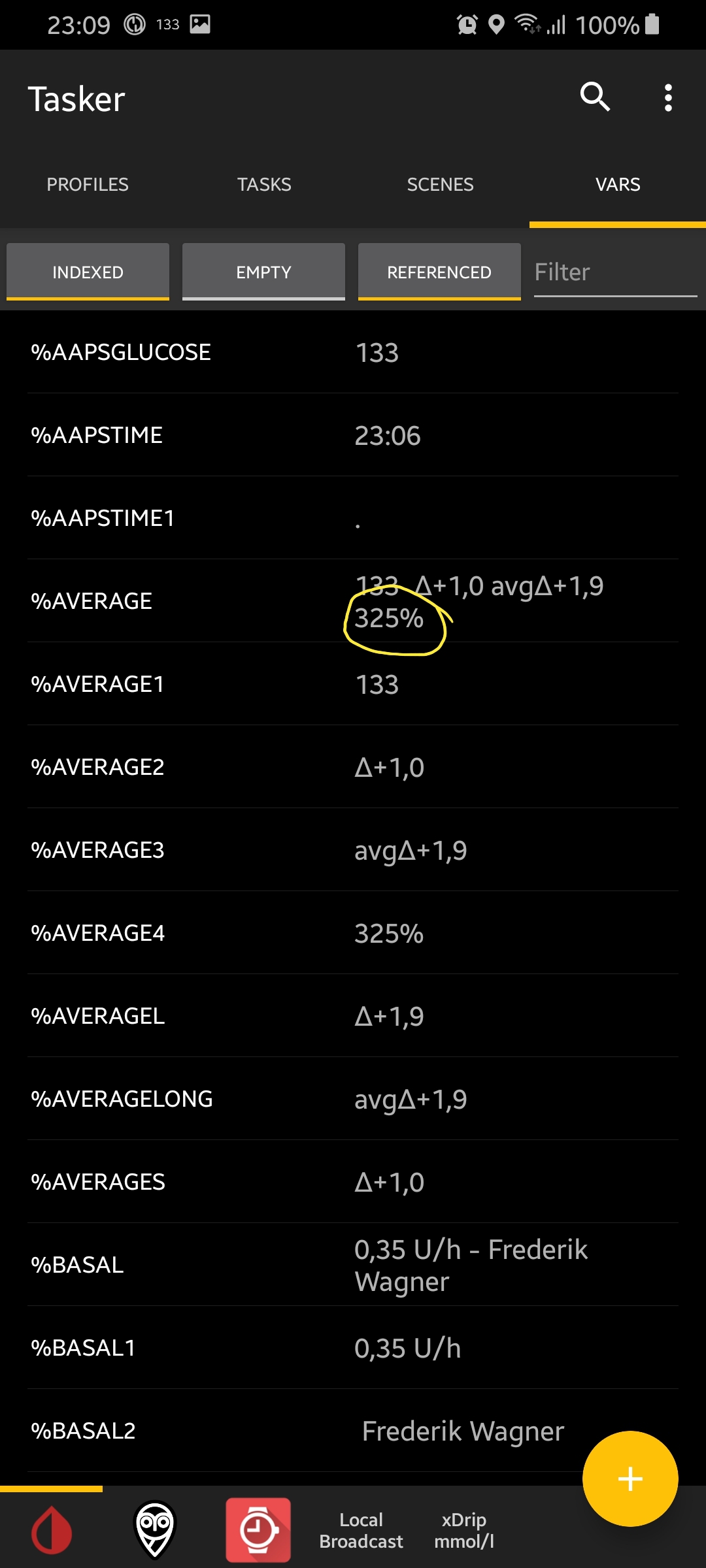
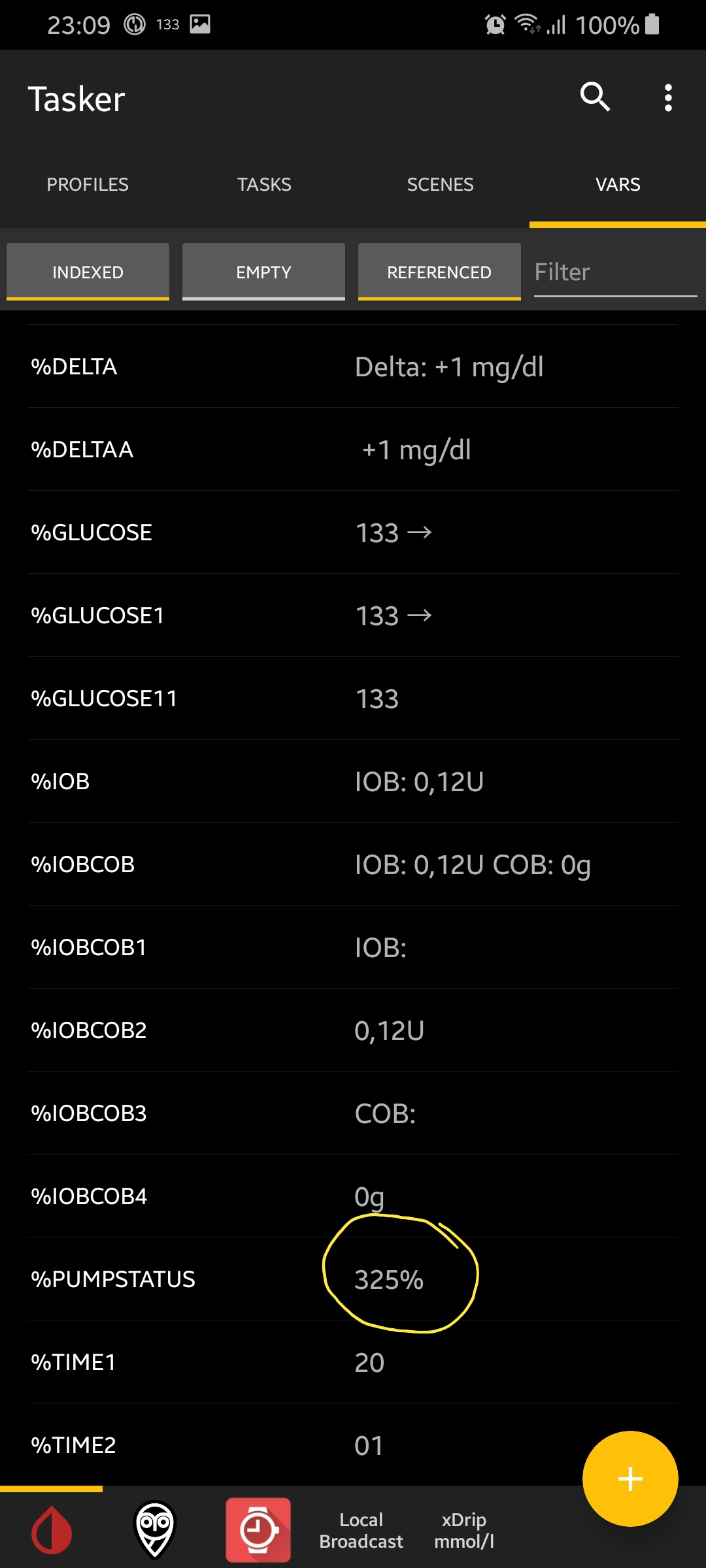
FreDiabetics
on 30 Oct 2019
Hi,
no, I do not know, what the error is...
Have you checked you sending Tasker-Task, that the variable is typed in correct and the task was already executed!?
Please check each spelling of this variable. On the pictures, it looks good :-/
pachi81
on 31 Oct 2019
@pachi81
uhhh I have sorted that issue :D :D I forgot the command Plugin->WatchMaker->WM Send Variabel. Have tried it thousand times :D :D but never send tha variable to Watchmaker :D after I hav done that the variable appears correctly in WatchMaker :D :D sorry for that stupid mistake :D The night have been long yesterday. Sometimes you do not see the forest for the shepherds
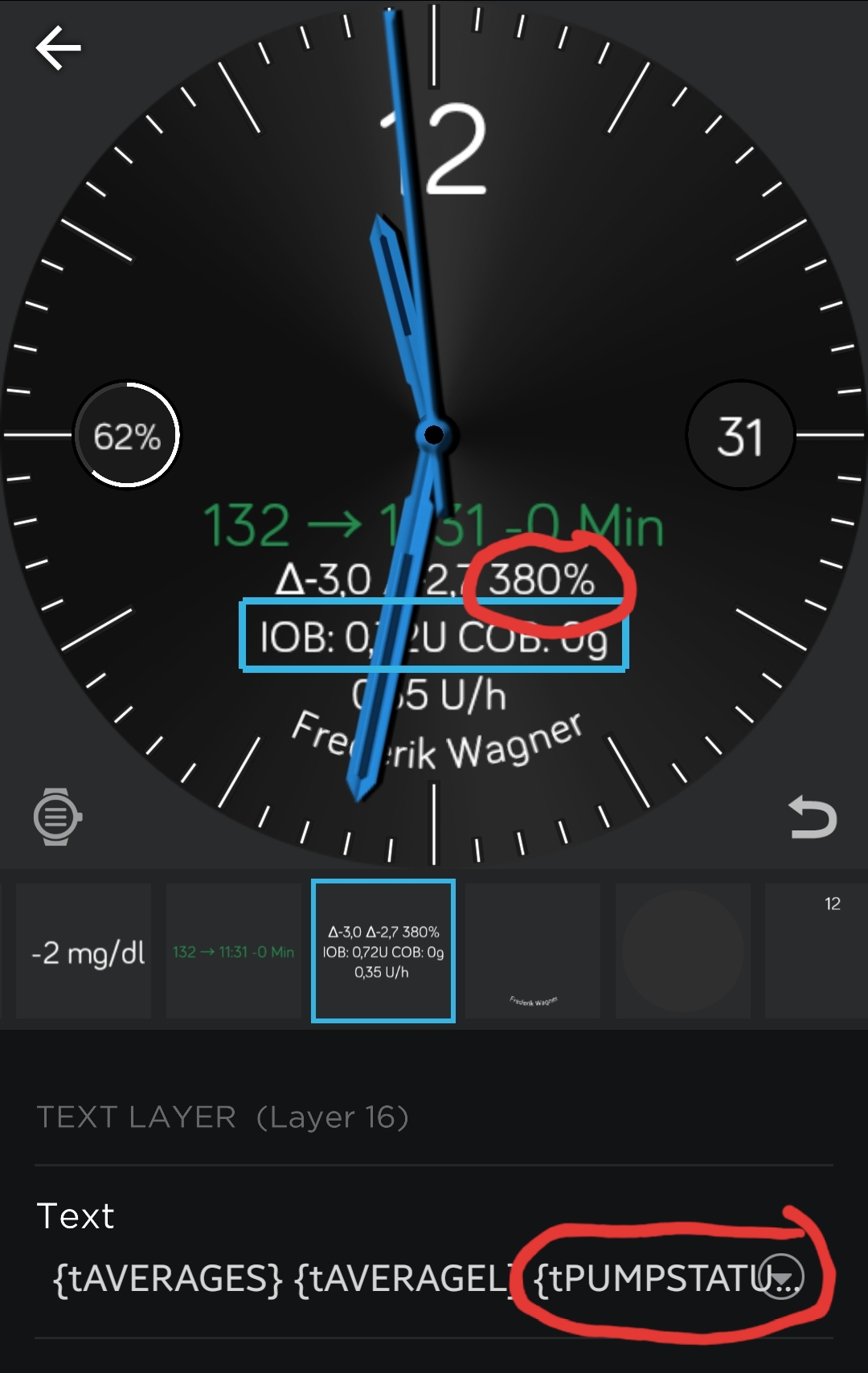
FreDiabetics
on 31 Oct 2019
@wagnefrede
:-D Welcome to the world of a developer lol
pachi81
on 31 Oct 2019
@pachi81
haha Yes Thanks lol
FreDiabetics
on 31 Oct 2019
@pachi81
So you have something other developed or found out? Some other cool stuff for the watchfaces?
I am constantly searching for new options or new other cool stuff do make the displays more interactive. I am trying to display the sensor warming up time or something like that.
I have an other little question.
I am using AAPS with ICT because I have no pump. I am using AAPS only for building watchfaces for other AAPS users and because I want prepare for my pump in the future. The difference is that aaps isn't giving me any proposals or suggestions on how to use my pump and there is no pumpstatus on my notification because there is no pump for me.
If I split that variable %antitle → %AVERAGE on 'space' Tasker gives me 3 new variables in array. For AAPS users with a pump there are 4 new variables in array. The last one %AVERAGE4 is only for the pumpstatus. When I am using the same watchface as the others I am only getting %AVERAGE4 displayed in watchmaker for pump users not. My problem is that I am only getting the 3 splittet variables because there pumpstatus on the AAPS notification. Is there anyway to disable the variable if there is no value? Otherwise I have to built more watchfaces one for pump users and one for me. Do you have any idea?
FreDiabetics
on 31 Oct 2019
@wagnefrede
I´m still waiting for my smartwatch and just had a look at the watchfaces including xdrip. So I found you and played a little with the watchfaces to get one for me :-)
So at the moment I do not have cool new stuff, because I only took the things from your watchfaces ;-)
To the question with the pumpstatus. I don´t know AAPS yet, because I don´t wear a pump and don´t want to...
But either you can simulate it in tasker by setting a dummy value to the variable or you can check it in your watchface and change the color to the same as the background, if there is no value...
Or like in your watchface here: if there is no value, nothing is displayed...
pachi81
on 31 Oct 2019
@wagnefrede For the sensor Warming Up you need Autoremote in connection with IFTTT. Tasker and WatchMaker must know when a new sensor was used. There is only the possibility of Autotools and reading the JSON file or Autoremote. After that you would have to reckon with the time to show the remaining time. In my Watchface, it runs quite well after the first tests.
st0ber
on 31 Oct 2019
@wagnefrede For the sensor Warming Up you need Autoremote in connection with IFTTT. Tasker and WatchMaker must know when a new sensor was used. There is only the possibility of Autotools and reading the JSON file or Autoremote. After that you would have to reckon with the time to show the remaining time. In my Watchface, it runs quite well after the first tests.
Alright, I think I have to look at that Autoremote or Autotool solution :D :D
FreDiabetics
on 31 Oct 2019
@wagnefrede For the sensor Warming Up you need Autoremote in connection with IFTTT. Tasker and WatchMaker must know when a new sensor was used. There is only the possibility of Autotools and reading the JSON file or Autoremote. After that you would have to reckon with the time to show the remaining time. In my Watchface, it runs quite well after the first tests.
Can you explain how you would do that in Tasker?
FreDiabetics
on 31 Oct 2019
Hi!
I have a new idea, if you activate xDrip web service, you can access the data in json format:
https://github.com/NightscoutFoundation/xDrip/blob/master/Documentation/technical/Local_Web_Services.md
I tried it with tasker to get the correct time from the value:
- action http request:
http://127.0.0.1:17580/pebble - action javascriptlet:
var time_json =(parseInt( JSON.parse(local('http_data')).bgs[0].datetime/1000).toLocaleString('fullwide', { useGrouping: false })); - action set variable:
%BGTIMES to %time_json - action send to watchmaker:
%BGTIMES
Maybe it is possible to access it direct from pujie using javascript. So you don't need tasker...
pachi81
on 1 Nov 2019
@pachi81
hmm good question. I dont know, but the with pujie black its possible to get data from api. adding a new weather api is possible so maybe this would be also possible, but I think its not nessessary to do that without tasker. therefore I would have to create new stuff on pujie black and so on. and I dont know where to put in that javasriplet. at the mpoment there is now use for me for that, getting the values to pujie black is very easy. I only have to add 1 new command in tasker. "WM send Variable" for pujie-black. you know what I mean?
But the more I think about the more I wanna test that :D :D I think I will give is a chance and going to try that out. I think that this will need some days because there are many points on my calendar for next days. Maybe I can handle that in any way. will text here when its time to. :)
at the moment I am trying to read out the nightscout.treatments.json file to get all values from nightscout, like Sage, Bage, Iage, Cage. But i am stucking on that :D I dont know how to write that javasiplet for defining the Variables that should be send to watchmaker. I know there are several docs to get this done but I dont know whats my problem :D :D
There are 2 options to get this treatments.json values. The first one is to use AutoRemote and "IFTTT" and the second one uses AutoTools to read out the treatments.json. but I havent got it working right now. But I´ll try until I succeed. there is no option for giving up :D maybe you have a useful hint for me. @st0ber has been so cool to give me some really helpful tips. I only have to get them working.
I have used to setup AutoRemote and IFTTT BUT I dont get IFTTT to work correct. We have a Google Home Mini smart speaker and it is possible to shutdown or restart your laptop using your voice saying things like: "OK Google, Shutdown my Laptop" Google answers with: "OK, Restart Laptop" But nothing happens. you can check if the voice command reaches the IFTTT App everything is correct. But it wont work. Have to sit down and think about it again I think. It makes me crazy if somethings wont work like it should :D
FreDiabetics
on 2 Nov 2019
So, I had some time to play with Javascript and I get it to work in tasker as action "javascriptlet":
function trend_symbol(trend) {
    switch(trend) {
        case 1: return "\u21C8";
        case 2: return "\u2191";
        case 3: return "\u2197";
        case 4: return "\u2192";
        case 5: return "\u2198";
        case 6: return "\u2193";
        case 7: return "\u21CA";
        default: return "?";
    }
}

function next_check_time(last_time) {
    var next_time = parseInt(last_time)+301;
    if(next_time < (parseInt(global('%TIMES'))+60)) {
        next_time = next_time+(300*Math.ceil(((parseInt(global('%TIMES'))+60)-next_time)/300))+1;
    }
    return next_time;
}

function get_json(url) {
    var xhttp = new XMLHttpRequest();
    xhttp.open( 'GET', url, false );
    xhttp.send();
    if( xhttp.status == 200 )
        return JSON.parse(xhttp.responseText);
    exit();
}

var json_data = get_json("http://127.0.0.1:17580/pebble");
var json_status = get_json("http://127.0.0.1:17580/status.json");

var time_json =(parseInt(json_data.bgs[0].datetime/1000).toLocaleString('fullwide',{ useGrouping: false }));
var bg_value_json = json_data.bgs[0].sgv.replace(',','.');
var arrow_json = trend_symbol(json_data.bgs[0].trend);
var delta_json = json_data.bgs[0].bgdelta;
var delta_string_json = 'Delta: ' + (delta_json > 0 ? '+' : '') + delta_json + ' ' + json_status.settings.units;
var bg_string_json = bg_value_json + ' ' + arrow_json;

setGlobal('%GLUCOSE',bg_string_json);
setGlobal('%DELTA',delta_string_json);
setGlobal('%BGTIMES',time_json);
setGlobal('%NextXdripCheckTime',next_check_time(time_json));
exit();
This sets the same values as the notification! You can use this without notification also, the you can trigger it by time context with from %NextXdripCheckTime to %NextXdripCheckTime. (this will trigger it every 5 minutes).
But then you have to call it once manually...
You only have to add plugin-action to send %GLUCOSE, %DELTA and %BGTIMES to you watchface.
IMPORTANT: this only works with xdrip web-service (interapp settings)!
@wagnefrede: maybe you can use this for your nightscout.treatments.json.
pachi81
on 15 Nov 2019
Another question: does anybody know, if it is possible to receive the xdrip broadcasts in tasker? I have tried, but without success...
pachi81
on 15 Nov 2019
@pachi81 this is the localBroadcast. I am using a similar javascriplet already.
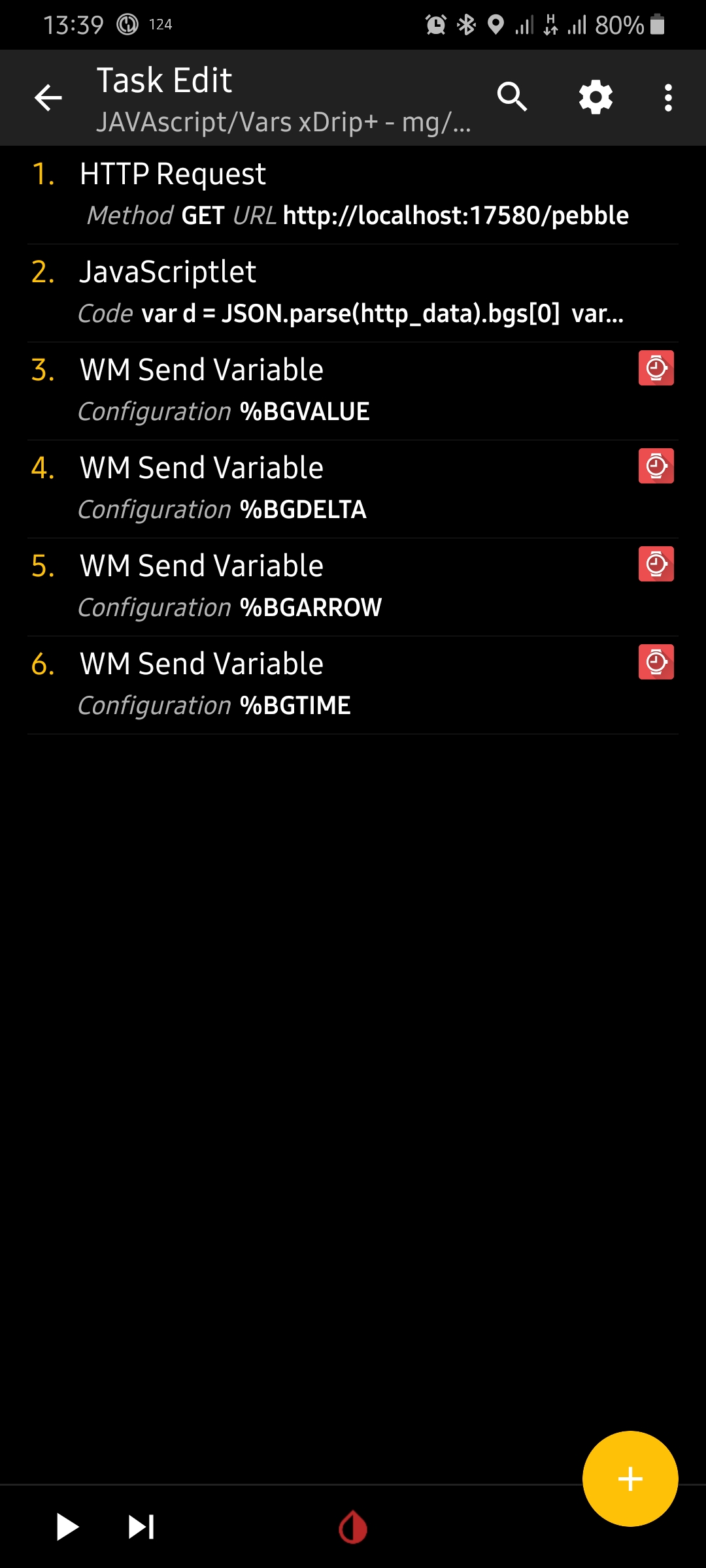
FreDiabetics
on 15 Nov 2019
@wagnefrede: where is the local broadcast? I only see your task, not the broadcast receiver!?
pachi81
on 15 Nov 2019
A side note, I've gotten IFTTT to be helpful in commands such as asking my
Google Home mini my XDrip+ blood sugar to be spoken or snoozing a XDrip+
alarm, but these are simple Tasker profile/tasks to respond at specific
IFTTT notifications and tell XDrip+ to do something.
m1st0
on 15 Nov 2019
@pachi81 the local broadcast sends the data to the watchfaces. And that is what you have posted above ;)
FreDiabetics
on 15 Nov 2019
Yes I know, but I like to receive broadcast from xDrip in Tasker. But I didn't get it to work. I know it is for AAPS, but receiving it also in Tasker would be great :)
pachi81
on 15 Nov 2019
I published on Samsung Galaxy Store a new app - G-Watch App. It is a native watch face with android companion app that collects data from other glucose monitoring apps and pushes values to watch face. Glucose range is indicated also by colors, both mmol/l and mg/dl units are supported. You can load your own background, adjust colors, clock hands, thresholds, and lot of other options for watch face. May be some of you will like it...
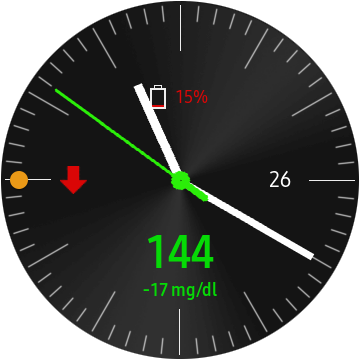
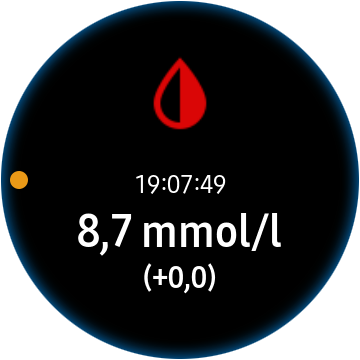
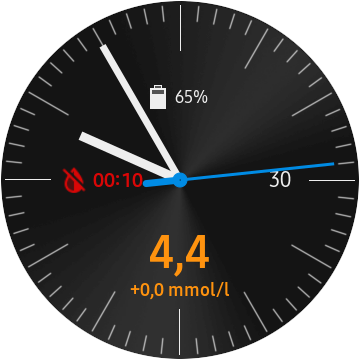
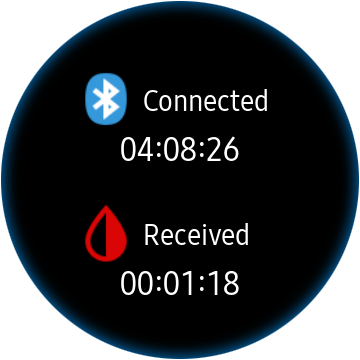
In XDrip+ 'Inter-app settings' just enable 'Broadcast locally' option and check 'Compatible Broadcast' and wait for another glucose sample...
 trupici
on 12 Dec 2019
trupici
on 12 Dec 2019
@trupici Nice and clean layout on that watchface! So basically in this case an user would need xdrip/nightwatch on the phone and G-Watch on the tizen watch and they're up and running?
 Gary1882
on 13 Dec 2019
Gary1882
on 13 Dec 2019
@trupici very nice, clean layout and so easy to read, my question is, how do I transfer G-watch app from my phone to my watch? Bluetooth connection in settings is disabled and I can't change it
mesaknz
on 13 Dec 2019
@Gary1882 On the phone you have have Xdrip+ and G-Watch App Service. On the tizen watch you have to have G-Watch App watch face installed. Both android G-Watch Service and tizen G-Watch watch face are published on Galaxy Store. If you install tizen watch face first, the android app will install automatically.
@mesaknz I am not sure if I understand your question. Install G-Watch App watch face from the Galaxy Store tab for Watch. It will be installed automatically on watch. Then you need to select the watch face on the watch as the active watch face (long press on watch and scroll in the list of watch faces and select the G-Watch).
The option for BT connection in app settings is for communication between mobile app and watch face. BT shall be always active, therefore you cannot disable it.
trupici
on 13 Dec 2019
Hi,
after @trupici get it work with the broadcast from xdrip, I tried it again for tasker and got it!
So I created tasker profiles for WatchMaker and for Pujie Black. You can download them and open with tasker. This should work at least with my watchfaces, but I think also with them from @wagnefrede.
In xDrip+ you have to activate the Inter-app settings:
- "Broadcast locally"
- "Compatible Broadcast"
- "xDrip Web Service"
Also make sure, that "Identify receiver" is empty.
pachi81
on 13 Dec 2019
@trupici, thank you very much for your reply. I am using Samsung Galaxy watch and I am unable to add watch face to my watch although I can see G-Watch app on my phone.
mesaknz
on 14 Dec 2019
I published on Samsung Galaxy Store a new app - G-Watch App. It is a native watch face with android companion app that collects data from other glucose monitoring apps and pushes values to watch face. Glucose range is indicated also by colors, both mmol/l and mg/dl units are supported. You can load your own background, adjust colors, clock hands, thresholds, and lot of other options for watch face. May be some of you will like it...
In XDrip+ 'Inter-app settings' just enable 'Broadcast locally' option and check 'Compatible Broadcast' and wait for another glucose sample...
Hi @trupici
very cool app. Thank you very much for the efford to create and share it!
I have one question: As I am planning to do almost exactly the same but not for xdrip+ but for AndroidAPS (which provides some more info like current temp basal rate, IOB, COB a.s.o) I want to ask, whether it is possible to get the source code for your app in any way, so that I do not have to start from scratch.
 ZoNki0815
on 14 Dec 2019
ZoNki0815
on 14 Dec 2019
@mesaknz: Do the following:
Be sure to have watch connected with phone via BT. In Galaxy Store app open 'Watch' tab:
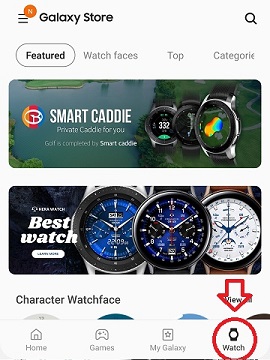
Search for G-Watch App, you should have this one:
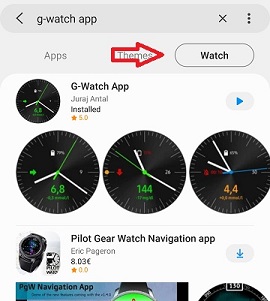
select to install. It will automatically install watch face to the watch.
After successfull installation you should have in 'My apps' in section for mobile 'Apps':
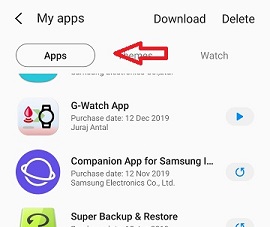
and in section for watch apps you should see:
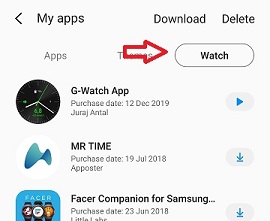
Now on watch select the G-Watch App watch face from the watch face list:
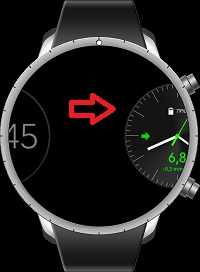
I have tested the process on 3 phones and two different samsung watches. This is also one of the basic tests in Samsung certification procedure...
trupici
on 14 Dec 2019
@ZoNki0815: What is your time plan? I was thinking to go open source already, but first I want to cleanup the code a bit and finish the current work on it. I don't see it is real before summer. Beside the graphs on both widget and watch (almost done) I want to enable NFC scan or BT support for miao for cases when the mobile is out of range.
As the main idea of this app was to integrate with so many 3rd party apps as possible, I am also open to idea to add support for those fields myself. xDrip and OpenAPS project are great and will be happy to be a part of OpenAPS community. Unfortunately I don't have the pump so it was not a priority for me.
trupici
on 14 Dec 2019
@trupici
Fucking hot shit!!! Great job have just tried your build apps and it works good. I'm very excited to see those nice integration. Have made a backflip when I saw your post above 😅
But I have a little question. Is it possible to change the watch hand in active mode to the same like its on AOD mode?
The round cornered watch hands in AOD mode look much more elegant than those in active mode. That's nice and modern. Have wondered why u used two types of hands each for every mode.
I'm looking forward to your next updates :) very interesting :) would nice to see a complete "Tizen OS Integration" Like the one for Android.
I like that I can display my steps and my heart rate in xDrio that's the only argument why I'm using a Ticwatch Pro beside my Galaxy Watch 46mm.
Would be very nice to get into this. Have a nice weekend :)
FreDiabetics
on 14 Dec 2019
@trupici
The seconds watch hand won't change the color to red. It's green all the time.
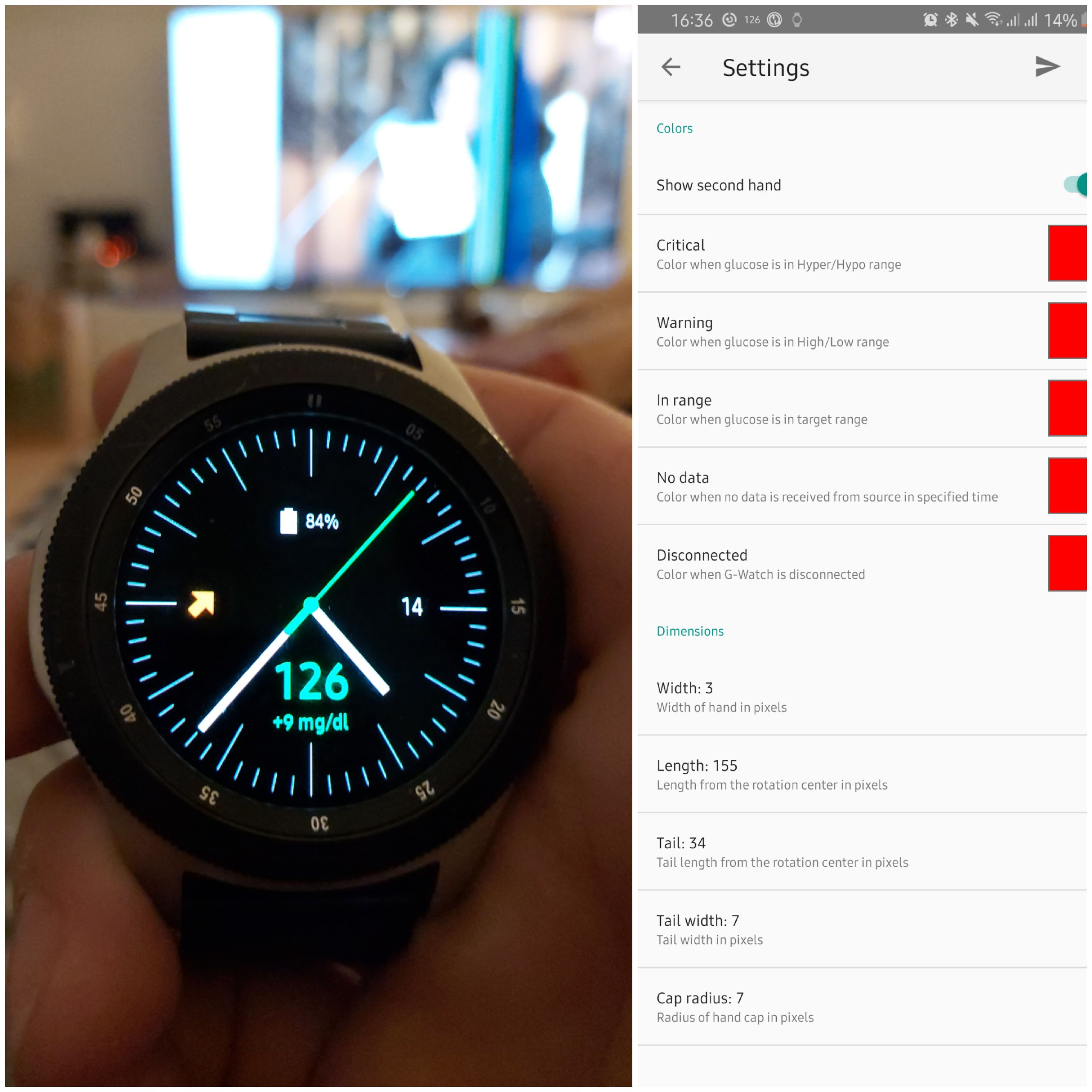
FreDiabetics
on 14 Dec 2019
@wagnefrede sorry for the question, but have you sent the config to watch (the arrow at the right side of the action bar)? The successful exchange is confirmed with toast message.
trupici
on 14 Dec 2019
@wagnefrede according to your first question about the hands shape: I can add to the next release of the watch app the option to set negative tail to make an offset from the center of rotation and also the round endings option.
trupici
on 14 Dec 2019
@trupici First of all thanks for your reply and great news that you're gonna make it open source anyway. I was actually thinking about to start with the project in about one or two weeks (due to two weeks off work then -> so I have more time for stuff like this ;-) ). I do understand that you want to finish your work and clean the sources before you share it.
Actually the "only" change / extension to your application that would be required is to use the AndroidAPS local broadcast instead of xDrip broadcast and to add the required additional info to your watch face.
As I am a software-engineer myself, it is absolutely clear that "the only change" sounds simple but can mean a huge effort... maybe I am wrong and you can do it at your side in a view minutes?
Sorry if it's already clear to you but just in case: AndroidAPS is more or less based on openAPS but already an android app that does not require any further custom made hardware. Therefore the broadcast with the required information is already there.
ZoNki0815
on 14 Dec 2019
@ZoNki0815 To integrate a new source of data into app framework can be done in few minutes. The xDrip source will not be replaced - you can select the active receiver(s) in menu. In published version there are already 2, in the next version probably come another. But to find a reasonable way of presentation of all that info to user could be more complex (there is not so much place on the watch display :) Please, write me an email to not bore people here with details...
trupici
on 14 Dec 2019
@trupici Good idea to switch to e-mail :-) Unfortunately you do not have an e-mail address shown in your profile... Is there another way to write an e-mail via Github that I'am not aware of?
ZoNki0815
on 15 Dec 2019
@trupici I managed to install G-Watch app to my phone but I can't find app for the watch itself in Galaxy Store, no idea why. I have followed your instructions step by step. I am using the latest Galaxy Watch 46mm with SIM card that is inside the watch and can't be removed. I would love to be able to add G-Watch app to my watch as the watch face looks superb. I would really appreciate any help
mesaknz
on 15 Dec 2019
@ZoNki0815 mail address in profile is public now
@mesaknz hm, sound strange. The watch face should be available in all countries for all devices with resolution 360x360. The only restriction I put there is that user must be above 4 years. Please check your profile or galaxy store settings if there is any restriction for content.
trupici
on 15 Dec 2019
@trupici hi again, I did manage to find your watchface but after I change it on my watch all I get is XDrip logo and message Missed. The xDrip works fine on the phone itself.
mesaknz
on 16 Dec 2019
@mesaknz After installation you should wait for 1-2 values from xDrip. What you describe looks like no value has been received yet (red drop on the right) and if you tap on it a status pop-up opens. The 'Missed' stays there because no value was received in the last 6 mins (or whatever you configured in settings for no-data period). If you receive a value then it will look like at the picture above with 'Received' (the last picture in my first comment)
Btw, the red drop has nothing to do with xDrip here. The watch face has no info about source of data.
trupici
on 16 Dec 2019
@trupici i want to try your App. With my GW i can download your WF but not the app for the phone. I use a Google Pixel 2XL. Can you share the apk for the phone? Thank you
st0ber
on 16 Dec 2019
@trupici i want to try your App. With my GW i can download your WF but not the app for the phone. I use a Google Pixel 2XL. Can you share the apk for the phone? Thank you
Works ok for me on the same phone, just try usung it in the chrome browser (installs apks better from the links).
 Vigilo-Rob
on 16 Dec 2019
Vigilo-Rob
on 16 Dec 2019
@trupici Very nice application. Everything works as expected. Have a Galaxy S8+ and Galaxy Gear S3.
Is it possible to enlarge the displayed data to ameliorate readability without glasses.
Can you or we add the battery level of the smart phone?
Another desire is to snooze the xdrip alarm on the phone by ticking on the diplay of the watch.
That would be very handy.
Ecco5
on 17 Dec 2019
@Ecco5
if you need to see enlarged values, please use pop-ups - tap on the glucose value or status (trend) and pop-up appears. I also wear glasses...
There is not so much place on the watch screen, In the next version there will be an option to display a graph and I am fighting with place even more...
I don't want to display any mobile status or status, sorry.
And I am not driving xDrip in any way. But you can always tap the notification link/text saying somthing like 'Open in phone' and the xDrip alarm is snoozed. Works also with LibreLink App alarms. You do not have to do anything with phone. At least on GalaxyWatch it works like this. On older gears I don't remember now.
trupici
on 17 Dec 2019
@trupici YOU ARE AWESOME! Sorry for the all caps but man but I'm excited... I'd like to pay for the app. If you put some sort of voluntary donation setting I'll be happy to oblige.
 fivepointfiveish
on 17 Dec 2019
fivepointfiveish
on 17 Dec 2019
@trupici would it be possible to have also a digital watch face version?
fivepointfiveish
on 17 Dec 2019
@fivepointfiveish thank you for you support...
Now I put 100% of my effort to make a new version with graphs and android widget to be ready till the end of the year. I hope it is feasible at least to give it for certification to Samsung store.
To say the truth a digital watch face is not my priority, but there is more of you asking for this feature. So let's see what brings the next year.
Donations... I prepare a FB page dedicated to the app, with some guides, pictures, etc... may be there will be something.
trupici
on 17 Dec 2019
@trupici
have done the setup with success. works good. BUT we have to find a solution for the people using AAPS. because if youre using AAPS you need to enter a specific local broacast reciever to get values to AAPS. info.nightscout.androidaps in that second when I'm entering that recievername the G-Watch service lose its connection. Or is this just for me. I can rember you wrote that your not using AAPS because you got already got no pump. same for me, but I'll get a pump until 13.01.2020. I Nevertheless using AAPS for building watchfaces with watchmaker. Is there any suggestions how to sort that? Because for using your g-watch the local broadcast reciever field must be empty
FreDiabetics
on 17 Dec 2019
@wagnefrede
Your problem is following:
- You need from xDrip to send explicit broadcast with specified package to AAPS
- And you want from other app (G-Watch here) to listen for explicit broadcast sent to another app. I think that is not possible if the two apps do not have the same package name.
Afaik only implicit broadcasts (without package name) can be sent to different apps (with different packages). There are also some rules how to register broadcast receiver for such broadcasts. As I remember the AAPS code the broadcast listeners are defined in manifest, what is not working for implicit broadcasts since some Android version.
But correct me if I am wrong...
trupici
on 18 Dec 2019
@trupici
no no, your totally right. but isnt there any way that we can specify 2 broadcast reciever by give them both the same name? Yes, that's exactly what I thought. that means either I use your G-Watch service or I use my closed loop with AAPS. Is there no way to change that? Maybe by simply assigning the G-Watch app the same broadcast name as is the case with AAPS? then values would arrive at both apps or not? : D I think I'm just too simple: D
FreDiabetics
on 19 Dec 2019
@wagnefrede broadcast name doesn't matter here. You can make a simple dispatvher app that will receive broadcasts and send them to all apps you put on the list. Simple but efficient
trupici
on 19 Dec 2019
@trupici alright, why doesn´t anybody else have told me that? :D sounds easy. any suggestions how to start with the dispatcher app? or is it possible to download such an app? I havent found soemthing on google what can be used for that, and in the fact you wrote "you can make a simple dispatcher app" I'm thinking you mean build a dispatcher app by myself right? is there anything you can recommend?
FreDiabetics
on 19 Dec 2019
@wagnefrede
build a new app yourself.
to have it re-usable make an app with a simple activity. You can put there a list of receivers with simple add/remove feature. You should support both implicit and explicit broadcasts. If you want, you can dynamically manage also intents you want to listen for.
If you want to make it simple and only for one thing hardcode it.
That's is. No magic...
In all source of data apps you will configure to send data to your dispatcher only
trupici
on 19 Dec 2019
@trupici
you're funny ^^ its no magic, yes thats right, BUT If I were able to build apps myself, I would spend my time building an xDrip Companion app for Tizen and not bother to send the values with Tasker etc. to my Watchmaker watch faces. But let's see what I can do :D it remains exciting, thanks for the tips.
FreDiabetics
on 19 Dec 2019
@wagnefrede Don't worry, there will be a solution :) I prefer to not have another app in the middle (dispatcher), but we will see.
But I need to finish my current work on G-Watch first. That is my priority now. I will look at it in January
trupici
on 20 Dec 2019
@trupici Hey I use the link blucon app, is there any way you could add that app as well?
 sp17b
on 23 Dec 2019
sp17b
on 23 Dec 2019
@trupici hi! Can you pls share G-Watch Service apk? I can't install samsung galaxy store on my phone (honor 10) and don't know how to get this app without it. Thanks!
 KyZmu4
on 23 Dec 2019
KyZmu4
on 23 Dec 2019
You need to open the Galaxy Wearable app. than click on Discover bottom left there you´ll see some watchface samples frpm the galaxy store. klick on any of them and yo´ll get to the galaxy store. then you only need to click on the back arrow top right and the galaxy store will open for searching apps. on samsung devices there is a standalone app for the galaxy store, but on non-samsung devices you only can reach them by using this method...
FreDiabetics
on 23 Dec 2019
For example

FreDiabetics
on 23 Dec 2019
@trupici Hey I use the link blucon app, is there any way you could add that app as well?
I don't know the app. But if it can broadcast the glucose values then there is a light. I could see in code an intent with action "com.amb.blu.LIBRE_DATA" which is sent to LibreOOPAlgorithm app, so may be it is possible. I'll put it on the list...
If anybody can confirm that this app is really sending this broadcasts...
trupici
on 23 Dec 2019
@trupici Thanks I appreciate it.
sp17b
on 23 Dec 2019
@trupici hi! Can you pls share G-Watch Service apk? I can't install samsung galaxy store on my phone (honor 10) and don't know how to get this app without it. Thanks!
I have an open debate with Samsung portal to solve this problem, why the android app is not visible on other than samsung devices. For now please use the workaround above.
trupici
on 23 Dec 2019
You need to open the Galaxy Wearable app. than click on Discover bottom left there you´ll see some watchface samples frpm the galaxy store. klick on any of them and yo´ll get to the galaxy store. then you only need to click on the back arrow top right and the galaxy store will open for searching apps. on samsung devices there is a standalone app for the galaxy store, but on non-samsung devices you only can reach them by using this method...
Thaks! But there is no any app in my galaxy store - only faces or apps only for watches (not for the phone). I have found the G-Watch App and downoloaded it. But now i have only the G-Watch face on my Gear sport. When i try to choose the GF on watches i recieved message that i need install G-Watch Service App on a phone.
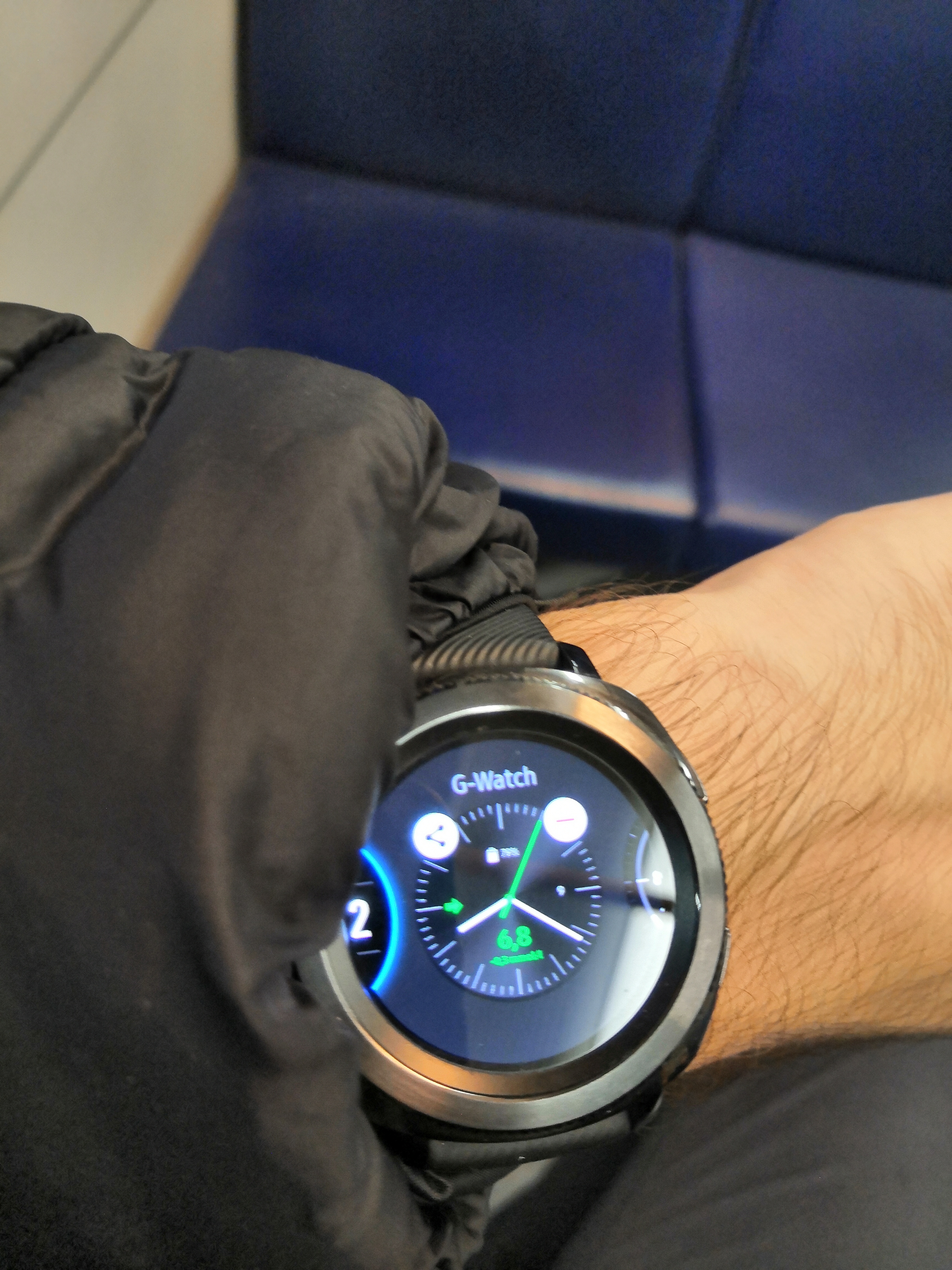
KyZmu4
on 24 Dec 2019
Here is the link for the new version 1.1 of G-Watch android app:
https://drive.google.com/open?id=1LTsmTkbRPA5DjKMa1YogAQz2nhZshAO4
It was published yesterday. New features: android widget and watch graph configuration. To see graph on watch you have to wait for a new version of watch face (1.1), which is currently in certification process of Samsung store. Certification process usually lasts 5 days if there is no problem, so maybe on Friday it will be out...
Edit: Today (27.12.) I received a message from Samsung that their tests of watch face are not finished yet and will be delayed because of New Year holliday, so please be patient...
Some pictures:

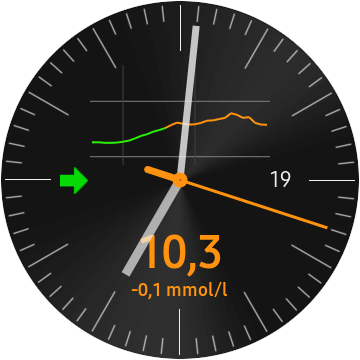
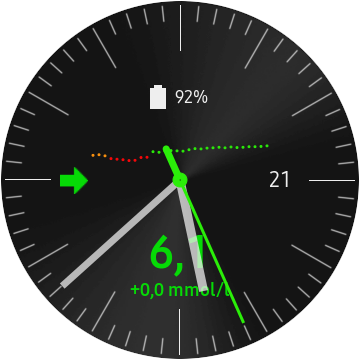
As usually everything is customizable...
@wagnefrede sorry, but requested change of hands are not yet there... It requires more changes than I thought...
trupici
on 24 Dec 2019
@trupici hi! I have both x-drip and g-watch downloaded on my galaxy watch active, and I got xdrip working, but it doesnt seem to connect with my watch, so it isnt actually sending any values. What should I do? Sorry if it's obvious and I'm asking a really silly question. Thanks.
 Siri0223
on 24 Dec 2019
Siri0223
on 24 Dec 2019
@trupici hi! I have both x-drip and g-watch downloaded on my galaxy watch active, and I got xdrip working, but it doesnt seem to connect with my watch, so it isnt actually sending any values. What should I do? Sorry if it's obvious and I'm asking a really silly question. Thanks.
@Siri0223 in xdrip inter-app settings enable local broadcasts and check compatible broadcasts option. this should work... in g-watch service app go to Packet console and watch if any data is received from xdrip (every 5 mins should come a new value)
trupici
on 24 Dec 2019
@trupici hi! I have both x-drip and g-watch downloaded on my galaxy watch active, and I got xdrip working, but it doesnt seem to connect with my watch, so it isnt actually sending any values. What should I do? Sorry if it's obvious and I'm asking a really silly question. Thanks.
@Siri0223 in xdrip inter-app settings enable local broadcasts and check compatible broadcasts option. this should work... in g-watch service app go to Packet console and watch if any data is received from xdrip (every 5 mins should come a new value)
Hi @trupici I've downloaded both Android app and watchface from Galaxy, enabled inter-app local broadcast and compatible broadcast, Android G-Watch service shows connected, packet console shows packets, no glucose is updated on watchface, let me know if screenshots would help
 eurenda
on 28 Dec 2019
eurenda
on 28 Dec 2019
@eurenda please send me screenshot of packet console and watch face on email.
trupici
on 28 Dec 2019
@trupici Packet and watchface screenshots sent, thank you
eurenda
on 28 Dec 2019
G-Watch watch face version 1.1 is finally out. It was delayed due to New Year's holiday.
If you have customized your watch face don't forget to re-apply all settings from android app (Watch Appearance menu option 'Send all values').
To show graph on watch face you have to enable it in Watch Appearance / Glucose Graph settings.
Enjoy it...
trupici
on 2 Jan 2020
Hi trupici,
a really really great job. I like the App very much. Only one little thing: I would prefer if xdrip appeares if I tap on the widget and not the settings of your app. I think this will be a little more convenient. Maybe you can change this within your next update?
Best regards
Thomas
ThommyS
on 4 Jan 2020
Hello,
I'm trying for several days now to get G-Watch and xDrip working on my Samsung Smartwatch Galaxy Active 2 together. My Samsung A8 phone is connected with the G-Watch Service,but there are no packets send to the G-Watch Service and so I have no reading on my watch.
Can someone tell what the correct settings for xDrip and G-Watch are to make it work?
With regards,
Martin
 Martin1060
on 4 Jan 2020
Martin1060
on 4 Jan 2020
@ThommyS I know that most of us is using xDrip to collect and evaluate BG data, but G-Watch is designed to listen to more apps than xDrip. Currently there are two, in the next version there will be the third one (APPS). There is also a hidden option to listen to LibreLink but this is another story...
May be I can make it configurable - to open any of the supported data source app. I put it on my todo list.
trupici
on 4 Jan 2020
@Martin1060 if not already done:
In xDrip you have to enable Local broadcasts: Go to Settings -> Inter-app settings and enable the first option "Broadcast Locally". Also check option 'Compatible Broadcast'. 'Identify receiver' field must be empty - tap on it to see what is entered there. If you have any configuration there, e.g. for AAPS then it won't work. Explicit broadcasts with identified receiver package cannot be delivered to anyone else...
In G-Watch 'Data Source' settings check xDrip option. Don't forget to confirm/apply the config - tap on the send (arrow) icon on action bar or select 'Send all values' from the pull down menu. A confirmation message (toast) should appear...
trupici
on 4 Jan 2020
Hi @trupici thanks for the updated app. Works nicely. Would it be possible when the "watch always on" is activated on the watch to see the glucose and trend in the watchface? It would be extremely useful when I'm running without the need to touch the screen to see the glucose.
Also do you still plan to publish it open source? It would help a lot to be able to personalize it for the specific users needs.
fivepointfiveish
on 5 Jan 2020
@trupici
Thank you for your instruction to set the watch.
The identfy field wasn't empty.I'm glad it's working.
Martin1060
on 5 Jan 2020
@Martin1060 I am happy that we've solved it :)
@fivepointfiveish Everything is possible. I haven't thought that someone has such a requirement. In current version the 'G-WATCH' text color indicates the glucose range. For me it was enough to know, but I am not a runner or so...
Tizen AOD mode has some specific requirements. The most important here is that the number of lighted pixels is limited (you get blank screen if you exceed the limit). So, you probably have to choose if you want to display time or glucose info.
Anyway, it can be done. I can put it on the todo list...
And please be patient, as I told before I will publish sources on github in some months. I want to finish some work before.
trupici
on 5 Jan 2020
@trupici thanks. I also have an issue with the glucose panel colors. The glucose color stays green even when the value is above the high level, also in the graph.
A small correction. It seems that after a second measurement is taken then the color changes correctly.
fivepointfiveish
on 6 Jan 2020
@fivepointfiveish It sounds strange. Please could you send me a picture of such a situation on email? And also a screenshot of your Glucose Levels settings. It seems to me you refer to xDrip levels, am I right? G-Watch levels (ranges) have nothing to do with the xDrip settings. Please check Glucose Levels thresholds and adjust them if needed. Don't forget to apply new settings - use the arrow button on the toolbar.
trupici
on 6 Jan 2020
@trupici thanks for the nice app. I agree with @fivepointfiveish about the AOD.
I also read somewhere you struggle with space on the watch. Would it maybe help to make a 'digital' watch version instead of the 'analog'?
Thanks for the awesome work you do. Hope it is not a pain in the ass.
NLT1D
on 6 Jan 2020
@NLT1D the @fivepointfiveish AOD request will be done in one of the future releases. Not 1.2. its scope is already closed. But the next one may be...
Sorry, fully digital watch face is not planned yet.
But the requested AOD change, let's call it 'on the move type', could have a digital time (no secs possible) and current glucose value. I am not sure yet whether to show trend icon or glucose delta (how big font to use - will you be able to see it on the run?).
trupici
on 6 Jan 2020
@fivepointfiveish It sounds strange. Please could you send me a picture of such a situation on email? And also a screenshot of your Glucose Levels settings. It seems to me you refer to xDrip levels, am I right? G-Watch levels (ranges) have nothing to do with the xDrip settings. Please check Glucose Levels thresholds and adjust them if needed. Don't forget to apply new settings - use the arrow button on the toolbar.
I'll send you a picture. I double checked and the configuration in the app is correct (the levels to be in line with the Xdrip+, I had already changed them)
fivepointfiveish
on 6 Jan 2020
@NLT1D the @fivepointfiveish AOD request will be done in one of the future releases. Not 1.2. its scope is already closed. But the next one may be...
Sorry, fully digital watch face is not planned yet.
But the requested AOD change, let's call it 'on the move type', could have a digital time (no secs possible) and current glucose value. I am not sure yet whether to show trend icon or glucose delta (how big font to use - will you be able to see it on the run?).
It would be awesome with just glucose (bigger) and trend (smaller), no clock. The bigger the better because I'm getting old :). Possibly at least double the one in the watchface.
fivepointfiveish
on 6 Jan 2020
@fivepointfiveish please could you go to Glucose Levels settings and send the configuration to watch one again? Use menu option 'Send all values', not the arrow button since it sends only currently changes values. A confirmation message must pop up. I think this will solve your issue.
It would be awesome with just glucose (bigger) and trend (smaller), no clock. The bigger the better because I'm getting old :). Possibly at least double the one in the watchface.
With trend you mean glucose diff - e.g. '+10 mg/dl' or the arrow icon? The text color matters or could be white/grey?
trupici
on 6 Jan 2020
@fivepointfiveish please could you go to Glucose Levels settings and send the configuration to watch one again? Use menu option 'Send all values', not the arrow button since it sends only currently changes values. A confirmation message must pop up. I think this will solve your issue.
It would be awesome with just glucose (bigger) and trend (smaller), no clock. The bigger the better because I'm getting old :). Possibly at least double the one in the watchface.
With trend you mean glucose diff - e.g. '+10 mg/dl' or the arrow icon? The text color matters or could be white/grey?
Already tried and didn't work. Here is a picture. The high level is set at 160, it should be orange now.

5 min later it's 173 and still green.
But the widget is correctly orange.
5 min later it's 189 and now orange.
fivepointfiveish
on 6 Jan 2020
@fivepointfiveish your watch is working with the default value what is 180. Default value should be 170 to follow the default value in mobile app (this discrepancy will be fixed in the next release).
The default value could be there only because the watch works with initial value, or you made a reset (menu option 'Reset all to defaults' in Glucose levels settings or parent settings), or the watch didn't accept the configuration - in this case you should not see 'Configuration sent' toast message after you sent the configuration to watch but 'Configuration failed' message.
As you wrote you sent the threshold config successfully several times to watch (from the Glucose levels settings or parent settings). I am a bit lost here. I am trying to reproduce this issue again and again with several high level threshold values but I have no such behavior like you describe. New settings are always accepted and glucose panel, graph and also second hand are painted in correct color (they follow the widget colors as expected).
I will continue with further test. For you I have the only advice now - try to configure the level again. Be sure to use menu option 'Send all values' or arrow button on toolbar directly in the Glucose levels settings activity to send values to watch.
The menu options 'Send all values' and 'Reset all to defaults' are applied to all settings on the current activity and all sub-settings you can open from the current activity. For example if you go to 'Watch appearance' settings and use one of these menu options also the config for all panels, graph, hands, and background options will be sent/reset.
trupici
on 6 Jan 2020
@trupici I think it worked now. I had to change the values in the glucose levels tab to random and then back again to my ones and now it works
fivepointfiveish
on 8 Jan 2020
Hello
I have the same issue as one of the people above. It says i need to install G-watch service on my phone. but can't find it anywhere in the store. How to fix this?
Thanks!
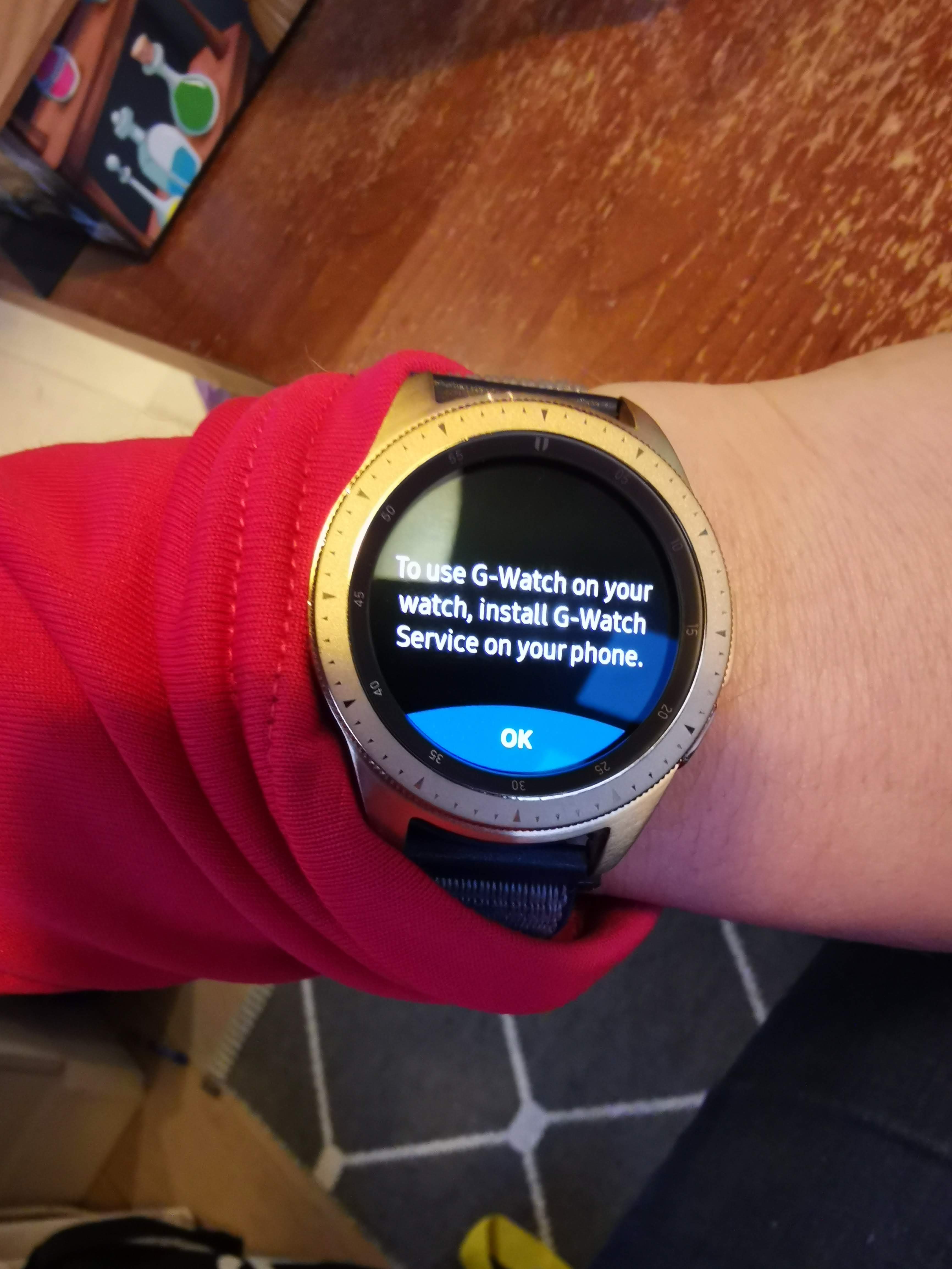
 Josibe84
on 9 Jan 2020
Josibe84
on 9 Jan 2020
@Josibe84 I guess you don't have a Samsung phone. Currently you have to download the mobile app from the direct link I specified also above:
https://drive.google.com/open?id=1LTsmTkbRPA5DjKMa1YogAQz2nhZshAO4
I published the mobile app only at Galaxy Store which (as I found only later) is not available for non-Samsung phones. I plan to publish the mobile app also on Google Play Store soon...
Sorry for the inconvenience...
trupici
on 9 Jan 2020
@Josibe84 I guess you don't have a Samsung phone. Currently you have to download the mobile app from the direct link I specified also above:
https://drive.google.com/open?id=1LTsmTkbRPA5DjKMa1YogAQz2nhZshAO4I published the mobile app only at Galaxy Store which (as I found only later) is not available for non-Samsung phones. I plan to publish the mobile app also on Google Play Store soon...
Sorry for the inconvenience...
Thanks for that!
Josibe84
on 9 Jan 2020
For the few of us nightscouters with iPhones paired to our Samsung watches, I made this quick instruction on how to get your readings displayed from your nightscout site using a bare-bones web browser available in the Galaxy Store.
https://docs.google.com/document/d/1ccDP93dTYP38SVFzZK2pdof3QSvK8cbF914FtShSWXM/edit?usp=sharing
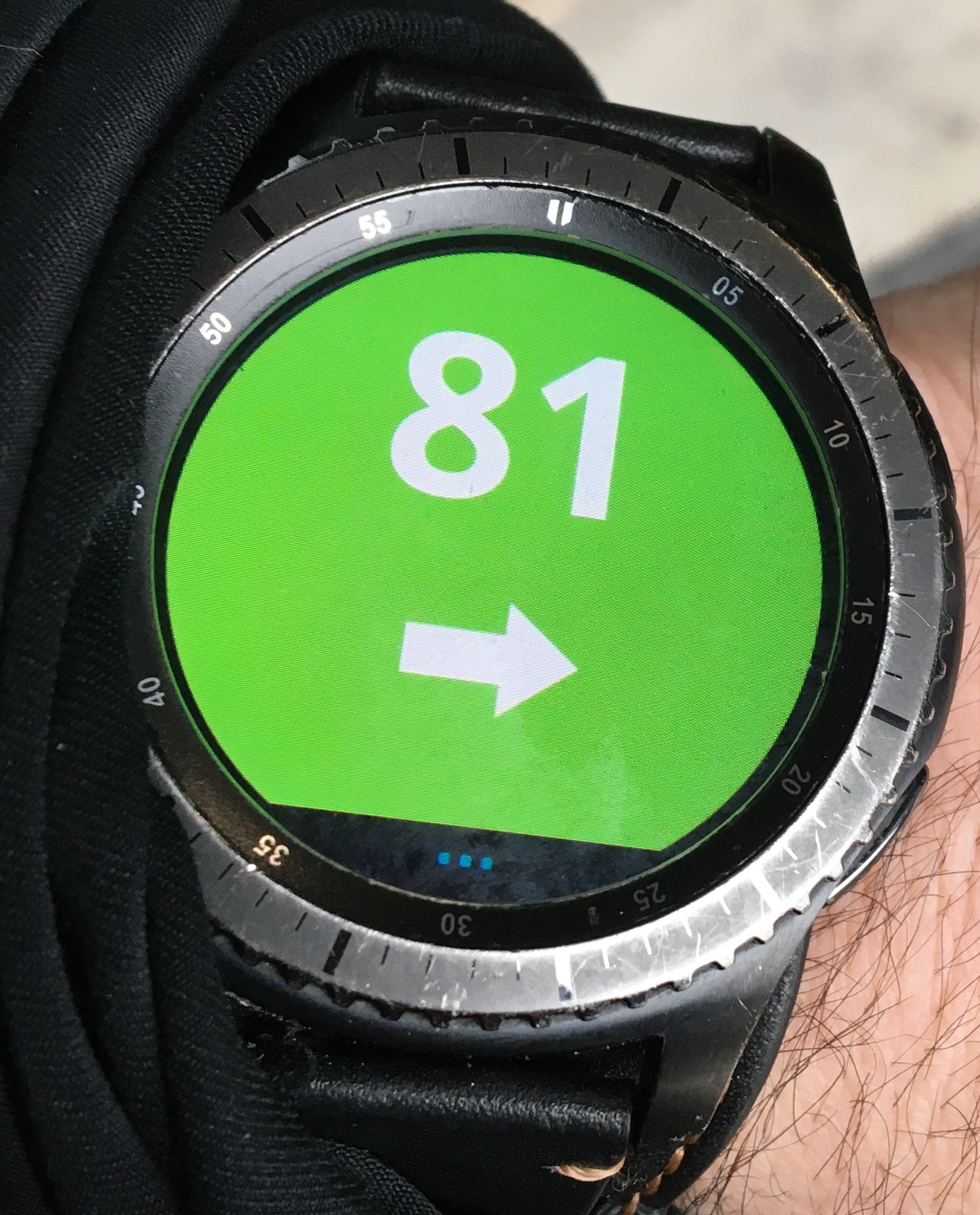
 teststripkiller
on 24 Jan 2020
teststripkiller
on 24 Jan 2020
@trupici, First AMAZING JOB! Thanks. Nice watch face, low battery usage and great integration. Now a problem I am having and a request. I have set up G-watch phone app to get readings in mg/dl. All good, but then suddenly I get readings showing in mmol the watch. When I go to setting on the phone, it shows mg/dl. I have to actually toggle to mmol and then back to mg/dl and "Send all values" to get it to show correctly again. Any ideas?
Now to the request, in dim mode (watch on all the time), in place of G-Watch, would be of great value to get BG reading to show. And if I can ask a little more, would be great for reading to appear as one color (sky blue) when there is more than 3mg/dl change trend up, another color (hell red), trend down of more than 3mg/dl, normal flat as white and no BG reading of more than 6 minutes as yellow. That would be greatly appreciated.
Again, Thanks for a great tool and would love to show you my appreciation, especially if you come to California ever, let's take you out for a bear.
 docdds
on 24 Jan 2020
docdds
on 24 Jan 2020
@trupici, First AMAZING JOB! Thanks. Nice watch face, low battery usage and great integration. Now a problem I am having and a request. I have set up G-watch phone app to get readings in mg/dl. All good, but then suddenly I get readings showing in mmol the watch. When I go to setting on the phone, it shows mg/dl. I have to actually toggle to mmol and then back to mg/dl and "Send all values" to get it to show correctly again. Any ideas?
Now to the request, in dim mode (watch on all the time), in place of G-Watch, would be of great value to get BG reading to show. And if I can ask a little more, would be great for reading to appear as one color (sky blue) when there is more than 3mg/dl change trend up, another color (hell red), trend down of more than 3mg/dl, normal flat as white and no BG reading of more than 6 minutes as yellow. That would be greatly appreciated.
Again, Thanks for a great tool and would love to show you my appreciation, especially if you come to California ever, let's take you out for a bear.
Hi @docdds, I think your issue of changing units happens because when you touch the text "mg/dl" on the watch it changes units. It's a feature of the SW as it is now. If you press it again it will revert back. I also mentioned to @trupici that I think it should be like that because everyone set it's own units and doesn't need to change it. Also the area to press to switch is really tiny so it can happen totally by chance.
fivepointfiveish
on 24 Jan 2020
@fivepointfiveish you are right, I explained it to @docdds already via email. In the next version you can switch it off.
trupici
on 24 Jan 2020
I finally got around to creating a repo to document the process I've been using and share the files. Special thanks to @wagnefrede as we've been working together and bouncing a lot of ideas off each other the past week! I have this setup to pull all of the data from Nightscout so I can get all of the extra Loop info, not just BG. You could use this with some tweaks (and a little less functionality) pulling from xdrip's local server if you were concerned about the data.
https://github.com/jonfawcett/Nightscout-Tasker-Tizen-Watchface-Integration
My documentation in the wiki section is still very much a work in progress, but should be enough to get this running.
I have probably a dozen faces that do all sorts of different things. But here's one example... BG graph, 30 minute loop prediction, gradient rings that change for delta, bg, IOB, COB...the Omnipod icon even fills up based on the current temp basal.
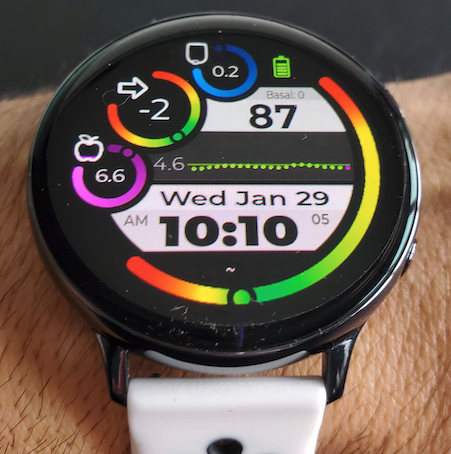
 jonfawcett
on 29 Jan 2020
jonfawcett
on 29 Jan 2020
@jonfawcett, @wagnefrede: nice work guys!
Yesterday, M.Kozak made for us a new plugin DataBroadcastPlugin. It exposes BG, APS Loop and pump data to listening apps. Look at dagger3 branch in his AndroidAPS repository.
May be it is a good alternative to nightscout for your watch faces.
trupici
on 29 Jan 2020
@trupici Thanks! My daughter uses Loop not AndroidAPS. So that won't work for me. I'm just using an Android phone to follow her. This might be something Fred can look into...we're working towards getting 1 repo for everything since he used the AndroidAPS side and I use the Loop side.
jonfawcett
on 29 Jan 2020
@jonfawcett sorry for my late reply. as I told you I got my pump last wednesday......the last few days have been terrible......lows over lows..... >.< I have decreased my basaldose over the half.....man..... when I have sorted these issues I'm going to continue my work on our project. I will sort the nightscout watchfaces with androidaps support. then we have both APS's with watchmaker watchface support. Eveybody is able to use all watchfaces from both of us.
@everybodyelsehere
if there are other people out there who wanna add watchfaces to our project pls contact me or @jonfawcett to integrate them :)
Have a nice sunday guys :) :)
FreDiabetics
on 2 Feb 2020
@jonfawcett, @wagnefrede: nice work guys!
Yesterday, M.Kozak made for us a new plugin DataBroadcastPlugin. It exposes BG, APS Loop and pump data to listening apps. Look at dagger3 branch in his AndroidAPS repository.
May be it is a good alternative to nightscout for your watch faces.
NICE I'll test that next week.
FreDiabetics
on 2 Feb 2020
My daughter uses Loop, which doesnt have all of the data pulled into Xdrip+. So I'll have to leave this up to @wagnefrede to test the new plugin and I'll have to continue using NS.
jonfawcett
on 2 Feb 2020
Hi guys, G-Watch version 1.2 is now out.
New features:
- App to launch when you click on Android widget is now configurable. You can choose between supported data source applications and G-Watch Service app.
- Configuration for fast units toggle. Default value is no toggling.
- Bigger fonts support. You can configure bigger font for individual info panels.
- New watch hands configuration options to set offset from the center and round endings. With these options you can create hands like in analog AOD mode or even circular hands. @wagnefrede this is for you :)
- High and low glucose boundaries on graph.
- New calendar panel option to display also the name of the day.
- Two new AOD modes: analog with glucose value and big glucose value for intensive sport activities.
- Confirmation dialog for menu option Reset all to defaults.
- Watch face persistent configuration: configuration is not lost if you change to another watch face and back.
- AndroidAPS support: you can select AndroidAPS as a data source to receive glucose values from AndroidAPS together with other APS data. You can show APS data on AAPS panel on main watch face and/or on AAPS pop-up. See AndroidAPS configuration options for details. Reguired AndroidAPS DataBroadcastPlugin will be available in AndroidAPS version 2.7. Currently it is available only at development branch dagger3. Thanks to Stefan for the idea and great help and also to Milos for the new AAPS plugin.
- Android widget indicator for disconnected watch.
- Upgraded to SDK 28 and preferences v28. I hope that most of the configuration issues has gone. The rest will be probably solved with planned migration to AndroidX preference library
- the data reception code has been rewritten. The positive benefit: if you use xDrip as data source and you need to use 'Identify receiver' config for another apps (e.g. AndroidAPS or tasker), just add sk.trupici.g_watch package to the list of receivers (use space as delimiter).
For owners of non-samsung phones: G-Watch App 1.2 for Android is from yesterday available also on Google Play Store. This means that if you install the watch face and it requests to install android app it should be installed automatically.
Or, just search for "G-Watch App" (also with quotes) in Google Play store to find the app. As it is a new app you will find it at the very end of the result list. If you don't see it there use Google Play Store direct link:
https://play.google.com/store/apps/details?id=sk.trupici.g_watch
I am working on complete user guide now, it will be available soon...
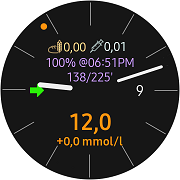
trupici
on 28 Feb 2020
@trupici I am sooo excited to finally use xdrip with Samsung tizen! I can confirm xdrip receiver works with watch, will have to test aaps on a test rig that has dev version later on..... thank you thank you thank you
eurenda
on 28 Feb 2020
@trupici I just installed the app over your Playstore link. But the app is still called "G-Watch Service" and there under About it still says V1.1. Did the "Update" to 1.2 not work? By the way, if I use the search function of the Playstore for "G-Watch App", your app will not be found. Not even at the end of the list.
 pittibaerli
on 1 Mar 2020
pittibaerli
on 1 Mar 2020
Okay, I got it myself. Had to uninstall the old V1.1 before and then install V1.2 via your Playstore-Link and yes, it's the same "product" with just different names, so "G-Watch App" is called "G-Watch Service" after installing it on my Smartphone.
pittibaerli
on 1 Mar 2020
Yes, if you upgrade from the Google Play store you have to uninstall the previous version before. From the Google Play point of you it is not an update, the app had to be signed with different certificate.
For owners of Samsung mobile phones upgrading the mobile app from Samsung Store it is a regular update.
Watch face app has to be installed from Samsung Store/Wearable app anyway, so here it is always an update.
trupici
on 1 Mar 2020
@trupici Tell me pls are you not planning make alarm function in the program on a watches? I think it will be very useful in some situations. For example when you slept with somebody, sound alarms of xDrip would wake up all of people in the bed. But if alarms worked only on watches (vibration), only you would wake up. I've tried to use notification function on the watches, but vibration in this situation is too short and i afraid that it won't be enough for waking up me.
KyZmu4
on 1 Mar 2020
@KyZmu4 very good Idea.
pittibaerli
on 1 Mar 2020
I can put it on the todo list. But I am afraid of combination if alarm in xdrip will be on, also vibration alarm in watch face will be on and then there will be a bit confusing how to cancel both of them.
In the mean time you can try following: create a custom sound with no sound, set it as alarm custom sound in xdrip. You can setup a new alarm in xdrip which will be active during nights only. It will result into endless vibration alarm on watch.
trupici
on 1 Mar 2020
I can put it on the todo list. But I am afraid of combination if alarm in xdrip will be on, also vibration alarm in watch face will be on and then there will be a bit confusing how to cancel both of them.
In the mean time you can try following: create a custom sound with no sound, set it as alarm custom sound in xdrip. You can setup a new alarm in xdrip which will be active during nights only. It will result into endless vibration alarm on watch.
Tnx for advise! But I've just tried to do this and my watches don't feels difference between short and long notifications. It just vibrate few short times. I've found some settings on watches where I can choose few different vibrations, but i think that is not enough. Time of vibrations is still too short.
KyZmu4
on 1 Mar 2020
Hm , may be I don't understand. But if xdrip alarm is triggered my watch vibrates till the alarm is active. Usually I snooze it on watch pressing 'Show on watch' button or what is it on notification from xdrip. I am not talking about xdrip notification with bg value, I mean the alarm notification. My idea was just to configure a 'silent' alarm in xdrip.
trupici
on 1 Mar 2020
Hm , may be I don't understand. But if xdrip alarm is triggered my watch vibrates till the alarm is active. Usually I snooze it on watch pressing 'Show on watch' button or what is it on notification from xdrip. I am not talking about xdrip notification with bg value, I mean the alarm notification. My idea was just to configure a 'silent' alarm in xdrip.
Yes, I think I quite fully understood you. Now I've watched settings and have known that when my watches get notification from xDrip, it classifies not like a call notification but like a notification from some kind of program like whatsupp. Because of that watches make just few vibrations. If xDrip notification work like a call notification, it will work in the right way as you discribed. But I don't know where I can change settings for this.
KyZmu4
on 1 Mar 2020
Sorry, my fault, I didn't remembered it right. Now I checked and you are right, vibration on watch stops after short time even if alarm is triggered on mobile phone for a long time, The notification is shown on watch longer but there is no vibration.
Ok, I may be I can make a popup with alarm and keep vibrate max 5 mins or until you dismiss it. Then the question is when to trigger alarm again? After bg crosses the boundary again or also after some time - let's say 10 mins? Then may be you'll get crazy after an hour...
trupici
on 1 Mar 2020
Sorry, my fault, I didn't remembered it right. Now I checked and you are right, vibration on watch stops after short time even if alarm is triggered on mobile phone for a long time, The notification is shown on watch longer but there is no vibration.
Ok, I may be I can make a popup with alarm and keep vibrate max 5 mins or until you dismiss it. Then the question is when to trigger alarm again? After bg crosses the boundary again or also after some time - let's say 10 mins? Then may be you'll get crazy after an hour...
I've thought about that. If to be a honest, I think that change kind of notifications and use advise that you made before is much simplier than make some changes in app. It is because you have to make some analog of xDrip algorhitm. For example - all notifications must have differrent time settings. In day time work xDrip, in night time work only watches. Also there must be few settings like in xDrip - reraise every X minutes, and disable alerts for X minutes. For example - you have just got low glucose lvl and watches srart to vibrate. If you are still sleeping, watches starts vibrating every X minutes. But when you wake up you can disable it on X minutes. And if after this X minutes a glucose lvl become normal, there won't be any signal.
KyZmu4
on 1 Mar 2020
I know, In the past I was thinking about it already. But I postponed the decision till the watch will be used as a standalone receiver. And I am still pushing it before me - I am doing everything else than this...
trupici
on 1 Mar 2020
Custom background for G-watch....I needed the dial numbers.

 bailes77
on 5 Mar 2020
bailes77
on 5 Mar 2020
:) nice. I was wondering if everyone uses the default options only...
trupici
on 5 Mar 2020
If anybody is looking for G-Watch user guide I've put it on fb page: https://www.facebook.com/pg/G-Watch-App-112443070135466
trupici
on 6 Mar 2020
@trupici infinite and genuine gratitude for all the work you're doing and for having implemented everything we requested! I can't wait tomorrow to use it while running, and the big fonts are so useful! Amazing work. Thanks a lot!
fivepointfiveish
on 6 Mar 2020
Custom background for G-watch....I needed the dial numbers.
I was missing it too and used it, works nicely.

eurenda
on 10 Mar 2020
Custom background for G-watch....I needed the dial numbers.
I was missing it too and used it, works nicely.
Under "Settings > Watch Appearance > Dial Options" turn of "Show Dial" and it will clean up the ghost lines.
On a general note, I've found this to be hands down the most reliable watchface for Tizen. Great job @trupici
bailes77
on 11 Mar 2020

Anybody know why i always get missed on the left where i supposed to have arrow?
i have changed in settings treshold to 380 but it wont help.
mikaelkleman
on 18 Mar 2020
@mikaelkleman 380 seconds = 6 mins and 20 secs, you have there 9 mins. You missed one reading. You can check this in Packet console window.
I saw similar behavior once with Dexcom sensor. I mean that there were often missed readings (no data was comming from data source app - xDrip I guess).
What I would recommend is to set No data status threshold in Status panel settings to 11 mins = 660. Then you have tolerance for 1 missed reading and 1 min as reserve. You can also set this time to Status time info threshold if you want.
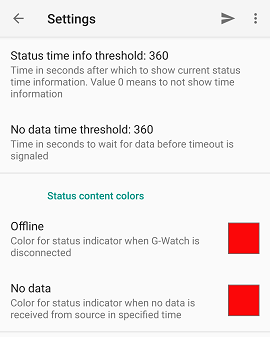
trupici
on 18 Mar 2020
Hi!
I have used Mr Enigma's guide and it has worked very well for a long time. However, now I have switched the phone to a Xiaomi mi 10 and not get % DELTA to work but it only prints %ansummarytext on the watch face. Everything else works as it should?
Is there anyone who may have some tips on how I can solve it then the function is very good and my skills at Tasker is not very god.
MTA619
on 18 Mar 2020
New Watchfaces are published in mg/dl and mmol/l
1 with 6hours, 3hours and 1,5 hours graph
1 with 3hours graph
1 with 1,5 hours graph
Instructions can be found here
https://github.com/wagnefrede/xDrip-and-AAPS-Notifications-for-TiZENOS-WEAROS-Watchfaces-Tasker-AutoNotification-Watchmaker/blob/master/HOW-TO%20xDrip%20GLUCOSE-GRAPH%20f%C3%BCr%20Watchmaker%20-(TIZEN%20&%20WEAR%20OS).md
Watchfaces are on my watchmaker profile here https://getwatchmaker.com/user/Bkd6tbYxr

FreDiabetics
on 24 Mar 2020
@trupici
Greetz
I was trying to get your G-watch running. But it won't connect. I wrote in the release notes of v1.2 that you have added a broadcast listener and I added that to the broadcast Reciever list in xDrip but it won't work.....
Did everything what's needed but nothing happens.
xDrip is always up on the latest version, like everything else.


FreDiabetics
on 26 Mar 2020
@wagnefrede the watch is connected :)
The problem is no data is received from xDrip. But your xDrip config looks good.
I just tried it with the xDrip build from yesterdy. It works here.
Please, could you try to restart xDrip app?
trupici
on 26 Mar 2020
@wagnefrede, ich habe genau das gleiche Problem.
Hast du eine Lösung gefunden?
 viskose
on 2 Apr 2020
viskose
on 2 Apr 2020
@viskose
Nee ist immer noch dasselbe Problem. Naja bleib ich halt bei meinen Watchfaces 😂
FreDiabetics
on 3 Apr 2020
Ich hab's jetzt zum laufen bekommen. Hatte den Fehler gemacht, dass ich bei dem Eintrag in Indentifiziere Empfänger, den neuen Eintrag "SK.trupci.g_watch" mit Return anstatt mit Leerzeichen abgetrennt habe.
Vielleicht hast du das gleiche Problem.
Gesendet über Outlook Email App für Android Freitag, 03 April 2020, 10:08vorm. +02:00 von Frederik Wagner [email protected] :
@viskose
Nee ist immer noch dasselbe Problem. Naja bleib ich halt bei meinen Watchfaces 😂
—
You are receiving this because you were mentioned.
Reply to this email directly, view it on GitHub , or unsubscribe .
viskose
on 3 Apr 2020
@viskose
Hammer das war's. Ich glaub's ja nicht 😂😂
@trupici
It's wooooorking 😉👍🏻 as Viskose mentioned above we both done a major issue 😂
We used the return button instead of the space button when we add sk.trupici.g_watch to the local broadcast reciever in xDrip.
By the way I recently updated to Android 10 maybe 3 hours ago and everything is working really stable ;)
Thumbs up buddy come on coding 😉👍🏻
Stay healthy - Bleibt Gesund
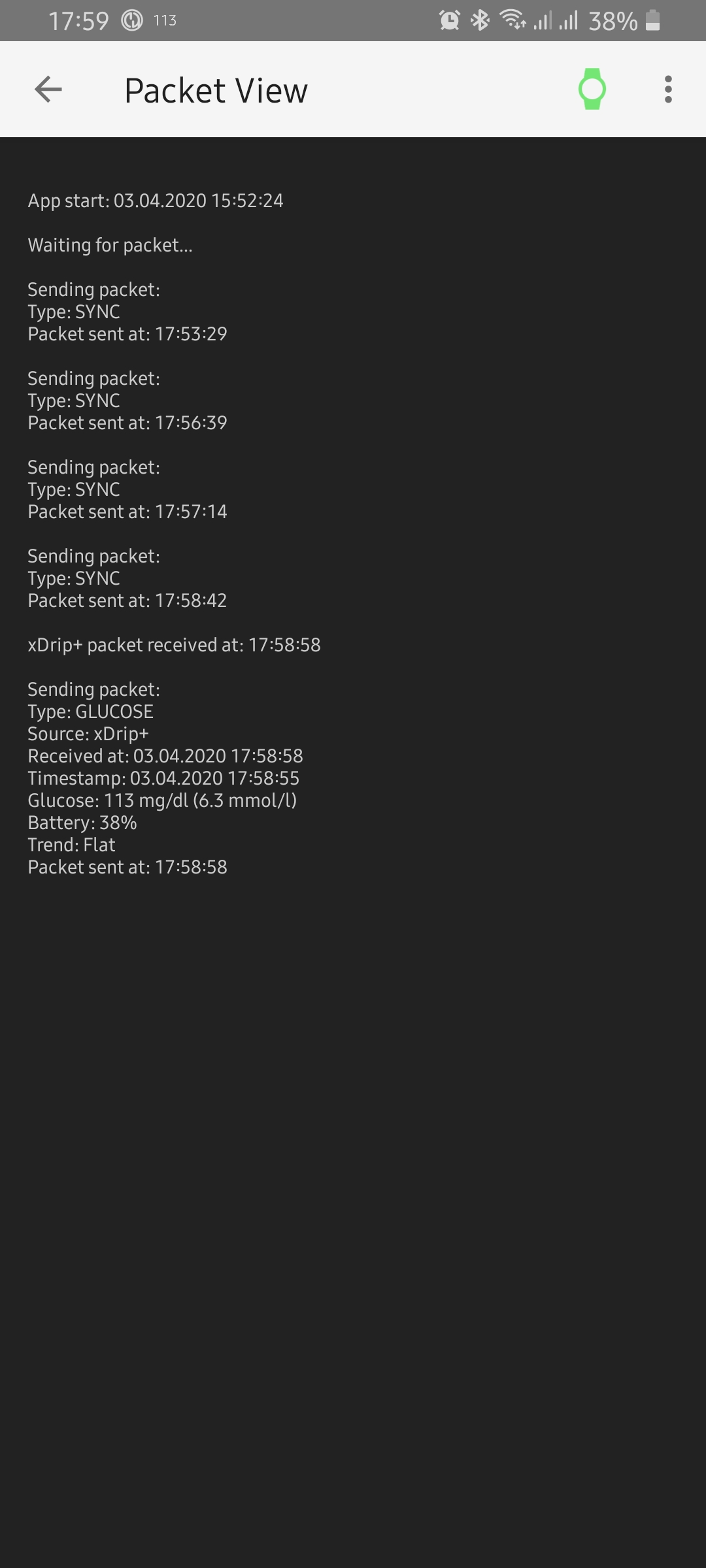

FreDiabetics
on 3 Apr 2020
Thanks for the info guys. I've spent a lot of time looking for the bug in my code :)
The end of month will bring more :)
trupici
on 3 Apr 2020
I still can't connect my AndroidAPS 2.6.1 to the G-Watchface. Any suggestions where I should look, or is this also on your buglist? Xdrip connection is working great over BT.
 systemcure
on 25 Apr 2020
systemcure
on 25 Apr 2020
@systemcure this feature will be available in AAPS 2.7 or now on daggers development branch. It is mentioned in user guide, main G-Watch mobile screen and also in release notes.
It does not depends on me now, it was just released sooner than AAPS 2.7.
trupici
on 25 Apr 2020
@systemcure this feature will be available in AAPS 2.7 or now on daggers development branch. It is mentioned in user guide, main G-Watch mobile screen and also in release notes.
It does not depends on me now, it was just released sooner than AAPS 2.7.
Thx for quick reply. Fantastic Job for Samsung Smartwatches! I was already testing alternatives but now I can skip that and have my Gear S3 show me my current BG data without nasty lagging (I had used my Nightscout Website with Gear Browser before.).
systemcure
on 25 Apr 2020
Hi @trupici, I have a question about the always on display. The brightness is very low, so much that outside I can't see it if's sunny. I think it wasn't like that before but I couldn't run for some time so I'm not sure. I read it's a Samsung limitation to protect screen and battery, do you know anything about it? Is it possible to make it brighter? Not a big problem, just a pity
fivepointfiveish
on 25 Apr 2020
@fivepointfiveish I doubt the brightness is not under my control. Especially in AOD mode.
I haven't read anything about this limitation. But, today I had a similar problem - my Galaxy Watch was not readable on the direct sun (not AOD) for a while. But when I moved away from direct sun and back the brightness was ok again. May be it was not related to your problem, but I'll try to focus on it and if I find something I'll let you know...
trupici
on 25 Apr 2020
Hi guys, I think I need your help.
For 3 weeks I am not able to publish new version, Galaxy Store is rejecting watch face with error I cannot test on my HW. I need someone with Active 2 watch. And with some skills how to download logs from device (best with Tizen Studio). May be the issue is already present in 1.2 version.
Active 2 watch is not available on samsung test bench yet and I cannot reproduce it on emulators.
Thanks.
trupici
on 6 May 2020
Hi guys, I think I need your help.
For 3 weeks I am not able to publish new version, Galaxy Store is rejecting watch face with error I cannot test on my HW. I need someone with Active 2 watch. And with some skills how to download logs from device (best with Tizen Studio). May be the issue is already present in 1.2 version.
Active 2 watch is not available on samsung test bench yet and I cannot reproduce it on emulators.
Thanks.
Apologies @trupici I just noticed this, I just received my Active 2 watch and I'm running your 1.2 version. Send me a message and I'll do with I can (I already have Tizen Studio).
eurenda
on 15 May 2020
Apologies @trupici I just noticed this, I just received my Active 2 watch and I'm running your 1.2 version. Send me a message and I'll do with I can (I already have Tizen Studio).
@eurenda I don't see your email, could you please ping on trupici.[email protected]? Thanks
Just sent it to you @trupici
eurenda
on 15 May 2020
Hi guys! GWatch App 1.3 is out!
Many thanks to @Lunzi and @eurenda for their help!
The most important changes:
- graph is larger and got dynamic range
- two sensor areas were added to watch face, you can choose from HRM, pedometer or secondary battery indicator.
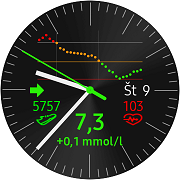
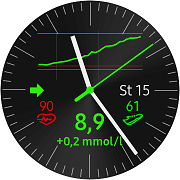
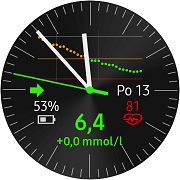
Read the user guide for more details: https://drive.google.com/file/d/19qrvRgDRD0m4bvzLd072iVmgO7Oj3UlS/view
enjoy it :)
trupici
on 19 May 2020
Hi guys, new version 1.4 is out. See https://facebook.com/gwatchapp for details.
The main topic of this release: Watch vibration bg alarms
enjoy it :)
trupici
on 23 Jun 2020
How can I get the different watch faces off of watchmaker to read blood glucose readings through xdrip, Tasker, AutoNotificatins etc... I'm trying to get other watch faces other than just G watch
 R3AL1ST1C1
on 25 Jul 2020
R3AL1ST1C1
on 25 Jul 2020
Hi guys, I think I need your help.
For 3 weeks I am not able to publish new version, Galaxy Store is rejecting watch face with error I cannot test on my HW. I need someone with Active 2 watch. And with some skills how to download logs from device (best with Tizen Studio). May be the issue is already present in 1.2 version.
Active 2 watch is not available on samsung test bench yet and I cannot reproduce it on emulators.
Thanks.Apologies @trupici I just noticed this, I just received my Active 2 watch and I'm running your 1.2 version. Send me a message and I'll do with I can (I already have Tizen Studio).
Hello. Please, were you able to have xDrip working with Samsung Active 2? Thank you.
 gapolv
on 1 Oct 2020
gapolv
on 1 Oct 2020
@gapolv Did you try the G-Watch App?
 tolot27
on 1 Oct 2020
tolot27
on 1 Oct 2020
@gapolv Did you try the G-Watch App?
Hello, thanks for your reply. Not yet, I'm still evaluating which smartwatch to buy. I was thinking on TicWatch Pro 2020 or Samsung Active 2, seems like the Samsung is better, but I would like to assure it will work with xDrip+Libre. As far as I could understand, this app will do the trick. If you have other ideas or comments, please let me know, thanks!
gapolv
on 1 Oct 2020
hi all first post. i would like to get my blood sugars on a smartwatch cellular and not have to carry a phone around as well i was thinking of a ticwatch pro 3 from what i have read that will work but would prefer the samsung active 2 lte which is run on tizen would that work after it has been setup with a phone and the phone turned off, does anyone really know? how to do this thanks
 pulsar1230
on 8 Dec 2020
pulsar1230
on 8 Dec 2020
hi all first post. i would like to get my blood sugars on a smartwatch cellular and not have to carry a phone around as well i was thinking of a ticwatch pro 3 from what i have read that will work but would prefer the samsung active 2 lte which is run on tizen would that work after it has been setup with a phone and the phone turned off, does anyone really know? how to do this thanks
It won't work wihtout a phone nearby.
gapolv
on 8 Dec 2020
strange i had it working on an apple watch with spike set up on iphone 8 and macbook air, but apple stopped it and i had to pay apple £100 a year for a certificate to allow it to work it was beyond me so i got a friend programer to do it,he took over my macbook air remotely and did it and i was able to turn off my iphone 8 ,and got my readings on the apple watch ,the certificate has expired now and don't really feel like giving apple £100 for what, every year plus i hate pestering him to redo it he said it took him some time.
pulsar1230
on 8 Dec 2020
Related issues
 aeonsablaze
·
12Comments
aeonsablaze
·
12Comments
 ArkonPhoenix
·
4Comments
ArkonPhoenix
·
4Comments
 dideldum
·
7Comments
dideldum
·
7Comments
 gruoner
·
5Comments
gruoner
·
5Comments
 adenis76
·
10Comments
adenis76
·
10Comments
Most helpful comment
Hi guys, G-Watch version 1.2 is now out.
New features:
For owners of non-samsung phones: G-Watch App 1.2 for Android is from yesterday available also on Google Play Store. This means that if you install the watch face and it requests to install android app it should be installed automatically.
Or, just search for "G-Watch App" (also with quotes) in Google Play store to find the app. As it is a new app you will find it at the very end of the result list. If you don't see it there use Google Play Store direct link:
https://play.google.com/store/apps/details?id=sk.trupici.g_watch
I am working on complete user guide now, it will be available soon...