Xamarin.forms: Label with FormattedString not updated!
Description
Hi,
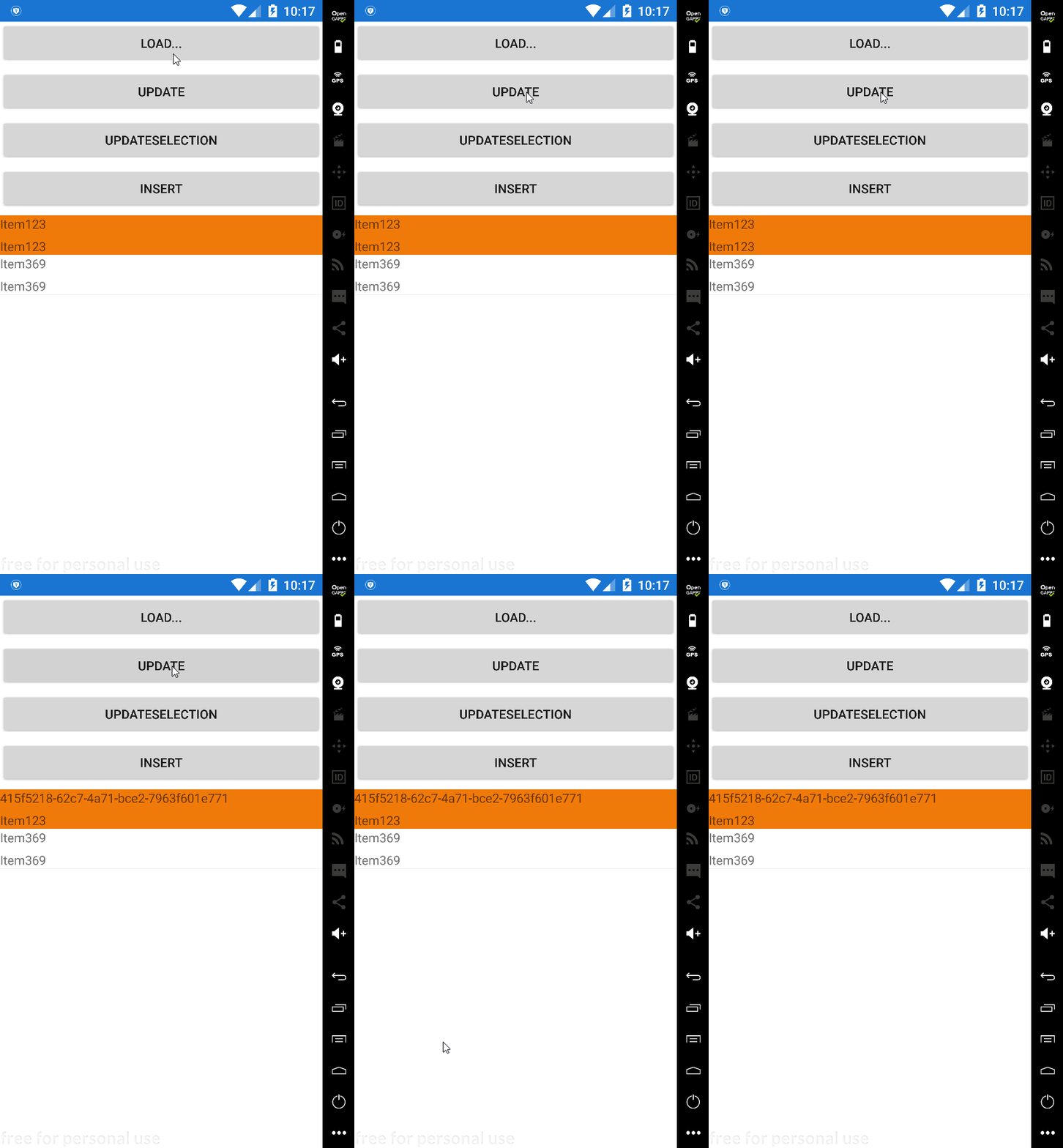
the same data bound to Label, one without FormattedString and the Other with FormattedString respectively
when updating the Data in code behind, the Label with FormattedString not updating, is this intended ?
Expected Behavior
data update
Actual Behavior
data not updating when it changed programmatically (in code behind)
Basic Information
- IDE: VS
- Platform Target Frameworks:
- Android: 6.0
- iOS: not tested
- UWP: not tested
Screenshots
Reproduction Link
update the data in code behind
XAML
//...
<Label>
    <Label.FormattedText>
        <FormattedString>
            <Span Text="MyData : " TextColor="Blue"/>
            <Span Text="{Binding Data}"/>
        </FormattedString>
    </Label.FormattedText>
</Label>

<Label Text={Binding Data}/>
//...
 toumir
>All comments
default binding mode for Span.Text is OneTime. use {Binding Data, Mode=OneWay}
if that doesn't fix it, please reopen
 StephaneDelcroix
on 19 Sep 2018
StephaneDelcroix
on 19 Sep 2018
👍3
Was this page helpful?
0 / 5 - 0 ratings
Related issues
 EmilAlipiev
·
3Comments
EmilAlipiev
·
3Comments
 rmarinho
·
3Comments
rmarinho
·
3Comments
 samhouts
·
3Comments
samhouts
·
3Comments
 MartinWegner
·
3Comments
MartinWegner
·
3Comments
 Papirosnik
·
3Comments
Papirosnik
·
3Comments
Most helpful comment
default binding mode for Span.Text is
OneTime. use{Binding Data, Mode=OneWay}if that doesn't fix it, please reopen