Wp-calypso: FSE: CoBlocks Masonry design on parent post's header/footer isn't same as on header/footer editor
When CoBlocks' Masonry block is added to a header or footer region, the design isn't the same on the parent page, as it looks on the actual header or footer editor.
On the actual header or footer editor, it looks good:

But on the header or footer from the parent page, it appears to be broken. We can see that all the images in the Masonry block do not have space between them.


The same Masonry block on the content section itself looks fine:

Context: Noticed when reporting https://github.com/Automattic/wp-calypso/issues/35509
 arunsathiya
All 3 comments
@kwight @mmtr Would you be able to help us track down this CoBlocks issue?
 apeatling
on 19 Aug 2019
apeatling
on 19 Aug 2019
I'm not sure if I'm missing any step, but I cannot reproduce this.
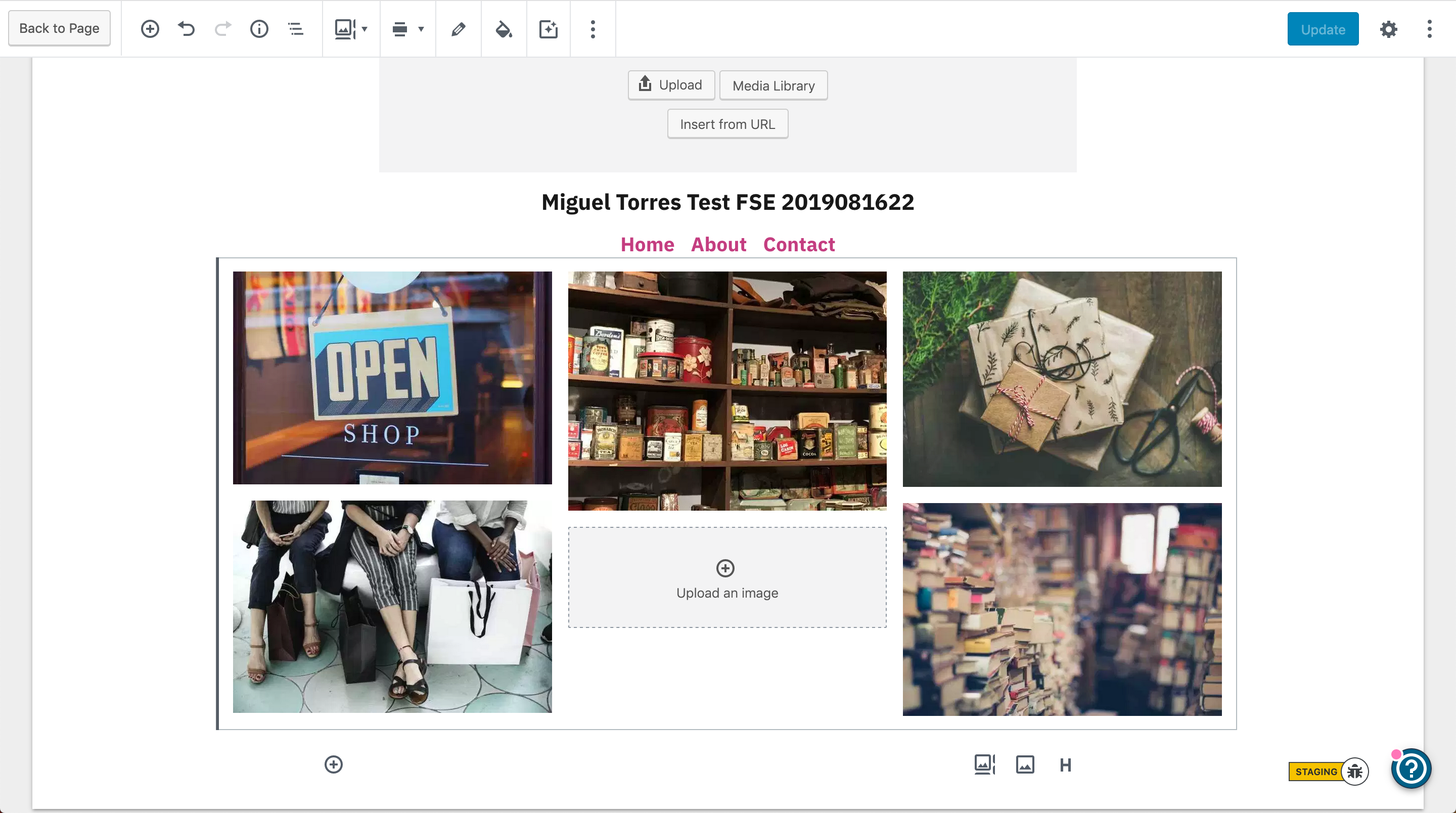
This is how the template editor looks like with a Gallery Masonry block:
And this is the page editor:
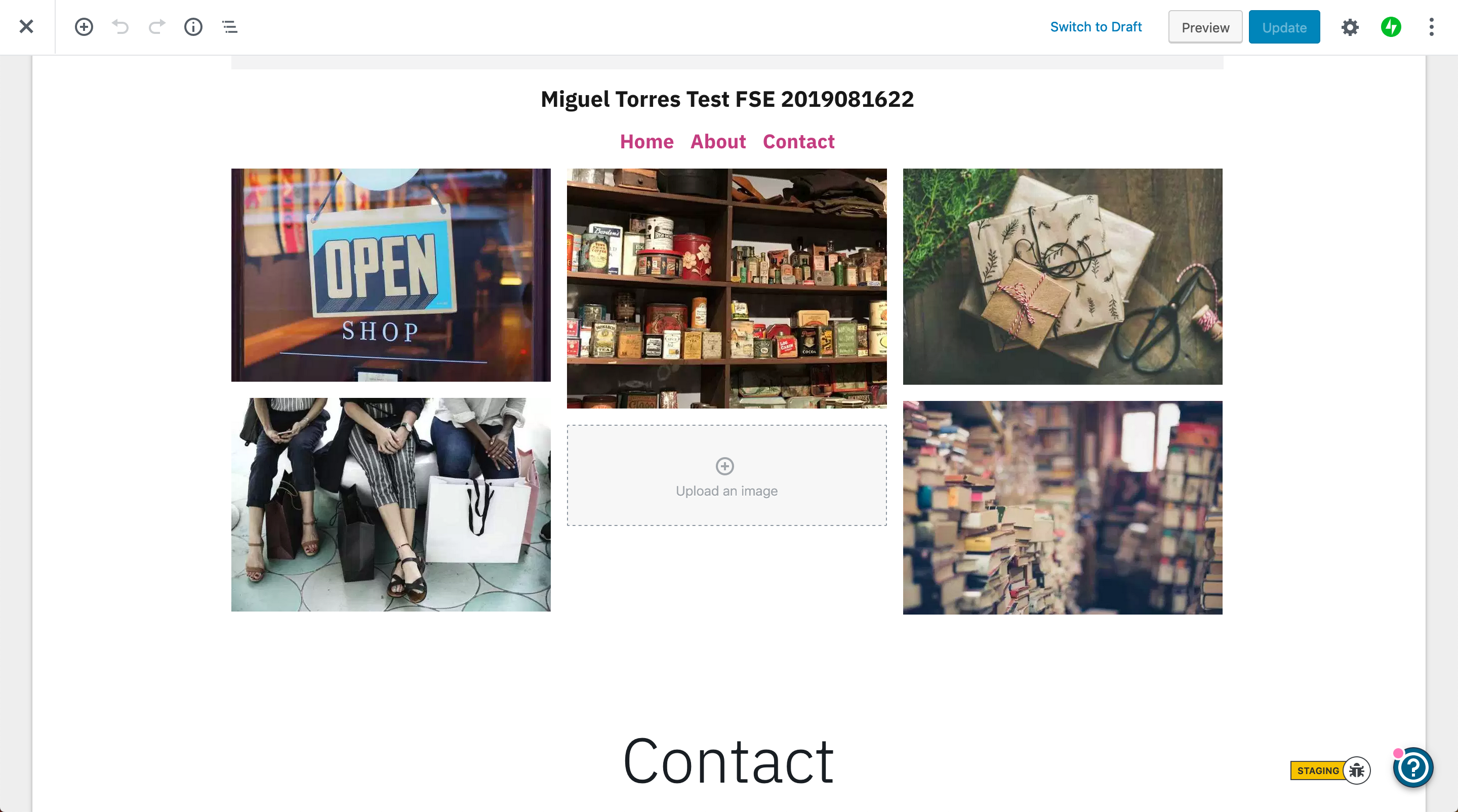
Both editors display the gallery with the same design.
 mmtr
on 24 Aug 2019
mmtr
on 24 Aug 2019
I am not able to reproduce either.
The details mentioned on the report are correct, but something seems to have changed since the time I reported this bug and now.
I am closing this for now, but if we see this again in the future, let's feel free to reopen.
arunsathiya
on 24 Aug 2019
Related issues
 kellychoffman
·
3Comments
kellychoffman
·
3Comments
 gedex
·
3Comments
gedex
·
3Comments
 aduth
·
3Comments
aduth
·
3Comments
 lamosty
·
3Comments
lamosty
·
3Comments
 BrookeDot
·
3Comments
BrookeDot
·
3Comments
Most helpful comment
I am not able to reproduce either.
The details mentioned on the report are correct, but something seems to have changed since the time I reported this bug and now.
I am closing this for now, but if we see this again in the future, let's feel free to reopen.