Wp-calypso: Business Hours Block: Shows up while editing a page/post but it's not published
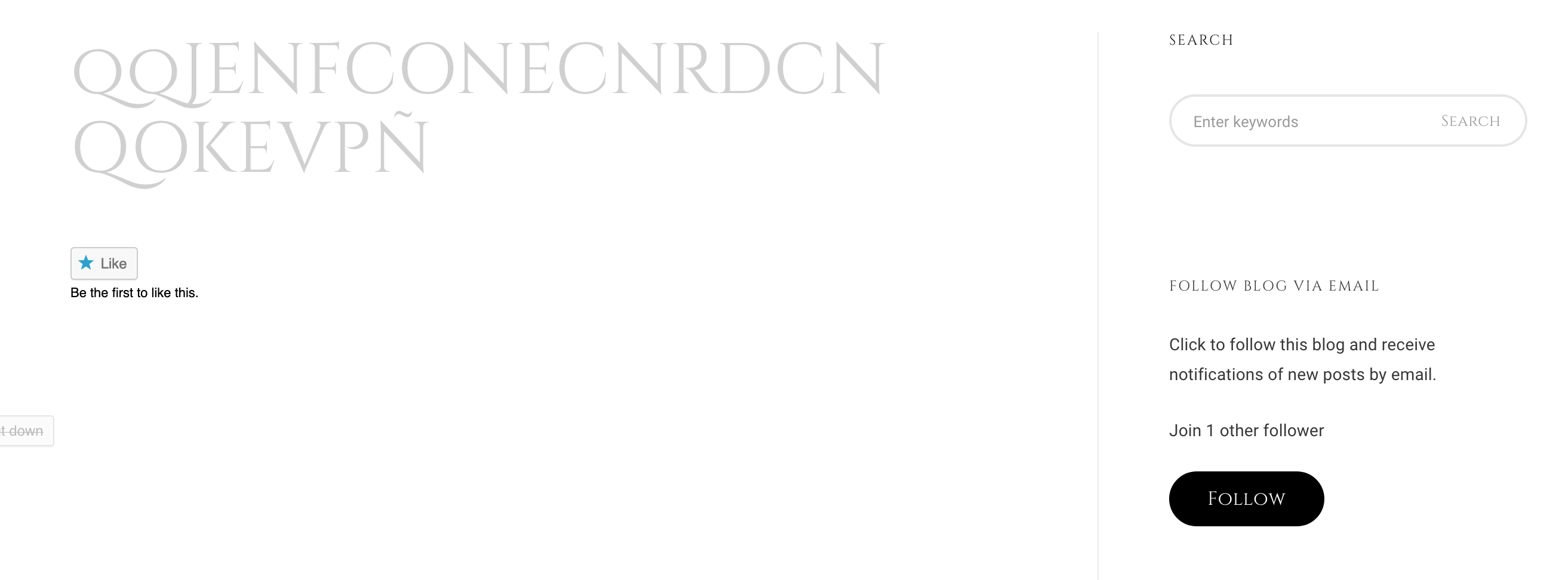
User reached us in #11315817-hc, they added a Business hours block. It's showing up on the preview but it's not showing up on the site. I was able to replicate the issue in my test site, which is using a different Theme.
Steps to reproduce
- Starting at URL: https://machomestaging.com/contact-us
- Edit the Page by using Gutenberg.
- Add Business hours block.
- Publish your changes.
What I expected
Business hours block should appear on the page.
What happened instead
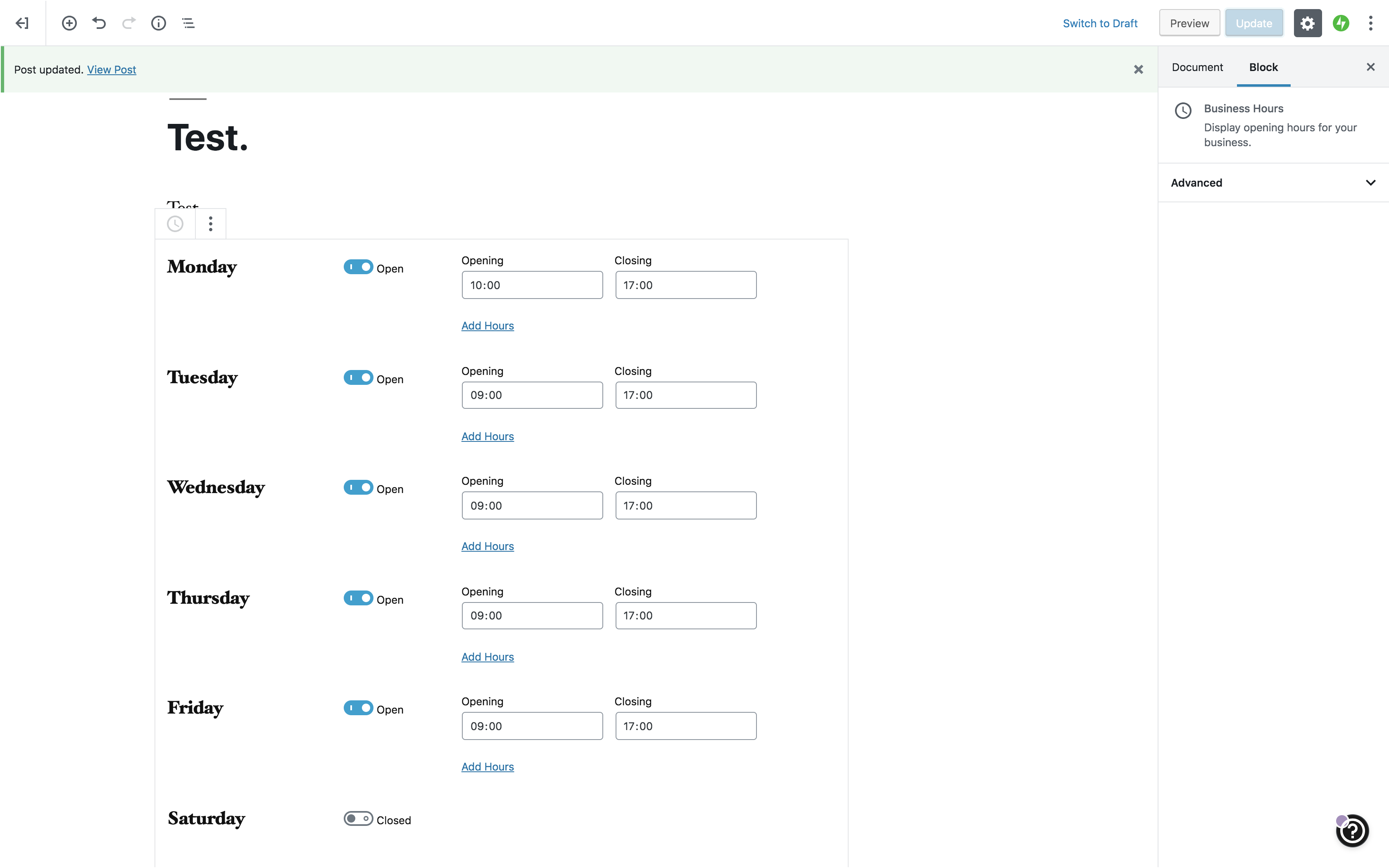
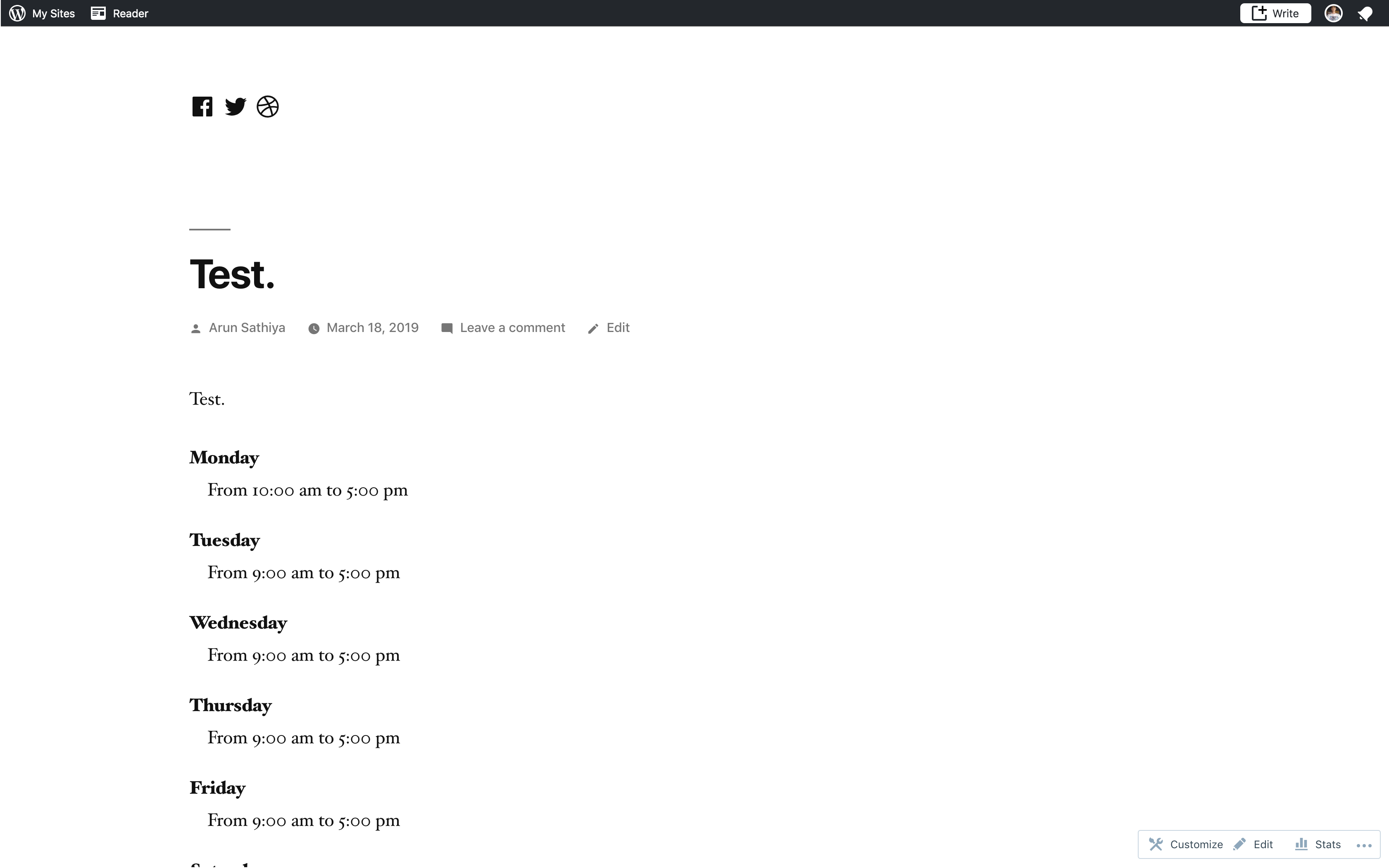
It is not showing up, but it does show up on the edition page.
I replicated the steps in my test site and they're not showing up on there too.
Editor view:
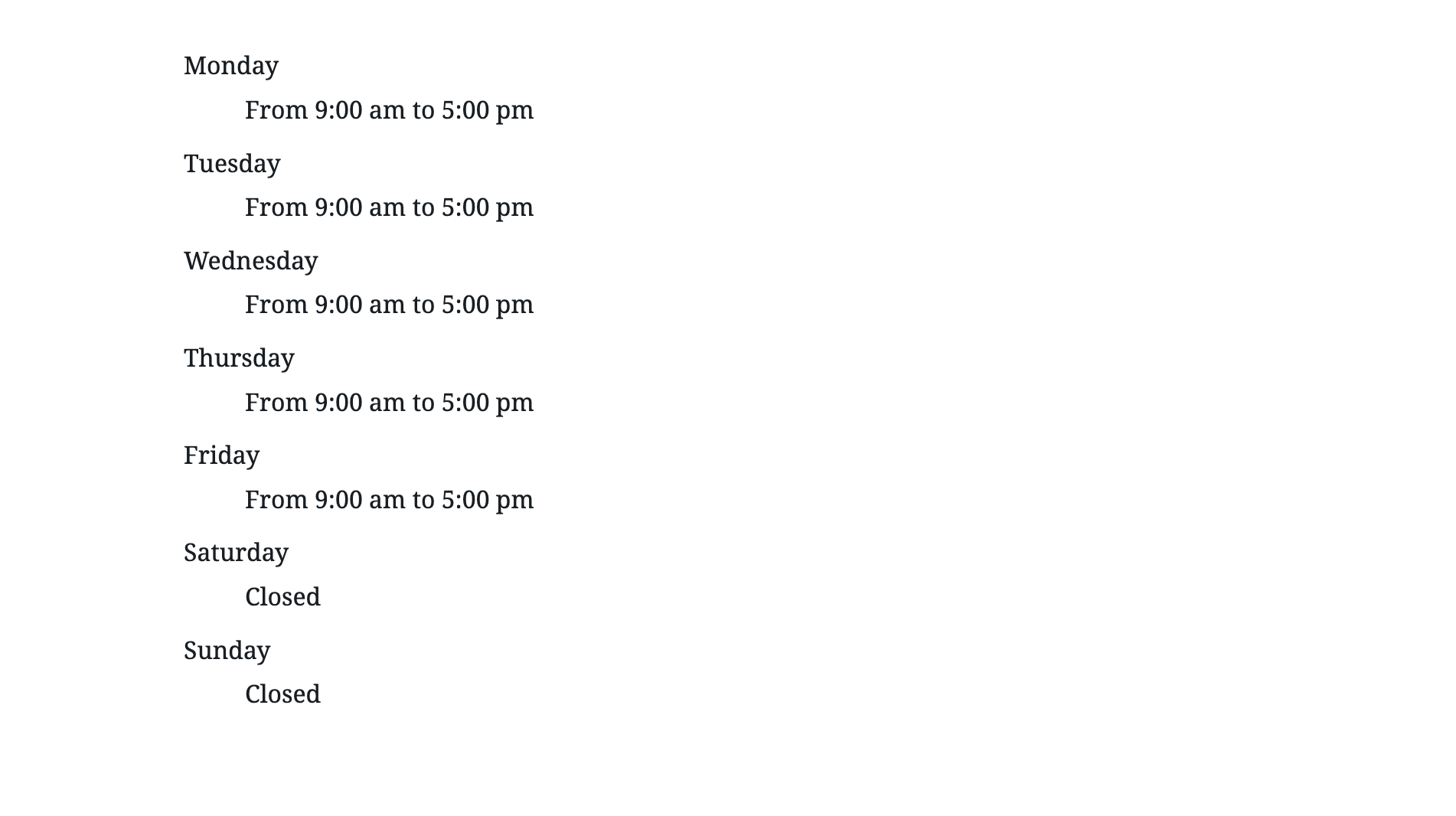
Page view:
 dromero20
All 7 comments
Something does seem to be off, yes. I am not able to see the block either on first publish, but on editing the block settings a bit (like opening or closing hours), the block appears fine.
| 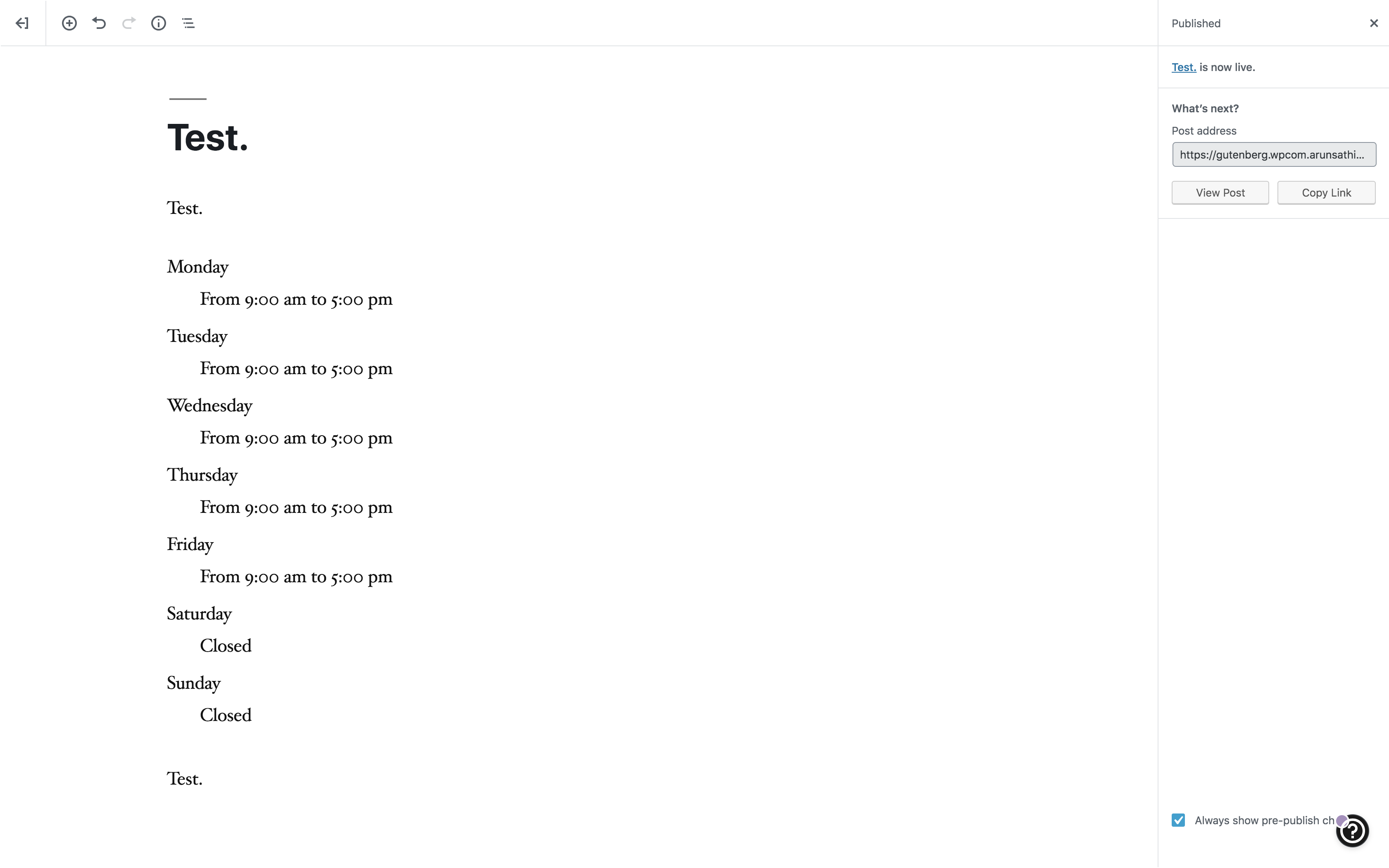 |
| 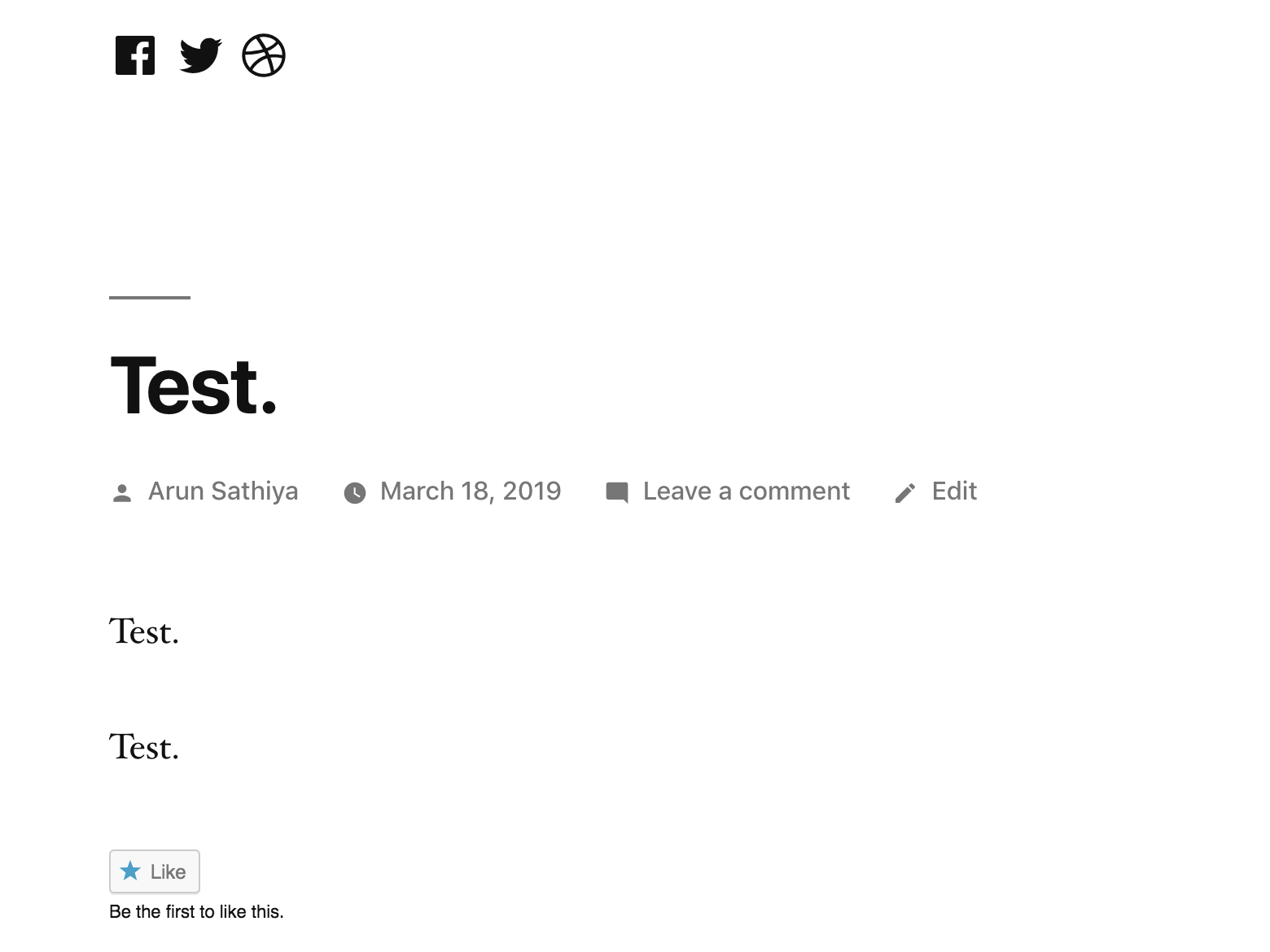 |
|
|------|------|
|  |
|  |
|
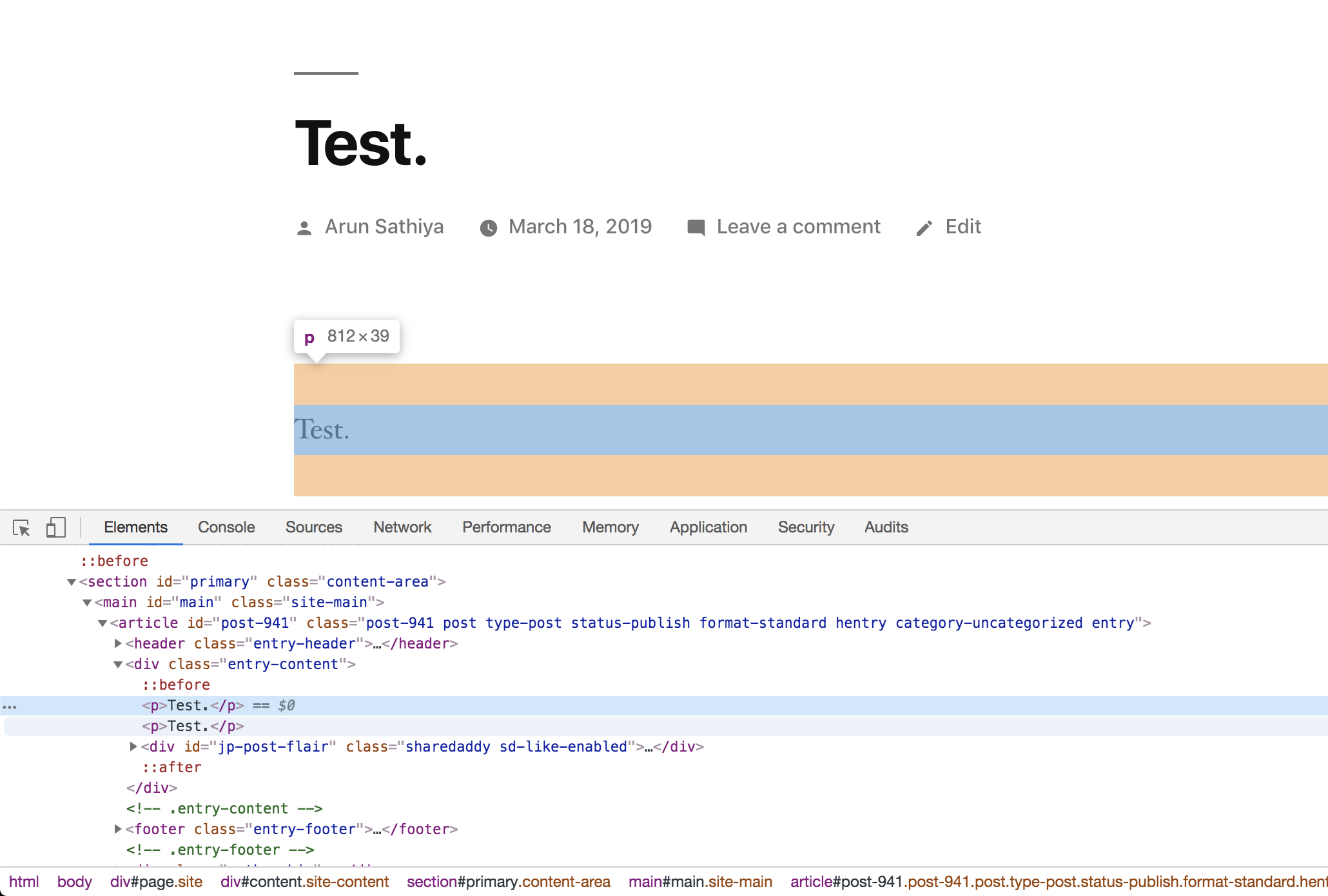
I am also not seeing the block element when I inspect the page. @Automattic/gutenpack for thoughts.
 arunsathiya
on 18 Mar 2019
arunsathiya
on 18 Mar 2019
Thanks for the report!
What type of site was this? Jetpack site, simple site, AT-site?
 simison
on 18 Mar 2019
simison
on 18 Mar 2019
I tested on a simple site gutenberg.wpcom.arunsathiya.blog earlier, but I just tested on a Pressable-hosted Jetpack site, and a WordPress.com-hosted Atomic site. I am able to reproduce this behaviour on both.
arunsathiya
on 18 Mar 2019
Confirmed with simple free site as well that the block doesn't load on the frontend, works well in the editor. Using twentysixteen theme.
simison
on 18 Mar 2019
So this happens when none of the block inputs is modified when adding the block, thus limiting impact to users who are happy with default values the block provides. We'll prolly get this fixed for Jetpack 7.2 release and earlier for wpcom sites.
simison
on 18 Mar 2019
A fix for wpcom was deployed today in r-189110-wpcom
And the fix for Jetpack sites will go out in the 7.2 release
Feel free to verify the fix, and close the issue!
 roccotripaldi
on 19 Mar 2019
roccotripaldi
on 19 Mar 2019
Tested on a free, simple WordPress.com site. Tests well. Thanks, Rocco and team!
arunsathiya
on 19 Mar 2019
Related issues
 spen
·
3Comments
spen
·
3Comments
 samouri
·
3Comments
samouri
·
3Comments
samouri
·
3Comments
samouri
·
3Comments
 kellychoffman
·
3Comments
spen
·
3Comments
kellychoffman
·
3Comments
spen
·
3Comments