Wordpress-ios: Notifications: New Post Notification doesn't display all notification content
Expected behavior
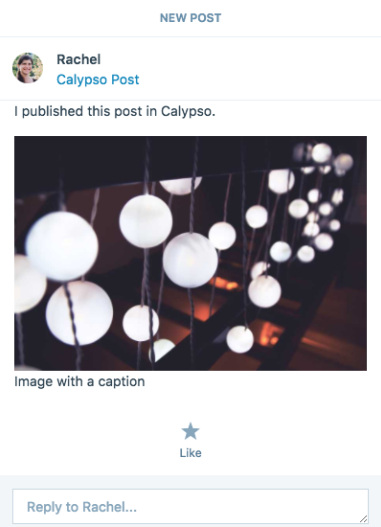
When I get a new post notification, I expect the notification detail to be the same in Calypso and the app. Example of what appears in Calypso for a post with text and a captioned image:
Actual behavior
Some of the content doesn't show up in the iOS app notification. Here's the same notification in the app, note the text is missing:
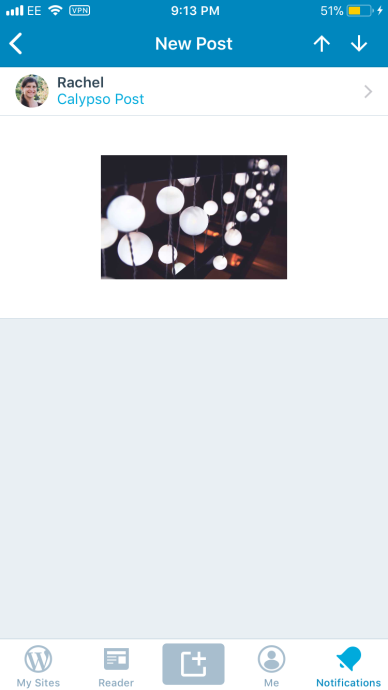
I also don't see the option to like the post from the notification in the app.
Steps to reproduce the behavior
- Enable new post notifications on a site — currently possible at https://wpcalypso.wordpress.com/following/manage (internal ref: p5PDj3-4mp-p2)
- Publish a post on that site including text and a captioned image
- Check your notifications in Calypso and the app
Tested on iPhone 6, iOS 11.2.2, WPiOS 9.1.0.20171228
 rachelmcr
All 4 comments
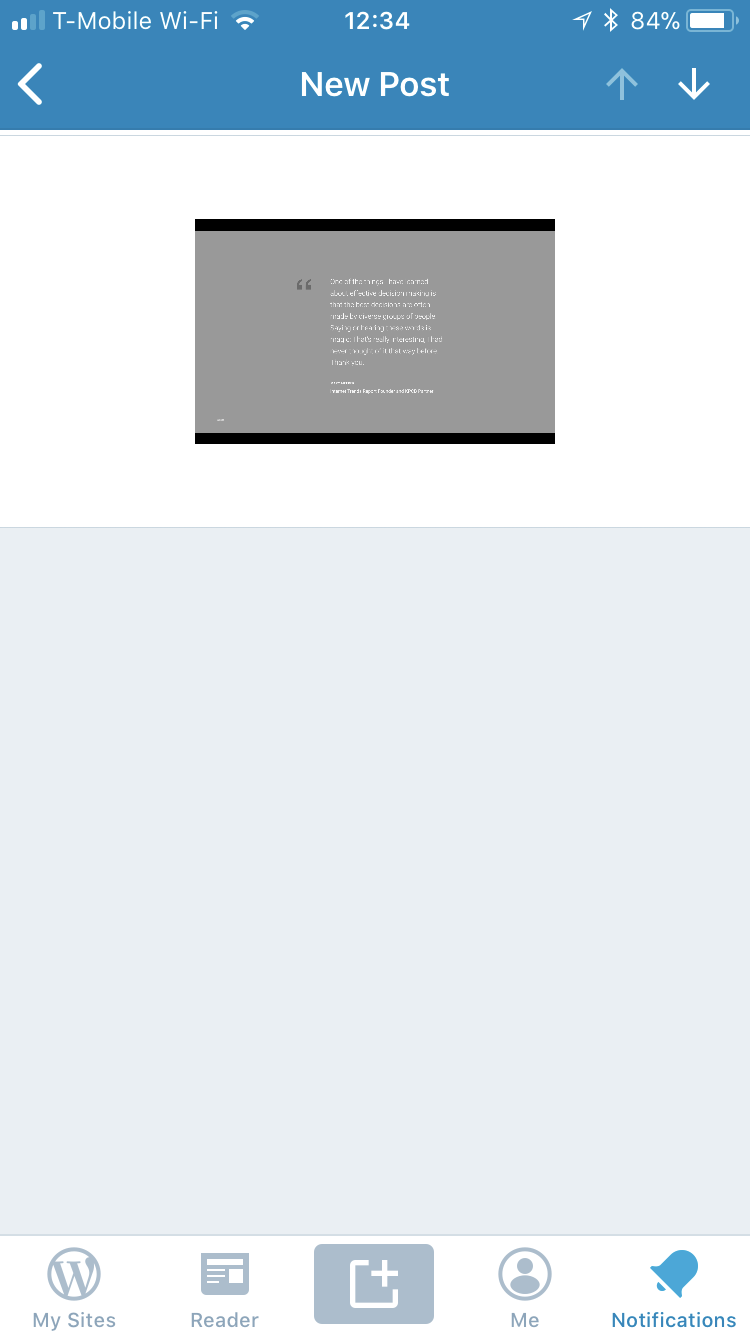
I ran into this today, too — when using the WordPress for iOS app on a personal blog. App version 9.2.

 lancewillett
on 23 Jan 2018
lancewillett
on 23 Jan 2018
This feature shipped without mobile support. I think we are adding as part of #nodeadends (@elibud ?)
 catehstn
on 27 Mar 2018
catehstn
on 27 Mar 2018
We are adding support to configure notifications for new posts but I wasn't aware that the existing delivered notification was not working, I will look into it.
@theck13 I'm pretty sure this is not a problem on Android but can you please double check it? Thx
 elibud
on 28 Mar 2018
elibud
on 28 Mar 2018
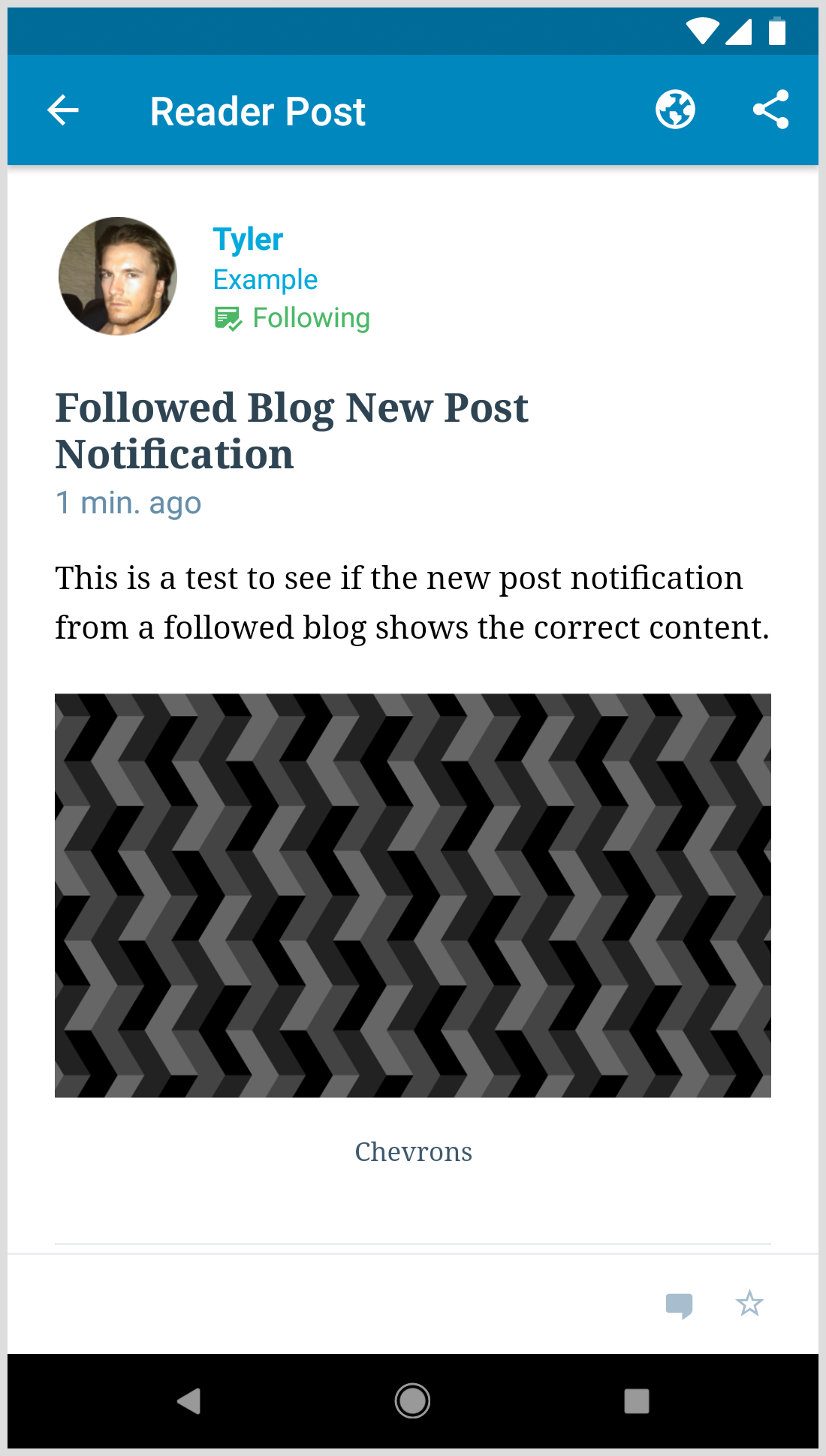
It's not a problem on Android.
 theck13
on 28 Mar 2018
theck13
on 28 Mar 2018
Related issues
 designsimply
·
3Comments
designsimply
·
3Comments
 wptester9845
·
3Comments
designsimply
·
3Comments
wptester9845
·
3Comments
designsimply
·
3Comments
 jkmassel
·
3Comments
designsimply
·
3Comments
jkmassel
·
3Comments
designsimply
·
3Comments