Wordpress-android: Support: "Browse our FAQ" link does not respond if an automattic.com email address is saved in the contact email field
Expected behavior
I would expect to be able to access the FAQ page to check out the app's documentation.
Actual behavior
Tapping Browse our FAQ does nothing.
Steps to reproduce the behavior
1) Go to Me > Help & Support
2) Tap on Browse our FAQ
3) The screen stays and does nothing
Application log
94 - [Sep-25 10:19 STATS] 🔵 Tracked: support_help_center_viewed
95 - [Sep-25 10:19 UTILS] trackLastActivity, activityId: Help Screen
96 - [Sep-25 10:19 STATS] 🔵 Tracked: support_help_center_viewed
97 - [Sep-25 10:19 UTILS] trackLastActivity, activityId: Help Screen
Tested on OPPO Reno 4, Android 10, WPAndroid 15.8-rc-1
Note: The Browse our FAQ feature is working fine on Huawei Nova 2i, Android 8, WPAndroid 15.7.
 reginabally
All 7 comments
Thanks for the report @reginabally. I have a few questions if you don't mind?
- Does pull-to-refresh help at all?
- If you go back to the My Site screen and then browse back to the Help & Support screen, is the FAQ link still unresponsive?
- Does this problem happen if you log in using a test user account?
Aside: this came up in beta testing for 15.7 from another happiness engineer (and I wanted to recognize that) but I wasn't able to replicate it reliably at the time and I double checked just now using 15.8-rc-1 on my Pixel 3 Android 10 and it's still working properly for me. FTR, I see the exact same lines in the app logs even when the link works and loads properly.
(internal reference: p5T066-1vr-p2#comment-5840)
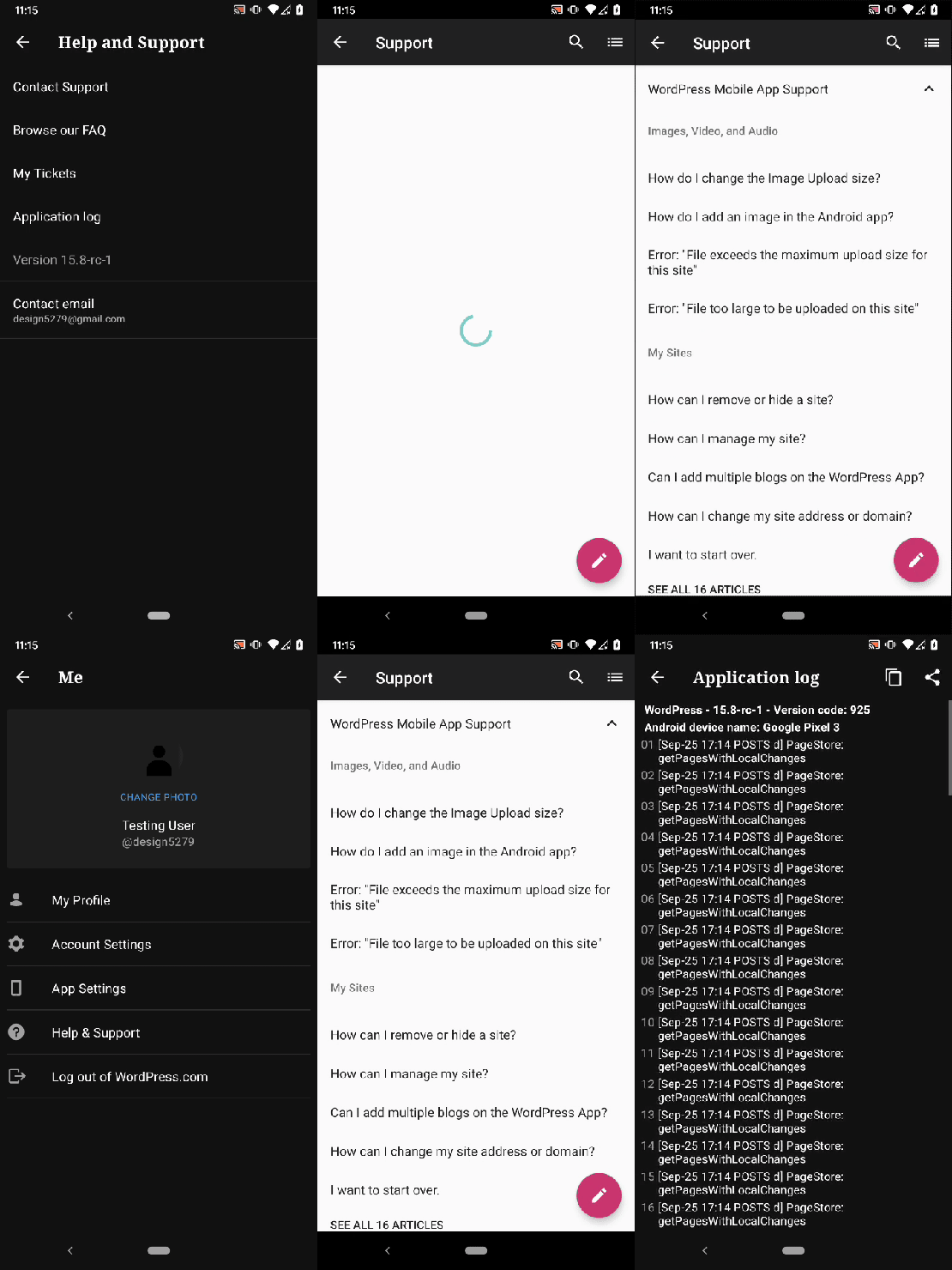
Tested with WPAndroid 15.8-rc-1 on Pixel 3 Android 11 logged in as design5279.
 designsimply
on 25 Sep 2020
designsimply
on 25 Sep 2020
I was able to replicate this just now on the beta (15.8-rc-1). I had just opened and scrolled through the FAQ. However, after checking My Site and navigating back, the "Browse Our FAQ" button no longer did anything. I checked my app logs and it shows no errors.
Closing and reopening the app didn't resolve it, the Browse our FAQ button no longer works for me.
Edit: It works again after uninstall/reinstall.
 msilbers
on 26 Sep 2020
msilbers
on 26 Sep 2020
Thanks for testing @msilbers!
To summarize, we've seen 3 reports of this, starting in 15.7 beta testing, all from a8c accounts and no reports from users yet (based on what has been reported in this issue). It only appears to happen after something goes wrong with the link and deleting/reinstalling the app fixes the problem but we would like to avoid giving delete+reinstall as advice if at all possible. In other words, we should only recommend delete+reinstall as a last resort or in extreme cases such as cannot startup the app.
If the broken "Browse our FAQ" happens to anyone else, or if you see it again, can you let me know if clearing app cache resolves the problem. If clearing app cache doesn't work, does clearing app storage resolve the problem? Also, please note whether you're seeing this problem while logged in as a non-a8c user or if you've only seen the problem when logged in as an a8c user. Thanks tons!
designsimply
on 28 Sep 2020
Just want to note that I tested with a non-a8c account and it worked just fine!
msilbers
on 29 Sep 2020
It's also worth mentioning that once I switched to a test account, I was able to access the FAQ with the Browse our FAQ button. After I switched it back to my HE account, I'm able to access the FAQ page too!
Not directly related to the issue but I used to try sending a test message through Contact Support under Help and Support but I wasn't able to send using my a8c email account. So I guess there's a validation/checking somewhere to verify if it's an a8c account for these two options?
reginabally
on 30 Sep 2020
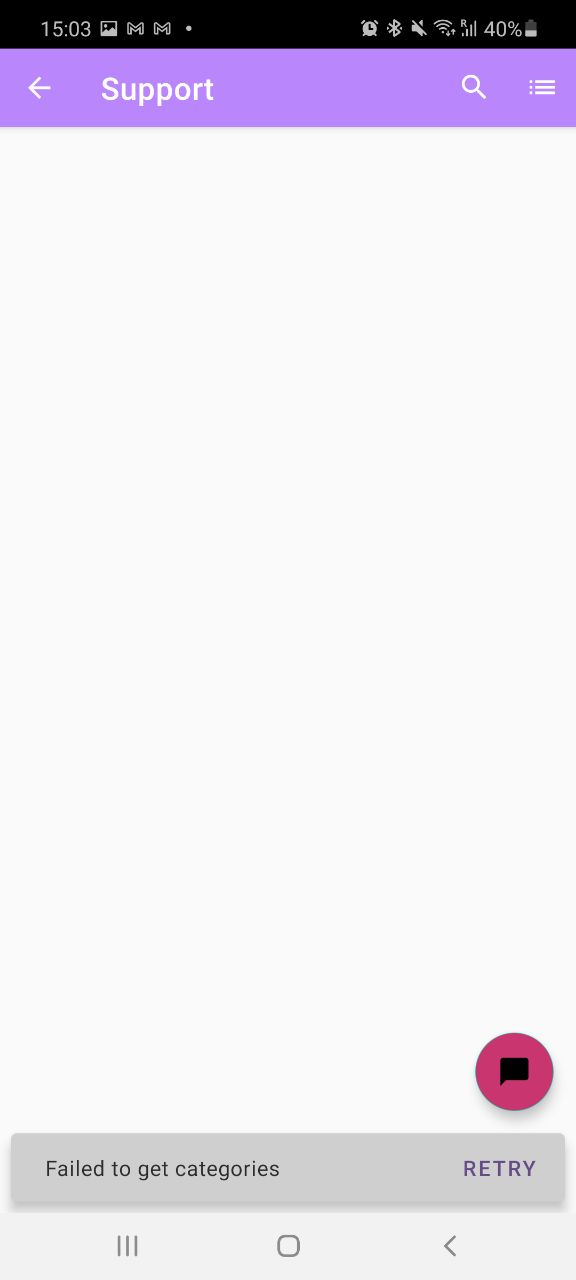
On a8c account, using alpha-253 release I see empty page:
 simison
on 3 Nov 2020
simison
on 3 Nov 2020
Thank you for the screenshot @simison!
I tested again and confirmed that this is only happening if an @automattic.com email address is saved in the contact email field in the Help & Support section, and I was able to reproduce the issue using the following steps:
- Go to My Site > Account > Help & Support > Contact email.
- Enter any email address ending in @automattic.com and tap OK.
- Go to Browse our FAQ.
- Observe the error "Failed to get categories" appears and the support FAQ cannot be loaded.
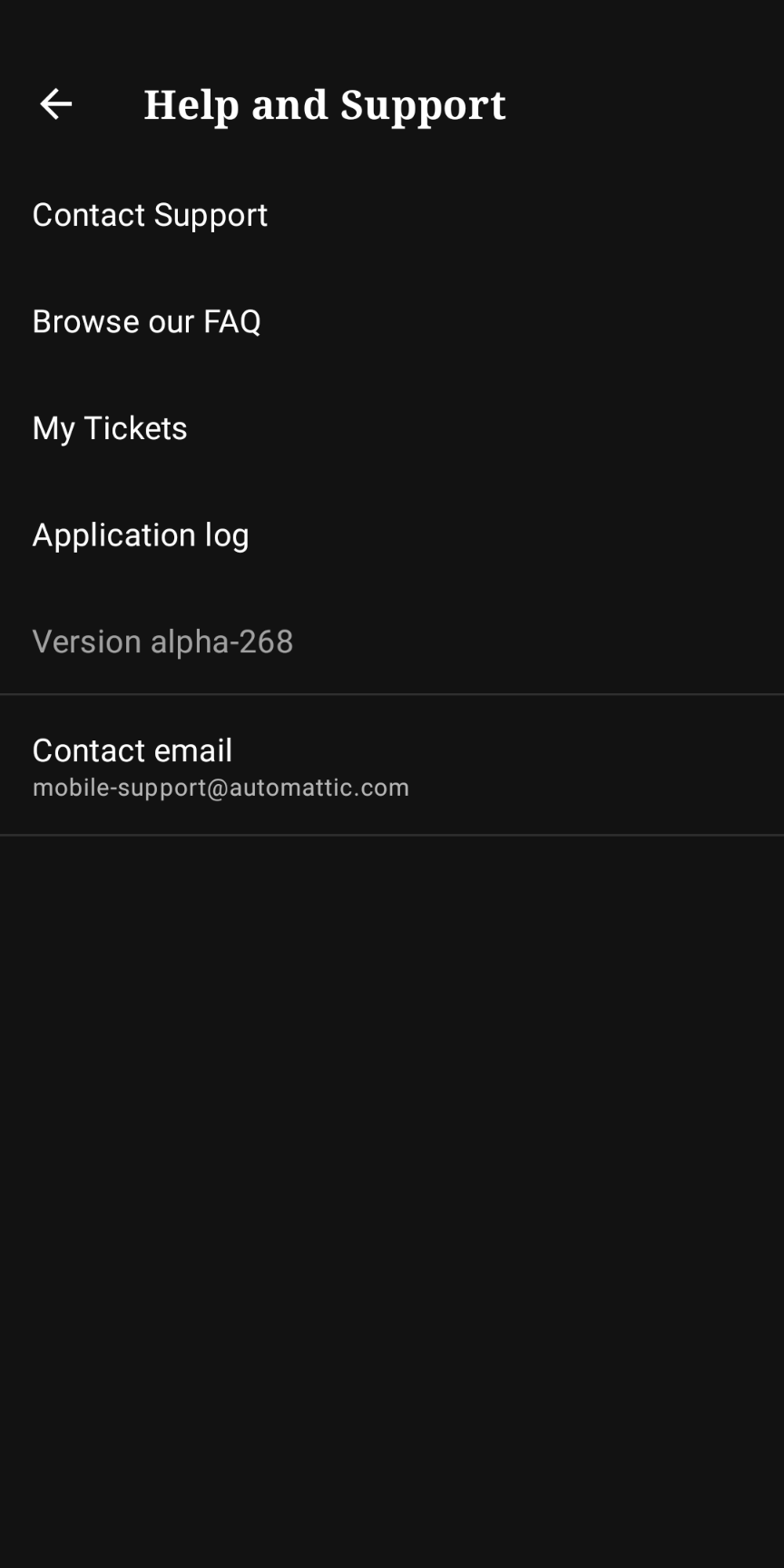
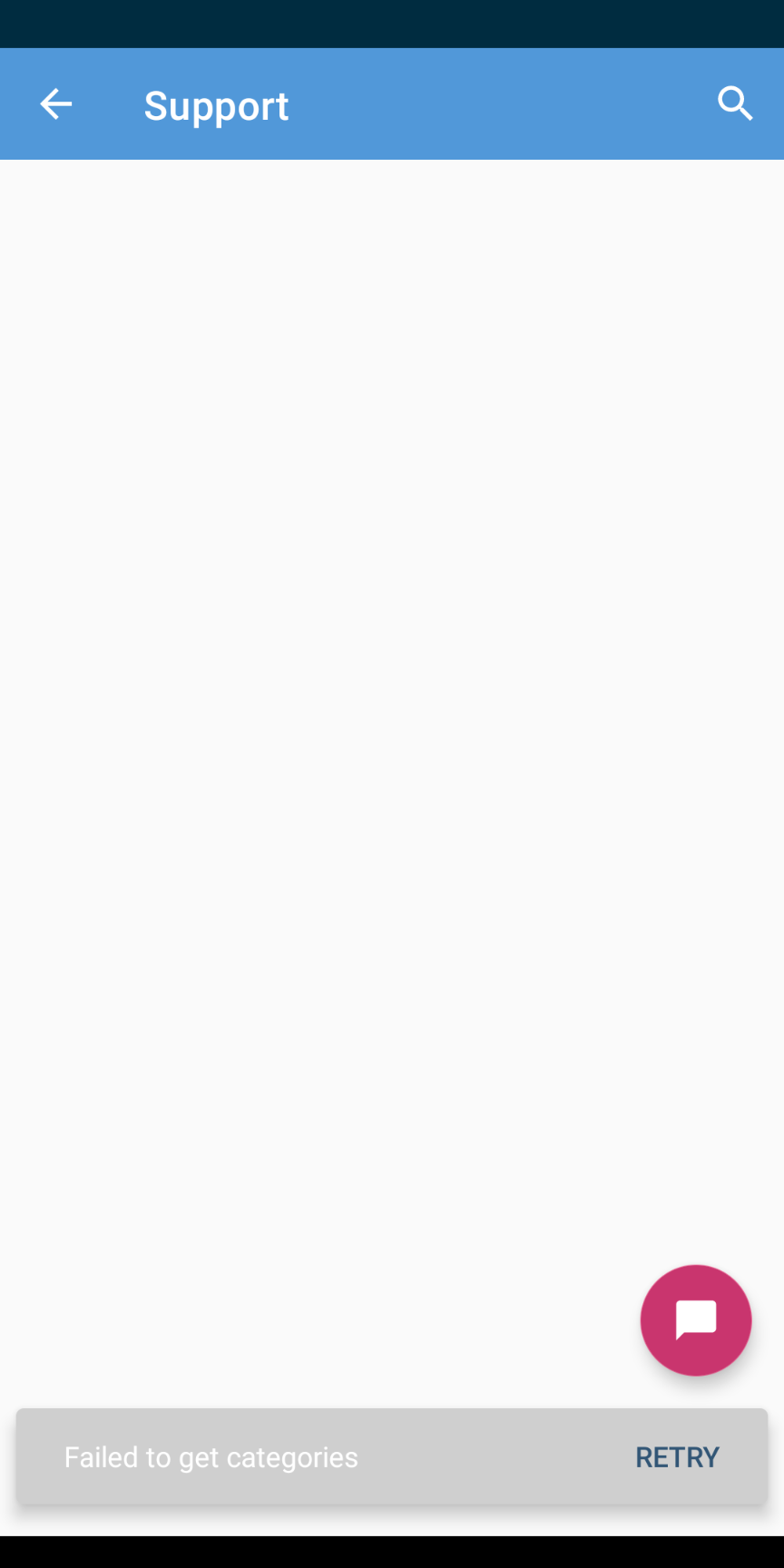
Tested with WPAndroid alpha-268 on Pixel 3 Android 11 while logged in with [email protected] saved in the contact email field.
In comparison, if the contact email is not set or if I enter a non-automattic.com email address in the support section settings then the help pages work normally for me:
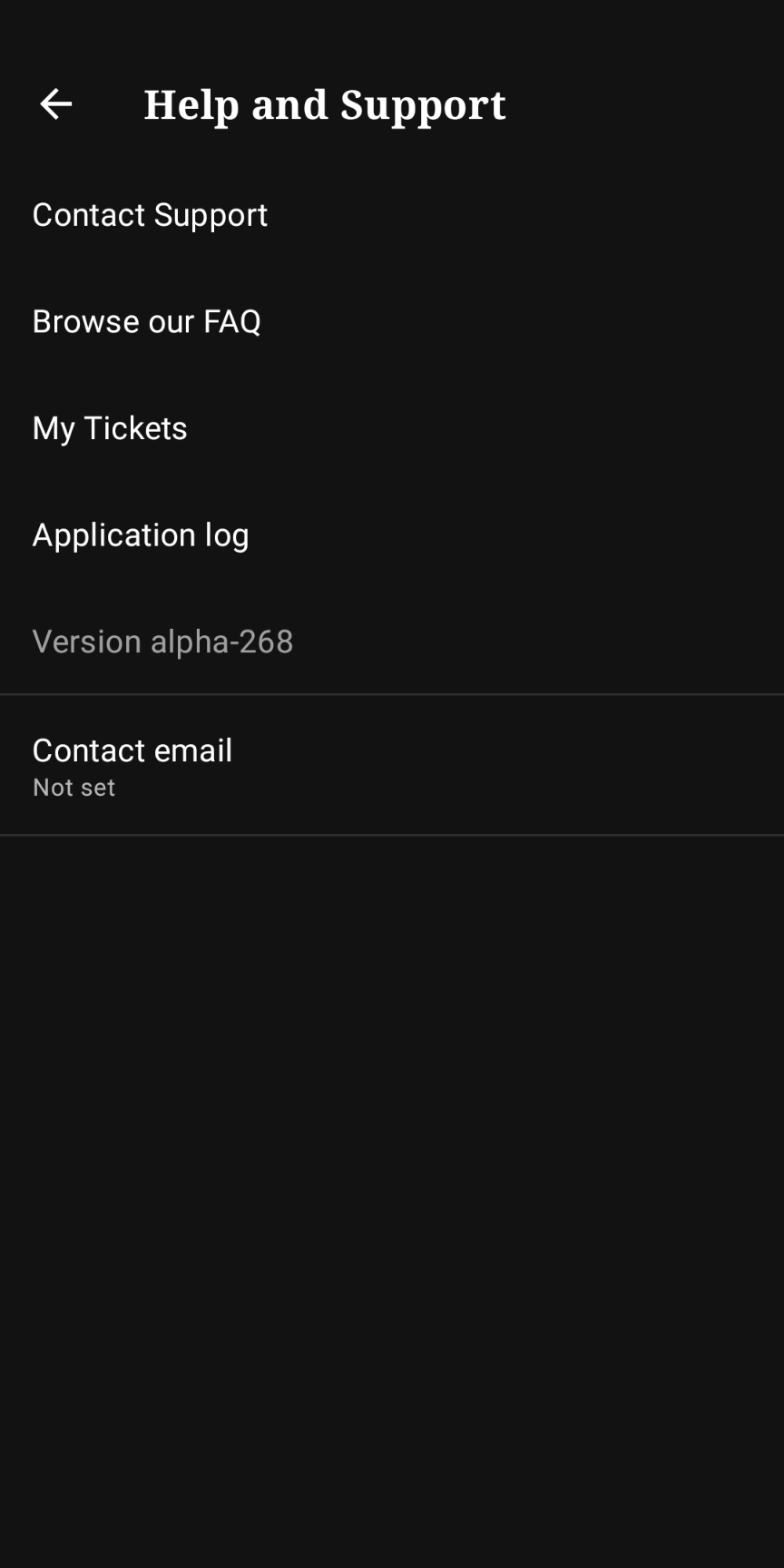
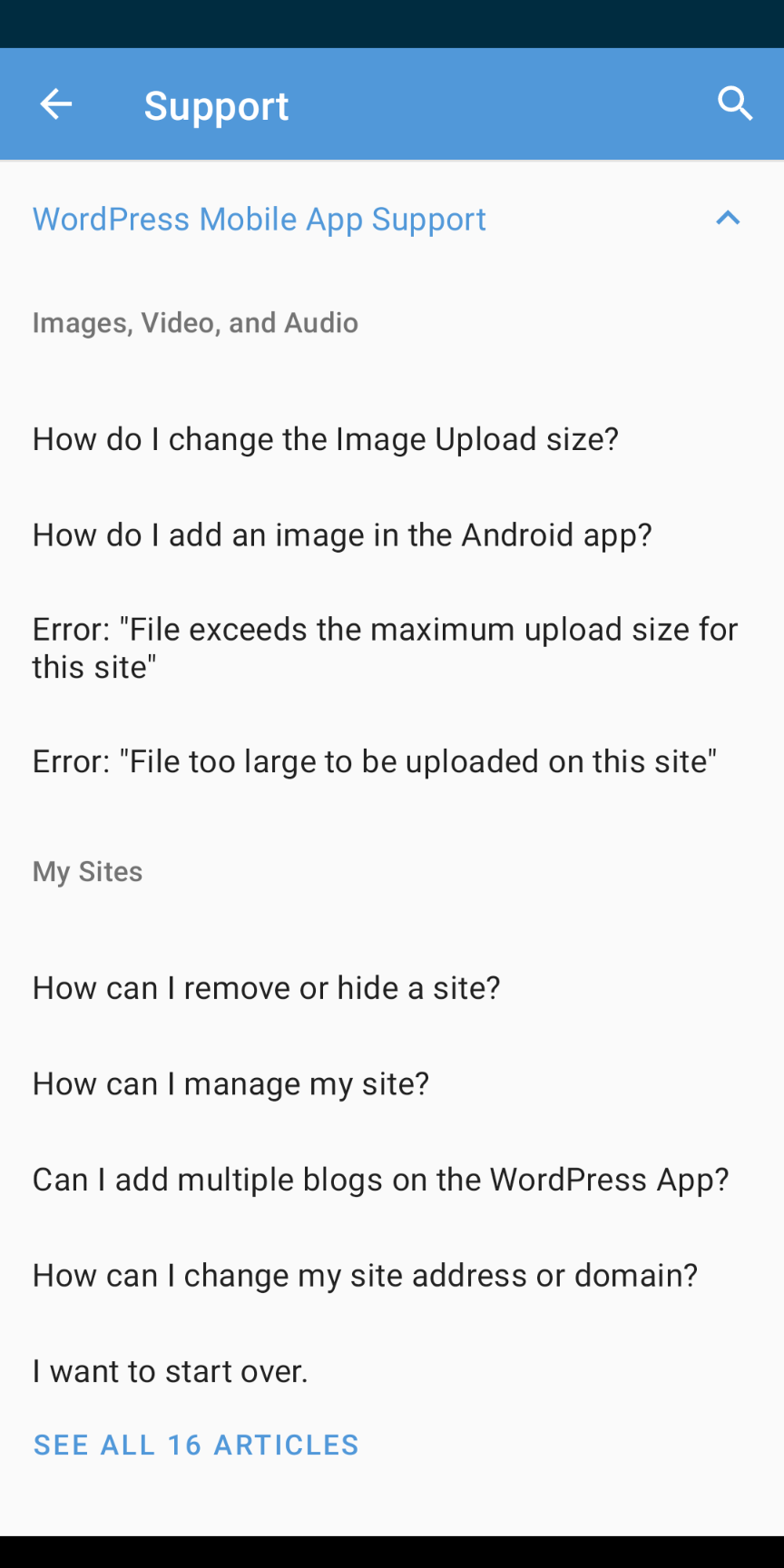
Tested with WPAndroid alpha-268 on Pixel 3 Android 11 while logged in with [email protected] saved in the contact email field.
Aside: the "failed to get categories" error has come up before in the past (10919) when the Help Center was mistakenly deactivated in the automattic.zendesk.com settings, however, I tried checking this by logging in to that site and clicking the gear icon at the bottom of the left menu and it does appear to be active because there's an ominous looking "Deactivate" button at the bottom of the "Guide settings" section so I assume that means it is active. (screenshot)
I wasn't able to send using my a8c email account. So I guess there's a validation/checking somewhere to verify if it's an a8c account for these two options?
@reginabally correct, it's not possible to send a help request through the app using an a8c email address. It would be a good enhancement if we could get a warning about this in the app as it does come up from time to time but it has not been given priority as a task in the past as it does not affect most users.
designsimply
on 21 Jan 2021
Related issues
 prtksxna
·
3Comments
reginabally
·
3Comments
prtksxna
·
3Comments
reginabally
·
3Comments
 hoverduck
·
3Comments
hoverduck
·
3Comments
 nbradbury
·
3Comments
nbradbury
·
3Comments
 develric
·
3Comments
develric
·
3Comments
Most helpful comment
Just want to note that I tested with a non-a8c account and it worked just fine!