Wordpress-android: Post Password Dialog : Input validation required
Expected behavior
That the password dialog should have input validation and empty spaces and such forth shouldn't allow it to be submitted.
Actual behavior
It has no input validation so you are able to set empty spaces as a password.
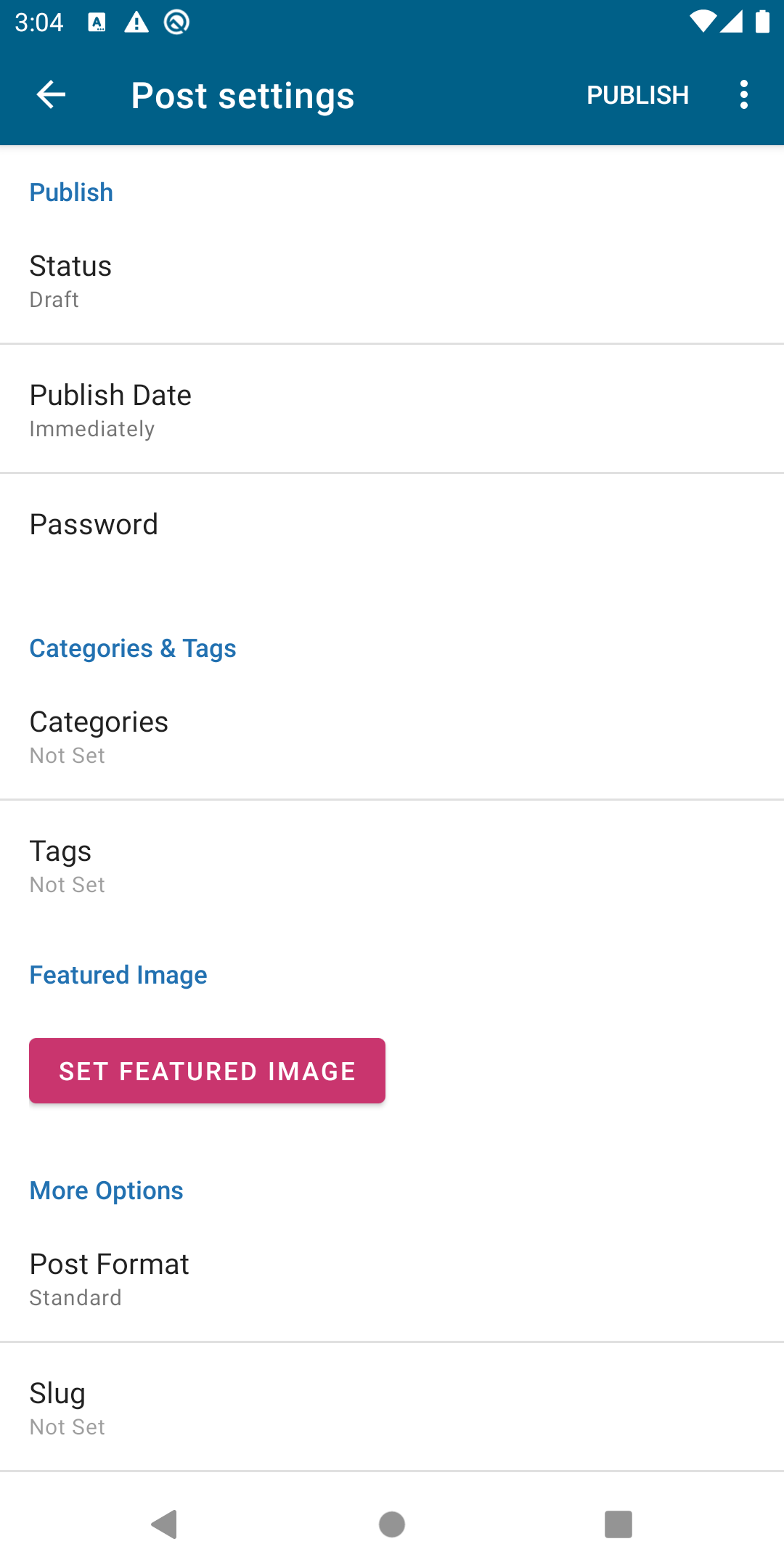
Steps to reproduce the behavior
- Create a new post.
- Go to Post Settings.
- Click on the field and add an empty password.
- Once you press okay you will see the empty password below the Password title.
Link to video https://drive.google.com/open?id=1A3lTcgO9MQAFmVa7heDq2XztIlO9hmMa
Tested on Google Pixel 4 XL, Android 10, WPAndroid develop ()
 jd-alexander
All 4 comments
Hi @jd-alexander , if no one's working on this issue, I'll pick it up.
Cheers!
Adi
 adityabhaskar
on 18 Jul 2020
adityabhaskar
on 18 Jul 2020
@adityabhaskar yes, please go ahead 😄 If you have any questions, I am more than happy to help 🙏
jd-alexander
on 18 Jul 2020
Hi @jd-alexander
Thanks for assigning this issue. Here's how I intend to resolve this:
If the password is blank,
- Show a toast to user.
- Ignore blank password for post with no passwords, remove previous password if present.
The password check will go in here:
https://github.com/wordpress-mobile/WordPress-Android/blob/a5623c4262a7fd062053161246ec1ea52caf0da6/WordPress/src/main/java/org/wordpress/android/ui/posts/EditPostSettingsFragment.java#L745-L758
Does this sound ok?
Alternatively I could update the PostSettingsInputDialogFragment to validate input and show error messages inline. However, that dialog is shared for other input fields, so not sure if it's a good idea.
Cheers!
Adi
adityabhaskar
on 29 Jul 2020
Thanks for tackling this @adityabhaskar I did a review of your PR. Let me know your thoughts 😄
jd-alexander
on 29 Jul 2020
Related issues
 prtksxna
·
3Comments
prtksxna
·
3Comments
 roundhill
·
3Comments
roundhill
·
3Comments
 jkmassel
·
3Comments
jkmassel
·
3Comments
 wptester9845
·
3Comments
wptester9845
·
3Comments
 jtreanor
·
3Comments
jtreanor
·
3Comments
Most helpful comment
Hi @jd-alexander
Thanks for assigning this issue. Here's how I intend to resolve this:
If the password is blank,
The password check will go in here:
https://github.com/wordpress-mobile/WordPress-Android/blob/a5623c4262a7fd062053161246ec1ea52caf0da6/WordPress/src/main/java/org/wordpress/android/ui/posts/EditPostSettingsFragment.java#L745-L758
Does this sound ok?
Alternatively I could update the
PostSettingsInputDialogFragmentto validate input and show error messages inline. However, that dialog is shared for other input fields, so not sure if it's a good idea.Cheers!
Adi