Wordpress-android: Block Post editor opens when editing pages built on Aztec
Expected behavior
I expected that when I click on the pages to edit, a page editor would open.
Actual behavior
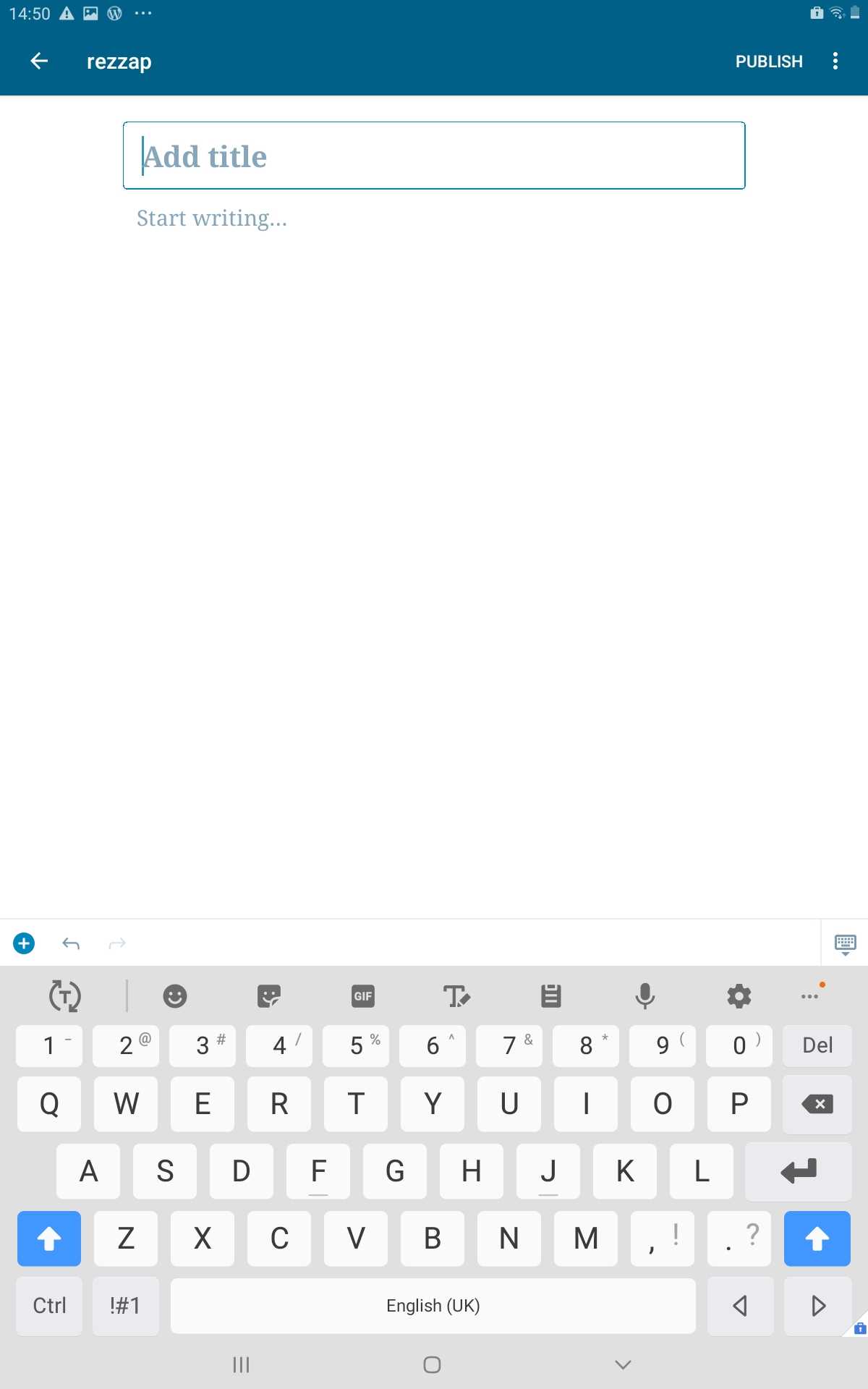
On the first load of a page that was built using Aztec, it's loading an empty block editor for post instead of pages.
Steps to reproduce the behavior
Reproduced on WordPress.com business plan site (atomic). Did not replicate on Simple site.
Make sure the option to use the block editor is selected by default is account settings.
To reproduce:
- Start from My Site and go to Site Pages.
- Click on a page that was built on Aztec to edit it.
- A page opens with an empty editor (block editor).
- Click on the three dots to get to settings and you'll see 'post settings' instead of 'page settings'.
- Go back to Site Pages list, open the page again.
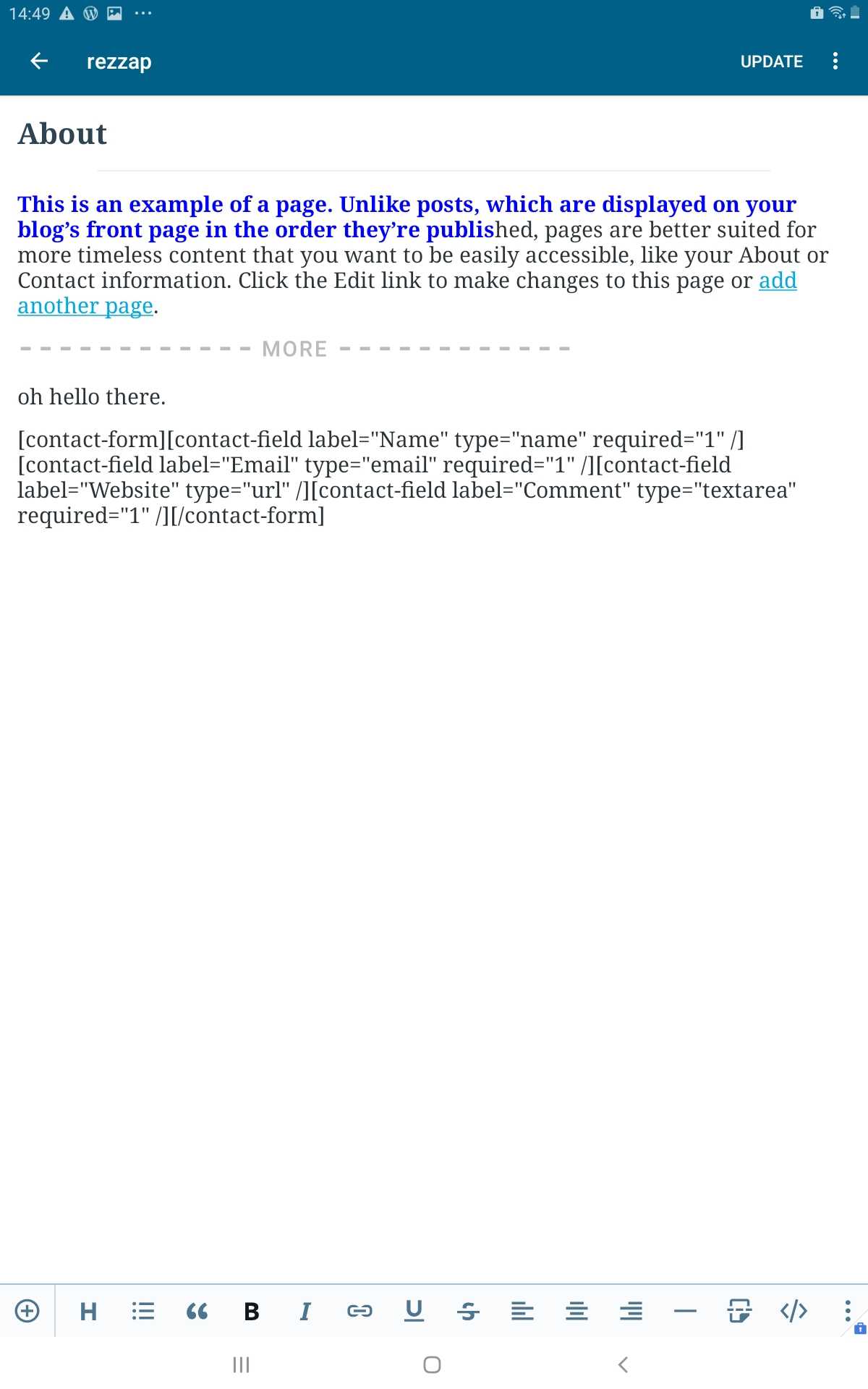
- This time it opens the real page and shows the content.
I replicated this in all pages made using Aztec.
Tested on Samsung Galaxy Tab A, Android 9, WPAndroid 14.5-rc-1
 rezzap
>All comments
Thank you for the bug report and screenshots @rezzap! ❤️
We caught this issue in https://github.com/wordpress-mobile/WordPress-Android/issues/11339 and a partial fix was done in https://github.com/wordpress-mobile/WordPress-Android/pull/11568 (props @jd-alexander 🎉) and should appear in the 14.6 release. There is also one remaining related issues where if you click on a page really quickly sometimes it doesn't open and work is already in progress to fix that as well: https://github.com/wordpress-mobile/WordPress-Android/issues/11539.
 designsimply
on 1 Apr 2020
designsimply
on 1 Apr 2020
Related issues
 jd-alexander
·
3Comments
jd-alexander
·
3Comments
 guarani
·
3Comments
guarani
·
3Comments
guarani
·
3Comments
guarani
·
3Comments
 malinajirka
·
3Comments
designsimply
·
3Comments
malinajirka
·
3Comments
designsimply
·
3Comments
Most helpful comment
Thank you for the bug report and screenshots @rezzap! ❤️
We caught this issue in https://github.com/wordpress-mobile/WordPress-Android/issues/11339 and a partial fix was done in https://github.com/wordpress-mobile/WordPress-Android/pull/11568 (props @jd-alexander 🎉) and should appear in the 14.6 release. There is also one remaining related issues where if you click on a page really quickly sometimes it doesn't open and work is already in progress to fix that as well: https://github.com/wordpress-mobile/WordPress-Android/issues/11539.