Wordpress-android: [Site Creation] tagline is not saved
Expected behavior
When I add a tagline during site creation, I expect it to be saved to the site.
Actual behavior
Tagline set during site creation is not saved.
Steps to reproduce the behavior
- Go to My site > Switch Site > + > Create WordPress.com site.
- Create a new site including setting a tagline.
- Go to Settings > Tagline to see if the tagline was saved.
Video: (1m50s, skip to 14s then 1m40s).
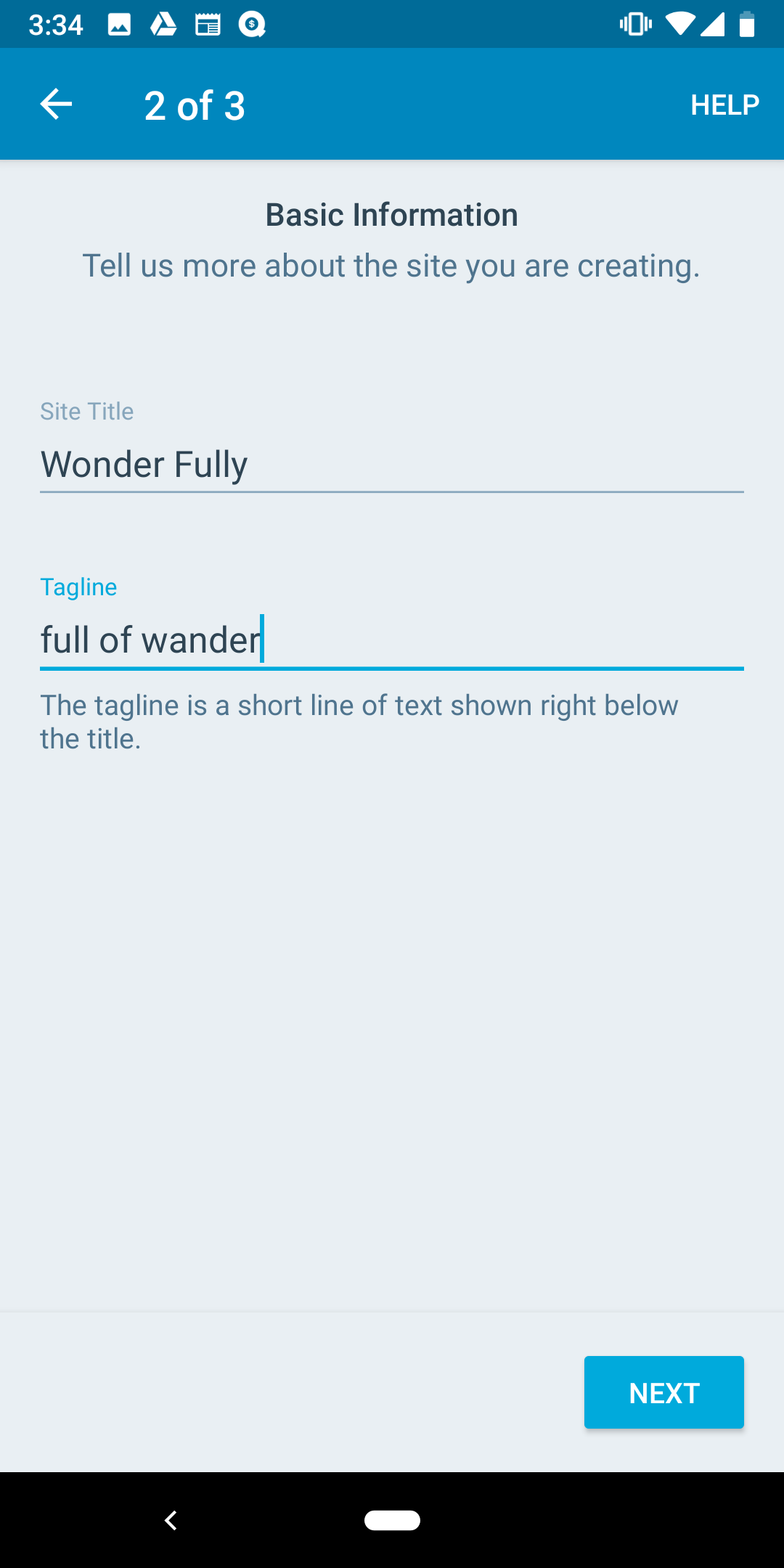
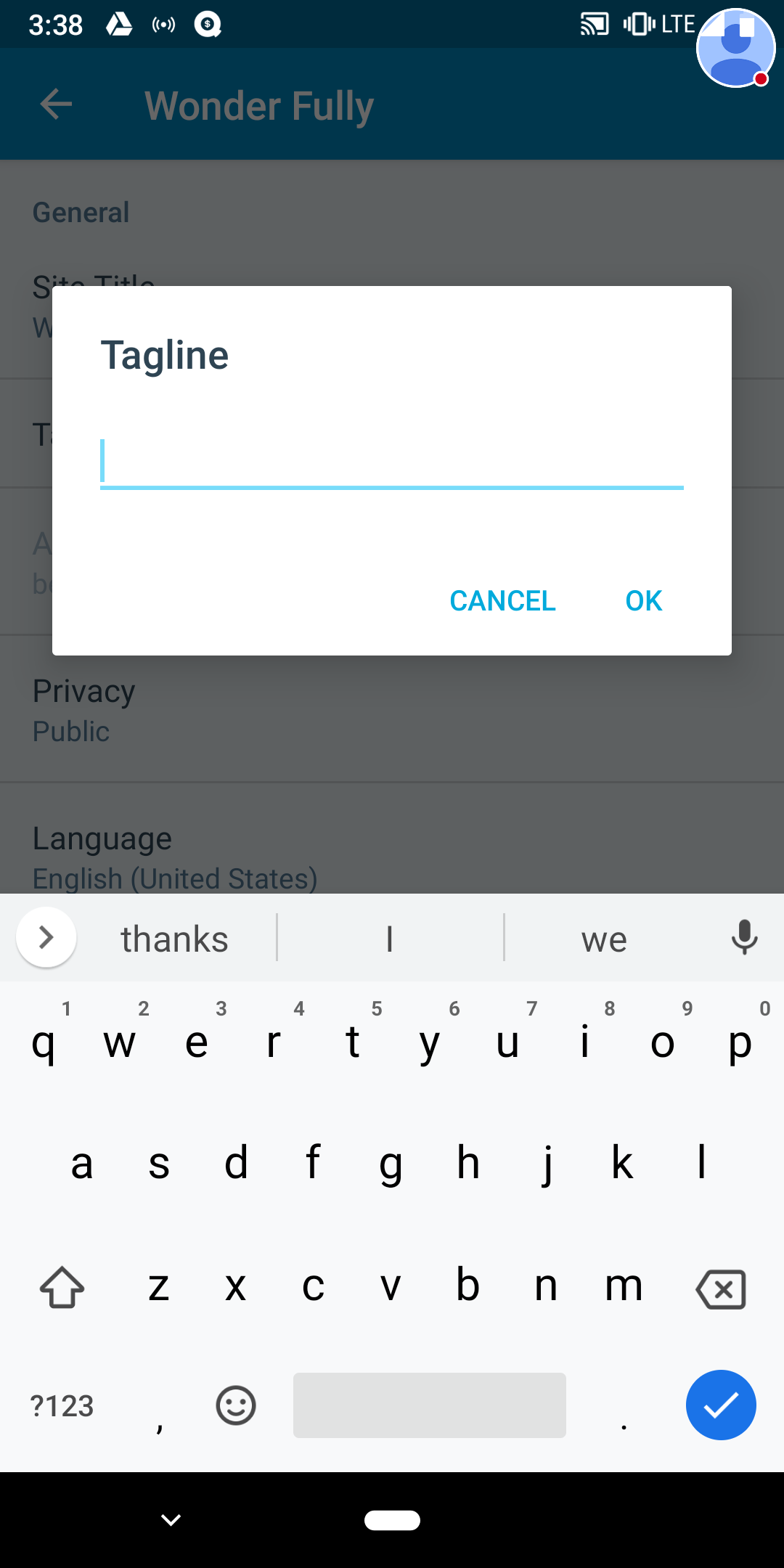
Tested with WPAndroid alpha-154 (11.9 alpha) on Pixel 3, Android 9.
Corresponding iOS issue: https://github.com/wordpress-mobile/WordPress-iOS/issues/11151.
 designsimply
All 4 comments
@kwonye If I remember correctly, this is not implemented on the server side yet. Could you please confirm if that's the case? cc @malinajirka
 oguzkocer
on 28 Feb 2019
oguzkocer
on 28 Feb 2019
@designsimply A discussion about this topic is underway via p1552602073005000-slack-bt-site-creation, and someone has been assigned. If confirmed as a server-side issue, the issue should not require a client-side fix. Otherwise, a change will need to be expedited.
cc: @malinajirka @oguzkocer @kwonye
 ghost
on 15 Mar 2019
ghost
on 15 Mar 2019
This was fixed in D25611-code.
 michaeldcain
on 15 Mar 2019
michaeldcain
on 15 Mar 2019
Confirmed the tagline is working now in this site creation flow. Thank you!
 rachelmcr
on 15 Mar 2019
rachelmcr
on 15 Mar 2019
Related issues
 wptester9845
·
3Comments
wptester9845
·
3Comments
 khaykov
·
3Comments
khaykov
·
3Comments
 malinajirka
·
3Comments
malinajirka
·
3Comments
 jkmassel
·
3Comments
designsimply
·
3Comments
jkmassel
·
3Comments
designsimply
·
3Comments
Most helpful comment
This was fixed in D25611-code.