Winforms: ContextMenuStrip not opening when moving window on secondary display
.NET Core Version: 3.1
Have you experienced this same bug with .NET Framework?: Haven't tried. I need to use .NET Core
Problem description:
Given
- a
WPFapp - that uses the
WinFormsContextMenuStrip - in a
dual monitorsetup - when moving the MainWindow to the
secondary monitor - the context menu does not display at all
Expected behavior:
The context menu is displayed
Minimal repro:
Repo: https://github.com/ccornici/tray_context_menu_bug
Demo (contained in the repo too)
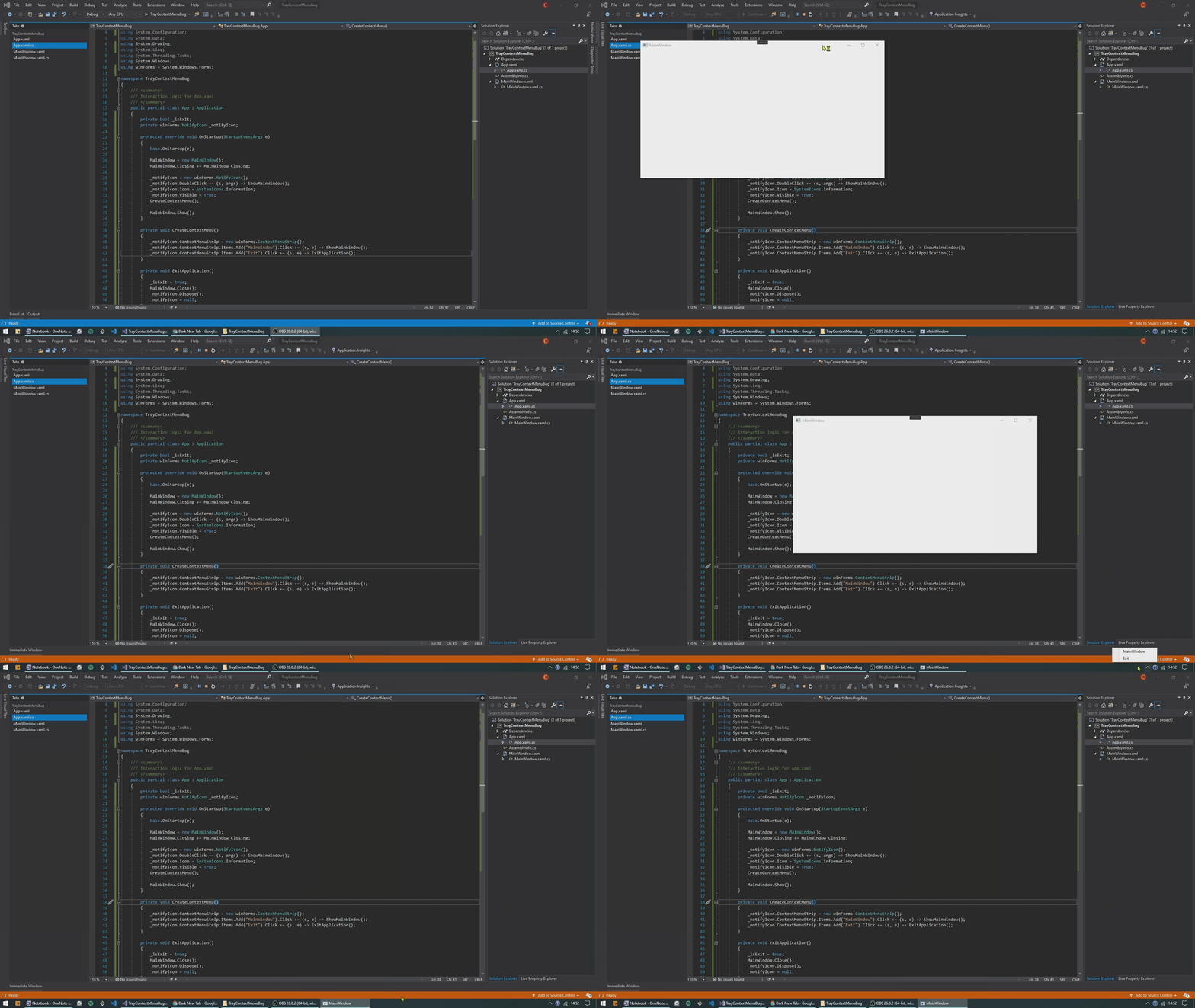
Other details:
- All other tray icons from other apps (ex: Spotify, NVidia Control Panel etc) work as expected. So it doesn't look like a WIn 10 bug that affects any and all tray icons.
- The
Openingevent of theContextMenuStripgets fired. It simply doesn't display the context menu...
 ccornici
All 5 comments
@Olina-Zhang can you check out this scenario without WPF involved - just the NotifyIcon scenario on multi-monitor setups?
 merriemcgaw
on 17 Oct 2020
merriemcgaw
on 17 Oct 2020
@Olina-Zhang can you check out this scenario without WPF involved - just the NotifyIcon scenario on multi-monitor setups?
I can repro this issue in our both Winforms .Net Core and .Net framework app on multi-monitor setups: when form moves to secondary screen, the binding menuContextStrip for notifyIcon cannot be shown.
.Net Core app:
WindowsFormsCore.zip
.Net framework app:
WindowsFormsApp6.zip
 Olina-Zhang
on 20 Oct 2020
Olina-Zhang
on 20 Oct 2020
Is there any plan to fix this?...
ccornici
on 24 Oct 2020
Given the issue has always been there since .NET framework, this issue has a lower priority for the team. Adding to the .NET 6.0 milestone but no hard commitment.
We will gladly accept pull-requests with a fix.
The issue will not be fixed in .NET Framework as it won't meet the servicing bar.
 RussKie
on 30 Oct 2020
RussKie
on 30 Oct 2020
I've made some research on it (one of my clients has a similar issue with a simple .NET Core 3.1 WinForms application). If you have 2 or more monitors with the same DPI settings all work fine but if DPI values for the screen with notification area and main application window screen are different context menu will not be visible. I'll try to figure out the root cause.
 OlegRa
on 19 Dec 2020
OlegRa
on 19 Dec 2020
Related issues
 weltkante
·
5Comments
weltkante
·
5Comments
 noseratio
·
5Comments
weltkante
·
4Comments
noseratio
·
5Comments
weltkante
·
4Comments
 M-Lipin
·
4Comments
M-Lipin
·
4Comments
 Jenna-Zheng
·
3Comments
Jenna-Zheng
·
3Comments