Wicked_pdf: Header option not rendering and clips content
Trying to get Header option to work. Barebones pdf creation from irb with this:
pdf = WickedPdf.new.pdf_from_string(('<h1>Hello There!</h1>'), header: { content: ('<h1>Header!</h1>') })
The result is clipped header on top and content on bottom out of the page almost invisible.
Tried with more options with different results but not much better as again header gets out of the page:
pdf = WickedPdf.new.pdf_from_string(('<h1>Hello There!</h1>'), :page_size => 'Letter', :margin => { :top => 20 }, header: { content: ('<h1>Header!</h1>'), margin: { top: 0, bottom: 0 }, :spacing => 10 })
How to position header correctly and not to overlap with content?
Environment:
wicked_pdf version 1.1.0
wkhtmltopdf-binary 0.12.3.1
ruby 2.3.1p112
Screenshot:

 meshin
All 7 comments
The biggest issue I see here is that the HTML content isn't a proper HTML document (including doctype), so it gets rendered in quirks mode.
The header does overlap the content, but that is usually easier to fix with CSS than margins.
For instance, this works pretty well for me:
pdf = WickedPdf.new.pdf_from_string(
  '<!doctype html><html><body><style>html { padding-top: 20px; outline: 1px solid red; }</style><h1>Hello There!</h1></body></html>',
  header: {
    content: '<!doctype html><html><body><style>html {  outline: 1px solid green; }</style><h1>Header!</h1></body></html>',
  }
)
I added CSS outlines so you can visualize how they overlap.
Let me know how it goes!
 unixmonkey
on 27 Feb 2018
unixmonkey
on 27 Feb 2018
Thank you, it works like that and helps a lot. Padding-top was the key
meshin
on 28 Feb 2018
@unixmonkey do you know why I can't see the header? I am using the same code above
pdf = WickedPdf.new.pdf_from_string('<!doctype html><html><body><style>html { padding-top: 20px; outline: 1px solid red; }</style><h1>Hello There!</h1></body></html>',
      header: { content: '<!doctype html><html><body><style>html {  outline: 1px solid green; }</style><h1>Header!</h1></body></html>'})

  send_data(pdf, filename: 'sample.pdf')
, and also using this gems wicked_pdf 1.2.2 wkhtmltopdf-binary 0.12.4, Rails 5.2.1
And then I got this result, I am expecting see the header but some reason I can't see it
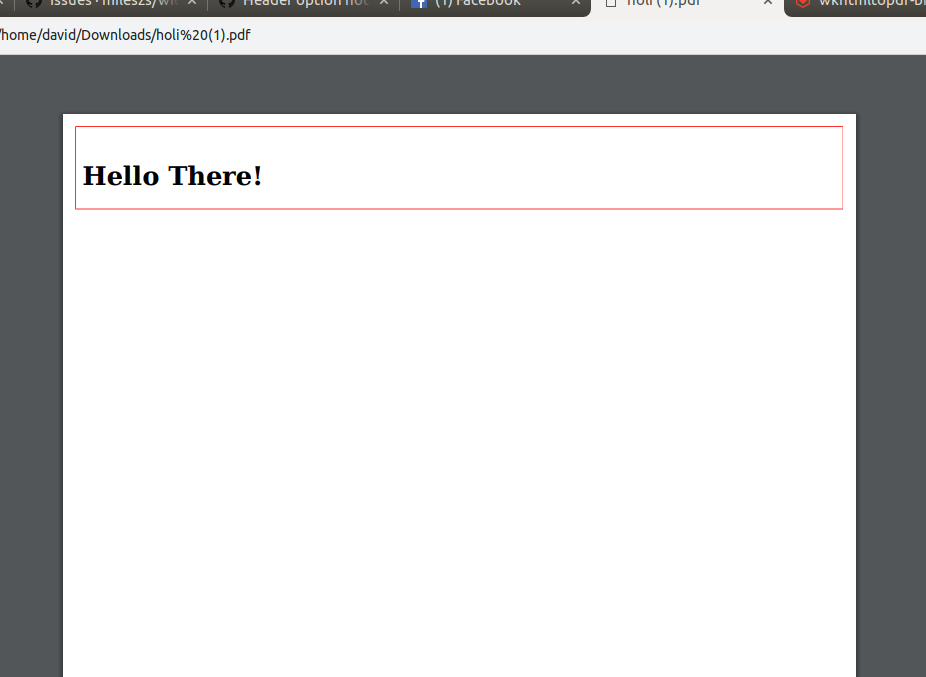
Thank you so much!
 vjdavid
on 16 Apr 2019
vjdavid
on 16 Apr 2019
@vjdavid Try playing with the margins and spacing to see if the header content may just be hidden behind a margin:
I made these tweaks locally, and it looks like this for me now:
pdf = WickedPdf.new.pdf_from_string(
      '<!doctype html><html><body><style>html { padding-top: 20px; outline: 1px solid red; }</style><h1>Hello There!</h1></body></html>',
      header: {
        content: '<!doctype html><html><body><style>html { outline: 1px solid green; }</style><h1>Header!</h1></body></html>',
        spacing: 50
      },
      margin: {
        top: 100
      }
    )
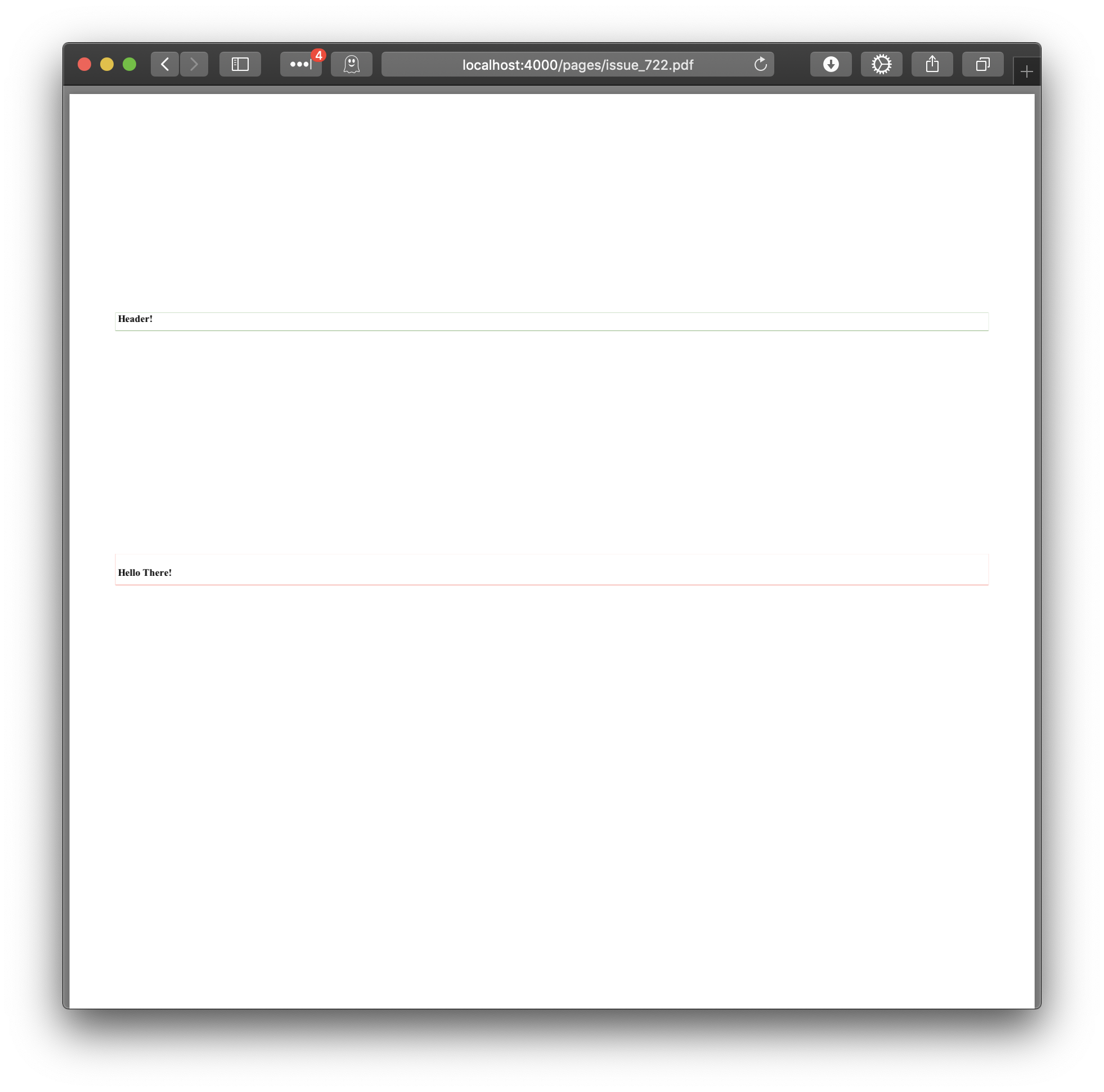
unixmonkey
on 16 Apr 2019
@unixmonkey Thank you so much for your reply, but unfortunately still not showing it, I tried with your same code above, and still not working. I saw that in the rails console is returning the appropriate parameters (--margin-top and --header-spacing) like in your code:
Started GET "/v1/templates/properties_overview" for ::1 at 2019-04-16 14:58:38 -0700
Processing by TemplatesController#overview as HTML
[wicked_pdf]: ["/usr/bin/wkhtmltopdf", "--margin-top", "100", "--header-spacing", "50", "--header-html", "file:////tmp/wicked_header_pdf20190416-14773-fpqfp8.html", "file:////tmp/wicked_pdf20190416-14773-1ilatw3.html", "/tmp/wicked_pdf_generated_file20190416-14773-nimu2l.pdf"]
  Rendering text template
  Rendered text template (0.0ms)
Sent data example.pdf (0.6ms)
Completed 200 OK in 738ms (Views: 0.4ms | ActiveRecord: 0.0ms)
Please let me know if your need more info of this, I am running Ubuntu 18.04.2 LTS, also I saw in the /tmp directory that the header file is generated correctly, here is a screenshot of the header, but by some reason the result is not the expected.
/tmp directory header html file:
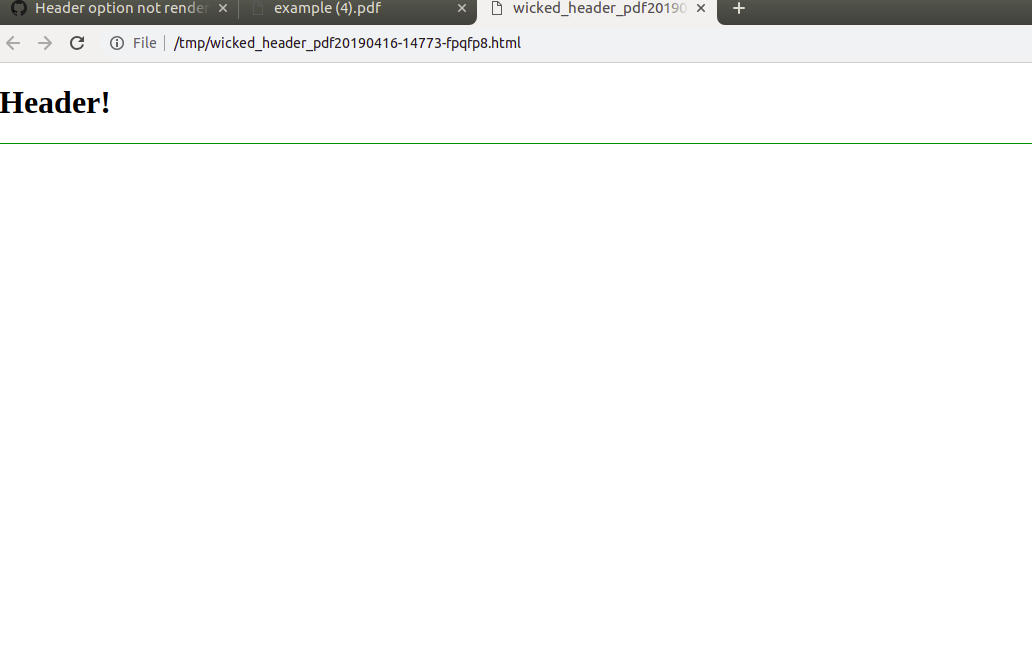
Final result pdf file, but some reason not showing the header:
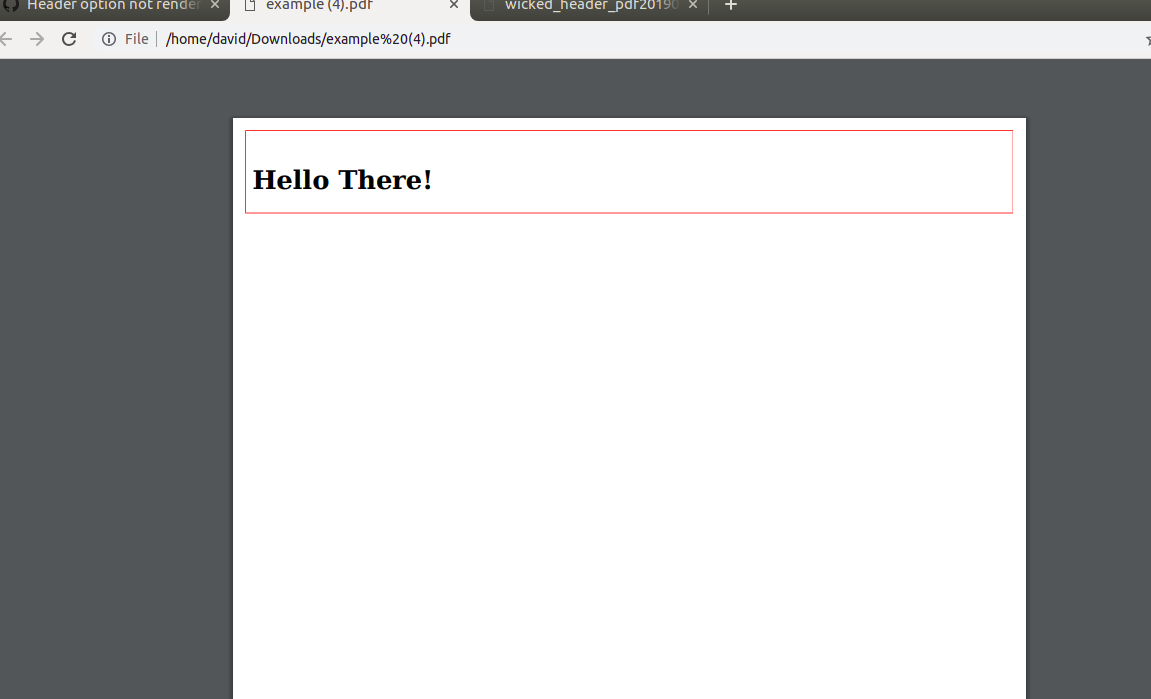
Thank you some much, I really appreciate some help :+1:
vjdavid
on 17 Apr 2019
@vjdavid I noticed that you said you are using wkhtmltopdf-binary 0.12.4, but the command you pasted looks like it's calling /usr/bin/wkhtmltopdf instead of one within your bundle's GEM_HOME. Mine looks like this:
[wicked_pdf]: ["/Users/djones/.rvm/gems/ruby-2.4.1/bin/wkhtmltopdf", <other options>`
I think that perhaps you are either calling an older system installed version, or a version that was not compiled with QT support (and support for other features).
You can probably check what you are running for real with:
$ /usr/bin/wkhtmltopdf --version
# wkhtmltopdf 0.12.4 (with patched qt)
I think if you apt-get remove wkhtmltopdf the WickedPdf gem might find the correct binary location, but you might have to either hardcode or configure in your config/initializers/wicked_pdf.rb to the actual path of the gem's binary something like this:
WickedPdf.config = {
  exe_path: "#{ENV['GEM_HOME']}/gems/wkhtmltopdf-binary-#{Gem.loaded_specs['wkhtmltopdf-binary'].version}/bin/wkhtmltopdf_linux_amd64"
}
Let me know what you find out and how it goes!
unixmonkey
on 17 Apr 2019
@unixmonkey Thank you so much, it worked!! :100: that was the problem, I was using a different binary of wkhtmltopdf, so I removed the package of using apt-get remove wkhtmltopdf like you said, and after that I configured the config/initializers/wicked_pdf.rb
WickedPdf.config = {
  exe_path: Gem.bin_path('wkhtmltopdf-binary', 'wkhtmltopdf')
}
Thank you so much for your time!! :smile:
vjdavid
on 17 Apr 2019
Related issues
 chaudard
·
5Comments
chaudard
·
5Comments
 thomasbalsloev
·
3Comments
thomasbalsloev
·
3Comments
 panniru
·
5Comments
panniru
·
5Comments
 VladFarion
·
4Comments
VladFarion
·
4Comments
 amerritt14
·
4Comments
amerritt14
·
4Comments