Webwhatsapp-wrapper: Running the Demo.
Hey there,
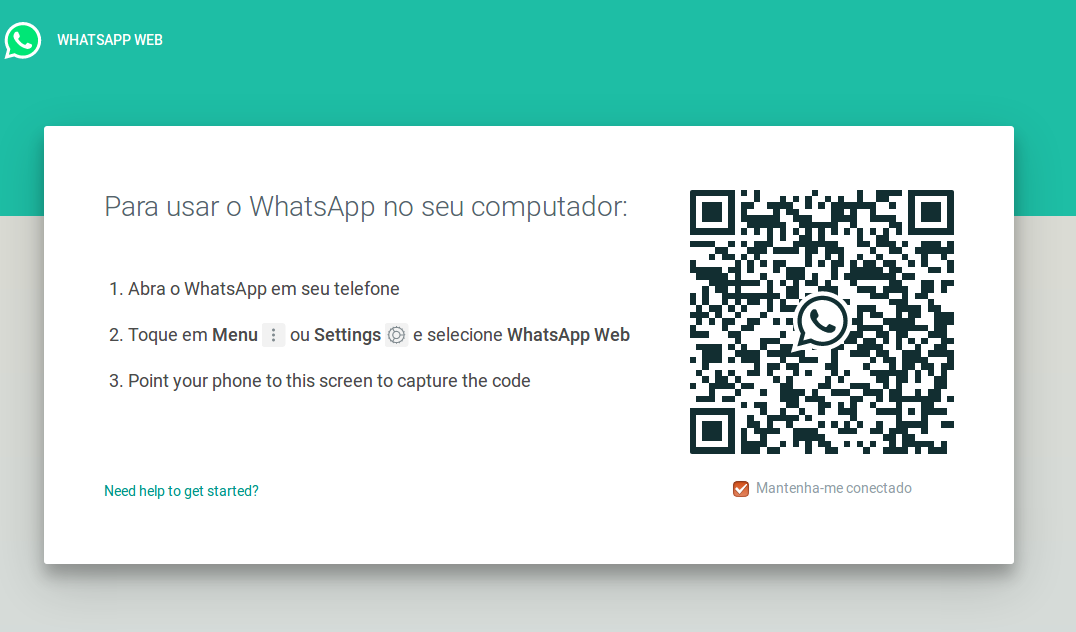
i wonder it looks like no HTML/Styles gets loaded on running the sample opening web.whatsapp.com. Is this normal? Looks like this to me:
 lddd
lddd
All 10 comments
Hi.
I have run the demo and it seems for technical purposes between the gekko driver in firefox interpretation and sotage of the bar code and further interaction it loads this way, and works perfectly
 gmlemus
on 28 Mar 2018
gmlemus
on 28 Mar 2018
Oh somebody replies here :) ...
lddd
on 28 Mar 2018
Running the demo ends into this error now after the QR code was scanned.
python echo.py
Waiting for QR
Traceback (most recent call last):
File "echo.py", line 7, in
driver.wait_for_login()
File "/root/WebWhatsAPI/webwhatsapi/__init__.py", line 250, in wait_for_login
EC.visibility_of_element_located((By.CSS_SELECTOR, self._SELECTORS['mainPage']))
File "/usr/lib/python2.7/site-packages/selenium-3.11.0-py2.7.egg/selenium/webdriver/support/wait.py", line 80, in until
raise TimeoutException(message, screen, stacktrace)
selenium.common.exceptions.TimeoutException: Message:
lddd
on 29 Mar 2018
I have the same problem, can anyone help us?
 WilliamCampolina
on 30 Mar 2018
WilliamCampolina
on 30 Mar 2018
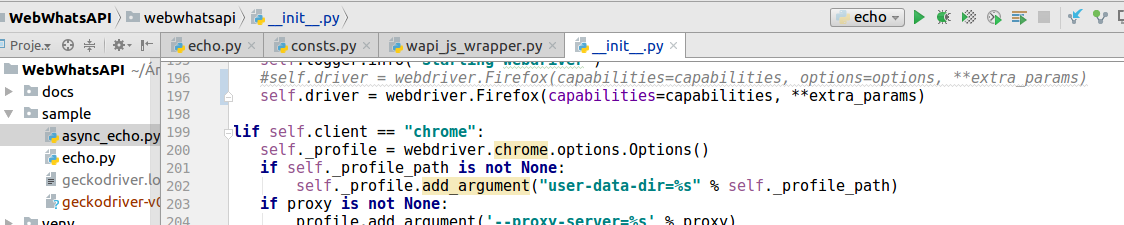
I modified the instance of the class, I do not know what can cause this change @mukulhase
this solution also worked #139
WilliamCampolina
on 30 Mar 2018
Is this issue resolved?
 kevinkit
on 12 Jun 2018
kevinkit
on 12 Jun 2018
yes
WilliamCampolina
on 13 Jun 2018
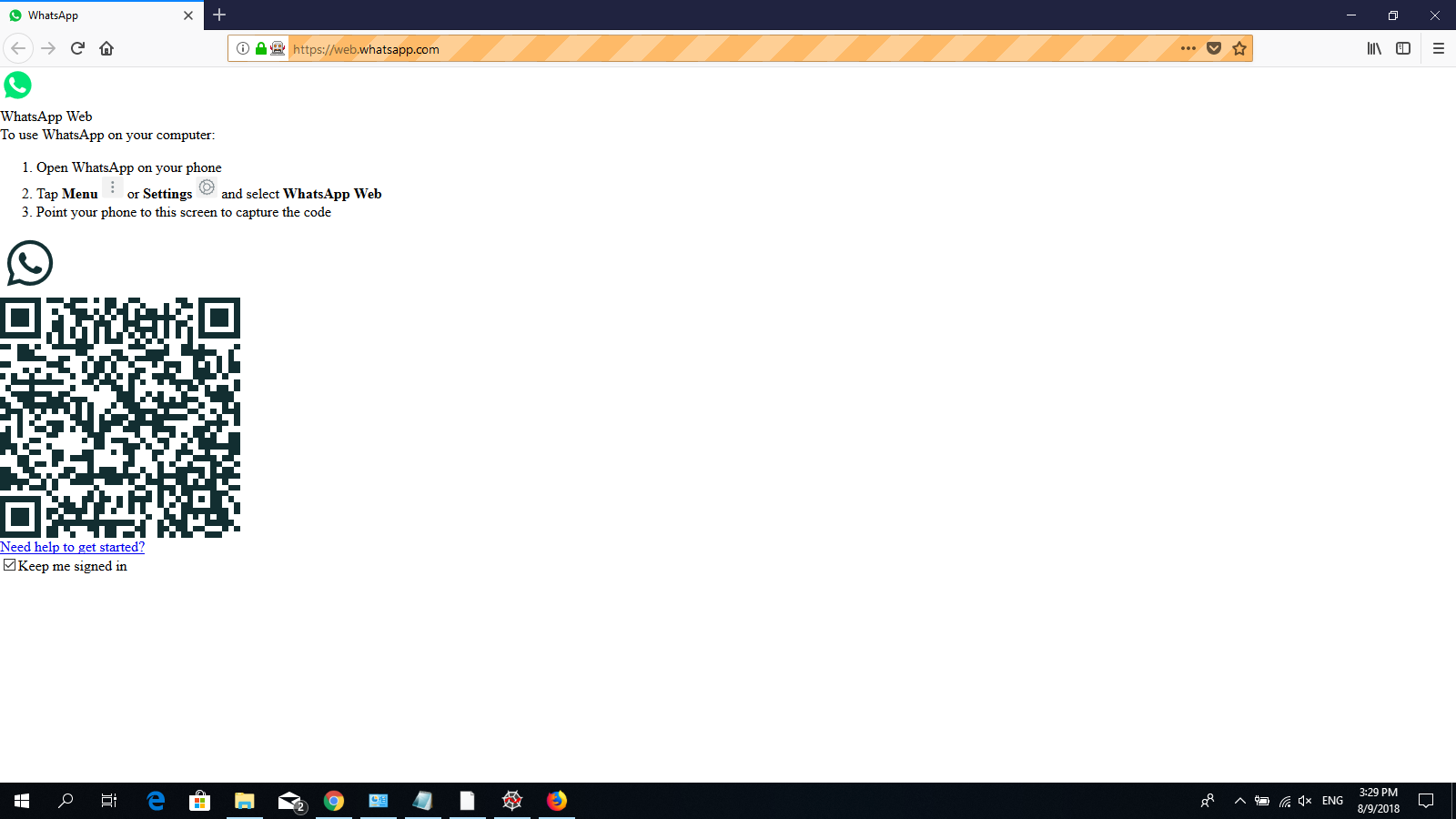
@WilliamCampolina Hi there, my whatapps doesn't load as it should look like.
I tried self.driver = webdriver.Firefox(capabilities=capabilities, **extra_params) but still same.
Can you please help me on this? Thanks.
 DanielUnn
on 9 Aug 2018
DanielUnn
on 9 Aug 2018
@DanielUnn
Of course, put this parameter that will work ...
driver = WhatsAPIDriver(loadstyles=True);
WilliamCampolina
on 9 Aug 2018
@WilliamCampolina Thanks man. I tried it out with =False as in README.md, it says
loadstyle: Default is true. If true, doesn't load the styling in the browser.
And, can I ask you about the SELENIUM environment variable path in remote.py also? I set it for gecko driver path and I got the error as below. May I know how should I set it?
LocationParseError: Failed to parse: C:\Users\Daniel\Desktop\geckodriver-v0.21.0-win64
Thank you for taking your time with me. Appreciate it.
DanielUnn
on 9 Aug 2018
Related issues
 mhndm
·
5Comments
mhndm
·
5Comments
 alfred82santa
·
5Comments
alfred82santa
·
5Comments
 EdisonHundLucas
·
6Comments
EdisonHundLucas
·
6Comments
 NolanWang
·
5Comments
NolanWang
·
5Comments
 Zingers-ZA
·
6Comments
Zingers-ZA
·
6Comments
Most helpful comment
@DanielUnn
Of course, put this parameter that will work ...
driver = WhatsAPIDriver(loadstyles=True);