Webodm: Failed at setting up development environment
How did you install WebODM? (Docker, natively, ...)?
Docker
What's your browser and operating system? (Copy/paste the output of https://www.whatismybrowser.com/)
Firefox 57 on Windows 10
Installed Webodm on OS: Ubuntu 16.04.03 LTS on AWS with t2.micro instance
What is the problem?
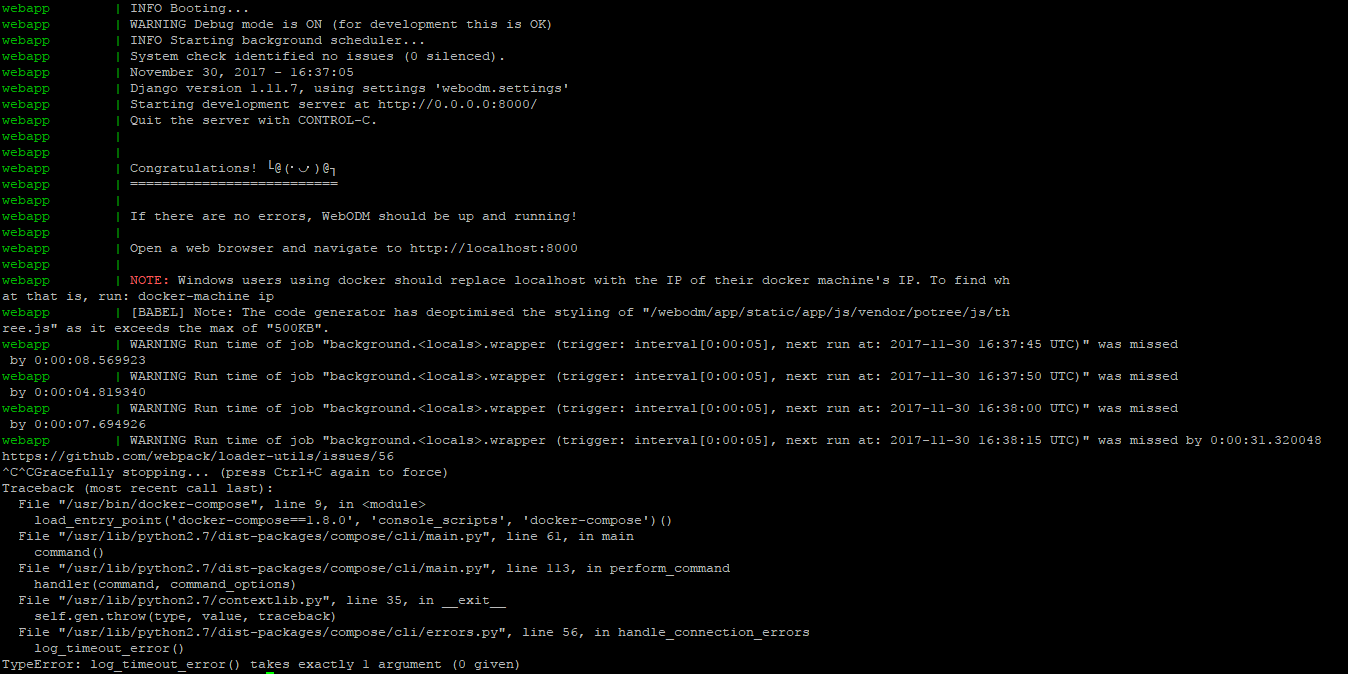
What should be the expected behavior?
Need help
How can we reproduce this? (What steps did you do to trigger the problem? What parameters are you using for processing? If possible please include a copy of your dataset uploaded on Google Drive or Dropbox. Be detailed)
I did follow the development guide as mentioned in webodm docs. Before staring the development mode I ran in normal mode it worked without any error.
 Pratyush1991
All 10 comments
Hi @Pratyush1991, could you make sure that you are running ./devenv.sh from a clean git clone (clone the repository in a new directory)?
I have tried to replicate the problem but things seemed to work OK.
 pierotofy
on 1 Dec 2017
pierotofy
on 1 Dec 2017
Hello,
As you mentioned I did clone the repository in a new directory. Still I am getting the same error.
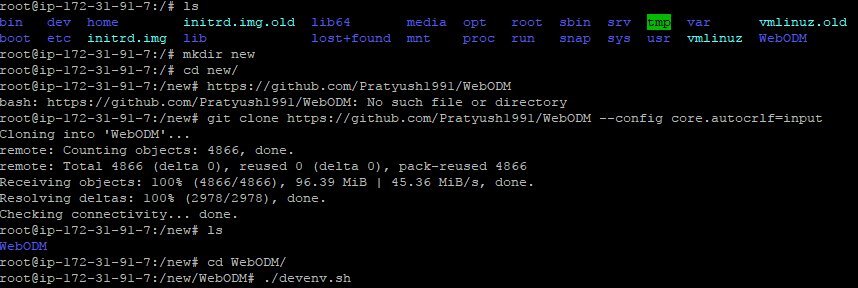
Sorry I am a bit new to development so may be I am missing something. And I am also getting this deprecation warning is that a problem or is it normal..?

Pratyush1991
on 2 Dec 2017
Deprecation warnings are normal. Are you able to open the web interface at localhost:8000?
pierotofy
on 2 Dec 2017
No I am unable to load the web interface.
I am running an AWS so I am trying to access the web interface at PublicIPv4:8000
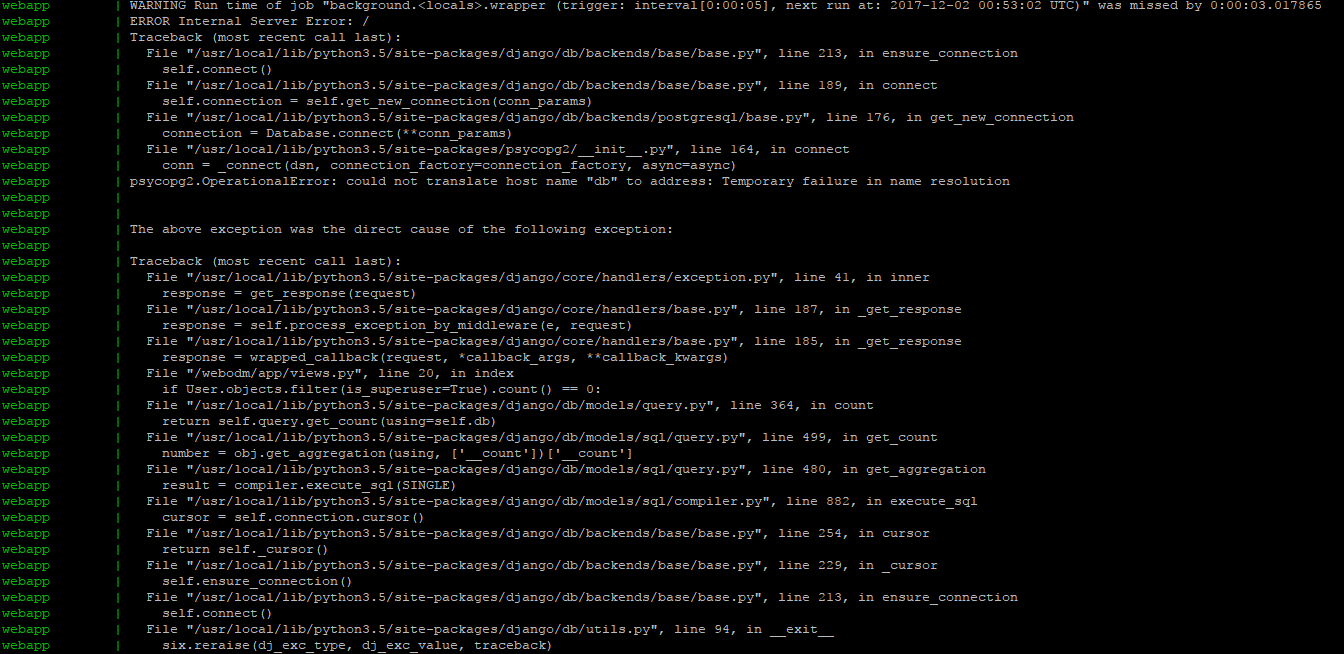
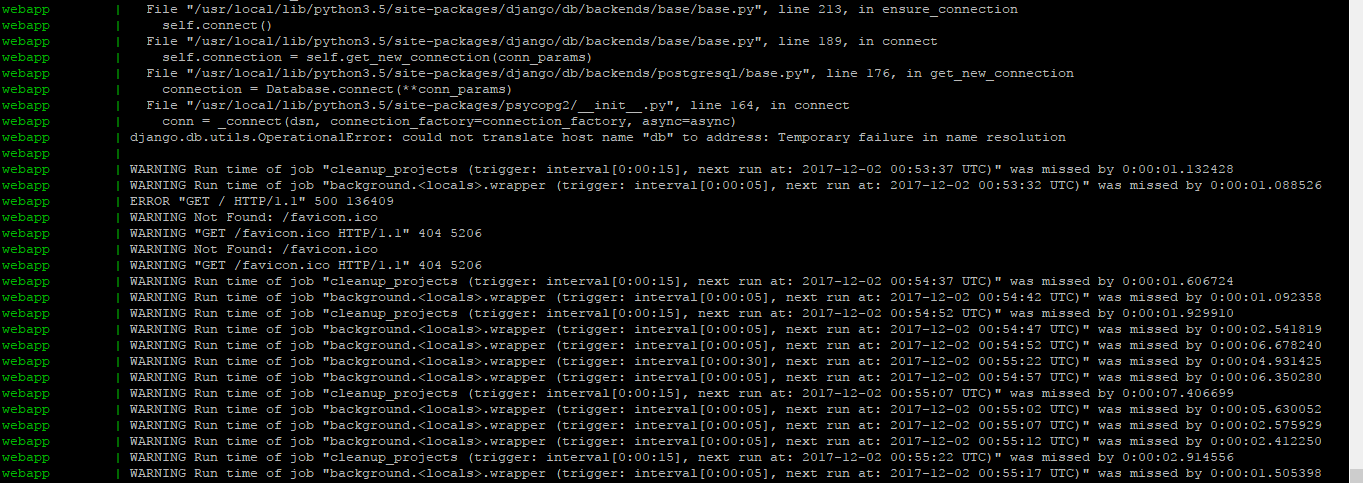
While I got this error now.
Pratyush1991
on 2 Dec 2017
Just as a heads up, I don't think you'll be able to run WebODM on a t2.micro instance, you need more RAM than 1GB. I wonder if the errors are related to that. Could you try to run this on a machine with more memory?
pierotofy
on 2 Dec 2017
But when I am running ./webodm.sh start in my t2.micro instance it is running fine. Even i can access the web interface. Images attached below
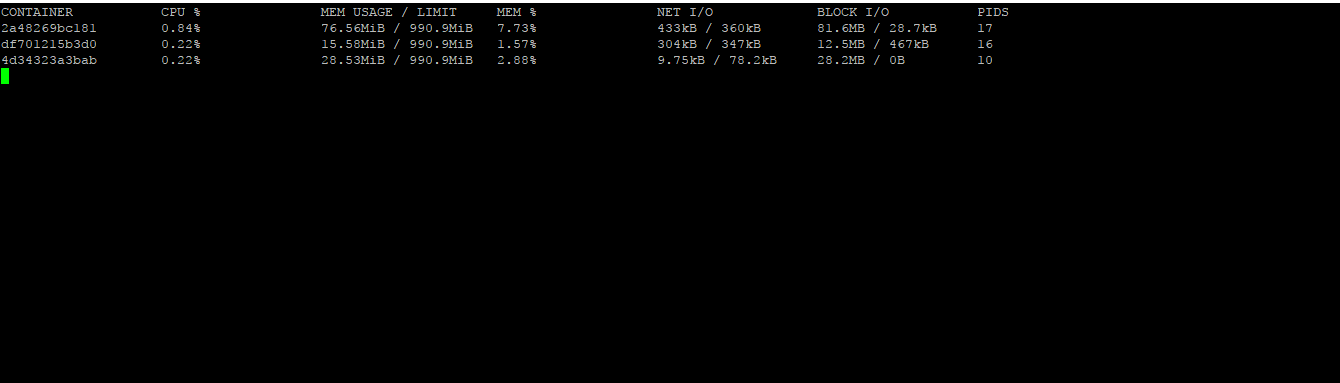
Web interface
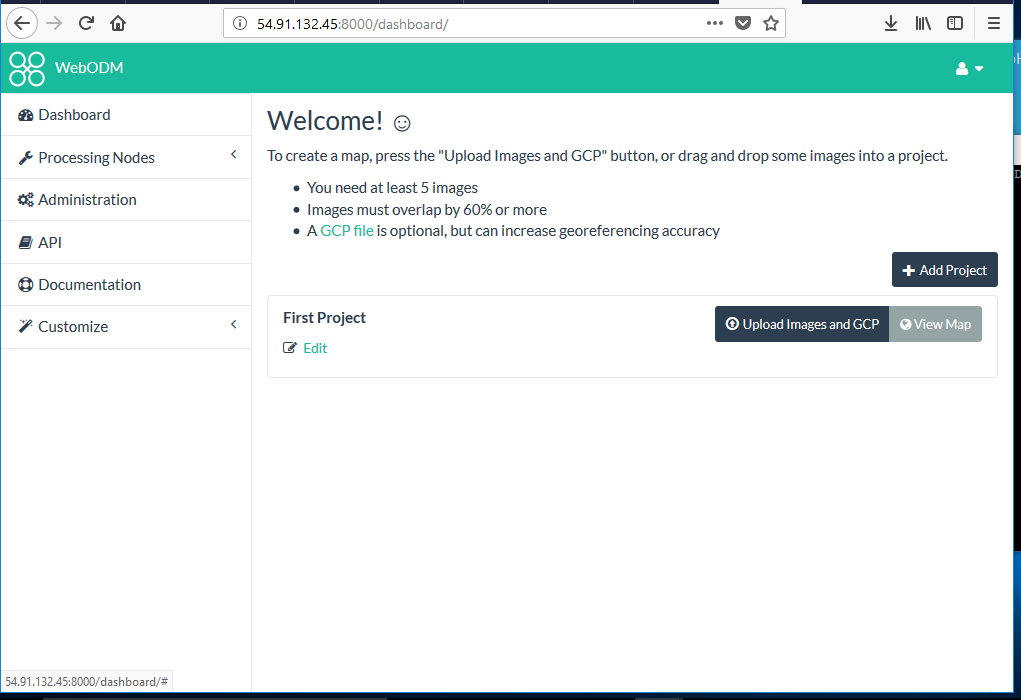
As you said I also scaled up my instance to t2.large and tried to run ./devenv.sh but was unsuccessful. Image below is the error when I tried to access the web interface
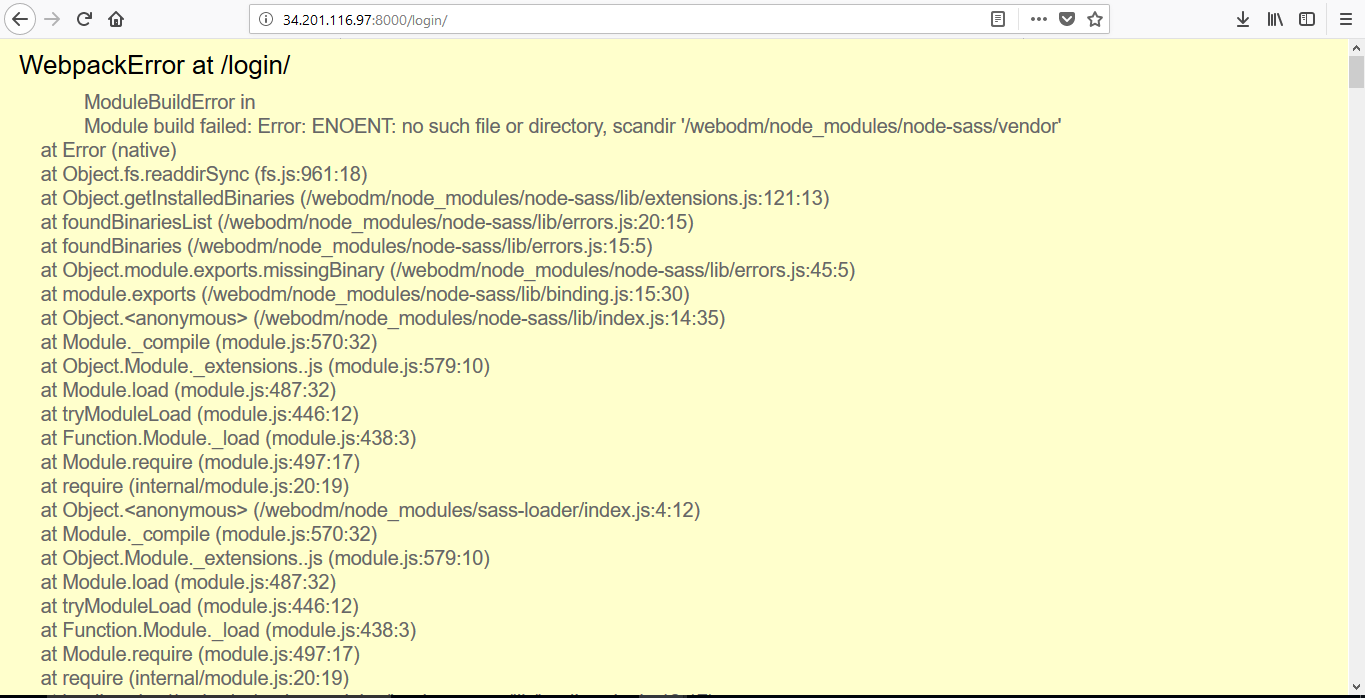
I also did run ./webodm.sh start on t2.large instance everything runs fine.
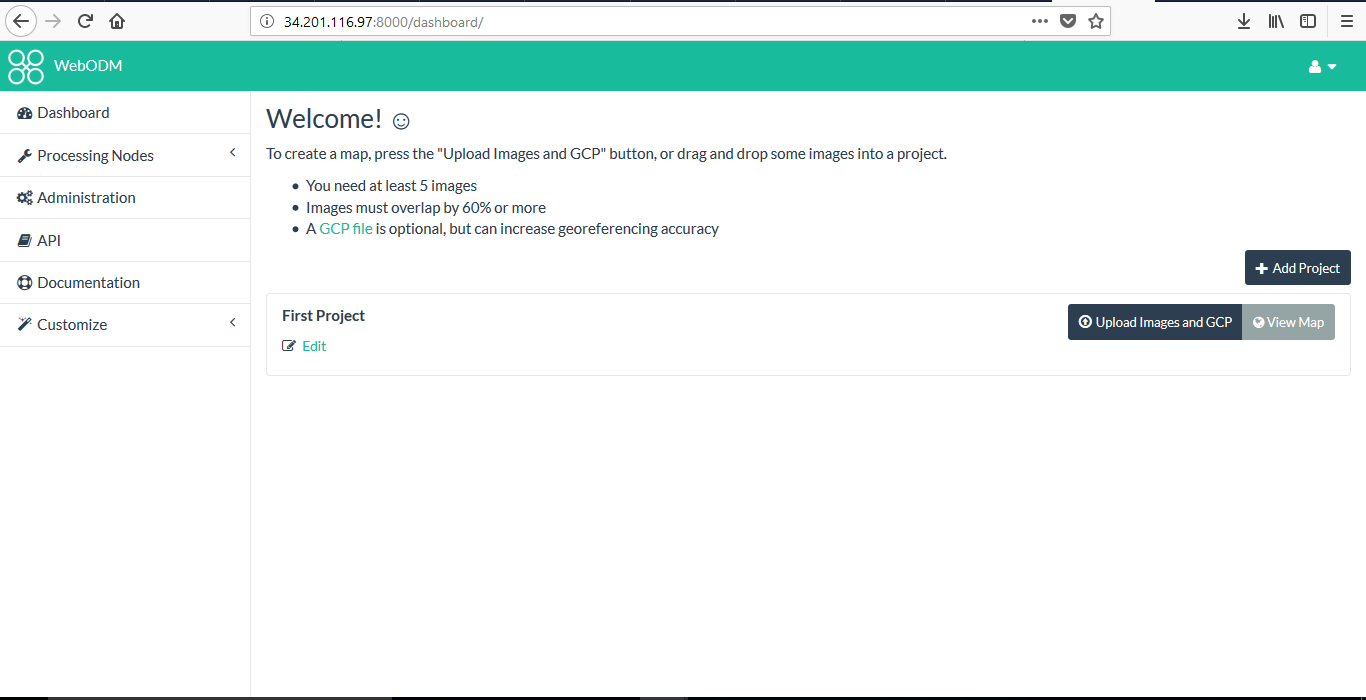
Pratyush1991
on 2 Dec 2017
There's no build step involved when running WebODM normally, so I would expect memory usage to be lower then.
That error happens because you probably started from a non-clean clone? Make a clean clone, then try again.
pierotofy
on 2 Dec 2017
Thanks a lot its working now. The problem was with RAM and non-clean clone.
And Is it ok if I use ctrl+z to move back to dir to make some changes. Because I am not sure how to run the script in background as once I run ./devenv.sh I'm stuck inside inside it.
Pratyush1991
on 2 Dec 2017
No CTRL+Z will probably pause the process. Use screen:
# screen
<press enter>
# ./webodm.sh start
<press CTRL+A followed by CTRL+D> to detach
Thanks a lot again.
Pratyush1991
on 2 Dec 2017
Related issues
 iqnaul
·
5Comments
iqnaul
·
5Comments
 keum
·
3Comments
keum
·
3Comments
 cwitting
·
3Comments
cwitting
·
3Comments
 uresplatform
·
3Comments
uresplatform
·
3Comments
 tobi-kellner
·
6Comments
tobi-kellner
·
6Comments
Most helpful comment
There's no build step involved when running WebODM normally, so I would expect memory usage to be lower then.
That error happens because you probably started from a non-clean clone? Make a clean clone, then try again.