Web: Matching - Keyword not updated on Users Profile and Directory
Describe the bug
I've updated my skills keywords on Manage Settings > Matching, but it's not updated on Users Directory
To Reproduce
- Go to Manage Settings > Matching and update keyword (e.g. 'design')
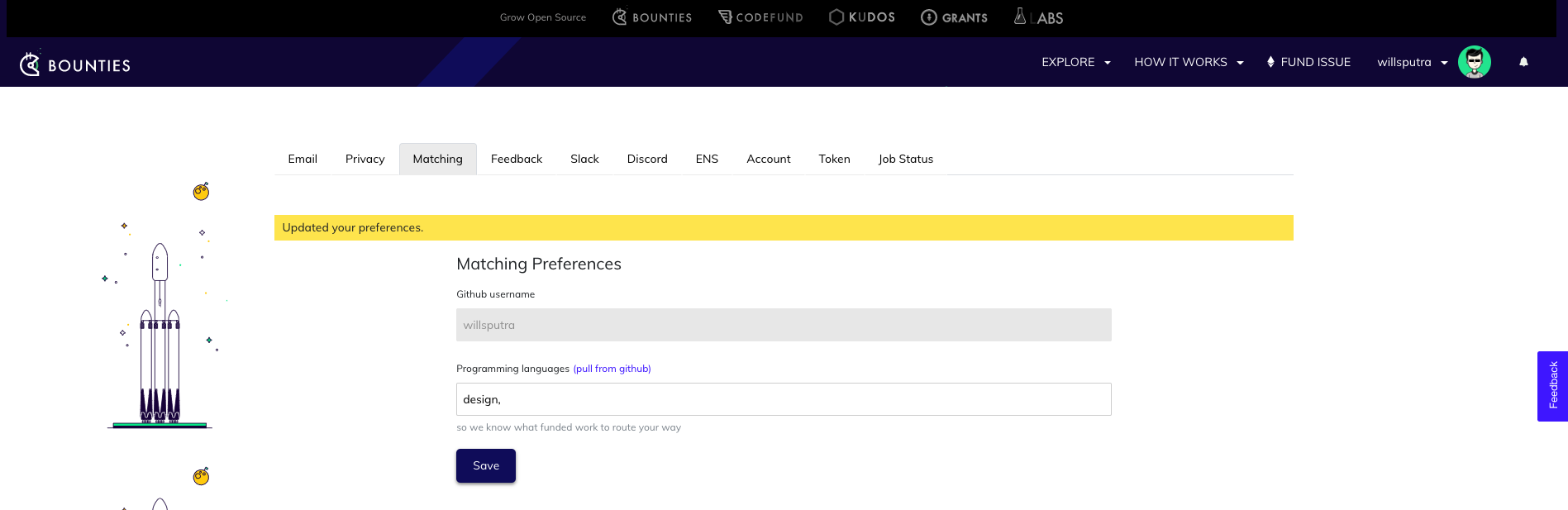
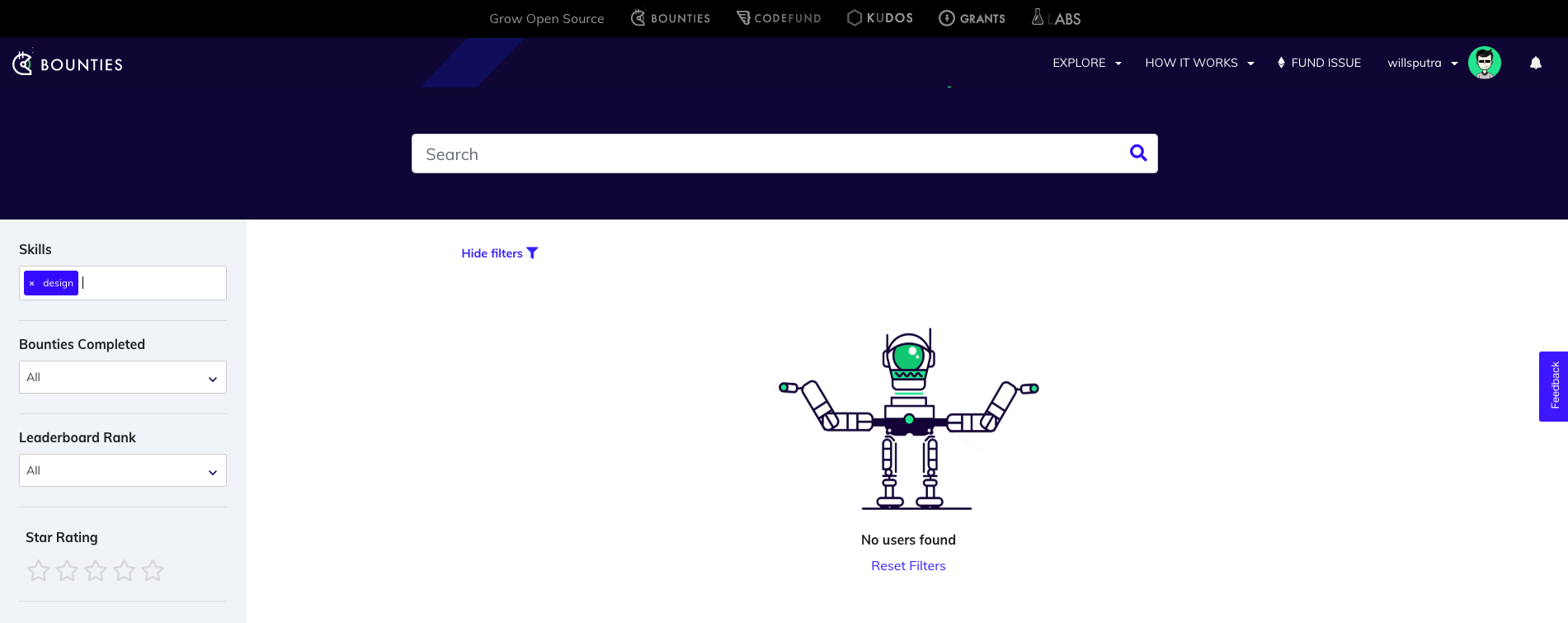
Search for the keyword on Users Directory(e.g. 'design'). Not found.
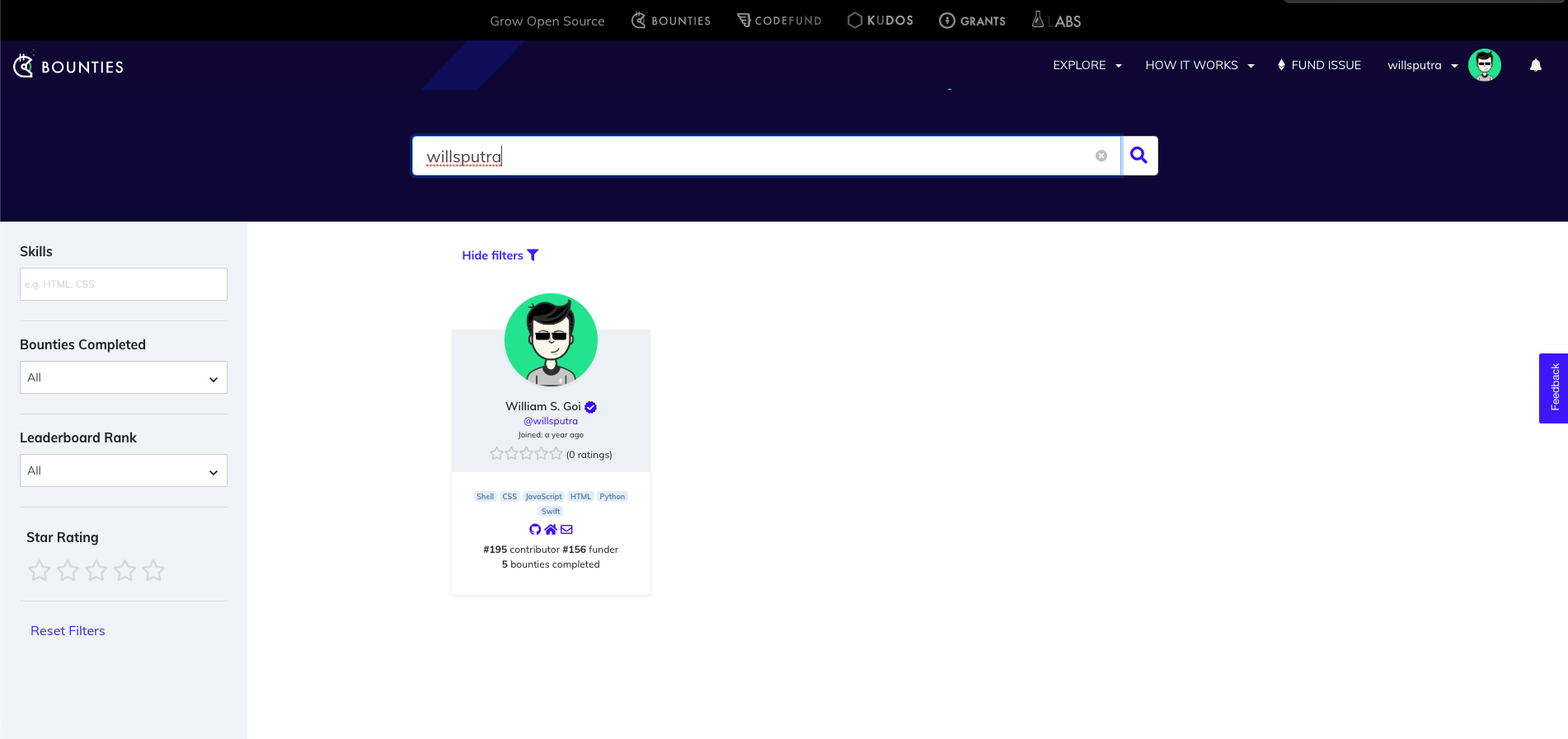
If I search for my username, it still displays old keywords (e.g. 'Shell', 'CSS', etc.)
(octavio edit)
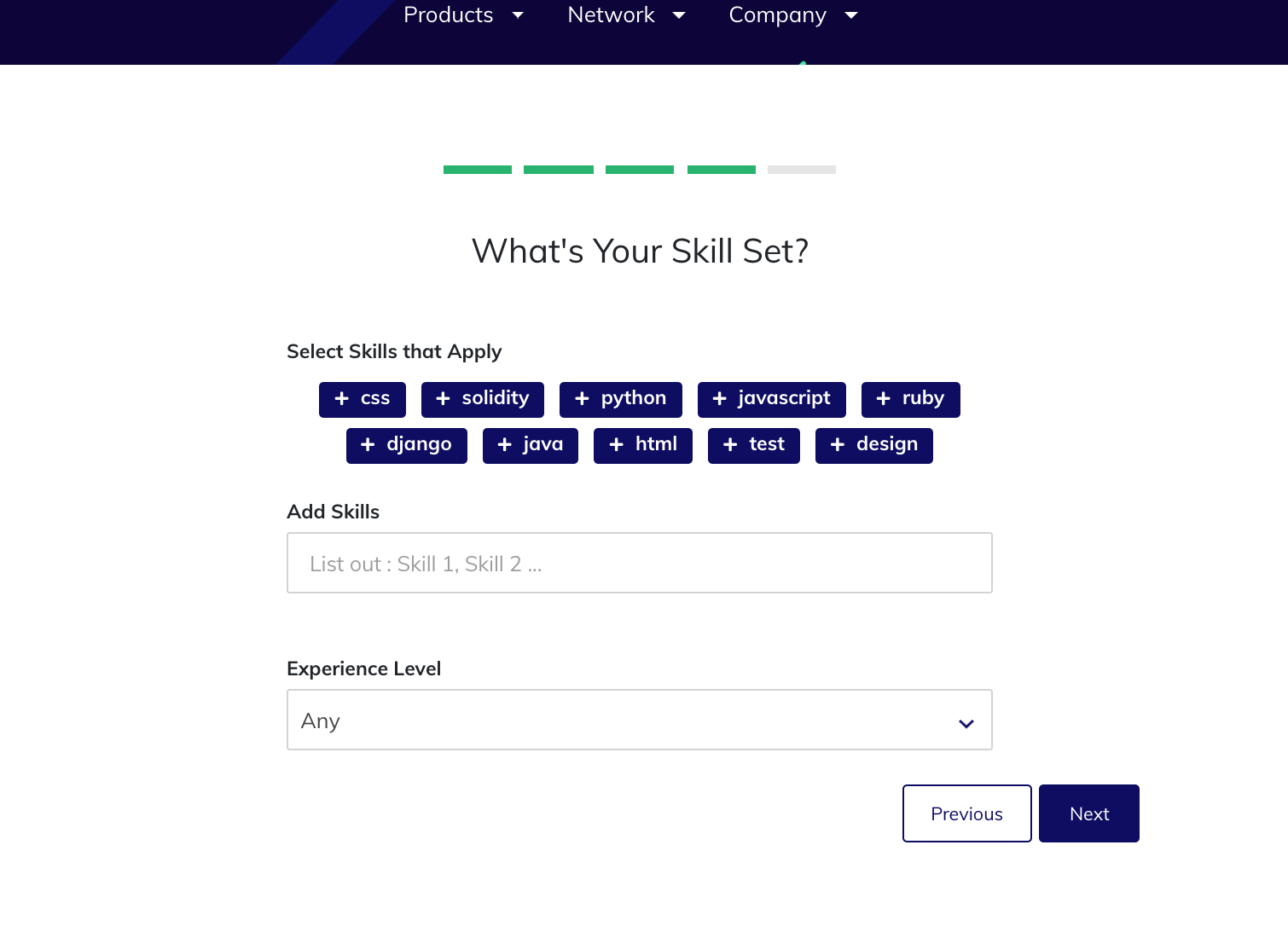
Also onboard keywords seems not saved anywhere
Expected behavior
Keywords should be updated on Users Directory.
 willsputra
All 7 comments
It seems like they use different ways to show, that is, you use this way to change keywords, but the code does not use that to show, it uses another way, so no matter what you change, it will not display.
 Skyge
on 18 May 2019
Skyge
on 18 May 2019
Matching SEttings updates the EmailSubscriber object not the Profile object. It should probably update both, and we should perhaps have some other way of making sure that those two objects keywrods are kept in sync.
 owocki
on 20 May 2019
owocki
on 20 May 2019
@owocki Is it necessary to keep both same fields at the same time? Since they represent the same meaning, why not just keep one? If keeping one, which one? Profile or EmailSubscriber? Maybe Profile is better.
Skyge
on 23 May 2019
not every emailsubscriber has a profile, but other than that.. thats a valid fix path too IMHO
owocki
on 23 May 2019
just submitted a PR to fix this ^^
owocki
on 23 May 2019
settings matches automatic email - when changes are made, it's not reflected in the user directory.
Need to unify everything and fix filters in user directory.
 PixelantDesign
on 20 Aug 2019
PixelantDesign
on 20 Aug 2019
Also this is not working, this skills are not saved
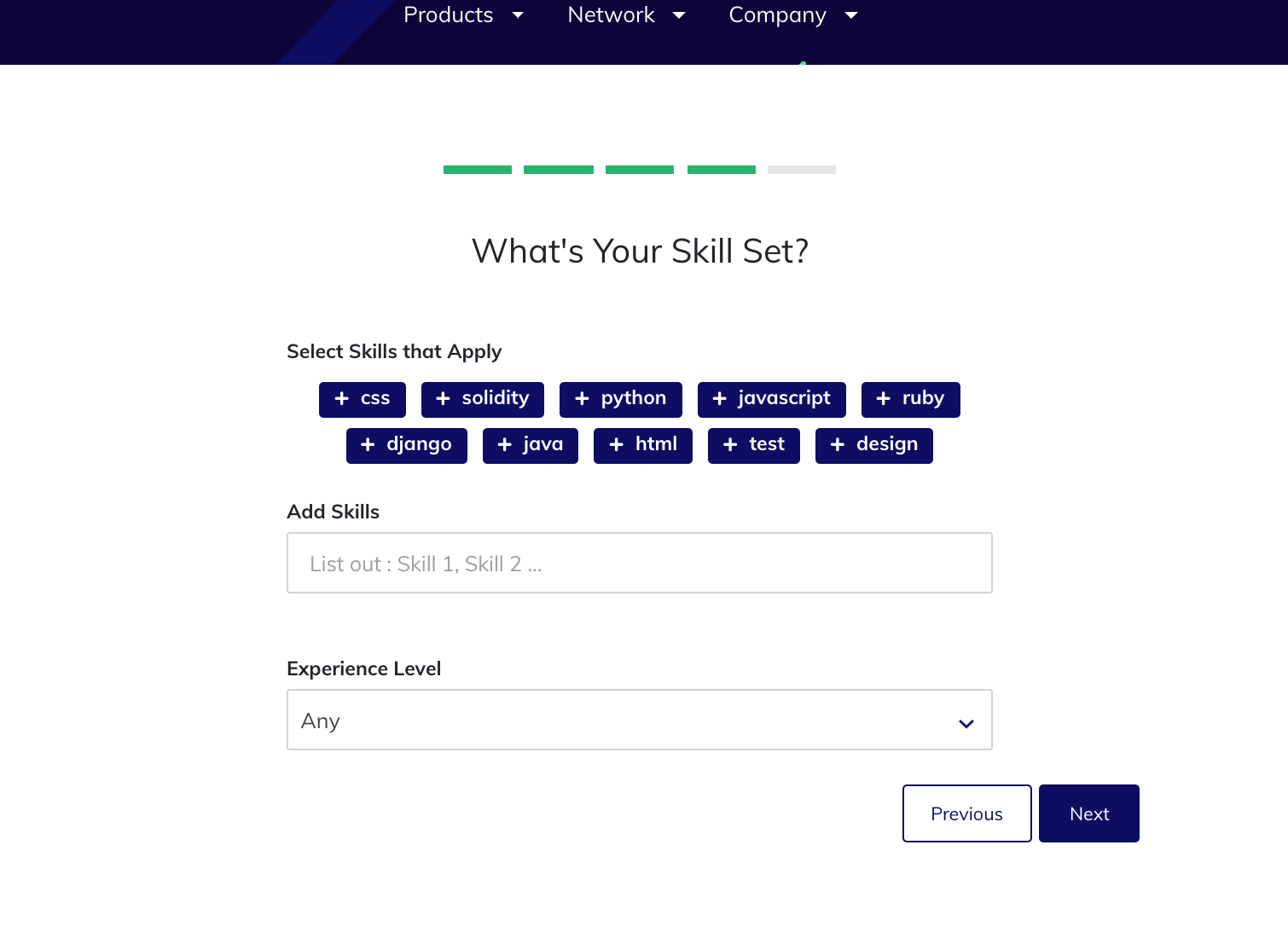
 octavioamu
on 23 Aug 2019
octavioamu
on 23 Aug 2019
Related issues
 christianbundy
·
3Comments
christianbundy
·
3Comments
 IgorPerikov
·
3Comments
Skyge
·
3Comments
IgorPerikov
·
3Comments
Skyge
·
3Comments
 kziemianek
·
3Comments
kziemianek
·
3Comments
 NukeManDan
·
3Comments
NukeManDan
·
3Comments
Most helpful comment
Matching SEttings updates the
EmailSubscriberobject not theProfileobject. It should probably update both, and we should perhaps have some other way of making sure that those two objects keywrods are kept in sync.