Web-bugs: www.google.com - design is broken
URL: https://www.google.com/chrome/
Browser / Version: Firefox 63.0
Operating System: Windows 10
Tested Another Browser: Yes
Problem type: Design is broken
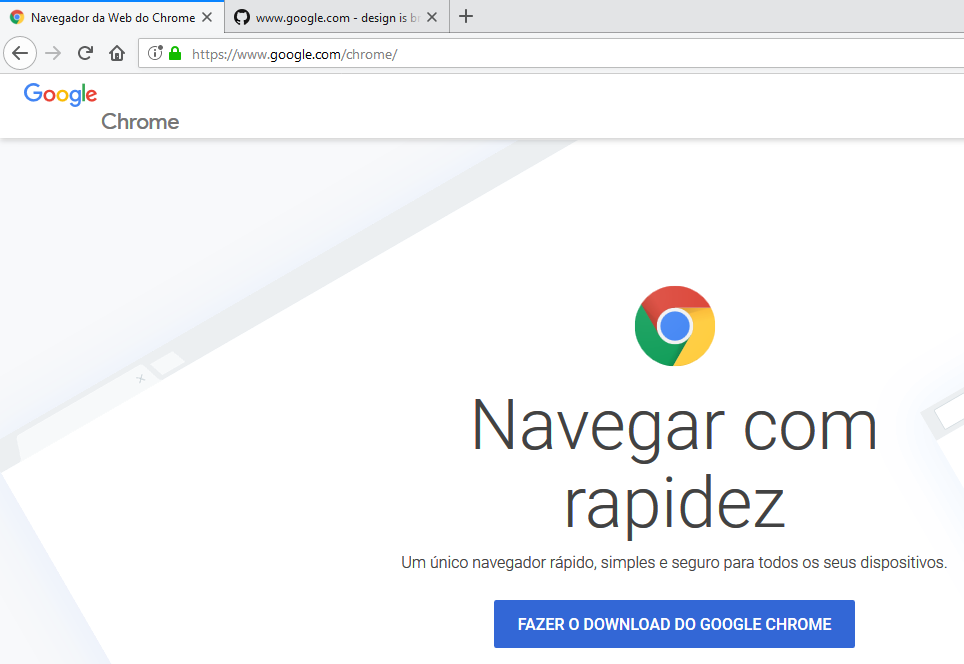
Description: Title "Google Chrome" is poorly drawn on left top corner. Using Google Chrome, for example, the title has one single line.
Steps to Reproduce:
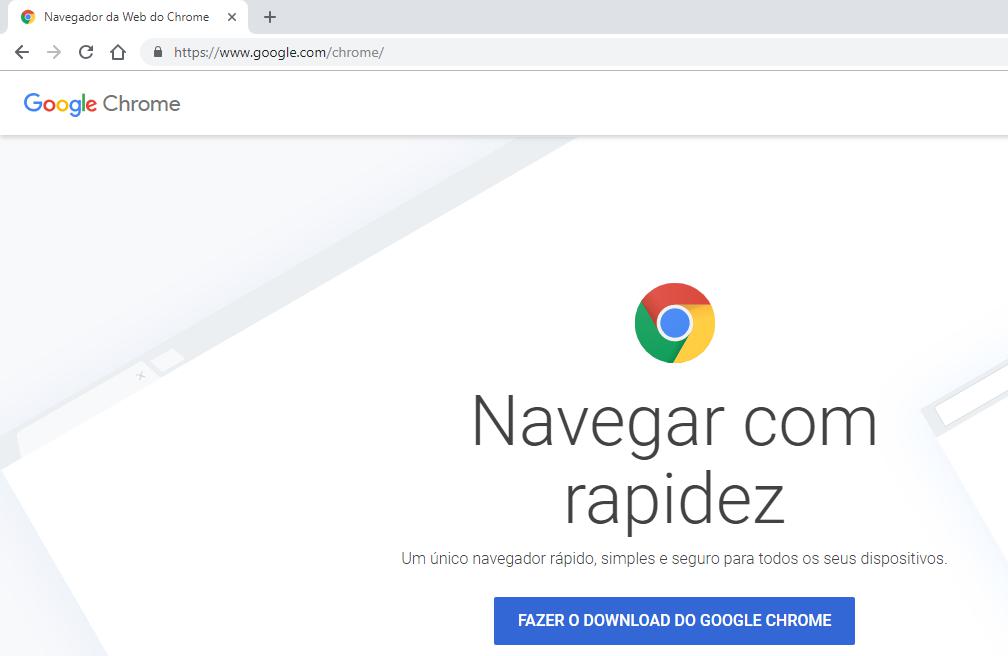
Browser Configuration
- mixed active content blocked: false
- buildID: 20180924202103
- tracking content blocked: false
- gfx.webrender.blob-images: true
- gfx.webrender.all: false
- mixed passive content blocked: false
- gfx.webrender.enabled: false
- image.mem.shared: true
- channel: beta
_From webcompat.com with ❤️_
 gsctt
gsctt
All 14 comments
On Firefox screenshot.
gsctt
on 26 Sep 2018
Thanks for the report @gsctt! I wonder if this is a regional issue as I'm not seeing the same thing.
 adamopenweb
on 26 Sep 2018
adamopenweb
on 26 Sep 2018
I'm not able to reproduce with my VPN pointing to Brazil.
@miketaylr does Google use a combination of language + region?
I know when I'm in Europe I get the local version of the page.
adamopenweb
on 26 Sep 2018
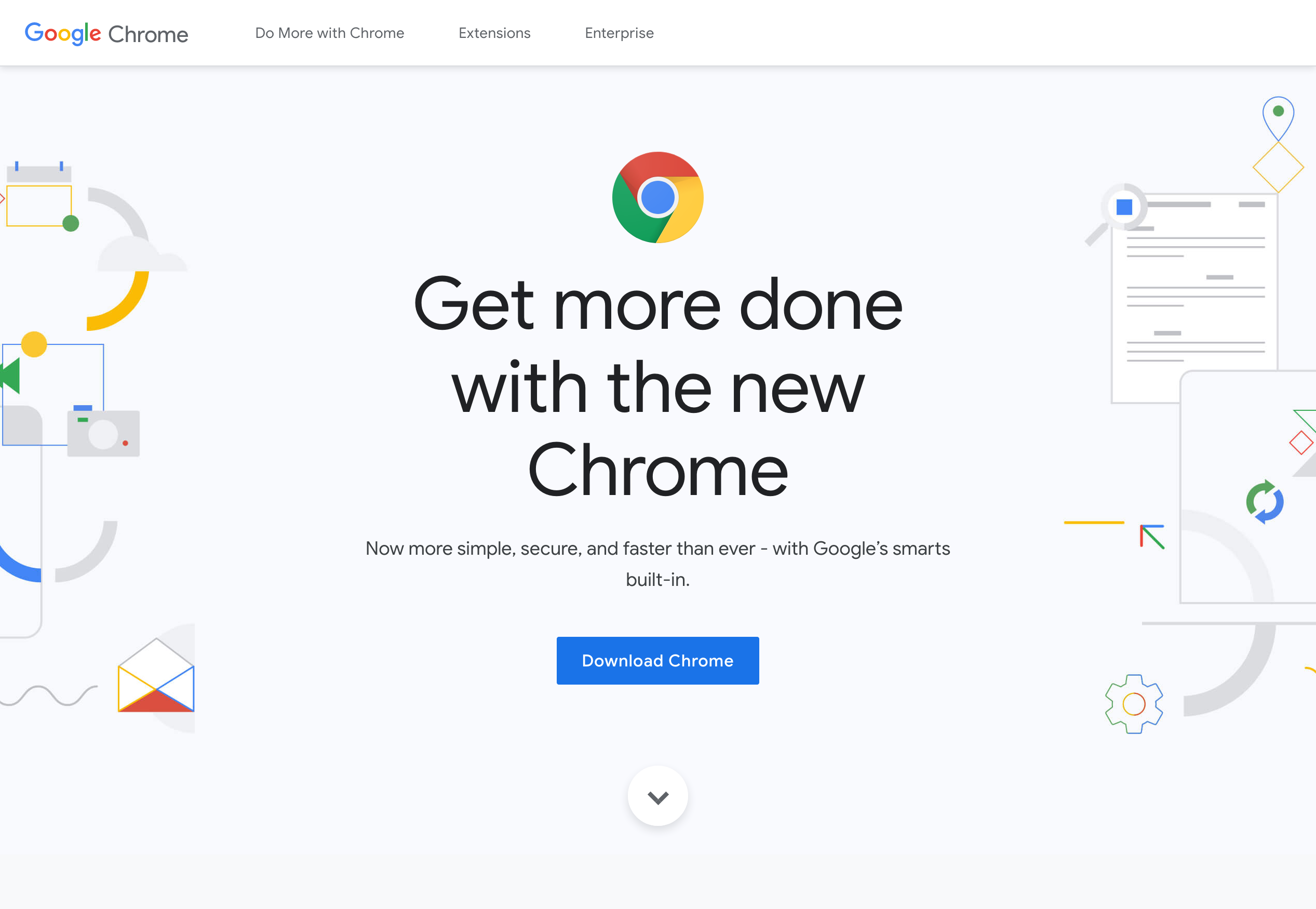
@adamopenweb You're correct. There's a different version for Brazil.
See the difference here:
https://www.google.com/intl/pt-BR/chrome/
https://www.google.com/intl/en/chrome/
gsctt
on 26 Sep 2018
Interesting... @karlcow found some funky alignment on a google page not long ago...
 miketaylr
on 26 Sep 2018
miketaylr
on 26 Sep 2018
I faced the same bug on other language versions:
https://www.google.com/intl/es/chrome/
https://www.google.com/intl/ar/chrome/
https://www.google.com/intl/it/chrome/
https://www.google.com/intl/de/chrome/
...
etc
gsctt
on 26 Sep 2018
Thanks @gsctt. So I can reproduce the issue in Firefox 62 & 63 for MacOS but not in 64 Nightly for some reason (with fresh profile).
adamopenweb
on 26 Sep 2018
not happening for me on macOS 10.14 (18A391)
- in Firefox 61
- in Firefox Nightly 64.0a1 (2018-09-25) (64-bit)
but happening
- in Firefox 62
- in Firefox 63.0b9 (64-bit)
So we have a regression window and it seems to be fixed in Firefox 64 (maybe). It could be a lot of things in between.
 karlcow
on 27 Sep 2018
karlcow
on 27 Sep 2018
Running a mozregression now.
karlcow
on 27 Sep 2018
First narrowed to mozregression --good 2018-05-24 --bad 2018-05-25 then mozregression is giving me
This is a change done by @emilio and reviewed by @dholbert
There was a couple of crashing builds when doing mozregression.
This seems to address issues with regards to images.
Checking again https://www.google.com/intl/pt-BR/chrome/
<div class="chr-header__container">
  <a href="/intl/pt-BR_ALL/chrome/" class="chr-header__heading" data-g-event="chrome-cta-button" data-g-action="clicked" data-g-label="header-chrome-home">
    <img src="/chrome/static/images/google-logo.svg" alt="" title="Google Chrome" class="chr-header__logo" data-img-fallback="/chrome/static/images/fallback/google-logo.png">
    <span class="chr-header__logo-title">Chrome</span>
  </a>
  <button type="button" class="button chr-download-link js-download show" id="js-download-header" data-g-event="cta" data-g-action="" data-g-label="download-tiffany" style="">Fazer o download do Google Chrome</button>
</div>
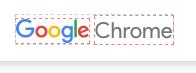
Google is an image and Chrome is a text.
karlcow
on 27 Sep 2018
Just as a reminder, this seems to be fixed in Firefox 64.
Let's see if I can find what fixed it.
karlcow
on 27 Sep 2018
This one is about SVG viewbox.
karlcow
on 27 Sep 2018
<img
    src="/chrome/static/images/google-logo.svg"
    alt="" title="Google Chrome"
    class="chr-header__logo"
    data-img-fallback="/chrome/static/images/fallback/google-logo.png">
The image in the src is indeed an SVG file.
karlcow
on 27 Sep 2018
So I will close it as fixed… I guess. Not sure why it broke, or maybe it was a change in the crashing builds.
karlcow
on 27 Sep 2018
Related issues
 Gravydigger
·
4Comments
Gravydigger
·
4Comments
 IngrownMink4
·
3Comments
IngrownMink4
·
3Comments
 vickychin
·
4Comments
vickychin
·
4Comments
 halwane050
·
5Comments
halwane050
·
5Comments
 tGstep
·
3Comments
tGstep
·
3Comments