Weasyprint: Bad font rendering when exporting to `png` with a resolution of 300ppi
Example with this file: https://gist.github.com/garnieretienne/9eb3cd08cfee552f2de5b8d4085a6d99
Using this font (but I've had the error using my default system font too): https://www.google.com/fonts#UsePlace:use/Collection:Raleway
In HTML browser:

Exporting to pdf: weasyprint test.html test.pdf is OK
Exporting to png with a resolution of 96ppi: weasyprint -r 96 test.html test-96.png is OK

Exporting to png with a resolution of 300ppi: weasyprint -r 300 test.html test-300.png is not OK

 garnieretienne
All 9 comments
This looks like a bug in Pango, which unfortunately is largely outside of our control :/
@liZe, any idea?
 SimonSapin
on 19 Apr 2016
SimonSapin
on 19 Apr 2016
This looks like a bug in Pango
It does. But the good (bad?) news is that I can't reproduce the bug on my system, with or without Raleway.
@garnieretienne you should try the latest versions of Cairo, Pango and HarfBuzz. If it doesn't fix your problem, it may be related to your OS.
If you're using Windows 7, it really looks like wkhtmltopdf/wkhtmltopdf#1527
 liZe
on 19 Apr 2016
liZe
on 19 Apr 2016
If you're using Windows 7
I'm using Ubuntu LTS 14.04 on server and desktop. I just tested on Ubuntu 15.10 but I still have this issue.
try the latest versions of Cairo, Pango and HarfBuzz
I've tried to update weasyprint and its dependencies (using pip install -U weasyprint).
For the version of Caiso, Pango and HarfBuzz, I depend on my package manager.
What I have now:
- Cairo: 1.13.0~20140204-0ubuntu1.1 (https://launchpad.net/ubuntu/+source/cairo)
- Pango: 1.36.3-1ubuntu1.1 (https://launchpad.net/ubuntu/+source/pango1.0)
- HarfBuzz: 0.9.27-1ubuntu1 (https://launchpad.net/ubuntu/+source/harfbuzz)
I suppose I will have to convert first to PDF and used another tool to convert the PDFs to a 300DPI image.
I will try again when Ubuntu 16.04 LTS is released to see if the updated version of these package solve the issue. What I found weird is everything works fine at 96ppi.
garnieretienne
on 19 Apr 2016
I will try again when Ubuntu 16.04 LTS is released to see if the updated version of these package solve the issue.
Good idea. The libraries installed on my system are:
- cairo-1.14.6
- pango-1.38.1
- harfbuzz-1.2.6
What I found weird is everything works fine at 96ppi.
A problem involving fonts is _always_ weird :).
liZe
on 19 Apr 2016
FYI, works good on Ubuntu 16.04 with system version of cairo/pango/harfbuzz.
weasyprint -r 300 test.html test-300.png

garnieretienne
on 21 Apr 2016
Good news!
liZe
on 22 Apr 2016
Still having issues with font rendering, since I'm in Ubuntu 20~ I'd to know which software packages to have in order to not have bad font rendering, see the following examples.
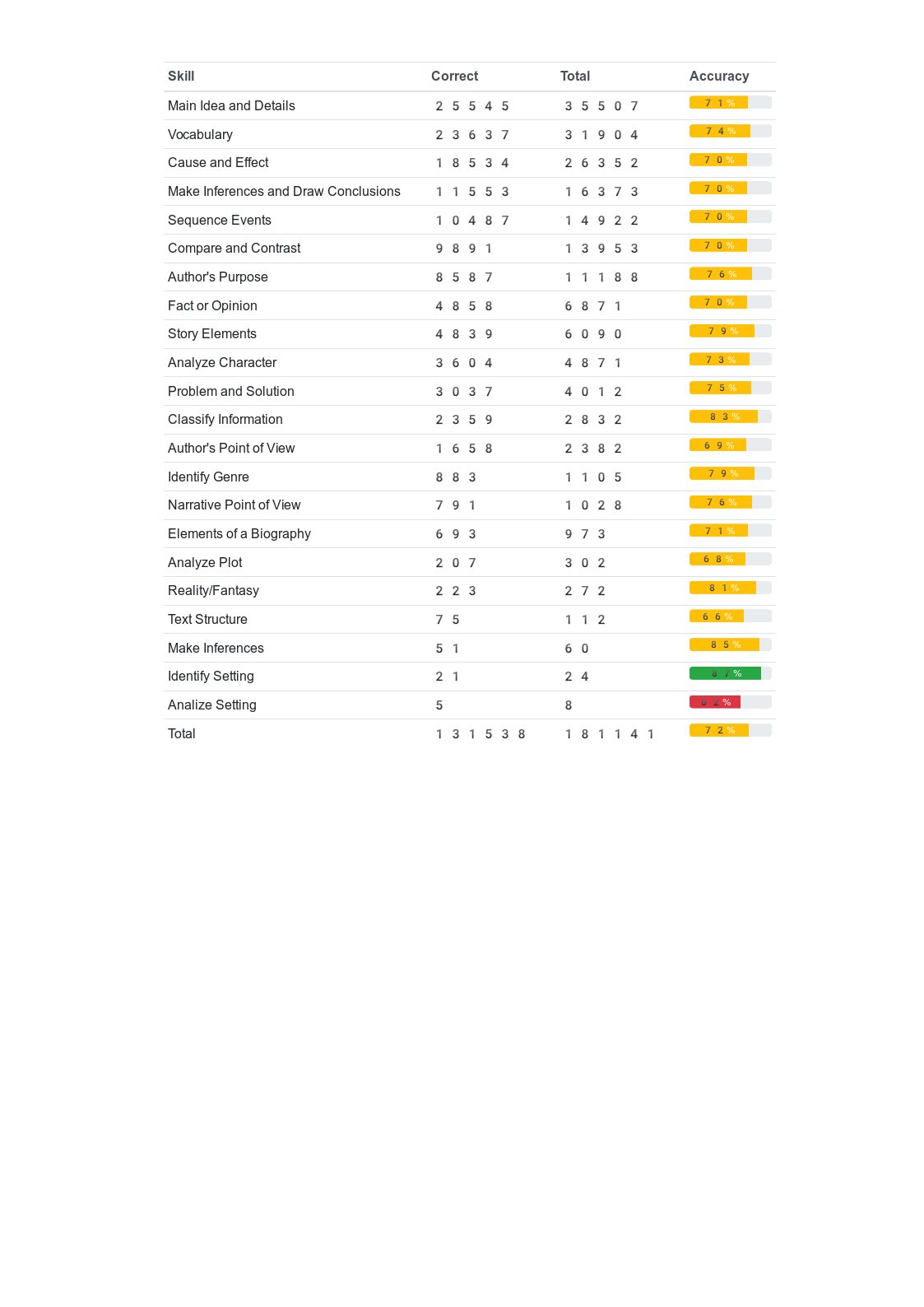
skillstabletest.zip
The .zip has HTML file that was used for rendering the PNG.
 loscil06
on 14 Jul 2020
loscil06
on 14 Jul 2020
Hello!
Still having issues with font rendering, since I'm in Ubuntu 20~ I'd to know which software packages to have in order to not have bad font rendering, see the following examples.
This problem is different: the font used here is an emoji font, these fonts are sometimes used by default on systems where they are installed with no correct FontConfig configuration. Please define a font in your CSS and your problem should be solved.
liZe
on 14 Jul 2020
Hello!
Still having issues with font rendering, since I'm in Ubuntu 20~ I'd to know which software packages to have in order to not have bad font rendering, see the following examples.
This problem is different: the font used here is an emoji font, these fonts are sometimes used by default on systems where they are installed with no correct FontConfig configuration. Please define a font in your CSS and your problem should be solved.
Wow thanks a lot it really worked! I guess that's 3 am brain for me.
loscil06
on 14 Jul 2020
Related issues
SimonSapin
·
4Comments
 jeffgabhart
·
3Comments
jeffgabhart
·
3Comments
 antuaneacion
·
3Comments
antuaneacion
·
3Comments
 ivoronin
·
3Comments
ivoronin
·
3Comments
 Daniyal-Javani
·
3Comments
Daniyal-Javani
·
3Comments
Most helpful comment
Hello!
This problem is different: the font used here is an emoji font, these fonts are sometimes used by default on systems where they are installed with no correct FontConfig configuration. Please define a font in your CSS and your problem should be solved.