Waveboxapp: [Slack] Unread Notifications Never Disappear
- Which version of Wavebox are you using? [e.g. 3.0.0]
3.1.7
- Which Operating System are you using? [e.g. Windows 10, Mac OSX 10, Ubuntu 14.04]
Linux
 rawkode
All 44 comments
If you open the slack window and then try pressing shift+esc a couple of times does this make them disappear? Is it an unread count or an unread indicator (the little dot) that sticks around?
 Thomas101
on 23 May 2017
Thomas101
on 23 May 2017
shift+ESC doesn't help. It's the little dot that won't go away.
I've tried "Resync" and "Reload"
rawkode
on 23 May 2017
Are you able to go to View > Developer Tools and then click on the console tab. Paste the following...
window.waveboxDebug.flags.slackLogUnreadCounts = true
then do a resync. You should get a long log of all the unread info for each channel. One item should look like the following as an example...

The items with an unread_count which isn't 0 are what create the dot indicator. Are there any channels with the non zero unread count which shouldn't be indicating a change?
Thomas101
on 23 May 2017
window.waveboxDebug.flags.slackLogUnreadCounts = true
VM929:1 Uncaught TypeError: Cannot read property 'flags' of undefined
    at <anonymous>:1:20
OK, that's because I right clicked and selected inspect. Using view I get
[SLACK:UNREAD] start 9d169ce1-731d-4aa2-bcc1-80391e113035
mailboxes.js:61 Objecterror: "invalid_auth"ok: false__proto__: Object
(anonymous) @ mailboxes.js:61
It looks like somethings gone wrong with the auth there! I'll need to double check if I'm capturing that.
If you try restarting Wavebox does that fix the issue? Failing that, if you add you slack account again does the newly added one sync correctly?
Thomas101
on 23 May 2017
This is fixed now.
I'm assuming the repeatable steps are:
- Trial expired
- Slack accounts were blocked
- Paid for upgrade
- Slack accounts notification wouldn't disappear, but they did update with chat
rawkode
on 23 May 2017
Having just installed wavebox on a new laptop, I immediately saw this issue. While Thomas101's devtools/resync solution worked, I thought I'd provide my findings on which messages were causing this for me.
I had four channels (across two slacks) with unread_counts > 0. Once I went to each of those channels, the bright red circles cleared.
- 1 channel had a new members notification.
- 1 channel had a single unread thread comment.
- 1 channel had four unread thread comments.
- 1 channel on the second slack with a new member notification.
All of these events occurred prior to installation.
 jeremymarx
on 23 May 2017
jeremymarx
on 23 May 2017
@rawkode thanks for the info, I'll give that flow a try here and see if I get the same behaviour
@scadeg were the channels in question highlighted in bold in the slack UI?
Thomas101
on 25 May 2017
They were not highlighted in bold.
jeremymarx
on 25 May 2017
I have the same issue. I installed yesterday Wavebox on my personal laptop and today on my office laptop (Both MacOs). In both situations I added the same Slack Group, right after adding the red dot appeared on the Slack Group badge. While there were zero unread notifications at that time in slack itself. So the same issue happend on two individual different machines.
MacOs 10.12.5 (Both machines)
Wavebox v 3.1.8
 SegersIan
on 12 Jun 2017
SegersIan
on 12 Jun 2017
I've seen the same issue today on a new install. No unread notifications in the Slack app, but a persistent red dot in Wavebox. I debugged with window.waveboxDebug.flags.slackLogUnreadCounts = true and a resync and saw the same "triggers" as @scadeg.
Now I'm down to a single channel causing the red dot, which is a channel with 4 members and a single file being shared with a comment. After the file was shared the channel was archived, then un-archived, then renamed and then archived again. This all happened within 5 minutes if that might matter. This all happened before installation, and the unread count is not set to 0 even though I've seen all activity.
The unread count is as follows
 {
      "name": "<channel-name>",
      "is_archived": true,
      "is_muted": false,
      "mention_count": 0,
      "unread_count": 1
    }
Wavebox 3.1.8
MacOS 10.12.5
 lassebn
on 12 Jun 2017
lassebn
on 12 Jun 2017
Un-archiving the channel, reading it and then archiving the channel again helps.
lassebn
on 12 Jun 2017
@SegersIan did the Shift+ESC trick work for you?
@lassebn perfect I'll give that a try!
Thomas101
on 12 Jun 2017
@Thomas101 The shortcut doesn't seem to do anything, I also tried Resynch and Reload.
SegersIan
on 12 Jun 2017
I was having this same issue. Turned out to be around Slack threads... I had read the notification in the "All Threads" bucket at the top. However, I hadn't read the message in the channel it was originally written in.
Hope this helps with debugging or with someone's issues! @Thomas101
 worbunkel
on 12 Jun 2017
worbunkel
on 12 Jun 2017
It seems that new messages in threads that I'm not following will trigger the red dot as well. It can be hard to track down the unread messages, as Slack don't provide a nice way to see these messages, if you're not following the thread already.
lassebn
on 13 Jun 2017
@worbunkel I went through the All Threads tried to click everywhere so slack would mark it as 'Done', but didn't work for me.
@Thomas101
BTW: I noticed that the red dot shows an actual correct value when I do have a notification. Someone messages me, I get the value 1 in that dot. But when I read that notification, it resets again to a dot.
I don't get btw how I can run window.waveboxDebug.flags.slackLogUnreadCounts = true in the console after doing RIGHT CLICK + INSPECT. I just get the following error:
VM664:1 Uncaught TypeError: Cannot read property 'flags' of undefined
    at <anonymous>:1:20
And I don't understand the solution of @rawkode
OK, that's because I right clicked and selected inspect. Using view I get
Using View? Can anyone elaborate this?
SegersIan
on 13 Jun 2017
@SegersIan If you're on macOS and have wavebox open you should see a view tab at the very top of your screen. It's the thin grey menu bar that appears when your mouse hovers at the very top. I'm not sure what apple actually calls it.
You can also press option + command + j to open the dev tools.

worbunkel
on 13 Jun 2017
@worbunkel : Got it! Now I managed to make it work. Much appreciated !
@Thomas101
After setting the flag, I discovered that it was caused by not "reading" all threads within a channel. So now I don't have this round pop up anymore. It's exactly like @lassebn said.
SegersIan
on 13 Jun 2017
Hi,
We’ve got a fix together for this which is due to land in the next release. If you want to try it out beforehand I’ve put a early build of Wavebox macOS here. Just a couple of things to bare in mind:
- To install just drag over the previous version of Wavebox.
- When the next version is released this version will update automatically
- If you want to go back to the currently released version of Wavebox, go to the Downloads Page, download and install over the version you’ve updated
Thanks!
Thomas101
on 14 Jun 2017
@Thomas101 💪 !
I just installed the fix, and it looks like it works as I would suspect.
lassebn
on 15 Jun 2017
@Thomas101 I installed it as soon as you mentioned it, and used it most of the day yesterday. I still have to resync every time to make the notification bubble go away. Seems like it should just go away automatically. But thanks for the quick response! 👍
worbunkel
on 15 Jun 2017
@worbunkel do you know if you're behind a corporate proxy server? Do you get popup notifications about when someone DM's you?
Thomas101
on 16 Jun 2017
@Thomas101 No, I'm not behind any kind of proxy server. And yes I do get popup notifications for DM's.
If you want me to test or post screenshots or anything to help debug, I'm more than happy to help.
worbunkel
on 16 Jun 2017
@worbunkel thanks. If you have someone DM you does the count increase? Then if you open that DM does it come down again? It may take a few seconds depending on the delay for slack updating the client.
If you restart Wavebox and then go to View > Developer Tools and click the console tab do you see any errors?
Thomas101
on 19 Jun 2017
@Thomas101 There aren't any errors in the console on restart. I do have 3 different slack channels open. It acts the same in all 3.
And when I get a DM it doesn't increment my notification until I resync. Actually right now when I'm not in the channel, it doesn't appear to even give me a notification at all that I've gotten a DM. Then when I resync it shows the number. Then I can go to the DM and it still shows the number. It doesn't seem to ever go away until I resync.
I'm not sure how clear that was. Essentially my notification bubble doesn't change at all until I resync.
worbunkel
on 19 Jun 2017
@Thomas101 I dropped two of the slack channels. Everything seems to work perfectly with only one open. Unfortunately I need all 3.
worbunkel
on 19 Jun 2017
@worbunkel out of the 3 accounts, if you add say just account number 2 does this work? What I'm trying to figure out is if the problem lies with one of the accounts or the fact that there is more than one account.
I've also put a build here with some additional logging. If you download and open it and get Wavebox back into the not-working state, then go to View>Developer Tools and the console tab again, then paste the following...
waveboxDebug.flags.slackLogWSMessages=true
If you visit a channel and paste a message you should some logs come out as slack reports the changes. If you have someone message you do you get any logs out? You should see something like this....

Thomas101
on 21 Jun 2017
Hi, the fix that was put in to the preview build above has now made out in the latest version of Wavebox. You can get the update by using the Application/File menu and clicking Check for Update or by downloading the latest version from our download page. I'll keep the issue open for now whilst we continue to diagnose the issue that @worbunkel is having. Thanks!
Thomas101
on 22 Jun 2017
Didn't use Wavebox yesterday, so expected it to be crazy today. With the new version, though, it worked as I'd expect Slack to: It showed dots for only those slacks that had new messages, and they disappeared as soon as I'd gone through the unread channels. No updated threads or new members, though, so I'll reserve that part for later.
jeremymarx
on 22 Jun 2017
Hi, I’m going to close this due to inactivity. If you’re still seeing the issue, feel free to re-comment and I’ll take another look. Thanks
Thomas101
on 2 Aug 2017
Sorry @Thomas101, I'm still getting this issue with 3.2.0
rawkode
on 9 Aug 2017
@rawkode do you see the issue appearing after sleeping your laptop/changing network connection or is it always there. The 3.2.1 and 3.2.2 beta versions of Wavebox have some additional fixes for slack notifications. If you want to give these a go there's some instructions on how to switch channel here
Thomas101
on 14 Aug 2017
I have the same issue on 3.10.0
Seems this call URL:https://slack.com/api/users.counts?token=<EDITED>&simple_unreads=true&mpim_aware=true is not working anymore
Request URL:https://slack.com/api/users.counts?token=<EDITED>&simple_unreads=true&mpim_aware=true
Request Method:GET
Status Code:200  (from disk cache)
Remote Address:<EDITED>
Referrer Policy:no-referrer-when-downgrade
accept-ranges:bytes
content-length:27169
content-type:text/html
date:Fri, 05 Jan 2018 20:48:51 GMT
etag:"c32746ad89cda7fc5fda5ebbde75b3cb"
last-modified:Fri, 05 Feb 2016 23:46:05 GMT
server:AmazonS3
status:200
via:1.1 5ea17ec24e220cfd5bc26fea52e3a29c.cloudfront.net (CloudFront)
x-amz-cf-id:<EDITED>
x-amz-id-2:<EDITED>
x-amz-request-id:<EDITED>
x-cache:Error from cloudfront
The response is 200 and always (from disk cache) I cleared all caches to no avail. Even thought the code is 200 the response is a generic HTML Server Error page.
 gilles
on 29 Jan 2018
gilles
on 29 Jan 2018
@gilles it should be working, however there have been a few reports around this over the last few days. Other users have reported that re-adding the account appears to fix the issue. Would you be able to give this a try?
Thomas101
on 1 Feb 2018
@Thomas101 yup, that worked. thanks
gilles
on 2 Feb 2018
re-adding worked for me, too.
not the most convenient way, but well... :-)
 geahaad
on 8 Feb 2018
geahaad
on 8 Feb 2018
Not closed. Fix this crap, pretty please. :) Thank you.
 mcsauder
on 29 Sep 2020
mcsauder
on 29 Sep 2020
mcsauder
on 29 Sep 2020
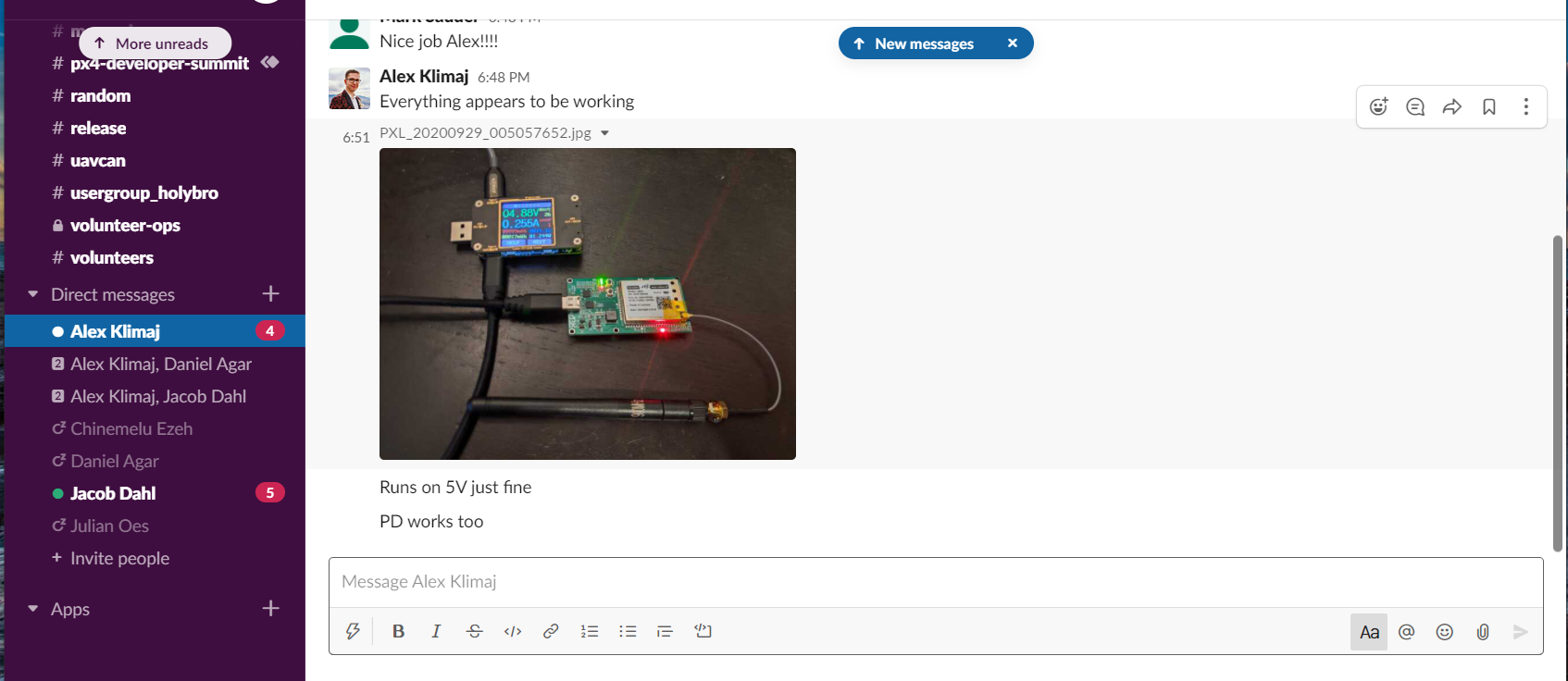
No unending amount of clicking on the "x" will make any of the notifications go away, no refresh, no clicking on the "x", nothing, nada. Isn't everyone experiencing this every day this year?
mcsauder
on 29 Sep 2020
Hey, @mcsauder it would be great to know which version you're using so we can help diagnose the issue. Also, do the badges in the sidebar (i.e. next to Alex and Jacob) ever disappear?
Thomas101
on 29 Sep 2020
Hi @Thomas101 , thanks. The issue is not always the same, but crops up the most in Windows using the Chrome browser:

I see this in Linux using Firefox weekly as well. Reloading the page, closing and restarting the browser, nothing I do seems to have much impact aside from allowing time to pass.
mcsauder
on 23 Oct 2020
I'll start a new issue to quit necro-bumping this one.
1283
mcsauder
on 23 Oct 2020
Related issues
 bashfulrobot
·
4Comments
bashfulrobot
·
4Comments
 yermulnik
·
3Comments
yermulnik
·
3Comments
 lots0logs
·
3Comments
lots0logs
·
3Comments
 MichaelTunnell
·
3Comments
MichaelTunnell
·
3Comments
 Tahini-123
·
4Comments
Tahini-123
·
4Comments
Most helpful comment
If you open the slack window and then try pressing shift+esc a couple of times does this make them disappear? Is it an unread count or an unread indicator (the little dot) that sticks around?