Waterfox: App Name Reverts to Just "Waterfox" in 2019.12
In both Mac Os & Linux the app name reverted to "Waterfox" when in 2019.10 it was "Waterfox-Classic".
 pjpreilly
All 15 comments
In case of me, in 2019.10 it was just Waterfox, now is Waterfox Classic :smile:
 hawkeye116477
on 10 Dec 2019
hawkeye116477
on 10 Dec 2019
Downloaded fresh from waterfox.net/releases
pjpreilly
on 10 Dec 2019
@pjpreilly please, can you let us have screenshots?
- Waterfox Classic 2019.12 on Linux including the About Waterfox window and the task manager
- Waterfox Classic 2019.12 on Mac OS X including the About Waterfox window and the dock.
@pjpreilly @hawkeye116477 which distribution and version of Linux, which desktop environment?
Here: Manjaro Linux (kernel 5.4.2-1-MANJARO), KDE Plasma 5.17.4.
Thanks
 grahamperrin
on 11 Dec 2019
grahamperrin
on 11 Dec 2019
Kernel rather nothing change, more important is source of package and used langpack, cuz on langpack is written if it's Waterfox or Waterfox Classic. Anyway, I have Manjaro KDE and in case of me, on both official and my build it's Waterfox Classic.
hawkeye116477
on 11 Dec 2019
waterfox-classic-bin not the kde version
Manjaro Gnome/Dash to Dock ...
click new File->restart option in Waterfox Classic and
restart opens a new icon on DTD called "Waterfox"
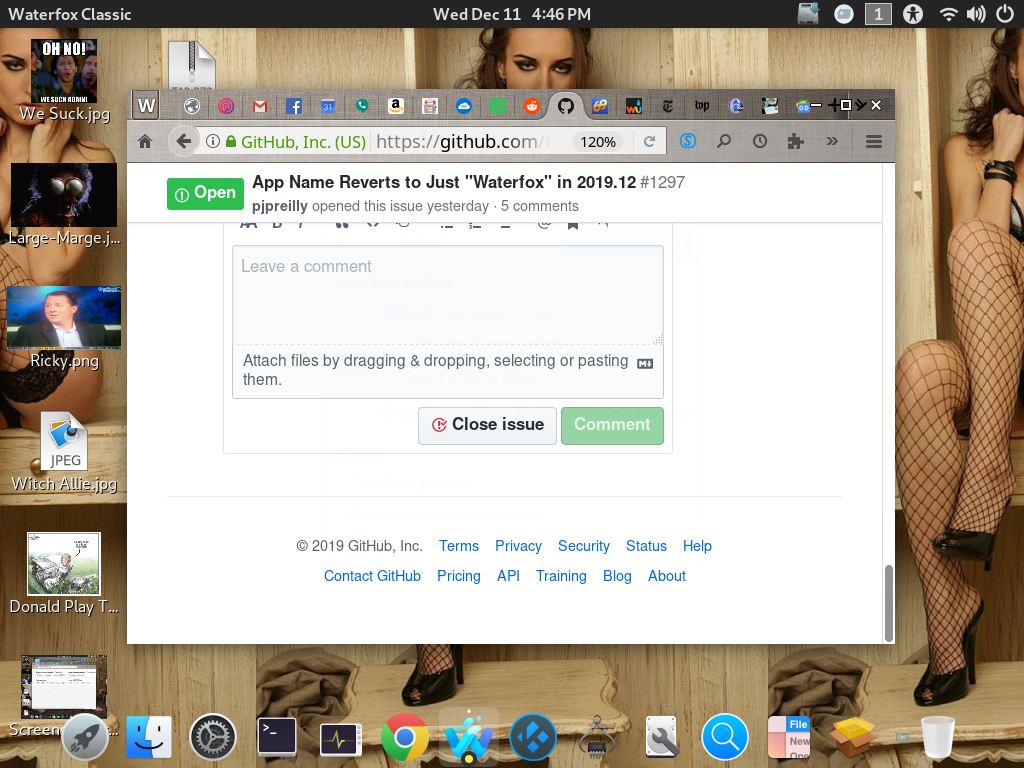
pjpreilly
on 11 Dec 2019
After restart ...
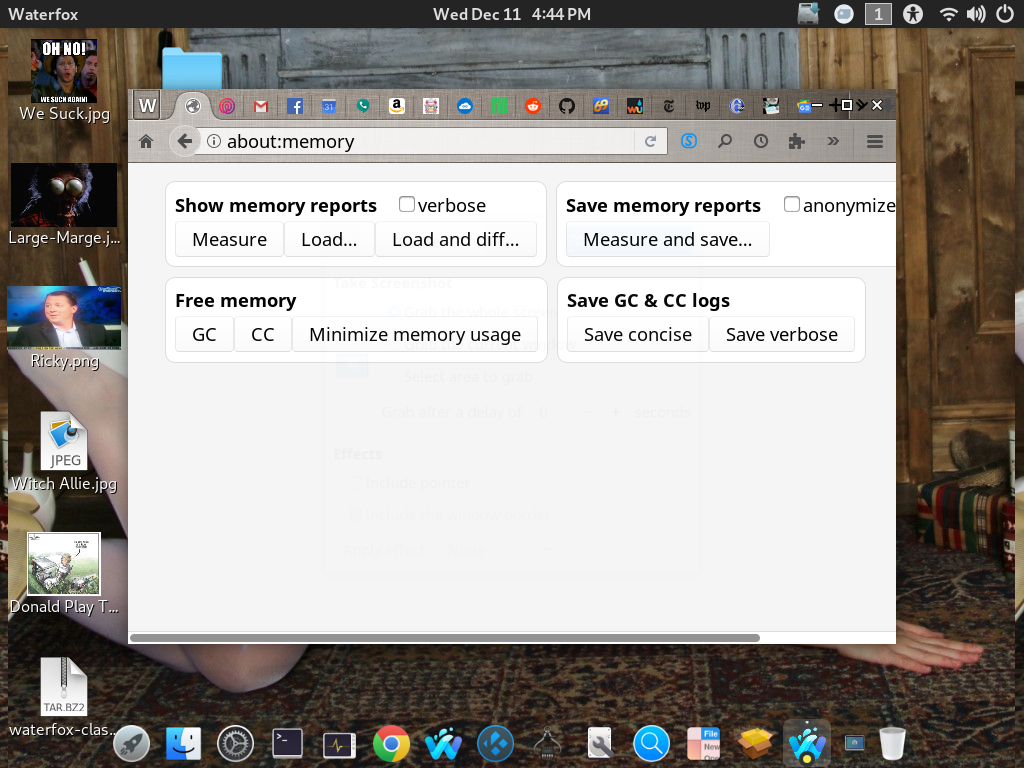
pjpreilly
on 11 Dec 2019
Thanks,
waterfox-classic-bin not the kde version
Manjaro Gnome/Dash to Dock ...
click new File->restart option in Waterfox Classic and
restart opens a new icon on DTD called "Waterfox"
Can you share a screenshot? Or two.
grahamperrin
on 13 Dec 2019
Can you share a screenshot? Or two.
.. of what exactly?
pjpreilly
on 13 Dec 2019
Task manager (or its equivalent).
grahamperrin
on 13 Dec 2019
Manjaro first launch ... Notice Manjaro Gnome Title Bar.
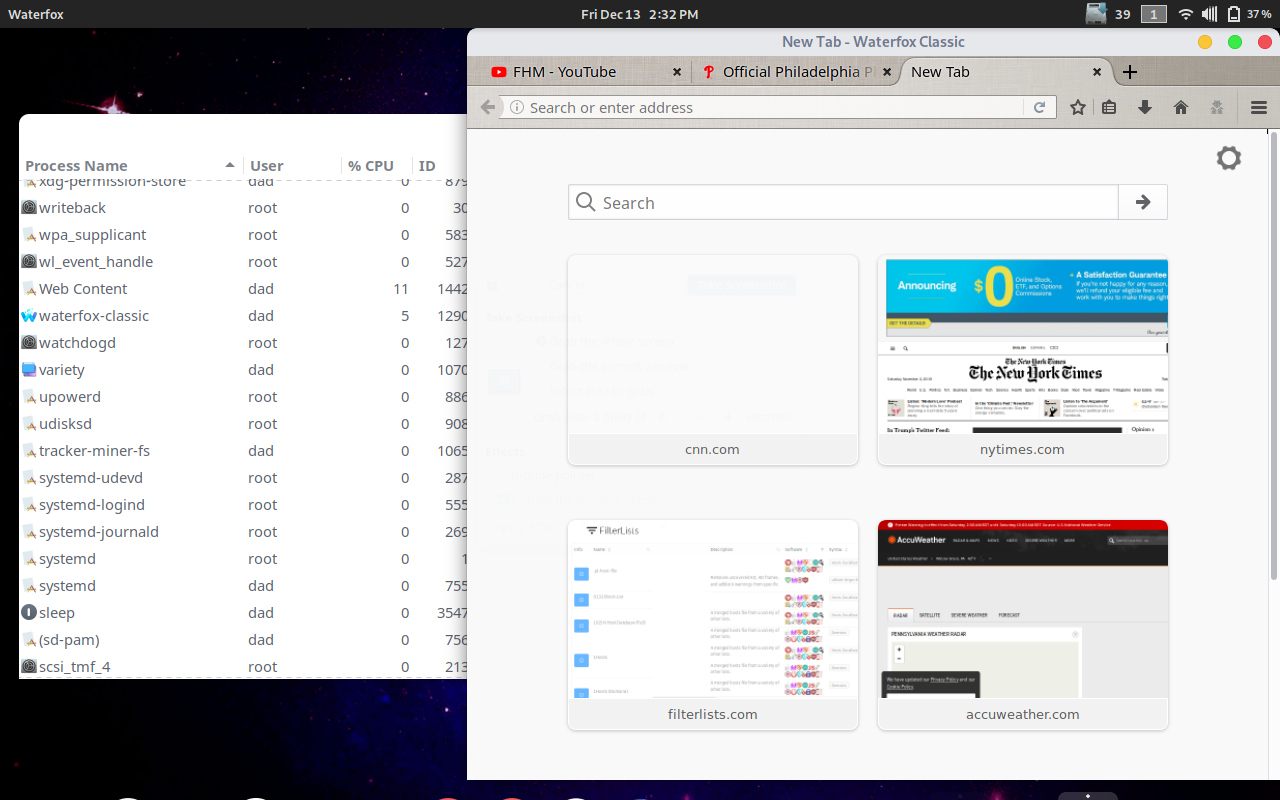
pjpreilly
on 13 Dec 2019
OS X downloaded from waterfox.net....

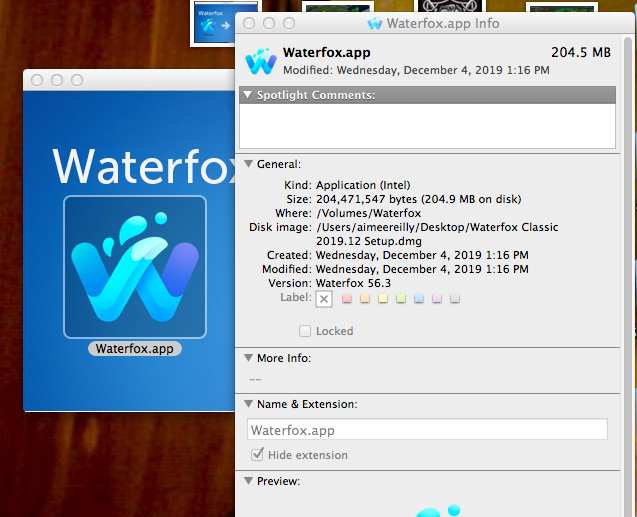
pjpreilly
on 13 Dec 2019
Sorry, I couldn't recall the name of the task manager in GNOME. It's the Dock, can you share a shot of the Dock (with the Waterfox icon)?
Thanks
grahamperrin
on 18 Dec 2019
After restart ...
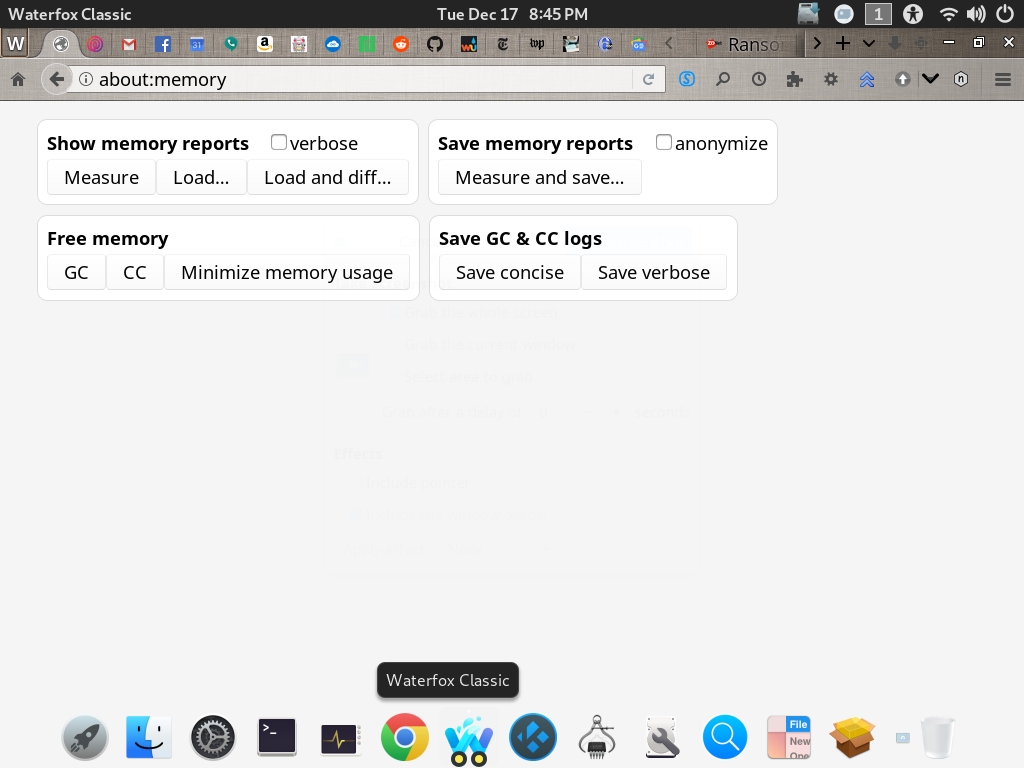
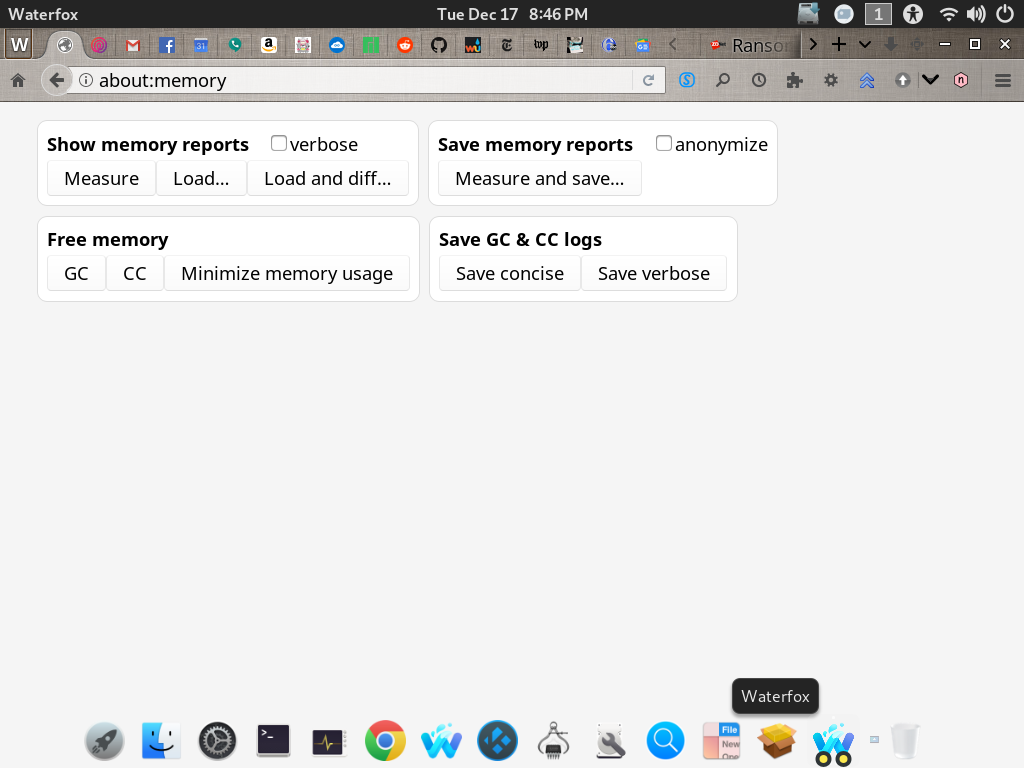
The Dock is pictured here with the two icons (Waterfox Classic is a favorite & pinned in the middle & not active) Waterfox is on the right after restart & active. There aren't named just icons, names appear on pointer hover.
pjpreilly
on 18 Dec 2019
pjpreilly
on 18 Dec 2019
The second pic is after a File->Restart
pjpreilly
on 18 Dec 2019
Related issues
 ghost
·
4Comments
ghost
·
4Comments
 iGlitch
·
3Comments
iGlitch
·
3Comments
 ATRescue
·
3Comments
ATRescue
·
3Comments
 empimp
·
4Comments
grahamperrin
·
4Comments
empimp
·
4Comments
grahamperrin
·
4Comments