Wa-automate-nodejs: Sent messages are showing as user status
Describe the bug
Some messages sent to users are also showing as status.
Steps to Reproduce
Steps to reproduce the behavior:
I am only sending messages.
create() code
A simple sendtext.
        const codenumber = message.from.split('@')[0].substr(0, 3)
        if (codenumber != '593') {
            await globalClient.sendText(message.from, bot.chat('noec'))
        }
Expected behavior
If I am not sending anything to status, not new status should appear. This is happening, not only with one message, others sent messages eventually appears in status.
DEBUG INFO
This is the info printed to the console when you start your app. It should look like this
Debug Info {
  WA_VERSION: 2.2017.6,
  PAGE_UA: WhatsApp/0.4.613 Mozilla/5.0 (Macintosh; Intel Mac OS X 10_15_2) AppleWebKit/537.36 (KHTML, like Gecko) Chrome/79.0.3945.88 Safari/537.36,
  WA_AUTOMATE_VERSION: 1.9.4,
  BROWSER_VERSION: HeadlessChrome/81.0.4044.129
}
Host (please complete the following information):
- Ubuntu 18.04
 dogcalas
All 10 comments
@dogcalas can you use the latest version and provide screenshots please.
Also, provide the code you use to create the client and any other code. This ridiculous issue will need a lot more context.
 smashah
on 3 May 2020
smashah
on 3 May 2020
Maybe is ridiculous, but the only change I made since this is happening, is update open-wa version (as you recomend in readme). How is possible that the messages start appearing in the status, if I don't change my code and the bot is in production for more than one month.
This is partialy how I manage the messages.
const { ev, create } = require('@open-wa/wa-automate');
const { default: PQueue } = require("p-queue");
const queue = new PQueue({
  concurrency: 1,
  autoStart: false
});
let globalClient;


const proc = async message => {
  try {
    if (message.type == "location") {
      await globalClient.sendText(message.from, bot.chat('cotizacion'))
    } else if (message.type == 'chat') {
      bot.handleWit(message, globalClient)
    }
  } catch (err) {
    console.log(err)
  }
  return true;
}

const processMessage = message => queue.add(proc(message));

async function start(client) {
  try {
    globalClient = client;

    client.onStateChanged(state => {
      console.log('statechanged', state)
      if (state === "CONFLICT") client.forceRefocus();
    });

    client.onAck((msg) => () => { })
    await client.onMessage(processMessage);
    queue.start();

  } catch (err) {
    console.log(err)
    process.exit(1)
  }

}

///////////////////////// Create Whatsapp Session in Chrome //////////////////////////
function startSession() {
  create('session',
    {
      // executablePath: 'chromium-browser',
      headless: false,
      executablePath: '/usr/bin/google-chrome',
      // devtools: true,
      qrRefreshS: 30,
      // killTimer: 40,
      autoRefresh: true,
      // useChrome: true,
      throwErrorOnTosBlock: true,
    }
  ).then(client => start(client))
    .catch((err) => {
      console.log("Ha ocurrido un error :: ", err)
      process.exit(1);
    });
}
startSession();
The method bot.handleWit(message, globalClient) process the message and write an answer with sendText or sendFile.
dogcalas
on 3 May 2020
@dogcalas I mean the problem itself is ridiculous not the fact that you made an issue for it. Can you provide a screenshot of the message and then the corresponding status.
smashah
on 3 May 2020
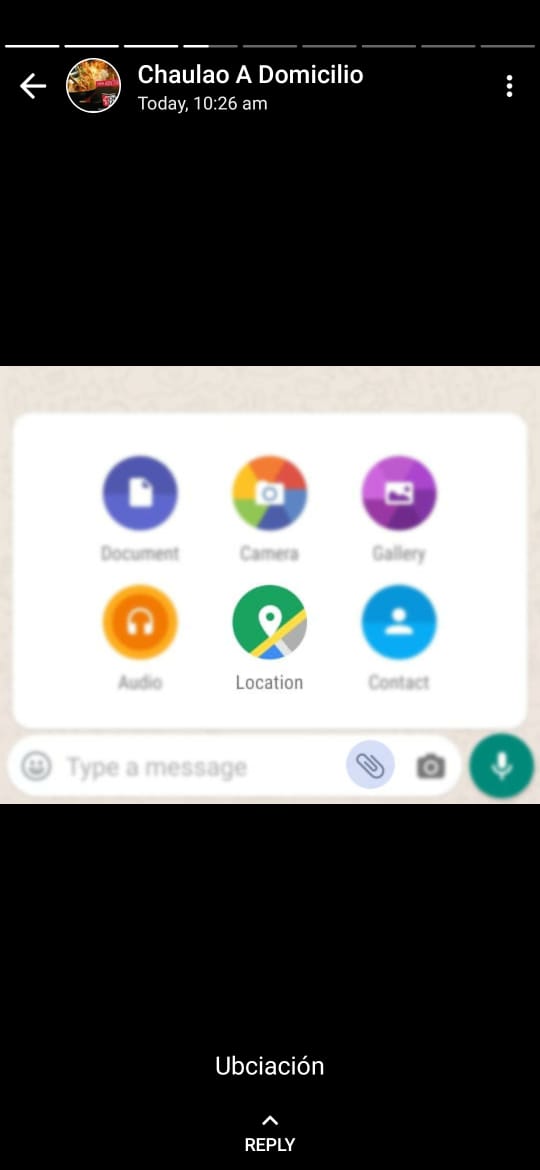
From the Bot contact, I can see 2 status on my phone, that correspond to messages normally sent by the Bot.

Also an image was published.
dogcalas
on 3 May 2020
You'll need to be more clear and specific about who sends what message and which messages trigger this behaviour. Are these screenshots of the bot? Or are they of your phone? Is it all messages or some? Needs more information
smashah
on 3 May 2020
This is happening only in production were a dozen of users write at the same time. The pictures are from my phone, because the whatsapp bot is running in the client's phone, and I don't have access to it right now.
I am really upset with myself, because I cannot give you more information about this behavior. I cannot find the exact condition that make this happen.
The facts are:
- The messages in the bot status, are messages that the bot is intended to send
- Sent pictures by the bot also has appeared in the status
- Problems started after an upgrade to 1.9.x
- The occurrence is very low, today only happened once.
Something curios is that one of the status showed was message that is sent only for other countries users. I asked to the client who is using the phone, but she didn't find any foreign number in the contacts.
dogcalas
on 4 May 2020
@dogcalas, for now, please just use this:
  const codenumber = message.from.split('@')[0].substr(0, 3)
        if (codenumber != '593' && message.from !== 'status@broadcast') {
            await globalClient.sendText(message.from, bot.chat('noec'))
        }
report back if there is more info. closing for now.
smashah
on 4 May 2020
@github-actions run
⚡ Release! ⚡
(async () => {
function exec(cmd) {
  console.log(execSync(cmd).toString());
}

// Config
const gitUserEmail = "github-actions[bot]@users.noreply.github.com";
const gitUserName = "github-actions[bot]";

exec(`echo "//registry.npmjs.org/:_authToken=$NPM_TOKEN" > .npmrc`);
exec(`git config --global user.email "${gitUserEmail}"`);
exec(`git config --global user.name "${gitUserName}"`);
exec(`npm i`);
exec(`npm run release-ci`);

//comment on the issue
var result = execSync(`npx auto-changelog -o ./tempchangelog.txt --commit-limit false --template ./compact-keepachangelog.hbs --stdout`).toString();

    await postComment(result);

//create changelog image
exec(`npm run release-image`);
exec(`git commit -a -m 'updated release-image'`);
exec(`git push --force`);
  })();
Changelog
🚀 Release 1.9.8 (2020-05-04)
smashah
on 4 May 2020
@dogcalas looking further into it. I can confirm that when a contact of the bot (who also has a chat with the bot) makes a new story on their phone, it triggers Store.Msg.on('add',...
This, in turn, triggers onMessage and that is what your bot was replying to. Before sending text and sending files to status@broadcast did not work which is why I put a lot of effort developing that feature, but now it seems now it works as if it's just another chat. v.1.9.8 filters out any story 'messages'.
smashah
on 4 May 2020
Related issues
 alishahlakhani
·
7Comments
alishahlakhani
·
7Comments
 jersonjunior
·
6Comments
jersonjunior
·
6Comments
 mrbarnk
·
5Comments
mrbarnk
·
5Comments
 blackchineykh
·
4Comments
smashah
·
5Comments
blackchineykh
·
4Comments
smashah
·
5Comments