Wa-automate-nodejs: UnhandledPromiseRejectionWarning: TypeError: Cannot read property 'browser' of undefined
Describe the bug
A clear and concise description of what the bug is.
Steps to Reproduce
Steps to reproduce the behavior:
- Go to '...'
- Click on '....'
- Scroll down to '....'
- See error
create() code
This is the code you use to create the client. e.g
sulla.create(...)
Expected behavior
A clear and concise description of what you expected to happen.
DEBUG INFO
This is the info printed to the console when you start your app. It should look like this
Debug Info {
  WA_VERSION: ...,
  PAGE_UA: ...,
  SULLA_HOTFIX_VERSION: ...,
  BROWSER_VERSION: ...
}
Screenshots
If applicable, add screenshots to help explain your problem. Use headless: false to get screenshots
Host (please complete the following information):
- OS: [e.g. iOS]
Additional context
Add any other context about the problem here.
 bubaew95
All 6 comments
The 'browser' error occurs when you configure the 'executablePath' incorrectly, below are some settings to test:
MAC:
executablePath: '/Applications/Google Chrome.app/Contents/MacOS/Google Chrome',
Windows:
executablePath: 'C:\\Program Files (x86)\\Google\\Chrome\\Application\\chrome.exe',
Linux:
executablePath: '/usr/bin/google-chrome-stable',
Example on MAC:
sulla.create('session', {
  executablePath: '/Applications/Google Chrome.app/Contents/MacOS/Google Chrome',
  headless: true,
  autoRefresh: true
}).then(client => start(client));
 barkerpedro
on 6 Mar 2020
barkerpedro
on 6 Mar 2020
@barkerpedro Thank you man)
bubaew95
on 6 Mar 2020
what about centos 7 i am looking it
 xshion13
on 7 Mar 2020
xshion13
on 7 Mar 2020
try locate chromium in terminal
mine is
// For Linux:
  executablePath: '/usr/bin/chromium',
@smashah may be you can add linux path example to readme
 gnadelwartz
on 7 Mar 2020
gnadelwartz
on 7 Mar 2020
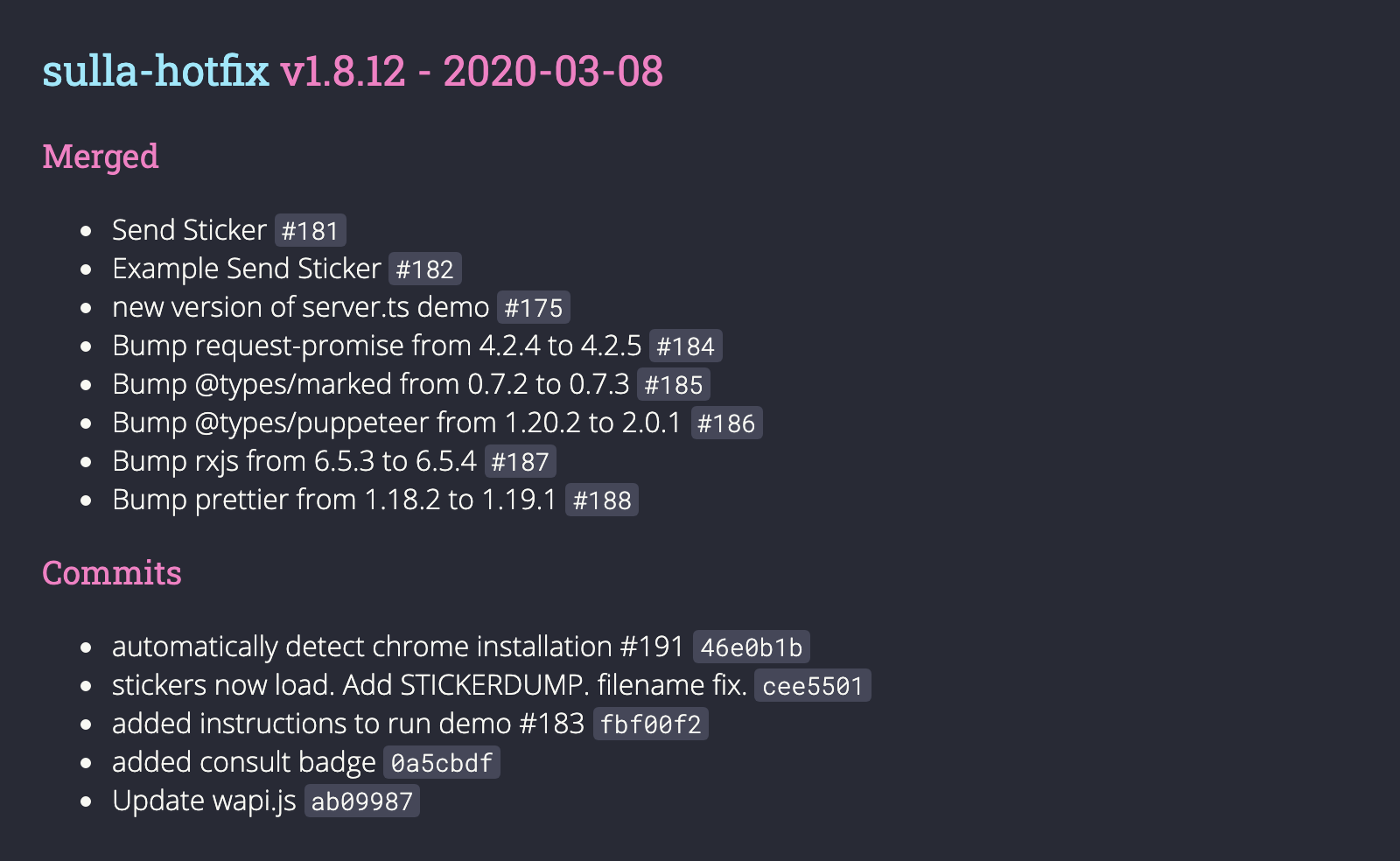
I think I'll implement some auto detector with a configuration flag like useChrome: true or something.
 smashah
on 7 Mar 2020
smashah
on 7 Mar 2020
 smashah
on 8 Mar 2020
smashah
on 8 Mar 2020
Related issues
 arisros
·
4Comments
arisros
·
4Comments
 blackchineykh
·
4Comments
blackchineykh
·
4Comments
 yoavmmn
·
5Comments
yoavmmn
·
5Comments
 feliperaul
·
5Comments
feliperaul
·
5Comments
 jazZcarabazZ
·
5Comments
jazZcarabazZ
·
5Comments
Most helpful comment
The 'browser' error occurs when you configure the 'executablePath' incorrectly, below are some settings to test:
MAC:
Windows:
Linux:
Example on MAC: