Vulkano: `msaa-renderpass.rs` example should clear to blue but instead has a transparent background
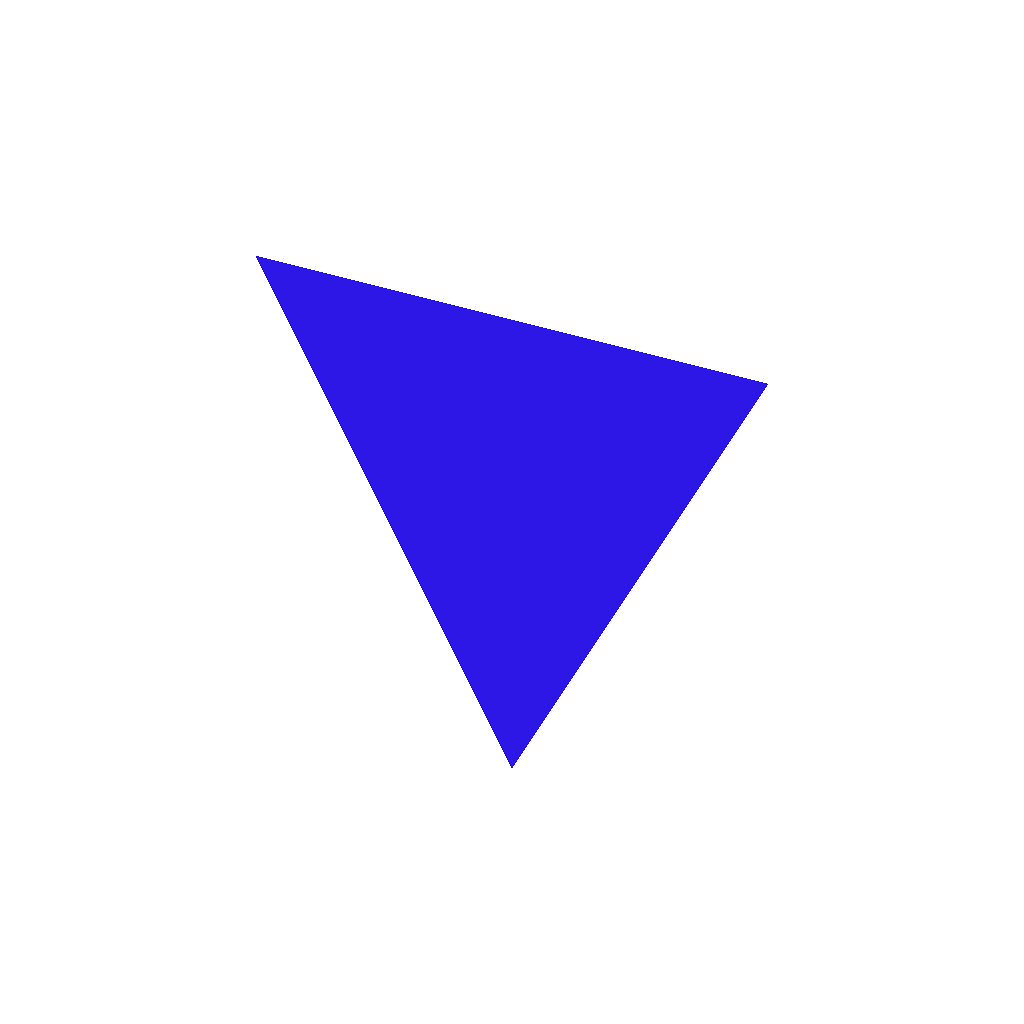
When running the msaa-renderpass.rs example, the resulting image is not cleared with blue as expected. Instead, the resulting .png has a transparent background.
Interestingly, the red triangle seems to have a faint outline where the red has been mixed with blue in the multi-sampling process, almost as if only the areas behind the geometry were cleared blue.
Here is the image that is produced when I run the msaa-renderpass.rs example:

I tried applying the same msaa technique to the triangle.rs example but got the same result.
I should note that clear works fine in the regular triangle.rs example, the problem only seems to arise with this MSAA technique.
cc @rukai
 mitchmindtree
All 13 comments
Here is the output of vulkaninfo in case it helps.
mitchmindtree
on 27 Nov 2018
Thanks for the issue.
I can reproduce this when setting the physical device to Intel(R) HD Graphics 620 (Kaby Lake GT2).
When using AMD RADV ICELAND (LLVM 7.0.0) on the same laptop the issue does not occur.
At this point in time I think its much more likely for this to be a vulkano issue than a driver issue.
 rukai
on 27 Nov 2018
rukai
on 27 Nov 2018
I'm also getting this on mac0s and ubuntu both with Intel(R) HD Graphics 6000 (Broadwell GT3)
 freesig
on 1 Dec 2018
freesig
on 1 Dec 2018
A couple of notes (I'm pretty new to this so it might not be relevant).
If you lower the alpha in the example to 0.1 and enable alpha blending you get this:
And with alpha at 0.1 and without blending you get:

I was wondering if something is causing the background not to be put back
freesig
on 3 Dec 2018
@rukai out of curiosity, do you also run into this issue in your PF_Sandbox project when using your Intel(R) HD Graphics 620 (Kaby Lake GT2)?
I watched the video you have up for PF_Sandbox the other day btw, looks like a lot of fun! I grew up playing smash, can definitely feel the inspiration :)
mitchmindtree
on 3 Dec 2018
Yeah PF Sandbox works fine on Intel(R) HD Graphics 620 (Kaby Lake GT2)
I do have problems with the AMD device though. The characters don't render unless the resolution is really small.
Thanks!
rukai
on 3 Dec 2018
This msaa example from SaschaWillems works on my machine.
freesig
on 4 Dec 2018
@rukai oh right, as in clearing works fine in PF Sandbox? Are you sure that you don't just happen to be clearing to black and are seeing the default swapchain colour or something like that? What if you clear to a different colour?
@freesig ahh nice find, at least we can confirm it must be something in vulkano now. That example will be handy to A/B with.
mitchmindtree
on 4 Dec 2018
@mitchmindtree yeah attempting to change the clear values, does nothing in PF Sandbox on Intel(R) HD Graphics 620 (Kaby Lake GT2) It always clears to black. It also does that same thing where the aliasing uses the color of the clear value.
rukai
on 4 Dec 2018
@rukai OK cool thanks for clarifying.
mitchmindtree
on 4 Dec 2018
Actually I was wrong the bug is present in saschas example aswell. So maybe it is a driver bug?
I'm using the mesa-vulkan-drivers.
freesig
on 4 Dec 2018
Looks like a mesa bug
https://bugs.freedesktop.org/show_bug.cgi?id=107728
freesig
on 4 Dec 2018
Awesome work tracking this down @freesig :+1:
mitchmindtree
on 4 Dec 2018
Related issues
 Vengarioth
·
7Comments
Vengarioth
·
7Comments
 SiebenCorgie
·
11Comments
SiebenCorgie
·
11Comments
 AustinJ235
·
3Comments
AustinJ235
·
3Comments
 the10thWiz
·
4Comments
rukai
·
4Comments
the10thWiz
·
4Comments
rukai
·
4Comments
Most helpful comment
Looks like a mesa bug
https://bugs.freedesktop.org/show_bug.cgi?id=107728