Vuetify: Navigation bar list group should close in mini mode
This is not mini

if keeping list-item open and use mini mode:
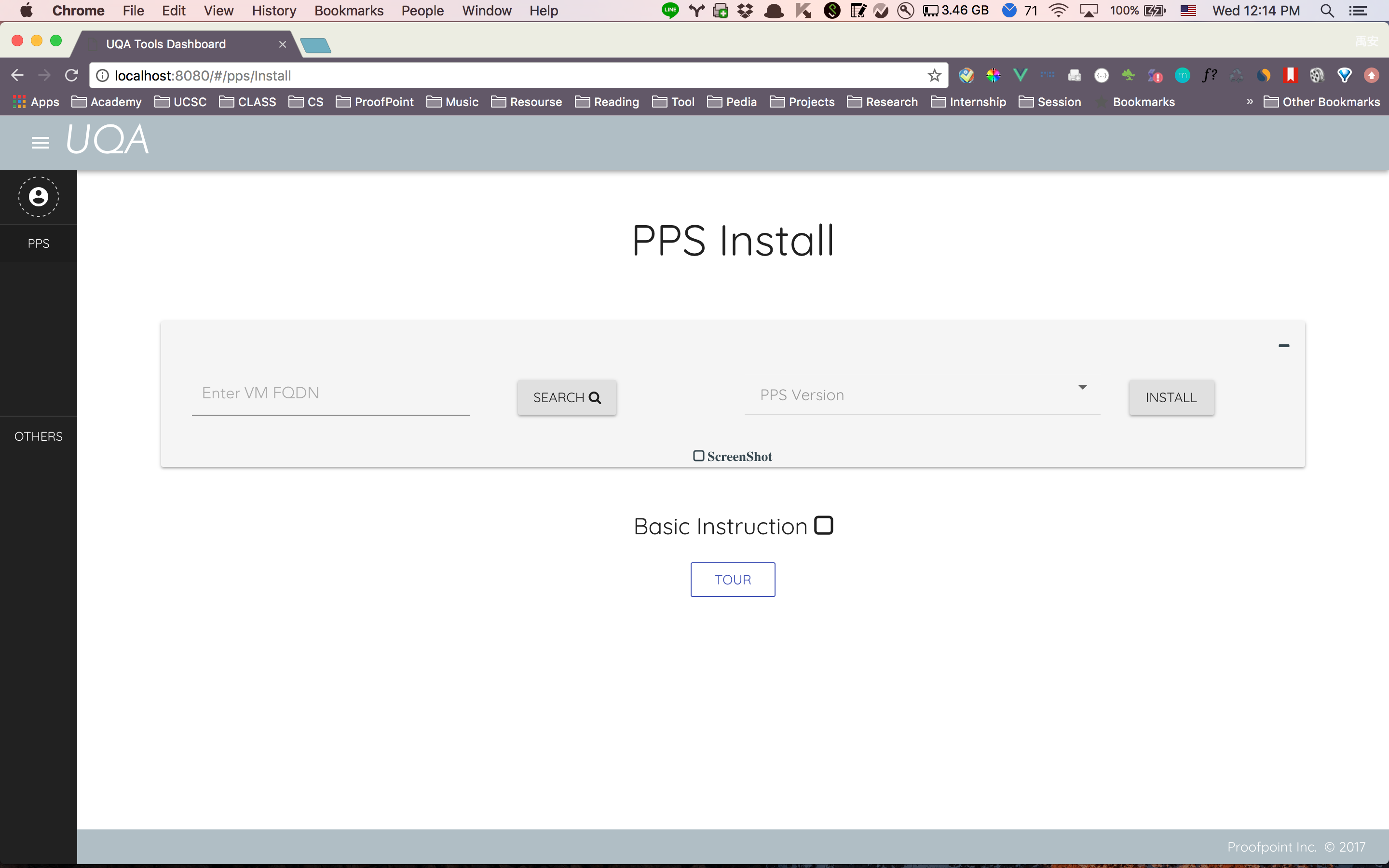
however I think this is expected:

otherwise when use click on ex. PPS on the picture, it will open the navbar with everything close. Plus, it looks ugly to have a big gap between two list item
This issue can be reproduce using the vuetify page as well, so I will not create a codepen or jsfiddle here.
 Ewocker
All 6 comments
Do you think the expected behavior is when mini is changed to true, all list-groups retract?
 johnleider
on 6 Jul 2017
johnleider
on 6 Jul 2017
@johnleider I think we had this discussion before, here might be the right place to gather some ideas. I think nested/grouped list items should be either:
- not visible and only show if the sidebar is full-with again
- nested items are displayed inside a v-menu on mini variant
 dohomi
on 6 Jul 2017
dohomi
on 6 Jul 2017
What about list group items with tile action ?
I was expecting to see my sub menu icons in the mini drawer.
I don't think it is a good idea to force hide the list groups in mini mode. For my use case I need to open all listgroups in mini mode (I'm not sure that this is even possible actually).
IMHO you should leave the decision to the developer and not force it in the CSS. We can still add it ourselves or even do more complicated stuffs with v-show/hide.
 SquareBeard
on 8 Aug 2017
SquareBeard
on 8 Aug 2017
This is broken again in Vuetify 1.0. I am expecting the display of the list__group__items to change from 'block' to 'none' when the mini-variant drawer is closed. Since I can see that some other devs want all list groups to be open in mini mode, maybe this could be left up to the developer with a new prop.
 amyngb
on 13 Feb 2018
amyngb
on 13 Feb 2018
I fixed it by setting the children v-list-tiles in the v-list-group to v-if="!Mini" (only displaying them if the drawer is not in mini mode.)
amyngb
on 13 Feb 2018
![lock[bot] picture](https://avatars1.githubusercontent.com/in/6672?v=4&s=40) lock[bot]
lock[bot]
Related issues
 gluons
·
3Comments
gluons
·
3Comments
 alterhu2020
·
3Comments
alterhu2020
·
3Comments
 efootstep
·
3Comments
efootstep
·
3Comments
 jofftiquez
·
3Comments
jofftiquez
·
3Comments
 aaronjpitts
·
3Comments
aaronjpitts
·
3Comments
Most helpful comment
This is broken again in Vuetify 1.0. I am expecting the display of the list__group__items to change from 'block' to 'none' when the mini-variant drawer is closed. Since I can see that some other devs want all list groups to be open in mini mode, maybe this could be left up to the developer with a new prop.