Version
3.0.2
Reproduction link
https://router.vuejs.org/zh/guide/#javascript
Steps to reproduce
使用 cli 创建项目
"vue": "^2.5.17",
"vue-router": "^3.0.2"
修改 main.js 如下
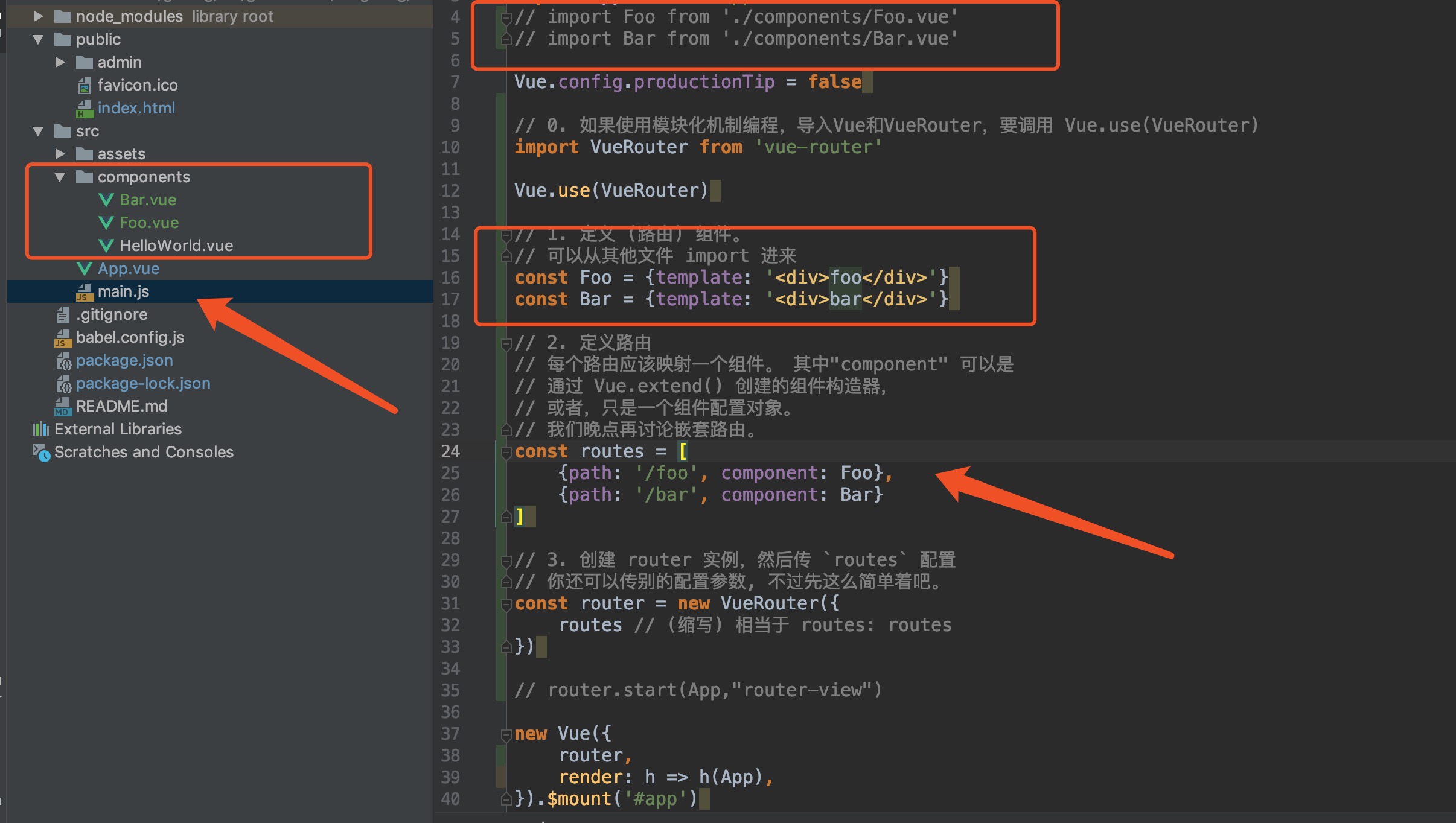
import Vue from 'vue'
// import router from './routes/index.js'
import App from './App.vue'
// import Foo from './components/Foo.vue'
// import Bar from './components/Bar.vue'

Vue.config.productionTip = false

// 0. 如果使用模块化机制编程,导入Vue和VueRouter,要调用 Vue.use(VueRouter)
import VueRouter from 'vue-router'

Vue.use(VueRouter)

// 1. 定义 (路由) 组件。
// 可以从其他文件 import 进来
const Foo = {template: '<div>foo</div>'}
const Bar = {template: '<div>bar</div>'}

// 2. 定义路由
// 每个路由应该映射一个组件。 其中"component" 可以是
// 通过 Vue.extend() 创建的组件构造器,
// 或者,只是一个组件配置对象。
// 我们晚点再讨论嵌套路由。
const routes = [
    {path: '/foo', component: Foo},
    {path: '/bar', component: Bar}
]

// 3. 创建 router 实例,然后传 `routes` 配置
// 你还可以传别的配置参数, 不过先这么简单着吧。
const router = new VueRouter({
    routes // (缩写) 相当于 routes: routes
})

// router.start(App,"router-view")

new Vue({
    router,
    render: h => h(App),
}).$mount('#app')
App.vue 修改如下
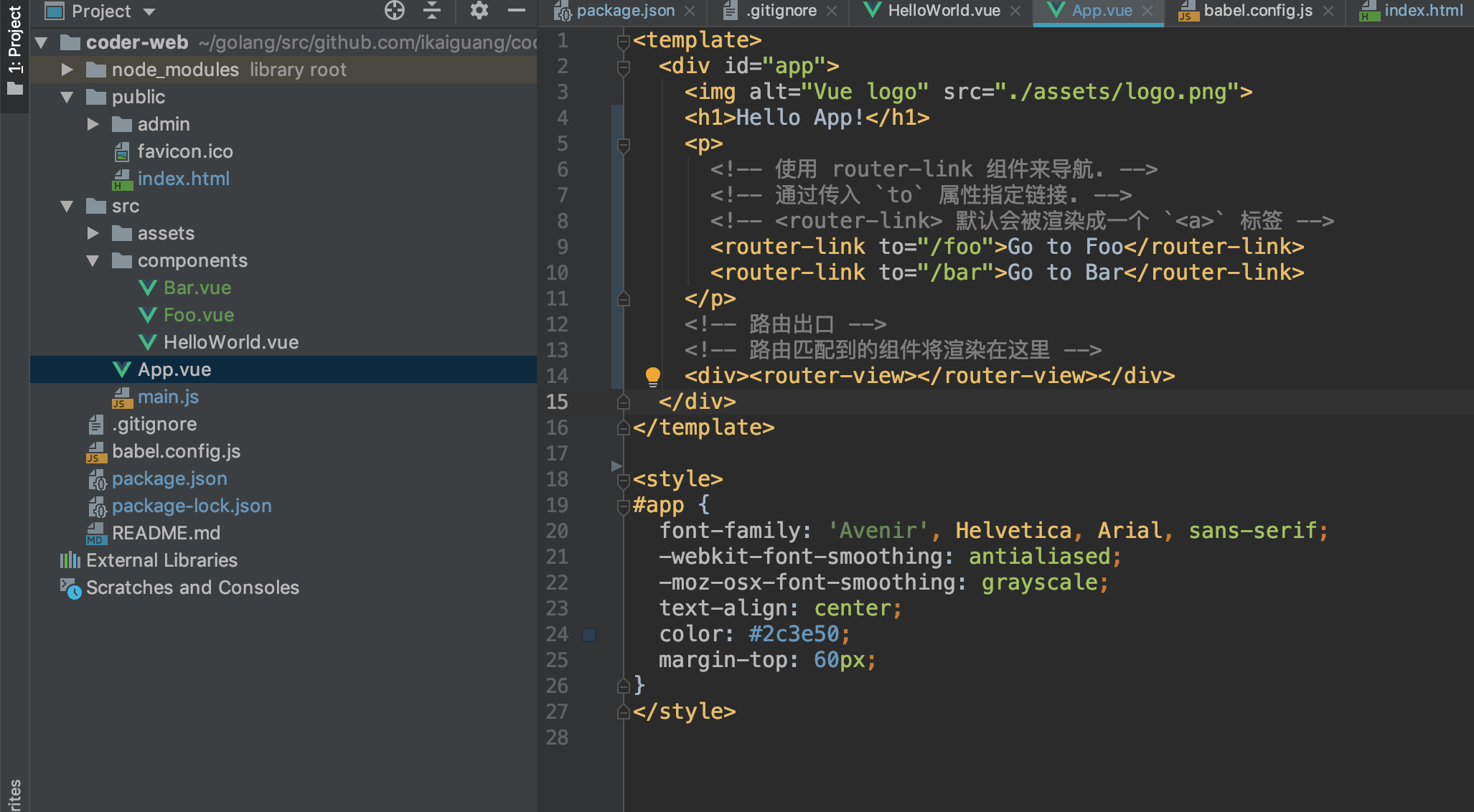
<template>
  <div id="app">
    <img alt="Vue logo" src="./assets/logo.png">
    <h1>Hello App!</h1>
    <p>
      <!-- 使用 router-link 组件来导航. -->
      <!-- 通过传入 `to` 属性指定链接. -->
      <!-- <router-link> 默认会被渲染成一个 `<a>` 标签 -->
      <router-link to="/foo">Go to Foo</router-link>
      <router-link to="/bar">Go to Bar</router-link>
    </p>
    <!-- 路由出口 -->
    <!-- 路由匹配到的组件将渲染在这里 -->
    <div><router-view></router-view></div>
  </div>
</template>

<style>
#app {
  font-family: 'Avenir', Helvetica, Arial, sans-serif;
  -webkit-font-smoothing: antialiased;
  -moz-osx-font-smoothing: grayscale;
  text-align: center;
  color: #2c3e50;
  margin-top: 60px;
}
</style>
What is expected?
路由跳转到指定 foo and bar
为什么不跳转呢。
What is actually happening?
路由不跳转,只有修改成import引入foo和bar模块
才正常跳转
debug:

这种debug如何查看。给教程链接也行
 ggguang
All 5 comments
If you are using Vue CLI, see https://cli.vuejs.org/config/#runtimecompiler
 sodatea
on 27 Dec 2018
sodatea
on 27 Dec 2018
👍1
If you are using Vue CLI, see https://cli.vuejs.org/config/#runtimecompiler
谢谢你
ggguang
on 27 Dec 2018
Remember you can use the forum, the Discord server or StackOverflow for questions 🙂
 posva
on 27 Dec 2018
posva
on 27 Dec 2018
😄1
so we cant use vue router without runtimeCompiler?
 Vstural
on 21 Aug 2019
Vstural
on 21 Aug 2019
This only means you can't use the template option in Vue components without runtimeCompiler.
sodatea
on 21 Aug 2019
😄1
Was this page helpful?
0 / 5 - 0 ratings
Related issues
 kerlor
·
3Comments
kerlor
·
3Comments
 marcvdm
·
3Comments
marcvdm
·
3Comments
 yyx990803
·
3Comments
yyx990803
·
3Comments
 achen224
·
3Comments
achen224
·
3Comments
 thomas-alrek
·
3Comments
thomas-alrek
·
3Comments