Vue-multiselect: make the tags invisible and show the total tag instead
I do not want to see the tags. Instead, it is better to see the total selected tags.
 volkanciloglu
All 11 comments
I would like to have an option for this as well.
 purplelady105
on 28 Jun 2018
purplelady105
on 28 Jun 2018
I had to do an ugly hack with limit=0 and some custom JS for the limit-text so native support would be nice, its crazy how there are no multi select dropdowns that dont natively and cleanly support no tags,
 TrendyTim
on 29 Jun 2018
TrendyTim
on 29 Jun 2018
Hi @VCodepp
Are you talking about feature like this?
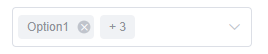
Or like this?

 akki-jat
on 11 Jul 2018
akki-jat
on 11 Jul 2018
@akki-jat

This good idea.
volkanciloglu
on 12 Jul 2018
I've 'solved' this by setting the amount of selected items to show at 0 and css hiding the message that appears when there is nothing showing.
 smilingkite
on 3 Oct 2018
smilingkite
on 3 Oct 2018
This is now available in 2.1.2 thanks to @akki-jat PR! 🎉
 shentao
on 3 Oct 2018
shentao
on 3 Oct 2018
Hi, thank you for the wonderful feature!
I have checked many sites to implement this feature, but i couldn't find out how to set it.
If possible, could you kindly share us how we could list no tags and list "2 options selected"?
(Please kindly tell us in what options or code we should list to implement this feature)
sorry for taking you time.
& thank you for your support.
 rashearth
on 13 Oct 2019
rashearth
on 13 Oct 2019
Hi @rashearth,
creted small demo for it so you can play around with it.
Demo Link:
akki-jat
on 13 Oct 2019
Hi, akki-jat, Thank you so much for the support!
i understood, but it seems a bit different for what i have imagined.
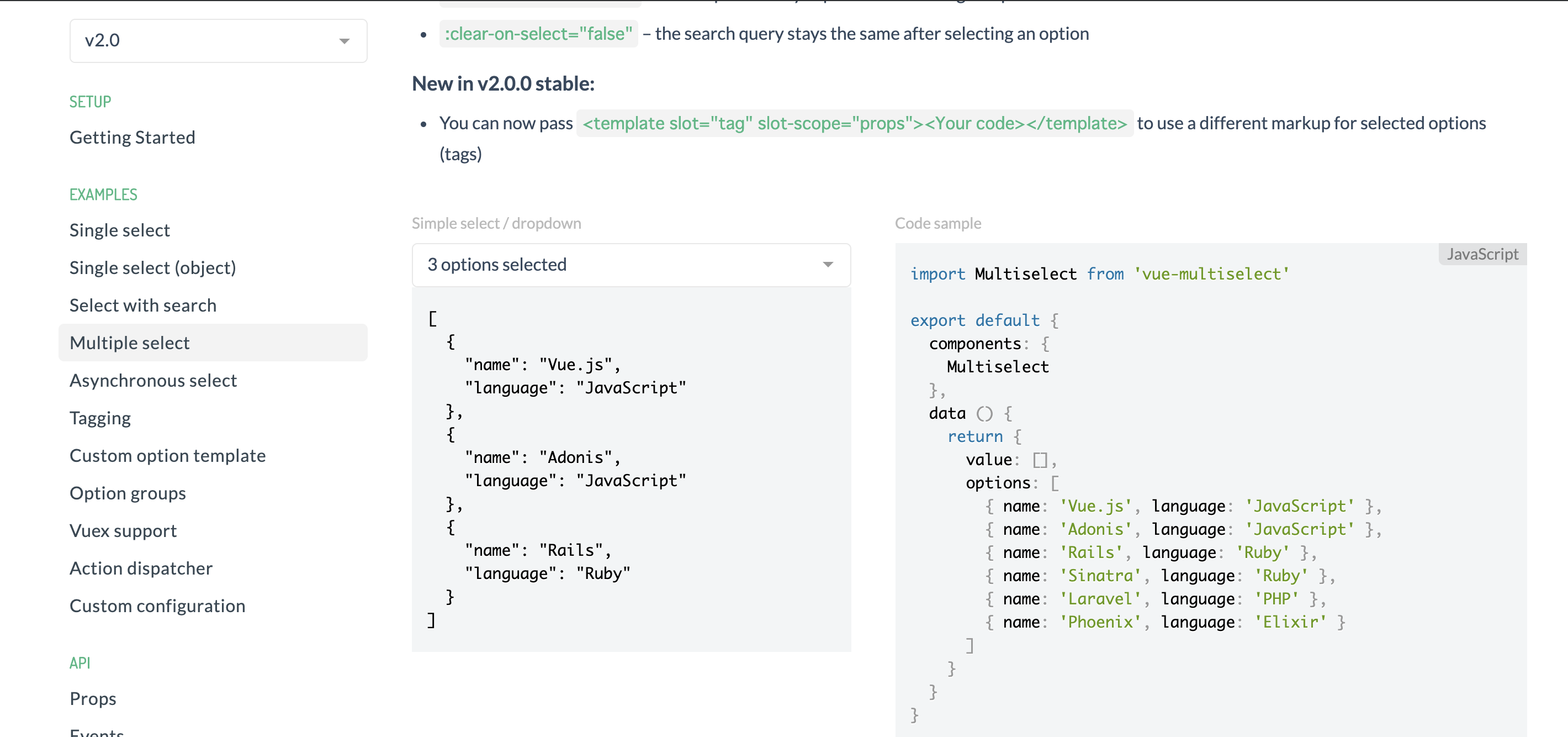
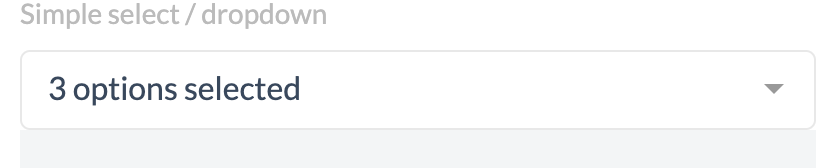
in the Vue.js multiselect homepage(https://vue-multiselect.js.org/) example, it writes in plain text of "3options selected" as the picture below.
is it possible to work like this in plain text? this feature would fit the design of any kind of sites.
i have checked the source of the HP, but i could find the exact code for working this out.
sorry for taking you time, but it would be great if you could show us how to work this out.
rashearth
on 14 Oct 2019
Hi, @rashearth ,
Styles were coming because I added the classes you can remove the classes or even add your custom classes to give look as you want.
Take a look at updated link.
akki-jat
on 14 Oct 2019
thanks alot! I got it working!
it took me so long, since i have been using the old version of vue multiselect, and couldnt make it work. but now i got it:)
rashearth
on 22 Oct 2019
Related issues
 xereda
·
4Comments
xereda
·
4Comments
 wujekbogdan
·
4Comments
wujekbogdan
·
4Comments
 bushcode
·
3Comments
bushcode
·
3Comments
 MaxHalford
·
4Comments
MaxHalford
·
4Comments
 dmitov
·
4Comments
dmitov
·
4Comments
Most helpful comment
@akki-jat
This good idea.