Vue-grid-layout: Z-index problem
Hello again!
I'm trying to make some widgets for filtering data, but what I've found is that grid items in different rows are likely in different levels.
At first I thought it was something more related with charts because the following datepicker was showing behind but I can not click even in the visible parts (the one that are in red area):
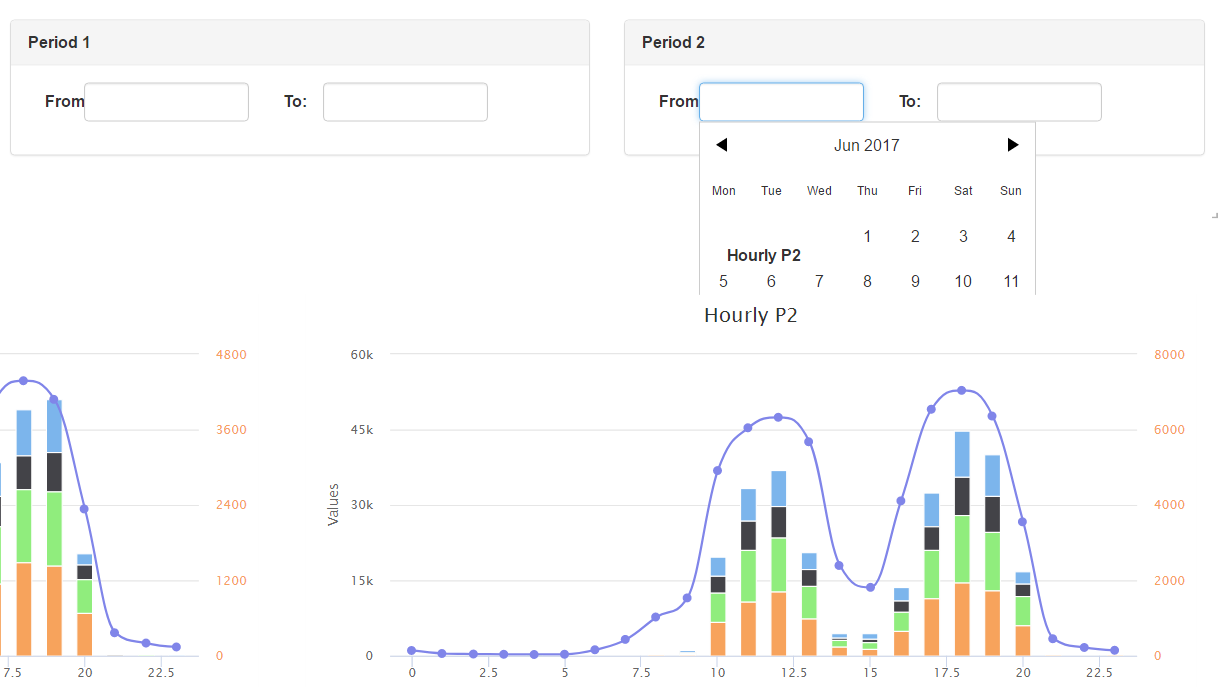
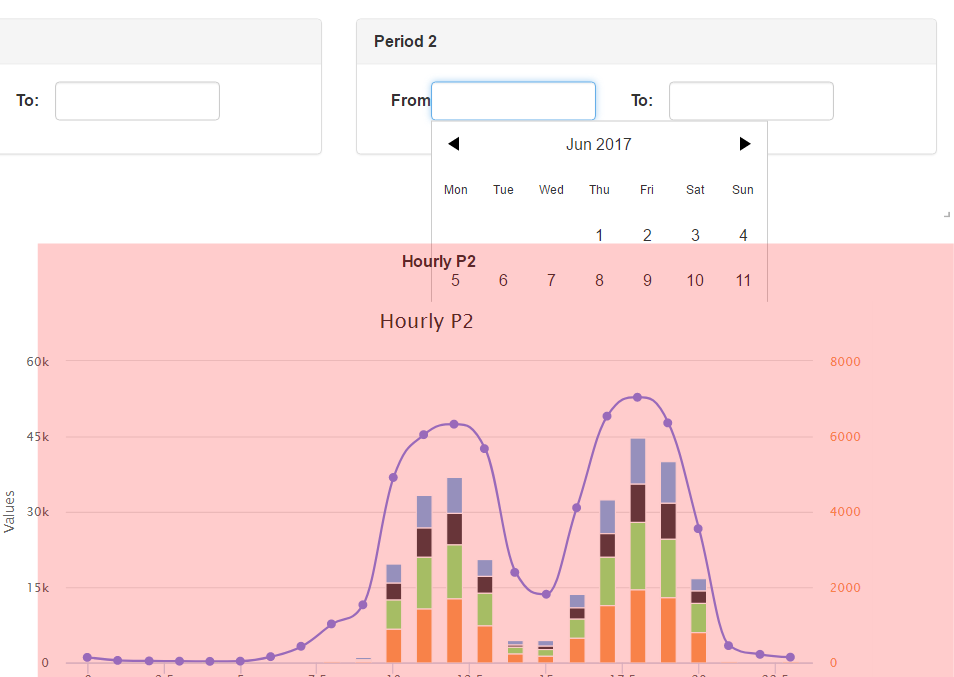
Also, when having custom select components, the same happens:
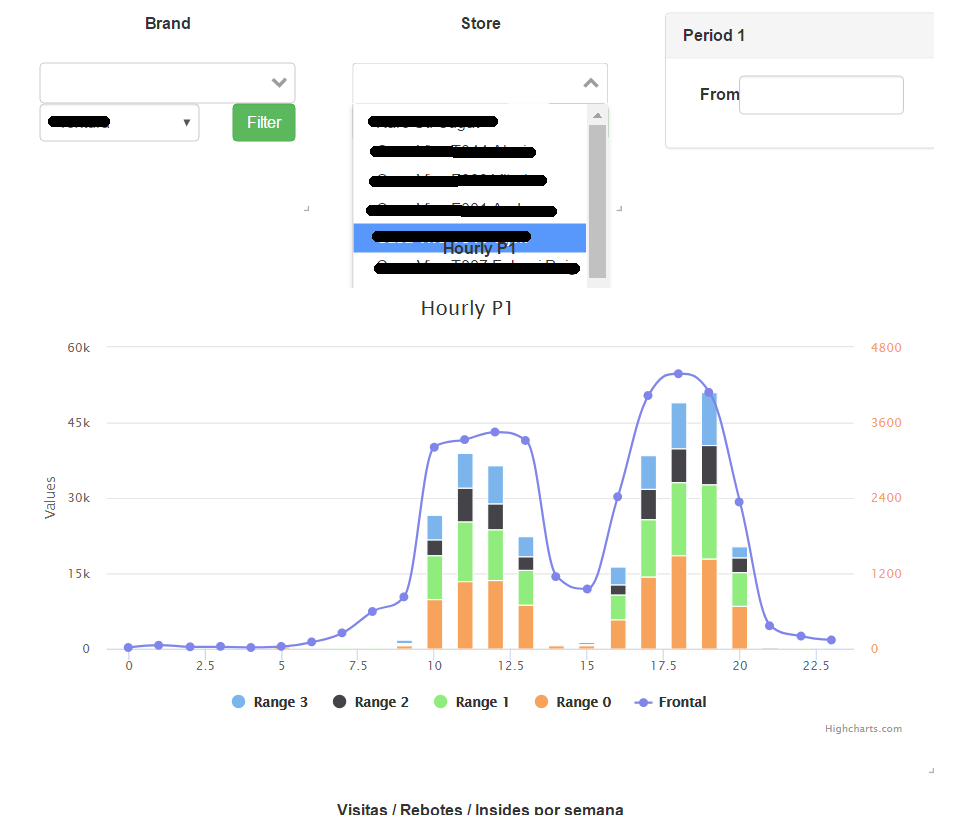
Have you faced something like this? I played with z-index but nothing worked
UPDATED
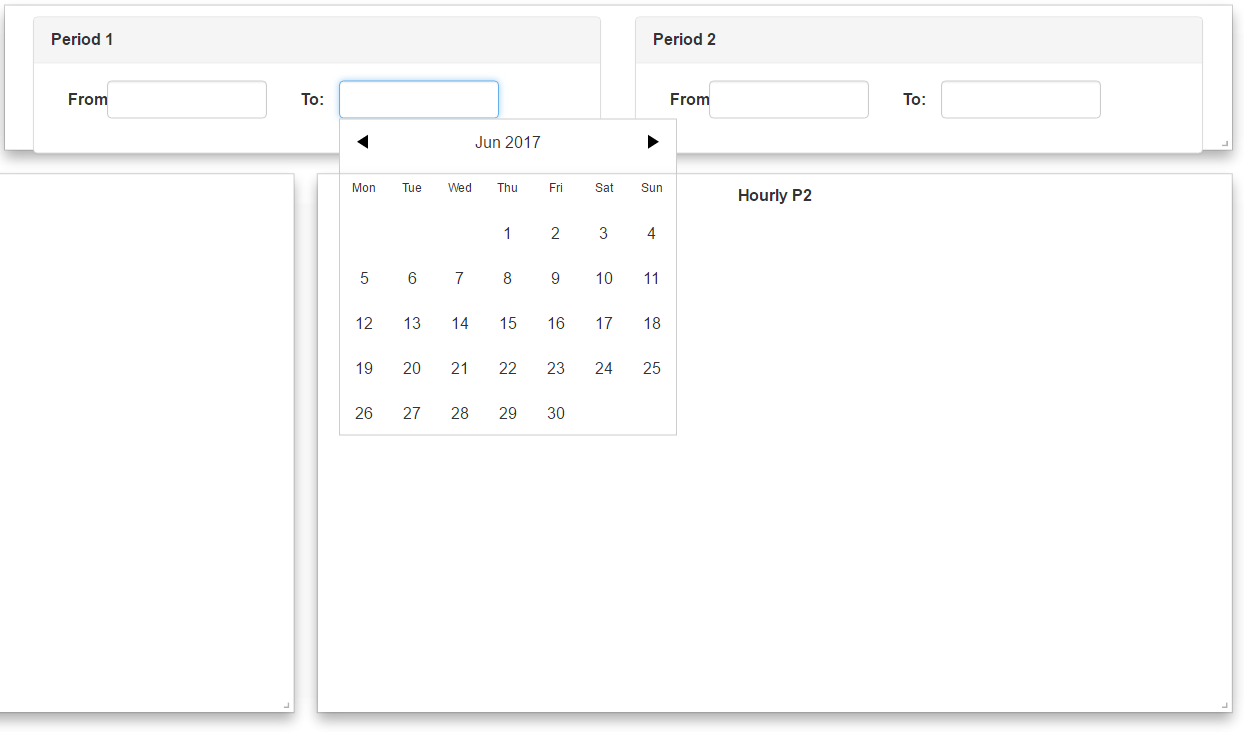
Here is a version without the chart:
 goalie7
All 6 comments
The only place where z-index is used on vue-grid-layout is when dragging.
I think the problems you have are between the charts and the datepicker.
 gmsa
on 22 Jun 2017
gmsa
on 22 Jun 2017
Thanks for your fast answer, with custom selects as (vue-select and vue-multiselect) this happens too, not with native btw.
I thought the same, but check the update without chart is neither working, I will take a look further.
goalie7
on 22 Jun 2017
@goalie7 Did you finally solve this problem? How did you do that?
 itsarbit
on 1 Apr 2018
itsarbit
on 1 Apr 2018
Do you find a fix for this? have the same issue?
 thomashdk
on 21 Sep 2018
thomashdk
on 21 Sep 2018
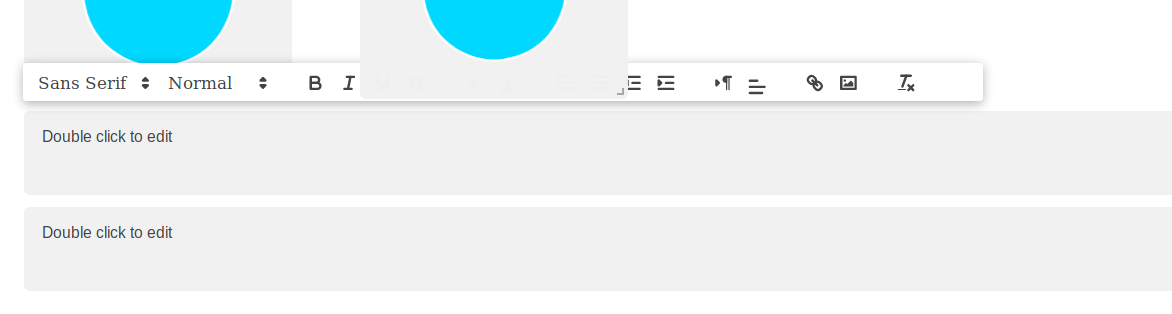
Hi, i've been having a problem putting a toolbar in front of any grid element, as you can see:
There is a problem using z-index and transform traslate3d(), as you can see here:
https://stackoverflow.com/questions/20851452/z-index-is-canceled-by-setting-transformrotate
What i did to solve this problem is just deactivate css-transforms by doing :use-css-transforms="false" on the grid layout, so the z-index works now. I hope it helps someone.
 Cgarcilazo
on 2 Jan 2019
Cgarcilazo
on 2 Jan 2019
@Cgarcilazo Thank you. Your workaround works for me.
 hiendv
on 28 Nov 2019
hiendv
on 28 Nov 2019
Related issues
 gracefullight
·
4Comments
gracefullight
·
4Comments
 MLongz
·
7Comments
MLongz
·
7Comments
 victory-v
·
7Comments
victory-v
·
7Comments
 mateo2181
·
6Comments
mateo2181
·
6Comments
 jordangorla
·
7Comments
jordangorla
·
7Comments
Most helpful comment
Hi, i've been having a problem putting a toolbar in front of any grid element, as you can see:

There is a problem using z-index and transform traslate3d(), as you can see here:
https://stackoverflow.com/questions/20851452/z-index-is-canceled-by-setting-transformrotate
What i did to solve this problem is just deactivate css-transforms by doing
:use-css-transforms="false"on the grid layout, so the z-index works now. I hope it helps someone.