Vue-formulate: Horizontal line of the slider is not shown in Firefox
Describe the bug
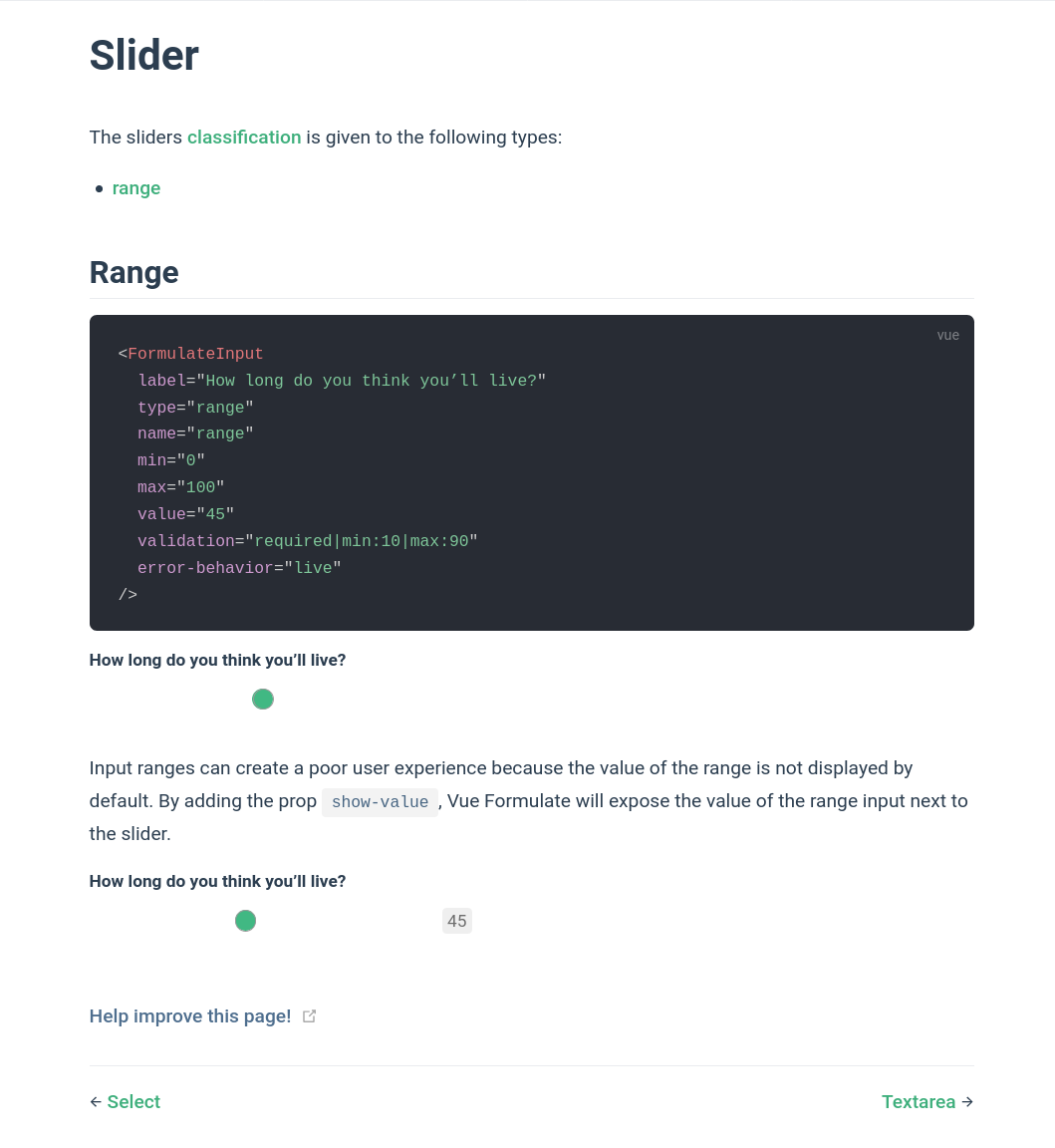
While reading the documentation about how to add a slider I noticed that the horizontal line of the slider isn't visible when you are using Firefox.
To Reproduce
Steps to reproduce the behavior:
- Start Firefox (75).
- Open the following page: https://vueformulate.com/guide/inputs/sliders/.
- Result: no horizontal line in the slider widget.
Expected behavior
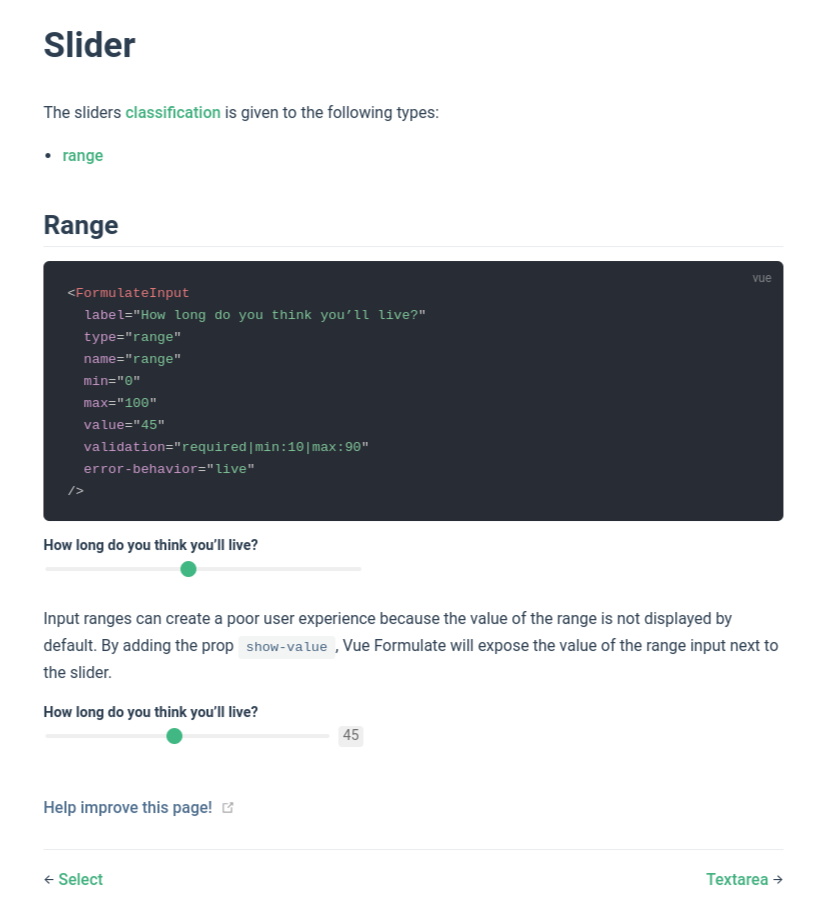
I expect to see a horizontal line (like in Google Chrome/Chromium 80).
Screenshots
Firefox 75
Chromium 80
Device information:
- Device: Dell XPS 13
- OS: Fedora 32 (Silverblue)
- Browser: Firefox
- Version: 75
 Verhoeckx
All 5 comments
The border around the green circle should also not be shown.
Verhoeckx
on 4 May 2020
That's quick!! Thank you very much!!
Verhoeckx
on 4 May 2020
I think the version that the website uses should also be updated?
Verhoeckx
on 4 May 2020
Thats right @Verhoeckx. Being pulled into master is not the same as being published. There's more involved, creating distribution files, tagging, publishing to npm, updating the documentation site, making a changelog...
But those things are done now. It's generally available in the now published v2.2.13 (and the documentation site).
 justin-schroeder
on 4 May 2020
justin-schroeder
on 4 May 2020
I understand! I will start making forms with Vue Formulate this week!
Verhoeckx
on 4 May 2020
Related issues
 chess-equality
·
8Comments
chess-equality
·
8Comments
 danielkellyio
·
5Comments
danielkellyio
·
5Comments
 titusdecali
·
6Comments
titusdecali
·
6Comments
 OperKH
·
5Comments
OperKH
·
5Comments
 yanielbf
·
3Comments
yanielbf
·
3Comments
Most helpful comment
I understand! I will start making forms with Vue Formulate this week!