Vue-element-admin: 根据服务端数据生成菜单后点击菜单 进入页面 按F5 刷新 出现404
need repro
 yangqifang
All 9 comments
请用真确的姿势提问,你这种提问方式没人能帮得了你。
 PanJiaChen
on 3 Dec 2018
PanJiaChen
on 3 Dec 2018
好的 换个姿势
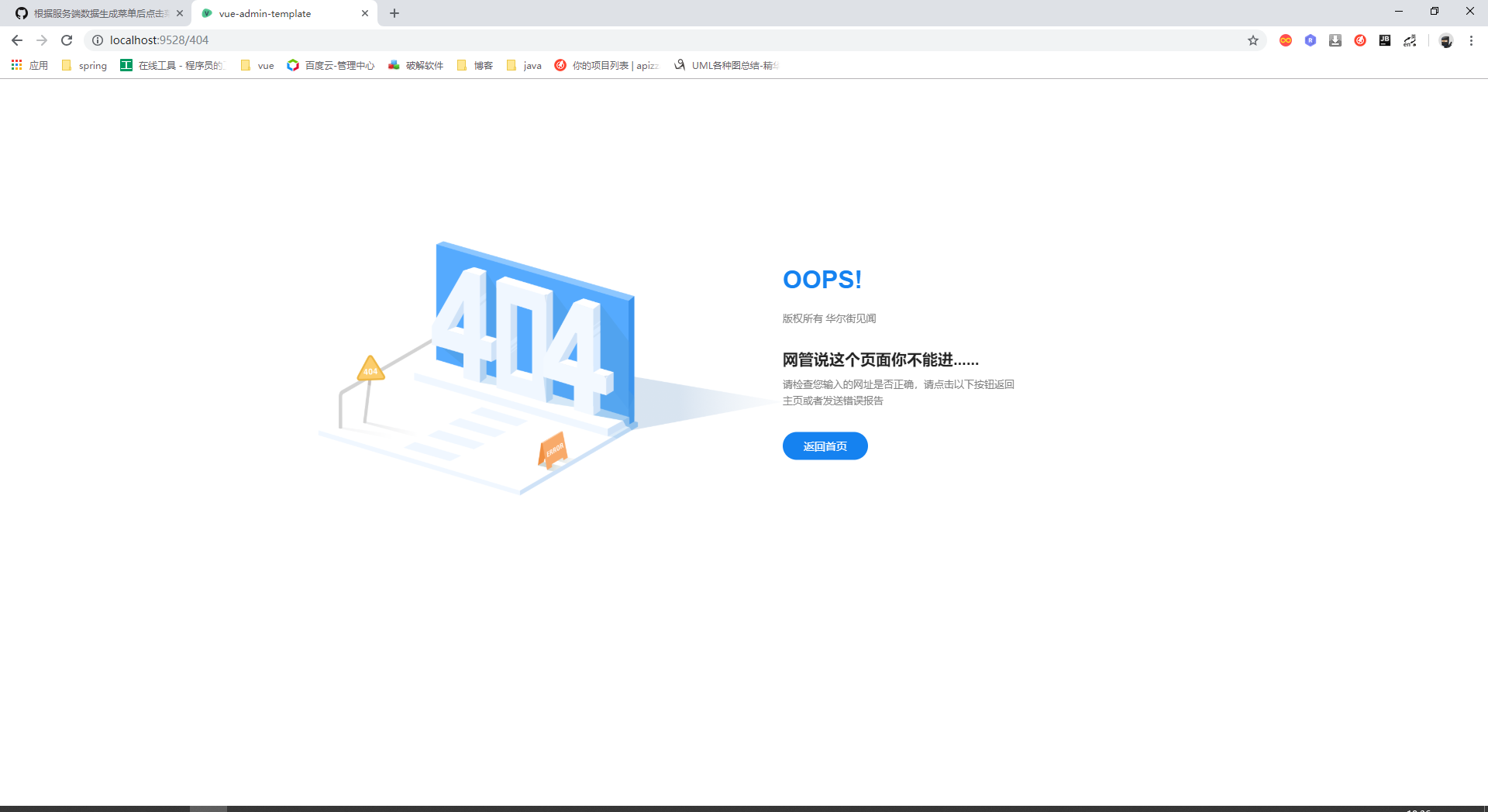
根据服务端 数据 生成动态路由后 点击生成的菜单 进入页面后
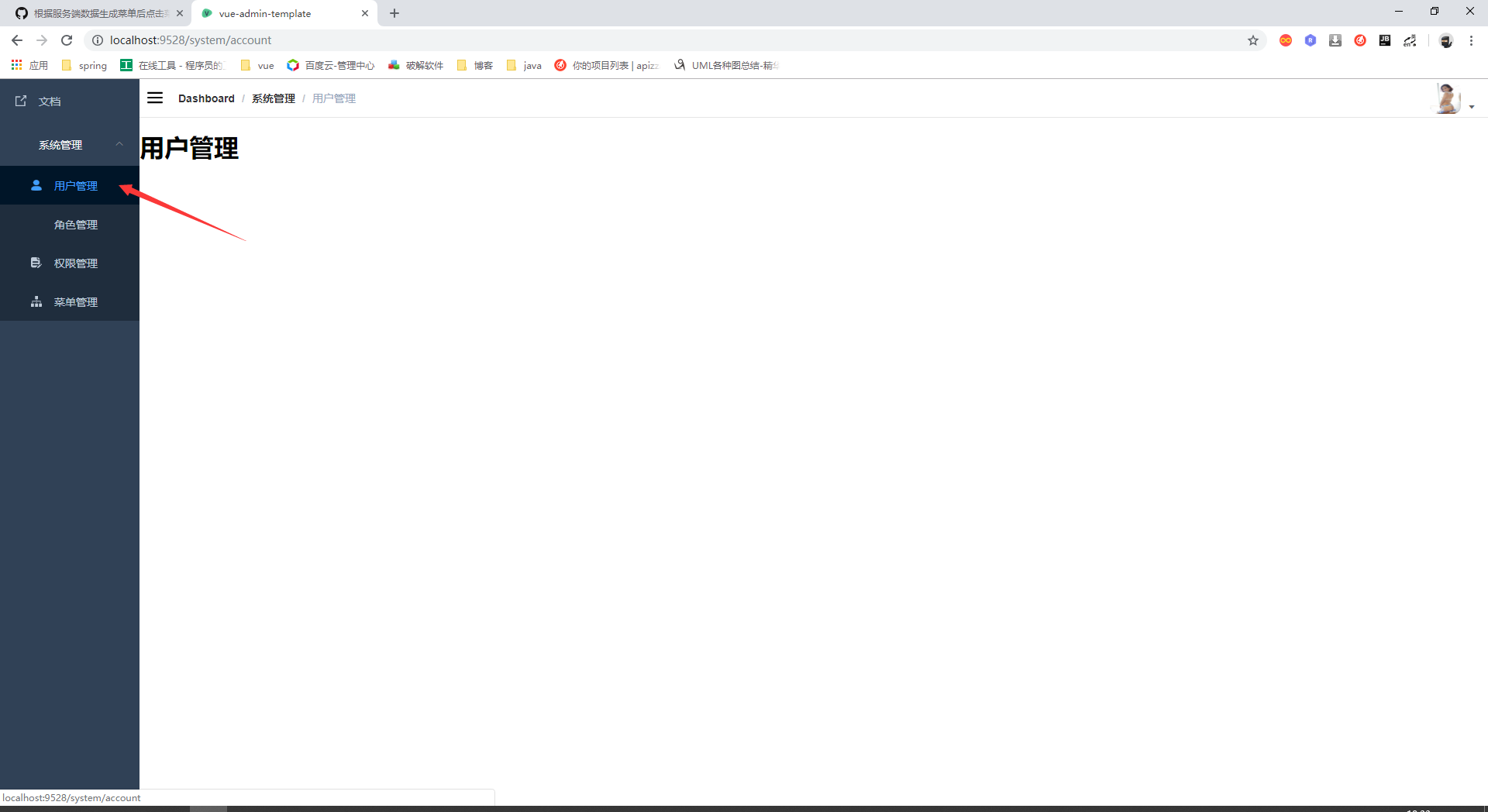
再按F5刷新 刷新直接跳到404
yangqifang
on 3 Dec 2018
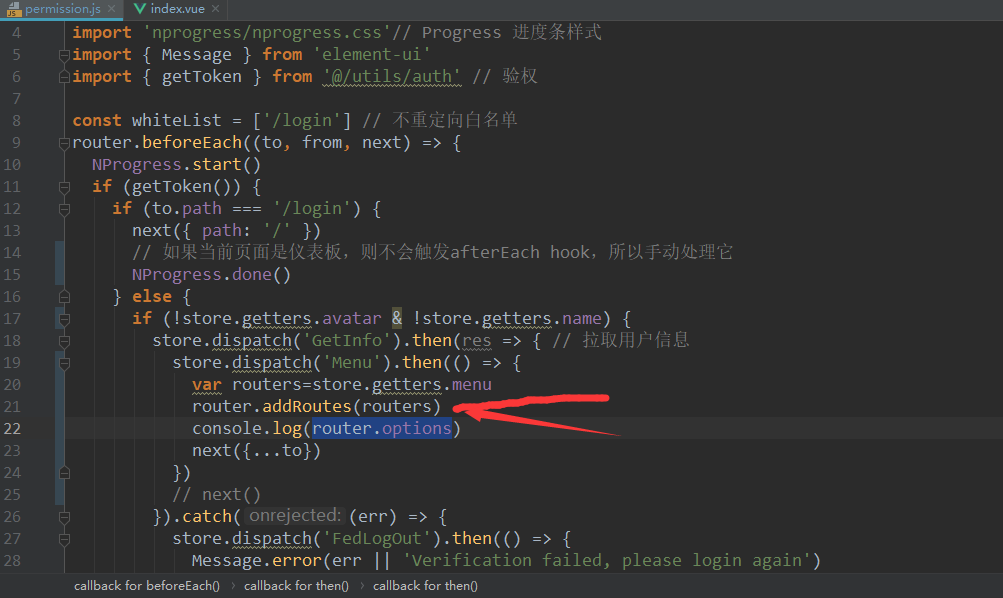
刷新页面 你是不是没有重现 addRouters
PanJiaChen
on 3 Dec 2018
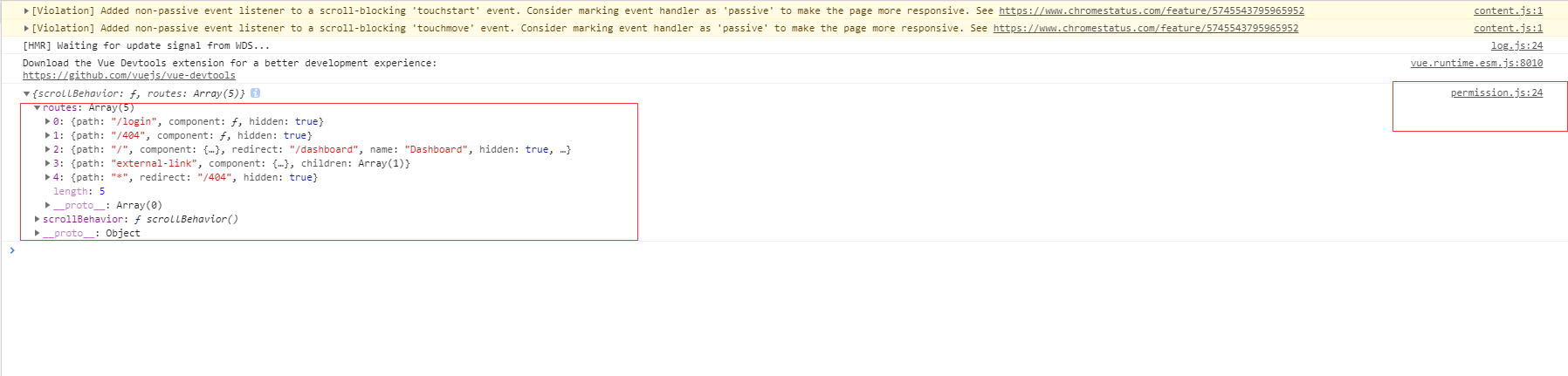
重现 addRouters后 router.options中并没有我添加的数据 所以我使用router.options.routers.push方法 添加路由 可以在router.options中成功的添加数据并渲染侧栏 但是就会出现之前所说的那种情况 大神 救救我这个后端猿吧😭
yangqifang
on 5 Dec 2018
yangqifang
on 5 Dec 2018
好的 换个姿势
根据服务端 数据 生成动态路由后 点击生成的菜单 进入页面后
再按F5刷新 刷新直接跳到404
楼主有解决吗?刷新之后就进了404
 airzhanglin
on 28 May 2019
airzhanglin
on 28 May 2019
@airzhanglin @yangqifang 在roter/index.js 文件中, 必须把 { path: '*', redirect: '/404', hidden: true } 放在最后 , 如果你只是放在 constantRoutes 的最后是不行的 , 必须要放在 asyncRoutes 的最后
 nongfuguoyuan016
on 20 Oct 2019
nongfuguoyuan016
on 20 Oct 2019
❤2
🎉2
😄2
👍2
👀1
@yangqifang @airzhanglin 你们都解决了吗?一样的问题...
 lee-ever
on 26 Nov 2019
lee-ever
on 26 Nov 2019
@airzhanglin @yangqifang 在roter/index.js 文件中, 必须把 { path: '*', redirect: '/404', hidden: true } 放在最后 , 如果你只是放在 constantRoutes 的最后是不行的 , 必须要放在 asyncRoutes 的最后
很有帮助,谢谢,一直以为只要放在constantRoutes 后面就行了
 sqlnice
on 23 Apr 2020
sqlnice
on 23 Apr 2020
Was this page helpful?
0 / 5 - 0 ratings
Related issues
 Mr-arvin
·
3Comments
Mr-arvin
·
3Comments
 TianYouH
·
4Comments
TianYouH
·
4Comments
 XiaoLizi29
·
3Comments
XiaoLizi29
·
3Comments
 ghost
·
4Comments
ghost
·
4Comments
 sunchenguang
·
4Comments
sunchenguang
·
4Comments
Most helpful comment
@airzhanglin @yangqifang 在roter/index.js 文件中, 必须把 { path: '*', redirect: '/404', hidden: true } 放在最后 , 如果你只是放在 constantRoutes 的最后是不行的 , 必须要放在 asyncRoutes 的最后