Vue-element-admin: 路由第三级点击会一直跳转404的问题求解 #nested route could not find
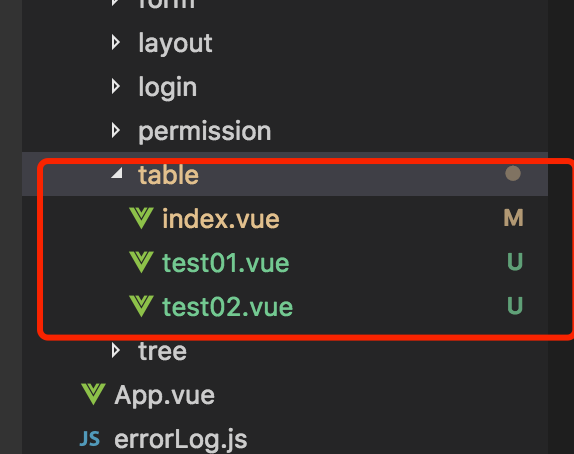
现有的目录结构是这样子:
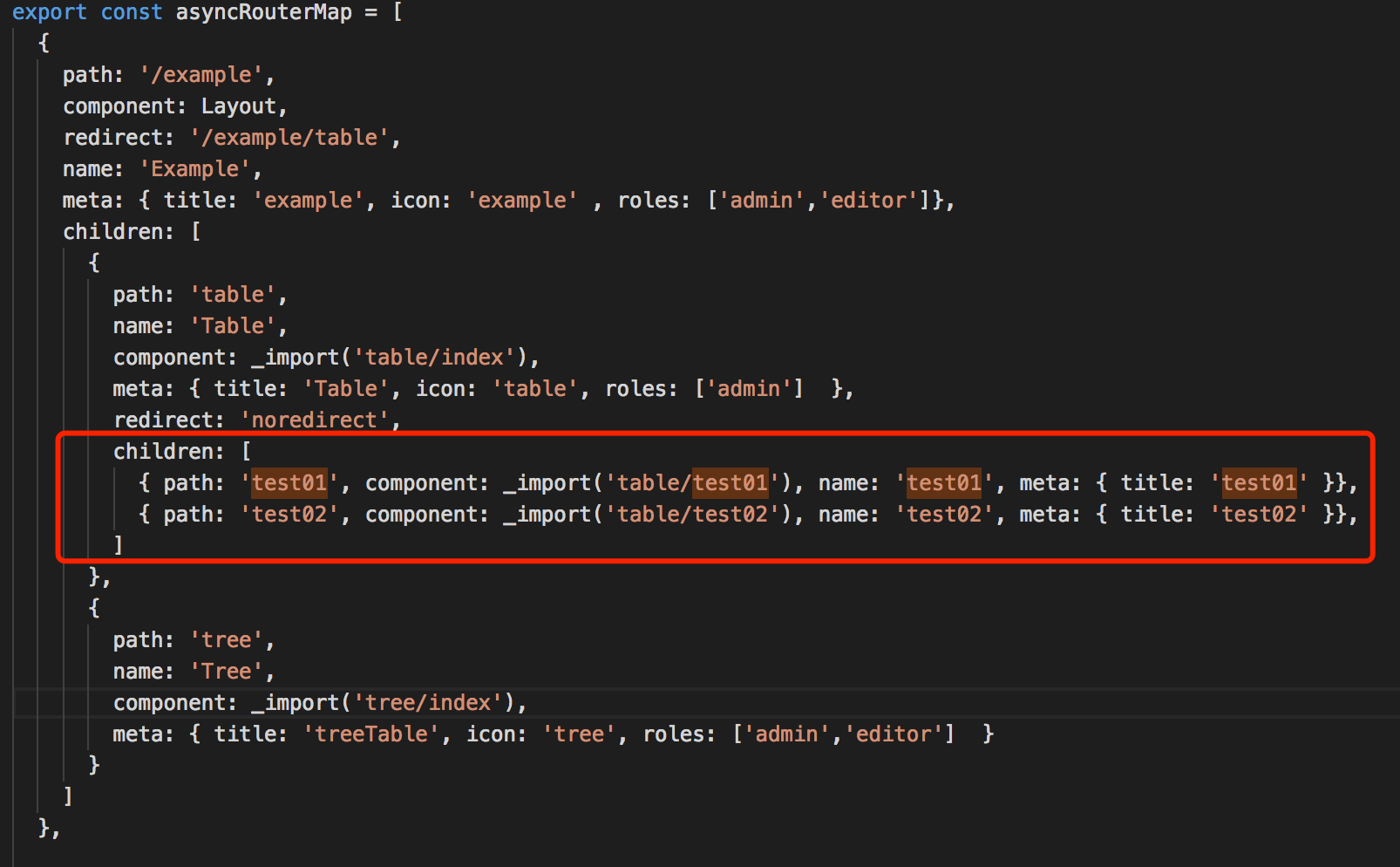
然后路由是这样子的:
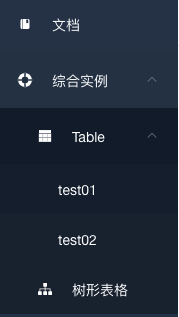
渲染出来的菜单是这样子的(没有报错):
我把这段单独的代码贴出来:
export const asyncRouterMap = [
{
path: '/example',
component: Layout,
redirect: '/example/table',
name: 'Example',
meta: { title: 'example', icon: 'example' , roles: ['admin','editor']},
children: [
{
path: 'table',
name: 'Table',
component: _import('table/index'),
meta: { title: 'Table', icon: 'table', roles: ['admin'] },
redirect: 'noredirect',
children: [
{ path: 'test01', component: _import('table/test01'), name: 'test01', meta: { title: 'test01' }},
{ path: 'test02', component: _import('table/test02'), name: 'test02', meta: { title: 'test02' }},
]
},
{
path: 'tree',
name: 'Tree',
component: _import('tree/index'),
meta: { title: 'treeTable', icon: 'tree', roles: ['admin','editor'] }
}
]
}
]
但目前所遇到的问题是点击test01和test02的时候,会跳转到404页面,这个问题我参照了vue-element-admin的代码模仿了一遍之后,还是存在,不知道哪里出了问题,求助中。。。
 Mr-arvin
All 4 comments
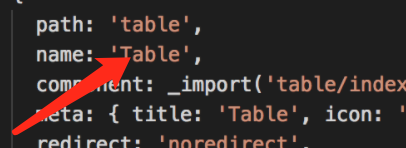
Should be path: '/example/table'
 PanJiaChen
on 1 Feb 2018
PanJiaChen
on 1 Feb 2018
Dear 潘神,我把path改成 path:'/example/table'了,解决了会跳转404的问题👍 。
但现在还有一个问题,就是每次点击test01和test02,/table/test01.vue和/table/test02里面的内容不会显示出来,而每次刷新显示的都是/table/index.vue里面的内容。
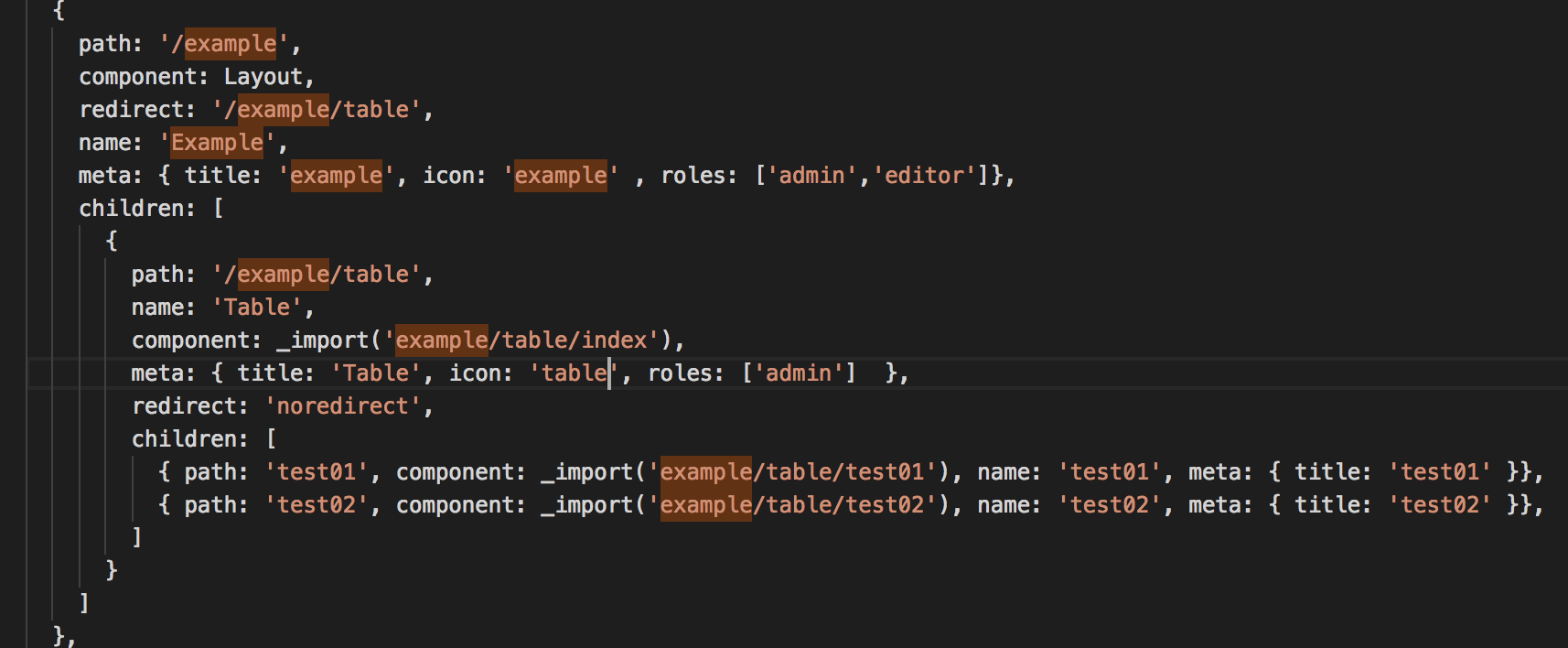
如今的路由是:
Mr-arvin
on 1 Feb 2018
example/table/index has no <router-view></router-view>
detail see nested-routes
PanJiaChen
on 1 Feb 2018
对的,问题已解决, thanks a lot !
Mr-arvin
on 1 Feb 2018
Related issues
Mr-arvin
·
3Comments
 evan-lin9
·
4Comments
evan-lin9
·
4Comments
 gateslu
·
4Comments
gateslu
·
4Comments
 blueroseslol
·
4Comments
blueroseslol
·
4Comments
 TianYouH
·
4Comments
TianYouH
·
4Comments
Most helpful comment
example/table/indexhas no<router-view></router-view>detail see nested-routes