Vue-devtools: Disable components pane auto-scroll
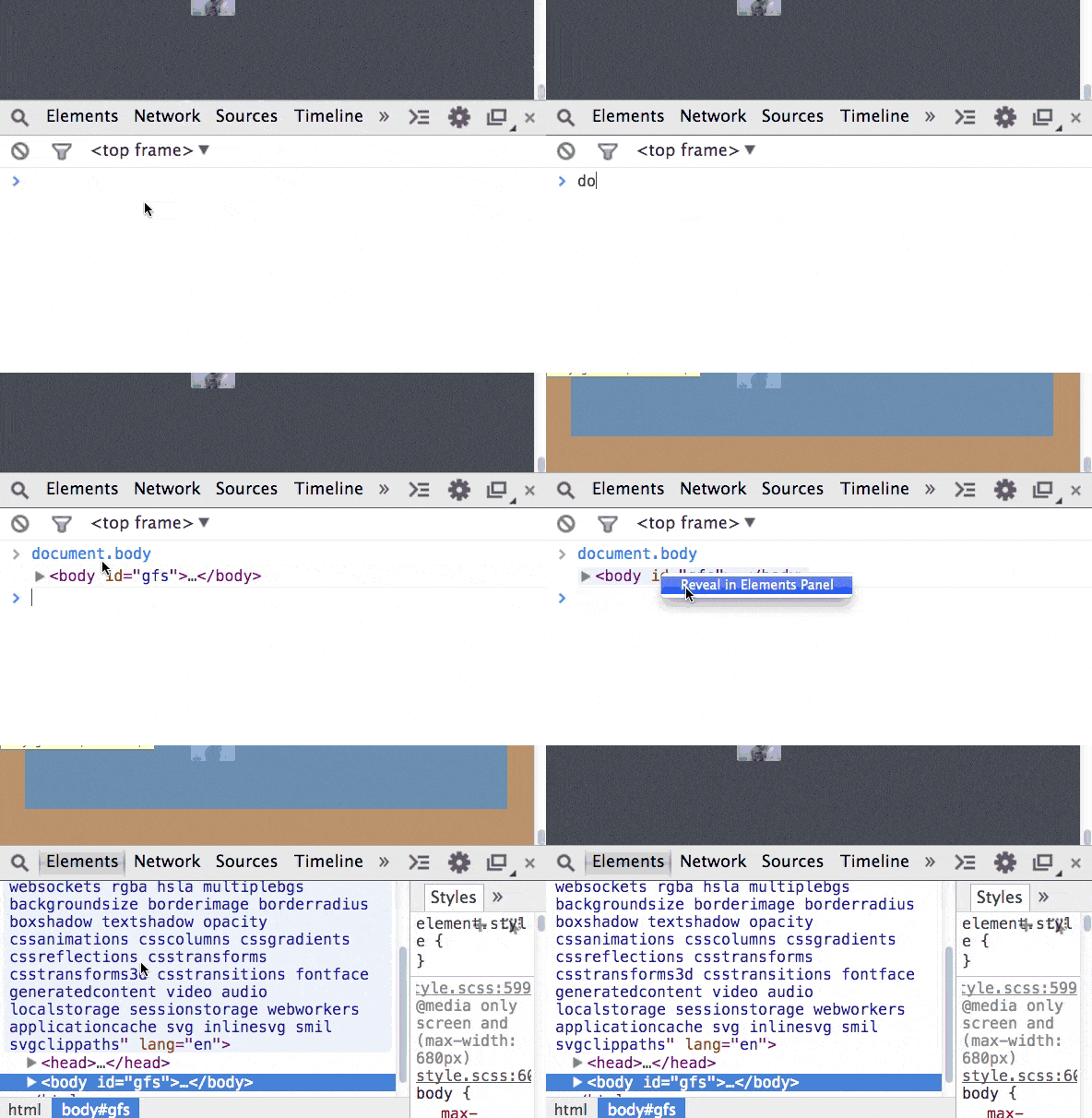
In the standard Chrome dev-tools, a user must right-click on an element in the elements pane and select scroll into view. In the Vuejs Chrome Dev-tools, the root element of a component is scrolled to when a component in the components pane is clicked on. Sometimes when viewing a large (large height, or large width) component and looking at a child, when I click on the component in the components pane, the window scrolls which is not what I want while inspecting the child.
My request is that there be right-click menu to behave how the elements pane does, or that there is an option to disable auto-scroll. I can start work on this, but want to know whether either of these changes are acceptable.
 kaleb
kaleb
All 5 comments
@posva is disabling the auto-scroll in favor of a context-menu selection favorable? If so, I can begin working on this feature.
kaleb
on 17 Jan 2017
Personally, I find it better the way it is because I usually want the view to scroll down to where it is
I think we should gather more feedback before implementing it
Another possibility will be to add some buttons while hovering to scroll to the element in a similar fashion as the mutations in the vuex panel
 posva
on 17 Jan 2017
posva
on 17 Jan 2017
This usually very useful, but I've come across an instance where it is making Vue devtools almost unusable.
I've had to create a page that has the potential to generate tables with thousands of rows. To improve performance on some slow computers & browsers, I've had to "window" the rows of the table, so it actually only renders the rows that are in the view-port.
When I click on one of the components that makes a row in the table, devtools scrolls so the row is at the top of the window, then the rows that are shown change due to the scroll. This deselects the row in Vue devtools.
Also, I sometimes find it inconvenient when I already have the component I want to select in view, but clicking the component in devtools puts it at the top of the window, especially when you have something with "position: fixed" at the top of the screen.
I would recommend having an opt-out option to not scroll, or perhaps just not scroll if the component is currently in the browser window.
 ScopeyNZ
on 4 Apr 2017
ScopeyNZ
on 4 Apr 2017
I just came across a case where I was debugging a component reacting to page scroll: the current behavior is nightmarish. 😭
 Akryum
on 13 Jun 2017
Akryum
on 13 Jun 2017
I always find the page scrolls right to the top, which is annoying as then the component is hidden under my top nav!
Would be better to scroll to the middle if anything.
 davestewart
on 30 Aug 2017
davestewart
on 30 Aug 2017
Related issues
 stiltet
·
3Comments
stiltet
·
3Comments
 psycura
·
4Comments
psycura
·
4Comments
 topul
·
4Comments
topul
·
4Comments
 gustojs
·
3Comments
gustojs
·
3Comments
 trollderius
·
3Comments
trollderius
·
3Comments
Most helpful comment
This usually very useful, but I've come across an instance where it is making Vue devtools almost unusable.
I've had to create a page that has the potential to generate tables with thousands of rows. To improve performance on some slow computers & browsers, I've had to "window" the rows of the table, so it actually only renders the rows that are in the view-port.
When I click on one of the components that makes a row in the table, devtools scrolls so the row is at the top of the window, then the rows that are shown change due to the scroll. This deselects the row in Vue devtools.
Also, I sometimes find it inconvenient when I already have the component I want to select in view, but clicking the component in devtools puts it at the top of the window, especially when you have something with "position: fixed" at the top of the screen.
I would recommend having an opt-out option to not scroll, or perhaps just not scroll if the component is currently in the browser window.