Vscode: Disable preview mode won't work and still doesn't open a new tab
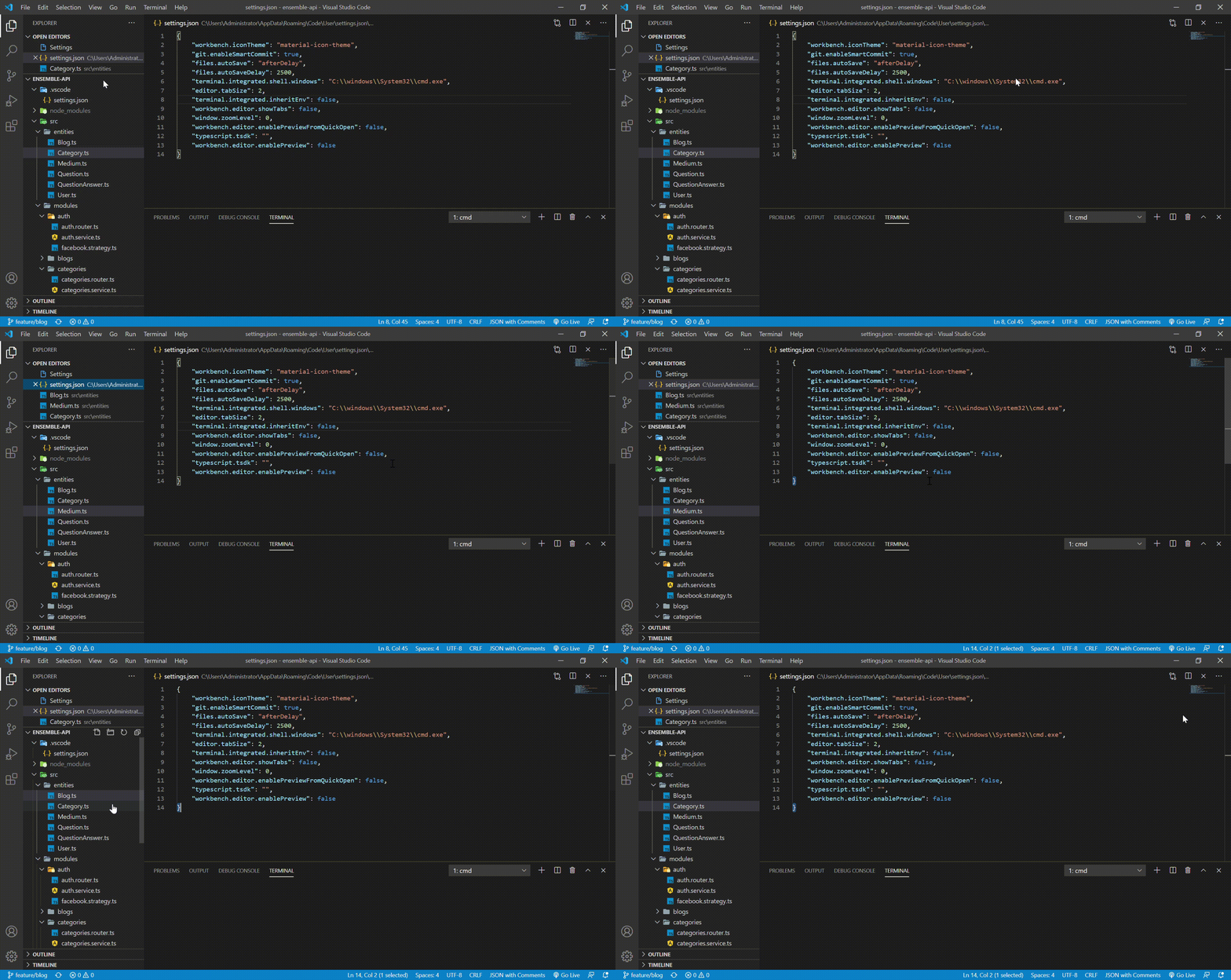
- VSCode Version:1.49
- OS Version:Microsoft Windows 10 Pro
Steps to Reproduce:
1.Click on a file
2.Still doesn't open a new tab
Does this issue occur when all extensions are disabled?: Yes
Guys I did some research and to open a new tab I had to disable preview mode. I did and it still doesn't work.
 destroyer22719
All 5 comments
What setting did you change to disable preview mode?
Do you know that if you open a file from the Explorer by double click instead of single click it won't be in preview mode?
Also, double click the preview mode tab (italic label) to make it persist.
 gjsjohnmurray
on 13 Sep 2020
gjsjohnmurray
on 13 Sep 2020
@gjsjohnmurray
"workbench.editor.enablePreview": false
like you're supposed to
This is a laptop and double clicking the touchpad doesn't work
also what's the preview mode tab?
destroyer22719
on 13 Sep 2020
You have set workbench.editor.showTabs to false. Therefore no tabs.
gjsjohnmurray
on 14 Sep 2020
@gjsjohnmurray Thank you so much! It was driving me insane! I didn't know I implemented these changes!
destroyer22719
on 14 Sep 2020
Glad to have helped. Please close your issue.
gjsjohnmurray
on 14 Sep 2020
Related issues
 DovydasNavickas
·
3Comments
DovydasNavickas
·
3Comments
 ryan-wong
·
3Comments
ryan-wong
·
3Comments
 trstringer
·
3Comments
trstringer
·
3Comments
 chrisdias
·
3Comments
chrisdias
·
3Comments
 villiv
·
3Comments
villiv
·
3Comments
Most helpful comment
You have set
workbench.editor.showTabsto false. Therefore no tabs.